How do I use the Ultra-realistic Red Dress Fashion Portrait template?
Choose the primary action to open PicX Studio with the available template settings. Review the model and format, personalize the creative direction, and generate when ready.
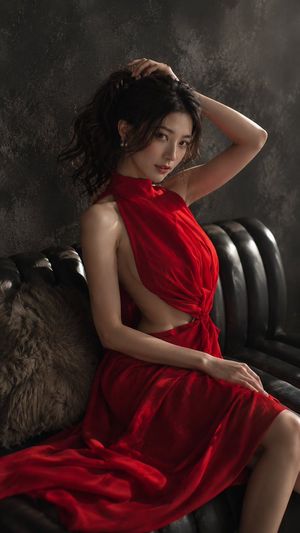
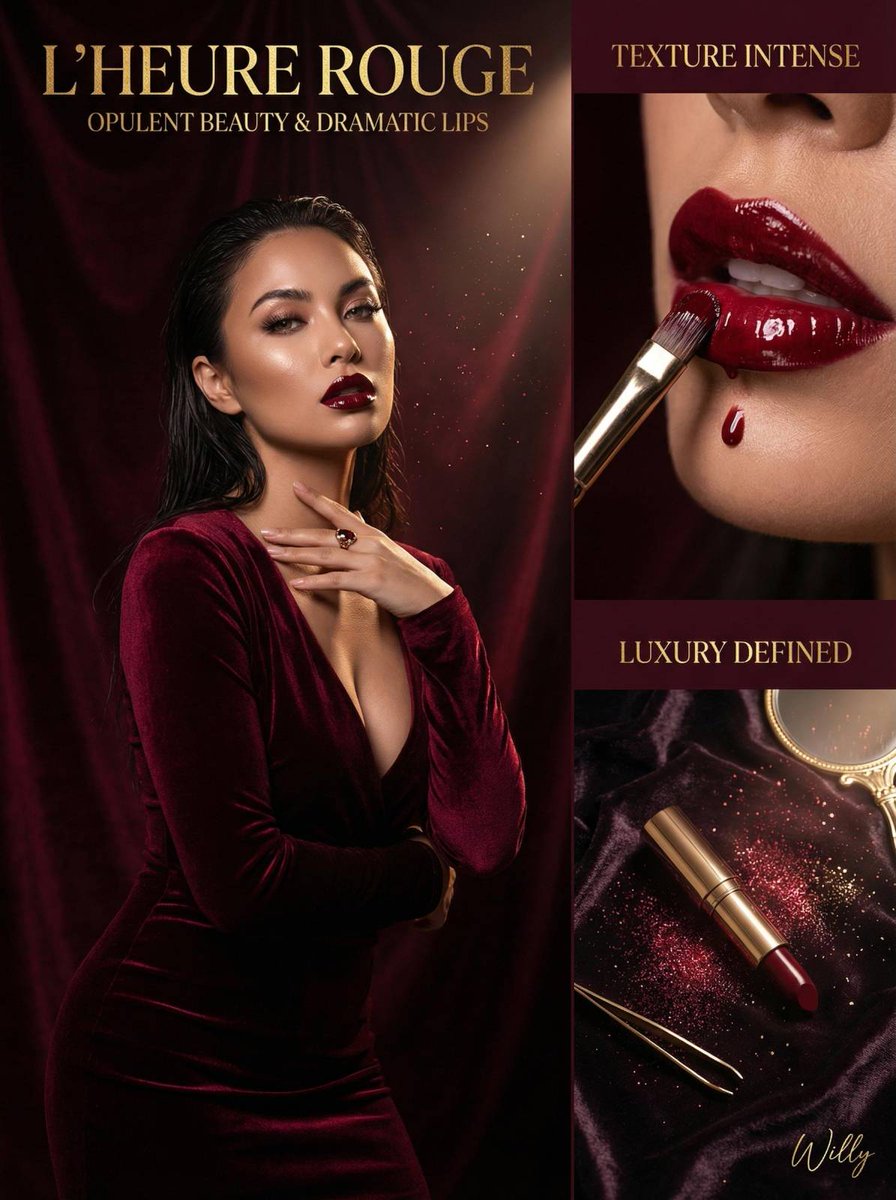
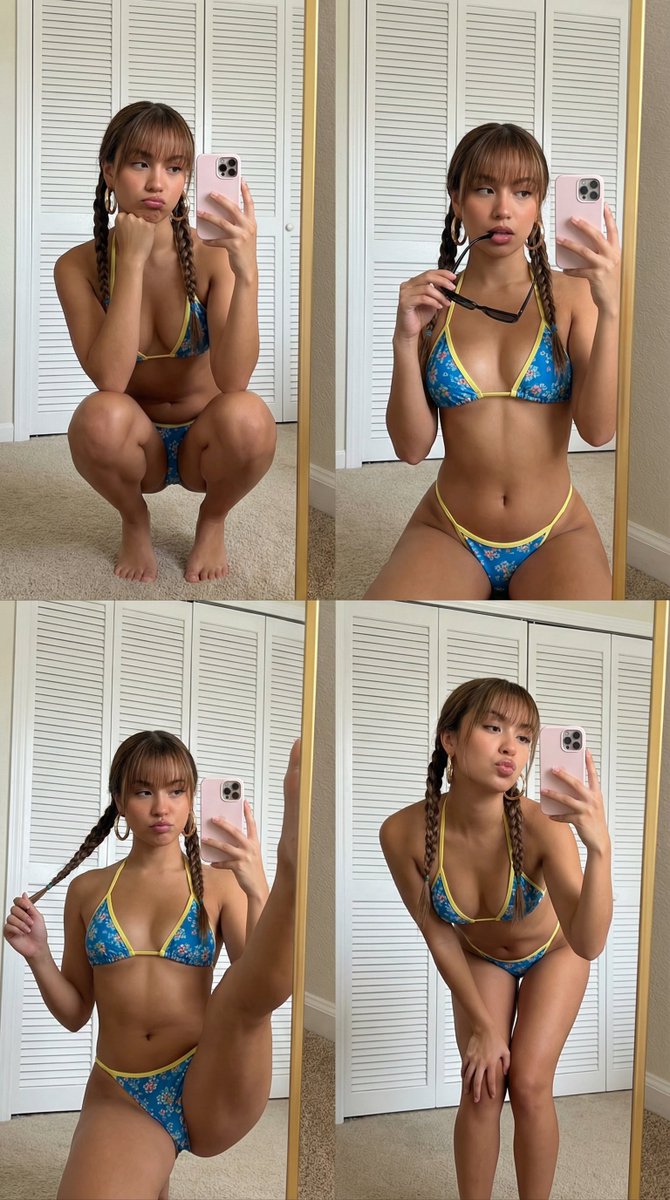
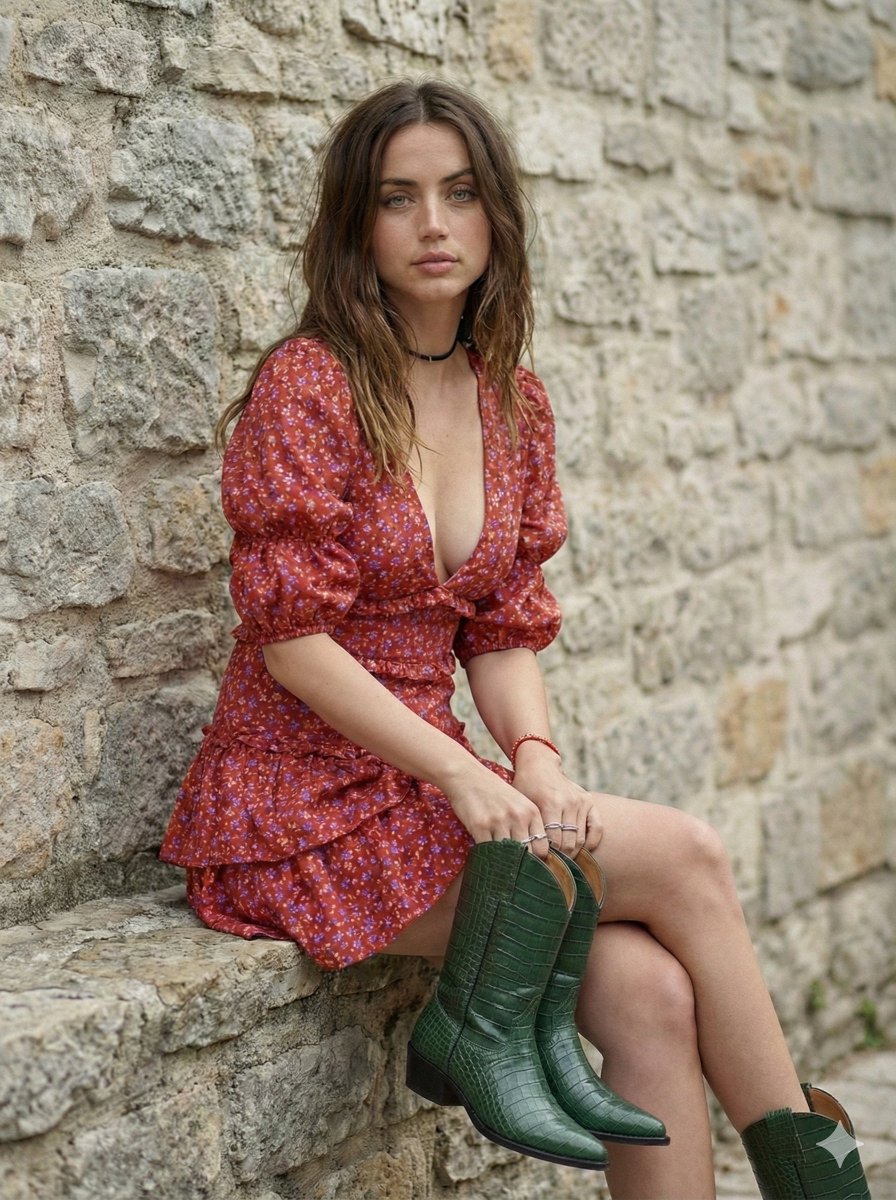
A photorealistic prompt for generating an elegant portrait of a young woman in a stunning red dress, set in a modern luxurious environment with high-fashion lig
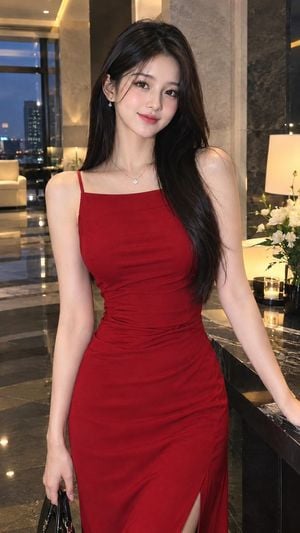
Ultra-realistic {argument name="ethnicity" default="Asian"} woman in her {argument name="age" default="early 20s"} wearing a {argument name="outfit" default="stunning, elegant red one-piece dress"} with a fitted silhouette, delicate fabric details, and a graceful neckline. Natural makeup, long silky dark hair, soft confident expression, feminine and sophisticated look, standing naturally in a luxurious modern setting. Cinematic soft lighting, realistic skin texture, natural body proportions, high-fashion editorial photography, subtle depth of field, premium magazine aesthetic, photorealistic, 4K, vertical 9:16.
Choose the primary action to open PicX Studio with the available template settings. Review the model and format, personalize the creative direction, and generate when ready.
Yes. You can change the subject, setting, lighting, mood, format, and available model controls before creating your image.
This template is free to open and customize. Generation usage is shown in PicX Studio before you create.
Start with GPT Image 2, which is the model associated with this template. You can compare another compatible model for a different finish.
Follow a topic to a crawlable collection of related PicX Studio templates.