How do I use the Whimsical Bedroom Mirror Selfie template?
Choose the primary action to open PicX Studio with the available template settings. Review the model and format, personalize the creative direction, and generate when ready.
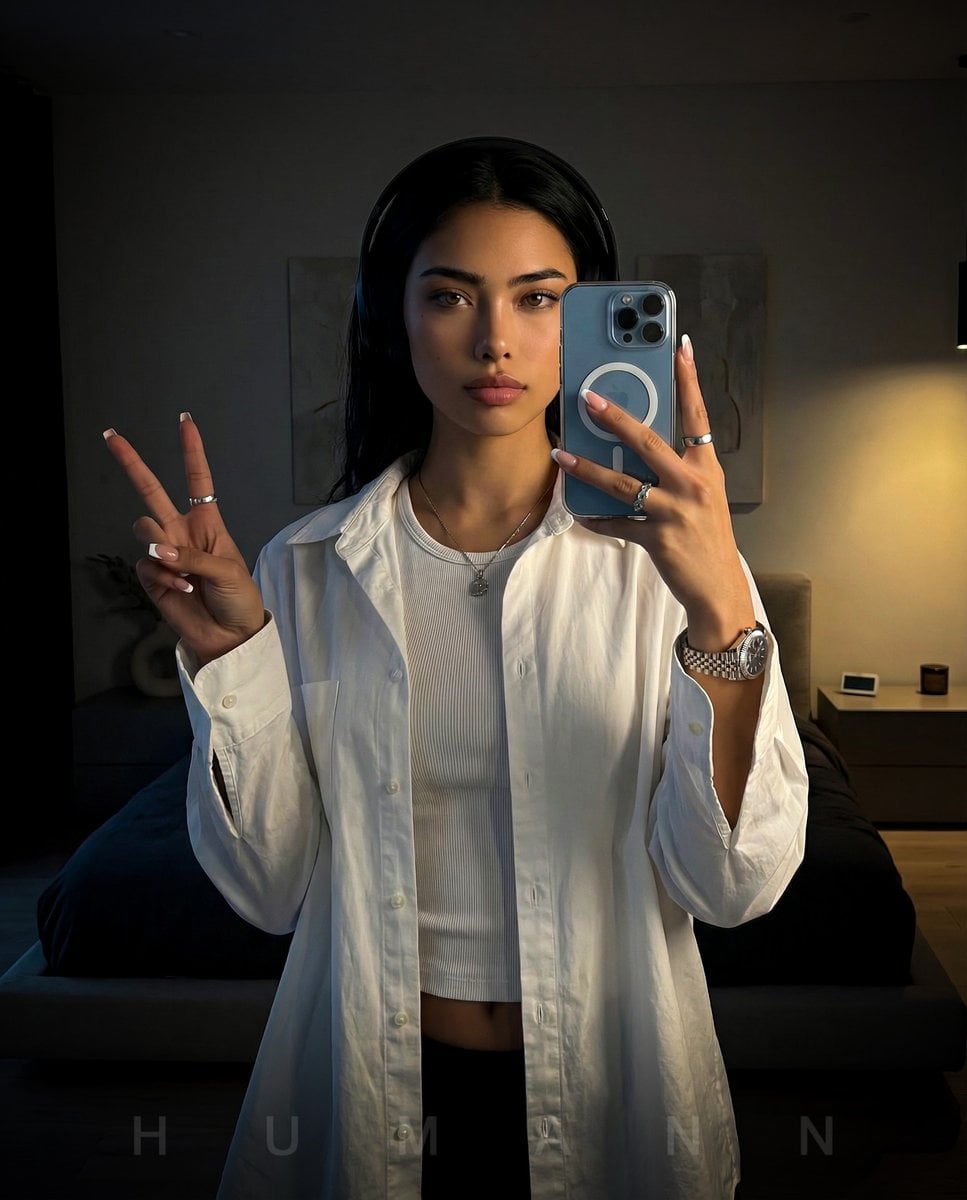
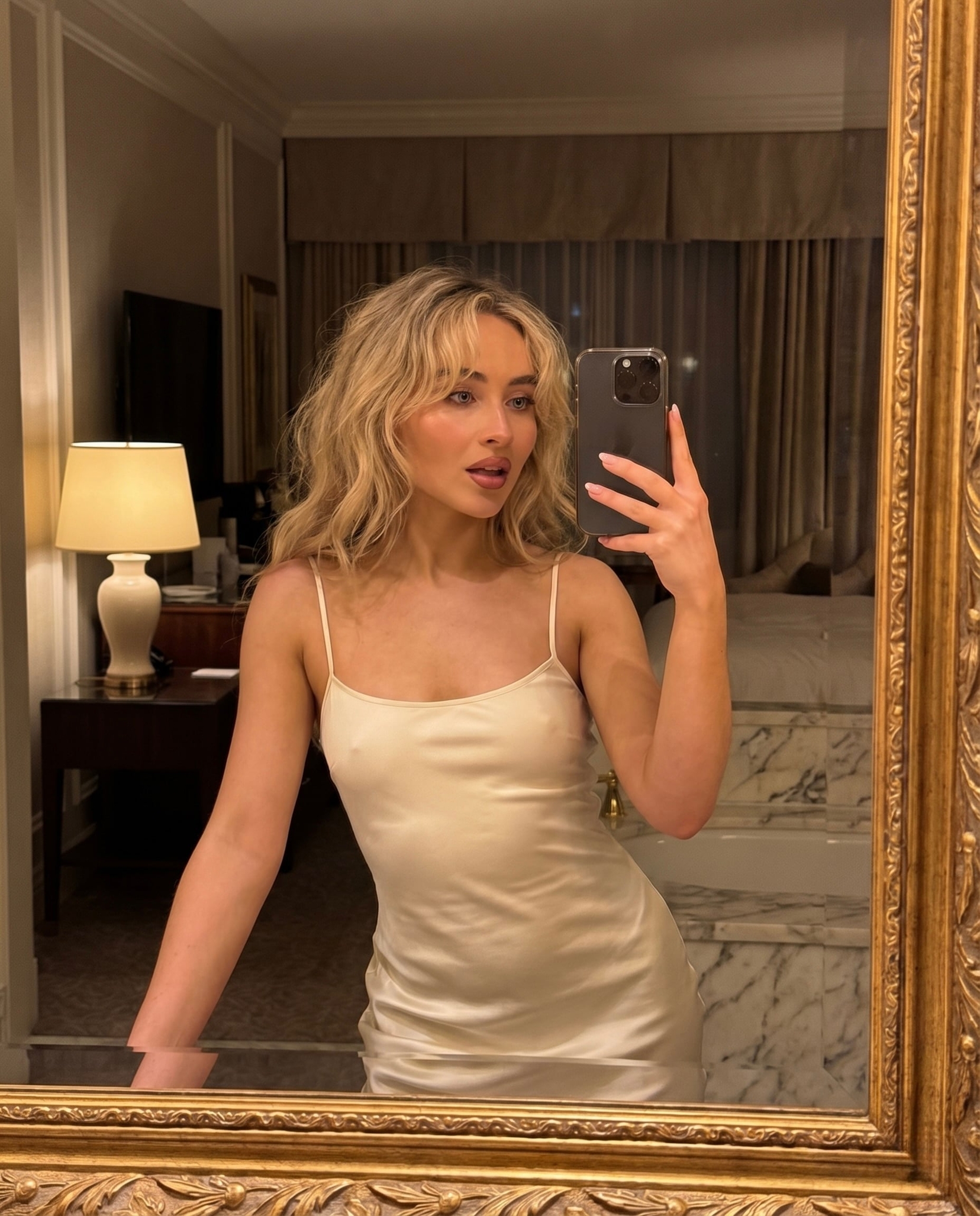
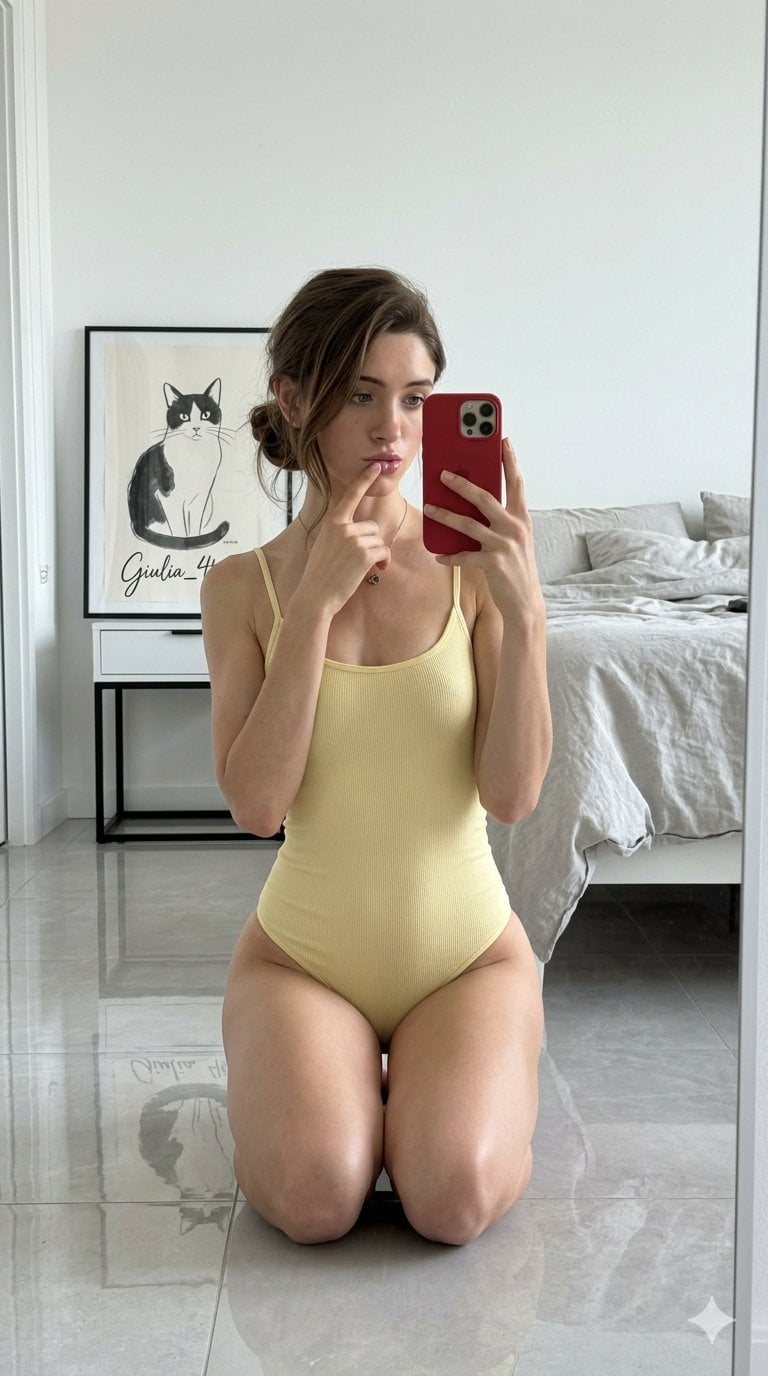
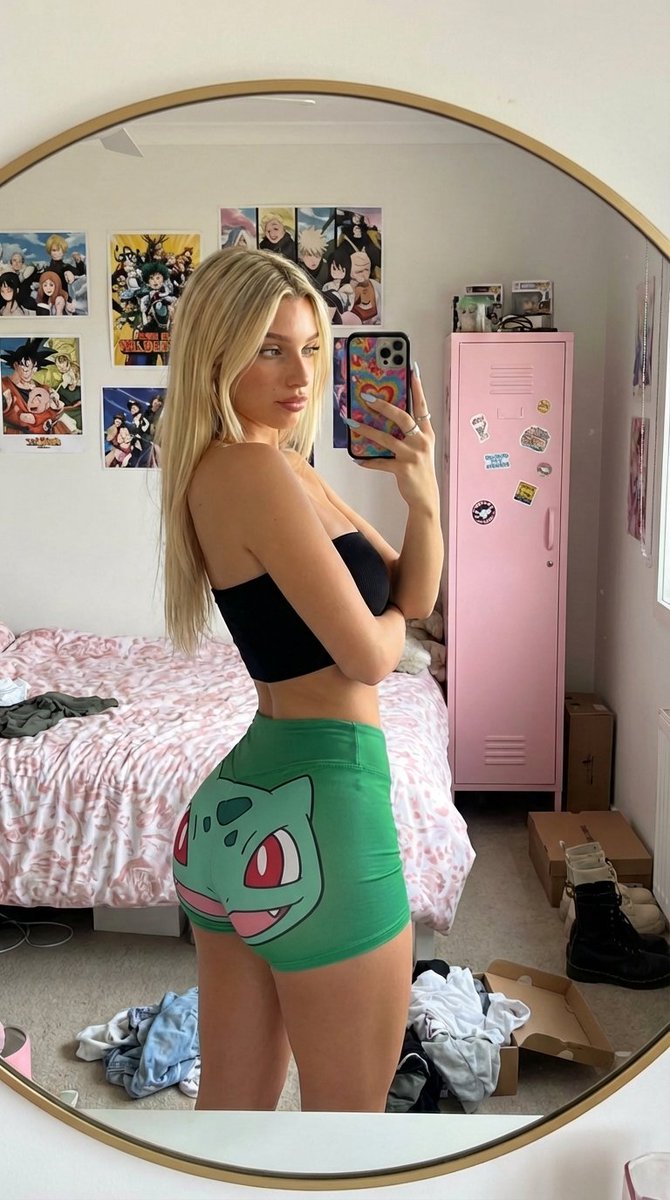
A prompt describing a candid mirror selfie of a woman in a whimsical bedroom filled with ivy and fairy lights.
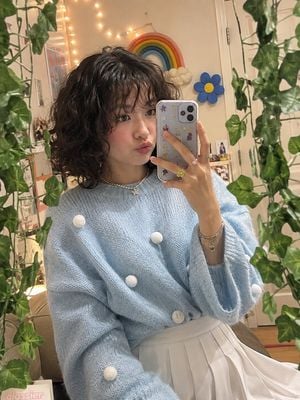
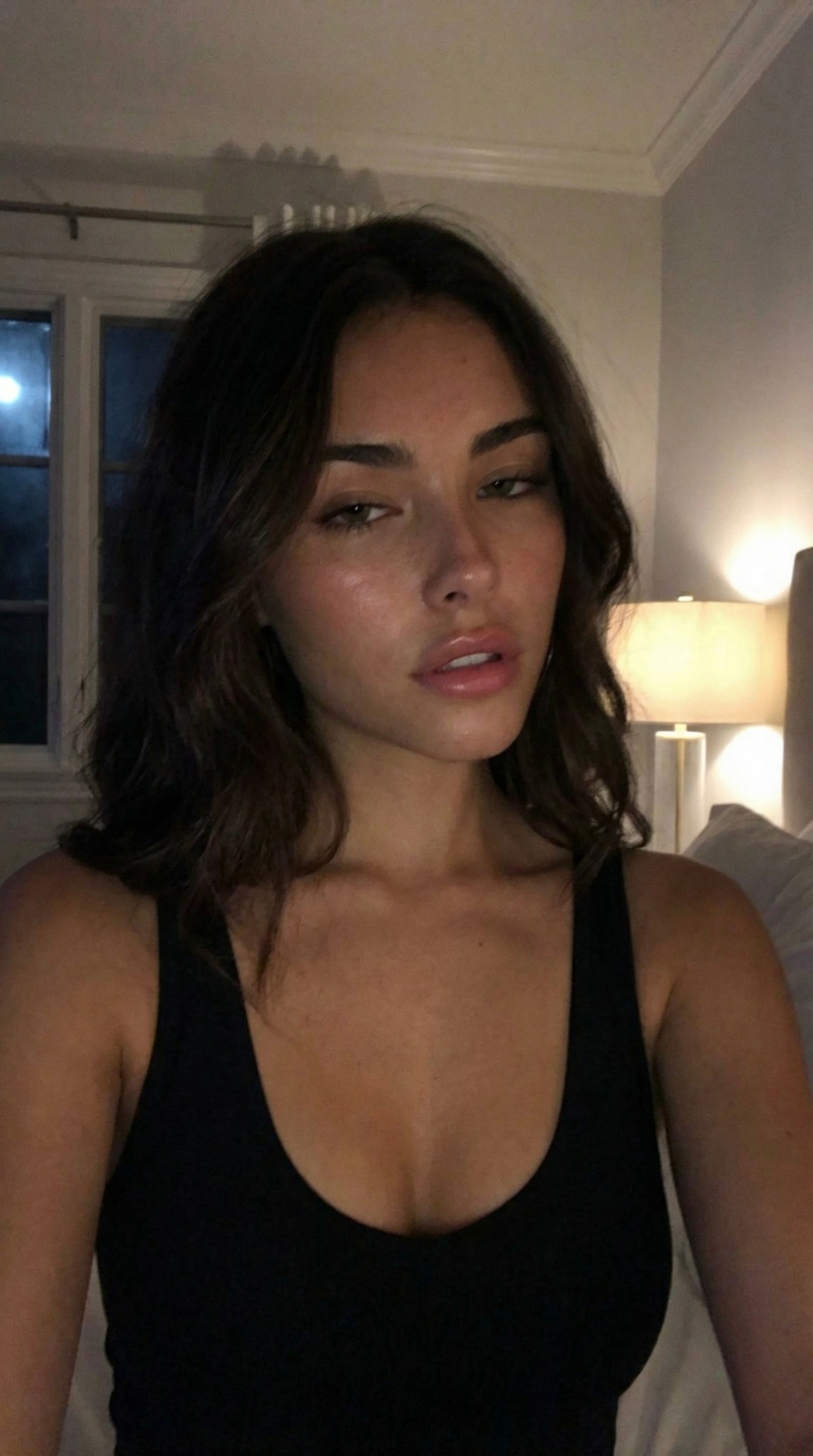
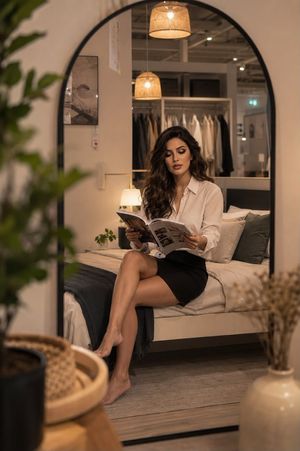
A photorealistic vertical mirror selfie of a {argument name="subject" default="young woman"} in a {argument name="setting" default="cozy, whimsical bedroom"}. She has short, naturally curly dark-brown hair with soft messy bangs framing her face, and a playful expression with gently puckered lips. She is wearing an {argument name="outfit" default="oversized pastel sky-blue knitted sweater decorated with multiple fluffy white pom-pom details"}, paired with a high-waisted white pleated skirt. She wears a delicate pearl necklace, silver bracelets, and several colorful rings.\n\nShe holds a smartphone in one hand, partially covering her face, while posing naturally in front of a large full-length mirror. The mirror is surrounded by lush artificial ivy vines, creating a dreamy botanical frame. The bedroom background features warm fairy lights, a colorful handmade rainbow decoration, a cheerful blue flower wall decoration, a white door, and subtle personal room details visible in the reflection.\n\nSoft warm indoor lighting, slightly vintage digital-camera aesthetic, gentle film grain, muted pastel tones, natural skin texture, realistic curly hair, detailed knitted fabric, candid social-media mirror photography, cozy youthful atmosphere, shallow depth of field, highly detailed, realistic proportions, vertical 4:5 composition.
Choose the primary action to open PicX Studio with the available template settings. Review the model and format, personalize the creative direction, and generate when ready.
Yes. You can change the subject, setting, lighting, mood, format, and available model controls before creating your image.
This template is free to open and customize. Generation usage is shown in PicX Studio before you create.
Start with GPT Image 2, which is the model associated with this template. You can compare another compatible model for a different finish.
Follow a topic to a crawlable collection of related PicX Studio templates.