
Rooftop Spider-Suit Portrait
A detailed structured prompt for a photorealistic composite of a subject in a classic Spider-Man suit on a New York rooftop.
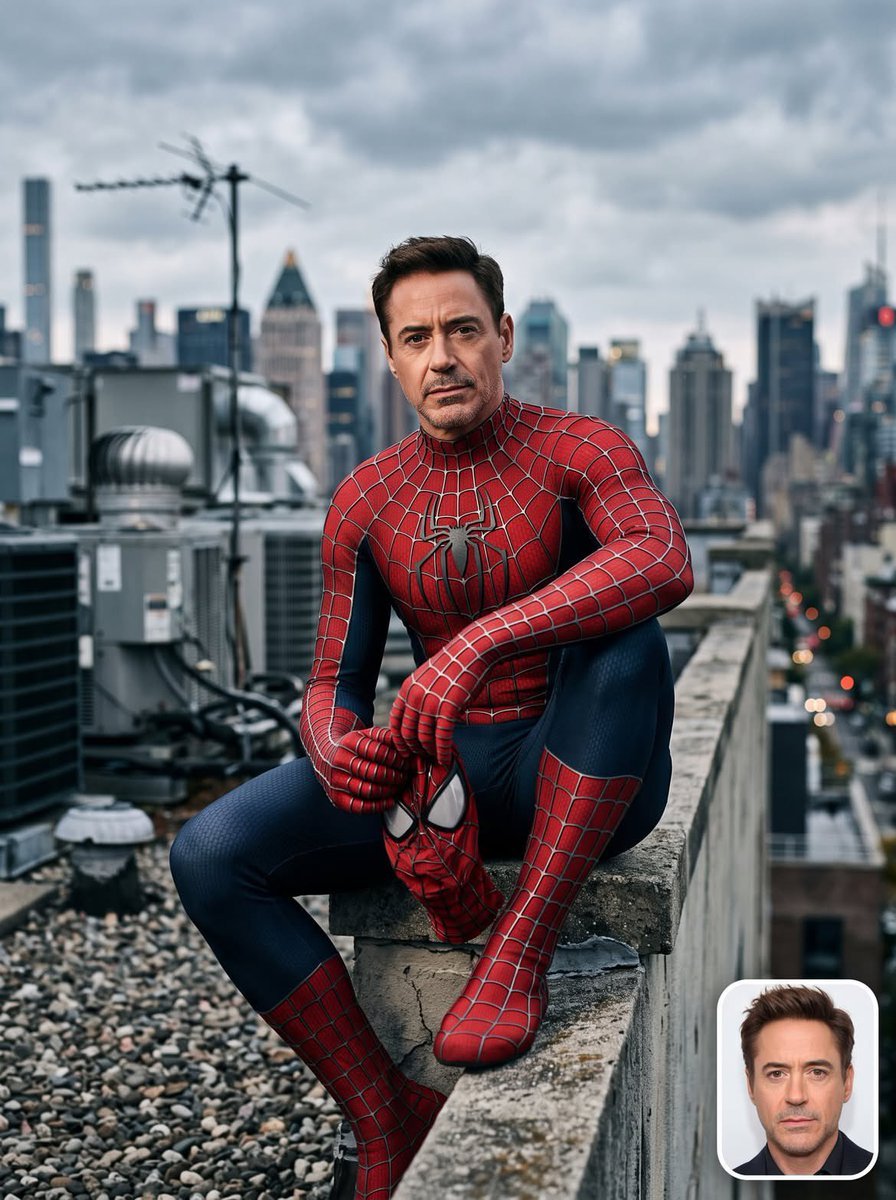
- Prompt included
- Model and format preset
- Free template
The prompt behind this image
Copy the exact prompt behind Rooftop Spider-Suit Portrait, or open it in the studio and make it yours.
{ "style_prompt_name": "Rooftop Spider-Suit Portrait — Photorealistic Composite", "subject": { "identity_source": "{argument name="identity source" default="Person_Name/Upload Image"}", "instruction": "Take the face, skin tone, hairstyle, and identifying features exactly from the uploaded reference photo (or the named public figure) and realistically composite them onto the body/pose described below. Preserve the subject's real facial structure, expression style, and likeness with high fidelity — do not alter or stylize the face." }, "wardrobe": { "costume": "{argument name="costume" default="Classic red-and-blue Spider-Man suit (Sam Raimi trilogy-style webbed design)"}", "condition": "Pristine, complete, and undamaged — no rips, tears, frays, or exposed threads anywhere on the suit; fabric appears brand-new, clean, and perfectly fitted", "material_detail": "Textured spandex/lycra fabric with raised stitched web-lines, matte-yet-slightly-sheen finish, deep red chest and limbs, navy-blue sides and legs, large black spider emblem centered on chest", "accessories": "Full-face or half-removed mask optional per pose (mask held in hand if partially removed), gloves and boots fully intact matching suit pattern" }, "pose_and_composition": { "framing": "Medium-to-full body shot, subject seated on the ledge/parapet of a rooftop", "pose": "Relaxed seated crouch on the edge, one leg bent up, elbows resting on knee, hands loosely clasped or holding the mask, head turned toward camera with a calm, confident, slightly serious expression", "camera_angle": "Slightly low-to-eye-level angle looking up at subject, shallow depth of field", "aspect_ratio": "3:4 vertical portrait" }, "environment": { "setting": "{argument name="environment" default="Urban rooftop with HVAC units, vents, and antenna structures in the midground"}", "background": "Dense city skyline of high-rise buildings, softly blurred (bokeh) to keep focus on subject", "sky": "Overcast, moody cloud cover with soft diffused daylight" }, "lighting": { "type": "Improved cinematic soft lighting", "key_light": "Large soft key light from upper-front-left, mimicking diffused daylight through clouds, gently wrapping around the face and suit to bring out fabric texture without harsh shadows", "fill_light": "Subtle cool-toned fill from the right to lift shadow side of the face and suit, avoiding flat lighting", "rim_light": "Faint rim/edge light along shoulders and hair to separate subject from the background skyline", "color_grade": "Neutral-cool cinematic grade, slightly desaturated blues and grays in the environment, with the suit's red and blue kept rich and saturated as the focal color contrast", "mood": "Clean, high-end editorial lighting — crisp highlights on suit texture, soft shadow falloff, no muddy or underexposed areas" }, "photographic_style": { "realism": "Hyper-photorealistic, shot-on-camera aesthetic (as if captured with a full-frame DSLR, 85mm lens, f/2.0)", "texture_detail"
How to use Rooftop Spider-Suit Portrait in 3 steps
- 1Upload ImagePNG, JPG or paste
Add your photo
Upload the photo the template builds on. The prompt, model and format are already set.
- 2…a portrait of your subject in softgolden-hour light, 85mm…
Personalize
Edit the subject and creative details for your destination.
- 3Generate
Generate
Press Generate — your image is created in PicX Studio, so you can compare it with the original and refine one variable at a time.
More like this
Templates with the same subject, style or setup. Open one to see its prompt.

Spider-Man Rooftop Golden Hour Cinematic Photo

Rooftop Fisheye — Cat-Ear Balaclava at Golden Hour

Conceptual Fashion Portrait in Spider We
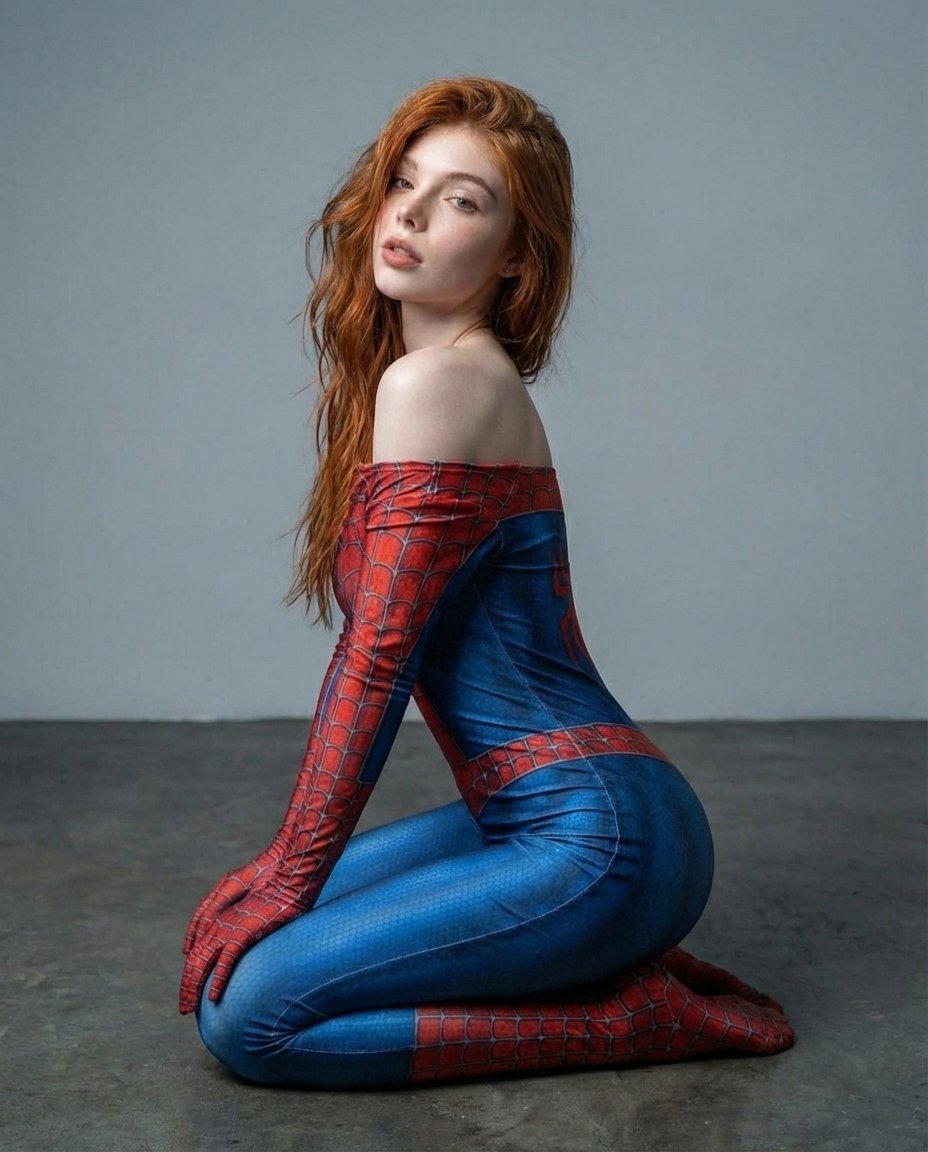
Photorealistic Spider-Themed Bodysuit Portrait

If We Met in 1985

Found Photograph: Us, 1970

80s Couple Studio Portrait

80s Bollywood Star

80s Golden Hour Cinema

Me in 1985

1985 Studio Portrait

Hyper-Realistic Minecraft POV Portrait
Make it yours
Rooftop Spider-Suit Portrait works as-is. These are the safest ways to change it without losing the look.
Change one field
Copy a single group, rewrite it, and generate again so you can see what that field is doing.
Keep the frame, change the subject
Hold the composition and light of Rooftop Spider-Suit Portrait, then swap wardrobe, props or the person for a new take.
| If the result… | Why | Fix |
|---|---|---|
| The result drifts from the preview | Too many fields changed at once. | Reuse Rooftop Spider-Suit Portrait as-is first, then change one group — subject, light, or setting. |
| The model over-stylizes the scene | The prose prompt leaves finish and camera underspecified. | Add one camera or lighting sentence and stay on GPT Image 2. |
More GPT Image 2 templates
Other prompts made for GPT Image 2.

Six VTuber Japanese Logo Sheet

Realistic Portrait of Woman and Deer

The Vista Modular Condo Poster

AI Model Routing Comparison Infographic

2.5D Anime Art Board

Isometric Productivity Desk Scene

New York Double Exposure Poster

Four-Panel AI Landscape Comparison

Japanese Tatami Lifestyle Magazine Cover

NESCAFÉ Coffee Map Poster
More image prompts
Fresh picks from across the catalog.
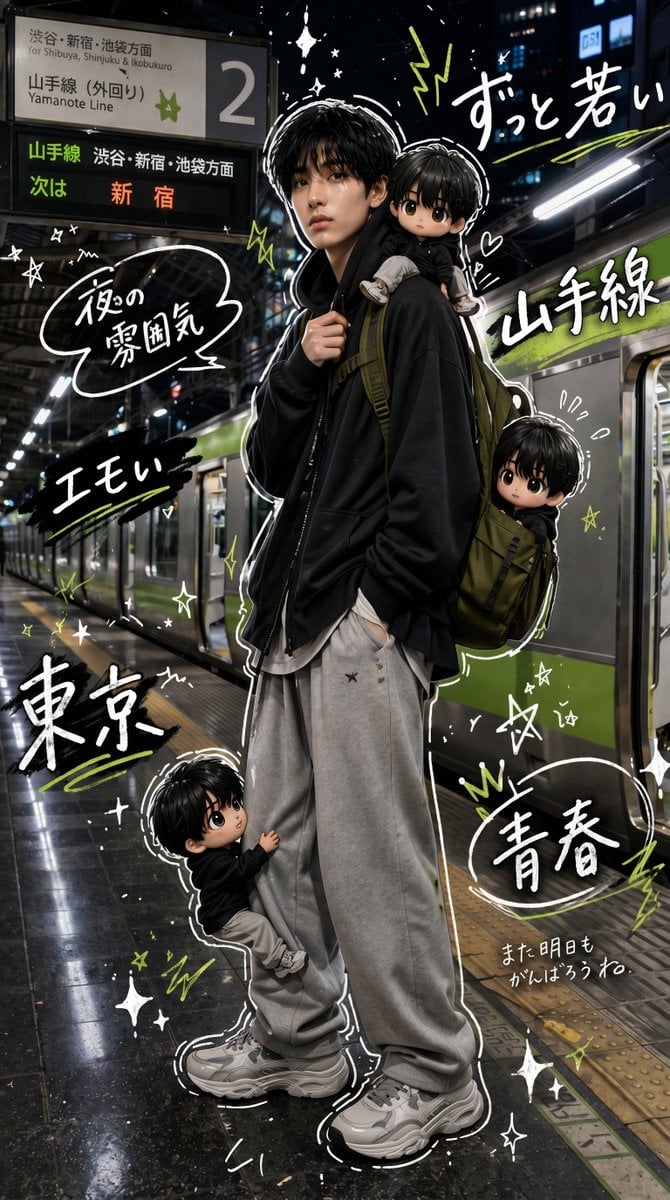
Tokyo Yamanote Youth Poster

Luxury Fashion Editorial Collage on Modern Staircase (Duplicate)
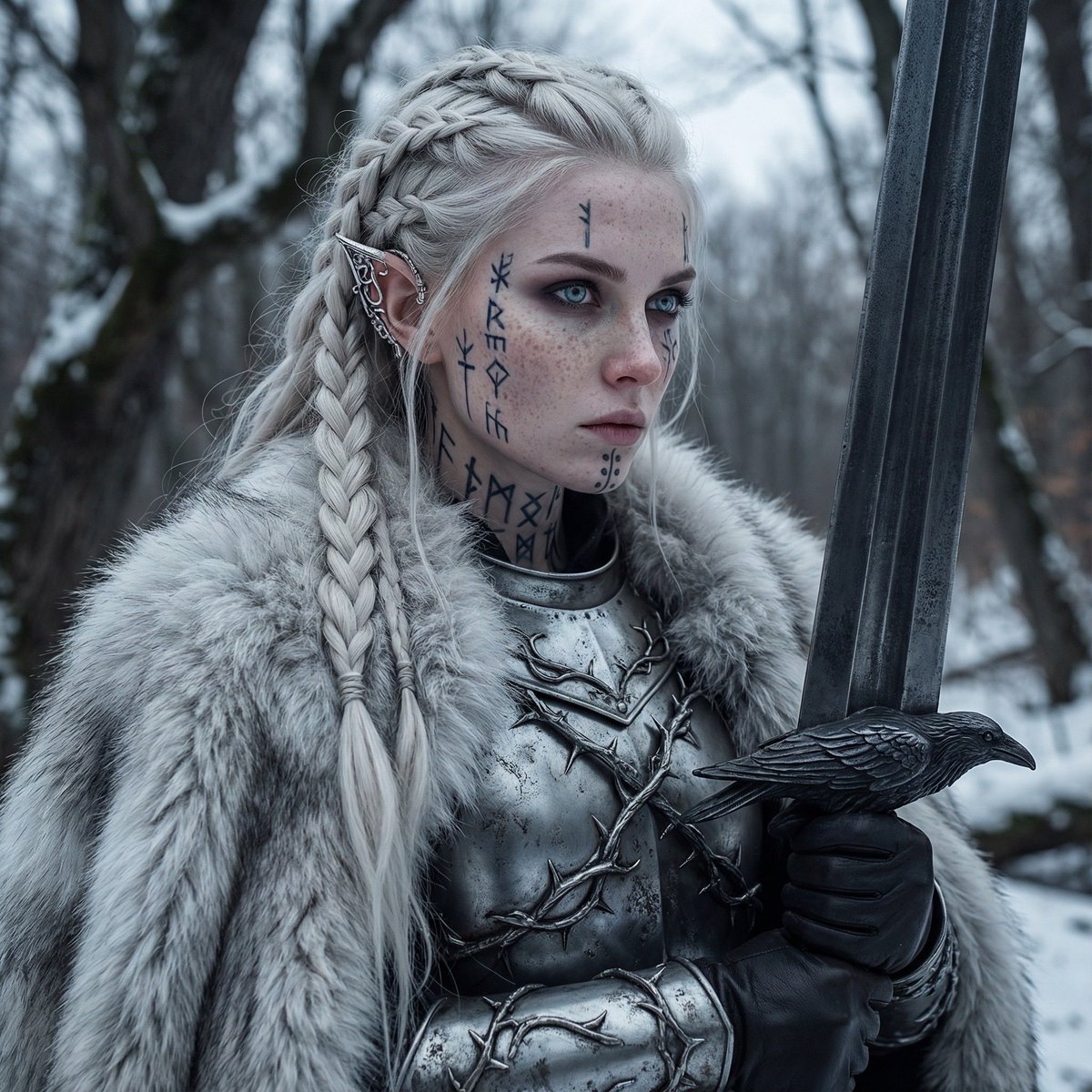
Fierce Elven Warrior Princess Cinematic Portrait
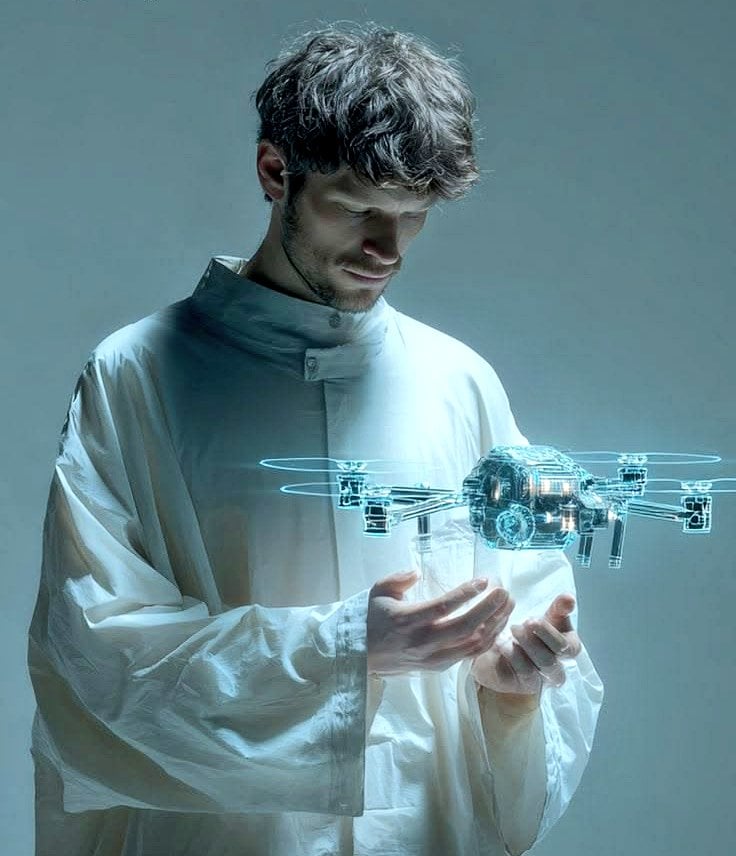
Man Holding Holographic Drone Prompt
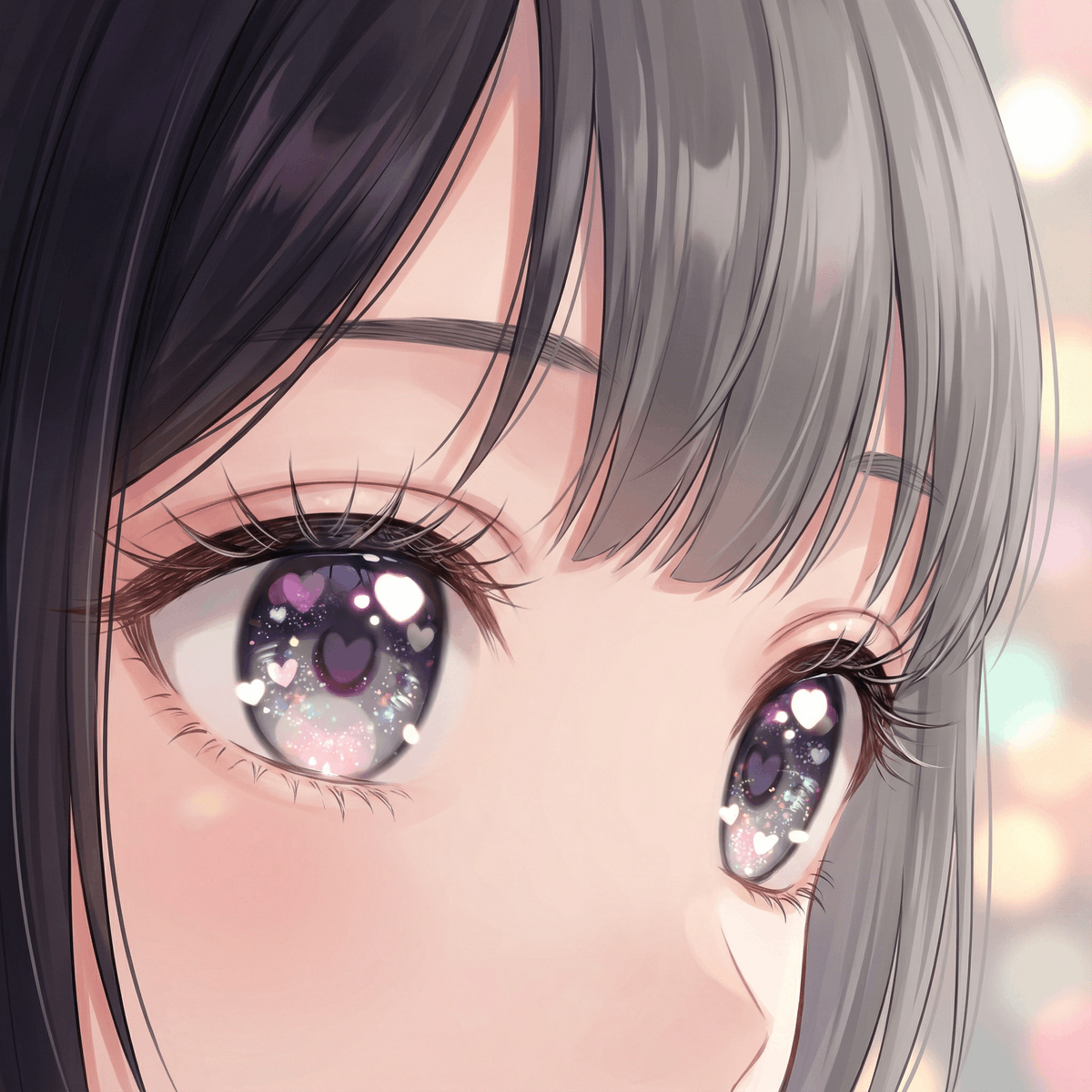
Modern Moe Anime Illustration of a Teenage Girl's Eyes
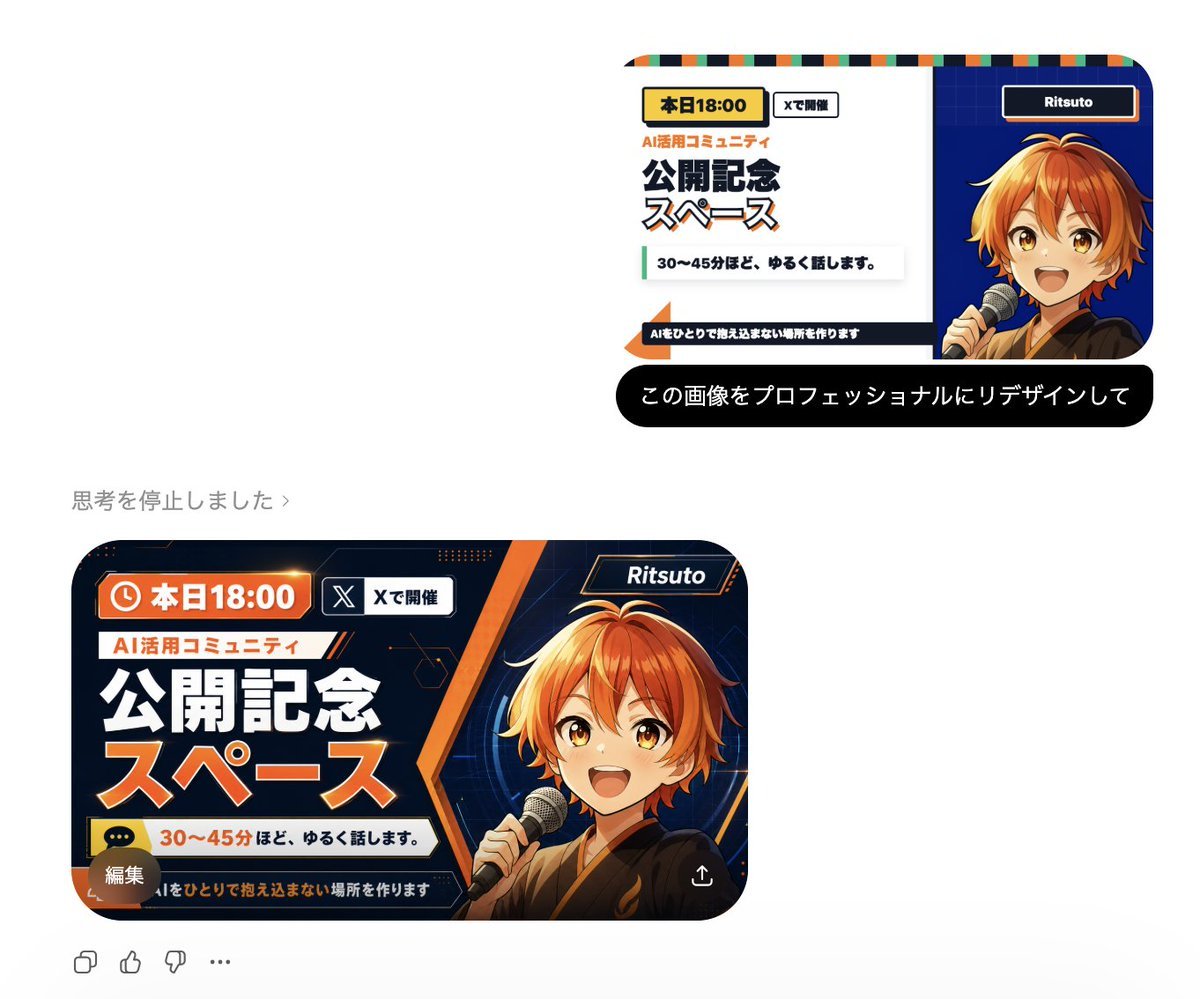
Professional Image Redesign

Streetwear Man on Lamborghini at Sunset
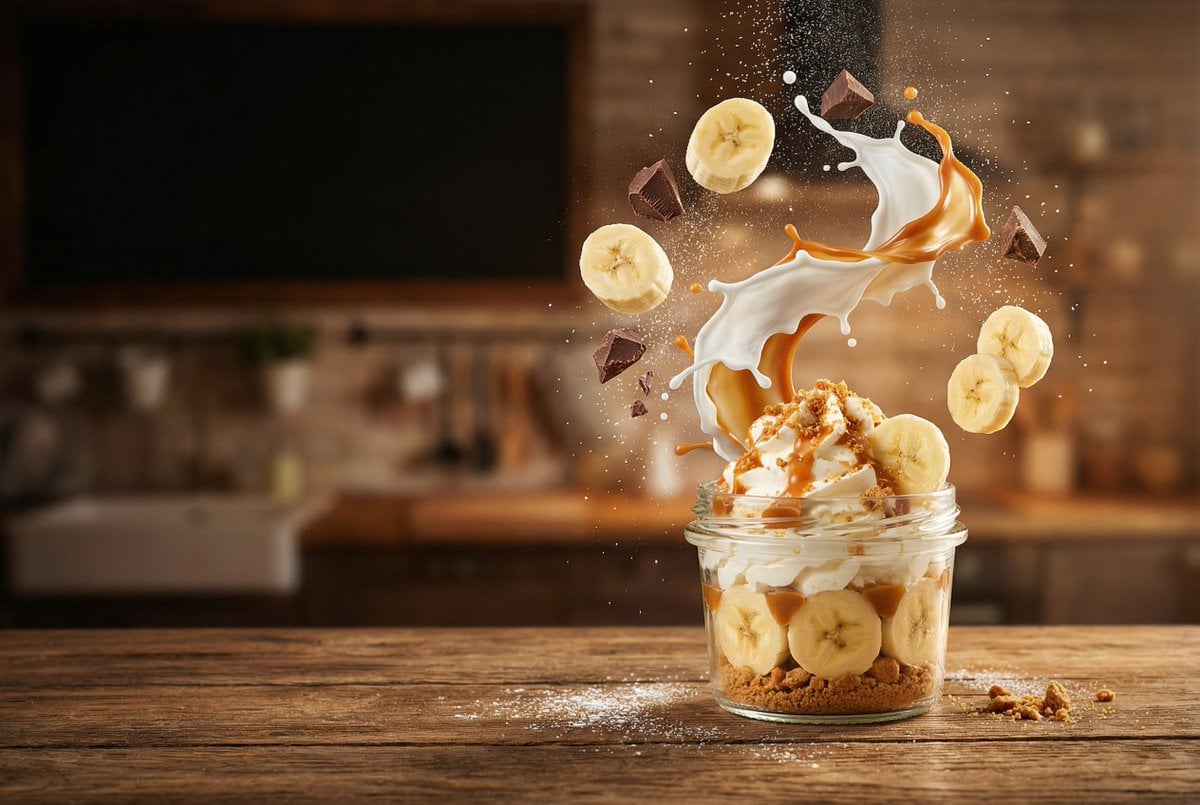
Advertising-Style Food Photography Prompt

Live Stream UI Mockup with 3D Effects
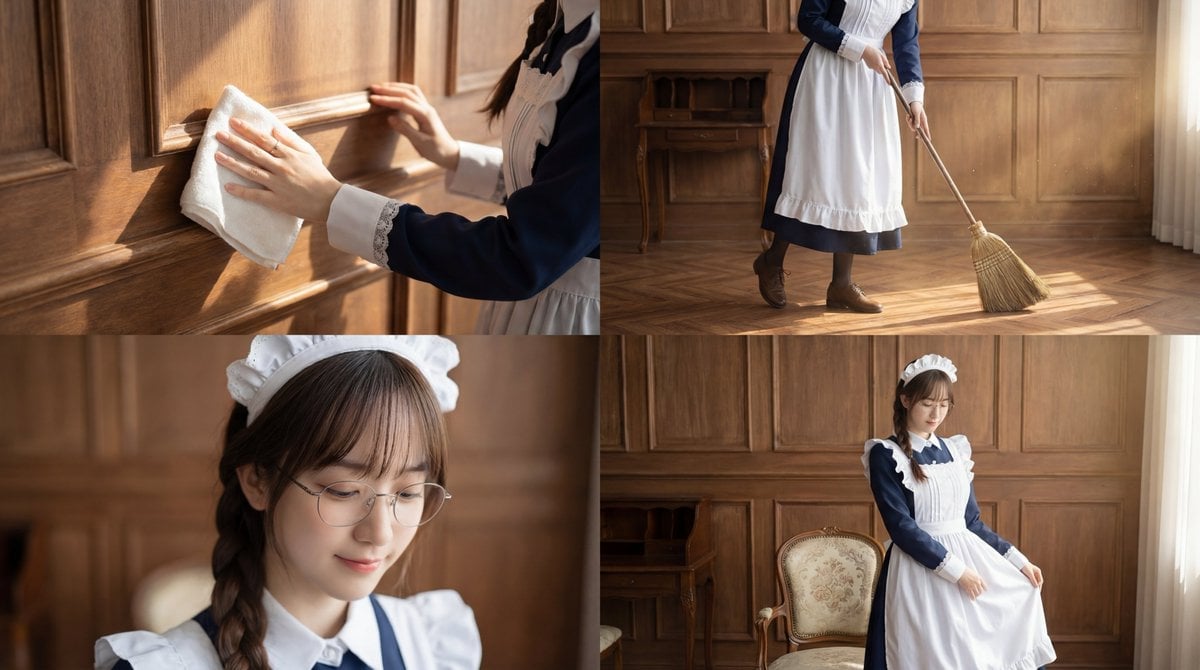
Cinematic Sequence Prompt: Person Cleaning in Morning Light
Browse template categories
Rooftop Spider-Suit Portrait questions
How do I use the Rooftop Spider-Suit Portrait template?
Add your photo if the template asks for one, edit the prompt if you like — the template's model and format are already selected — and press Generate. Your version opens in PicX Studio.
Can I customize the Rooftop Spider-Suit Portrait template?
Yes. You can change the subject, setting, lighting, mood, format, and available model controls before creating your image.
Is the Rooftop Spider-Suit Portrait template free?
Opening and editing this template is free. Generating uses credits, shown on the Generate button when you are signed in.
Which AI model should I use?
Start with GPT Image 2, which is the model associated with this template. You can compare another compatible model for a different finish.
Looking for something else? Browse all templates.

Your photo, any look
Thousands of ready templates for every top image and video model, from one credit balance.