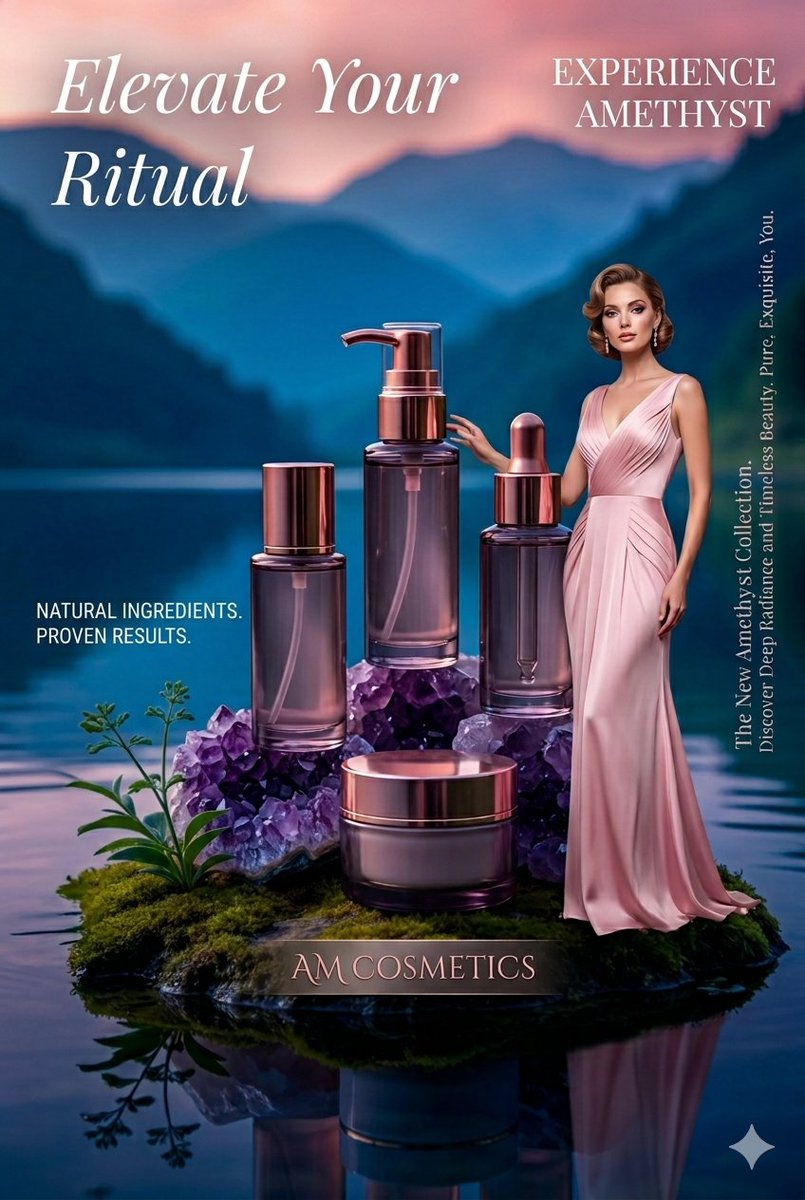
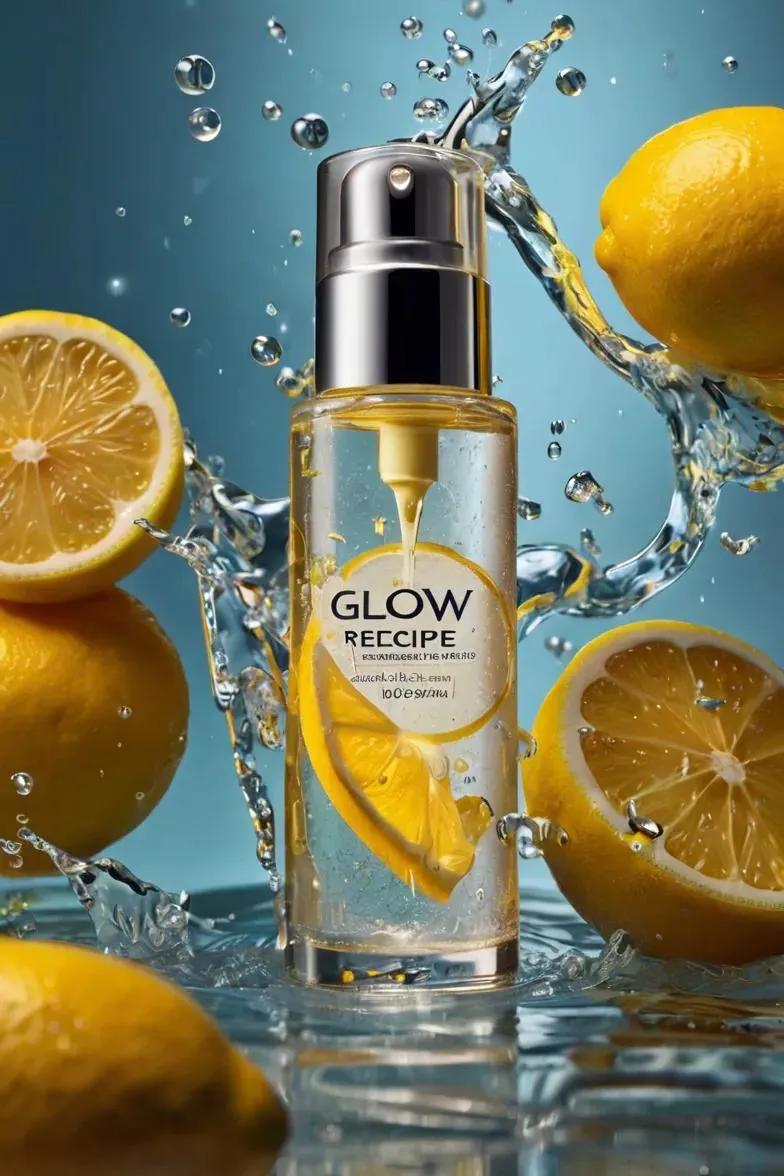
How do I use the Premium Skincare Product Photography template?
Choose the primary action to open PicX Studio with the available template settings. Review the model and format, personalize the creative direction, and generate when ready.
High-end product photography prompt for a frosted glass skincare bottle with minimalist branding and silver metallic accents.
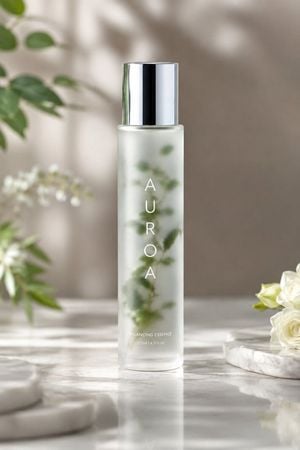
Ultra-realistic premium skincare product photography of a tall frosted glass bottle standing upright at the center of the frame, featuring a minimalist cylindrical shape with a smooth satin-translucent finish and a polished silver metallic cap; the bottle contains a subtle cloudy infusion with soft green botanical elements visible inside the glass, and vertical minimalist typography on the front reading “{argument name="brand name" default="AUROA"}” in clean white.
Choose the primary action to open PicX Studio with the available template settings. Review the model and format, personalize the creative direction, and generate when ready.
Yes. You can change the subject, setting, lighting, mood, format, and available model controls before creating your image.
This template is free to open and customize. Generation usage is shown in PicX Studio before you create.
Start with GPT Image 2, which is the model associated with this template. You can compare another compatible model for a different finish.
Follow a topic to a crawlable collection of related PicX Studio templates.