How do I use the Realistic Fashion Portrait with Identity Lock template?
Choose the primary action to open PicX Studio with the available template settings. Review the model and format, personalize the creative direction, and generate when ready.
A detailed identity-lock prompt for gpt-image-2 that allows for consistent character generation while changing specific features like hairstyle and clothing.
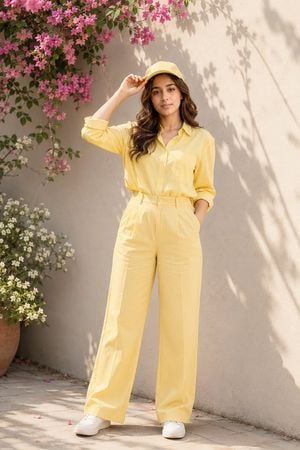
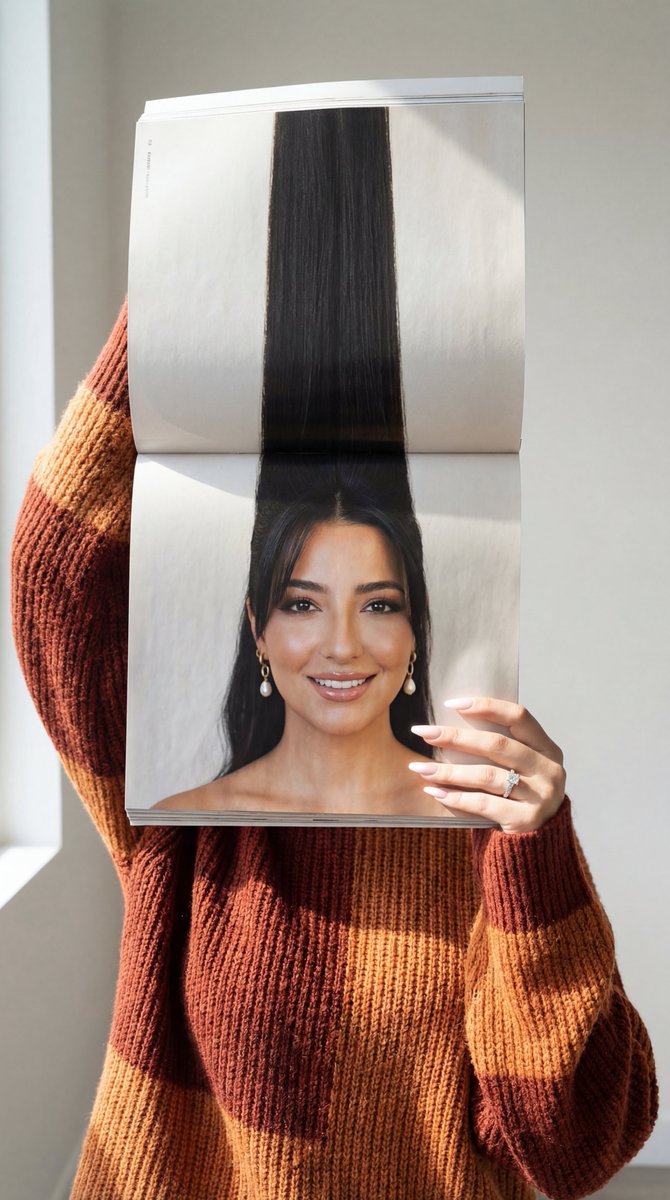
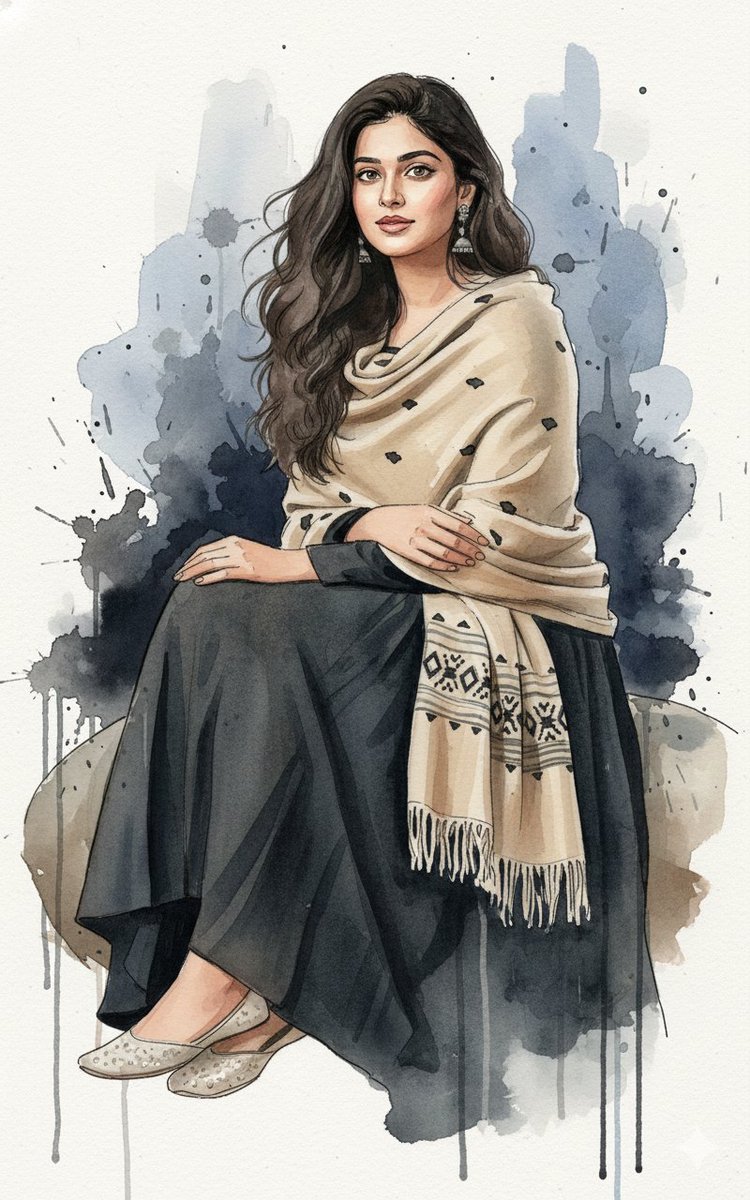
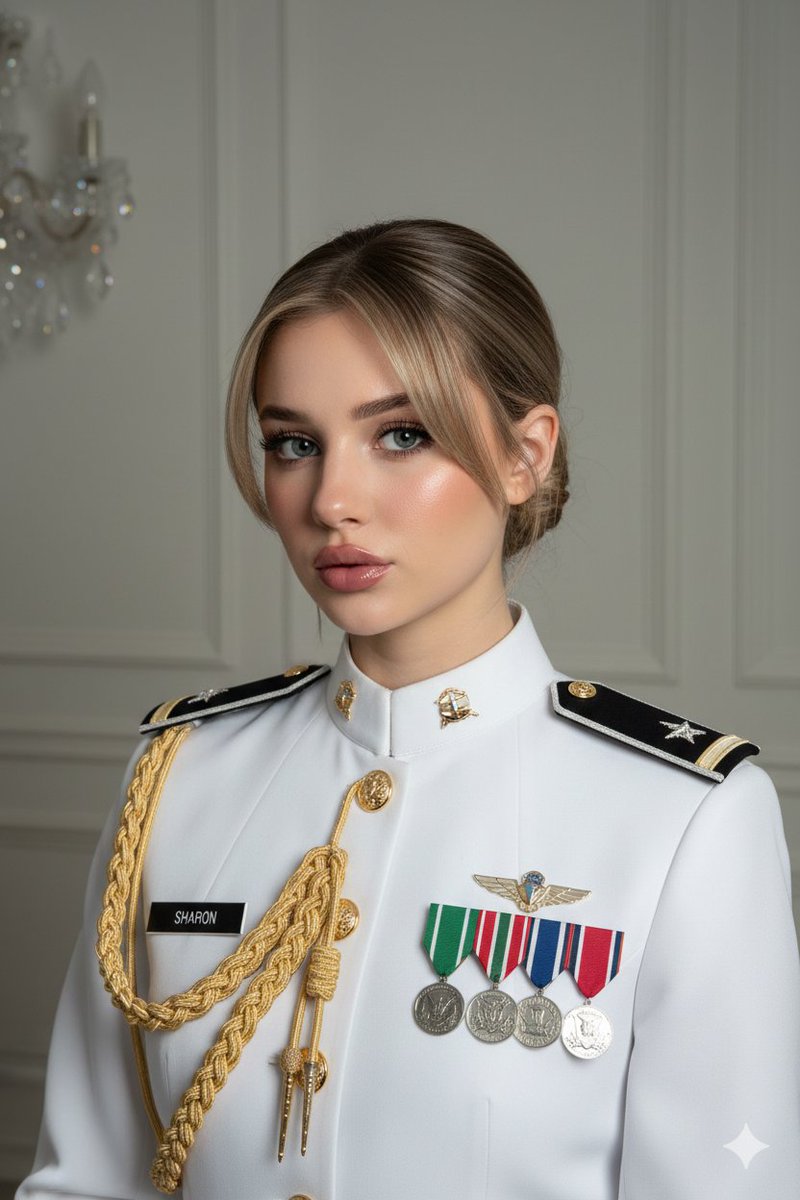
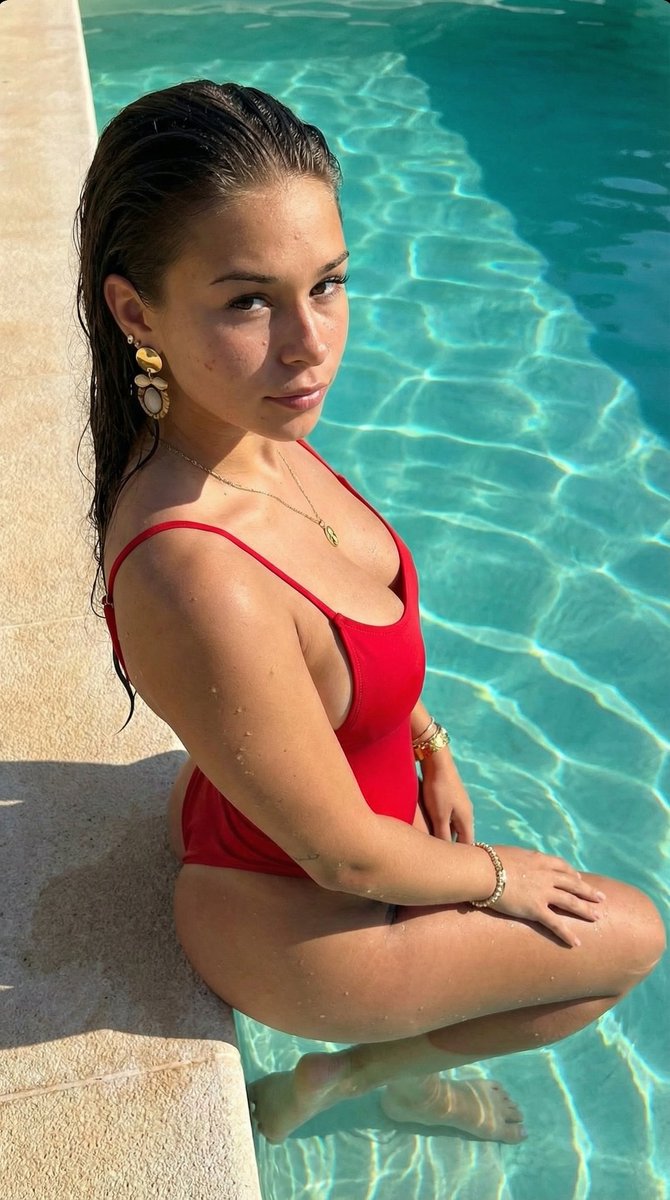
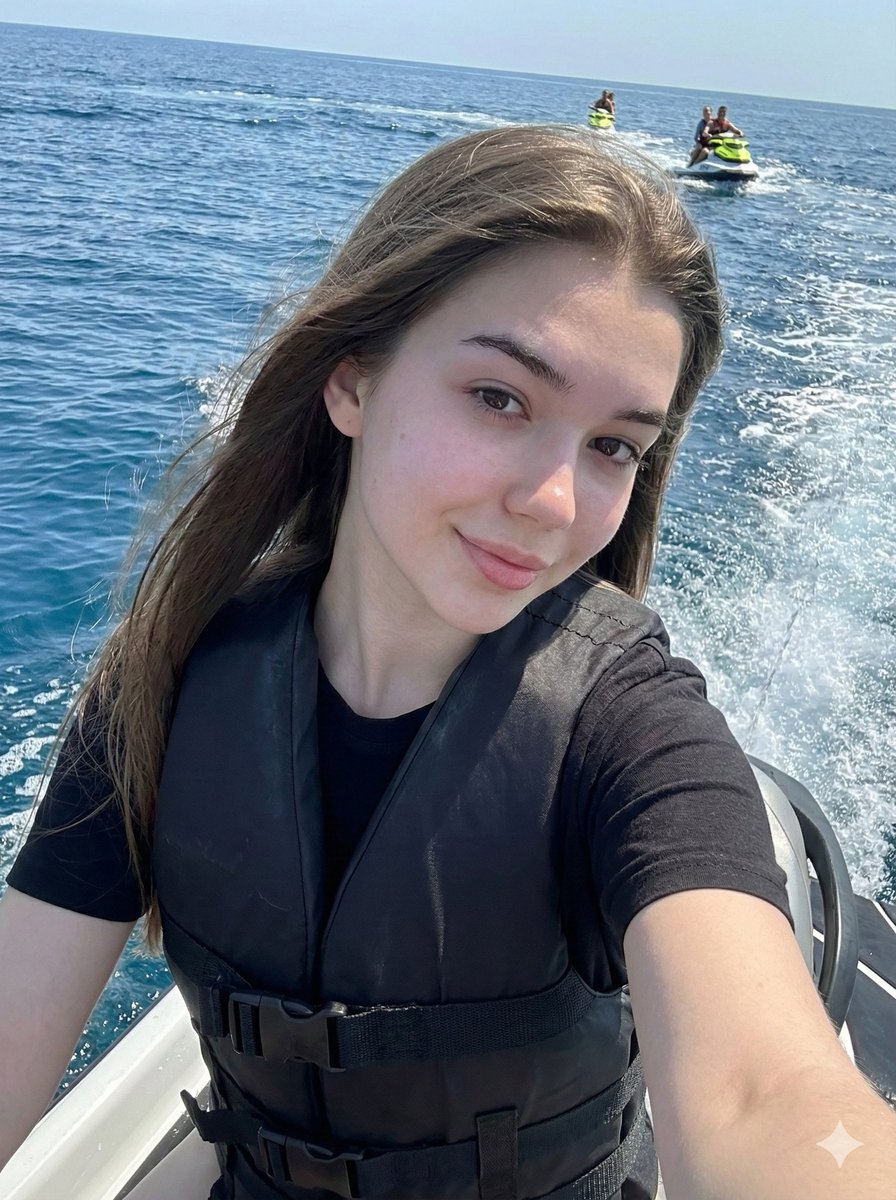
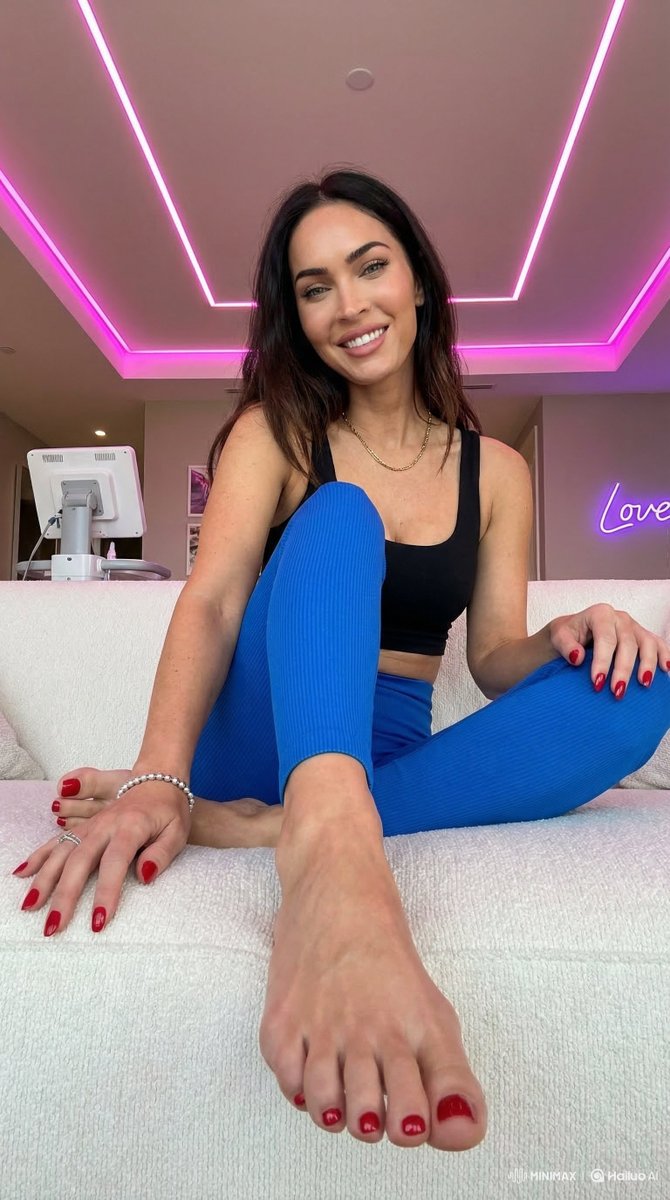
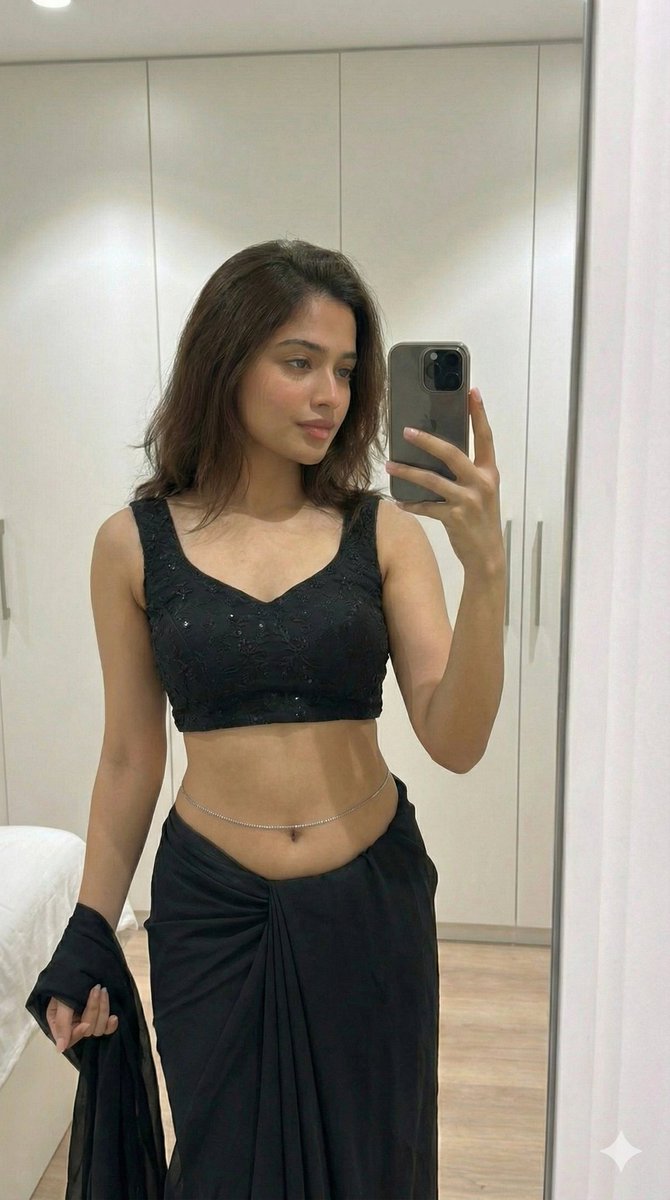
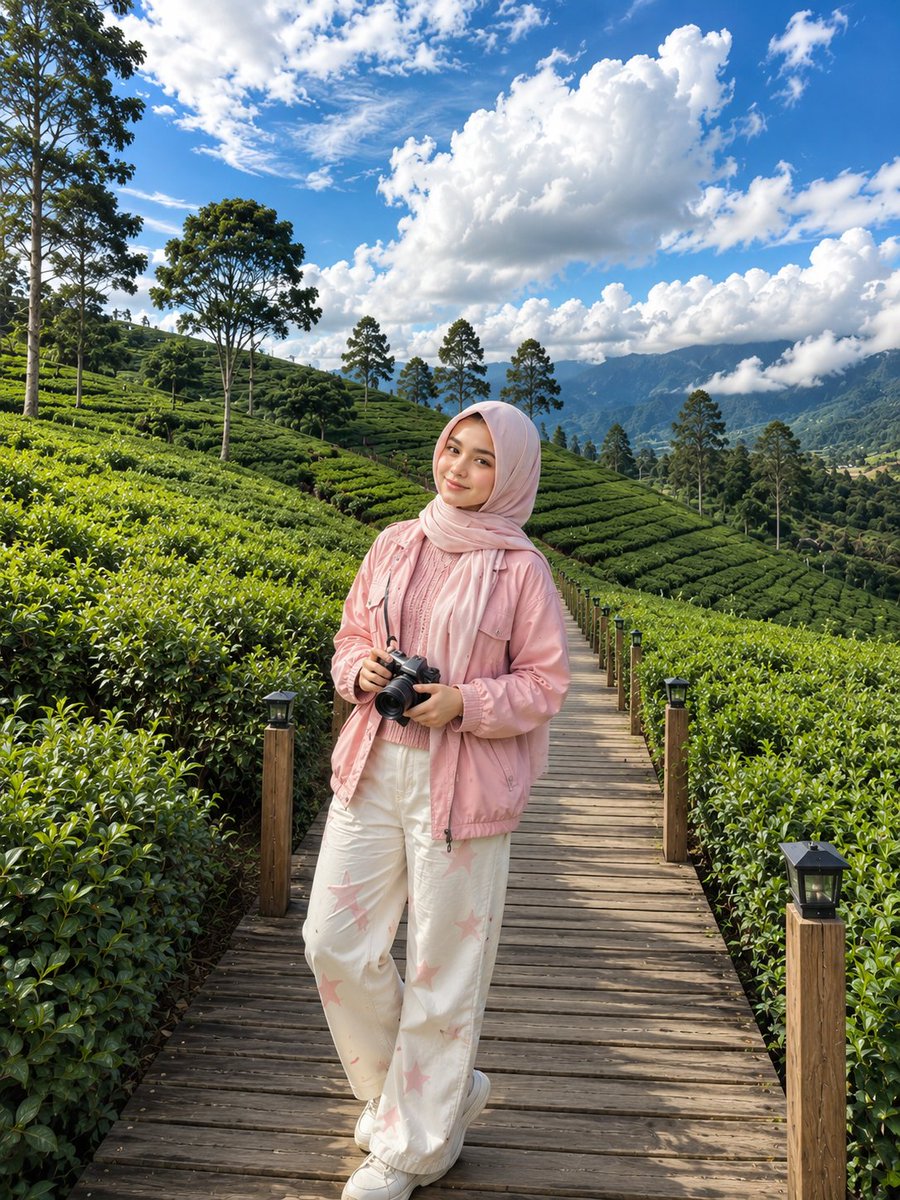
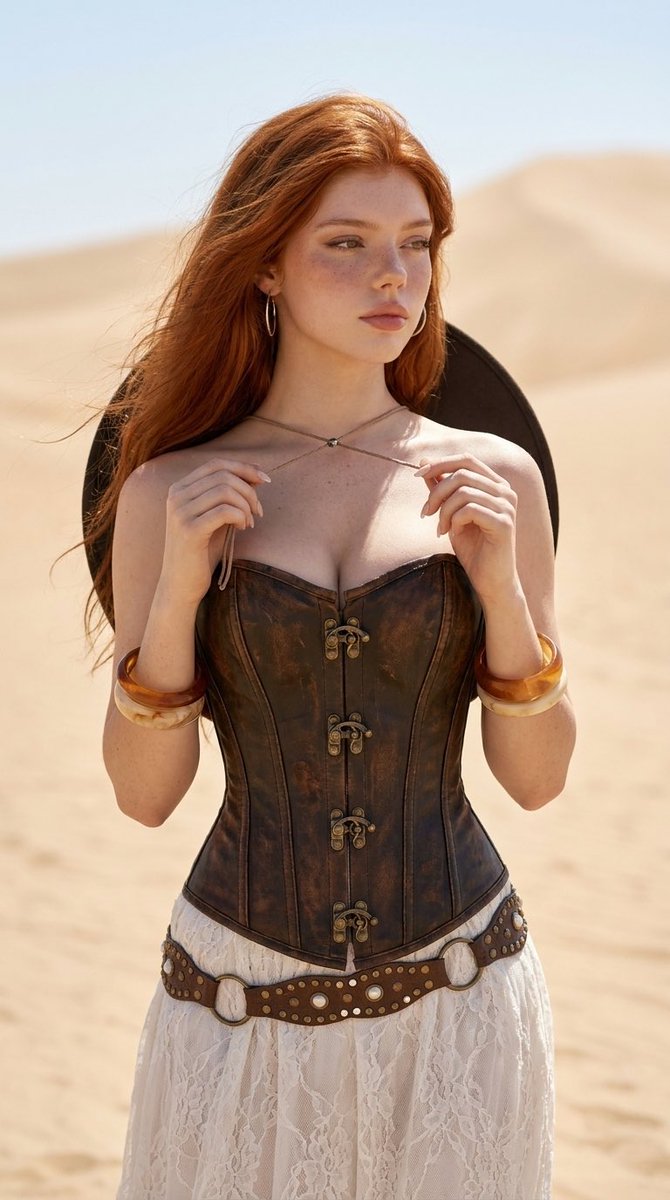
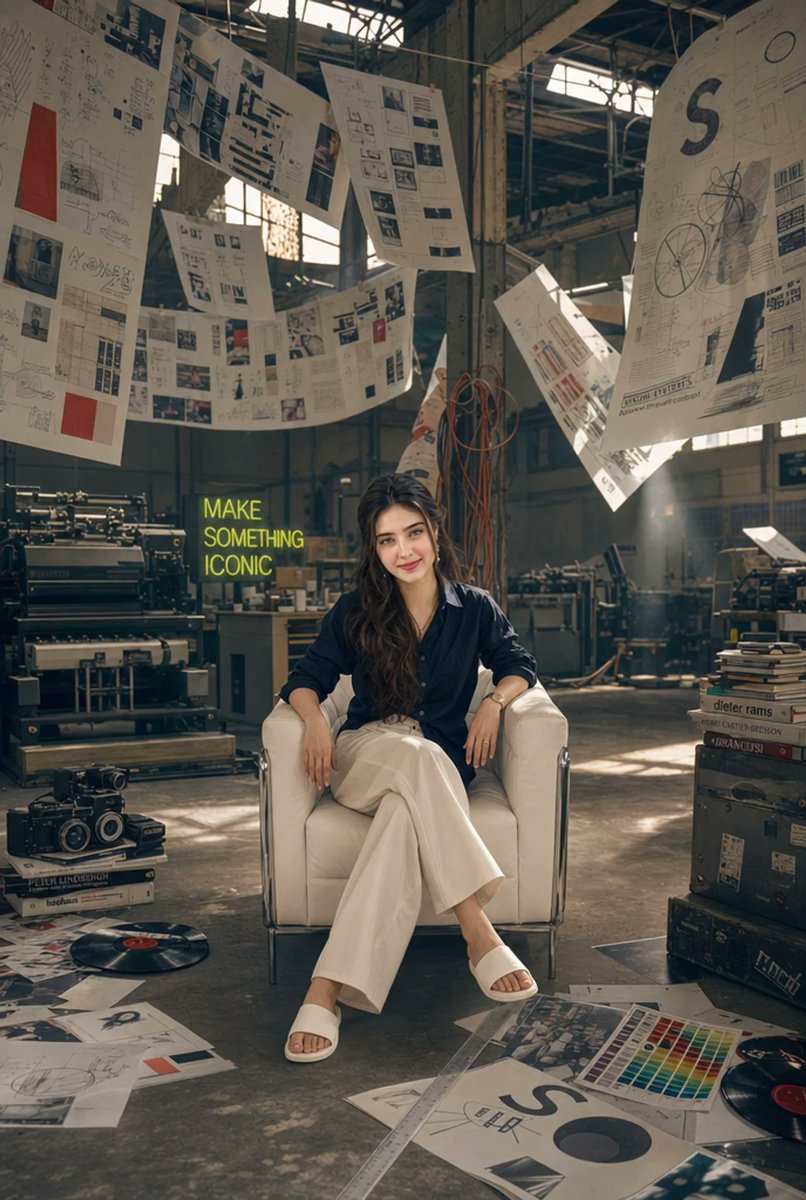
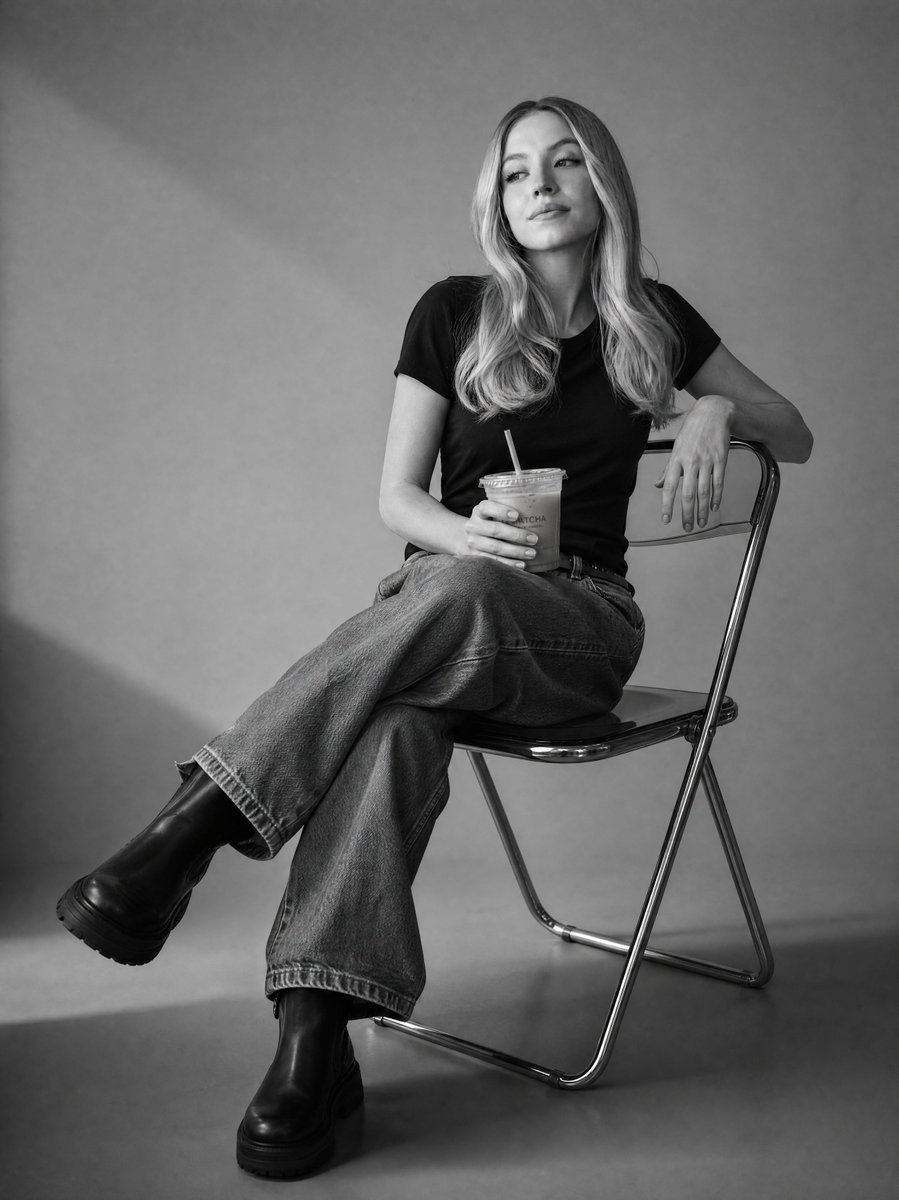
Use the uploaded face reference as the exact identity. Recreate the same person with maximum identity preservation. The face must remain unchanged and instantly recognizable. Match the exact facial structure, forehead, eyebrows, eye shape and spacing, eyelashes, nose shape and proportions, lips, smile, jawline, chin, ears, skin tone, skin texture, facial proportions, and every unique facial characteristic. Do not beautify, redesign, stylize, or generate a different person. Only change the hairstyle—do not use the hairstyle from the reference image. Give her a {argument name="hairstyle" default="natural medium-length soft wavy hairstyle"} with gentle volume and loose strands framing the face. Keep the {argument name="outfit color" default="sky-yellow"} outfit with a matching cap. Full-body pose with one hand touching the cap brim. Ultra-photorealistic DSLR image, natural lighting, realistic skin pores, editorial fashion photography, warm sunlight casting diagonal shadows on a light-colored wall, {argument name="background flowers" default="blooming pink and white flowers"}, shallow depth of field, RAW, 8K, true human appearance, no anime, no stylization, exact same person.
Choose the primary action to open PicX Studio with the available template settings. Review the model and format, personalize the creative direction, and generate when ready.
Yes. You can change the subject, setting, lighting, mood, format, and available model controls before creating your image.
This template is free to open and customize. Generation usage is shown in PicX Studio before you create.
Start with GPT Image 2, which is the model associated with this template. You can compare another compatible model for a different finish.
Follow a topic to a crawlable collection of related PicX Studio templates.