How do I use the Sunlit Minimalist Morning Selfie template?
Edit the prompt in the box under the preview — the template's model and format are already selected — and press Generate. Your version appears right on this page.
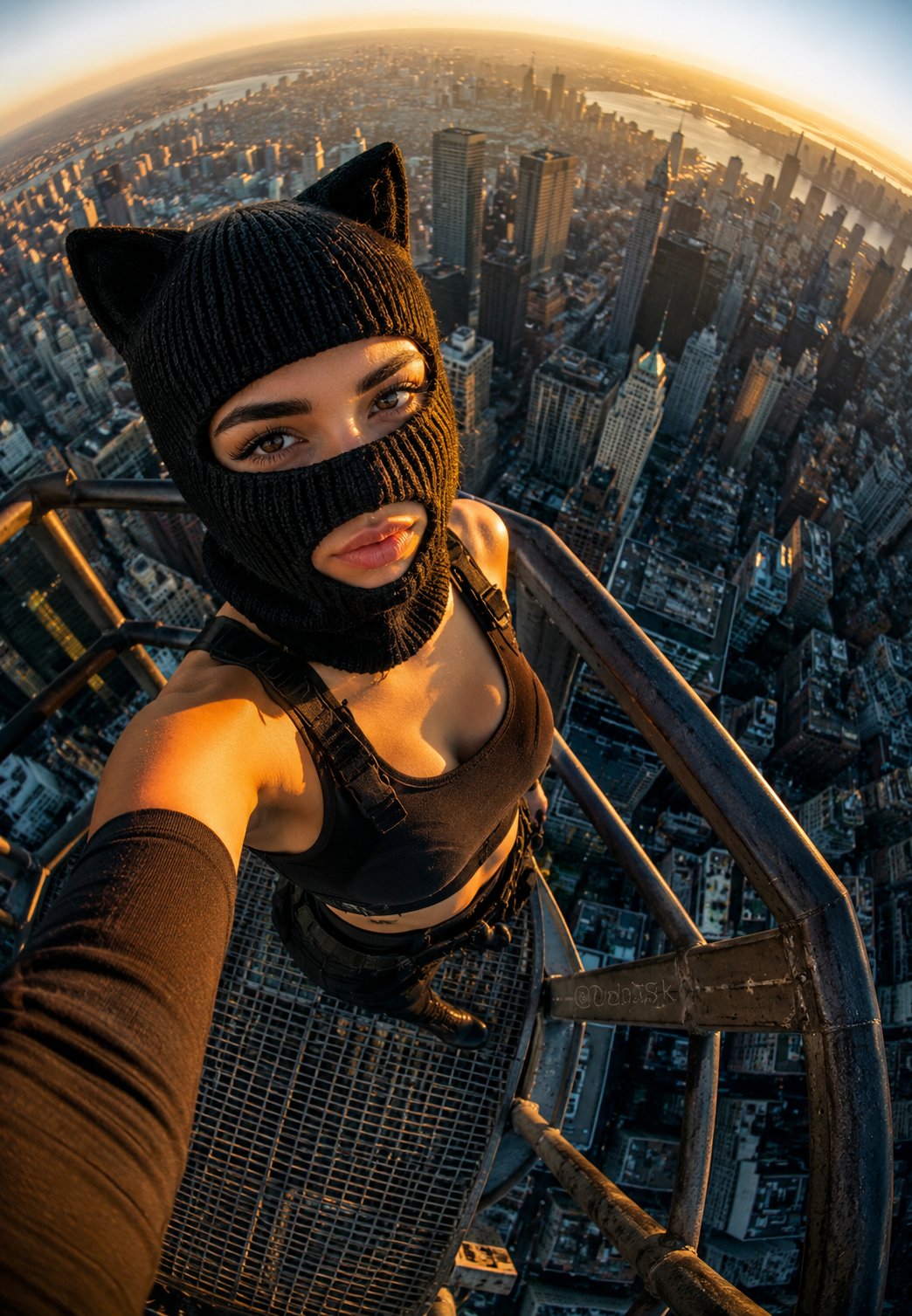
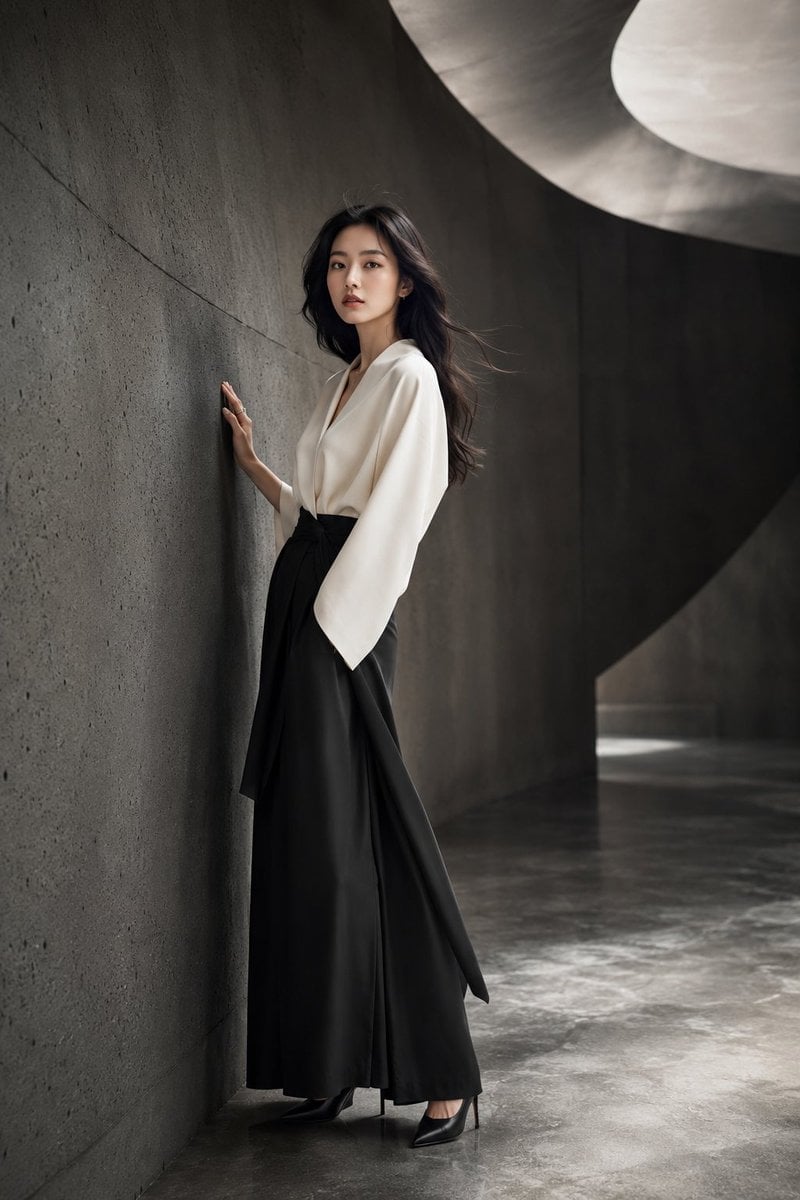
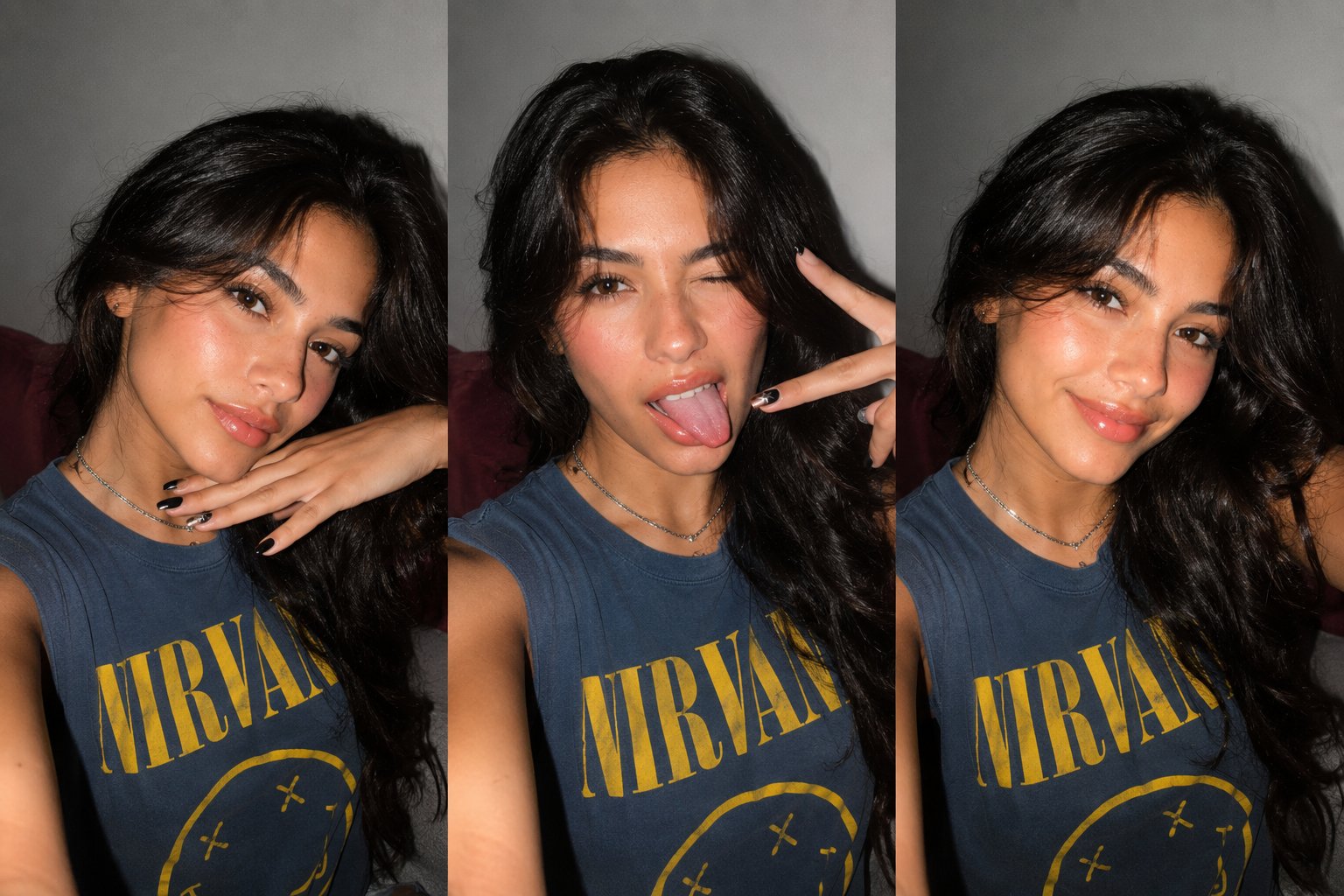
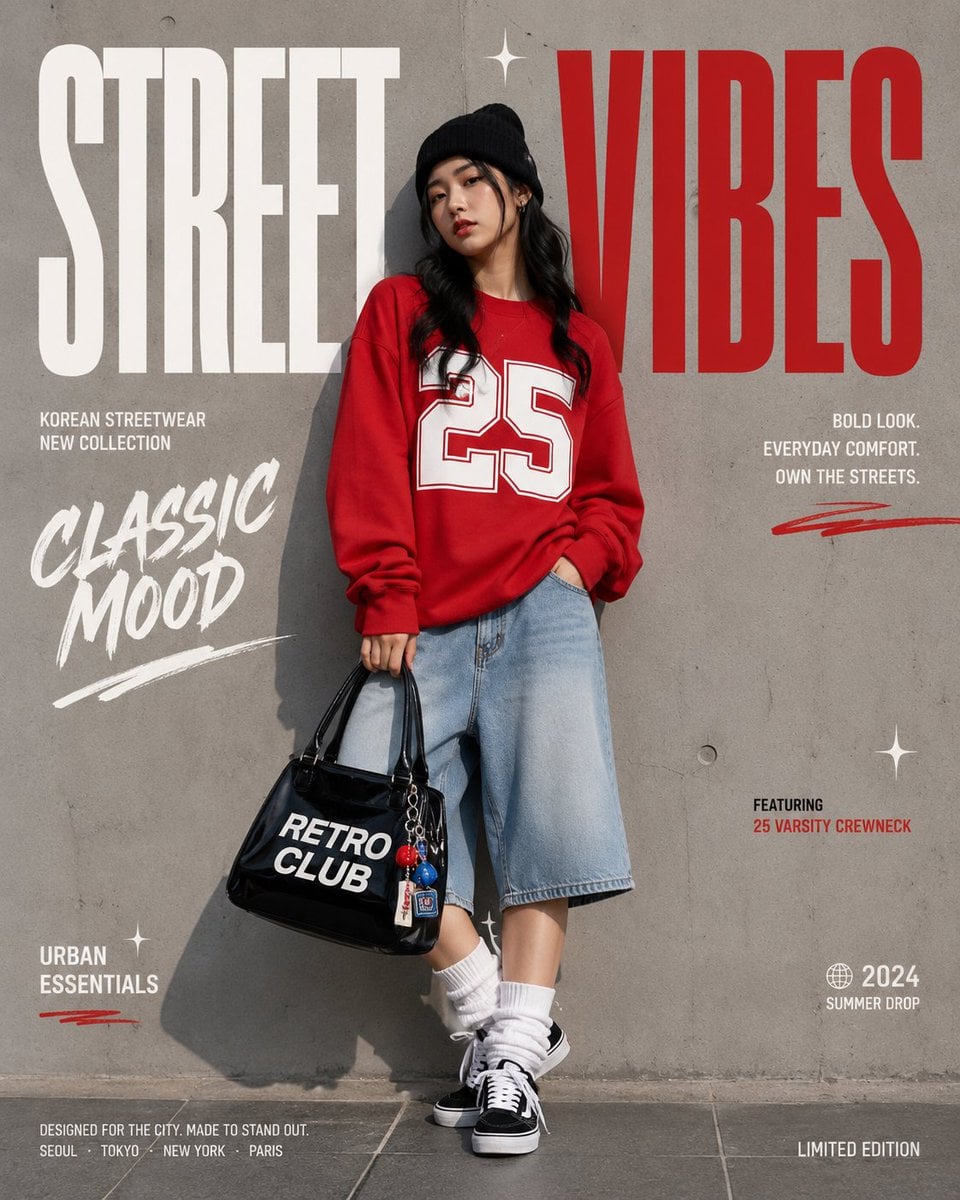
Sunlit Minimalist Morning Selfie is a ready photo look.

{ "scene": "sunlit minimalist bedroom", "subject": "petite young woman with Blonde with red tips hair and fair skin", "pose": "lying on stomach on white bed, legs kicked up behind showcasing her Christian louboutin, chin resting on hands", "action": "playful mirror selfie with phone in both hands, slight pout", "attire": { "top": "oversized black hoodie with detailed gold lining that make the dress look 2d ,hoodie slipping off one shoulder", "bottom": "tiny mini dress barely visible", "accessories": "thin silver with sharp cone necklace" }, "details": { "nails": "glossy baby-pink" }, "background": "fluffy white duvet, soft morning light through sheer curtains", "overall_vibe": "cute lazy morning in bed" }
Edit the prompt in the box under the preview — the template's model and format are already selected — and press Generate. Your version appears right on this page.
Yes. You can change the subject, setting, lighting, mood, format, and available model controls before creating your image.
Opening and editing this template is free. Generating uses credits, shown on the Generate button when you are signed in.
Choose a compatible model in PicX Studio based on the style, speed, and output controls your project needs.
Follow a topic to a crawlable collection of related PicX Studio templates.