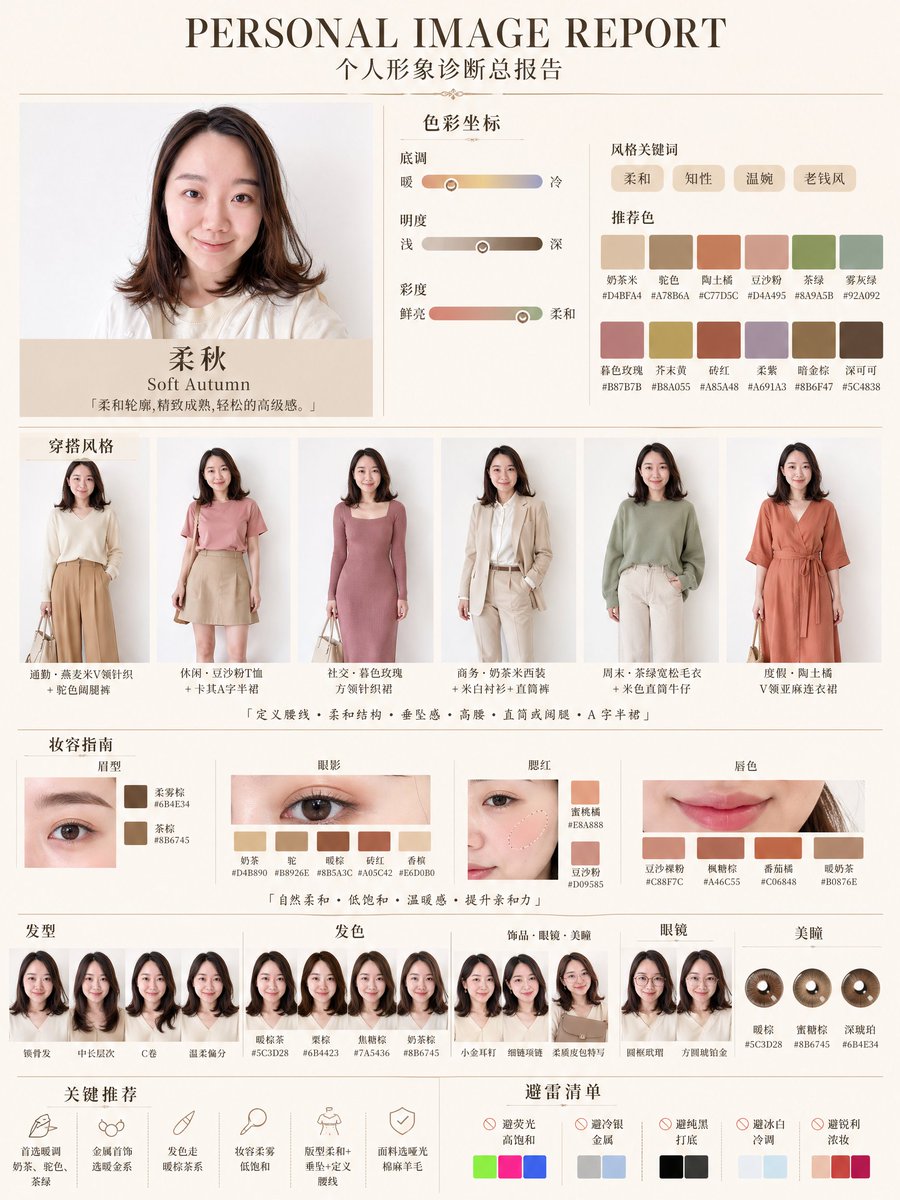
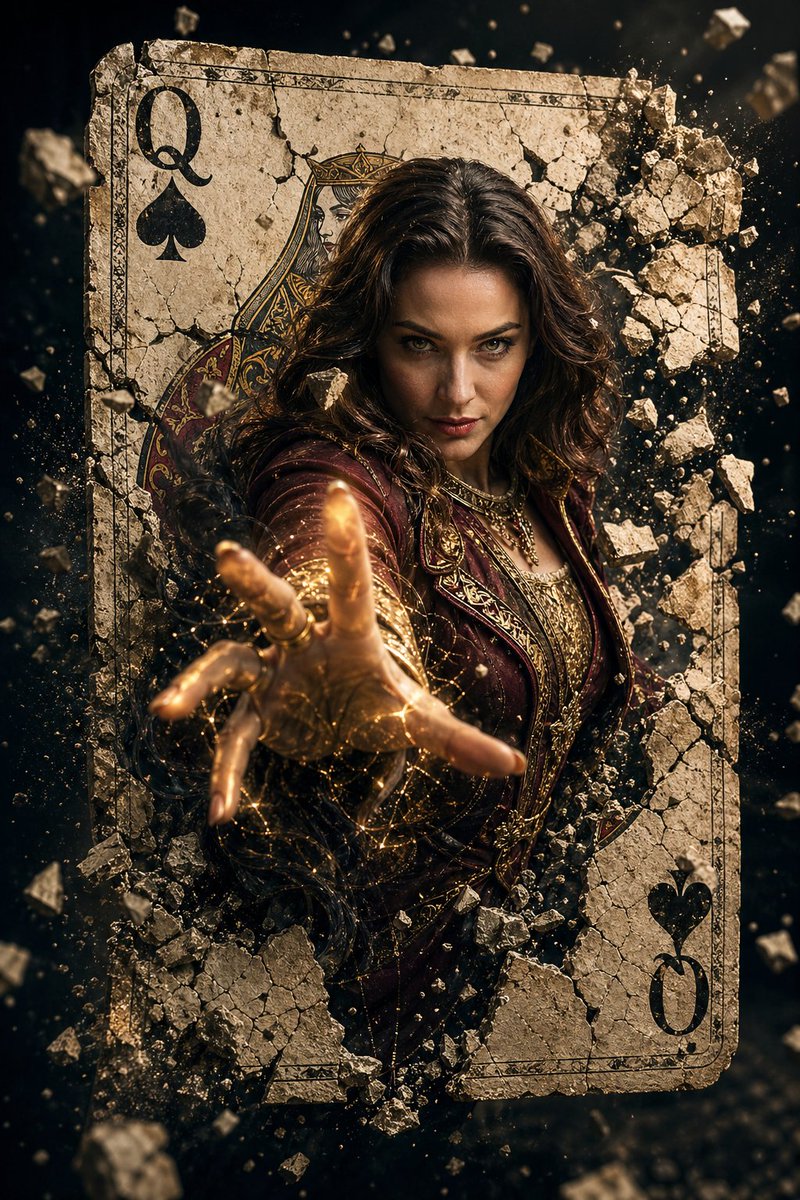
How do I use the Cinematic Action Movie Portrait template?
Choose the primary action to open PicX Studio with the available template settings. Review the model and format, personalize the creative direction, and generate when ready.
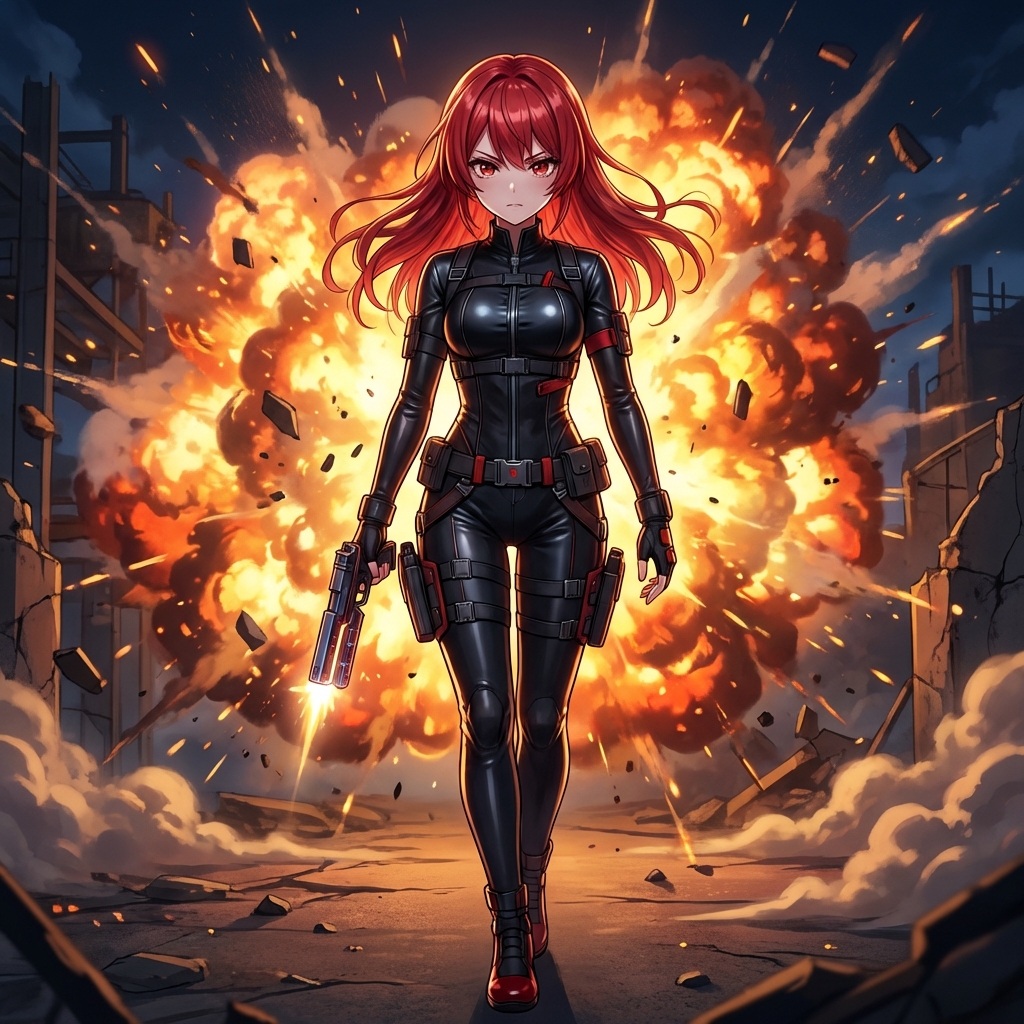
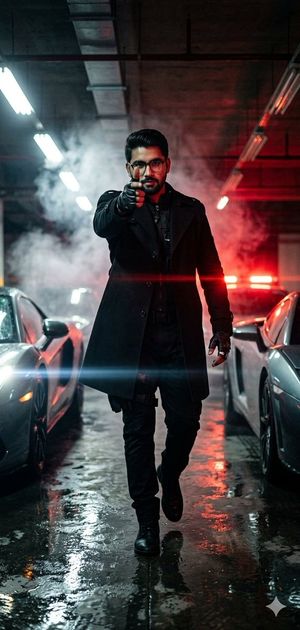
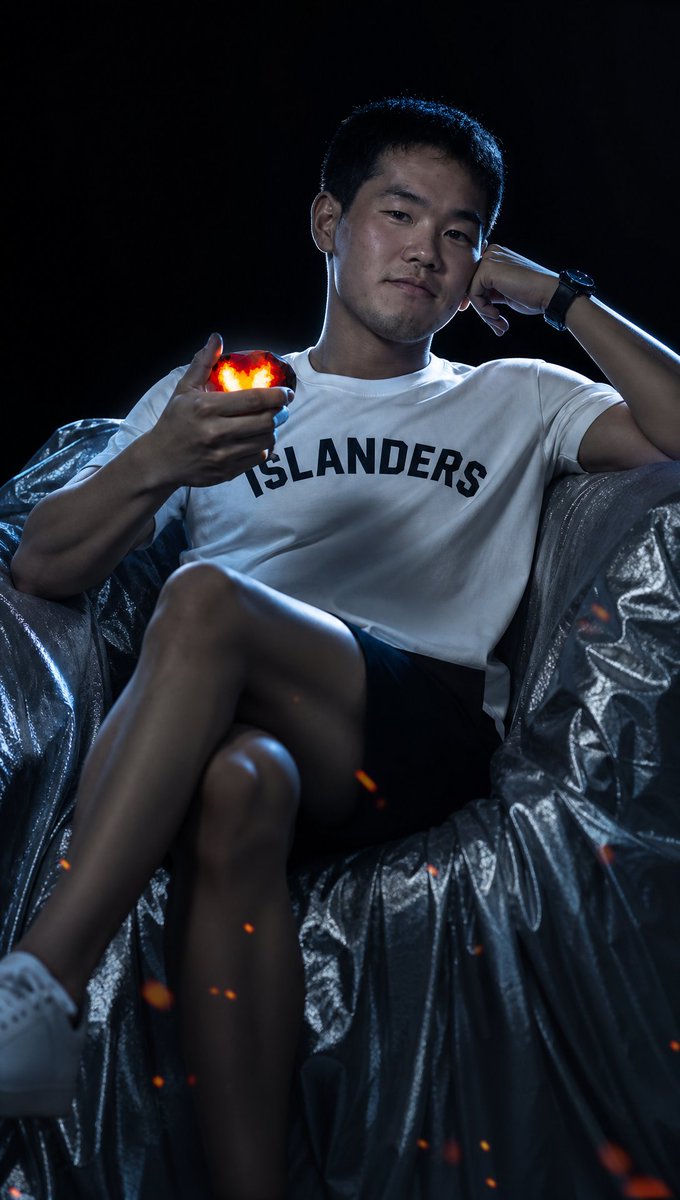
A highly detailed prompt for generating a professional cinematic action movie screenshot with specific lighting and lens characteristics.
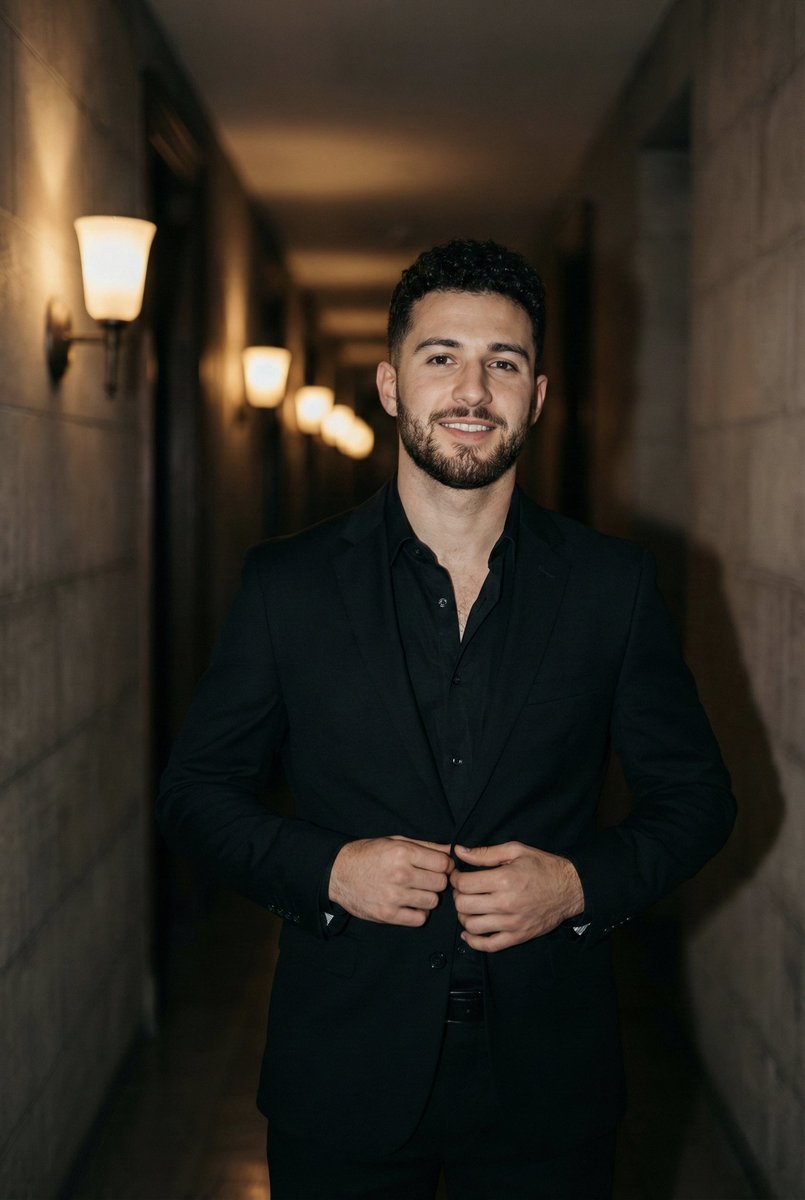
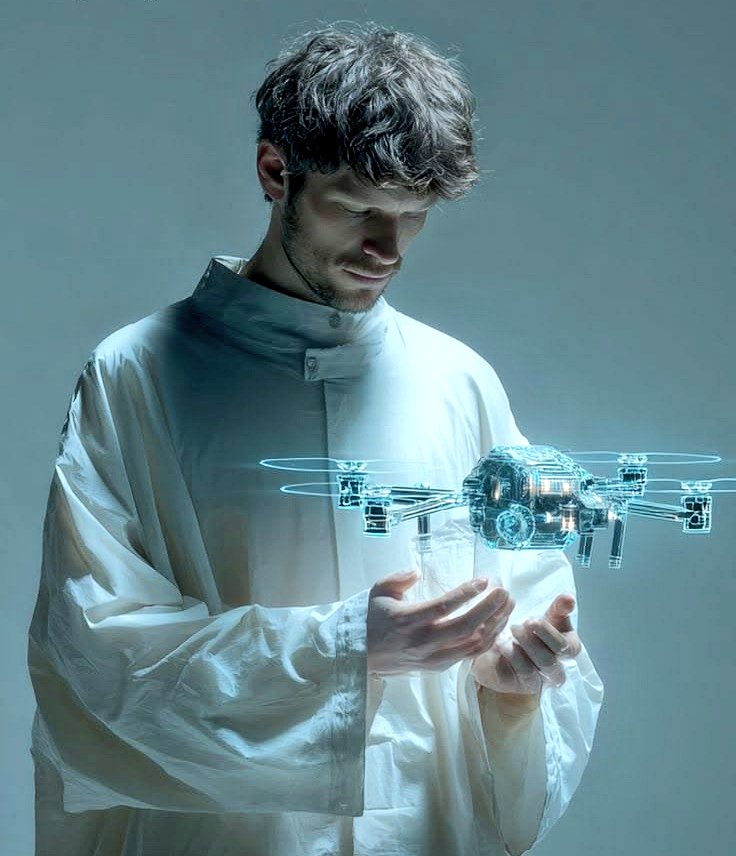
16:9.美國動作電影截圖風格.光源:輪廓光+{argument name="色調" default="冷色調"},陰暗,{argument name="光源色" default="冷藍色"}調光源,low light,dark,dim.{argument name="主体" default="圖1男性"}腰部以上特寫(服裝+臉部特徵需一致),些許的星火火花在前景模糊的空中飄盪.背景是黑色. 以等效 85mm 人像鏡頭 的視覺效果拍攝,景深約類似 f/2.8,臉部五官必須精準銳利對焦。人物髮型必須保留其真實原本の造型、自然髮絲質感與髮量,能清楚看見獨立髮絲。 具有電影感的對比。 採用專業商業人像等級の修圖處理,僅稍微均勻肌膚色澤。不可使用美顏濾鏡,不可呈現人工、塑膠感或明顯の AI 生成質感.
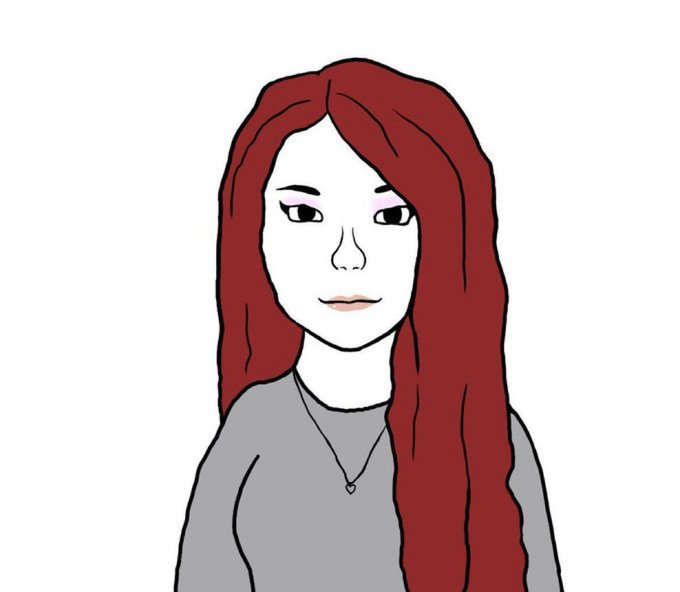
Cinematic Action Movie Portrait needs input media to work. Open it in the studio and these load alongside the prompt — pick whichever ones your chosen model can take.
Choose the primary action to open PicX Studio with the available template settings. Review the model and format, personalize the creative direction, and generate when ready.
Yes. You can change the subject, setting, lighting, mood, format, and available model controls before creating your image.
This template is free to open and customize. Generation usage is shown in PicX Studio before you create.
Start with GPT Image 2, which is the model associated with this template. You can compare another compatible model for a different finish.
Follow a topic to a crawlable collection of related PicX Studio templates.