
Kobe Craft Beer Manga Comic
Creates a five-panel Japanese manga comic of a chibi character discovering Kobe craft beer and tasting restaurant food.
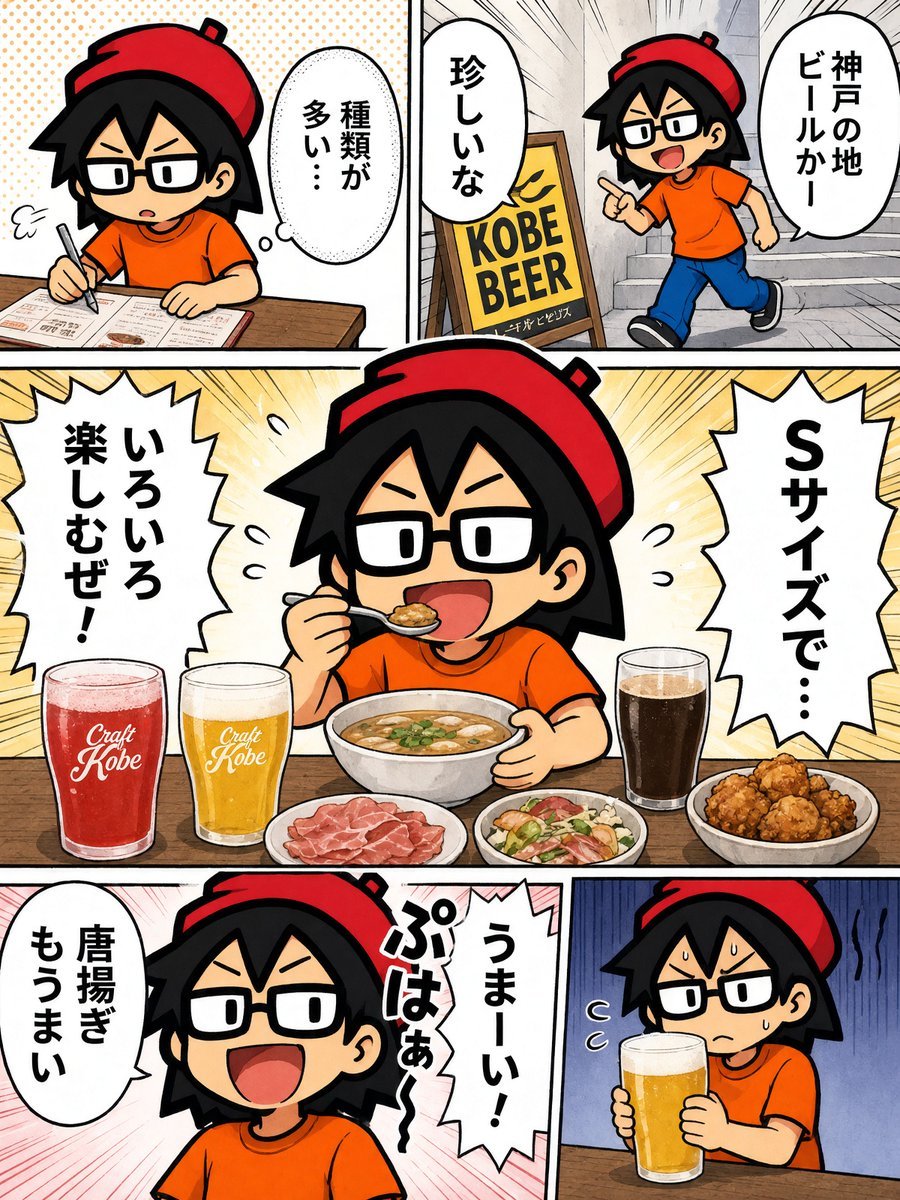
- Prompt included
- Model and format preset
- Free template
The prompt behind this image
Copy the exact prompt behind Kobe Craft Beer Manga Comic, or open it in the studio and make it yours.
Goal: Create a colorful Japanese manga-style food review comic about a chibi character visiting a Kobe craft beer restaurant and enjoying small-size tasting portions. Canvas: Vertical 3:4 comic page, bold black panel borders, bright saturated colors, clean digital manga line art, halftone dots and speed-line backgrounds, expressive chibi proportions. The main character is {argument name="character name" default="a chibi black-haired boy with rectangular glasses"}, wearing {argument name="outfit" default="a red beret, orange T-shirt, blue jeans, and black sneakers"}. Use thick outlines, exaggerated facial expressions, and readable Japanese speech bubbles. Layout: Use exactly 5 comic panels. 1. Top-left panel: The character sits at a wooden restaurant table studying a menu and writing with a pen, looking serious and slightly confused. Add one oval speech bubble reading 「種類が多い…」. 2. Top-right panel: The character walks up a narrow exterior stairway beside a standing yellow signboard that reads “KOBE BEER” with small Japanese text beneath it. The character points excitedly. Add two speech bubbles reading 「神戸の地ビールかー」 and 「珍しいな」. 3. Large center panel spanning the width: The character sits at a wooden table eating from a bowl with a spoon, smiling widely. Show exactly 5 food and drink items on the table: a red craft beer glass labeled “Craft Kobe,” a golden craft beer glass labeled “Craft Kobe,” a bowl of soup or stew, a plate of sliced prosciutto, a small salad plate, and a plate of fried chicken karaage. Add two jagged manga burst speech bubbles reading 「いろいろ楽しむぜ!」 and 「Sサイズで…」. Use a warm yellow radial burst background. 4. Bottom-left panel: Close-up of the happy character laughing with a pink speed-line background. Add two speech bubbles, one oval reading 「唐揚ぎもうまい」 and one jagged reading 「うまーい!ぷはぁ〜」. 5. Bottom-right panel: The character nervously holds a large golden beer glass with foam, sweating slightly, seated at the table with a dark blue uneasy background and wavy stress lines. No extra dialogue except small sweat/emotion marks. Text content: Preserve all Japanese text exactly as written, including 「種類が多い…」, 「神戸の地ビールかー」, 「珍しいな」, 「いろいろ楽しむぜ!」, 「Sサイズで…」, 「唐揚ぎもうまい」, and 「うまーい!ぷはぁ〜」. The beer sign must say {argument name="beer sign text" default="KOBE BEER"}. The glass labels must say {argument name="glass label text" default="Craft Kobe"}. Visual style: Playful shonen manga restaurant report, crisp inked outlines, white speech balloons with black Japanese lettering, energetic panel composition, appetizing food illustration, cozy wooden tabletop details, lively but not photorealistic. Constraints: Use exactly 5 panels, exactly 7 Japanese speech bubbles across the comic, and the listed visible food/drink arrangement. Do not add extra menu writing beyond small unreadable marks, do not add additional characters, and avoid photorealism.
How to use Kobe Craft Beer Manga Comic in 3 steps
- 1Upload ImagePNG, JPG or paste
Add your photo
Upload the photo the template builds on. The prompt, model and format are already set.
- 2…a portrait of your subject in softgolden-hour light, 85mm…
Personalize
Edit the subject and creative details for your destination.
- 3Generate
Generate
Press Generate — your image is created in PicX Studio, so you can compare it with the original and refine one variable at a time.
More like this
Templates with the same subject, style or setup. Open one to see its prompt.
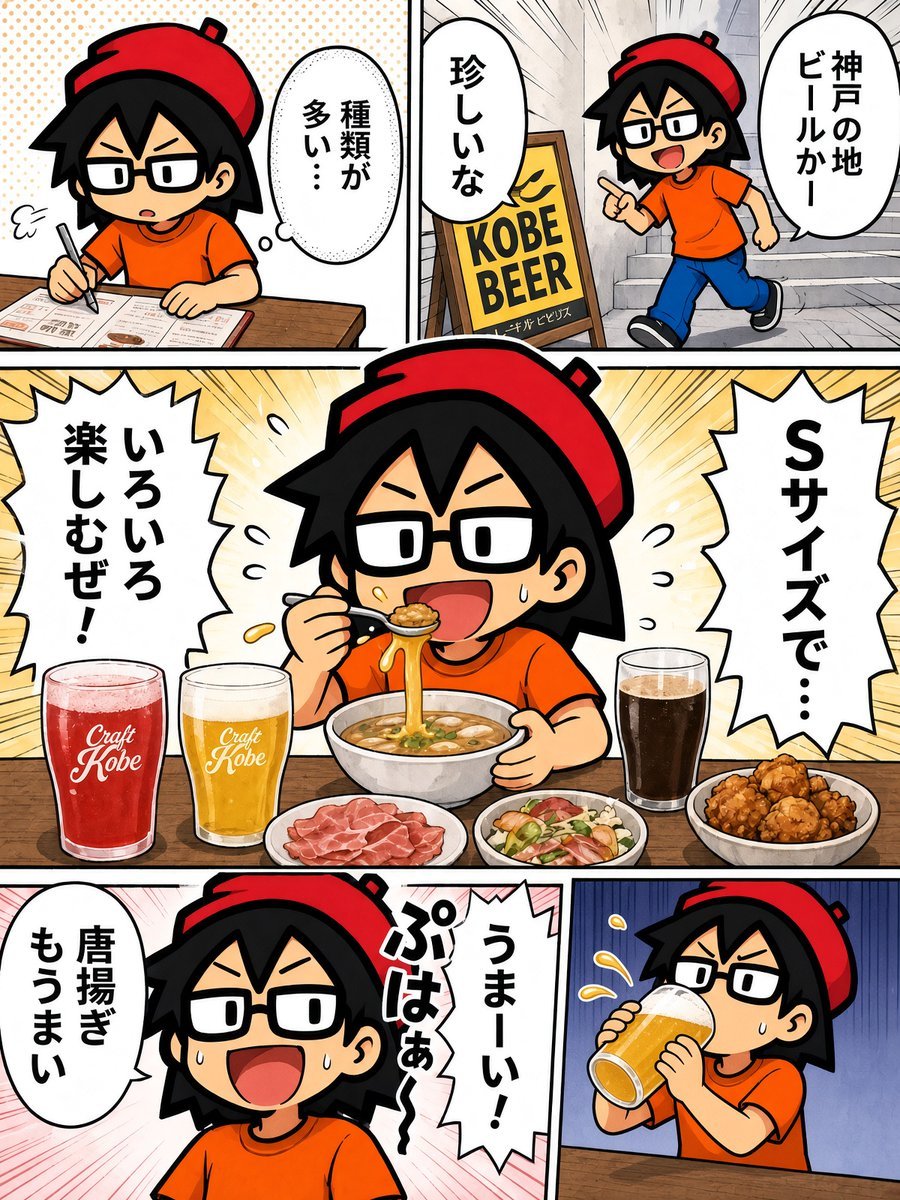
Chibi Kobe Beer Manga Page
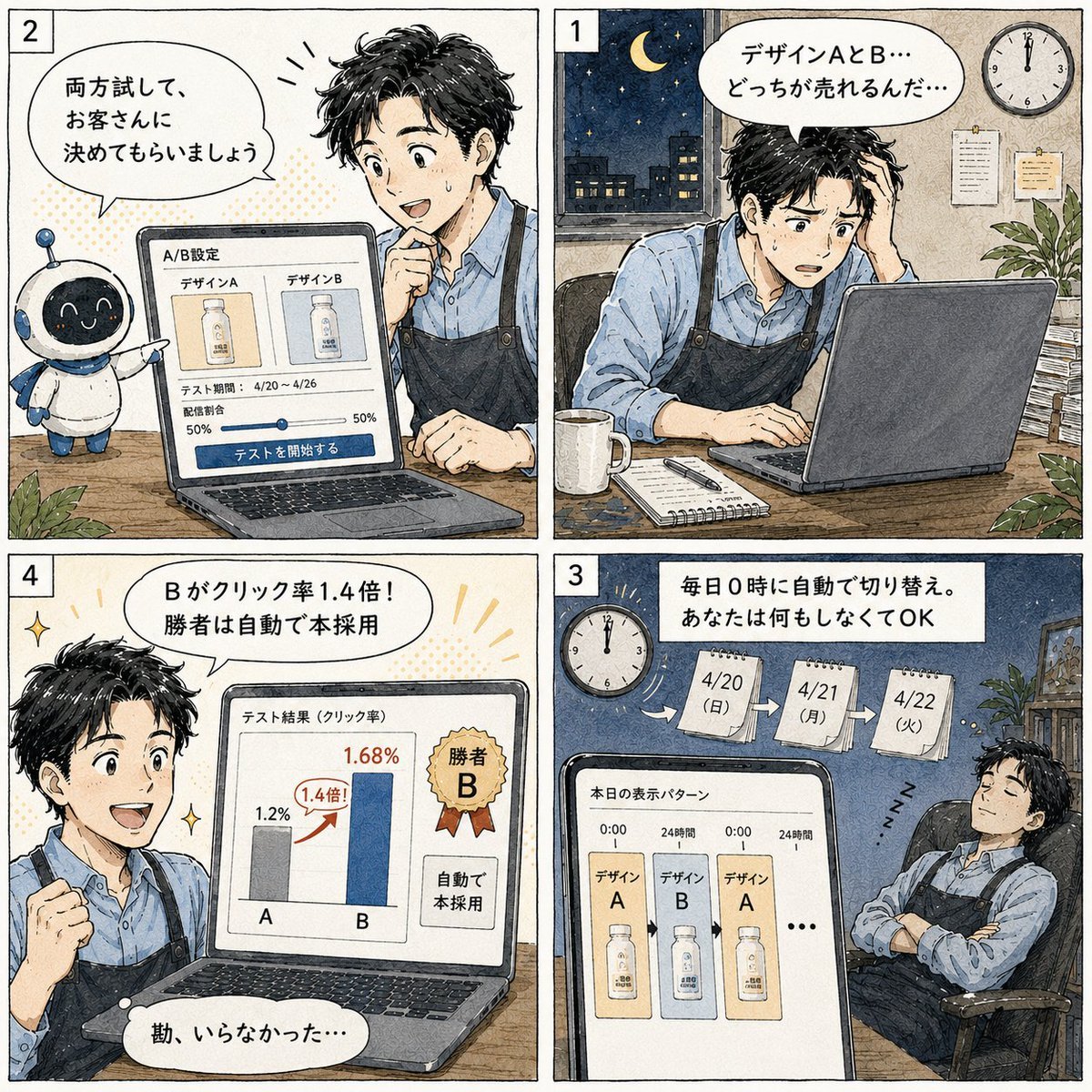
Japanese Manga A/B Testing Comic

Cute AI Manga Lesson Comic Page
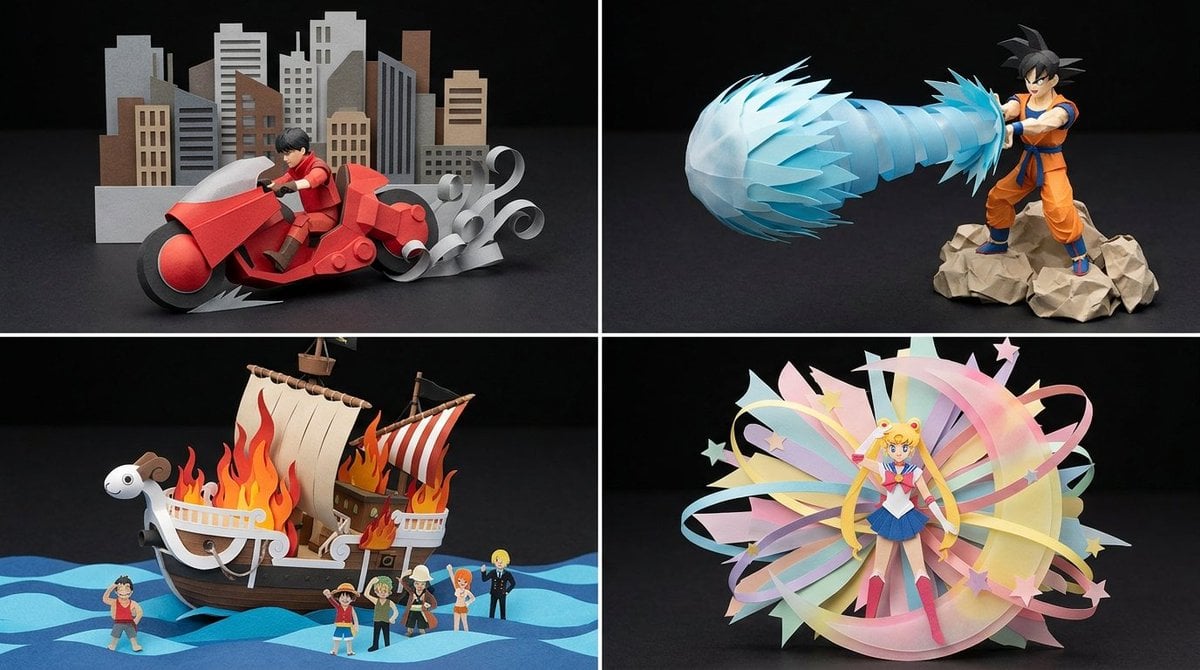
Origami Manga Paper Craft Style

Paper Cut Finale Fireworks

Paper Cut Garden Maze

Paper Cut Rooftop Concert

Paper Cut Bicycle Coast

Paper Cut Castle Gate

Paper Cut Kitchen Chaos

Paper Cut Carnival Ride

Paper Cut Rainy Bus Stop
Make it yours
Kobe Craft Beer Manga Comic works as-is. These are the safest ways to change it without losing the look.
Change one field
Copy a single group, rewrite it, and generate again so you can see what that field is doing.
Keep the frame, change the subject
Hold the composition and light of Kobe Craft Beer Manga Comic, then swap wardrobe, props or the person for a new take.
| If the result… | Why | Fix |
|---|---|---|
| The result drifts from the preview | Too many fields changed at once. | Reuse Kobe Craft Beer Manga Comic as-is first, then change one group — subject, light, or setting. |
| The model over-stylizes the scene | The prose prompt leaves finish and camera underspecified. | Add one camera or lighting sentence and stay on GPT Image 2. |
More GPT Image 2 templates
Other prompts made for GPT Image 2.

Six VTuber Japanese Logo Sheet

Realistic Portrait of Woman and Deer

The Vista Modular Condo Poster

AI Model Routing Comparison Infographic

2.5D Anime Art Board

Isometric Productivity Desk Scene

New York Double Exposure Poster

Four-Panel AI Landscape Comparison

Japanese Tatami Lifestyle Magazine Cover

NESCAFÉ Coffee Map Poster
More image prompts
Fresh picks from across the catalog.
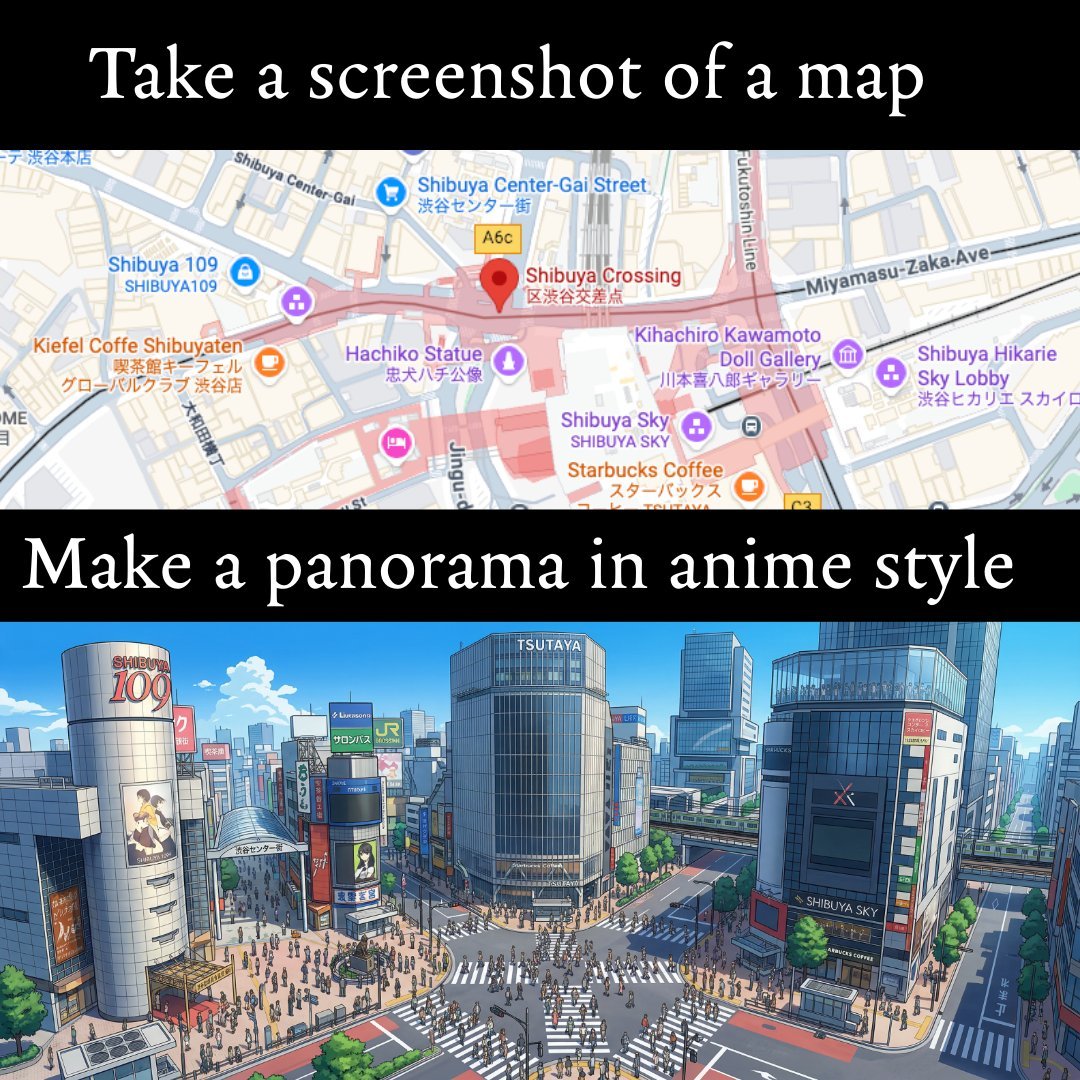
The Coolest Use Case for Ai Animation I
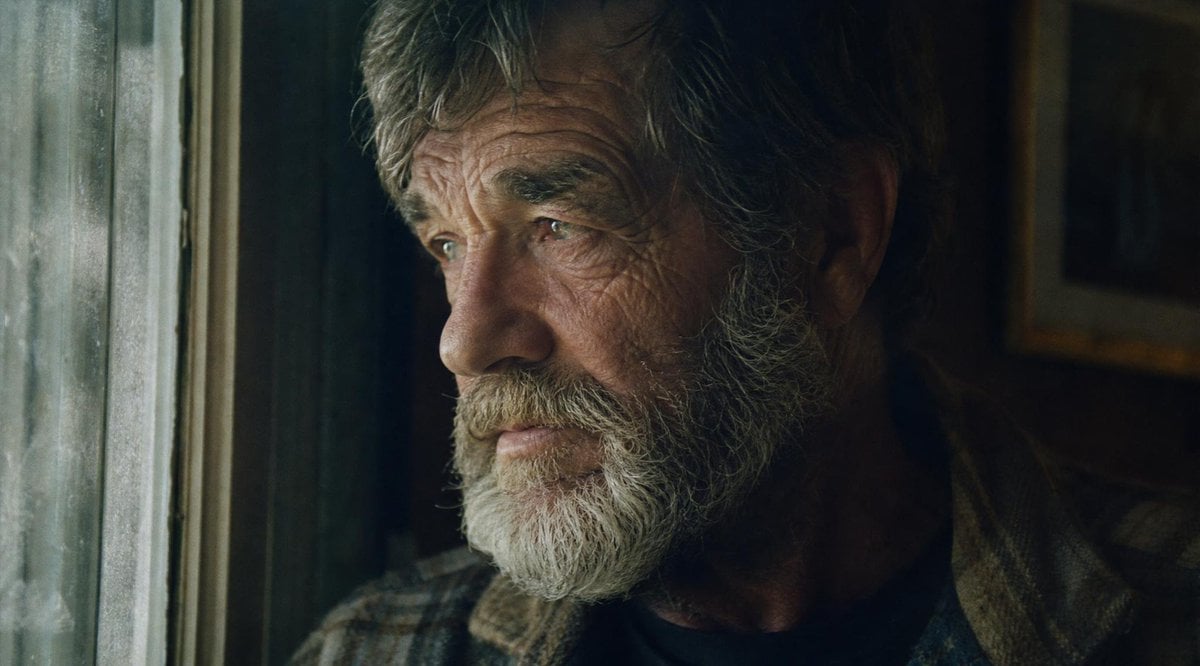
Moody Censored Film Portrait
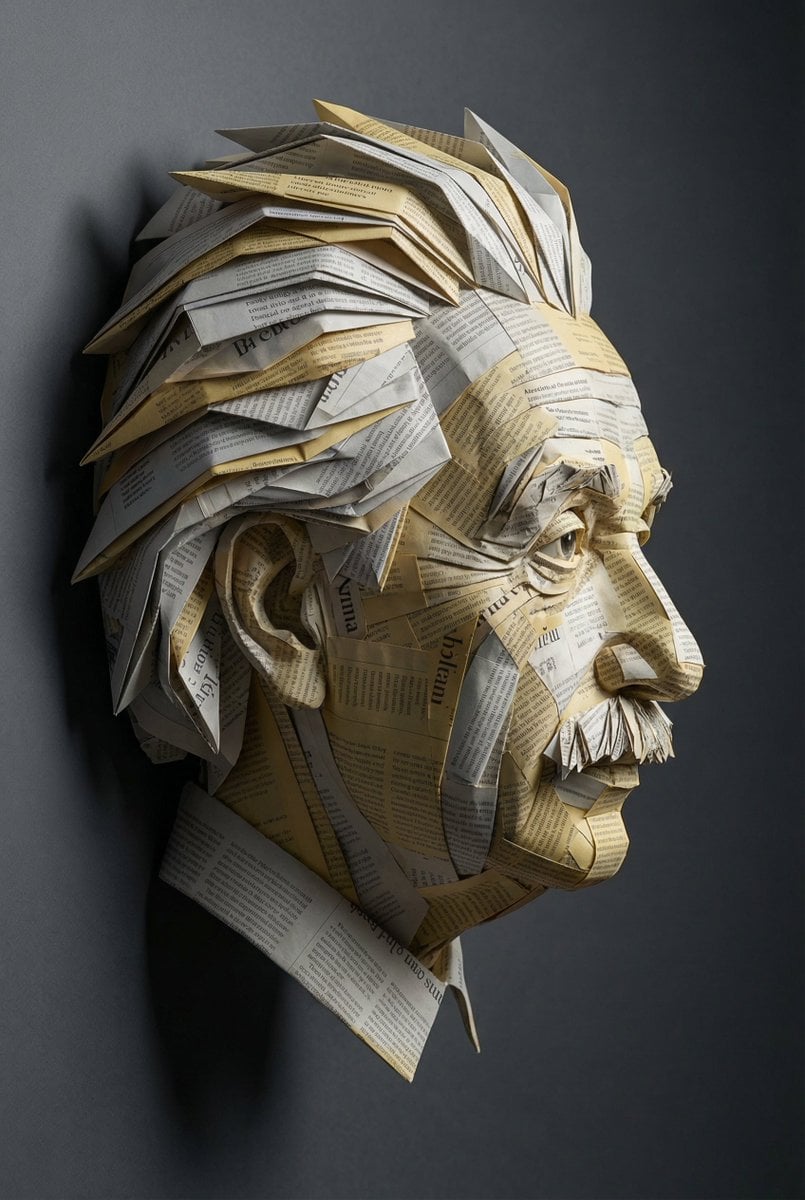
Surreal Einstein Paper Sculpture Photography Prompt
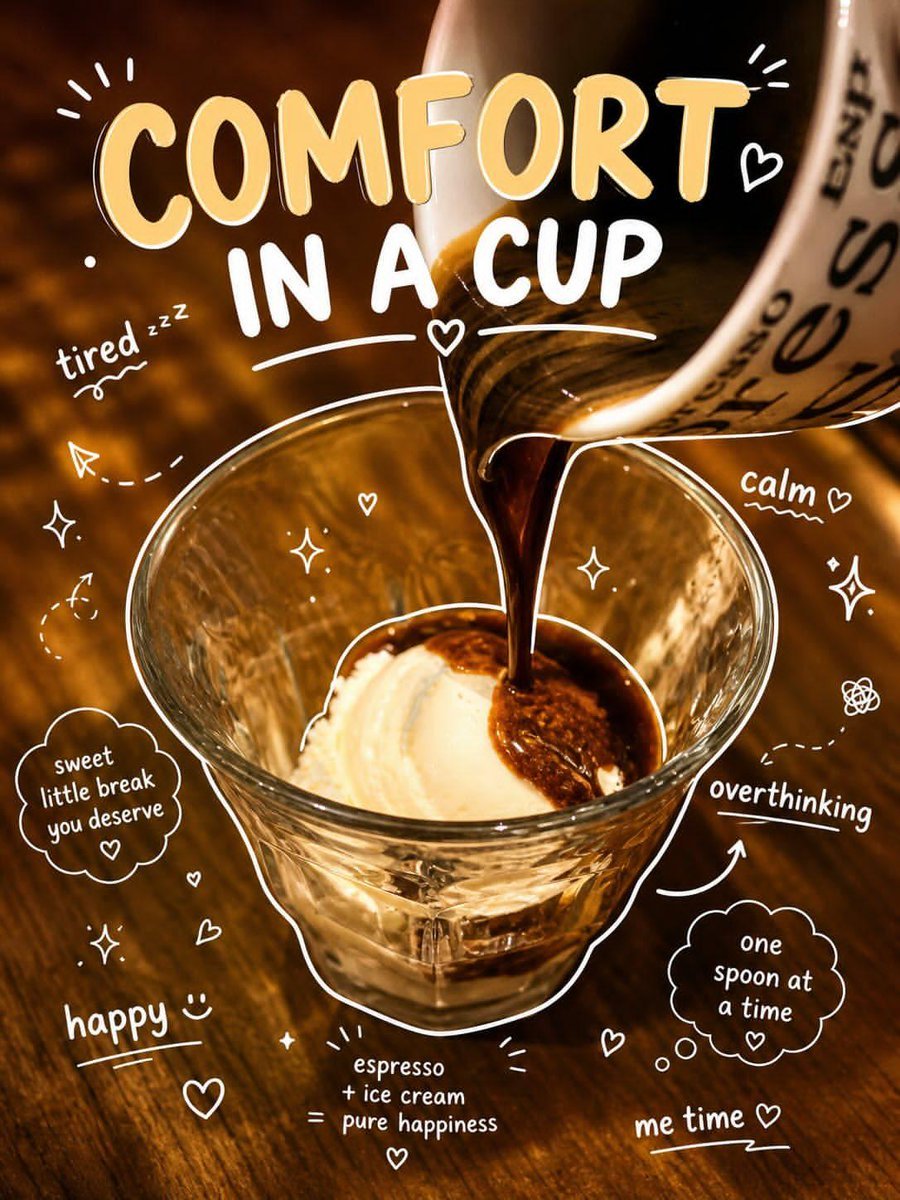
Affogato Dessert Photography
Cozy Bedroom Selfie Prompt (Lying Prone)
Unfiltered, Candid Bedroom Selfie Simulation
Detailed JSON-structured image generation prompt for a relaxed luxury portrait
Cinematic Portrait with Dynamic Wind Motion
Deep Black Skin Selfie Portrait Prompt
Cinematic Boy and Miniature Version
Browse template categories
Kobe Craft Beer Manga Comic questions
How do I use the Kobe Craft Beer Manga Comic template?
Add your photo if the template asks for one, edit the prompt if you like — the template's model and format are already selected — and press Generate. Your version opens in PicX Studio.
Can I customize the Kobe Craft Beer Manga Comic template?
Yes. You can change the subject, setting, lighting, mood, format, and available model controls before creating your image.
Is the Kobe Craft Beer Manga Comic template free?
Opening and editing this template is free. Generating uses credits, shown on the Generate button when you are signed in.
Which AI model should I use?
Start with GPT Image 2, which is the model associated with this template. You can compare another compatible model for a different finish.
Looking for something else? Browse all templates.

Your photo, any look
Thousands of ready templates for every top image and video model, from one credit balance.