
Chibi Kobe Beer Manga Page
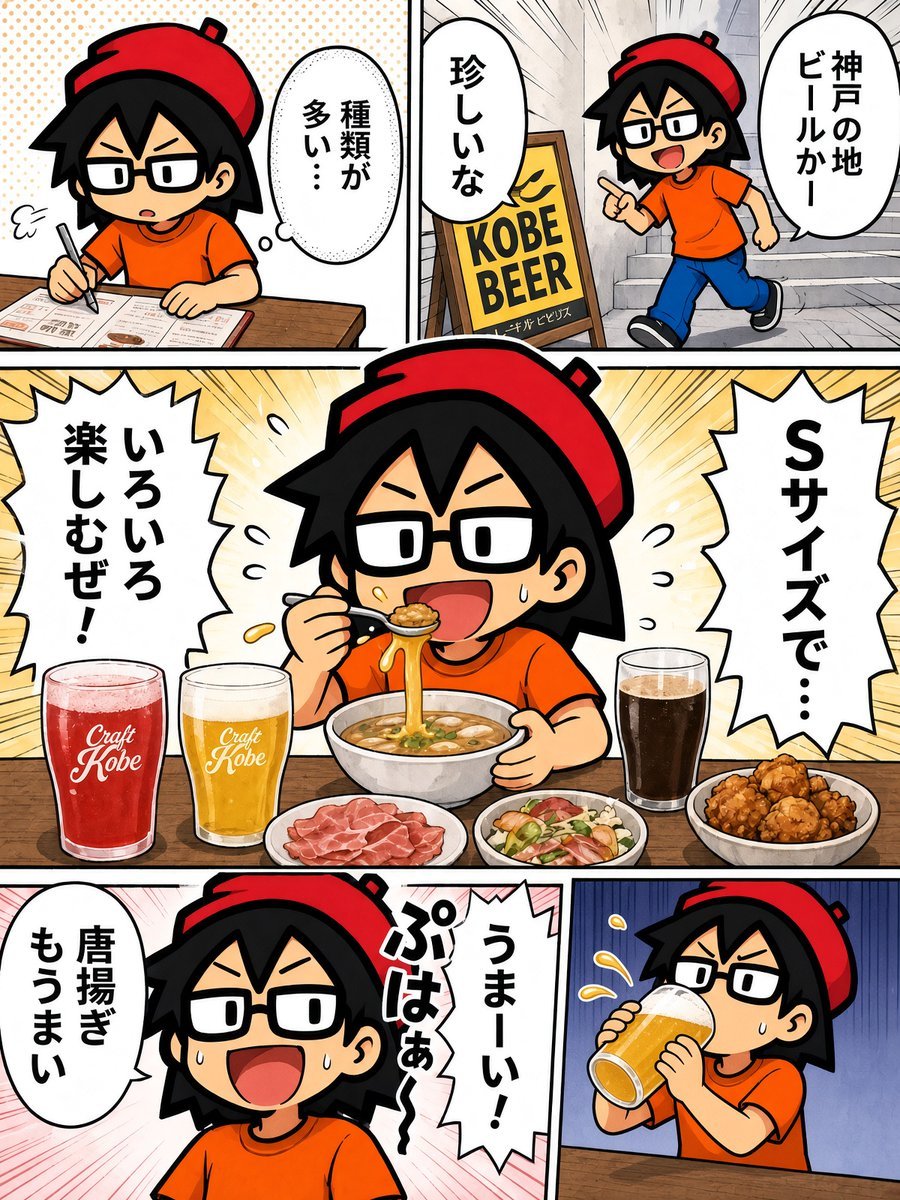
Generates a five-panel Japanese manga page featuring a chibi character discovering Kobe craft beer, eating ramen and fried chicken, and drinking beer happily.
- Prompt included
- Model and format preset
- Free template
The prompt behind this image
Copy the exact prompt behind Chibi Kobe Beer Manga Page, or open it in the studio and make it yours.
Goal: Create a colorful Japanese manga page about a chibi character enjoying Kobe beer and food, in a bold anime comic style with thick black outlines, expressive speed lines, halftone textures, and clean digital coloring. Canvas: Vertical 3:4 manga page, approximately 768 x 1024, divided by thick black gutters into exactly 5 panels: 2 small panels across the top row, 1 large full-width centerpiece panel in the middle, and 2 panels across the bottom row. Character details: Use one recurring chibi manga character in all 5 panels: a small youthful person with spiky black hair, rectangular black glasses, a bright red beret tilted backward, an orange T-shirt, expressive eyebrows, and exaggerated open-mouth reactions. Keep the character consistent across panels. Panel count and layout: 1. Top-left panel: the character sits at a wooden table studying a menu or checklist with a pen, looking serious and slightly overwhelmed. Add a small sigh puff near the face and one oval speech bubble containing {argument name="top left bubble text" default="種類が多い…"}. 2. Top-right panel: the character runs excitedly through a narrow street or alley with stairs in the background. Place a yellow sidewalk sign reading “KOBE BEER” in large black letters. Include two speech bubbles: one vertical bubble containing {argument name="top right large bubble text" default="神戸の地ビールかー"} and one smaller bubble containing “珍しいな”. 3. Center large panel: the character sits at a table joyfully eating ramen with chopsticks, pulling up long noodles from a steaming bowl, smiling wide with sweat drops of excitement. Around the bowl are exactly 4 visible food/drink groups: a red craft beer glass labeled “Craft Kobe”, a golden craft beer glass labeled “Craft Kobe”, a tall dark beer glass, and three food plates consisting of sliced meat, a small salad, and fried chicken pieces. Use a radiant yellow burst background. Add two jagged speech balloons: left balloon contains {argument name="center left bubble text" default="いろいろ楽しむぜ!"}; right balloon contains {argument name="center right bubble text" default="Sサイズで…"}. 4. Bottom-left panel: close-up of the character grinning with mouth wide open, satisfied and excited, with pink speed lines in the background. Add two speech bubbles: one oval bubble containing “唐揚ぎもうまい” and one jagged bubble containing {argument name="bottom left jagged bubble text" default="うまーい!ぷはぁ〜"}. 5. Bottom-right panel: the character drinks a large foamy beer from a tilted glass with both hands, cheeks slightly puffed, sweat drop on the face, blue vertical speed-line background, wooden tabletop at the bottom. Show splashes or foam droplets near the glass. Visual style: Cute chibi Japanese comic, high-energy food manga expression, bold black panel borders, crisp line art, saturated colors, playful exaggerated typography in speech bubbles, no realism, no watermark, no extra panels, no extra characters.
How to use Chibi Kobe Beer Manga Page in 3 steps
- 1Upload ImagePNG, JPG or paste
Add your photo
Upload the photo the template builds on. The prompt, model and format are already set.
- 2…a portrait of your subject in softgolden-hour light, 85mm…
Personalize
Edit the subject and creative details for your destination.
- 3Generate
Generate
Press Generate — your image is created in PicX Studio, so you can compare it with the original and refine one variable at a time.
More like this
Templates with the same subject, style or setup. Open one to see its prompt.
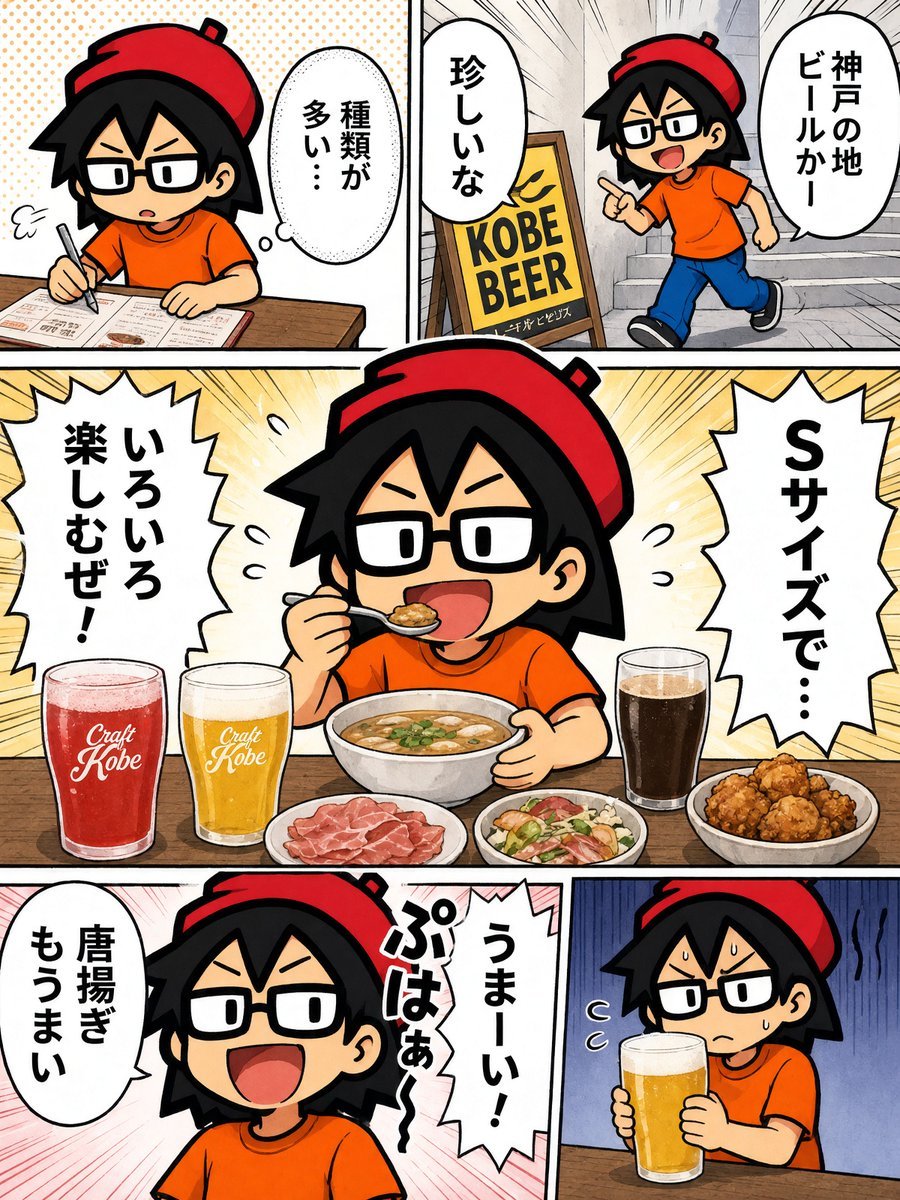
Kobe Craft Beer Manga Comic

Lazy Day Chibi Manga Page

Quiet Hamster Manga Page

Late-Night Hamster Manga Page

Surreal Noir Hamster Manga Page

Shojo Horror Manga Corridor Page

Cute AI Manga Lesson Comic Page

Hamster Summons Sol Manga Page

Overwhelmed Coding Manga Page

Fantasy Wagashi Manga Cooking Page

Sunny Seaside Anime Manga Page

Cute Layered Paper Cut Chibi Girl
Make it yours
Chibi Kobe Beer Manga Page works as-is. These are the safest ways to change it without losing the look.
Change one field
Copy a single group, rewrite it, and generate again so you can see what that field is doing.
Keep the frame, change the subject
Hold the composition and light of Chibi Kobe Beer Manga Page, then swap wardrobe, props or the person for a new take.
| If the result… | Why | Fix |
|---|---|---|
| The result drifts from the preview | Too many fields changed at once. | Reuse Chibi Kobe Beer Manga Page as-is first, then change one group — subject, light, or setting. |
| The model over-stylizes the scene | The prose prompt leaves finish and camera underspecified. | Add one camera or lighting sentence and stay on GPT Image 2. |
More GPT Image 2 templates
Other prompts made for GPT Image 2.

Six VTuber Japanese Logo Sheet

Realistic Portrait of Woman and Deer

The Vista Modular Condo Poster

AI Model Routing Comparison Infographic

2.5D Anime Art Board

Isometric Productivity Desk Scene

New York Double Exposure Poster

Four-Panel AI Landscape Comparison

Japanese Tatami Lifestyle Magazine Cover

NESCAFÉ Coffee Map Poster
More image prompts
Fresh picks from across the catalog.
Generating Multiple Runnable Modes/States
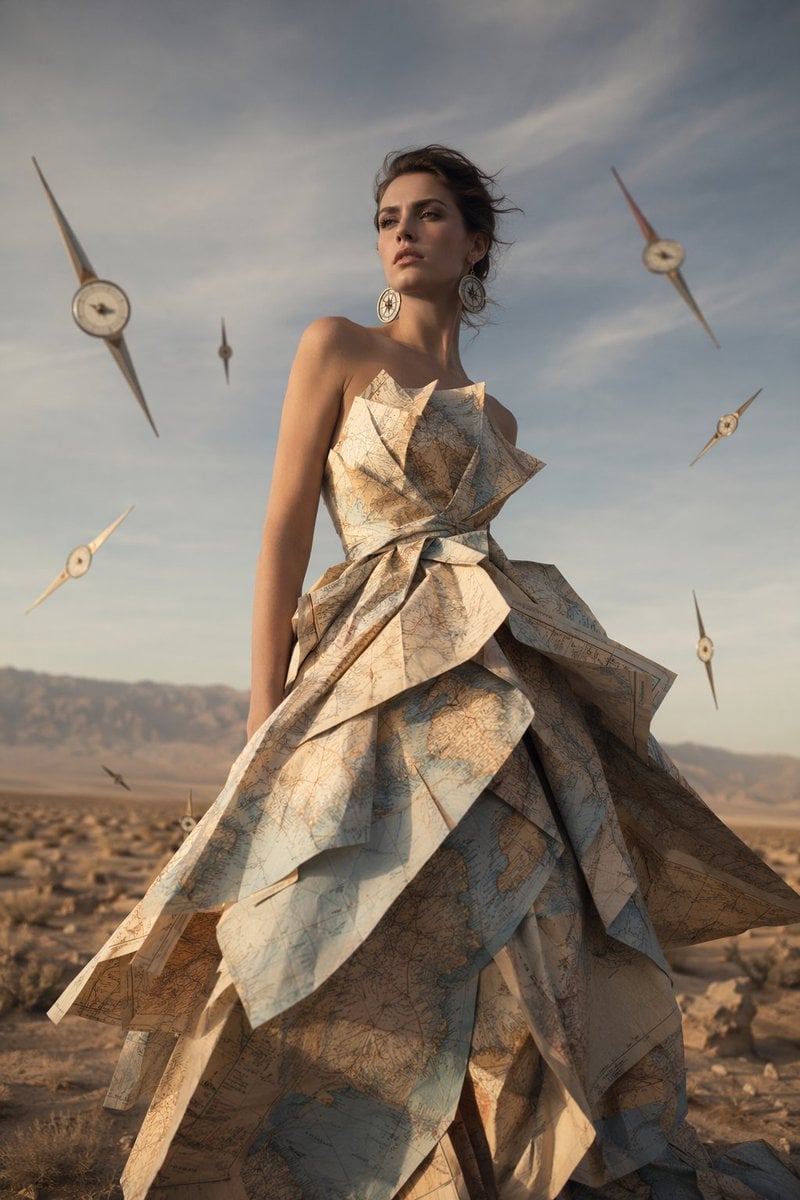
Surreal Map Dress Fashion Editorial

Surreal Violet Sports Ad Poster
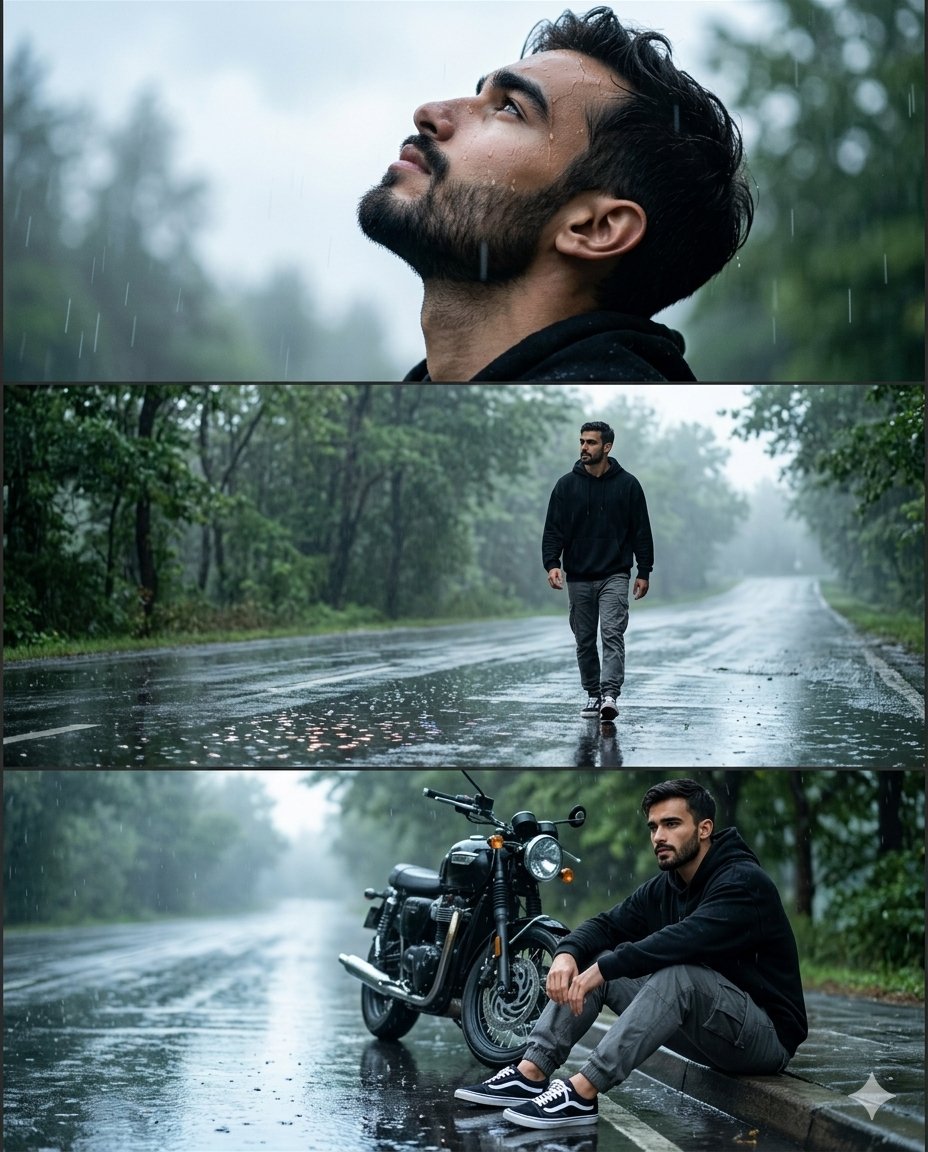
Rainy Road Cinematic Collage
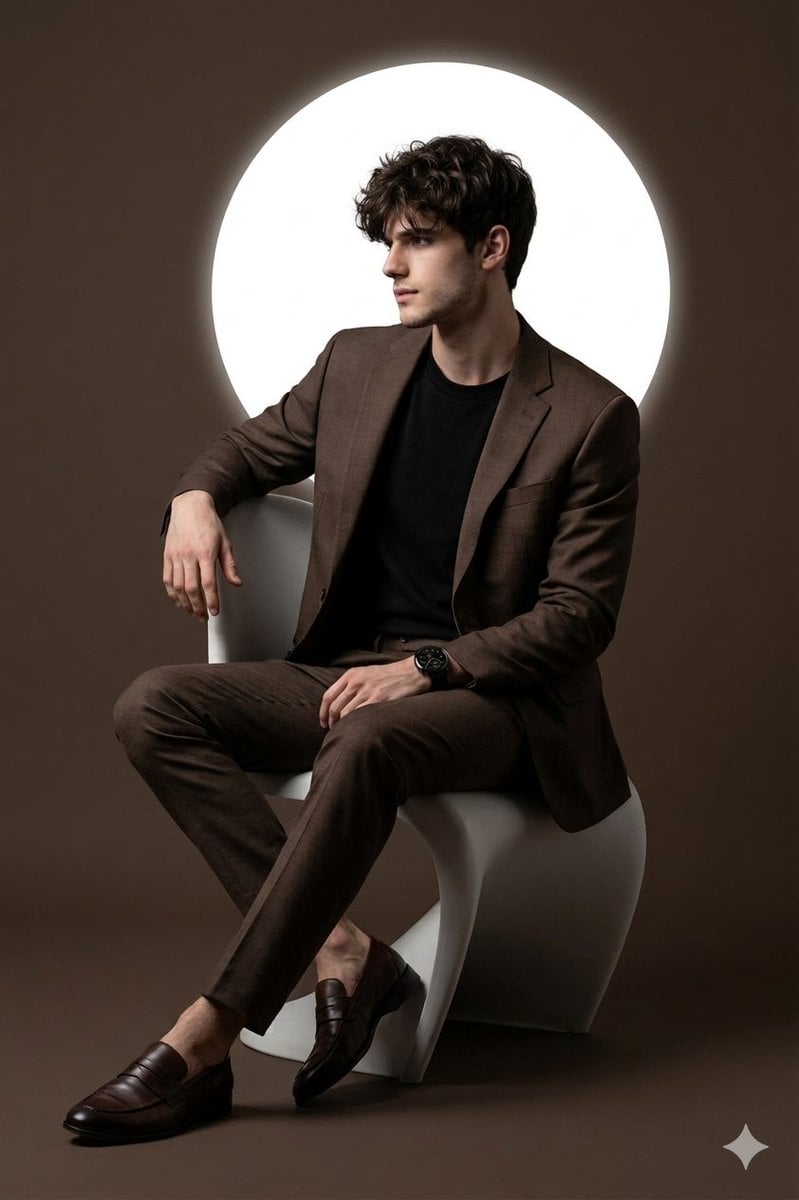
Cinematic Studio Portrait with Reference Photo Consistency

Hyper-Real Influencer Portrait with Extreme Contrapposto

Candid Train Photo to Studio Portrait
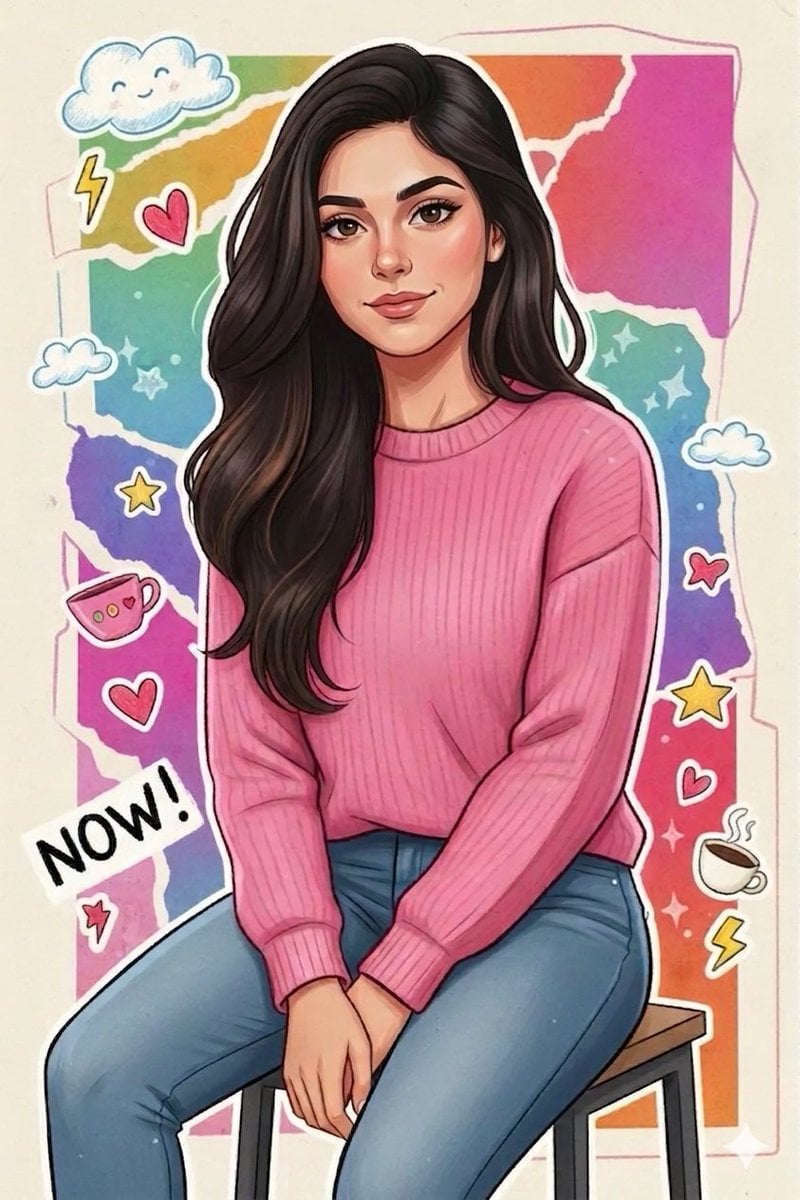
Sticker Art Style - Rainbow Girl

Luxury Fashion Editorial Collage on Modern Staircase (Duplicate)

Cinematic Editorial Male Portrait
Browse template categories
Chibi Kobe Beer Manga Page questions
How do I use the Chibi Kobe Beer Manga Page template?
Add your photo if the template asks for one, edit the prompt if you like — the template's model and format are already selected — and press Generate. Your version opens in PicX Studio.
Can I customize the Chibi Kobe Beer Manga Page template?
Yes. You can change the subject, setting, lighting, mood, format, and available model controls before creating your image.
Is the Chibi Kobe Beer Manga Page template free?
Opening and editing this template is free. Generating uses credits, shown on the Generate button when you are signed in.
Which AI model should I use?
Start with GPT Image 2, which is the model associated with this template. You can compare another compatible model for a different finish.
Looking for something else? Browse all templates.

Your photo, any look
Thousands of ready templates for every top image and video model, from one credit balance.