
Cyberpunk Lost Save Game Cover
A detailed prompt for generating a glitchy cyberpunk anime retro game-cover poster with pixel UI, Japanese title text, and a dramatic rebellious character.
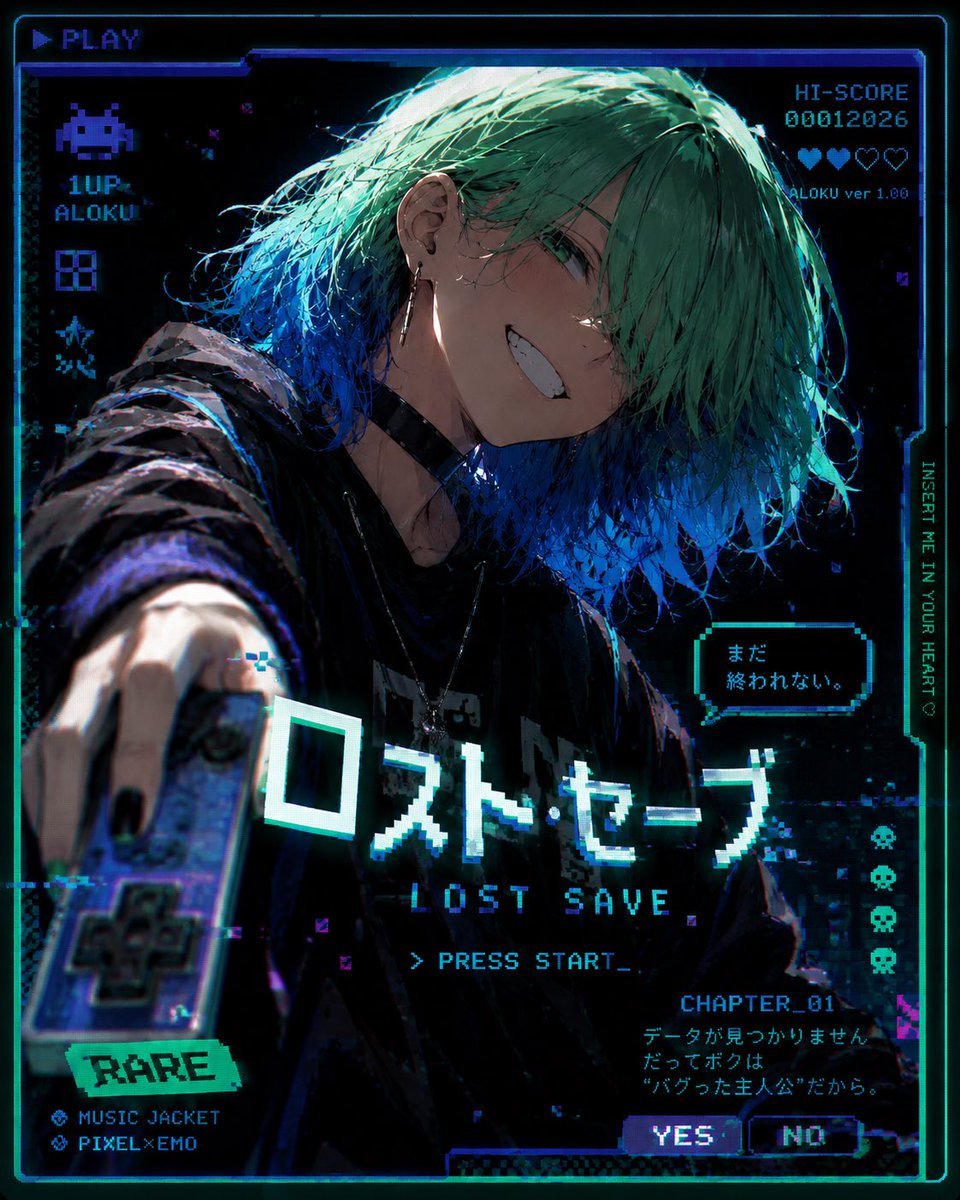
- Prompt included
- Model and format preset
- Free template
The prompt behind this image
Copy the exact prompt behind Cyberpunk Lost Save Game Cover, or open it in the studio and make it yours.
Goal: Create a dark cyberpunk anime game-cover poster for a fictional retro video game called {argument name="game title" default="ロスト・セーブ"}, with a VHS/CRT glitch aesthetic and pixel-art UI overlays. Canvas: Square 4:5-ish poster composition, black background with neon cyan, electric blue, violet, and teal highlights. Add a glowing arcade screen border, scanlines, chromatic aberration, pixel noise, corrupted blocks, and thin HUD frames. Main subject: A close-up dynamic anime illustration of an androgynous young person named {argument name="character name" default="ALOKU"}, leaning toward the viewer with one arm thrust forward holding a retro handheld game controller. They have messy layered {argument name="hair color" default="mint green hair fading into vivid blue tips"} covering one eye, pale skin, a sharp mischievous grin with visible teeth, green eyes, black nail polish, earrings, a black choker, layered necklaces, and an oversized dark hoodie or jacket. Use dramatic rim lighting from cyan and blue, with painterly detailed hair strands and a gritty high-contrast shadowed face. Layout and visible UI elements: Include exactly 11 major UI/text elements: 1) top-left pixel label “▶ PLAY”; 2) left column pixel alien icon with “1UP” and “ALOKU”; 3) top-right score block reading “HI-SCORE 00012026” with a row of hearts and “ALOKU ver 1.00”; 4) right vertical text “INSERT ME IN YOUR HEART♡”; 5) small speech bubble near the character reading {argument name="speech bubble text" default="まだ 終われない。"}; 6) large central Japanese title “ロスト・セーブ”; 7) English subtitle “LOST SAVE”; 8) command line “> PRESS START_”; 9) bottom-left rarity sticker “RARE” with two feature lines “MUSIC JACKET” and “PIXEL×EMO”; 10) bottom-right chapter block “CHAPTER_01” with Japanese flavor text; 11) two small choice buttons labeled “YES” and “NO”. Also add exactly 4 small pixel skull icons stacked vertically along the right side. Visual style: High-detail modern anime key visual blended with retro arcade pixel graphics, holographic cyan typography, glitch fragments, datamosh artifacts, old game cartridge mood, emotional “bugged protagonist” atmosphere, dramatic fisheye perspective from the outstretched hand, shallow depth of field on the controller, sharp focus on the face and title. Constraints: Keep all text legible but intentionally pixelated, do not add extra large titles beyond the listed text, keep the character centered and dominant, emphasize the feeling of a broken save file that refuses to end.
How to use Cyberpunk Lost Save Game Cover in 3 steps
- 1Upload ImagePNG, JPG or paste
Add your photo
Upload the photo the template builds on. The prompt, model and format are already set.
- 2…a portrait of your subject in softgolden-hour light, 85mm…
Personalize
Edit the subject and creative details for your destination.
- 3Generate
Generate
Press Generate — your image is created in PicX Studio, so you can compare it with the original and refine one variable at a time.
More like this
Templates with the same subject, style or setup. Open one to see its prompt.

Rainy Night Android Cyberpunk Portrait

Korean Idol Partial Shadow Editorial Portrait

Cinematic Sci-Fi Interface Side Profile

Cyberpunk Neon Profile Fashion Portrait

Cinematic Neon Light Strip Studio Portrait

Futuristic Studio Neon Ring Minimalist Portrait

Neon Violet Streetwear Fashion Portrait

Neon Night Crosswalk Candid Portrait

Red Futuristic Sport Motorcycle POV
Rainy Night Android Cyberpunk Portrait
Cinematic Sci-Fi Commander Side Profile Portrait
Low-Angle Cyberpunk Neon Profile Portrait
Make it yours
Cyberpunk Lost Save Game Cover works as-is. These are the safest ways to change it without losing the look.
Change one field
Copy a single group, rewrite it, and generate again so you can see what that field is doing.
Keep the frame, change the subject
Hold the composition and light of Cyberpunk Lost Save Game Cover, then swap wardrobe, props or the person for a new take.
| If the result… | Why | Fix |
|---|---|---|
| The result drifts from the preview | Too many fields changed at once. | Reuse Cyberpunk Lost Save Game Cover as-is first, then change one group — subject, light, or setting. |
| The model over-stylizes the scene | The prose prompt leaves finish and camera underspecified. | Add one camera or lighting sentence and stay on GPT Image 2. |
More GPT Image 2 templates
Other prompts made for GPT Image 2.

Six VTuber Japanese Logo Sheet

Realistic Portrait of Woman and Deer

The Vista Modular Condo Poster

AI Model Routing Comparison Infographic

2.5D Anime Art Board

Isometric Productivity Desk Scene

New York Double Exposure Poster

Four-Panel AI Landscape Comparison

Japanese Tatami Lifestyle Magazine Cover

NESCAFÉ Coffee Map Poster
More image prompts
Fresh picks from across the catalog.
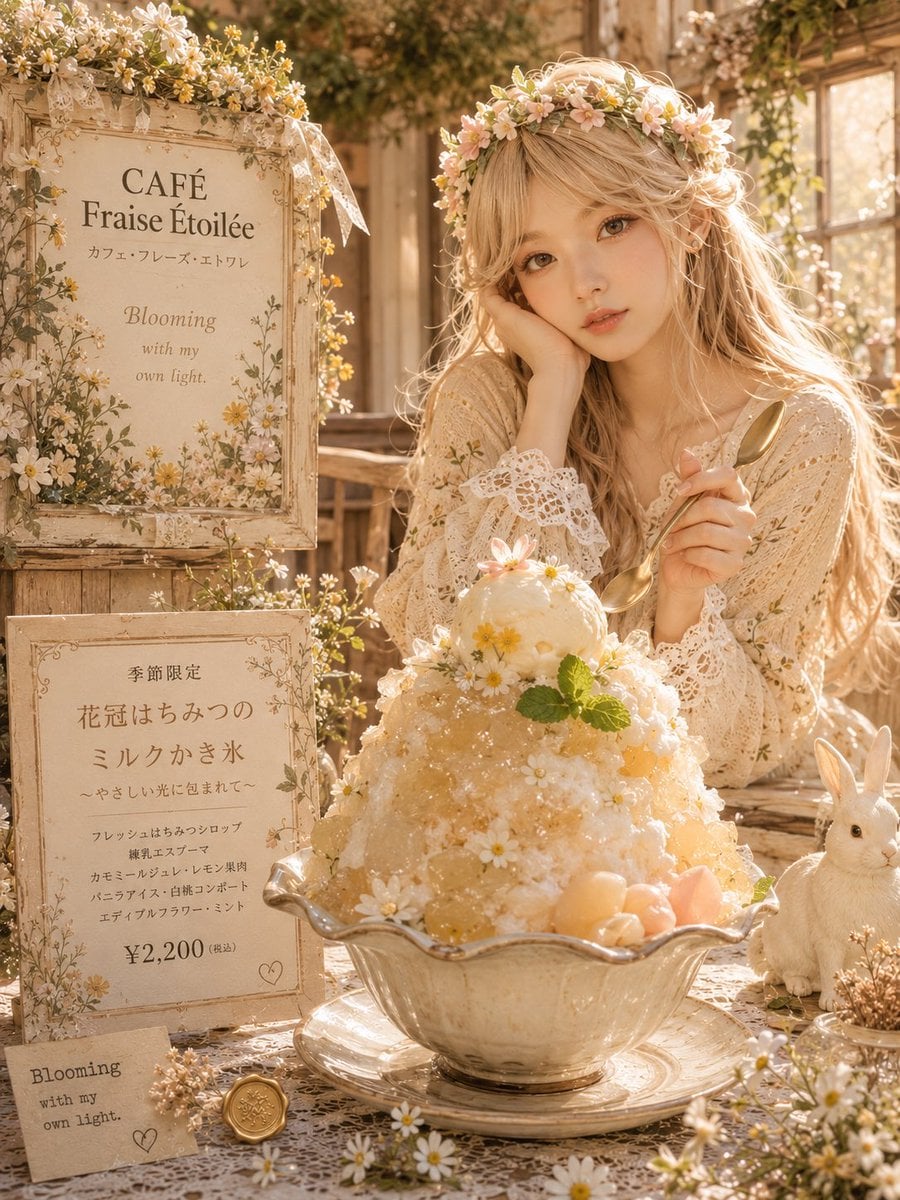
Floral Honey Milk Kakigori Café Scene
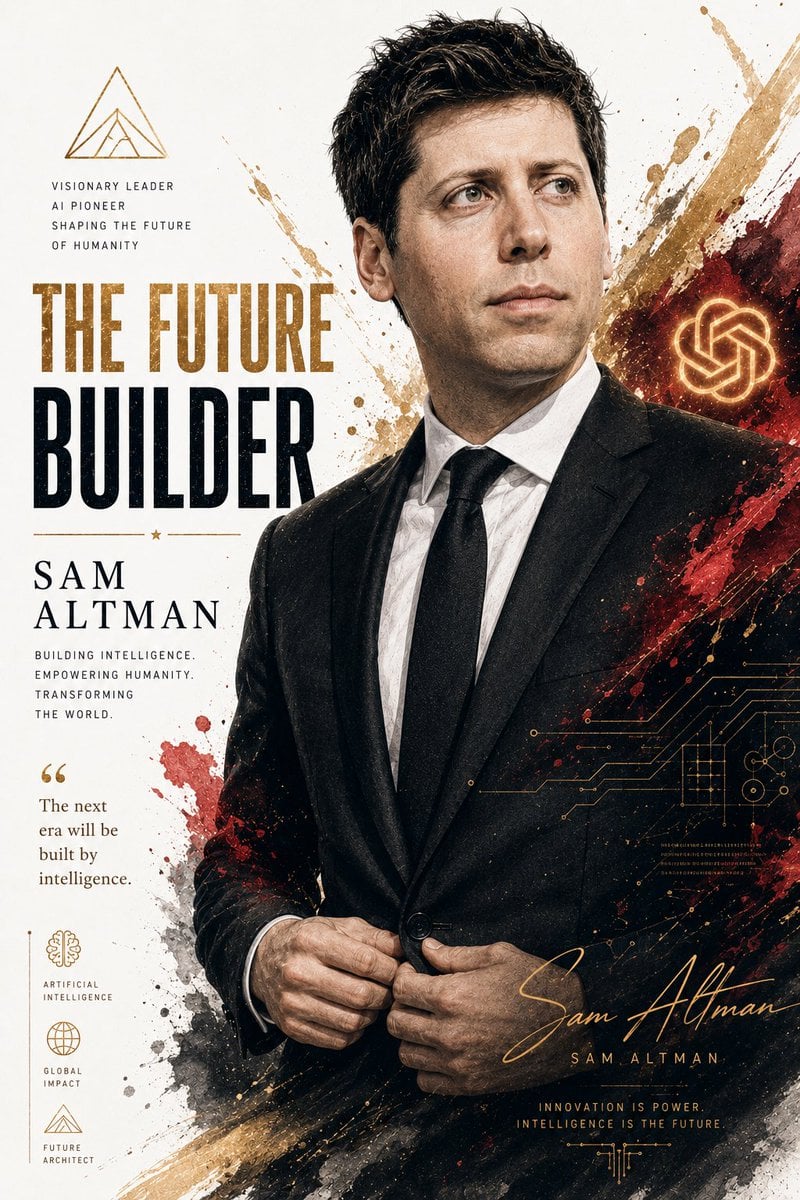
Billionaire Executive Portrait
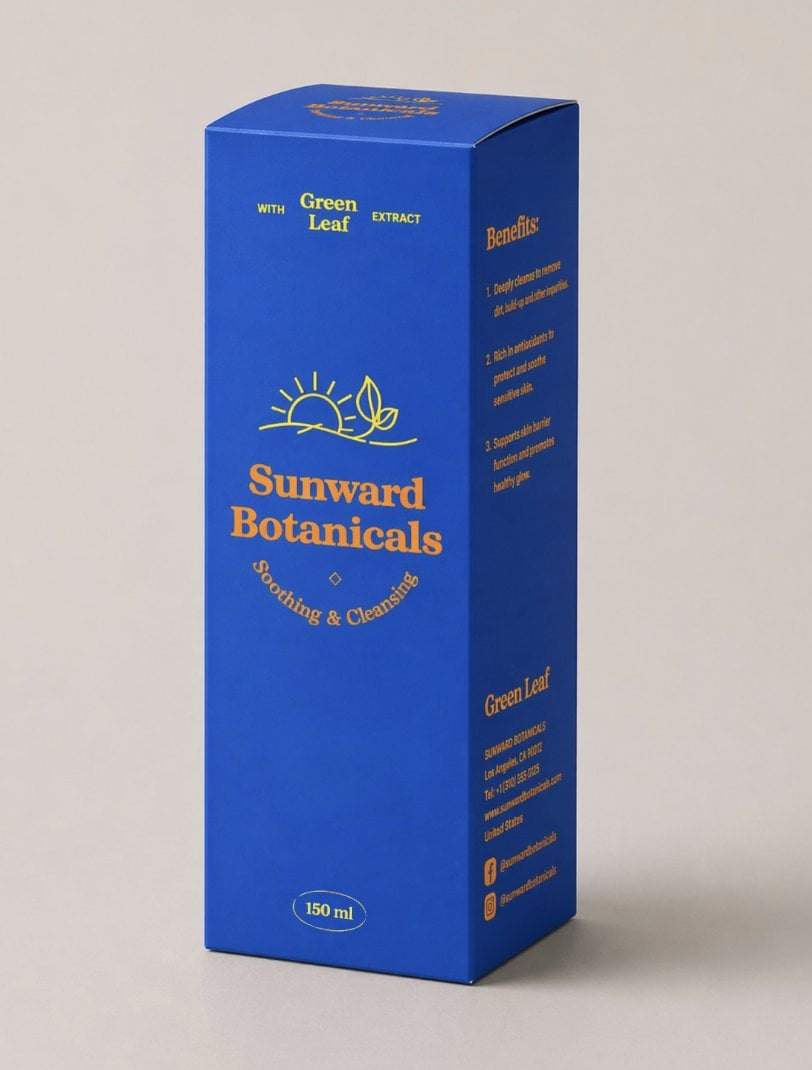
3D Product Box Dieline Visualization
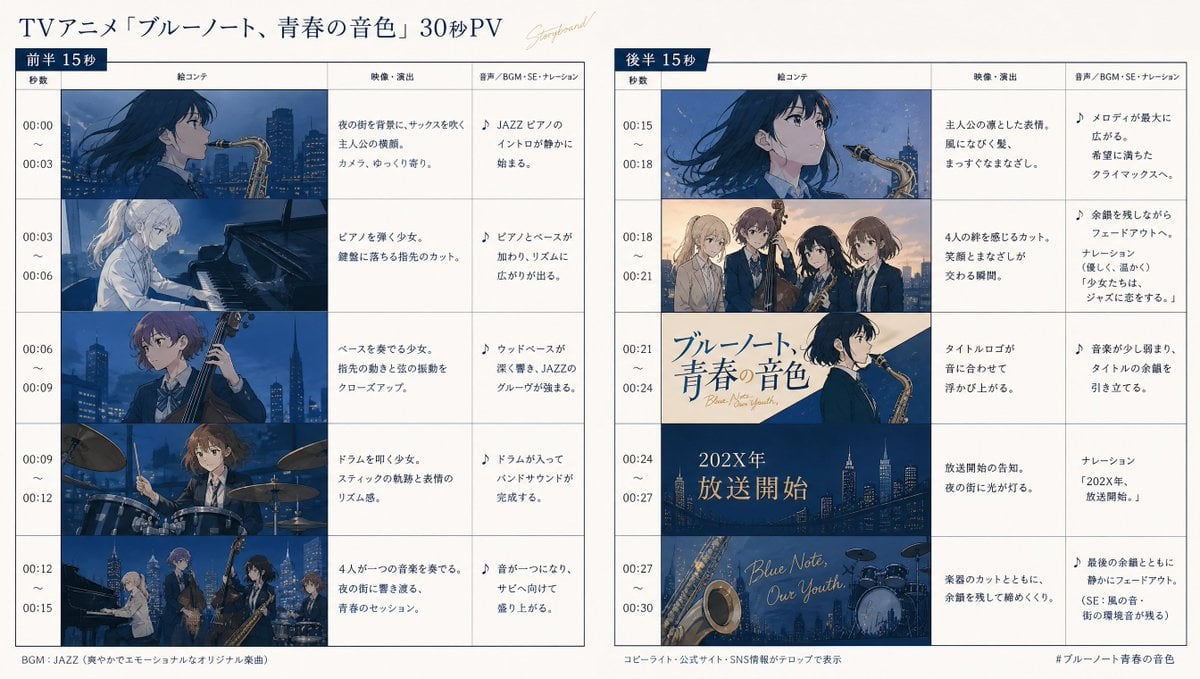
Anime Storyboard Generation
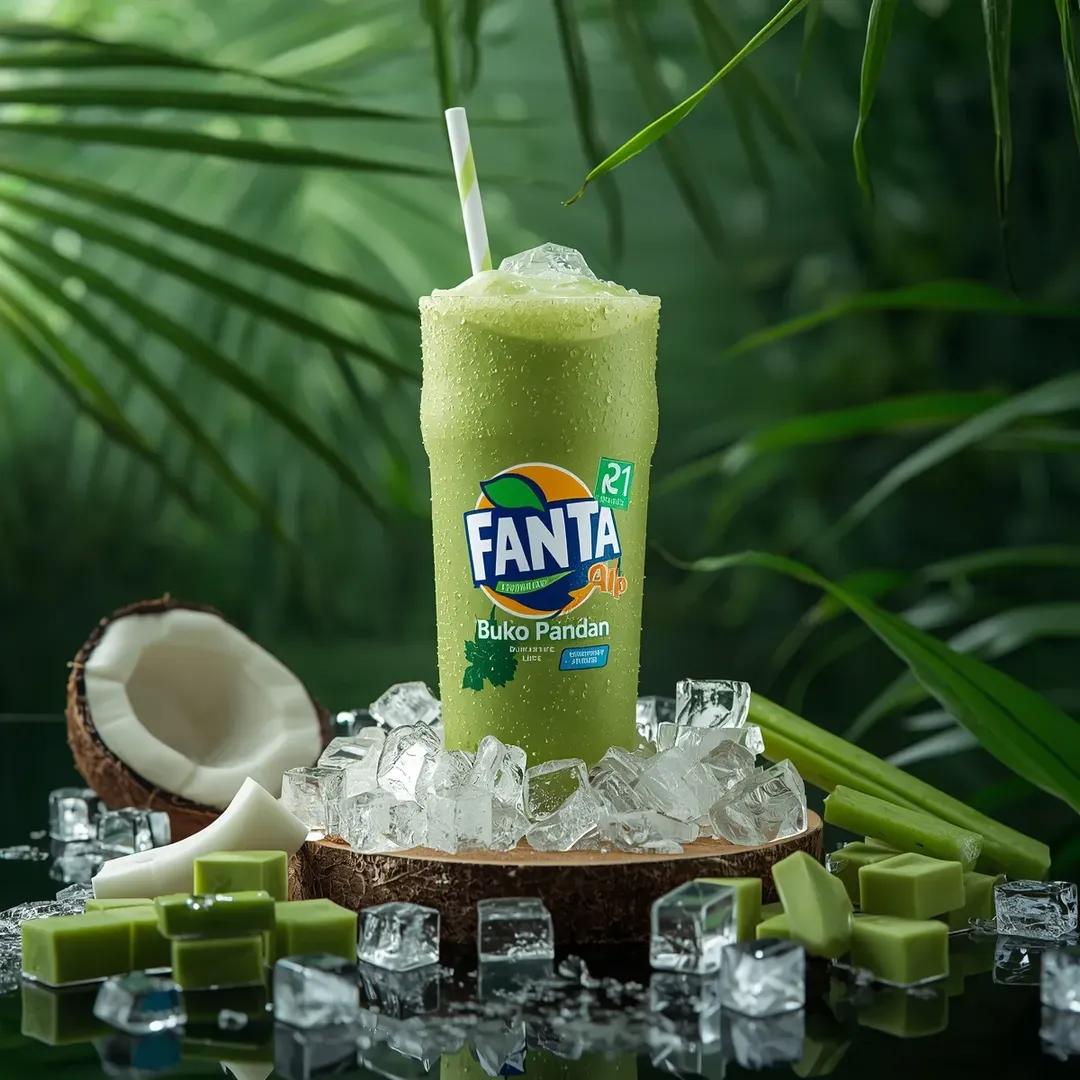
Hyper-realistic Fanta Product Shot Prompt
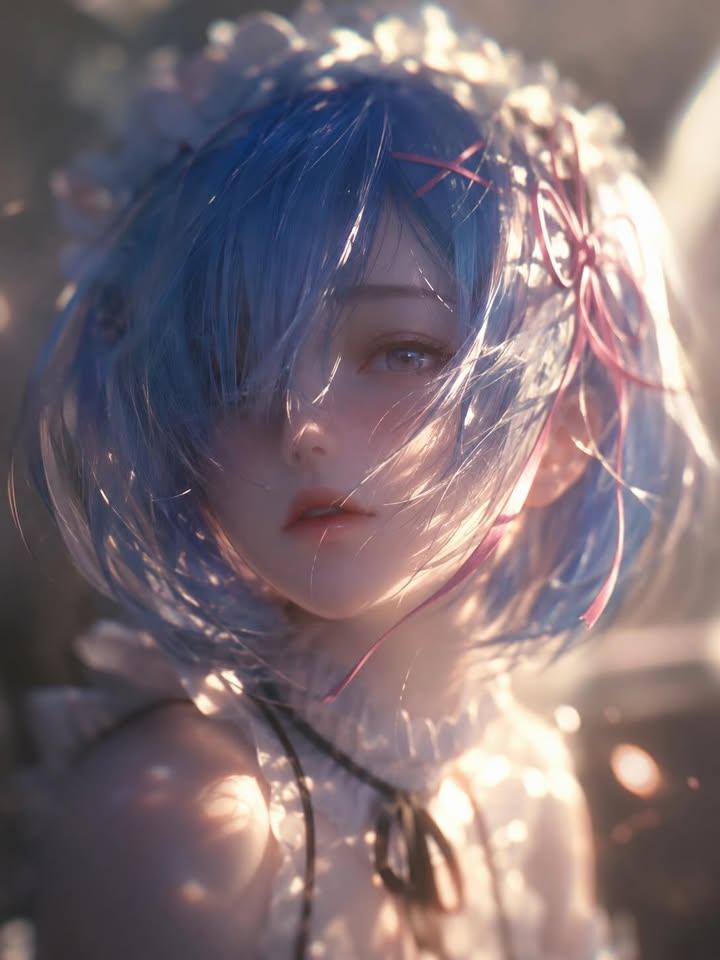
Ethereal Anime Character Portrait
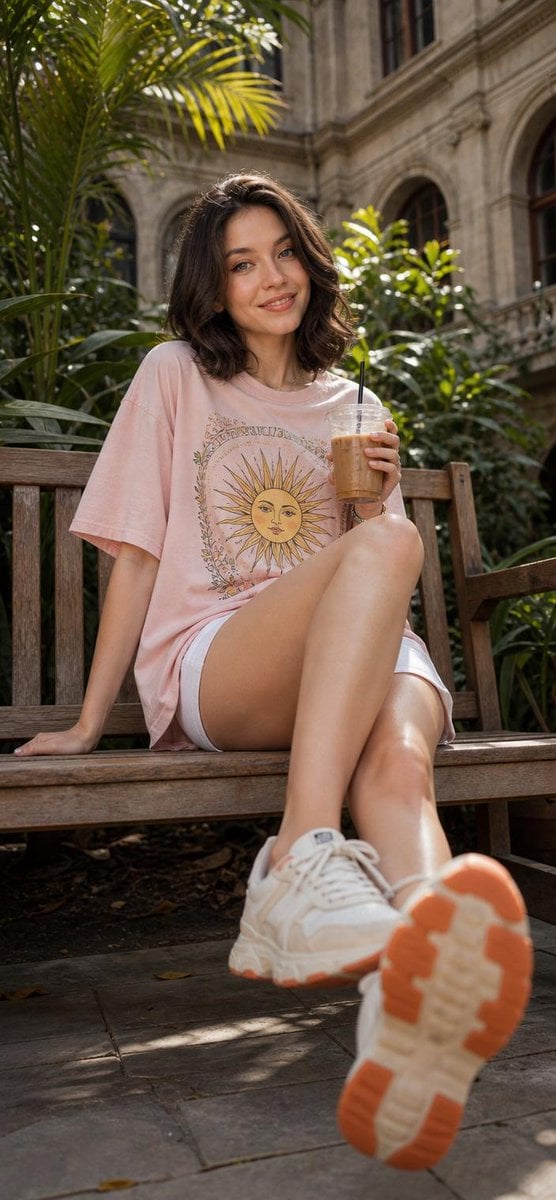
Cheerful Botanical Courtyard Portrait
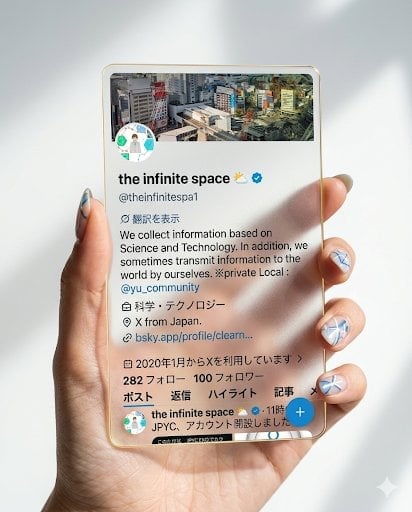
Photorealistic Hand Holding Transparent Acrylic Profile Card
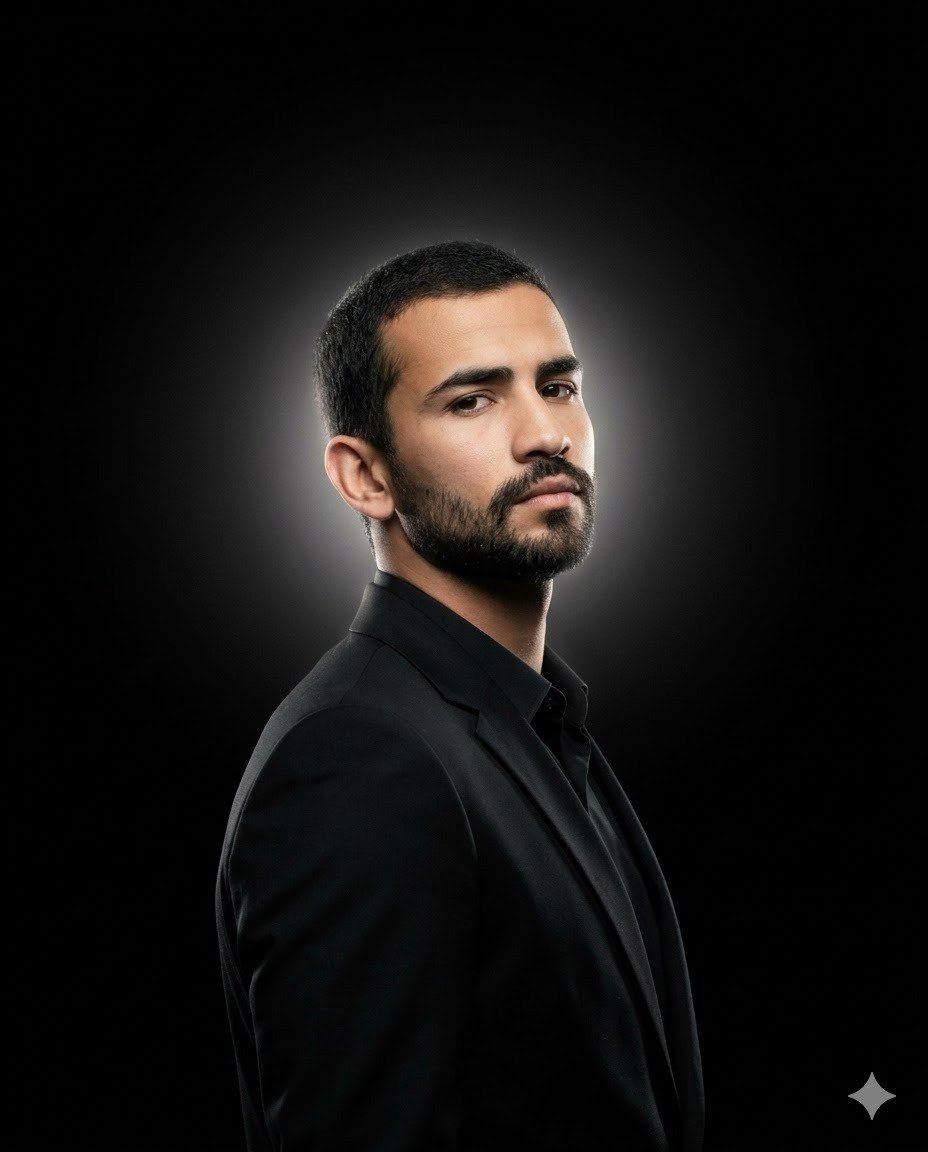
Minimalist Cinematic Fashion Editorial Studio Portrait
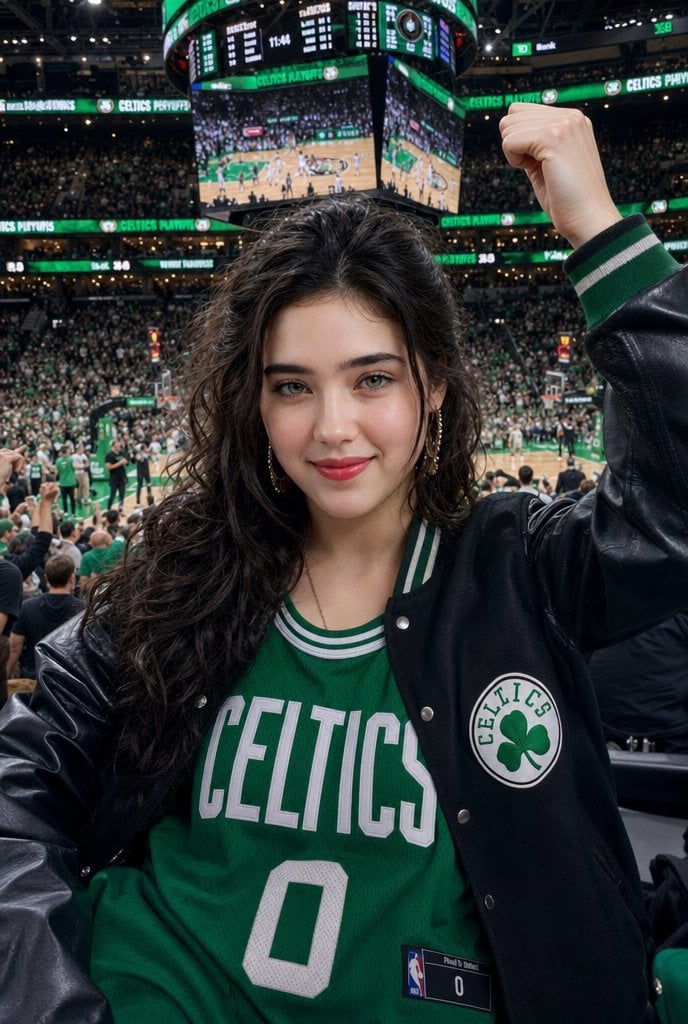
Celtics Fan Cheering in NBA Arena
Browse template categories
Cyberpunk Lost Save Game Cover questions
How do I use the Cyberpunk Lost Save Game Cover template?
Add your photo if the template asks for one, edit the prompt if you like — the template's model and format are already selected — and press Generate. Your version opens in PicX Studio.
Can I customize the Cyberpunk Lost Save Game Cover template?
Yes. You can change the subject, setting, lighting, mood, format, and available model controls before creating your image.
Is the Cyberpunk Lost Save Game Cover template free?
Opening and editing this template is free. Generating uses credits, shown on the Generate button when you are signed in.
Which AI model should I use?
Start with GPT Image 2, which is the model associated with this template. You can compare another compatible model for a different finish.
Looking for something else? Browse all templates.

Your photo, any look
Thousands of ready templates for every top image and video model, from one credit balance.