How do I use the Pastel Anime Maid Senpai template?
Choose the primary action to open PicX Studio with the available template settings. Review the model and format, personalize the creative direction, and generate when ready.
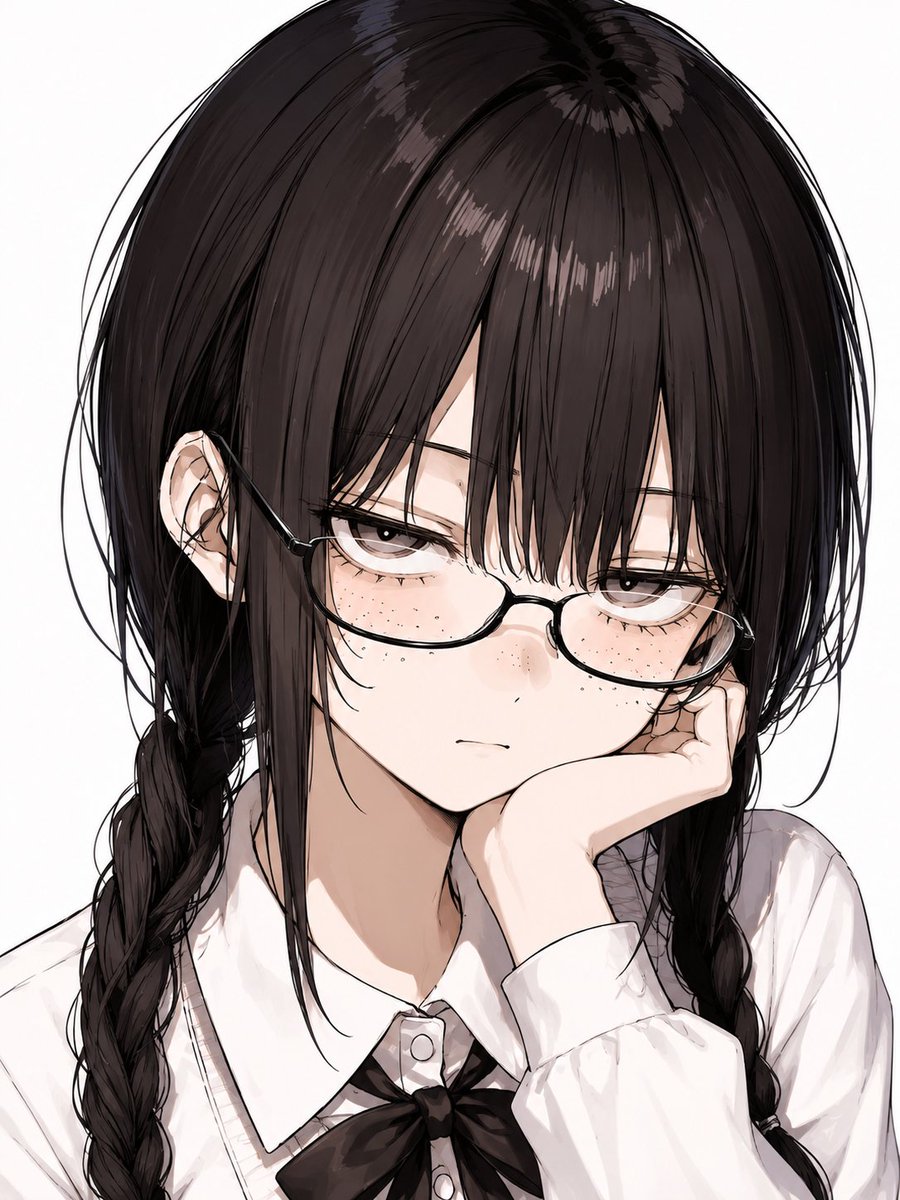
Generates a soft vertical anime illustration of a pink-haired glasses-wearing maid character in a cute pastel frame.
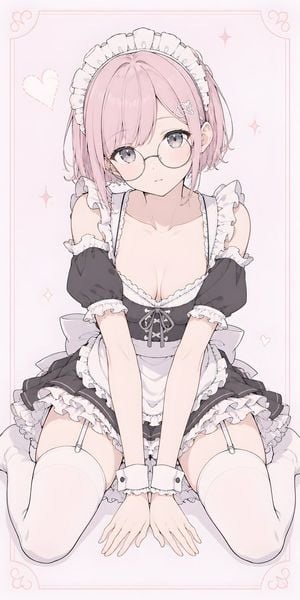
Create a vertical 9:16 soft pastel anime illustration of {argument name="character name" default="Senpai-chan"}, an adult young woman sitting on a fluffy white cushion in a shy forward-leaning pose, knees apart but modestly framed, both hands placed together on the cushion in front of her. She has {argument name="hair color" default="pale pink"} short bob hair with long face-framing bangs, a small side hair clip, large gray-lavender eyes, thin round glasses, and a sleepy, slightly embarrassed expression as if she just woke up. Dress her in a detailed black-and-white frilly maid outfit: exactly 7 main outfit pieces are visible, consisting of a white ruffled maid headband, black puff-sleeve dress with white ruffle trim, white apron, small gray bow at the chest, layered ruffled skirt, white thigh-high stockings with garter straps, and white wrist cuffs. Use delicate line art, smooth cel shading, soft blush tones, and a cute high-quality Japanese anime style with a gentle romantic mood. The composition is centered, full body from head to thighs/feet cropped near the bottom, with prominent frills and lace but no explicit nudity. Background is very pale pink with a thin decorative pink rectangular border and exactly 8 simple decorations: 4 corner flourish curls, 1 dashed heart on the upper left, 1 small heart on the lower right, and 2 sparkle stars on the right side. Use a clean airy aesthetic, soft lighting, subtle shadows, no text, no watermark, and keep the overall palette {argument name="palette" default="pink, white, black, and soft gray"}.
Choose the primary action to open PicX Studio with the available template settings. Review the model and format, personalize the creative direction, and generate when ready.
Yes. You can change the subject, setting, lighting, mood, format, and available model controls before creating your image.
This template is free to open and customize. Generation usage is shown in PicX Studio before you create.
Start with GPT Image 2, which is the model associated with this template. You can compare another compatible model for a different finish.
Follow a topic to a crawlable collection of related PicX Studio templates.