
2D Floor Plan to 3D Interior
Transforms a flat architectural floor plan into a realistic isometric 3D furnished interior visualization for real estate, retail, or design presentations.
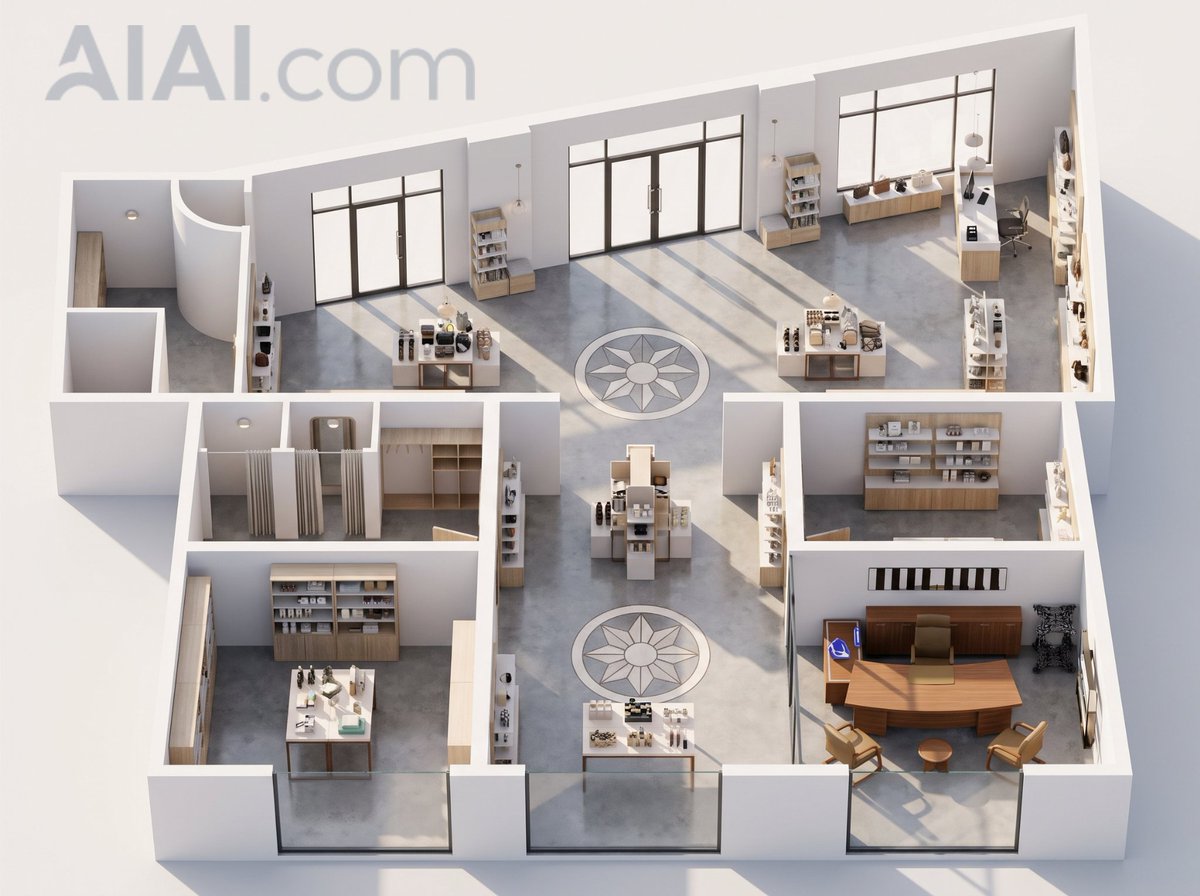
- Prompt included
- Model and format preset
- Free template
The prompt behind this image
Copy the exact prompt behind 2D Floor Plan to 3D Interior, or open it in the studio and make it yours.
Using the provided reference floor plan, transform the flat 2D layout into a realistic 3D isometric cutaway interior visualization. Preserve the overall room geometry, wall positions, door/window openings, and the two circular decorative floor medallions from the plan. Extrude the walls into clean white architectural partitions, remove most dimension lines and drafting annotations, and replace the schematic symbols with a furnished, modern commercial interior. Style: {argument name="render style" default="photorealistic 3D architectural rendering"} with soft daylight, realistic shadows, and a premium showroom feel. Materials: Use smooth white walls, polished gray concrete floors, dark-framed glass doors/windows, and light wood cabinetry and shelving. Interior additions: Populate the rooms with retail/showroom and office furniture: display tables, product shelves, counters, storage cabinetry, desks, chairs, pendant lights, and small decor objects. Keep the existing office area on the lower right recognizable as a furnished executive office with a large wooden desk, seating, shelving, and wall decor. Camera and composition: Render from a high oblique isometric view looking down into the entire floor plan, with the full layout visible on a light neutral background. Make the image feel like a polished architectural model or real-estate visualization. Customization: Interpret the plan as a {argument name="space type" default="modern retail showroom and office"}. Use {argument name="wall color" default="white"}, {argument name="floor material" default="polished gray concrete"}, and {argument name="furniture material" default="light wood with dark metal and glass accents"}. Constraints: Keep exactly 2 circular floor medallions, maintain the asymmetric building footprint, keep the large glass openings along the lower and upper sides, avoid adding people, avoid text labels, and do not change the basic floor-plan proportions.
Reference images included
2D Floor Plan to 3D Interior needs input media to work. They load alongside the prompt when you open it in the studio.
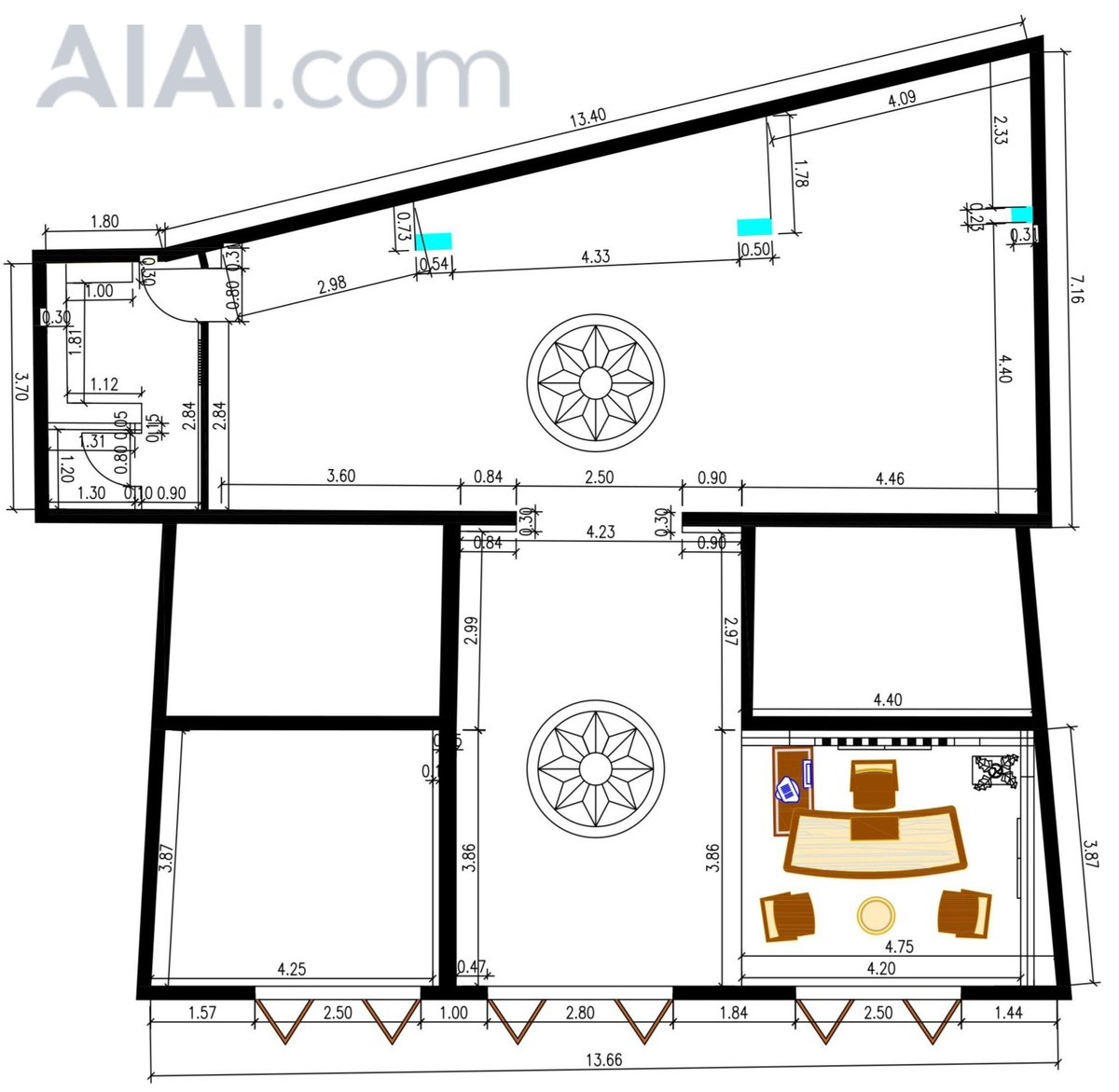
How to use 2D Floor Plan to 3D Interior in 3 steps
- 1Upload ImagePNG, JPG or paste
Add your photo
Upload the photo the template builds on. The prompt, model and format are already set.
- 2…a portrait of your subject in softgolden-hour light, 85mm…
Personalize
Edit the subject and creative details for your destination.
- 3Generate
Generate
Press Generate — your image is created in PicX Studio, so you can compare it with the original and refine one variable at a time.
More like this
Templates with the same subject, style or setup. Open one to see its prompt.
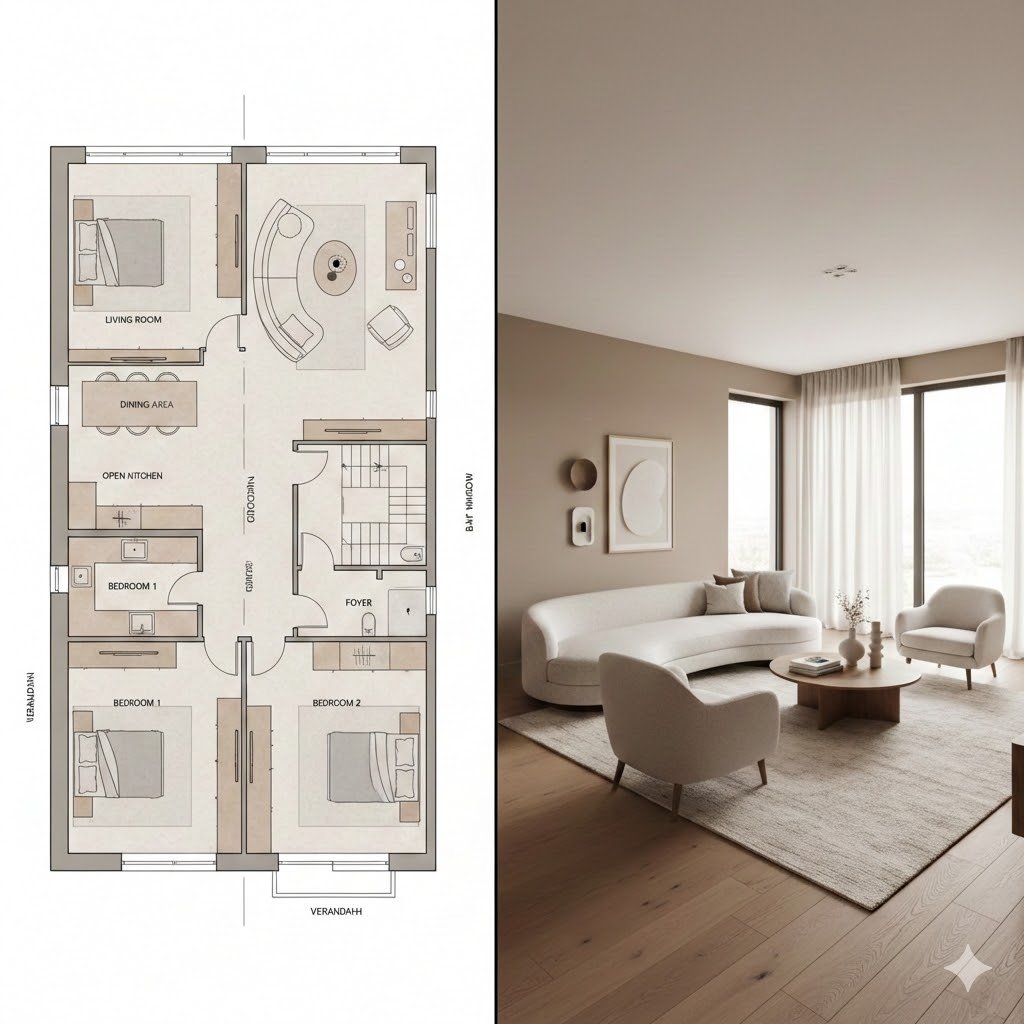
Prompt for Generating Architectural Floor Plan and Photorealistic Interior Comparison
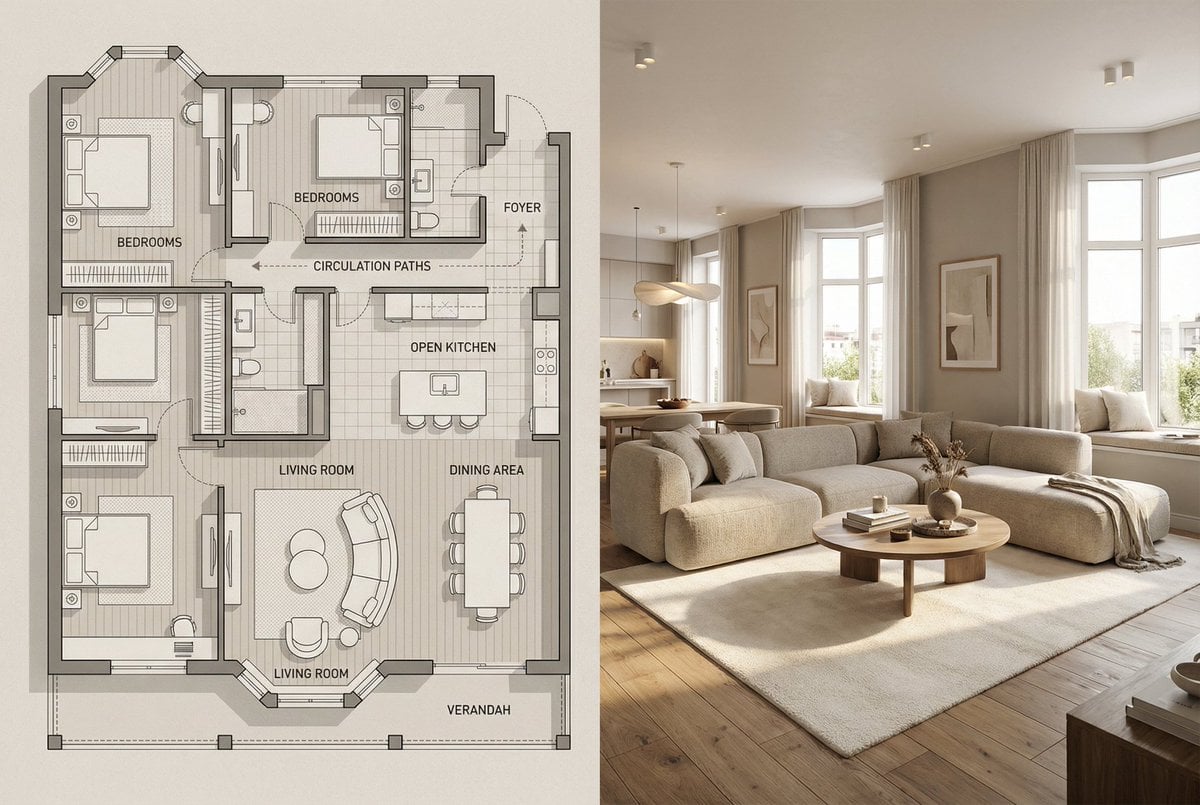
Architectural Floor Plan and Realistic Interior Photo Generation
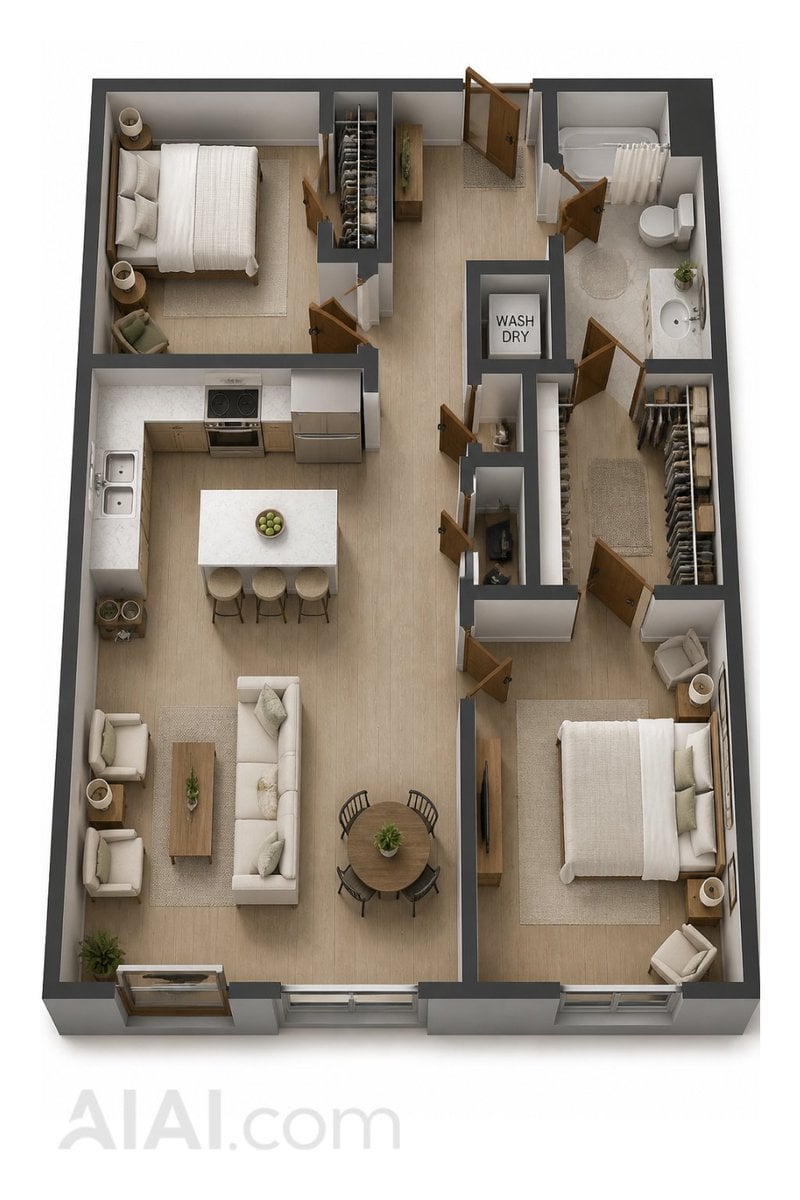
2D Floor Plan to 3D Home Render
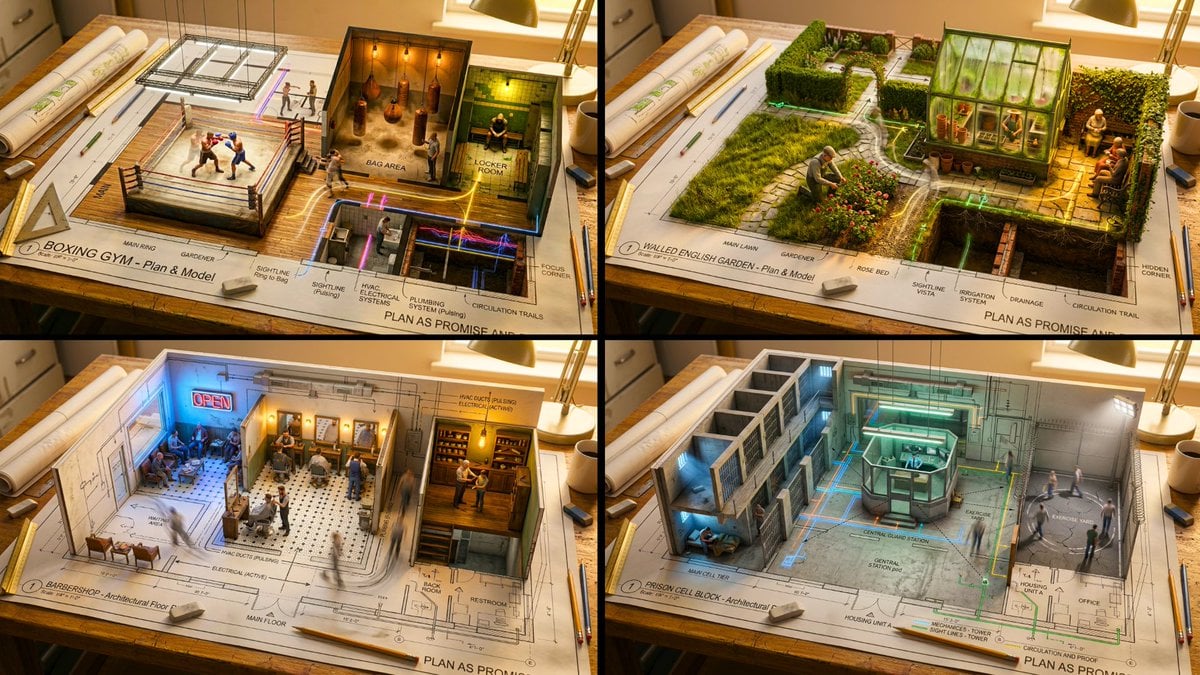
An architectural floor plan of a spread across a drafting table
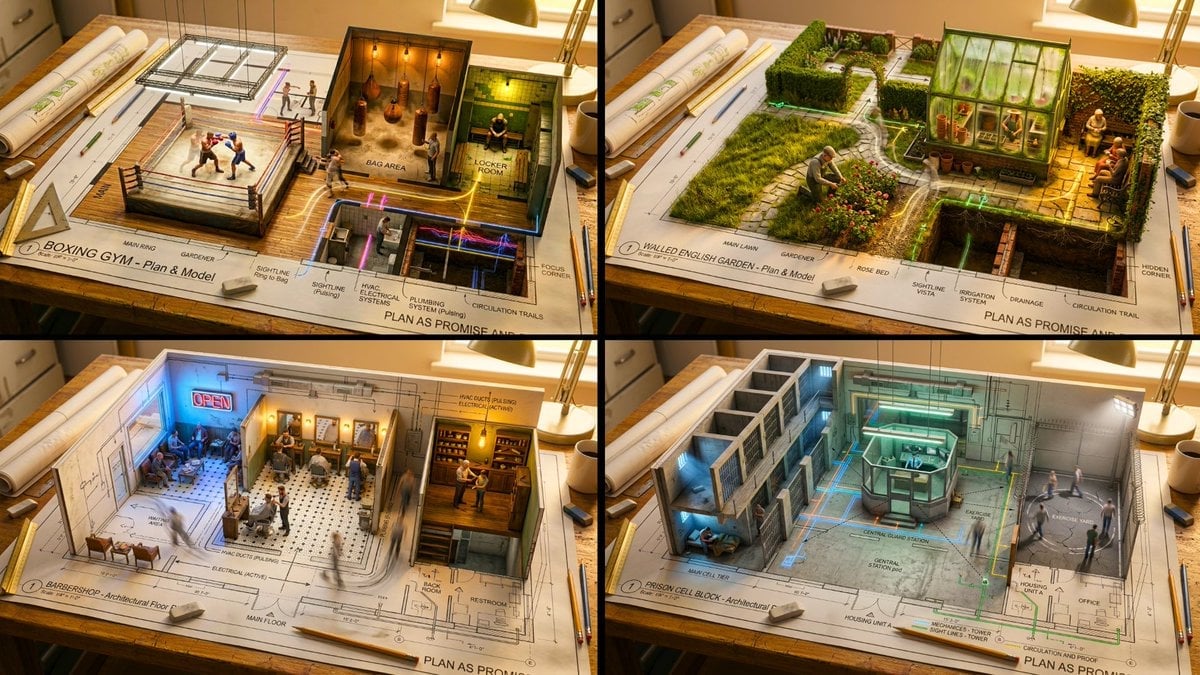
Master Architectural Paper Cut — Floor Plan Rising into Inhabitable Miniature
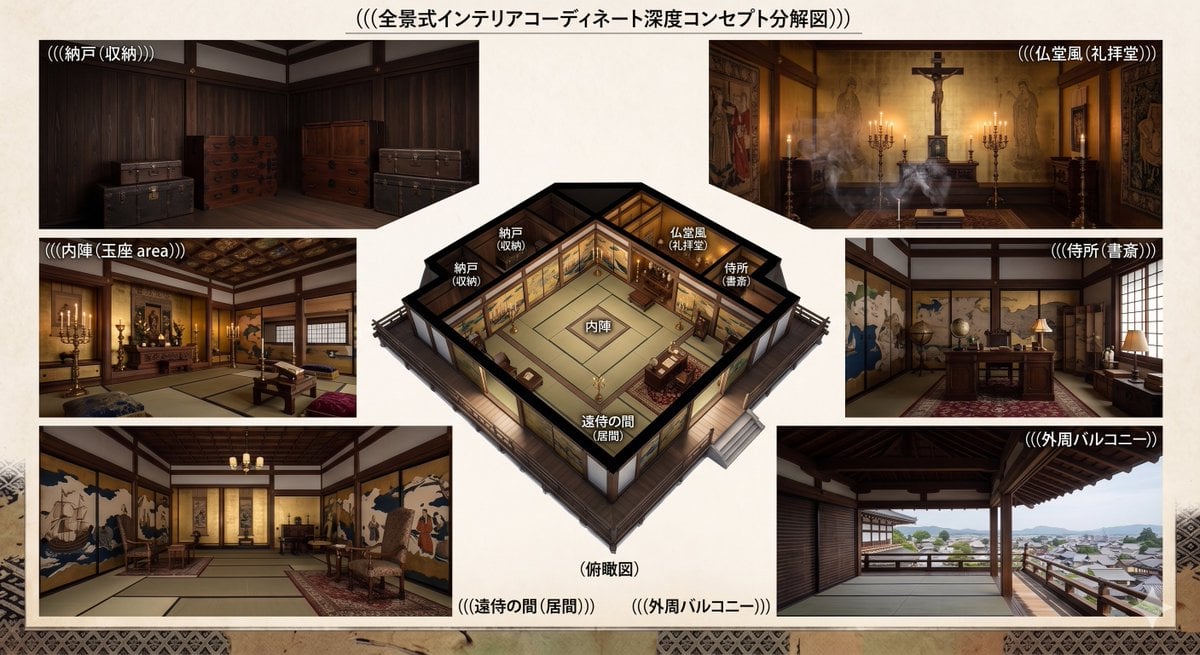
Azuchi-Momoyama Castle Floor Plan
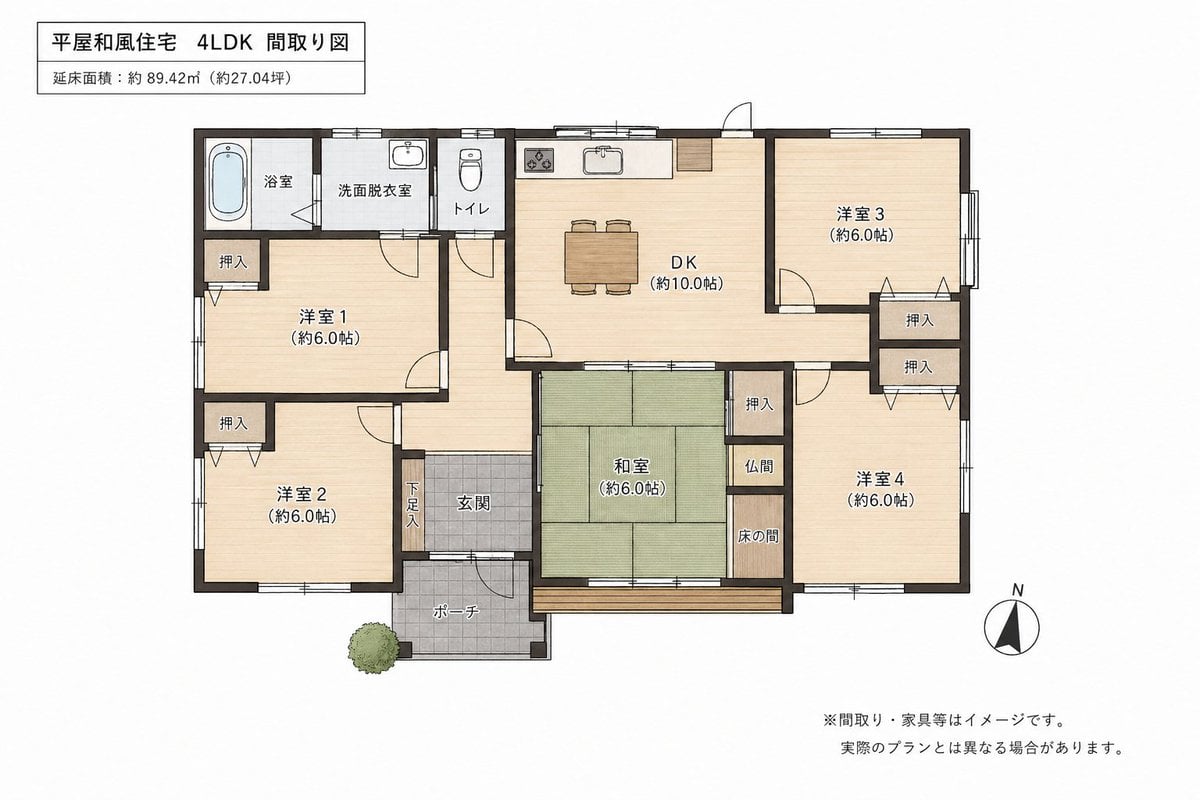
Japanese House Floor Plan Generator

Two-Story Japanese House Floor Plan
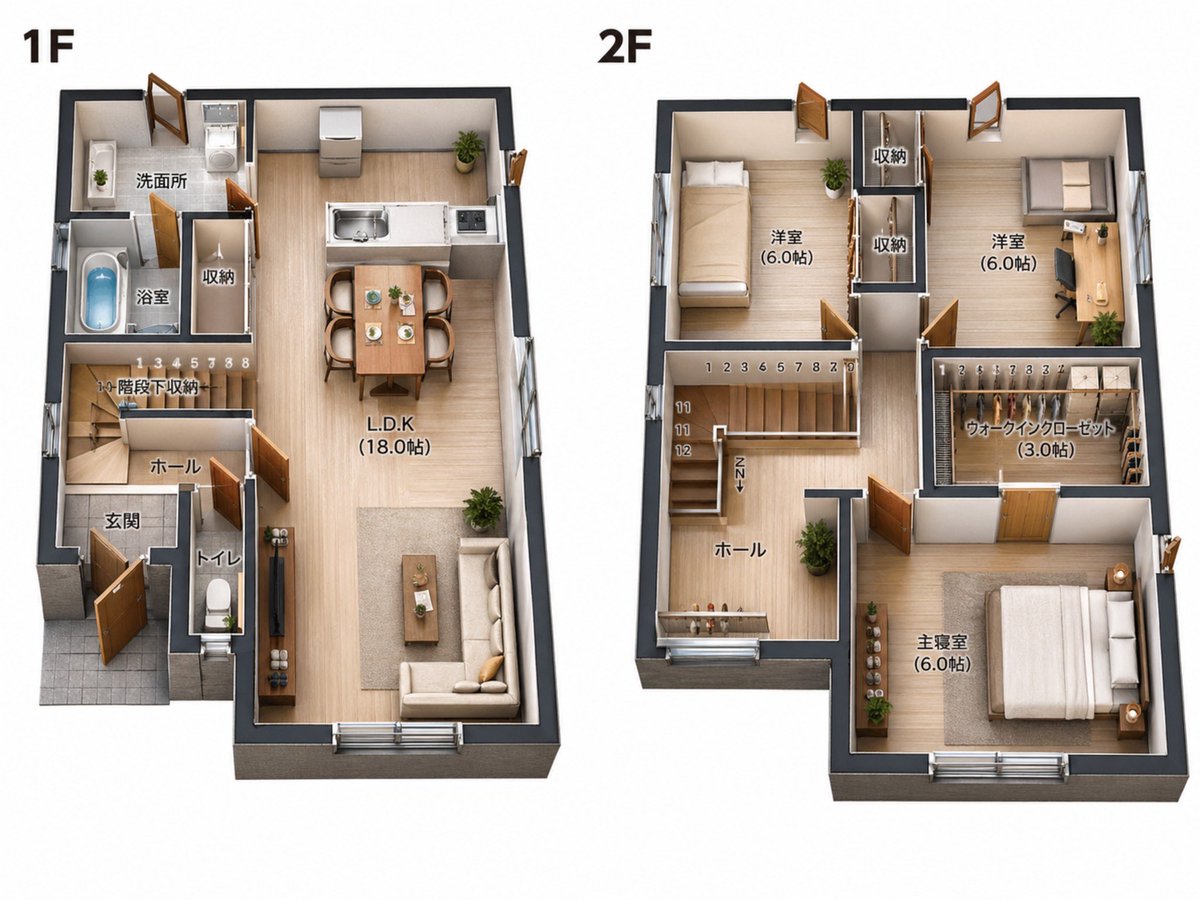
2D Floor Plan to 3D Real Estate Render
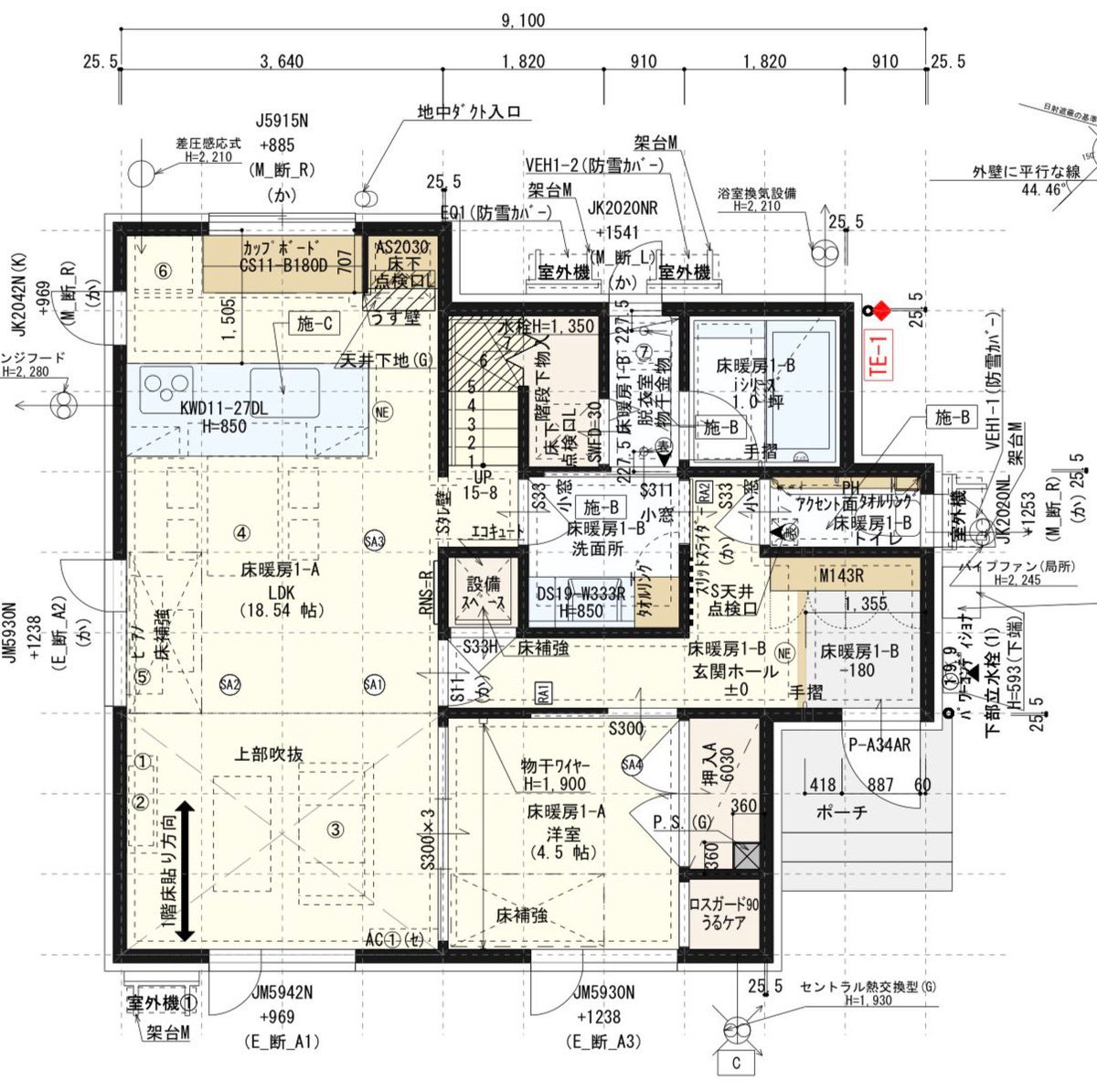
Floor Plan Visualization with Family Life
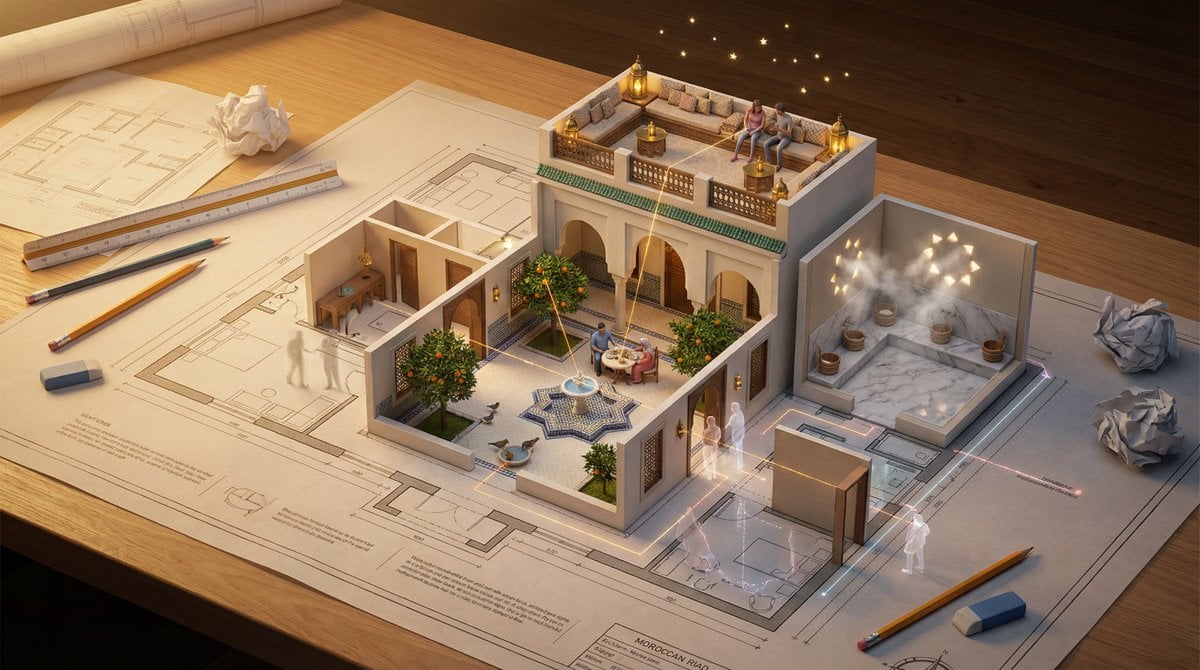
Architectural Floor Plan as Miniature World
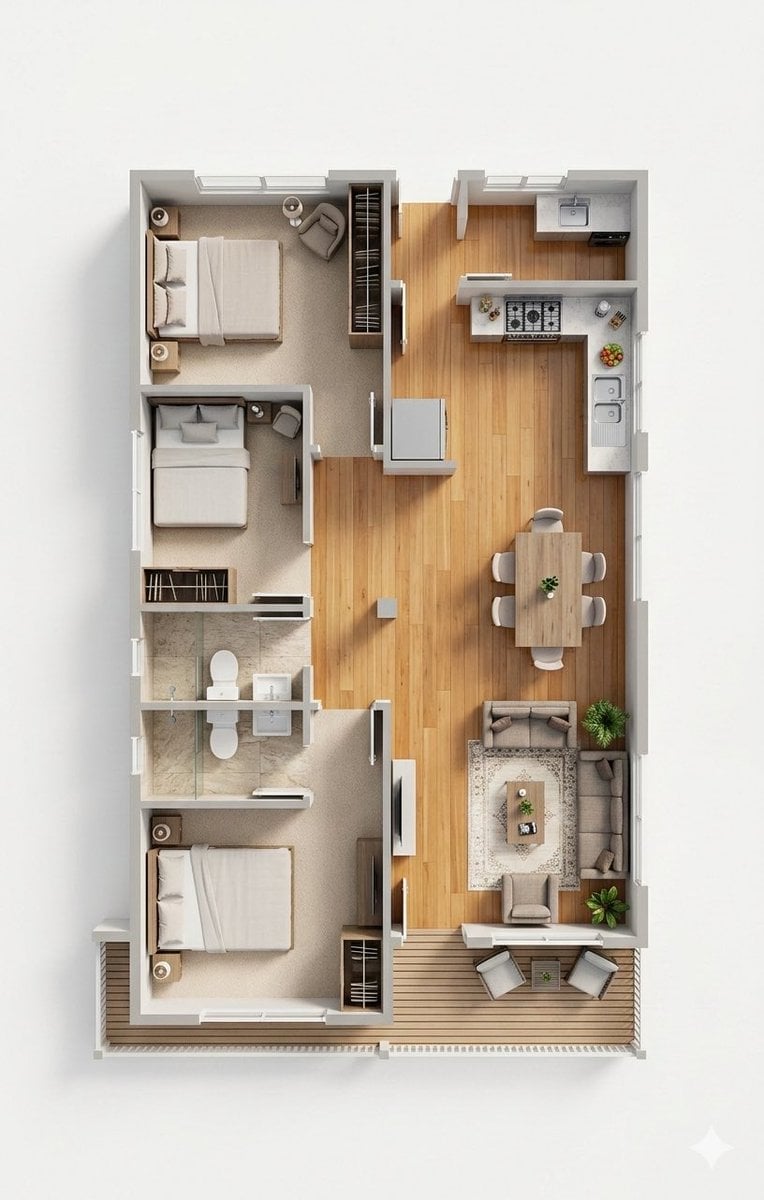
Photorealistic 3D Floor Plan Render with Furniture
Make it yours
2D Floor Plan to 3D Interior works as-is. These are the safest ways to change it without losing the look.
Change one field
Copy a single group, rewrite it, and generate again so you can see what that field is doing.
Keep the frame, change the subject
Hold the composition and light of 2D Floor Plan to 3D Interior, then swap wardrobe, props or the person for a new take.
| If the result… | Why | Fix |
|---|---|---|
| The result drifts from the preview | Too many fields changed at once. | Reuse 2D Floor Plan to 3D Interior as-is first, then change one group — subject, light, or setting. |
| The model over-stylizes the scene | The prose prompt leaves finish and camera underspecified. | Add one camera or lighting sentence and stay on GPT Image 2. |
More GPT Image 2 templates
Other prompts made for GPT Image 2.

Six VTuber Japanese Logo Sheet

Realistic Portrait of Woman and Deer

The Vista Modular Condo Poster

AI Model Routing Comparison Infographic

2.5D Anime Art Board

Isometric Productivity Desk Scene

New York Double Exposure Poster

Four-Panel AI Landscape Comparison

Japanese Tatami Lifestyle Magazine Cover

NESCAFÉ Coffee Map Poster
More image prompts
Fresh picks from across the catalog.

Kawaii Doodle Food Photography

Surreal Minimalist Fashion Portrait

Surreal Food Still Life Prompt (Shrimp Transformation)
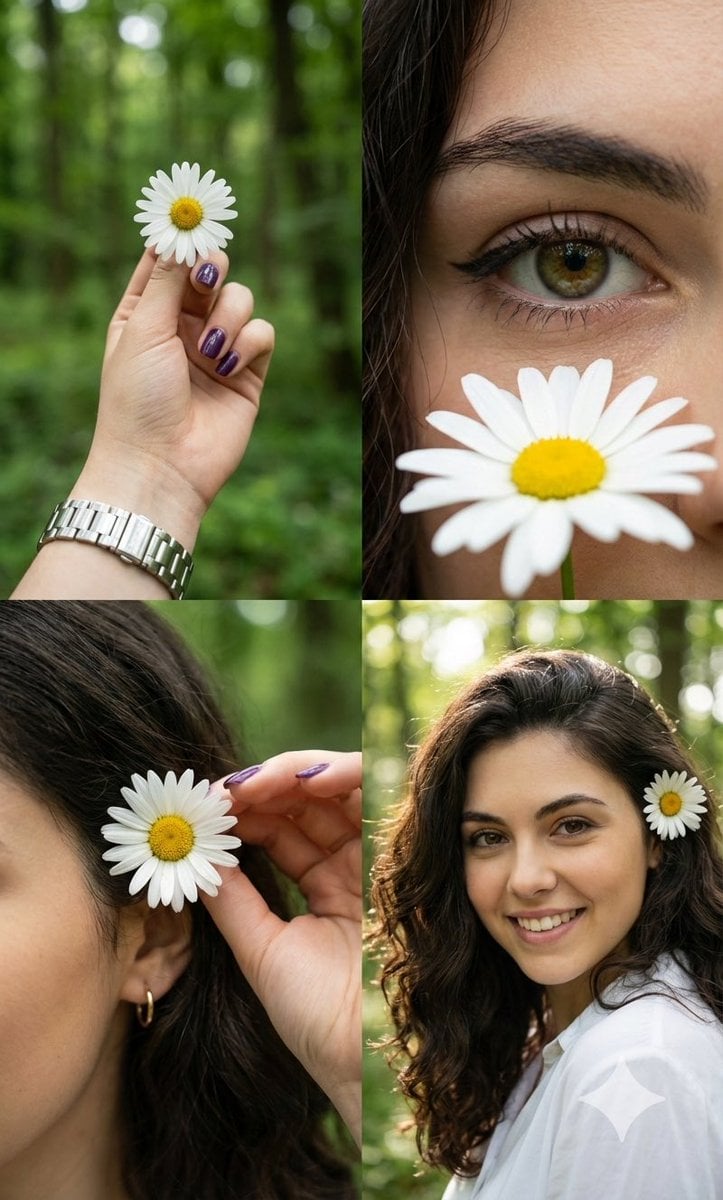
Photorealistic Daisy Collage

Malaysian City Billboard Commercial Photography Prompt

Pastel Painted Sour Patch Kids in Whimsical Candyland

Tokyo Gallery Guide Brochure

Dark Fantasy Winter Creature Emerging from a Blizzard

Cinematic Shawarma Rotisserie Shot
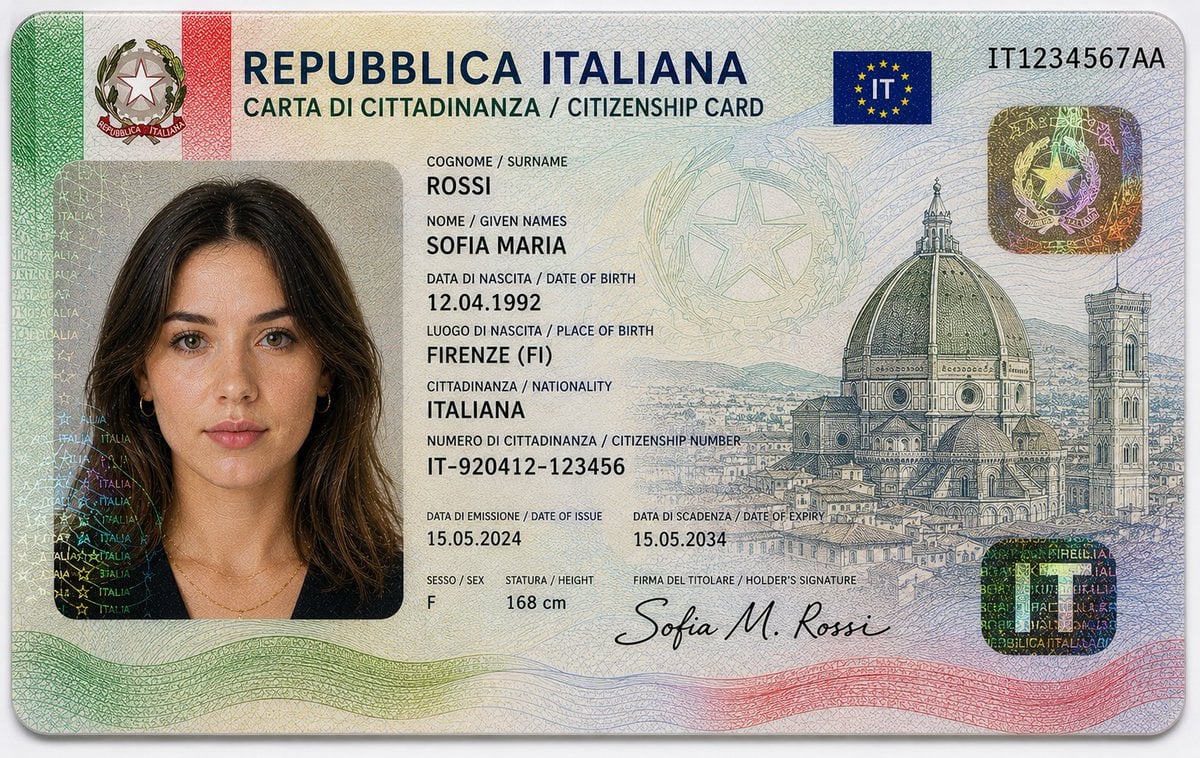
Realistic Identity Card Macro Photography
Browse template categories
2D Floor Plan to 3D Interior questions
How do I use the 2D Floor Plan to 3D Interior template?
Add your photo if the template asks for one, edit the prompt if you like — the template's model and format are already selected — and press Generate. Your version opens in PicX Studio.
Can I customize the 2D Floor Plan to 3D Interior template?
Yes. You can change the subject, setting, lighting, mood, format, and available model controls before creating your image.
Is the 2D Floor Plan to 3D Interior template free?
Opening and editing this template is free. Generating uses credits, shown on the Generate button when you are signed in.
Which AI model should I use?
Start with GPT Image 2, which is the model associated with this template. You can compare another compatible model for a different finish.
Looking for something else? Browse all templates.

Your photo, any look
Thousands of ready templates for every top image and video model, from one credit balance.