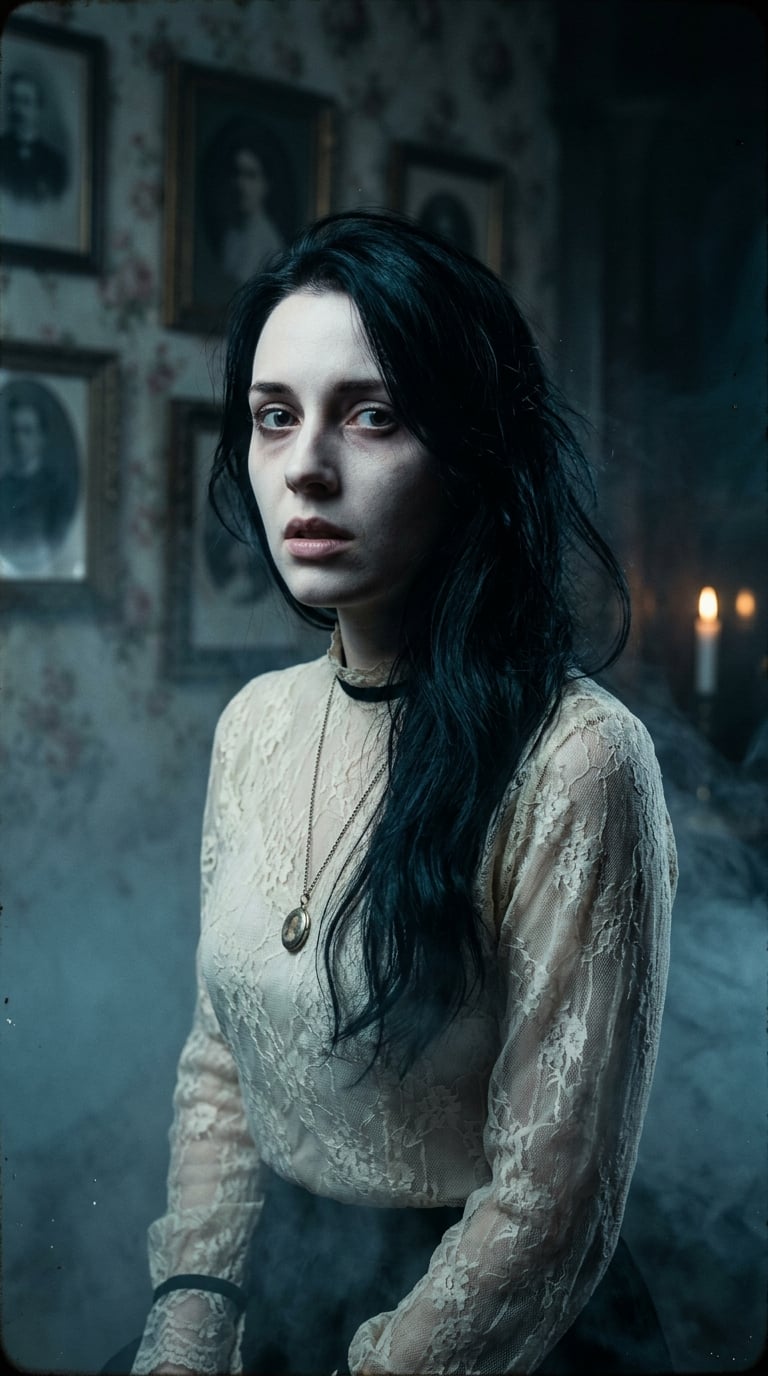
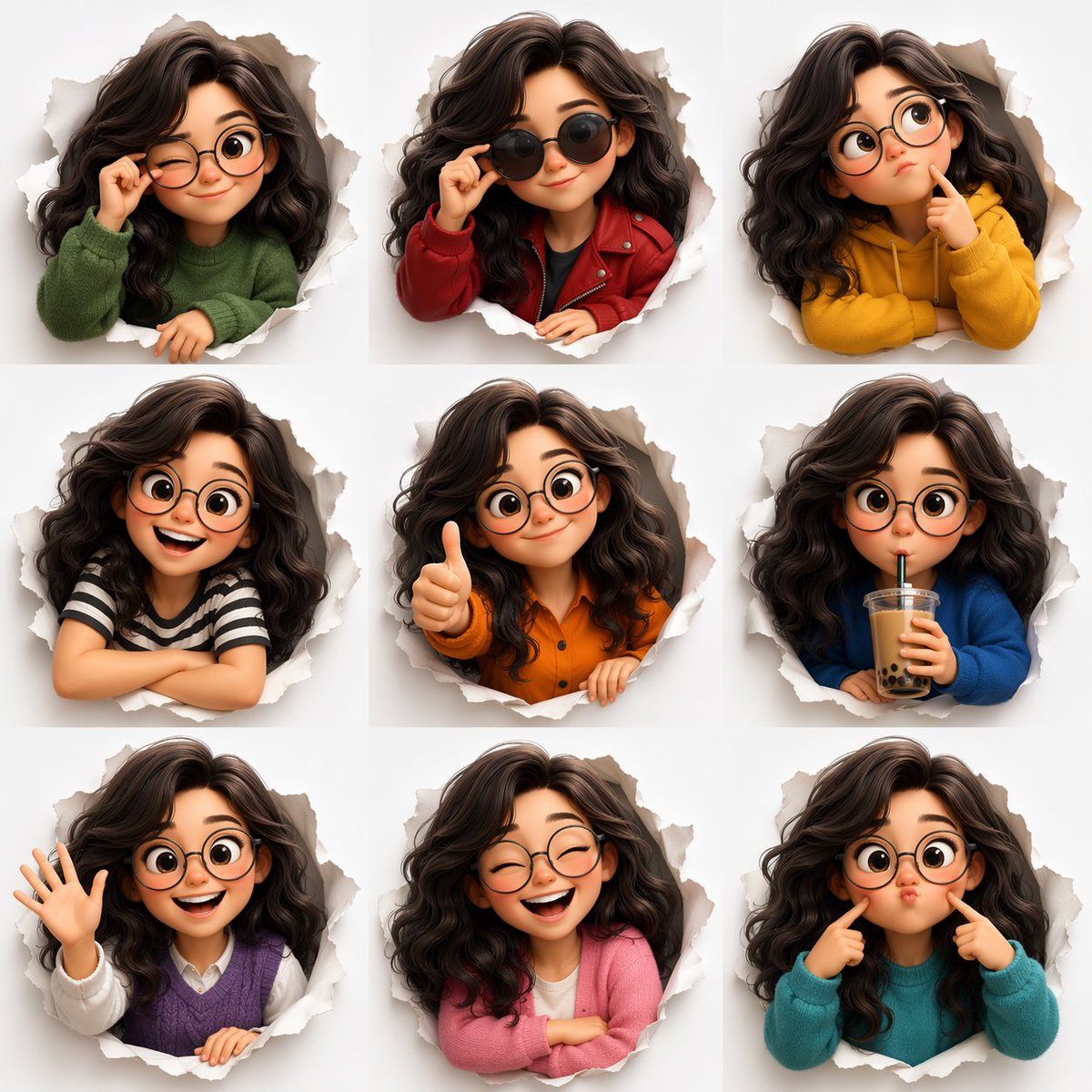
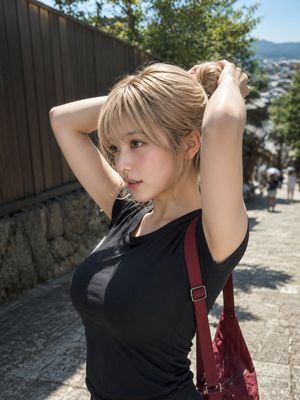
How do I use the Multi-Pose Wavy Dark Hair Portrait template?
Choose the primary action to open PicX Studio with the available template settings. Review the model and format, personalize the creative direction, and generate when ready.
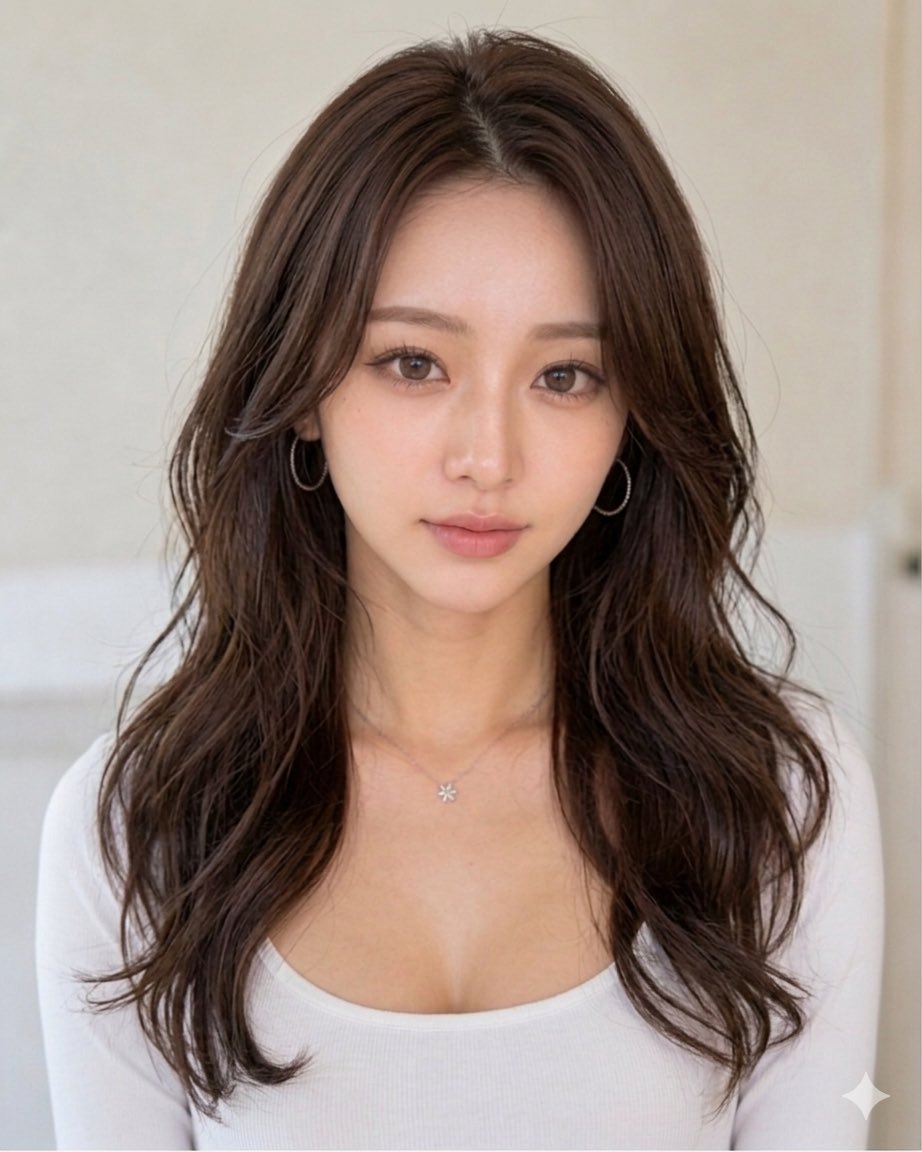
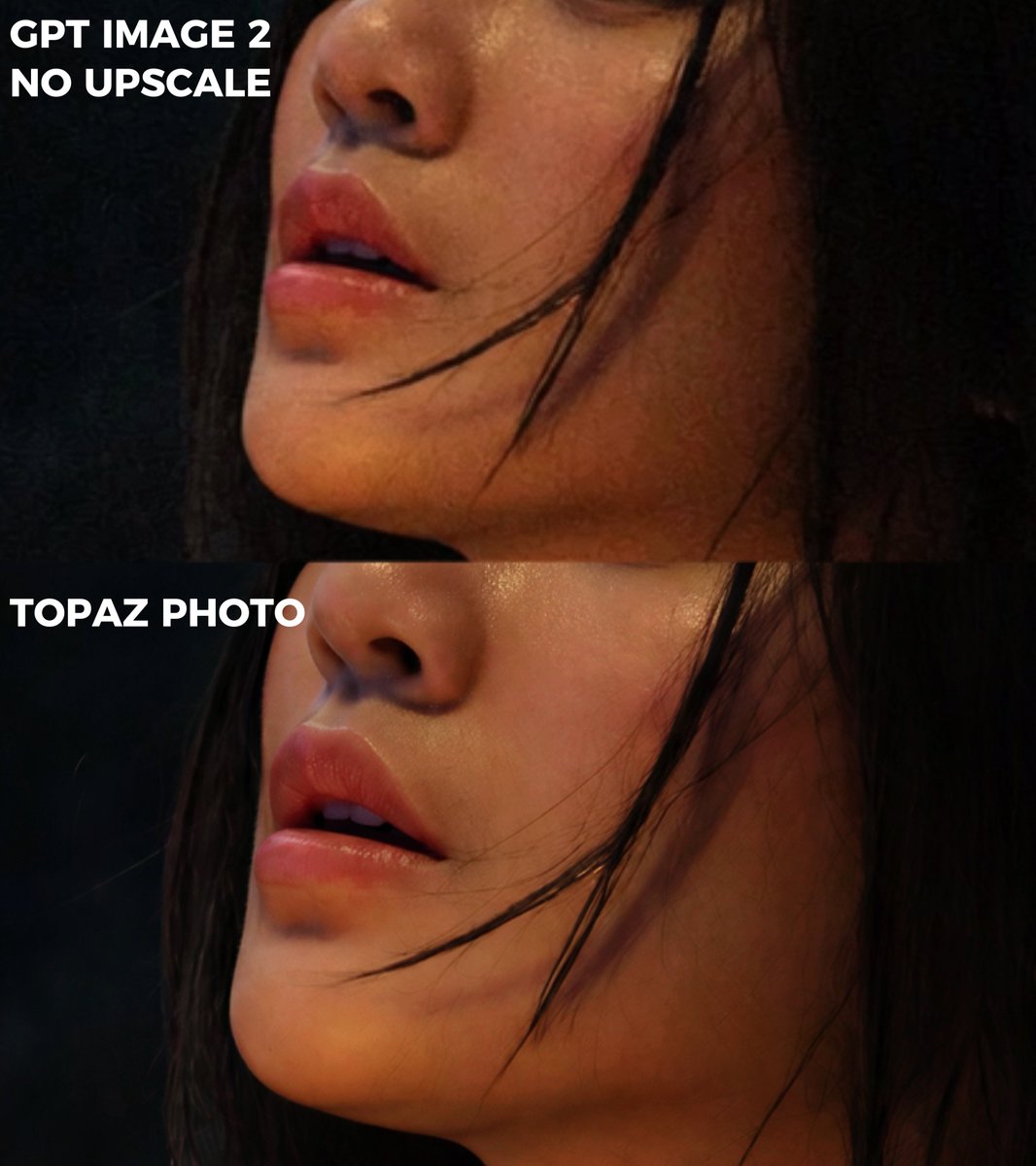
A prompt for generating three vertically stacked photos of a woman with long dark-brown wavy hair on a bed, using a reference image for identity.
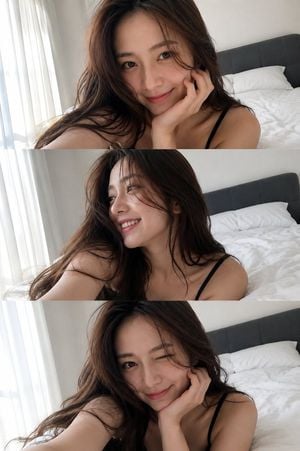
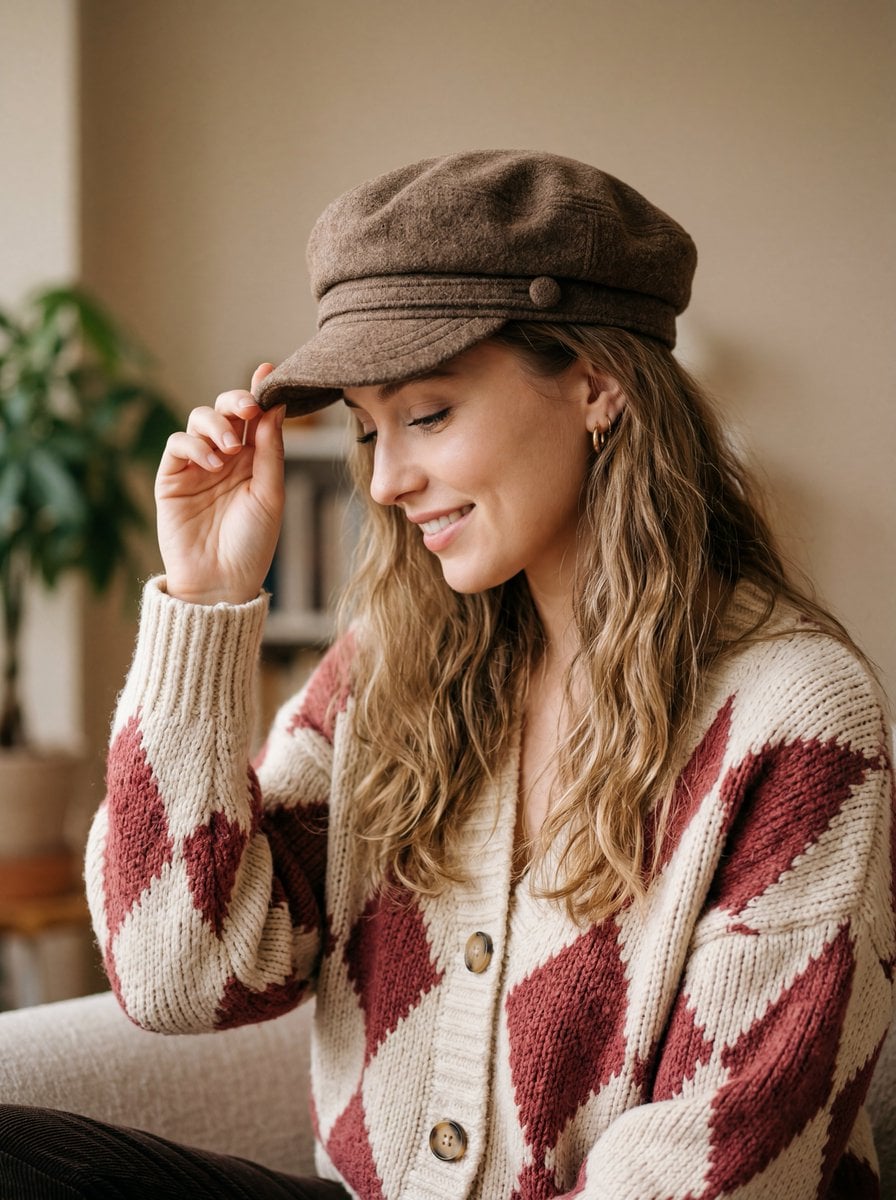
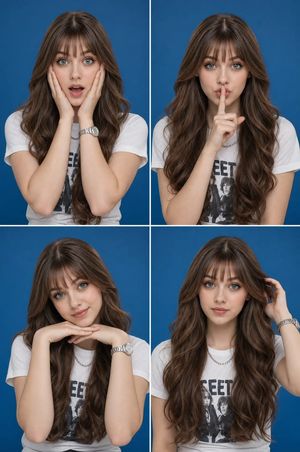
Create an ultra-realistic fashion portrait using the reference image as the exact identity source. Preserve facial features, proportions, skin tone, asymmetry, and natural skin texture without retouching or beautification. {argument name="poses" default="Three vertically stacked smartphone-photo frames"} of a young woman with {argument name="hair style" default="long, voluminous dark-brown wavy hair"} resting on a plush white bed: Top: Chin resting on one hand, looking at camera with a gentle smile. Middle: Soft profile, looking away and smiling, hair flowing across face and shoulder. Bottom: Cheek on hand, playful wink with an affectionate smile. {argument name="outfit" default="Minimal black thin-strap top"}, natural makeup, soft brows, pink lips, flushed cheeks. Bright minimalist bedroom, white bedding/walls, sheer curtain, dark-grey headboard. Soft natural morning side-light, realistic smartphone exposure, wide-angle selfie perspective, crisp facial focus, photorealistic, unedited, natural pores. Negative: CGI, 3D, cartoon, anime, deformed eyes, extra limbs, blur, heavy makeup, plastic/smooth skin, oversaturation, filters, harsh shadows, low resolution, bad anatomy.
Choose the primary action to open PicX Studio with the available template settings. Review the model and format, personalize the creative direction, and generate when ready.
Yes. You can change the subject, setting, lighting, mood, format, and available model controls before creating your image.
This template is free to open and customize. Generation usage is shown in PicX Studio before you create.
Start with GPT Image 2, which is the model associated with this template. You can compare another compatible model for a different finish.
Follow a topic to a crawlable collection of related PicX Studio templates.