
Elegant Kimono Garden Anime Woman
Generates a refined full-body anime character illustration in a traditional Japanese garden with ornate kimono-inspired fashion.
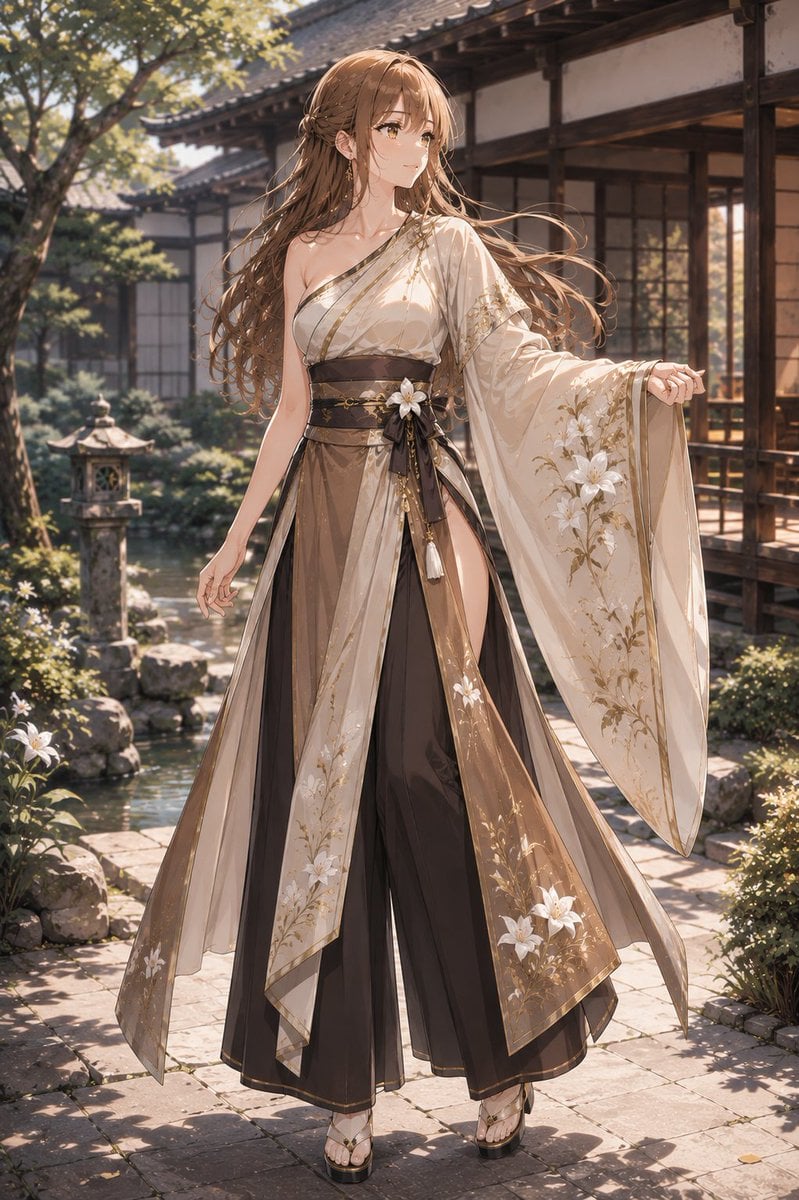
- Prompt included
- Model and format preset
- Free template
The prompt behind this image
Copy the exact prompt behind Elegant Kimono Garden Anime Woman, or open it in the studio and make it yours.
Create a full-body, high-detail anime illustration of an elegant young woman named {argument name="character name" default="Friedelinde"} standing in a sunlit traditional Japanese garden courtyard beside a koi pond and wooden temple-style architecture. She has a slender graceful figure, fair skin, warm golden-brown eyes, and very long flowing {argument name="hair color" default="light chestnut brown"} hair with soft waves, loose strands, tiny floral hair ornaments, and delicate dangling earrings. She wears a refined asymmetrical kimono-inspired couture outfit: one bare shoulder with a cream-white wrapped bodice, a single wide draped sleeve on her right arm, translucent layered outer panels, black and bronze hakama-style wide trousers, a dark obi belt tied with ribbons, tassels, and a large white flower ornament. The clothing is decorated with gold trim and white lily-like floral embroidery, especially on the long sleeve and sheer skirt panels; keep the look elegant and artistic, not explicit. Her pose is poised and gentle, one hand relaxed downward and the other lightly extending the long sleeve outward, gazing softly to the side with a calm expression. Set the scene in late-afternoon warm sunlight with dappled shadows from trees, stone paving, a stone lantern, rocks, pond water, garden plants, and a traditional wooden veranda in the background. Use a luxurious soft anime art style with painterly lighting, delicate linework, realistic fabric translucency, flowing hair motion, shallow depth of field, warm highlights, cinematic composition, vertical 2:3 framing, ultra-detailed, beautiful, serene, no text, no watermark.
How to use Elegant Kimono Garden Anime Woman in 3 steps
- 1Upload ImagePNG, JPG or paste
Add your photo
Upload the photo the template builds on. The prompt, model and format are already set.
- 2…a portrait of your subject in softgolden-hour light, 85mm…
Personalize
Edit the subject and creative details for your destination.
- 3Generate
Generate
Press Generate — your image is created in PicX Studio, so you can compare it with the original and refine one variable at a time.
More like this
Templates with the same subject, style or setup. Open one to see its prompt.
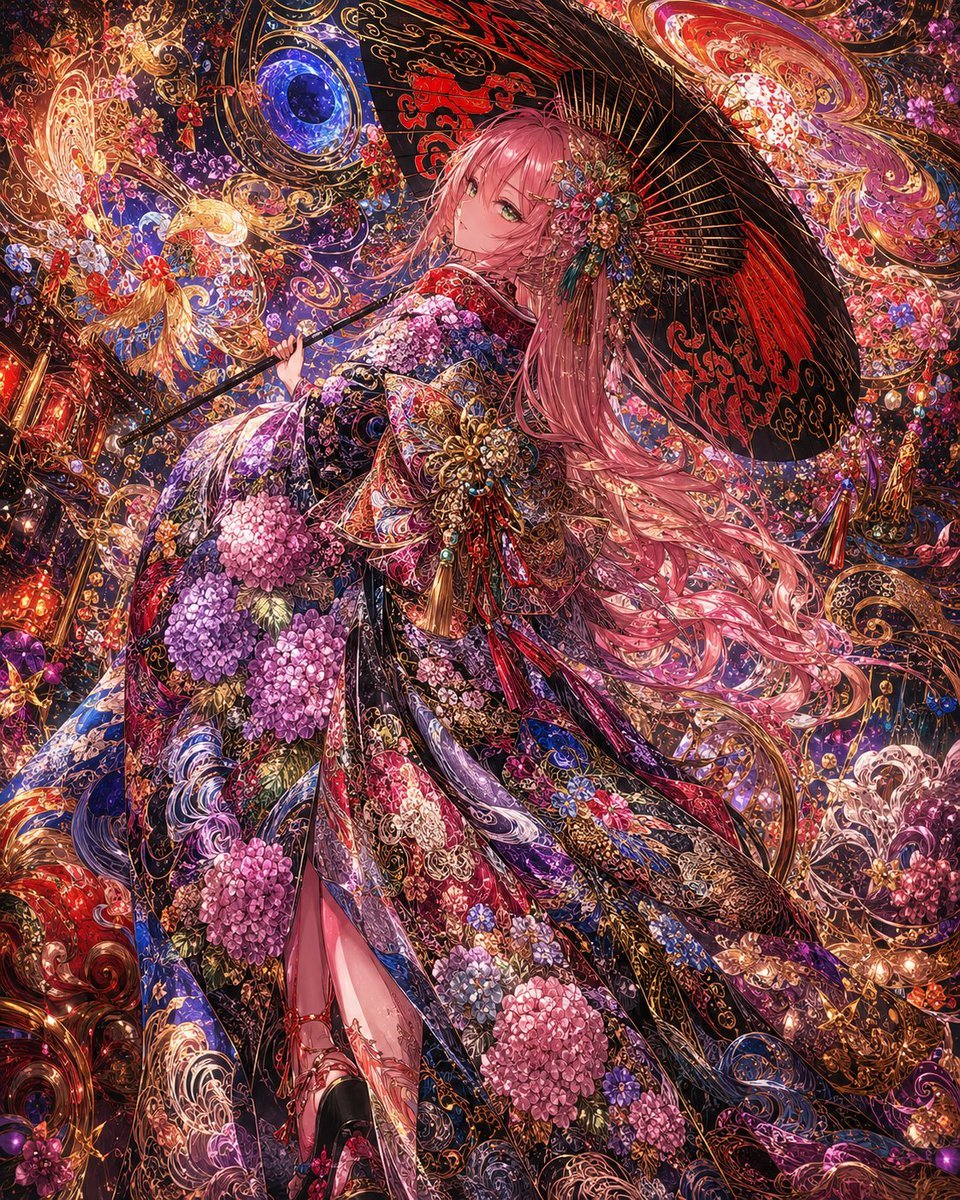
Ornate Kimono Anime Woman

Cel 2D Garden Maze

Anime Rose Garden Throne

Sculpture Garden Geometry
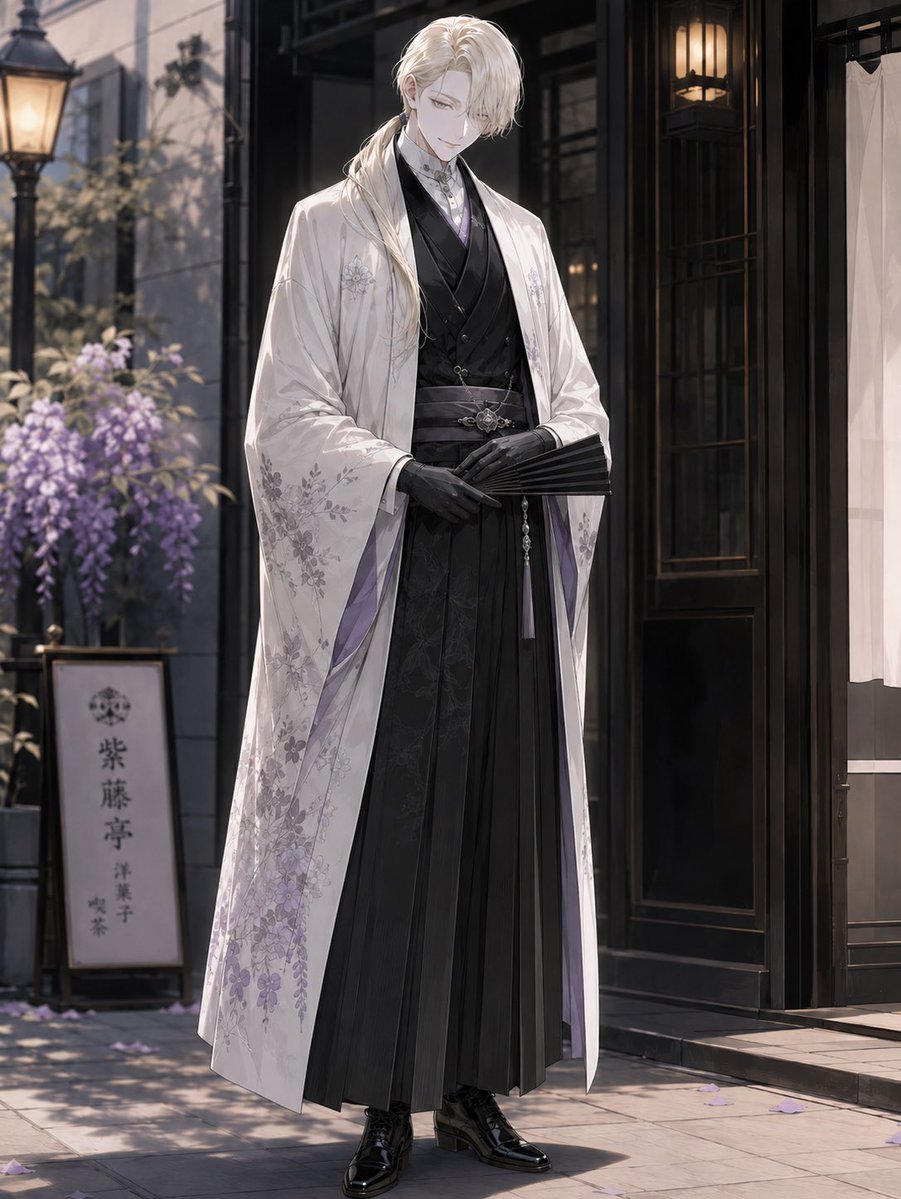
Elegant Pastry Shop Kimono Man
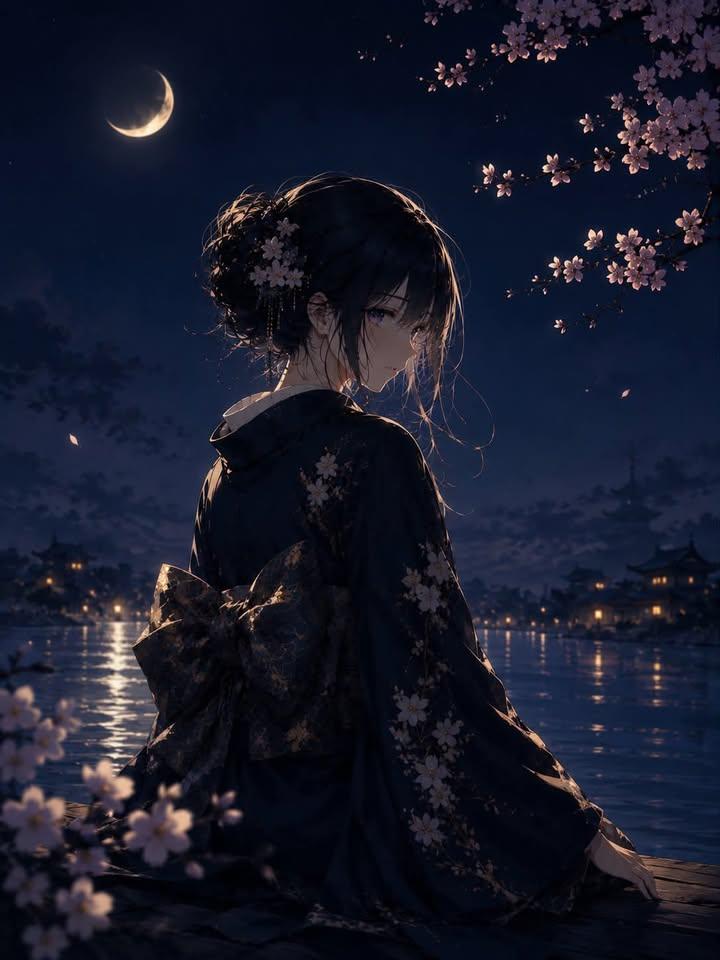
Luxury Japanese Fantasy Anime Kimono
South Asian Woman in Garden Portrait
Elegant Garden Fashion Editorial

Elegant Woman with Luxury Sedan at Night
Photorealistic Woman in Floral Garden

Elegant Woman in Red Satin in Cozy Cafe

Woman with Rabbit in Cherry Blossom Garden
Make it yours
Elegant Kimono Garden Anime Woman works as-is. These are the safest ways to change it without losing the look.
Change one field
Copy a single group, rewrite it, and generate again so you can see what that field is doing.
Keep the frame, change the subject
Hold the composition and light of Elegant Kimono Garden Anime Woman, then swap wardrobe, props or the person for a new take.
| If the result… | Why | Fix |
|---|---|---|
| The result drifts from the preview | Too many fields changed at once. | Reuse Elegant Kimono Garden Anime Woman as-is first, then change one group — subject, light, or setting. |
| The model over-stylizes the scene | The prose prompt leaves finish and camera underspecified. | Add one camera or lighting sentence and stay on GPT Image 2. |
More GPT Image 2 templates
Other prompts made for GPT Image 2.

Six VTuber Japanese Logo Sheet

Realistic Portrait of Woman and Deer

The Vista Modular Condo Poster

AI Model Routing Comparison Infographic

2.5D Anime Art Board

Isometric Productivity Desk Scene

New York Double Exposure Poster

Four-Panel AI Landscape Comparison

Japanese Tatami Lifestyle Magazine Cover

NESCAFÉ Coffee Map Poster
More image prompts
Fresh picks from across the catalog.

Hollywood Spy-Thriller Character Board

Social Media Ad Designs
Motion Prompt: Static Subject with Dynamic Background

3D stylized character transformation prompt

Playful 8K Selfie of Young Woman Winking
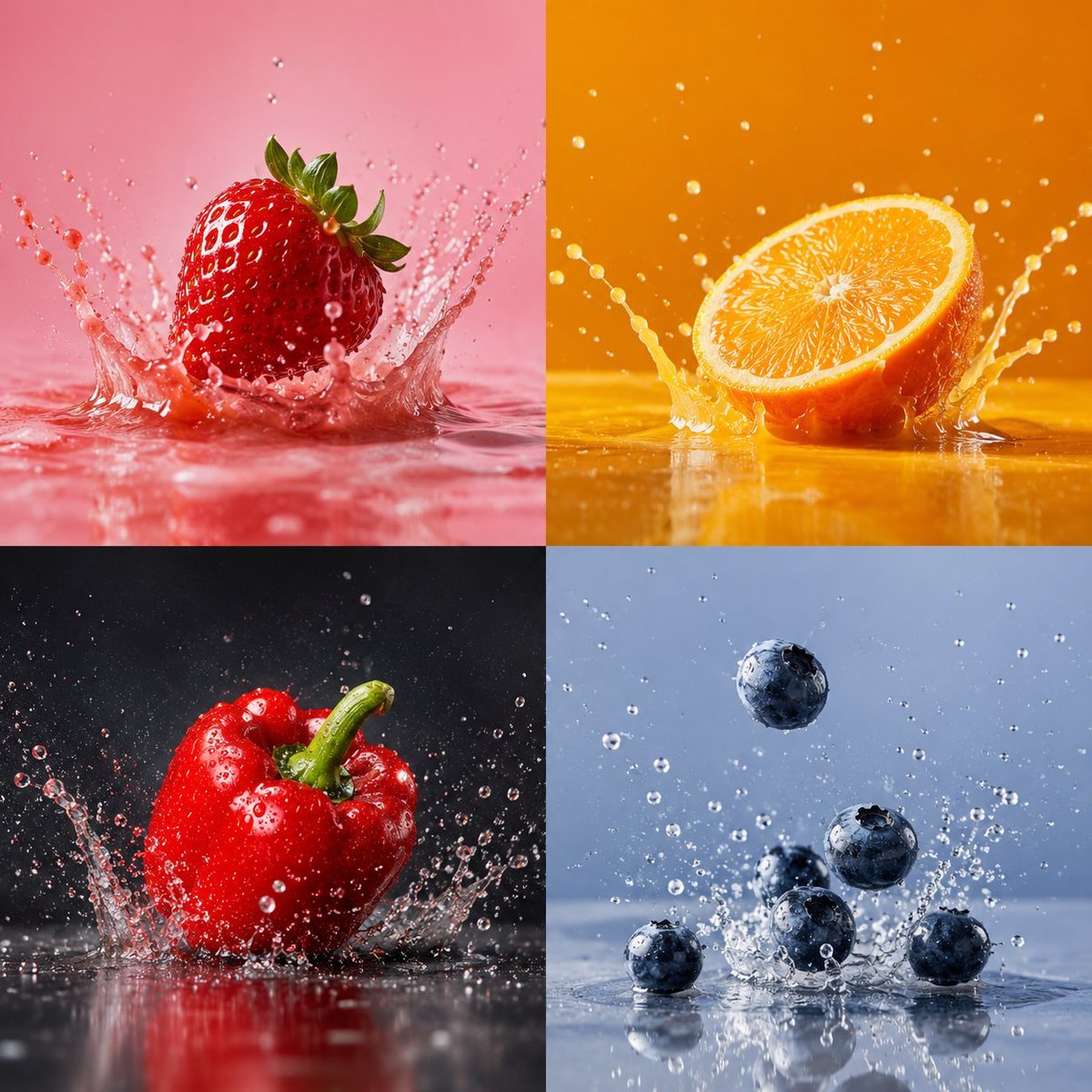
High-Speed Food Splash Capture

Romantic Paris Travel Poster

Ultra-Photoreal BTS Sitcom Selfie with Identity Lock

Glamorous Nightlife Flash Portrait in Velvet Booth

Propaganda Poster Style: Nose Hair Horror
Browse template categories
Elegant Kimono Garden Anime Woman questions
How do I use the Elegant Kimono Garden Anime Woman template?
Add your photo if the template asks for one, edit the prompt if you like — the template's model and format are already selected — and press Generate. Your version opens in PicX Studio.
Can I customize the Elegant Kimono Garden Anime Woman template?
Yes. You can change the subject, setting, lighting, mood, format, and available model controls before creating your image.
Is the Elegant Kimono Garden Anime Woman template free?
Opening and editing this template is free. Generating uses credits, shown on the Generate button when you are signed in.
Which AI model should I use?
Start with GPT Image 2, which is the model associated with this template. You can compare another compatible model for a different finish.
Looking for something else? Browse all templates.

Your photo, any look
Thousands of ready templates for every top image and video model, from one credit balance.