
Gritty Industrial Monochrome Tattooed Portrait
A masculine black-and-white industrial portrait prompt for gpt-image-2, focusing on intricate tattoos, sharp jawlines, and a mysterious aesthetic.
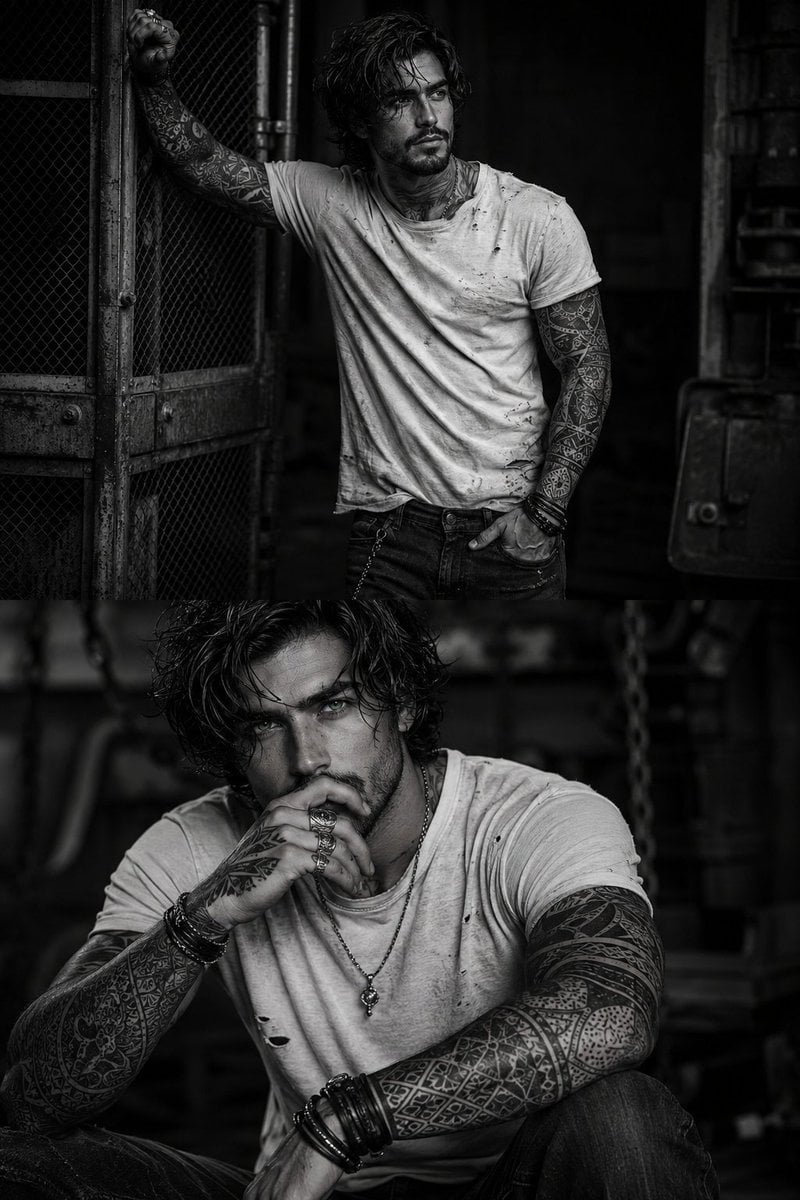
- Prompt included
- Model and format preset
- Free template
The prompt behind this image
Copy the exact prompt behind Gritty Industrial Monochrome Tattooed Portrait, or open it in the studio and make it yours.
Ultra-realistic cinematic black-and-white portrait photography, 8K HDR, hyper-detailed, dark gritty industrial aesthetic. A {argument name="subject" default="handsome 25-year-old man"} with thick, messy, shoulder-length dark brown hair, sharp masculine jawline, light stubble, intense light green eyes, strong cheekbones, and a rugged, mysterious expression. His entire upper body and both arms are covered with intricate geometric and tribal-style tattoos. He wears a {argument name="outfit" default="distressed, oversized off-white/dirty white fitted T-shirt"} with small tears, worn texture and subtle stains, paired with dark faded rugged jeans. He has multiple dark leather and metal bracelets, chunky vintage rings, and a simple chain necklace. Pose 1: He stands beside an old rusty industrial metal mesh gate, one arm raised with his hand resting against the metal frame while the other hand is casually tucked into his jeans pocket. He looks slightly away from the camera with a cold, confident, rebellious expression. Pose 2: He sits in a dark industrial setting, leaning slightly forward with one hand near his lips and the other resting casually on his knee. His tattooed arms are prominently visible. He stares directly into the camera with an intense, mysterious gaze. The environment is an abandoned industrial factory/workshop, featuring rusty machinery, metal fencing, pipes, chains and deep shadows. Almost completely monochrome black-and-white, with only the man's light green eyes subtly glowing as the single color accent. High-contrast cinematic lighting, dramatic side lighting, deep blacks, rich grayscale tones, realistic skin texture, wet/messy hair strands, subtle film grain, moody shadows, raw masculine energy, rebellious underground fashion editorial, Vogue Men × dark cinematic photography, shallow depth of field, photorealistic, 85mm lens, sharp facial details, natural anatomy, realistic tattoos, cinematic composition.
How to use Gritty Industrial Monochrome Tattooed Portrait in 3 steps
- 1
Open
The prompt is already in the box next to the preview, with the template's model and format selected.
- 2…a portrait of your subject in softgolden-hour light, 85mm…
Personalize
Edit the subject and creative details for your destination.
- 3Generate
Generate
Press Generate — your image is created in PicX Studio, so you can compare it with the original and refine one variable at a time.
More like this
Templates with the same subject, style or setup. Open one to see its prompt.

Caution Tape Fashion — Industrial Editorial

Found Photograph: Us, 1970

80s Couple Studio Portrait

80s Bollywood Star

80s Golden Hour Cinema

Me in 1985

1985 Studio Portrait

Hyper-Realistic Minecraft POV Portrait

Rooftop Fisheye — Cat-Ear Balaclava at Golden Hour

Rainy Café Window Moody Portrait
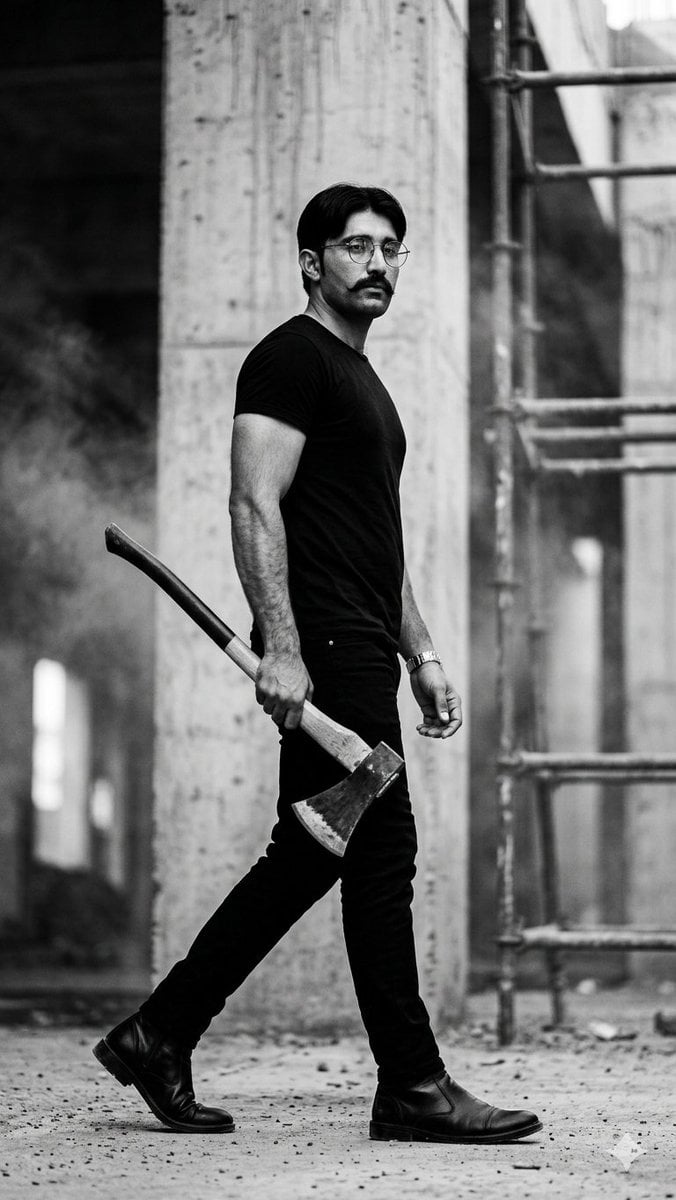
Monochrome Industrial Axe Walker
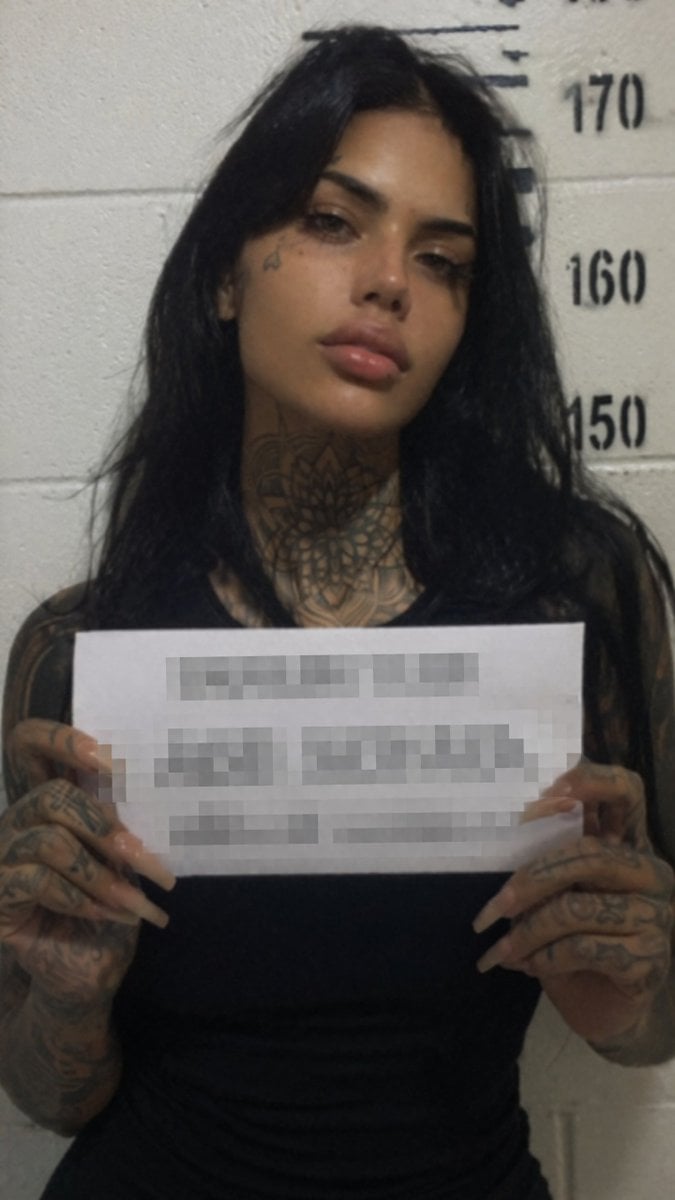
Gritty Tattooed Woman Mugshot
Make it yours
Gritty Industrial Monochrome Tattooed Portrait works as-is. These are the safest ways to change it without losing the look.
Change one field
Copy a single group, rewrite it, and generate again so you can see what that field is doing.
Keep the frame, change the subject
Hold the composition and light of Gritty Industrial Monochrome Tattooed Portrait, then swap wardrobe, props or the person for a new take.
| If the result… | Why | Fix |
|---|---|---|
| The result drifts from the preview | Too many fields changed at once. | Reuse Gritty Industrial Monochrome Tattooed Portrait as-is first, then change one group — subject, light, or setting. |
| The model over-stylizes the scene | The prose prompt leaves finish and camera underspecified. | Add one camera or lighting sentence and stay on GPT Image 2. |
More GPT Image 2 templates
Other prompts made for GPT Image 2.

Six VTuber Japanese Logo Sheet

Realistic Portrait of Woman and Deer

The Vista Modular Condo Poster

AI Model Routing Comparison Infographic

2.5D Anime Art Board

Isometric Productivity Desk Scene

New York Double Exposure Poster

Four-Panel AI Landscape Comparison

Japanese Tatami Lifestyle Magazine Cover

NESCAFÉ Coffee Map Poster
More image prompts
Fresh picks from across the catalog.
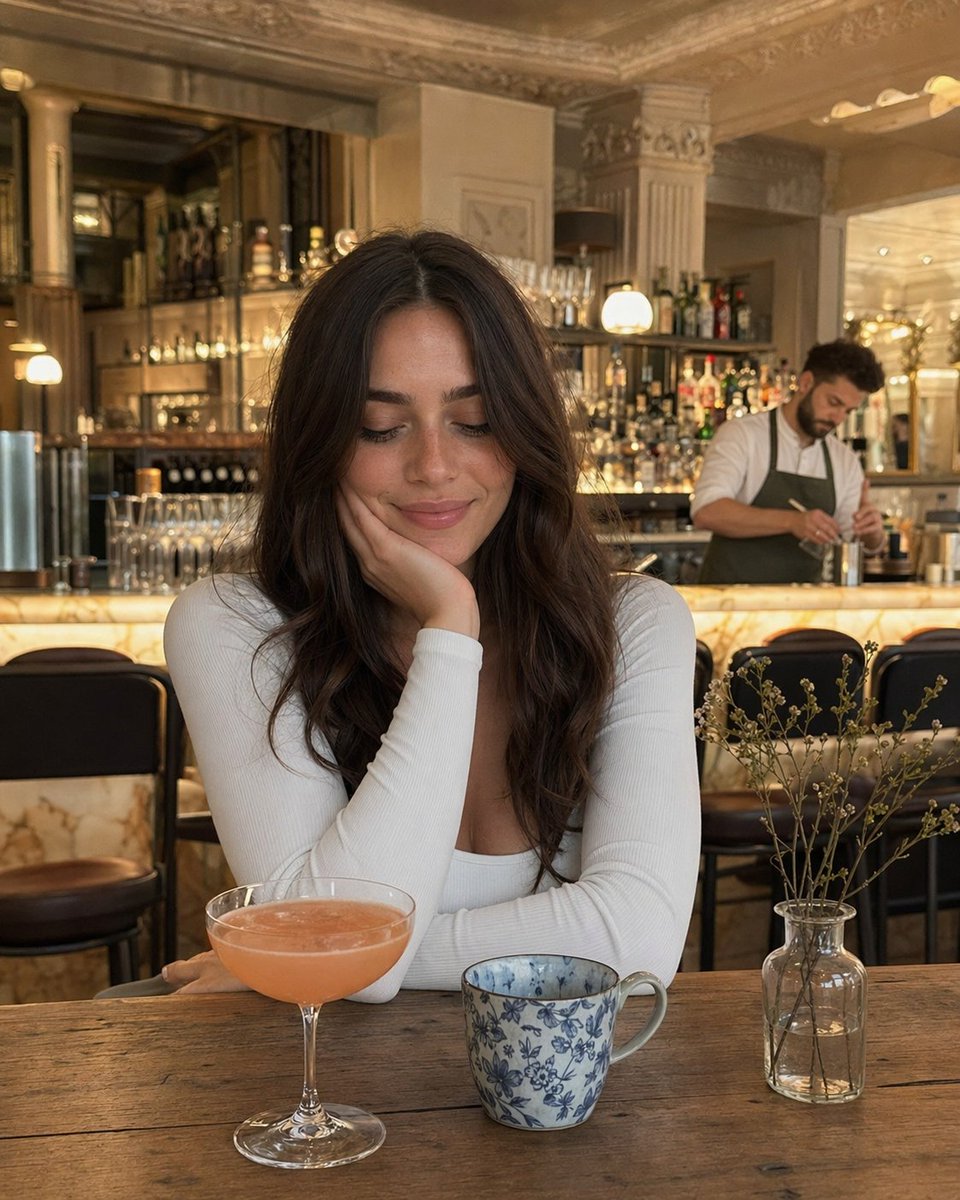
Woman at Elegant Bar Cafe Table
Commercial Beverage Ad for Layered Smoothie

Educational Kids Product Poster
Turn photo into a Lamborghini ad
Vogue Bridal Couture Luxury Cover
Onion-Cutting Prompt (Text/LLM)
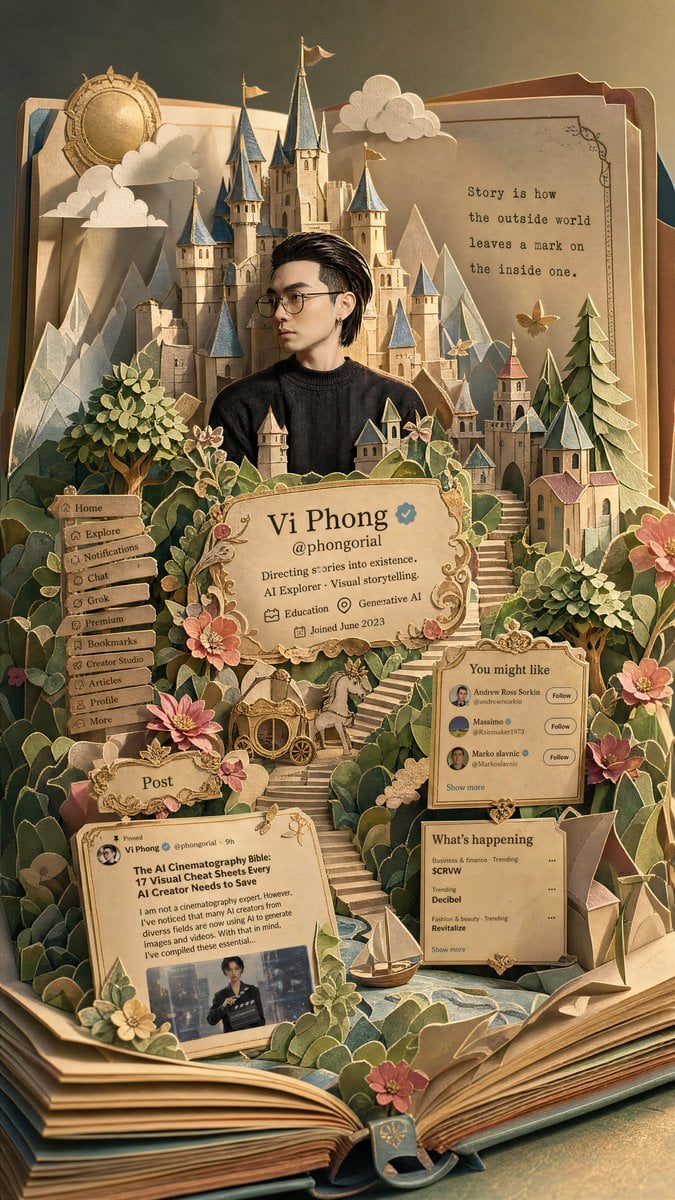
Fantasy Pop-up Book Transformation
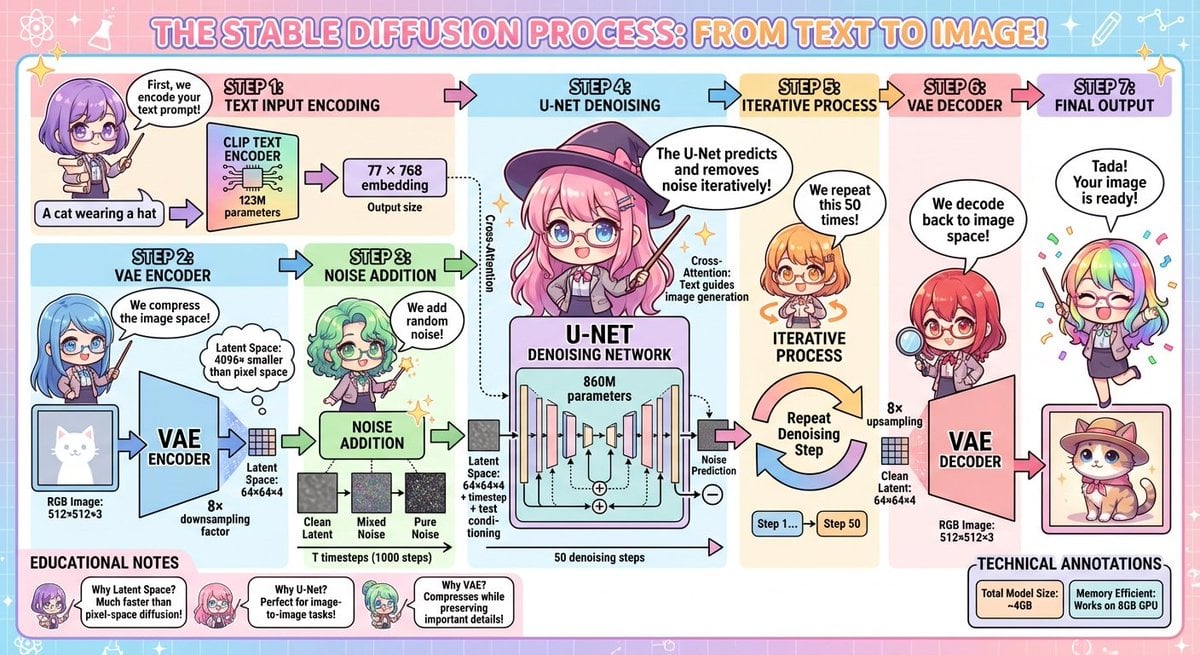
Stable Diffusion educational anime diagram
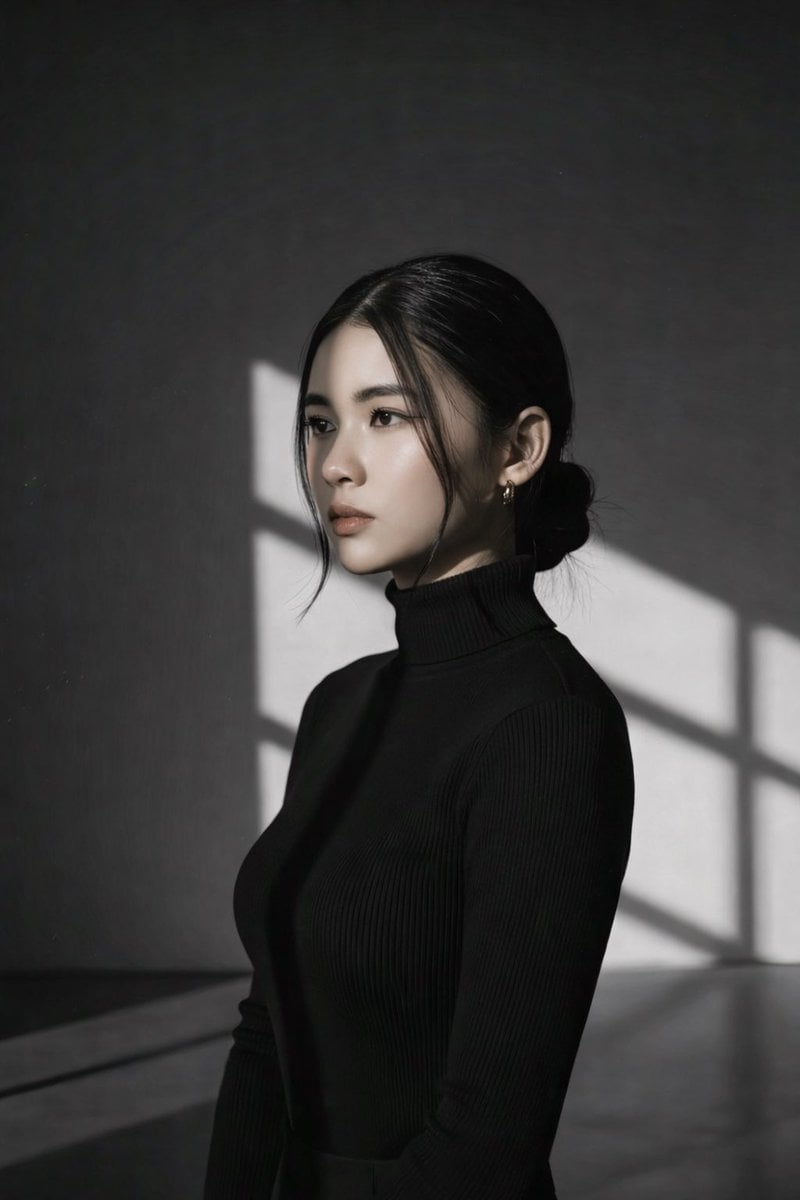
High Contrast Black and White Studio Portrait Prompt
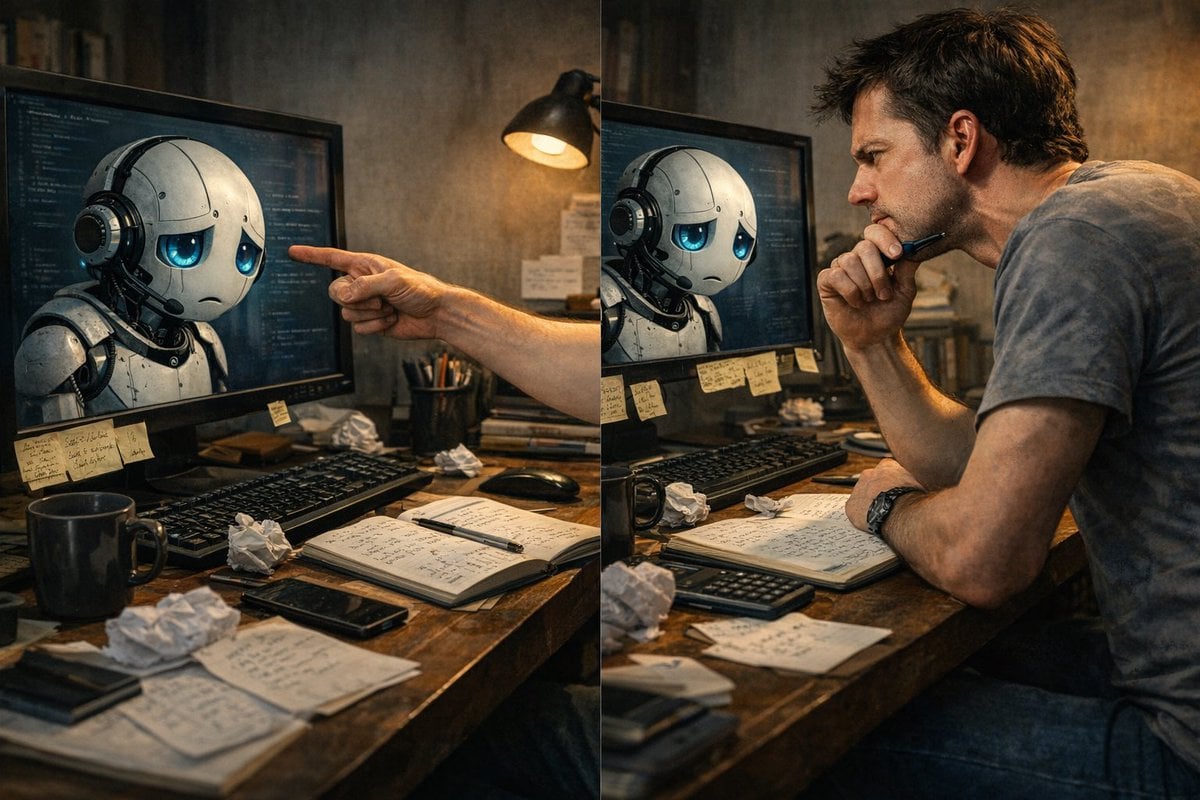
Request for a 'More Complete' Image Generation
Browse template categories
Gritty Industrial Monochrome Tattooed Portrait questions
How do I use the Gritty Industrial Monochrome Tattooed Portrait template?
Add your photo if the template asks for one, edit the prompt if you like — the template's model and format are already selected — and press Generate. Your version opens in PicX Studio.
Can I customize the Gritty Industrial Monochrome Tattooed Portrait template?
Yes. You can change the subject, setting, lighting, mood, format, and available model controls before creating your image.
Is the Gritty Industrial Monochrome Tattooed Portrait template free?
Opening and editing this template is free. Generating uses credits, shown on the Generate button when you are signed in.
Which AI model should I use?
Start with GPT Image 2, which is the model associated with this template. You can compare another compatible model for a different finish.
Looking for something else? Browse all templates.

Your photo, any look
Thousands of ready templates for every top image and video model, from one credit balance.