
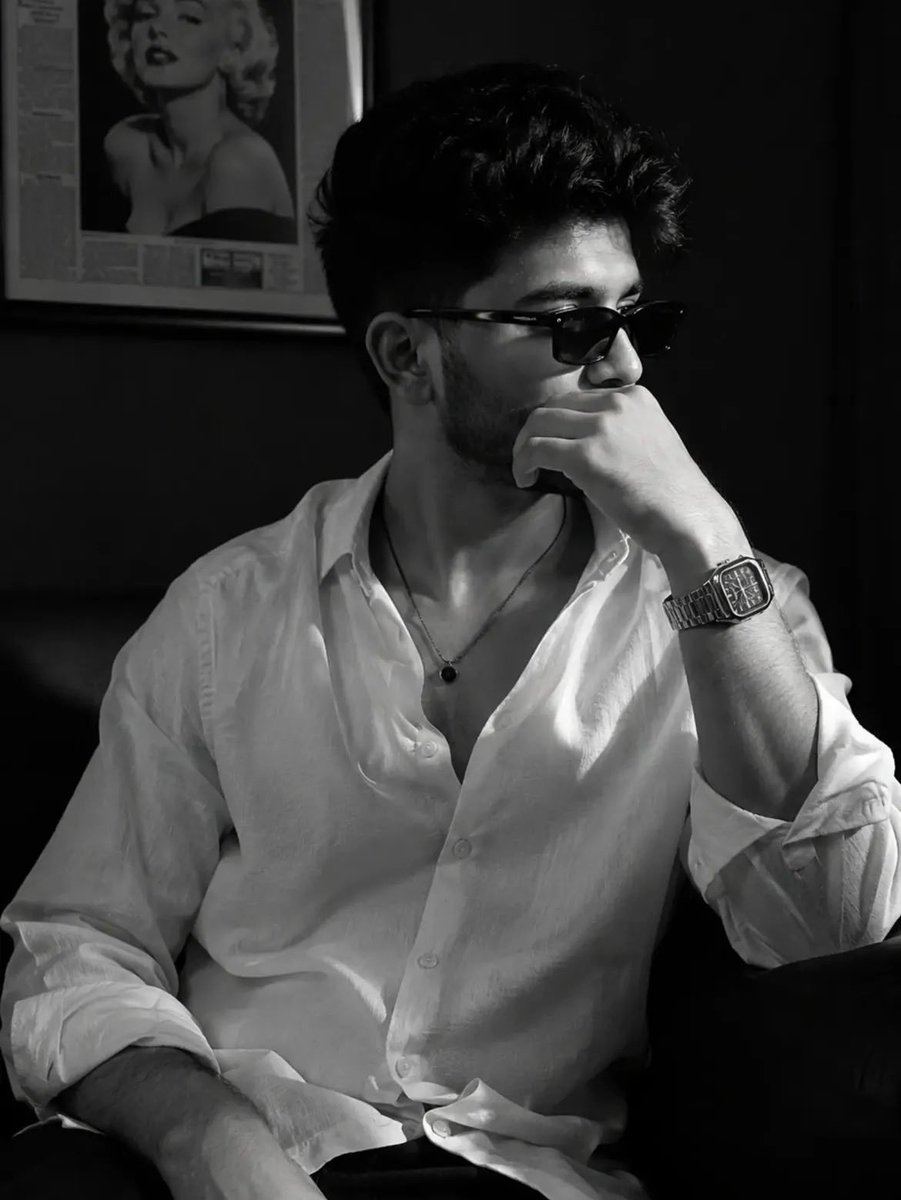
High Fidelity Identity Portrait
A complex prompt for preserving an uploaded face identity while generating a luxury monochrome editorial portrait in a cafe setting.
- Prompt included
- Model and format preset
- Free template
The prompt behind this image
Copy the exact prompt behind High Fidelity Identity Portrait, or open it in the studio and make it yours.
Use my uploaded face image as the primary facial identity reference with the highest identity weight. Preserve my exact facial identity with absolute accuracy. My face must remain instantly recognizable, including my face shape, hairstyle, hairline, eyebrows, eyes, nose, lips, beard, skin tone, ears, facial proportions, jawline, and every unique facial feature. Do not beautify, stylize, age, de-age, feminize, masculinize, or replace my identity. Maintain perfect facial consistency and natural skin texture. Create a hyper-realistic cinematic black-and-white luxury editorial portrait of me seated casually on a premium black leather sofa inside an {argument name="setting" default="elegant upscale café or private lounge"}. I am wearing an {argument name="outfit" default="oversized white linen button-up shirt"} with the top three buttons open, sleeves casually rolled to the forearms, paired with tailored black trousers. Accessories include minimalist rectangular black sunglasses, a luxury stainless-steel square bracelet watch, and a thin black pendant necklace resting naturally on my chest. Pose me with a relaxed, confident posture. My right elbow rests on the sofa armrest, while my right hand partially covers my mouth and chin in a thoughtful pose. My head is turned about 35–45° to the right, looking off-camera with a calm, mysterious, self-assured expression. My left arm rests naturally on my lap. The background features a dark matte charcoal wall with a framed vintage Marilyn Monroe black-and-white portrait hanging softly out of focus, creating a refined, timeless café atmosphere. Keep the environment minimal and luxurious with no distractions. Lighting is soft natural window light entering from the left, producing dramatic Rembrandt lighting across the face with smooth falloff into rich shadows. Add subtle rim lighting to define the hair and shoulders while preserving a natural monochrome look. Maintain high contrast, deep blacks, bright whites, and delicate grayscale transitions. Shot on an 85mm full-frame portrait lens at f/1.8, eye-level composition, vertical framing, shallow depth of field, razor-sharp focus on the face, creamy background bokeh, realistic skin pores, detailed beard texture, crisp linen fabric, premium watch reflections, subtle film grain, HDR, magazine-quality retouching without altering identity. Style: Ultra-photorealistic, monochrome fine-art photography, luxury menswear campaign, Vogue Homme, GQ editorial, Leica M11 aesthetic, timeless masculine elegance, cinematic realism, minimalist composition, masterpiece, 8K, award-winning fashion photography.
How to use High Fidelity Identity Portrait in 3 steps
- 1Upload ImagePNG, JPG or paste
Add your photo
Upload the photo the template builds on. The prompt, model and format are already set.
- 2…a portrait of your subject in softgolden-hour light, 85mm…
Personalize
Edit the subject and creative details for your destination.
- 3Generate
Generate
Press Generate — your image is created in PicX Studio, so you can compare it with the original and refine one variable at a time.
More like this
Templates with the same subject, style or setup. Open one to see its prompt.
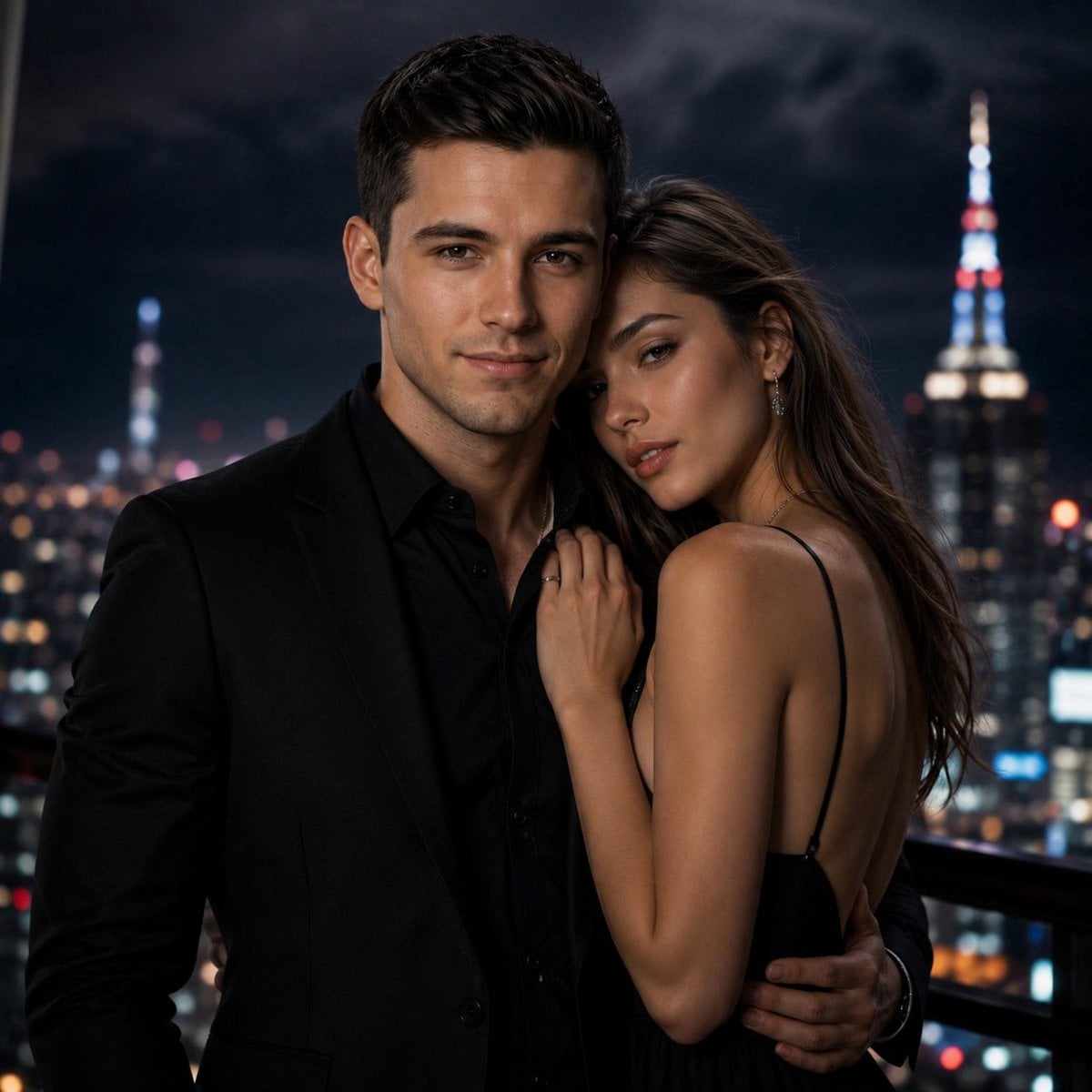
High-Fidelity Identity Portrait Template
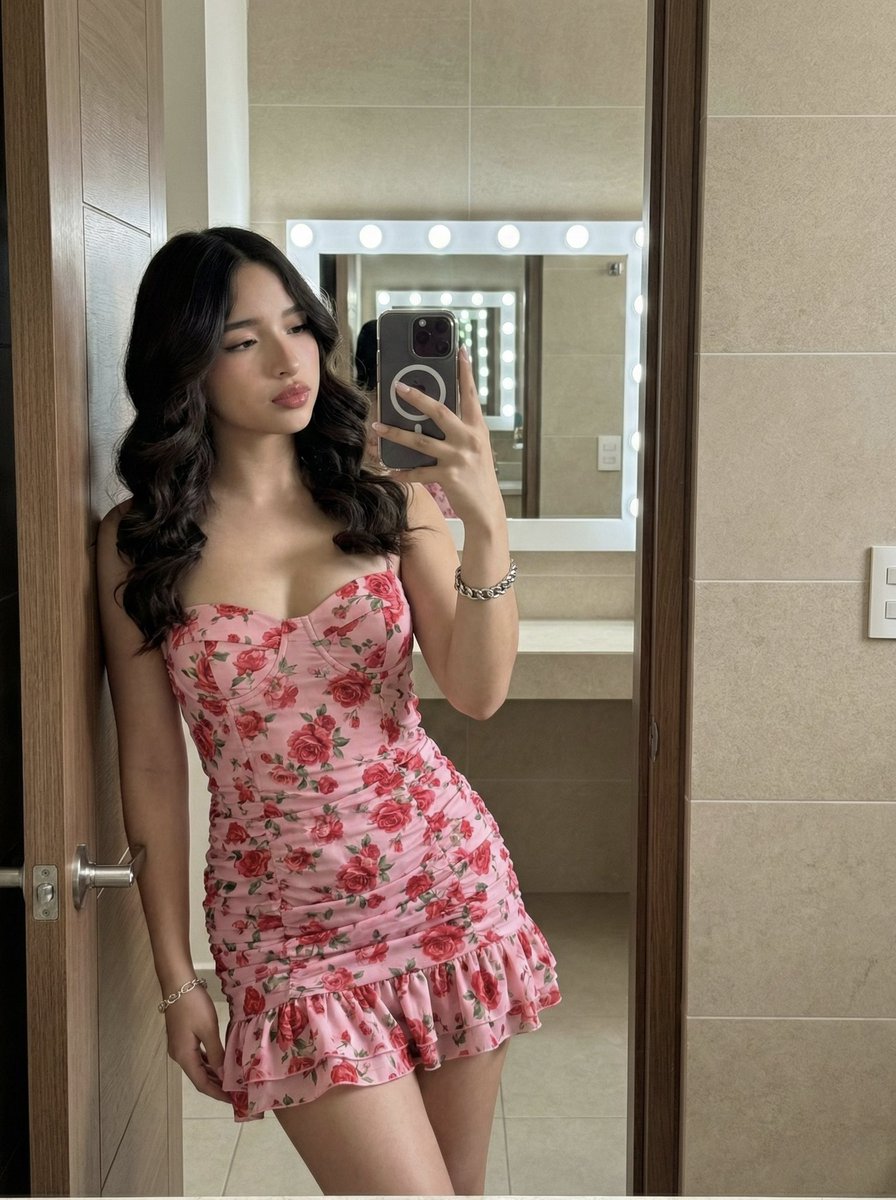
High-Fidelity Mirror Selfie Portrait with Identity Lock
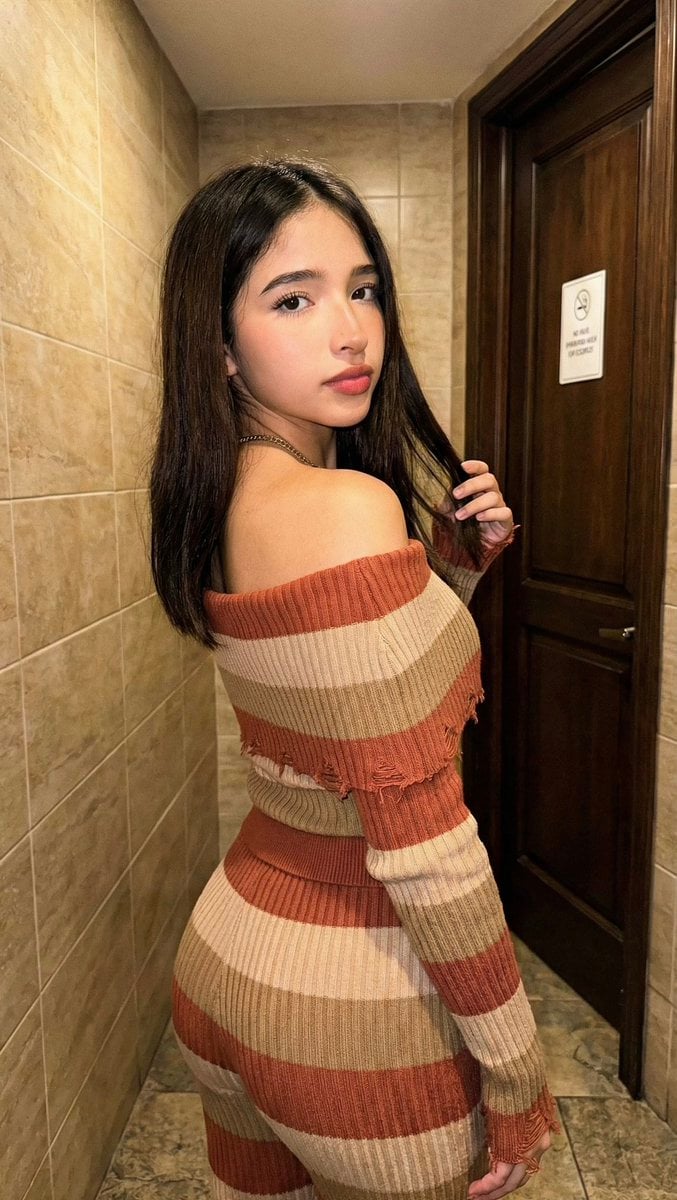
High-Fidelity Portrait with Extreme Identity Mapping and Technical Rib-Knit Texture

Found Photograph: Us, 1970

80s Couple Studio Portrait

80s Bollywood Star

80s Golden Hour Cinema

Me in 1985

1985 Studio Portrait

Hyper-Realistic Minecraft POV Portrait

Rooftop Fisheye — Cat-Ear Balaclava at Golden Hour

Rainy Café Window Moody Portrait
Make it yours
High Fidelity Identity Portrait works as-is. These are the safest ways to change it without losing the look.
Change one field
Copy a single group, rewrite it, and generate again so you can see what that field is doing.
Keep the frame, change the subject
Hold the composition and light of High Fidelity Identity Portrait, then swap wardrobe, props or the person for a new take.
| If the result… | Why | Fix |
|---|---|---|
| The result drifts from the preview | Too many fields changed at once. | Reuse High Fidelity Identity Portrait as-is first, then change one group — subject, light, or setting. |
| The model over-stylizes the scene | The prose prompt leaves finish and camera underspecified. | Add one camera or lighting sentence and stay on GPT Image 2. |
More GPT Image 2 templates
Other prompts made for GPT Image 2.

Six VTuber Japanese Logo Sheet

Realistic Portrait of Woman and Deer

The Vista Modular Condo Poster

AI Model Routing Comparison Infographic

2.5D Anime Art Board

Isometric Productivity Desk Scene

New York Double Exposure Poster

Four-Panel AI Landscape Comparison

Japanese Tatami Lifestyle Magazine Cover

NESCAFÉ Coffee Map Poster
More image prompts
Fresh picks from across the catalog.
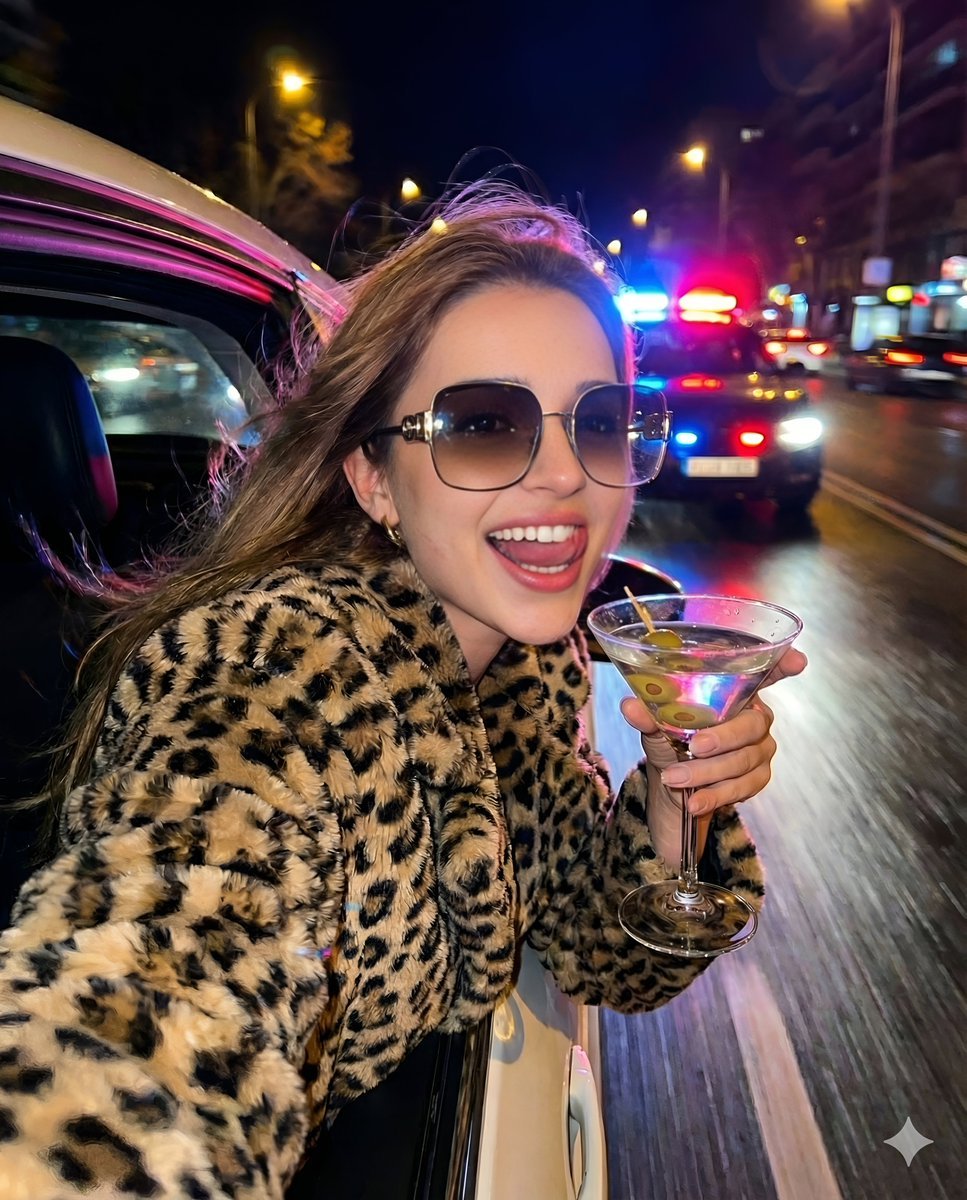
Nightlife Fashion Portrait in Luxury Car
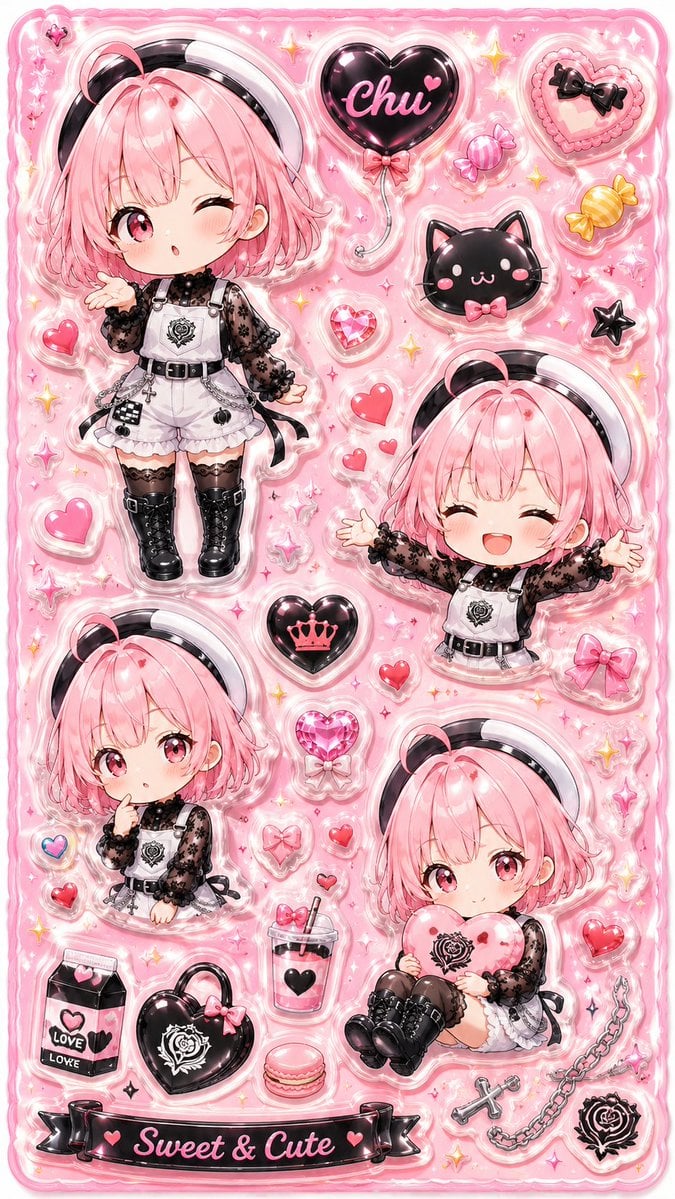
3D Puffy Resin Character Sticker Sheet
Cinematic Portrait Prompt in Luxury Cinema Lobby with Movie Poster
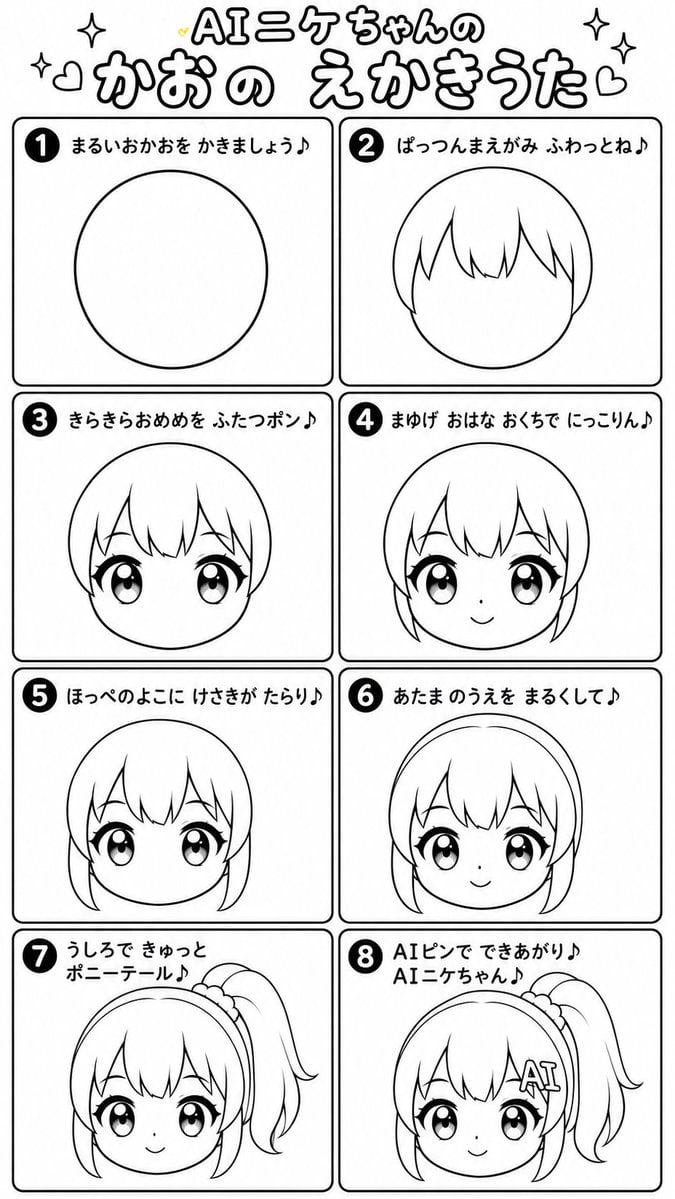
AI Nike-chan Drawing Song Manga
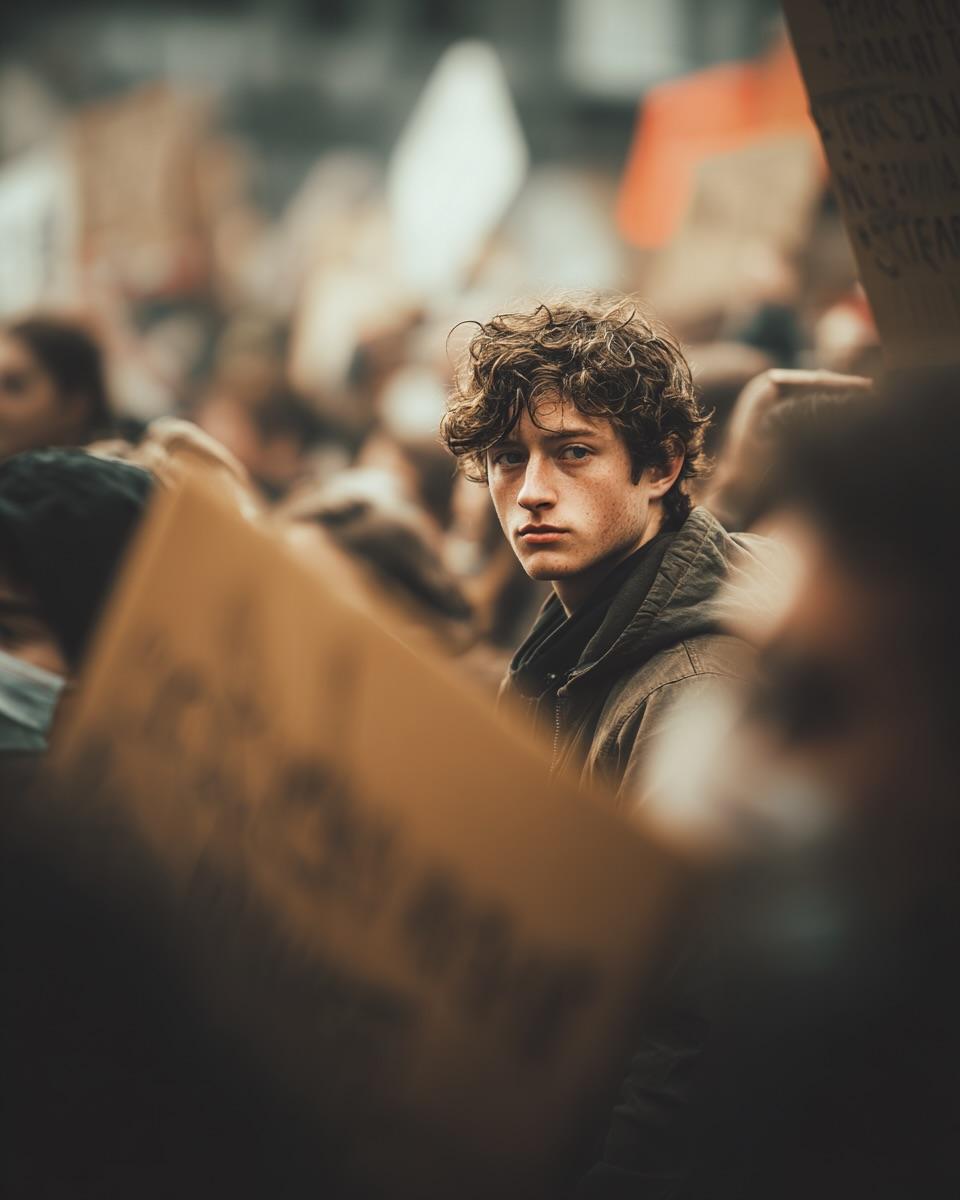
Ultra-Realistic Cinematic Street Photograph Prompt
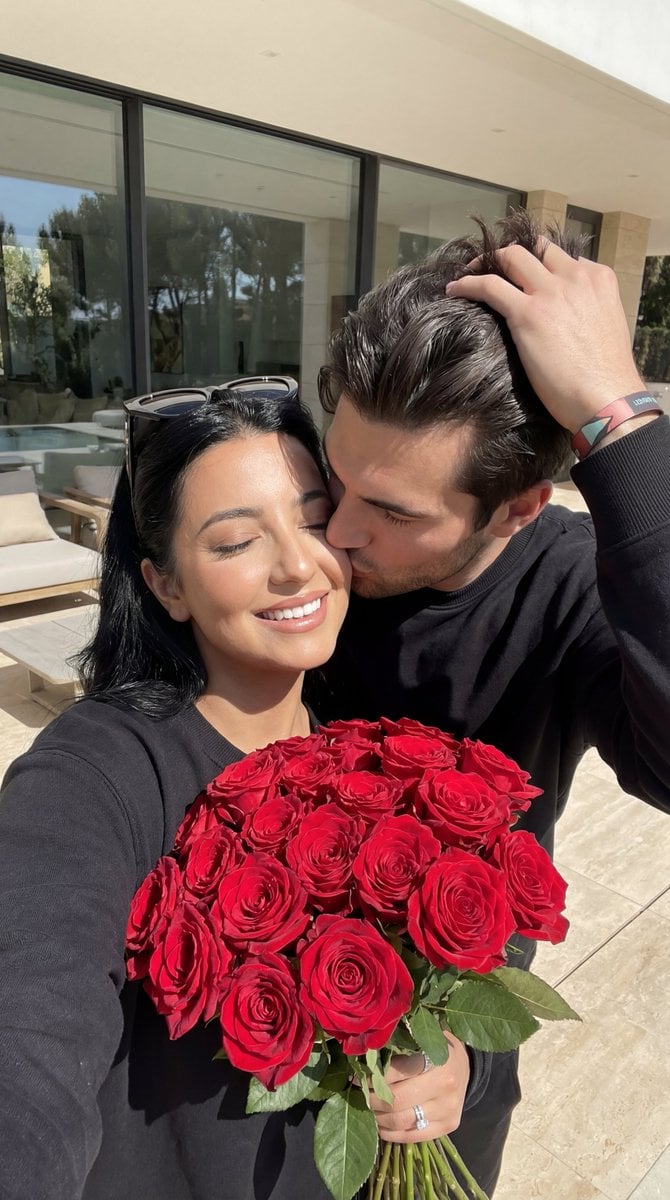
Photorealistic Couple Portrait with Harsh Midday Sun and Red Roses
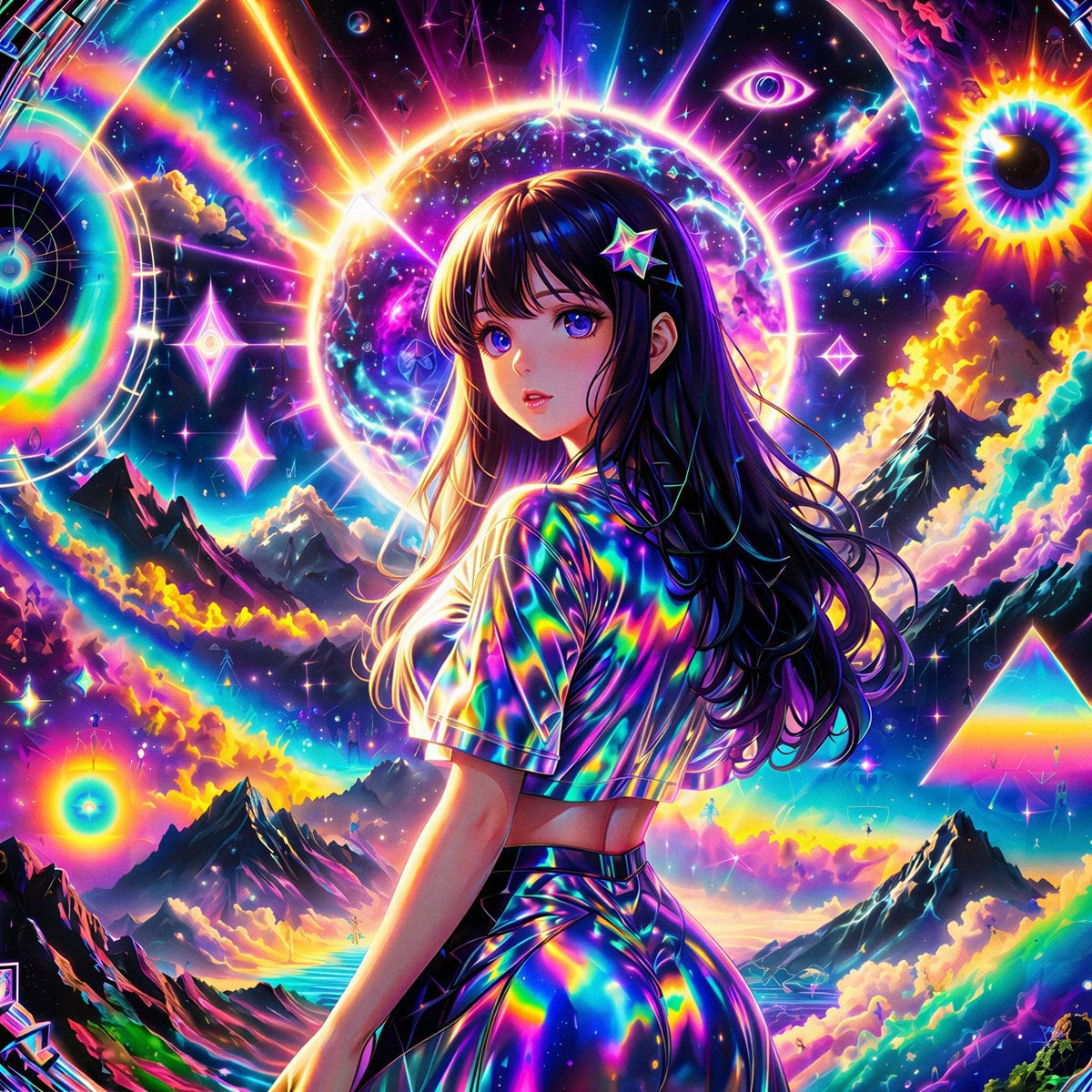
Remake Image Prompt
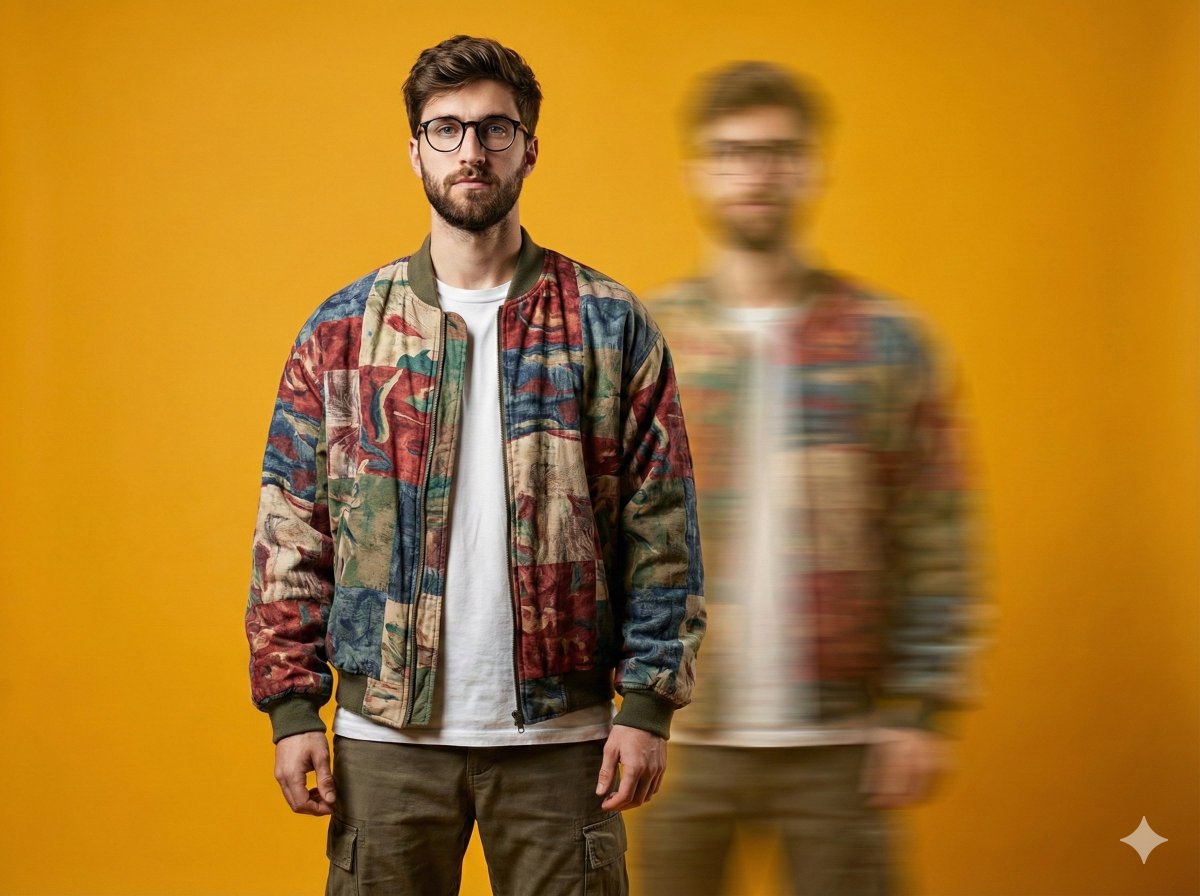
Avant-Garde Fashion Portrait with Ghost Duplicate
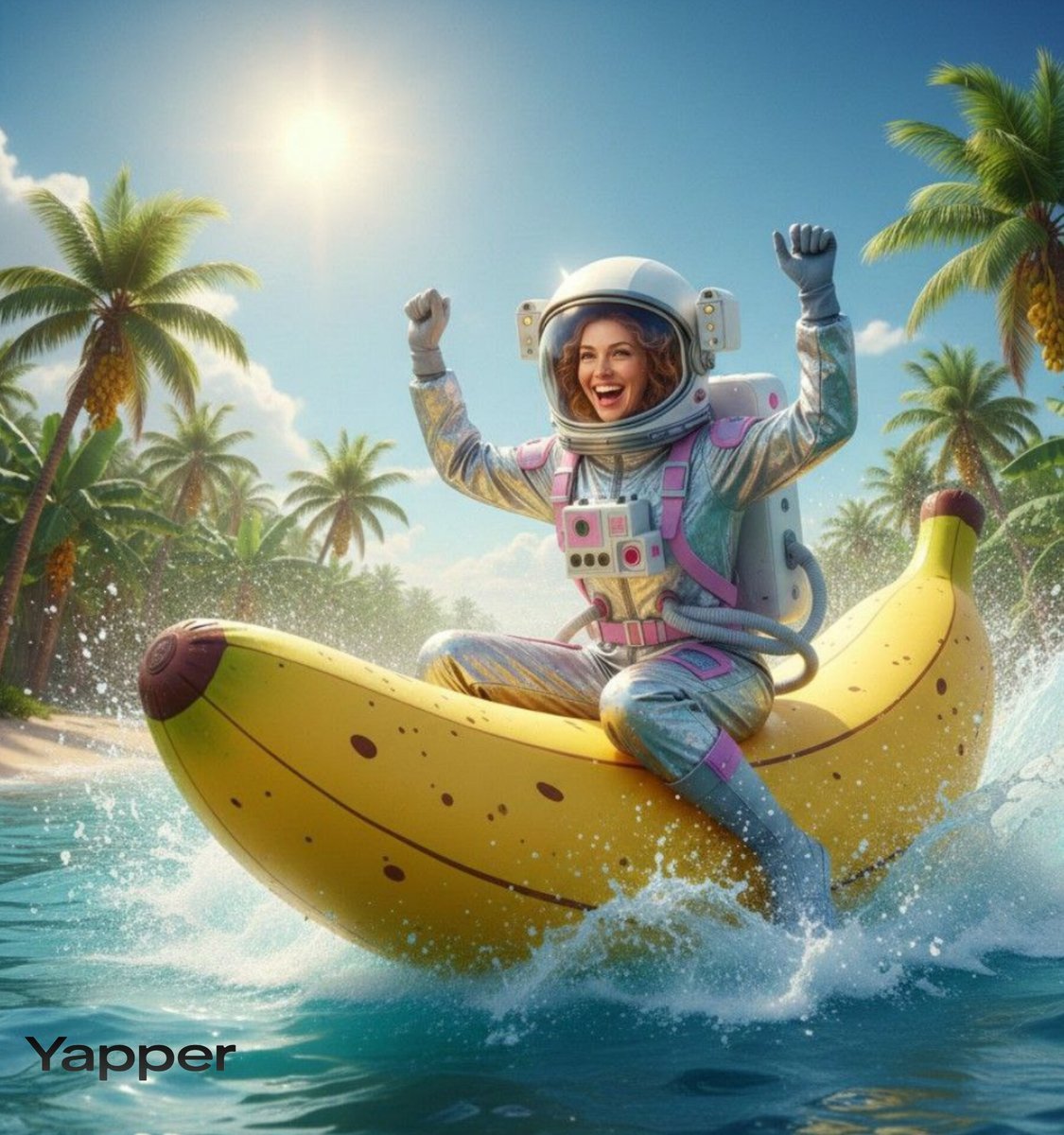
Dynamic Video Prompt: Banana Float Rocket
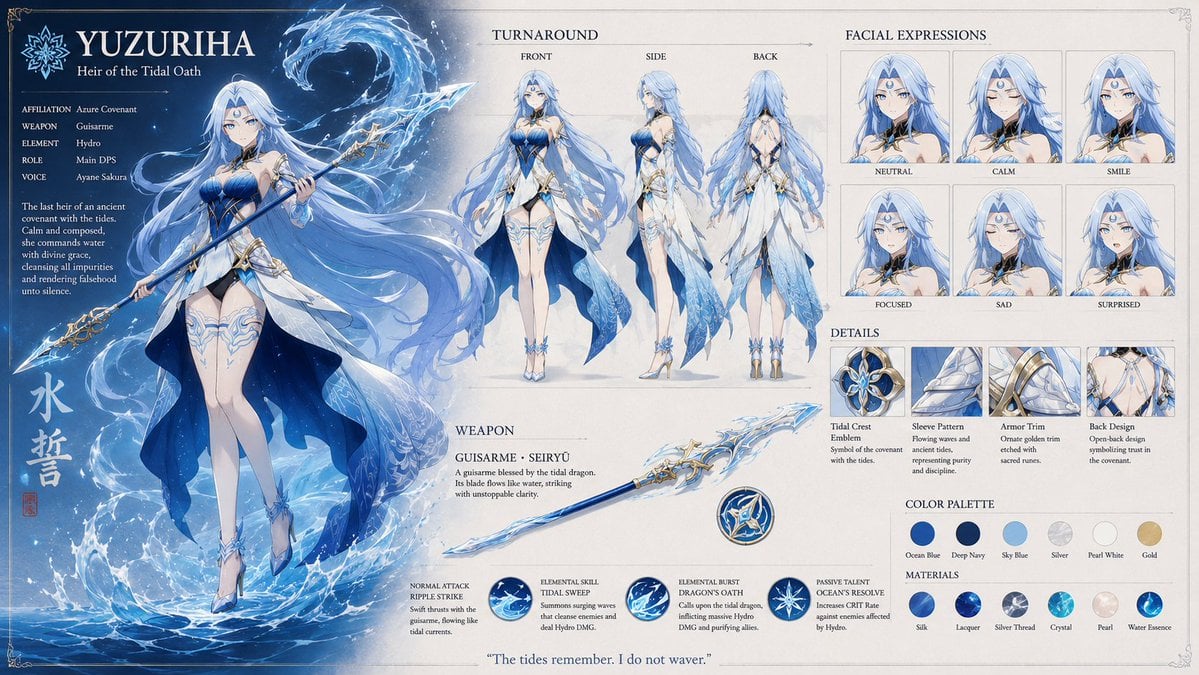
Anime RPG Character Reference Sheet
Browse template categories
High Fidelity Identity Portrait questions
How do I use the High Fidelity Identity Portrait template?
Add your photo if the template asks for one, edit the prompt if you like — the template's model and format are already selected — and press Generate. Your version opens in PicX Studio.
Can I customize the High Fidelity Identity Portrait template?
Yes. You can change the subject, setting, lighting, mood, format, and available model controls before creating your image.
Is the High Fidelity Identity Portrait template free?
Opening and editing this template is free. Generating uses credits, shown on the Generate button when you are signed in.
Which AI model should I use?
Start with GPT Image 2, which is the model associated with this template. You can compare another compatible model for a different finish.
Looking for something else? Browse all templates.

Your photo, any look
Thousands of ready templates for every top image and video model, from one credit balance.