
Anime Tactical Girl in Sunlit Bunker
Generates a cinematic anime portrait of a young female tactical officer holding a rifle inside a war-torn bunker, useful for character art or story visuals.
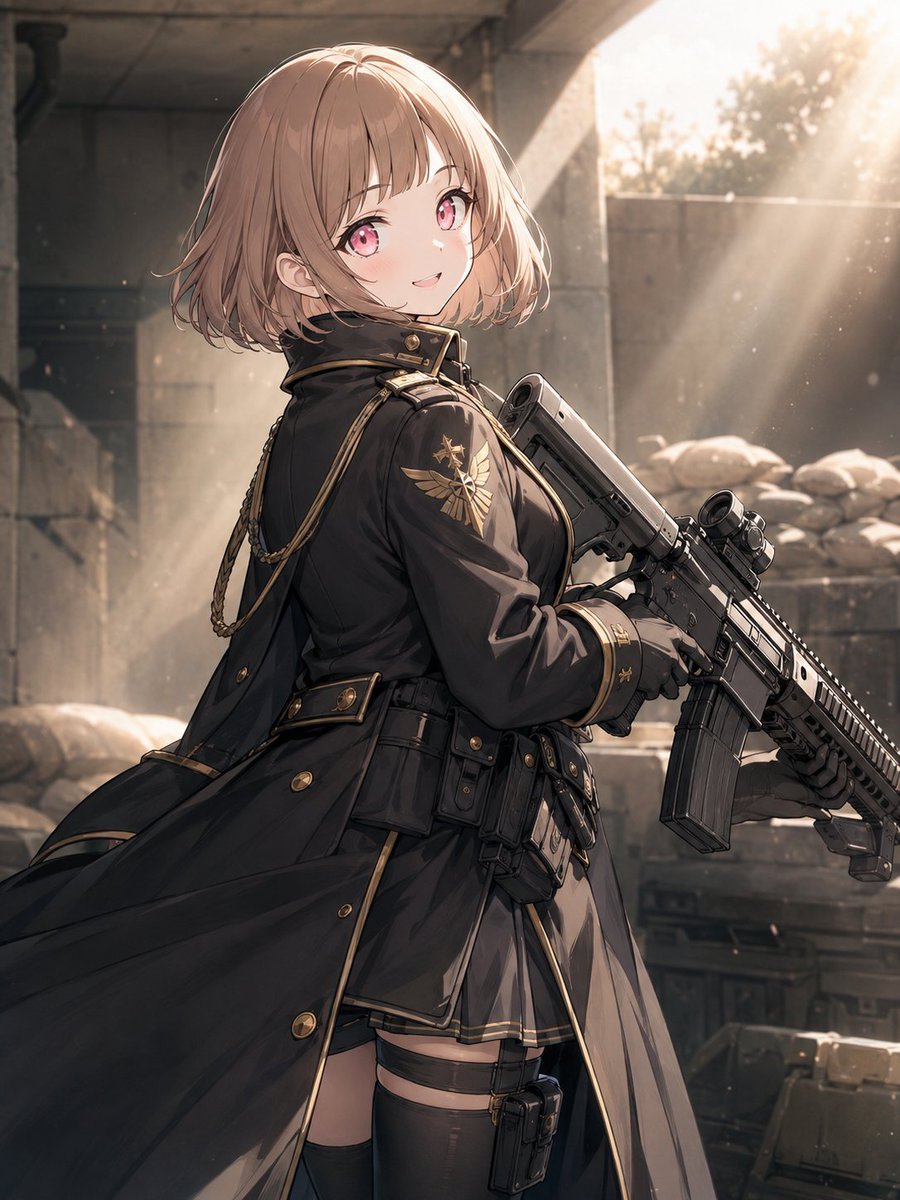
- Prompt included
- Model and format preset
- Free template
The prompt behind this image
Copy the exact prompt behind Anime Tactical Girl in Sunlit Bunker, or open it in the studio and make it yours.
Create a polished anime-style vertical portrait of a young female tactical officer in a ruined concrete military shelter, shown from mid-thigh up and turned three-quarters away while looking back over her shoulder with a gentle, confident smile. She has {argument name="hair color" default="light ash-brown"} short bobbed hair with soft bangs and flyaway strands, large {argument name="eye color" default="pink"} eyes, fair skin, and a subtle blush. Her outfit is an elegant black military coat with gold trim, brass buttons, a high collar, decorative shoulder cords, an eagle-like gold insignia on the sleeve, a fitted tactical belt with pouches, black gloves, a short skirt edge visible under the coat, thigh straps, and black thigh-high stockings. She holds one modern black assault rifle diagonally across her body with both hands, detailed with a scope, rail system, magazine, suppressor-like barrel attachment, and realistic mechanical parts. The scene is set in {argument name="setting" default="a war-torn concrete bunker with sandbags and stacked equipment crates"}, with cracked walls, a dark ceiling, dusty air, and rubble in the background. Warm sunlight streams dramatically from the upper right in visible beams, creating glowing dust particles, rim light on her hair and coat, soft lens bloom, and high-contrast cinematic shadows. Use highly detailed Japanese anime illustration quality, delicate linework, semi-realistic lighting, rich fabric folds, metallic weapon details, dynamic coat movement sweeping left, shallow depth of field, and a warm sepia-gray color palette. No text, no watermark, no extra characters, exactly one girl and exactly one rifle.
How to use Anime Tactical Girl in Sunlit Bunker in 3 steps
- 1Upload ImagePNG, JPG or paste
Add your photo
Upload the photo the template builds on. The prompt, model and format are already set.
- 2…a portrait of your subject in softgolden-hour light, 85mm…
Personalize
Edit the subject and creative details for your destination.
- 3Generate
Generate
Press Generate — your image is created in PicX Studio, so you can compare it with the original and refine one variable at a time.
More like this
Templates with the same subject, style or setup. Open one to see its prompt.
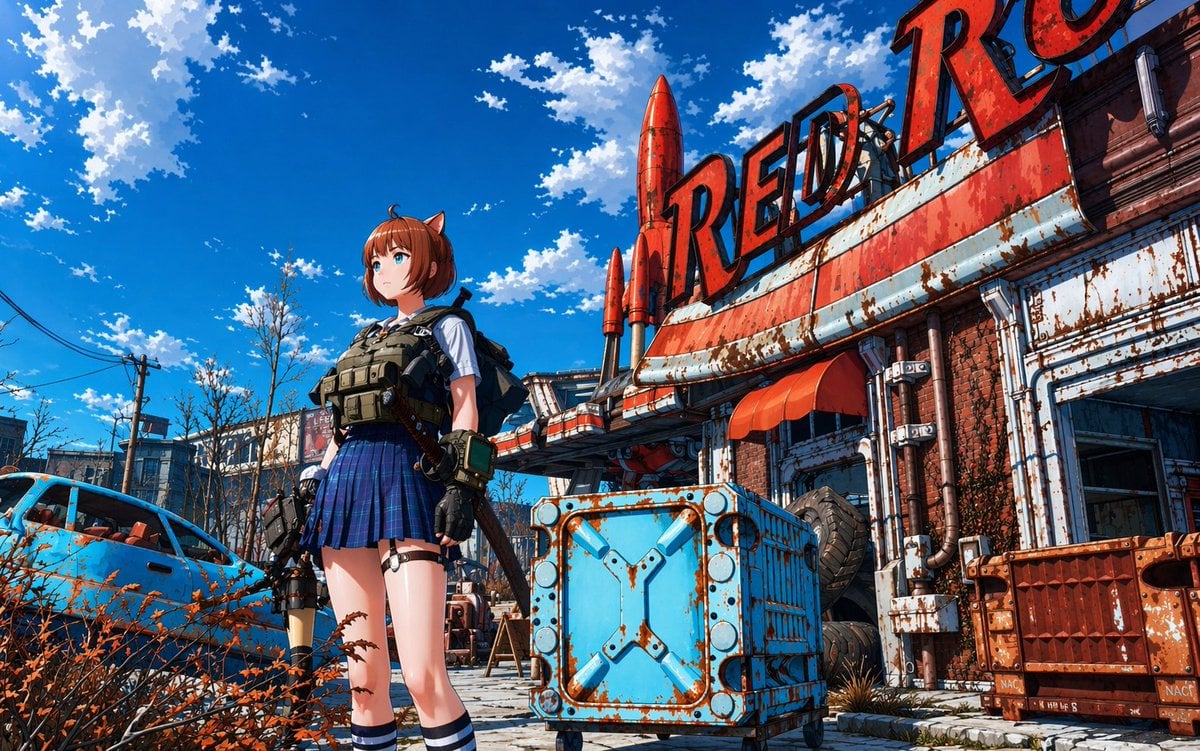
Post-Apocalyptic Tactical Anime Girl
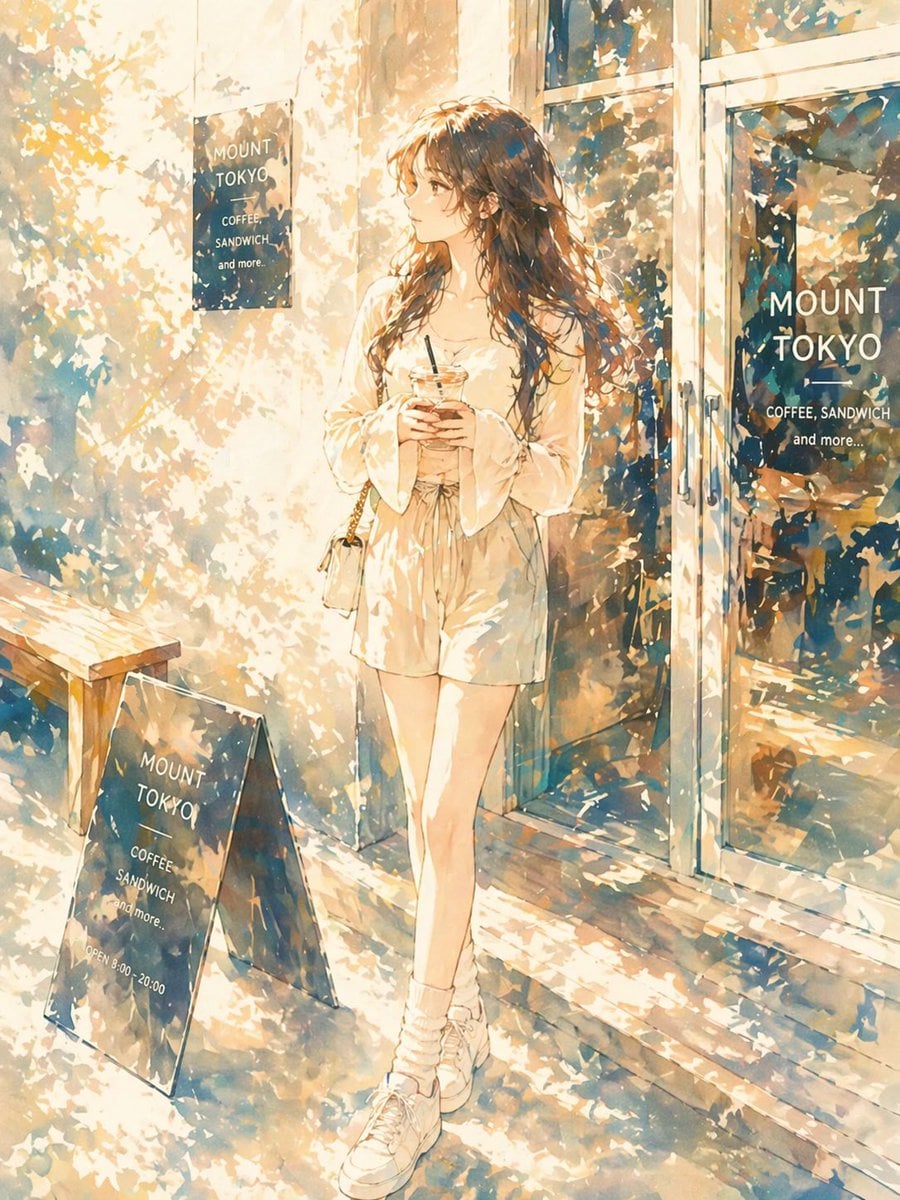
Sunlit Anime Girl Outside Cafe
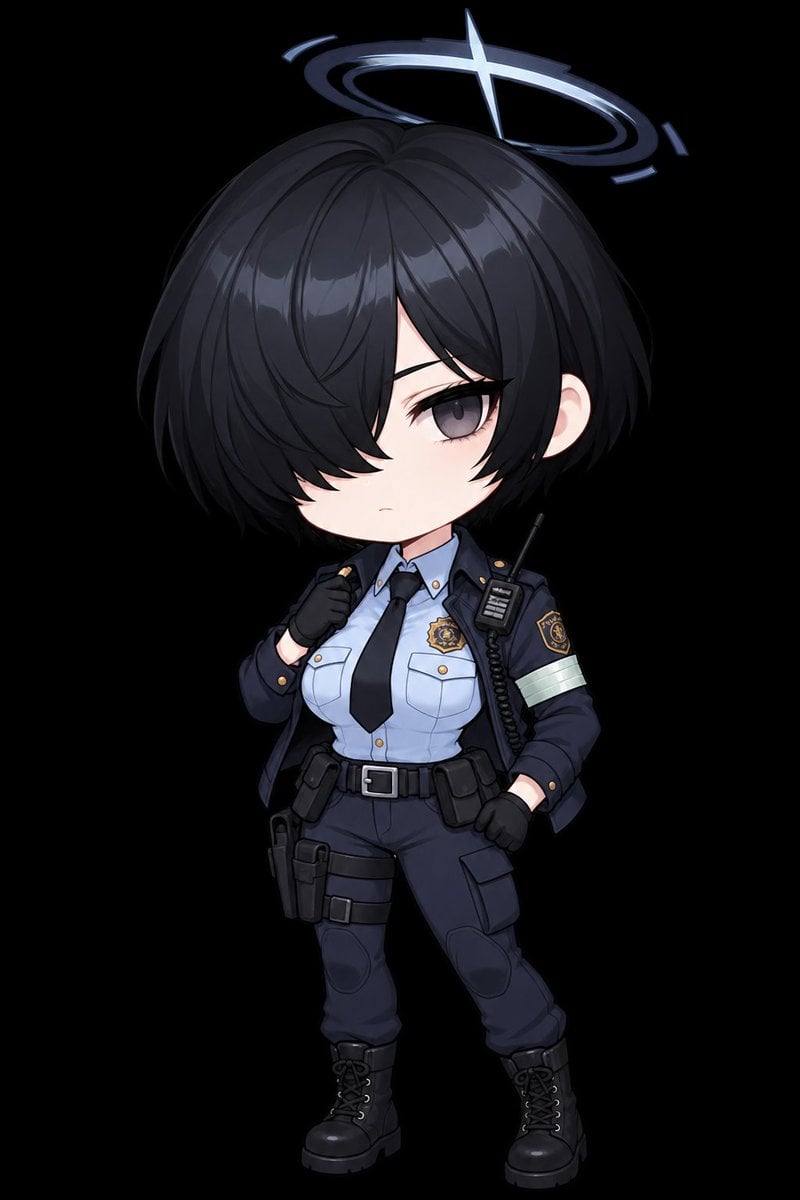
Chibi Tactical Police Girl with Halo

Teen Girl Alpine Lake Mountain View

Sunlit Orchard Girl With Apples

Cel 2D Finale Fireworks

Cel 2D Garden Maze

Cel 2D Rooftop Concert

Cel 2D Bicycle Coast

Cel 2D Castle Gate

Cel 2D Kitchen Chaos

Cel 2D Carnival Ride
Make it yours
Anime Tactical Girl in Sunlit Bunker works as-is. These are the safest ways to change it without losing the look.
Change one field
Copy a single group, rewrite it, and generate again so you can see what that field is doing.
Keep the frame, change the subject
Hold the composition and light of Anime Tactical Girl in Sunlit Bunker, then swap wardrobe, props or the person for a new take.
| If the result… | Why | Fix |
|---|---|---|
| The result drifts from the preview | Too many fields changed at once. | Reuse Anime Tactical Girl in Sunlit Bunker as-is first, then change one group — subject, light, or setting. |
| The model over-stylizes the scene | The prose prompt leaves finish and camera underspecified. | Add one camera or lighting sentence and stay on GPT Image 2. |
More GPT Image 2 templates
Other prompts made for GPT Image 2.

Six VTuber Japanese Logo Sheet

Realistic Portrait of Woman and Deer

The Vista Modular Condo Poster

AI Model Routing Comparison Infographic

2.5D Anime Art Board

Isometric Productivity Desk Scene

New York Double Exposure Poster

Four-Panel AI Landscape Comparison

Japanese Tatami Lifestyle Magazine Cover

NESCAFÉ Coffee Map Poster
More image prompts
Fresh picks from across the catalog.
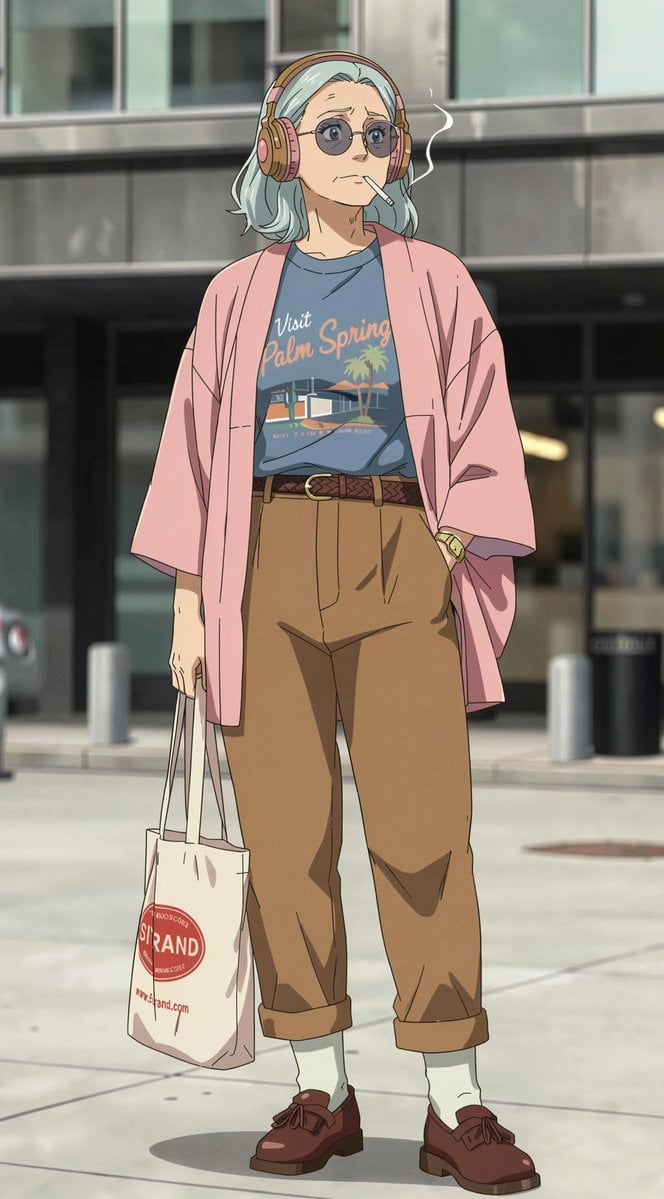
Anime Street Fashion Woman
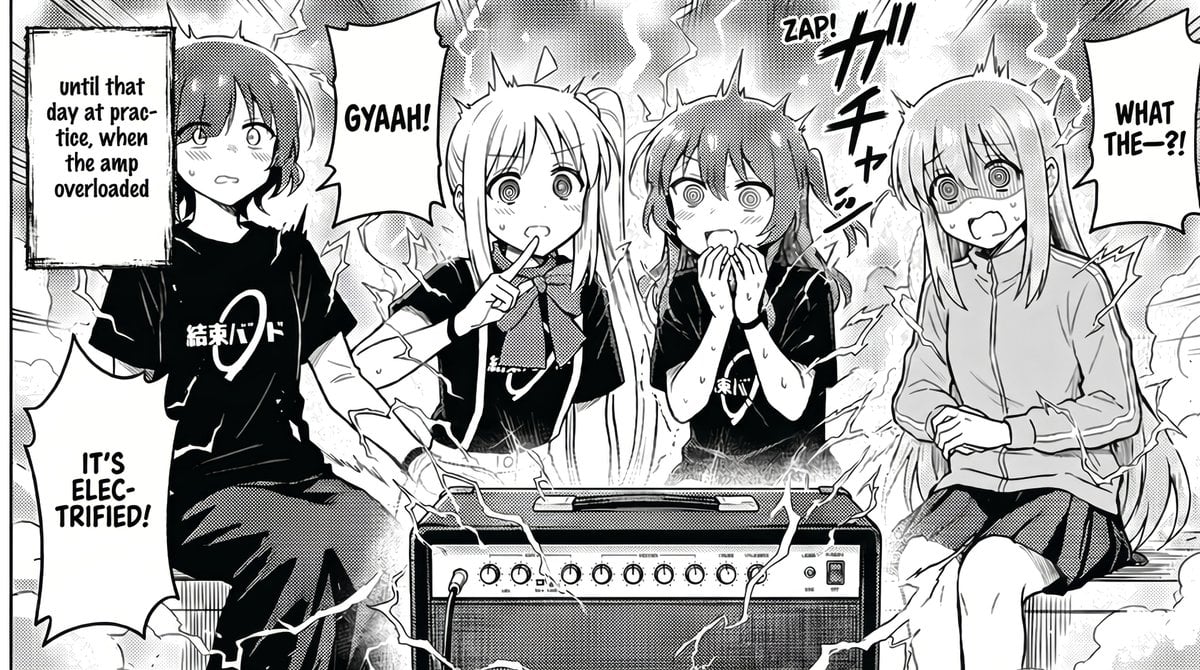
Manga Amp Shock Band Comic
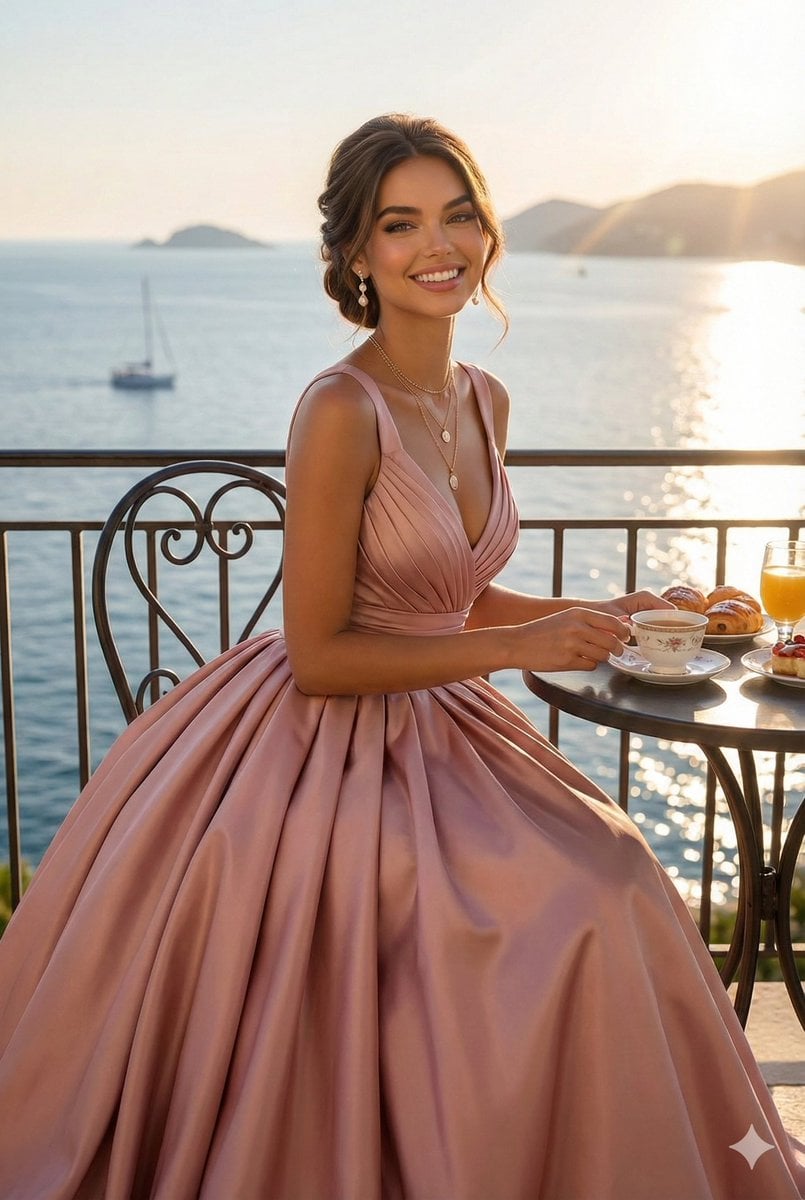
Cinematic Balcony Ballgown Portrait at Golden Hour
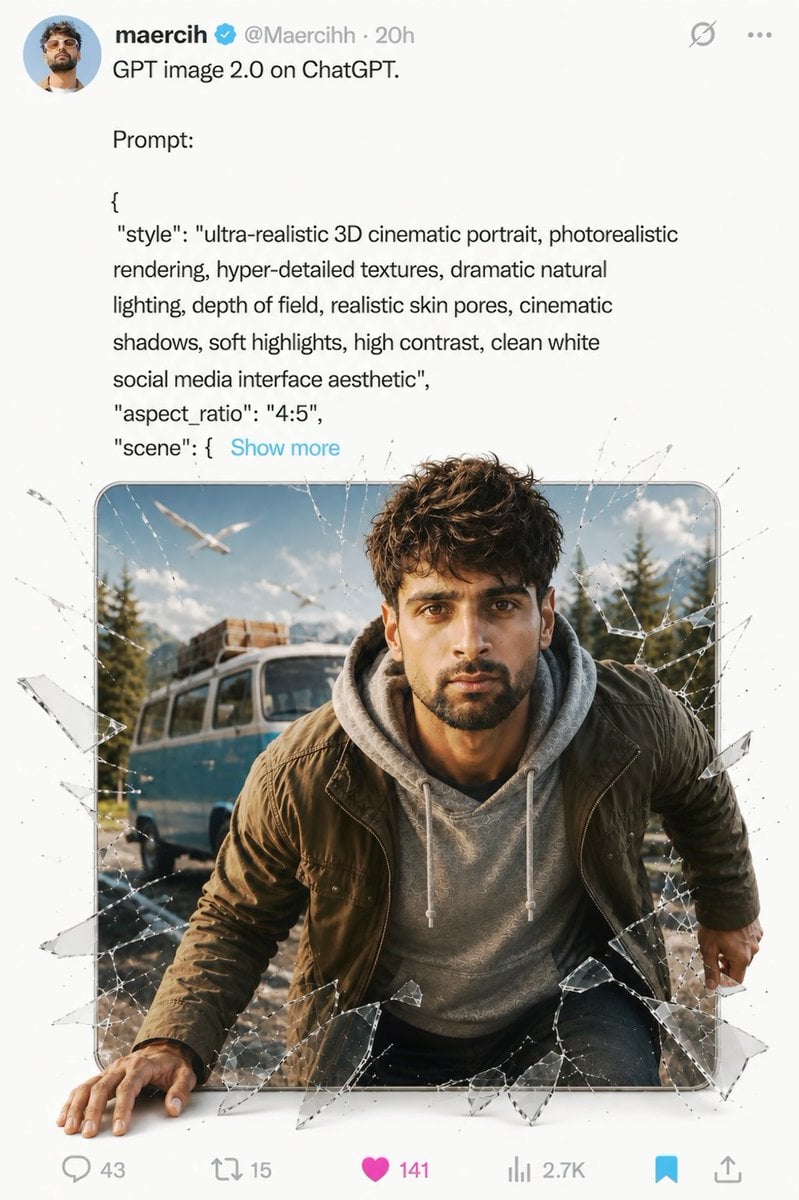
Social Media Glass Break Mockup
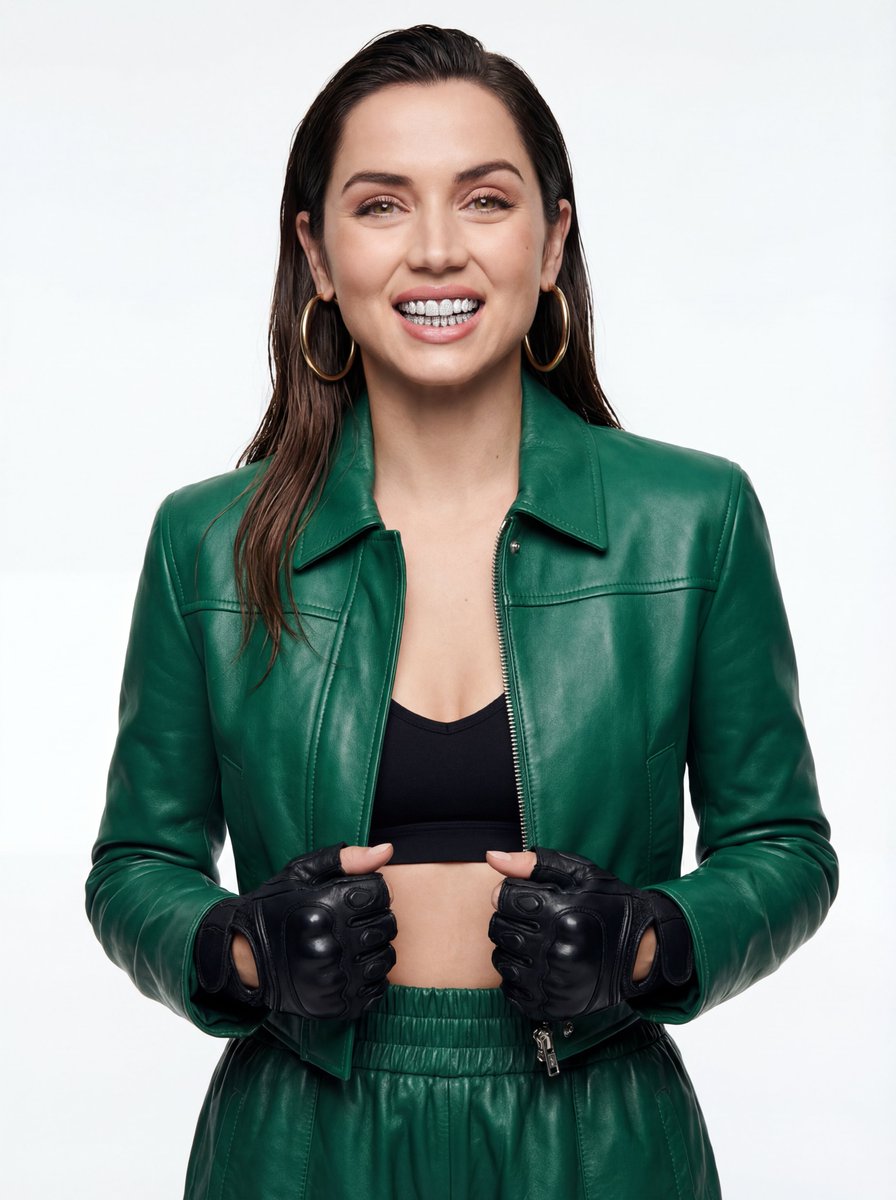
High-Fashion Urban Editorial Portrait with Grillz
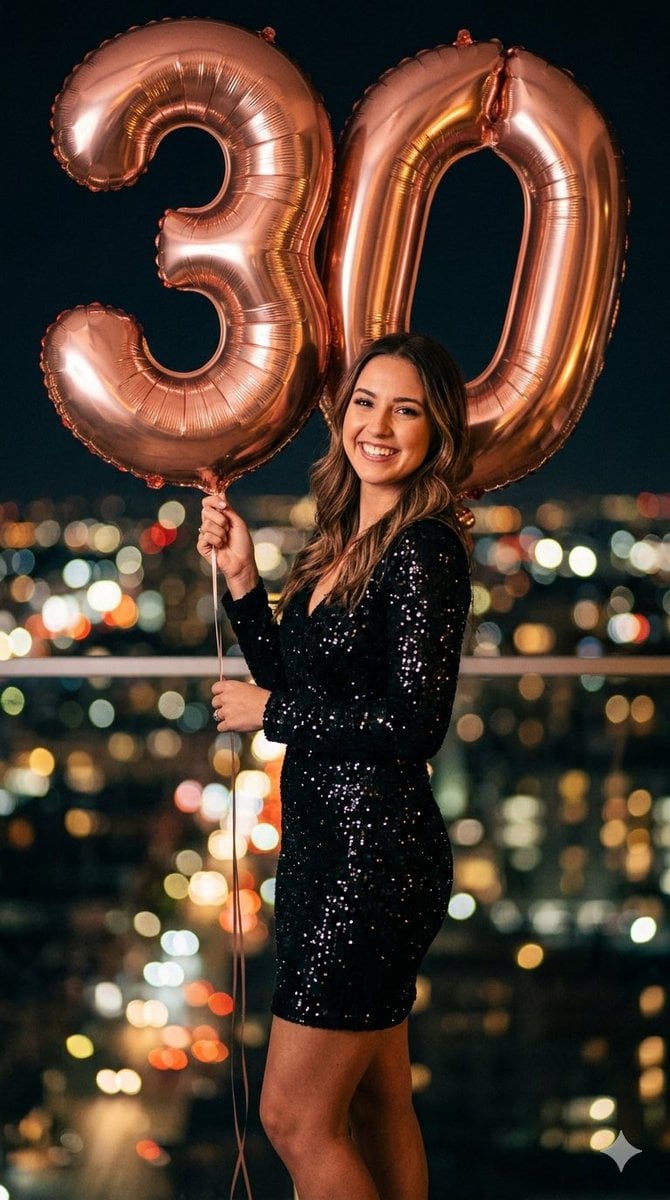
Creative Birthday Portrait Image Prompt
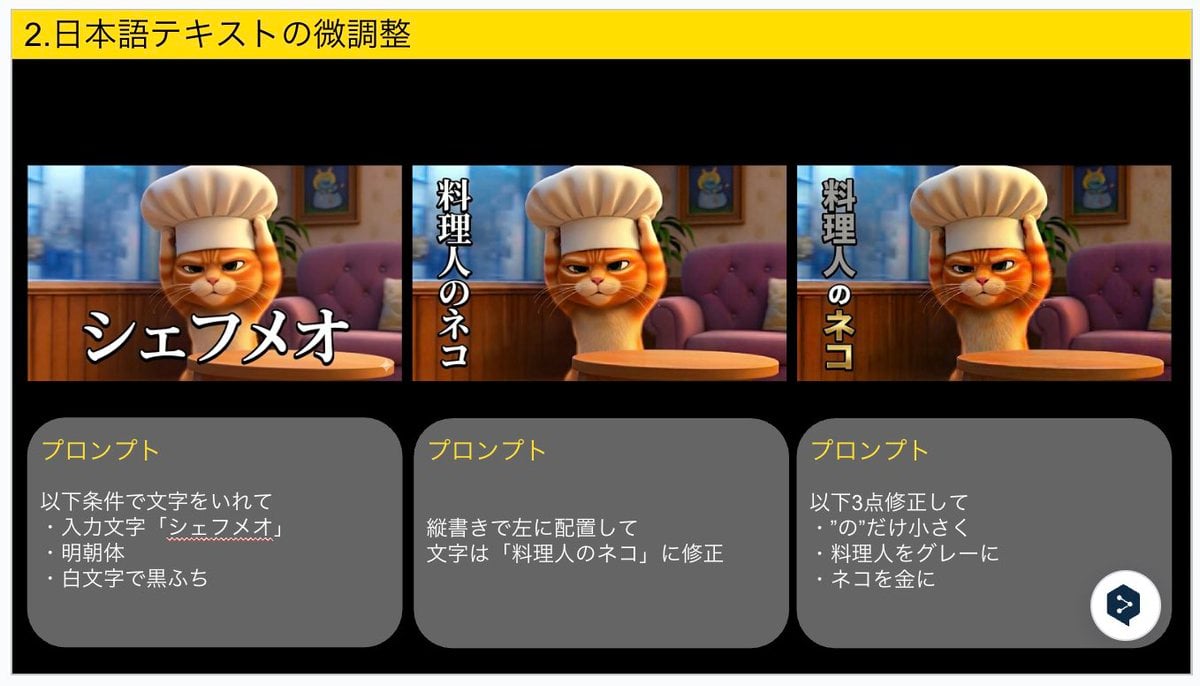
Advanced Japanese Text Adjustment for Nano Banana Pro
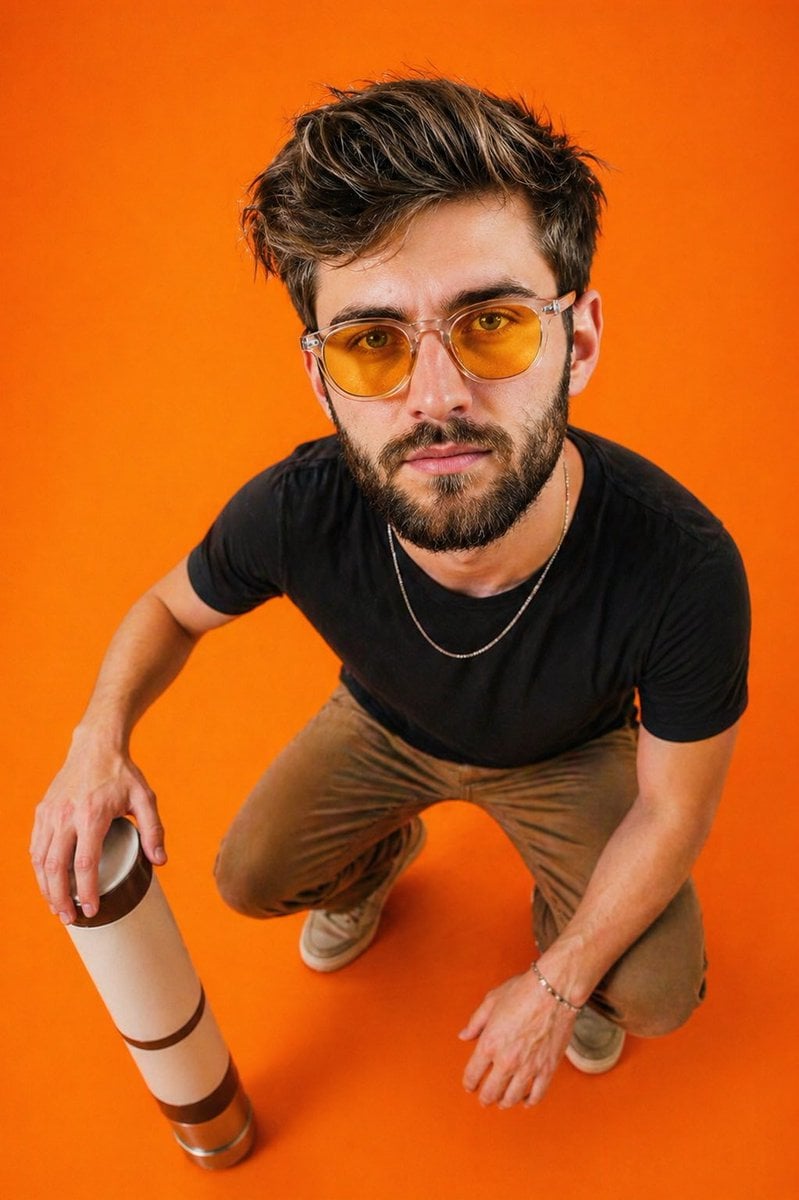
Editorial Top-Down Fisheye Portrait
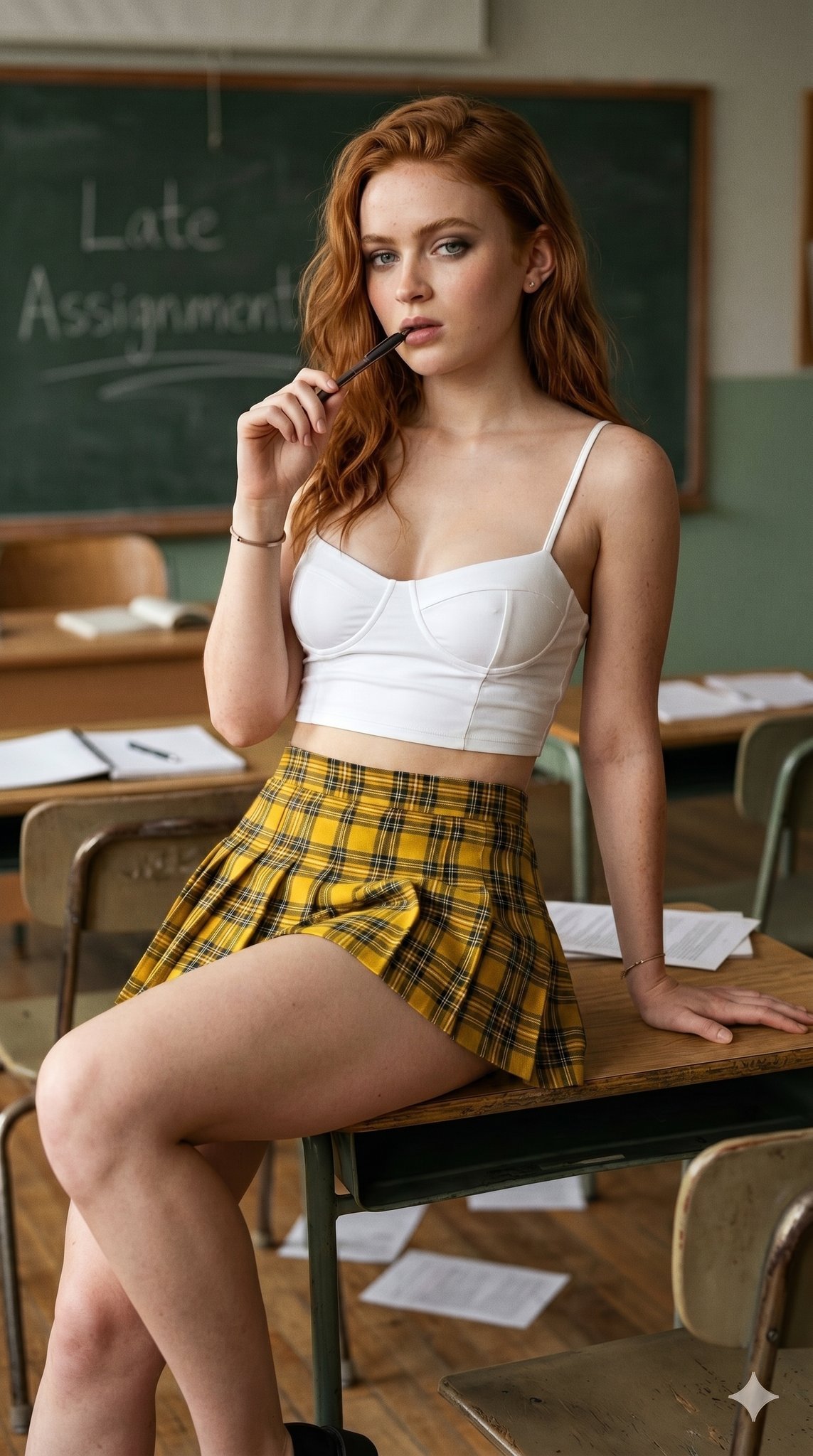
untitled
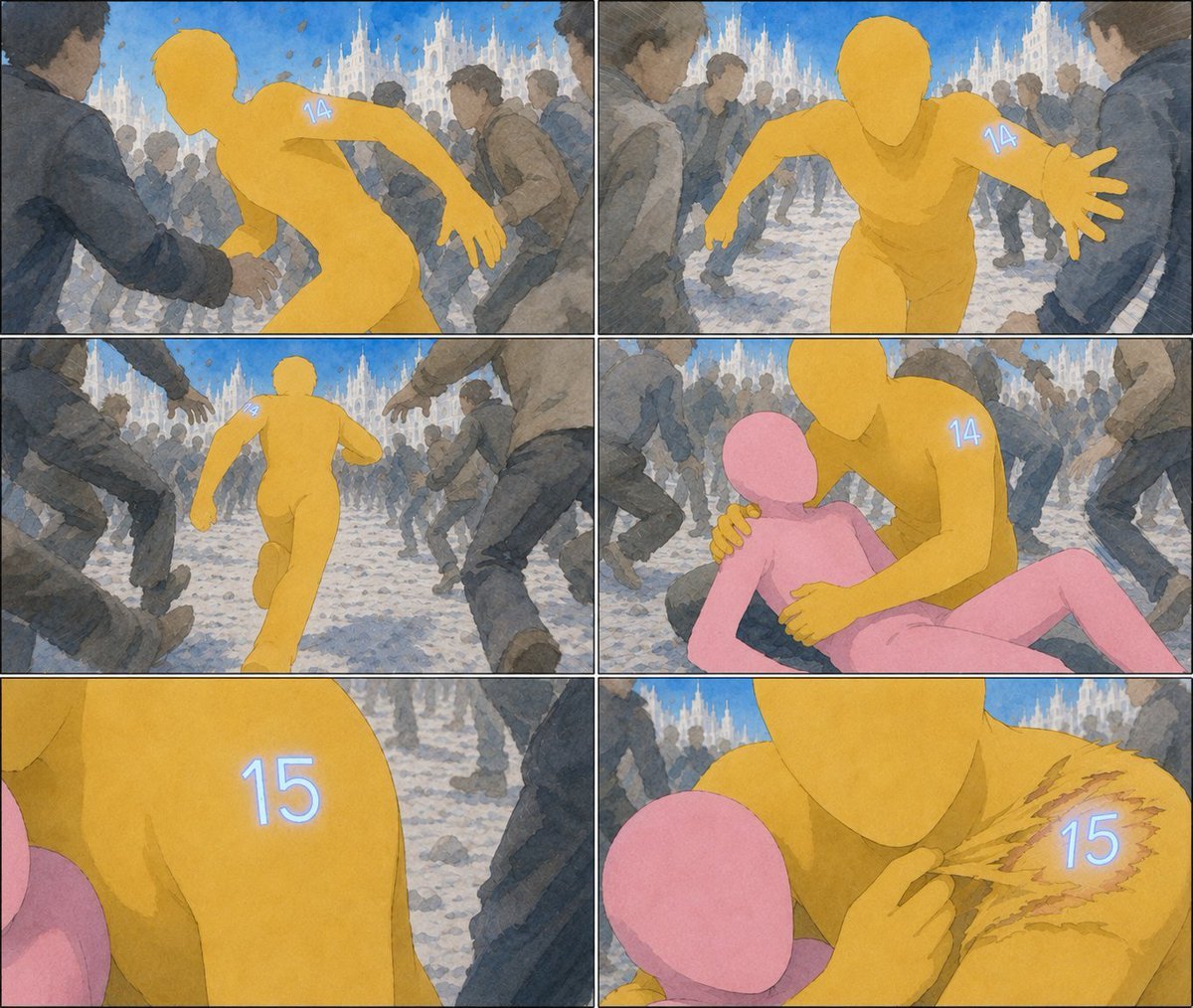
Six-Panel Numbered Humanoid Storyboard
Browse template categories
Anime Tactical Girl in Sunlit Bunker questions
How do I use the Anime Tactical Girl in Sunlit Bunker template?
Add your photo if the template asks for one, edit the prompt if you like — the template's model and format are already selected — and press Generate. Your version opens in PicX Studio.
Can I customize the Anime Tactical Girl in Sunlit Bunker template?
Yes. You can change the subject, setting, lighting, mood, format, and available model controls before creating your image.
Is the Anime Tactical Girl in Sunlit Bunker template free?
Opening and editing this template is free. Generating uses credits, shown on the Generate button when you are signed in.
Which AI model should I use?
Start with GPT Image 2, which is the model associated with this template. You can compare another compatible model for a different finish.
Looking for something else? Browse all templates.

Your photo, any look
Thousands of ready templates for every top image and video model, from one credit balance.