
Japanese Artist Poster Portrait
A refined vertical poster prompt for generating a contemporary Japanese-inspired portrait of a male artist with bold abstract graphics and calligraphic text.
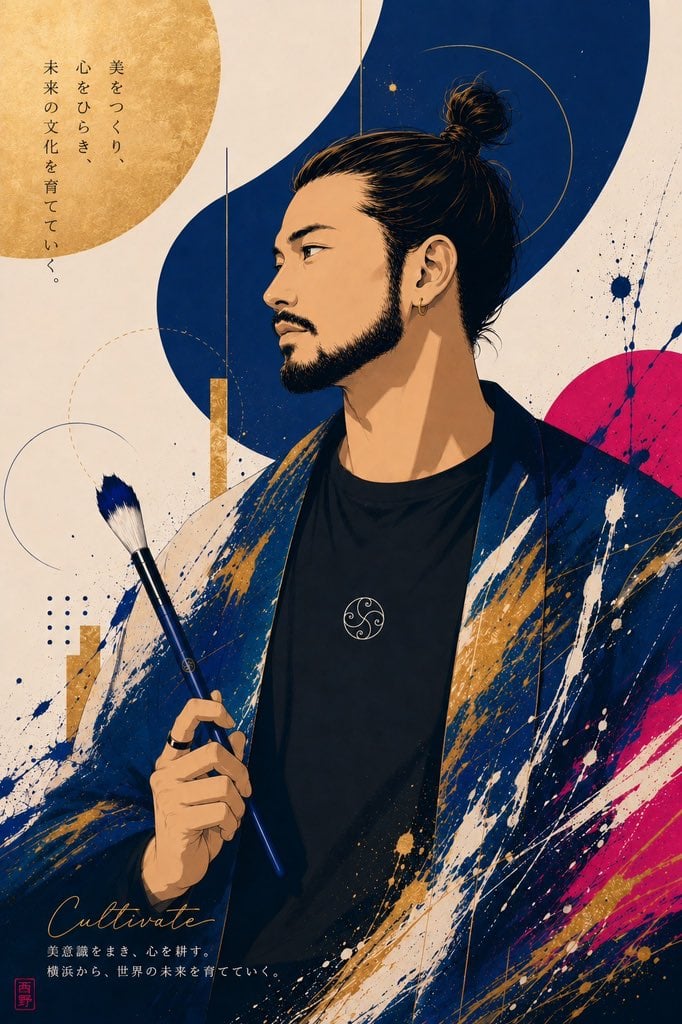
- Prompt included
- Model and format preset
- Free template
The prompt behind this image
Copy the exact prompt behind Japanese Artist Poster Portrait, or open it in the studio and make it yours.
Create a vertical Japanese art-poster illustration featuring a stylish East Asian male artist as the central subject. Canvas: portrait orientation, roughly 2:3 ratio, cream washi-paper background with subtle grain and ink speckles. Subject: a three-quarter bust portrait of a young adult man with {argument name="hair style" default="black hair tied in a high messy topknot"}, sharp eyebrows, almond eyes looking left, defined nose, mustache and short beard, small gold hoop earring, calm serious expression. He wears a black crew-neck shirt with a small circular white emblem on the chest and a loose dark indigo kimono-like jacket covered in expressive white, navy, gold, and magenta paint splashes. His right hand holds exactly 1 long blue-handled paintbrush with white bristles near the lower-left center of the image. Composition: place the figure slightly right of center, cropped from mid-torso upward. Behind him use bold modern Japanese graphic design: exactly 1 large textured gold circle in the upper left, exactly 1 thick deep-navy flowing S-shaped vertical ribbon behind the head, exactly 1 magenta semicircle on the right edge, exactly 3 thin circular line motifs, exactly 2 vertical gold rectangular bars, exactly 1 small navy dotted grid, and scattered ink splatters in navy, white, gold, and magenta. Text content: include exactly 3 text areas. At upper left, vertical Japanese copy reading {argument name="vertical Japanese slogan" default="美をつくり、心をひらき、未来の文化を育てていく。"}. At bottom left, elegant cursive English word {argument name="signature word" default="Cultivate"}. Under it, two small Japanese lines reading {argument name="bottom Japanese caption" default="美意識をまき、心を耕す。横浜から、世界の未来を育てていく。"}. Add exactly 1 small red square seal stamp at the bottom-left corner. Visual style: premium editorial poster, contemporary ukiyo-e meets fashion illustration, clean vector-like linework with painterly texture, high detail in face and hair, rich indigo and gold palette, dynamic brush-stroke energy, refined negative space, no photorealism. Constraints: keep all text legible and positioned as described, do not add extra people, extra brushes, frames, logos, or watermarks.
How to use Japanese Artist Poster Portrait in 3 steps
- 1Upload ImagePNG, JPG or paste
Add your photo
Upload the photo the template builds on. The prompt, model and format are already set.
- 2…a portrait of your subject in softgolden-hour light, 85mm…
Personalize
Edit the subject and creative details for your destination.
- 3Generate
Generate
Press Generate — your image is created in PicX Studio, so you can compare it with the original and refine one variable at a time.
More like this
Templates with the same subject, style or setup. Open one to see its prompt.

Found Photograph: Us, 1970

80s Couple Studio Portrait

80s Bollywood Star

80s Golden Hour Cinema

Me in 1985

1985 Studio Portrait
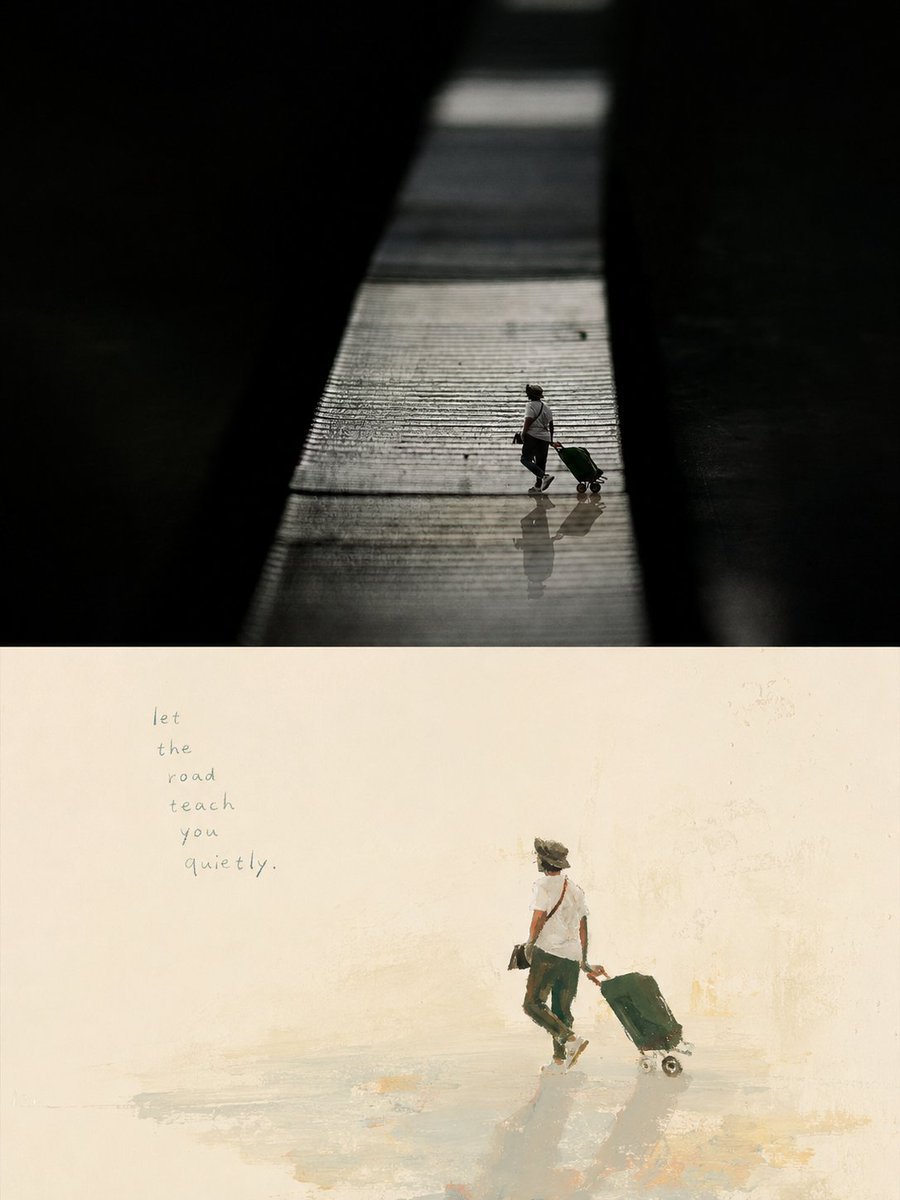
Artistic Memory Collage Poster
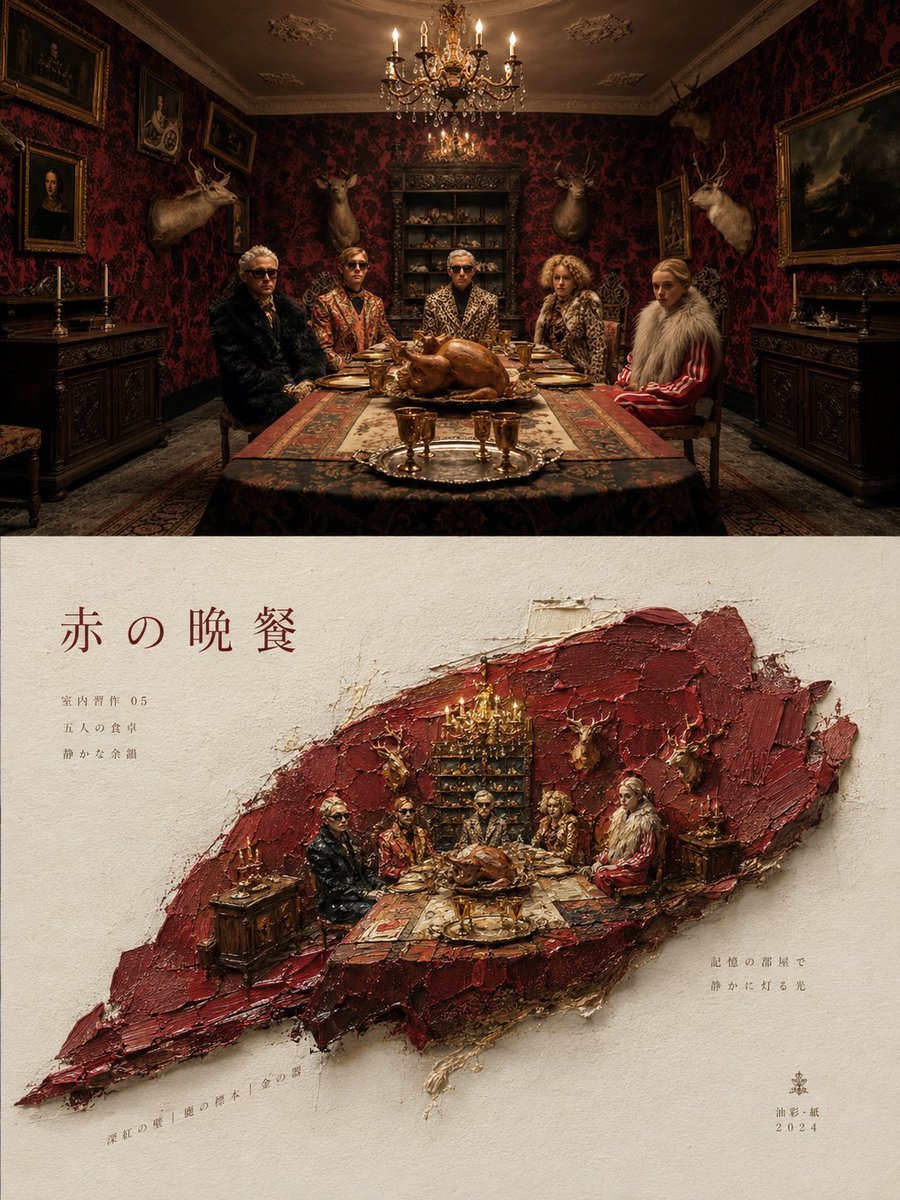
Artistic Magazine Design Poster Layout

Hyper-Realistic Minecraft POV Portrait
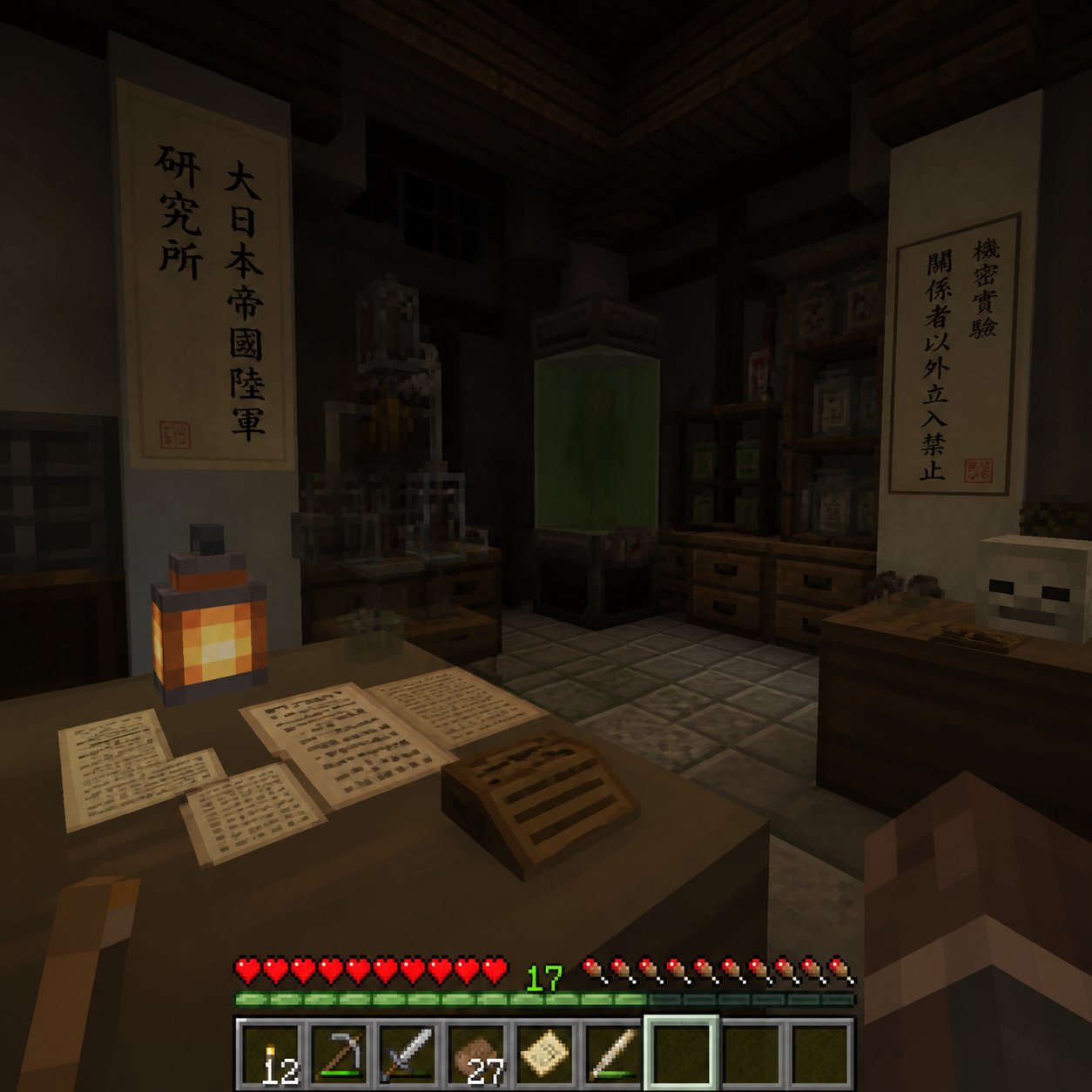
Minecraft Japanese Research Lab Exploration

Japan Travel Brochure Poster
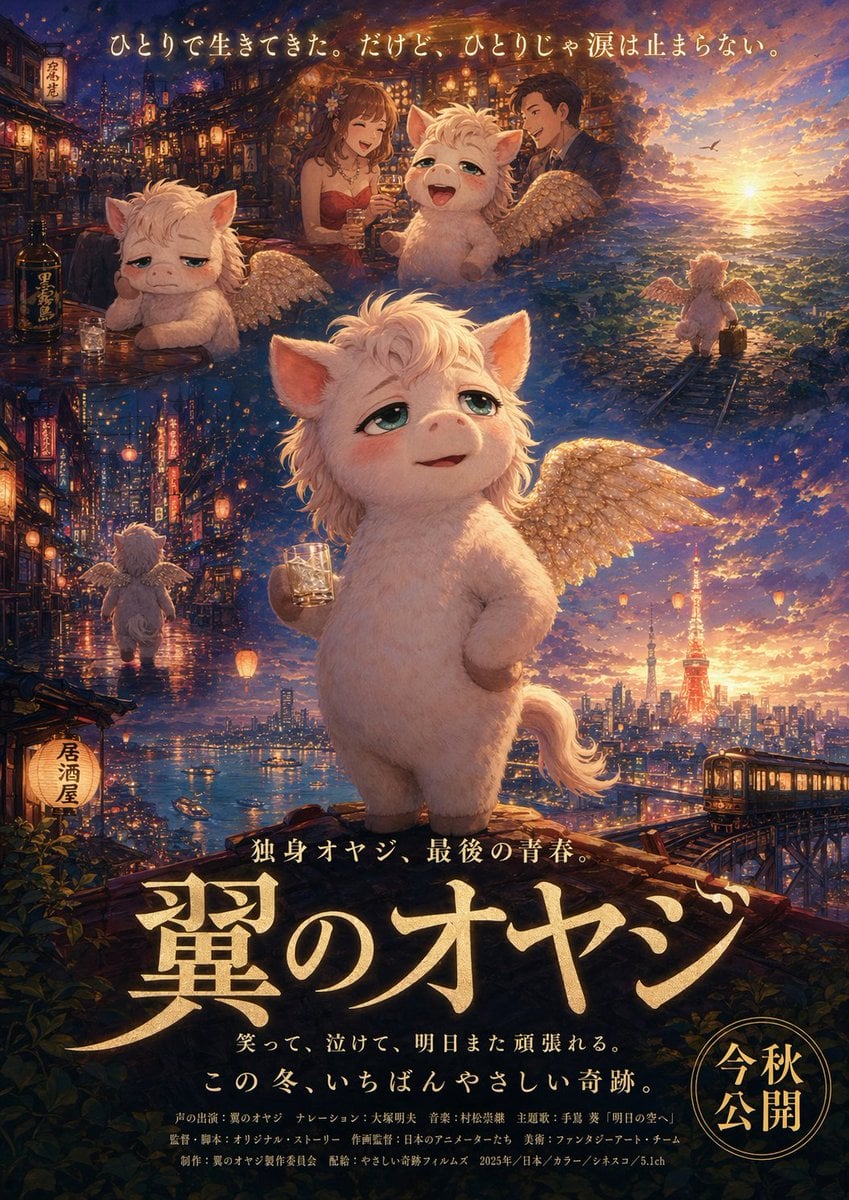
Japanese Fantasy Winged Pig Film Poster
Make it yours
Japanese Artist Poster Portrait works as-is. These are the safest ways to change it without losing the look.
Change one field
Copy a single group, rewrite it, and generate again so you can see what that field is doing.
Keep the frame, change the subject
Hold the composition and light of Japanese Artist Poster Portrait, then swap wardrobe, props or the person for a new take.
| If the result… | Why | Fix |
|---|---|---|
| The result drifts from the preview | Too many fields changed at once. | Reuse Japanese Artist Poster Portrait as-is first, then change one group — subject, light, or setting. |
| The model over-stylizes the scene | The prose prompt leaves finish and camera underspecified. | Add one camera or lighting sentence and stay on GPT Image 2. |
More GPT Image 2 templates
Other prompts made for GPT Image 2.

Six VTuber Japanese Logo Sheet

Realistic Portrait of Woman and Deer

The Vista Modular Condo Poster

AI Model Routing Comparison Infographic

2.5D Anime Art Board

Isometric Productivity Desk Scene

New York Double Exposure Poster

Four-Panel AI Landscape Comparison

Japanese Tatami Lifestyle Magazine Cover

NESCAFÉ Coffee Map Poster
More image prompts
Fresh picks from across the catalog.
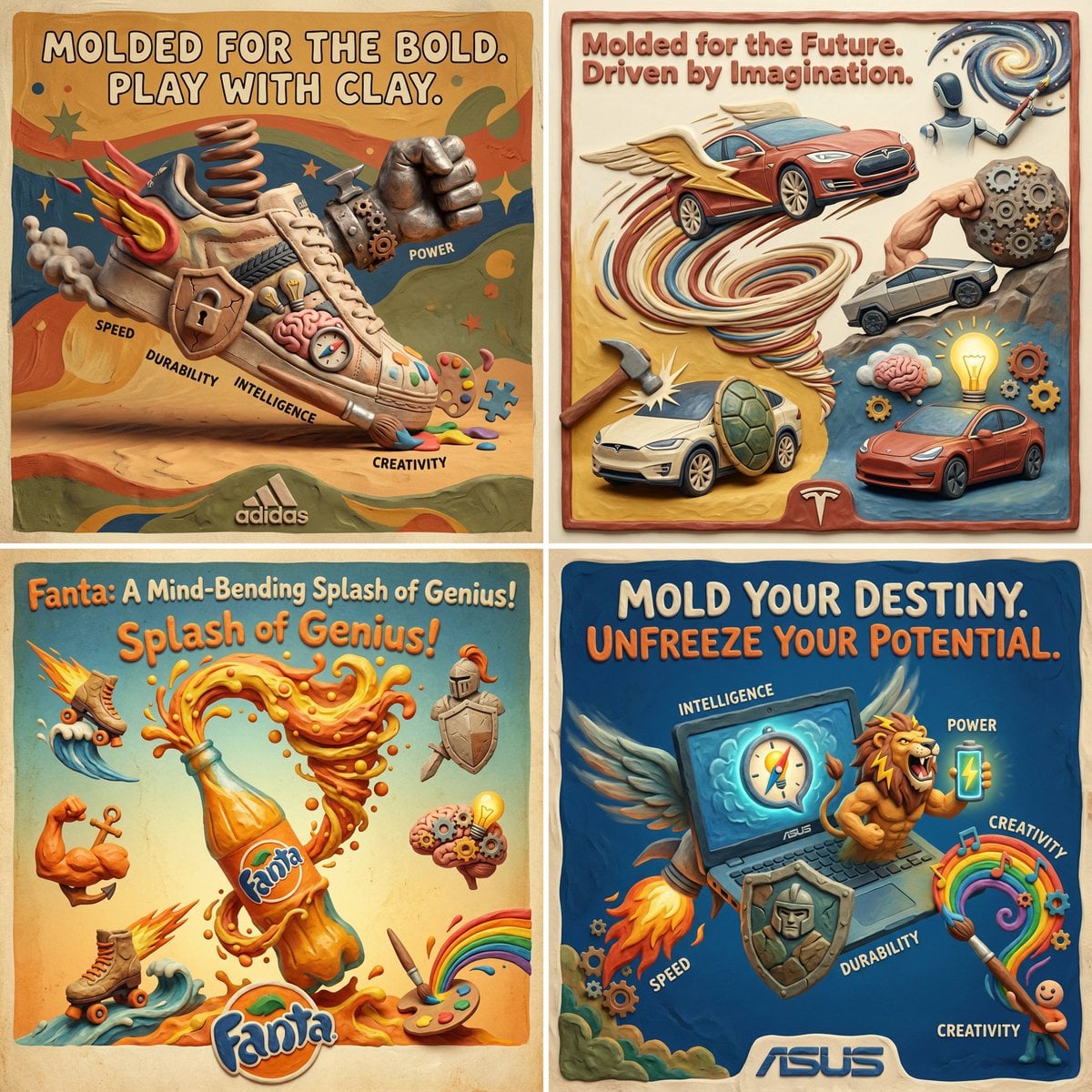
Clay Velocity Product Ad
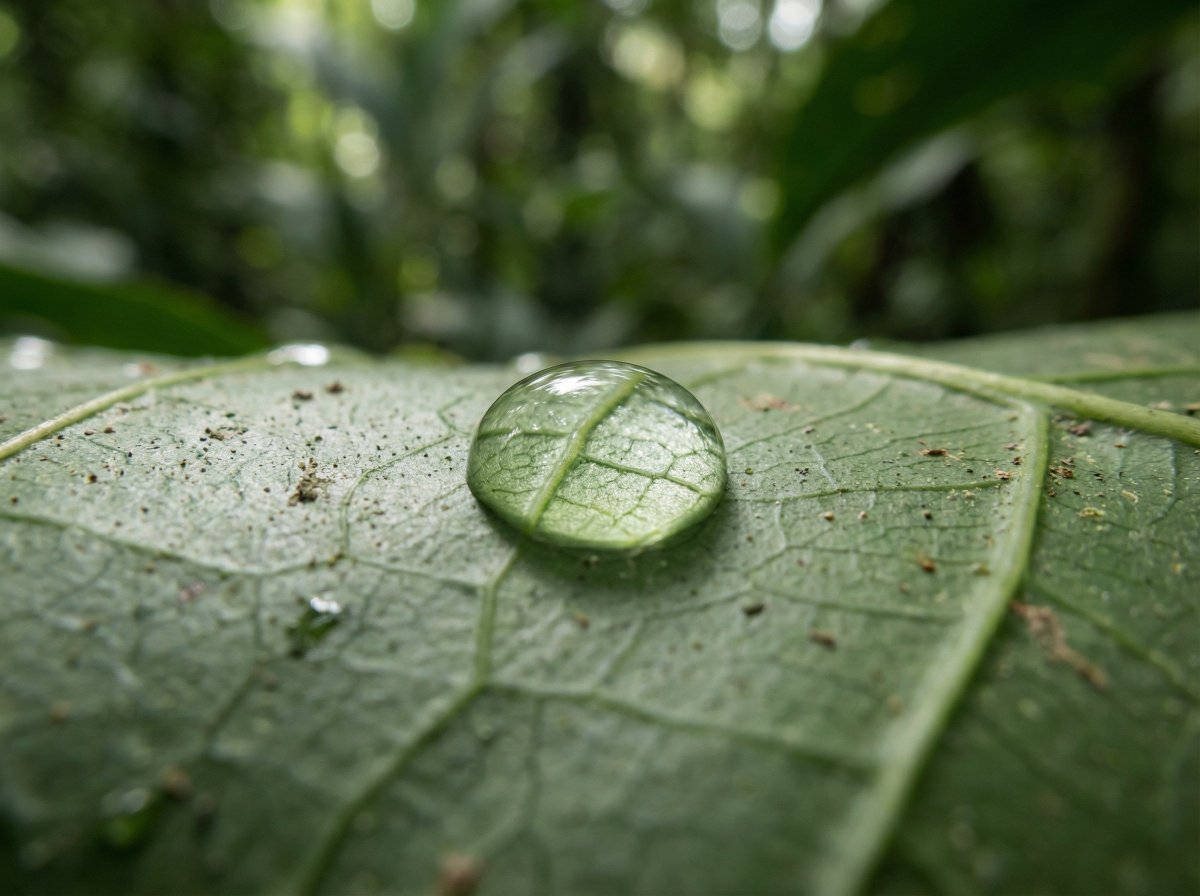
Scientific Macro Documentary Photography Prompt for Water Droplet on Leaf
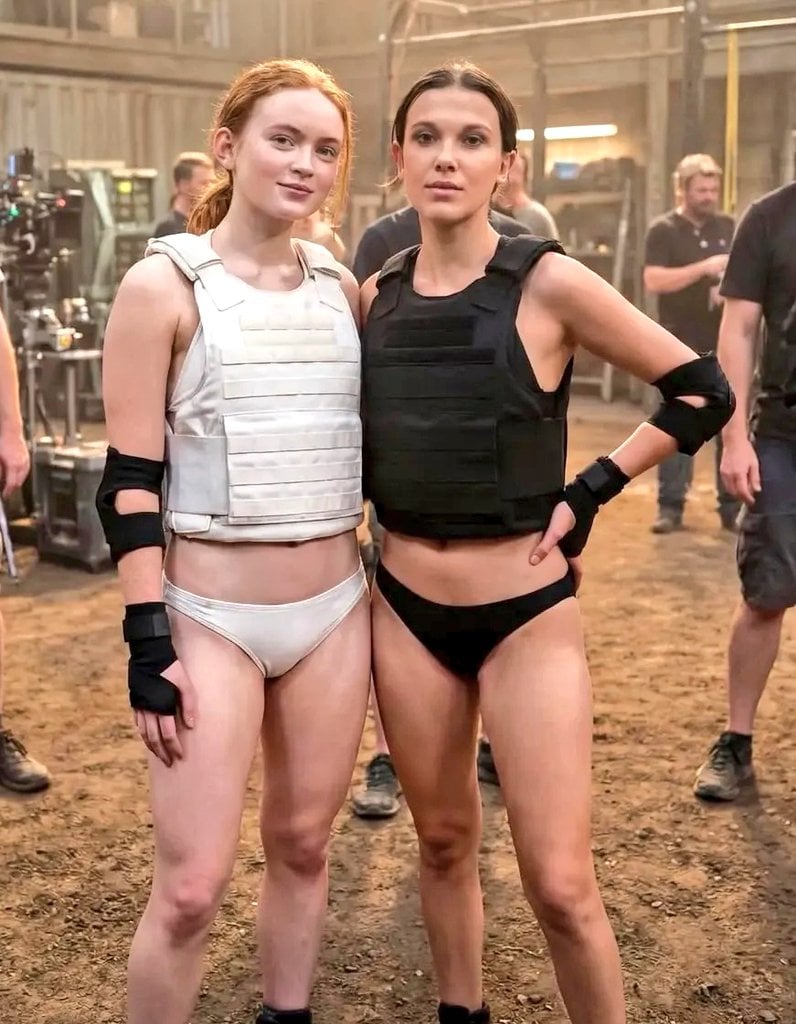
Cinematic Photo of Tactical Female Characters
Minimalist Anime Girl Side Profile
Tiny World in Object Macro Photography
Sticker Art Style - Rainbow Girl
16K Ultra-Realistic Identity-Locked Luxury Portrait

08 Rodeo Drive Luxury Exit — California Series
Censored Teal Fashion Portrait
Top-View Street Scene with Motion Blur
Browse template categories
Japanese Artist Poster Portrait questions
How do I use the Japanese Artist Poster Portrait template?
Add your photo if the template asks for one, edit the prompt if you like — the template's model and format are already selected — and press Generate. Your version opens in PicX Studio.
Can I customize the Japanese Artist Poster Portrait template?
Yes. You can change the subject, setting, lighting, mood, format, and available model controls before creating your image.
Is the Japanese Artist Poster Portrait template free?
Opening and editing this template is free. Generating uses credits, shown on the Generate button when you are signed in.
Which AI model should I use?
Start with GPT Image 2, which is the model associated with this template. You can compare another compatible model for a different finish.
Looking for something else? Browse all templates.

Your photo, any look
Thousands of ready templates for every top image and video model, from one credit balance.