
CCTV Interrogation Room Horror Still
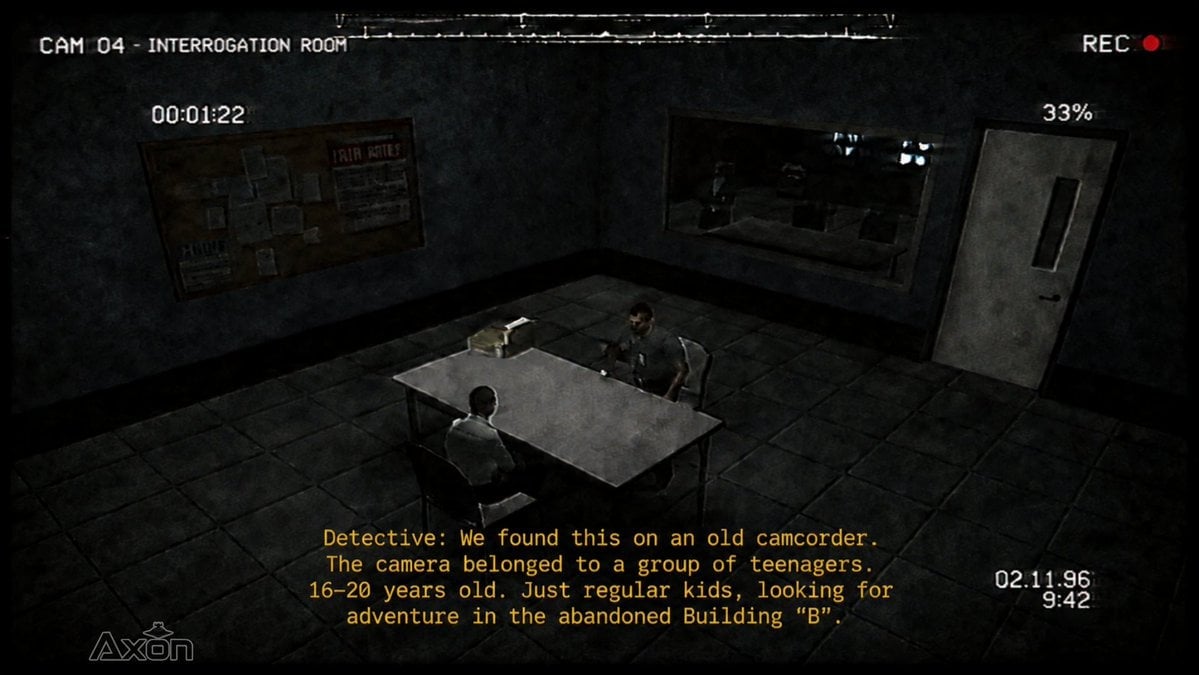
Generates a gritty found-footage surveillance frame of a police interrogation room for horror game or ARG visuals.
- Prompt included
- Model and format preset
- Free template
The prompt behind this image
Copy the exact prompt behind CCTV Interrogation Room Horror Still, or open it in the studio and make it yours.
Goal: Create a dark, gritty found-footage surveillance still from a horror game, styled like a Garry's Mod / Source engine machinima interrogation scene. Canvas: 16:9 widescreen frame, low-resolution CCTV/VHS look, heavy film grain, scanline noise, slight fisheye distortion, black vignette around the edges, desaturated gray-green color grading. Scene: A small police interrogation room viewed from a high corner security camera. The room has grimy concrete walls, a dark tiled floor, black baseboards, and harsh dim overhead lighting. In the center is one rectangular metal interrogation table with four thin legs. Exactly 2 seated people are present: 1 detective sitting with his back partly to the camera in a light shirt, and 1 suspect/witness sitting across from him in darker clothing. On the table are exactly 2 visible objects: a small cardboard evidence box and a compact old camcorder or tape device. The mood is tense, ominous, and procedural. Background elements: On the left wall, include exactly 1 cork bulletin board covered with papers and notices, including a visible poster area suggesting jail rules. On the back wall, include exactly 1 large one-way observation window showing a dark adjacent room with vague desks and monitors. On the right wall, include exactly 1 gray metal door with a narrow vertical rectangular window. Surveillance overlay: Add white analog camera HUD text and artifacts. Top left reads "CAM 04 - INTERROGATION ROOM". Top right reads "REC" with a small red recording dot. Near the upper left-center reads "00:01:22". Near the upper right-center reads "33%". Bottom right shows two stacked timecode-style readings: "02:11:96" above "9:42". Bottom left has a faint white "Axon"-style logo. Add a thin damaged tracking line near the top edge and subtle horizontal noise throughout. Subtitle text: At the bottom center, show yellow monospaced subtitles in exactly 4 lines, reading: "Detective: We found this on an old camcorder." / "The camera belonged to a group of teenagers." / "16-20 years old. Just regular kids, looking for" / "adventure in the abandoned Building ‘B’." Use blocky VHS subtitle styling and keep the text legible. Customizable details: The camera label may be {argument name="camera label" default="CAM 04 - INTERROGATION ROOM"}; the speaker may be {argument name="speaker name" default="Detective"}; the location mentioned may be {argument name="abandoned location" default="Building ‘B’"}; the recording time may be {argument name="recording time" default="00:01:22"}; the battery percentage may be {argument name="battery percentage" default="33%"}. Constraints: Keep the composition from an elevated security-camera angle, maintain the horror VHS aesthetic, do not add extra people, do not add modern clean UI elements, and keep all overlay text exactly in the style of degraded analog surveillance footage.
How to use CCTV Interrogation Room Horror Still in 3 steps
- 1Upload ImagePNG, JPG or paste
Add your photo
Upload the photo the template builds on. The prompt, model and format are already set.
- 2…a portrait of your subject in softgolden-hour light, 85mm…
Personalize
Edit the subject and creative details for your destination.
- 3Generate
Generate
Press Generate — your image is created in PicX Studio, so you can compare it with the original and refine one variable at a time.
More like this
Templates with the same subject, style or setup. Open one to see its prompt.

Mushroom Still Life Composition
Seedance 2.0 - Zombie Girl Escapes
Seedance 2.0 - Zombie Girl Escapes
J-Horror Shibuya Station - Seedance 2.0

Horror Cinematic Portrait
Grainy CCTV Woman With Hand Cart
Authentic CCTV Surveillance Camera Scene
Surreal Gothic Horror Portrait
White Wing Nurse Break Room Portrait

LIGHTING each element still lit by its original source, windows casting
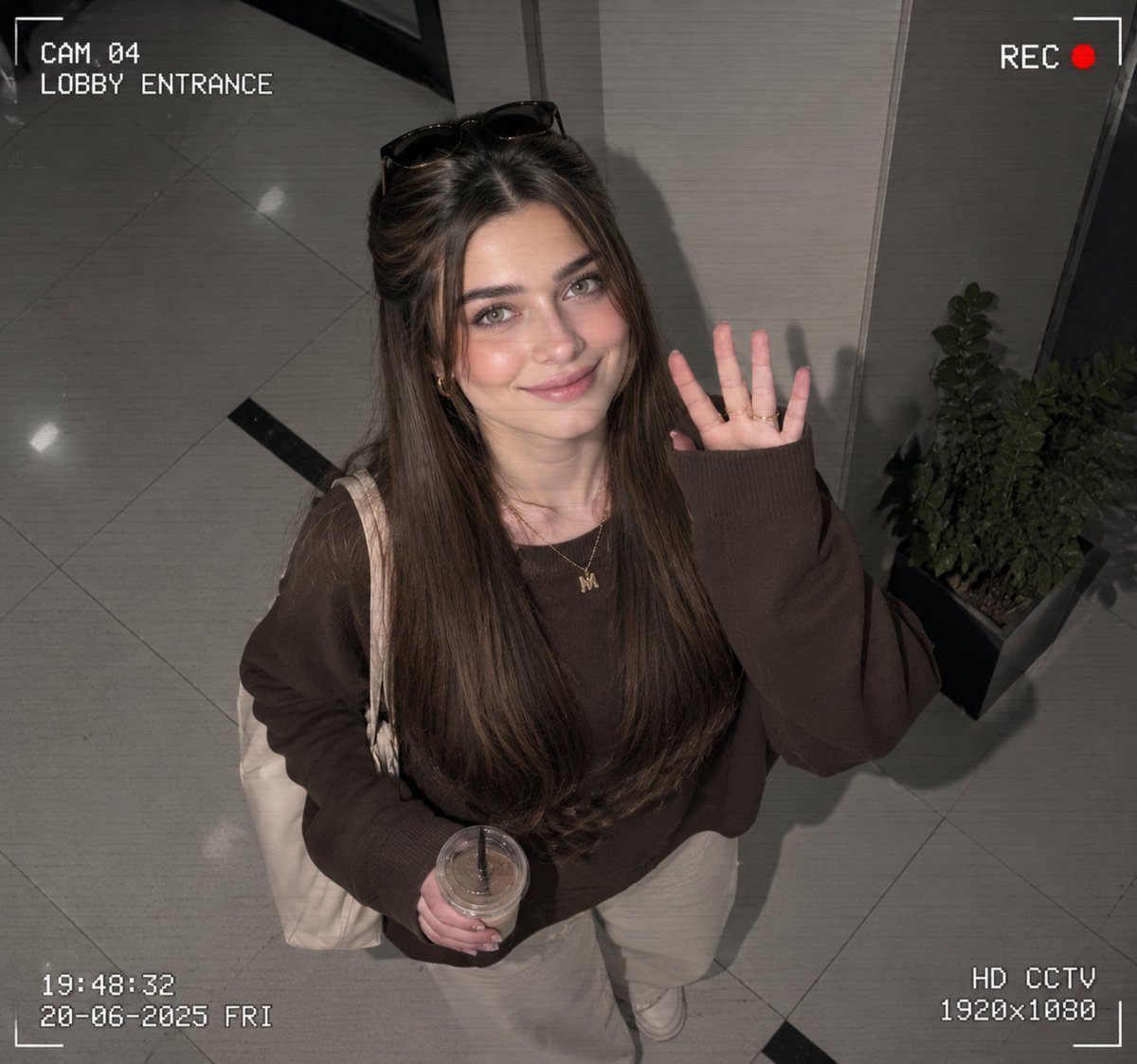
CCTV Surveillance Footage Aesthetic
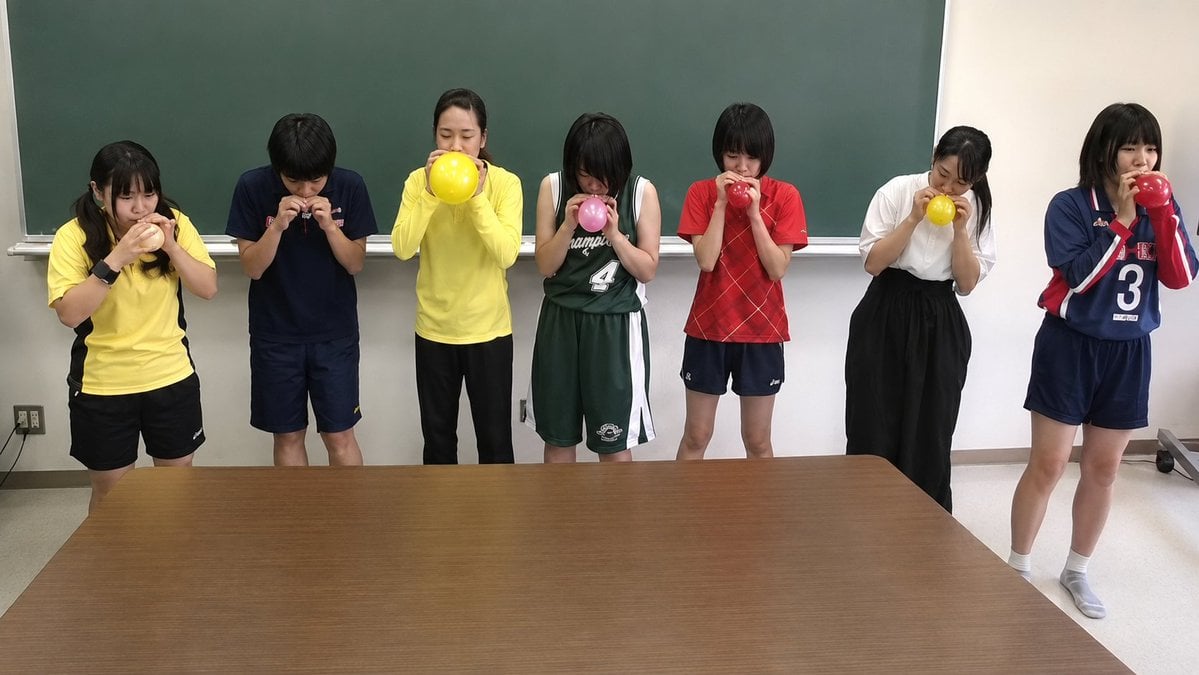
Classroom Balloon Photo Upscale
Make it yours
CCTV Interrogation Room Horror Still works as-is. These are the safest ways to change it without losing the look.
Change one field
Copy a single group, rewrite it, and generate again so you can see what that field is doing.
Keep the frame, change the subject
Hold the composition and light of CCTV Interrogation Room Horror Still, then swap wardrobe, props or the person for a new take.
| If the result… | Why | Fix |
|---|---|---|
| The result drifts from the preview | Too many fields changed at once. | Reuse CCTV Interrogation Room Horror Still as-is first, then change one group — subject, light, or setting. |
| The model over-stylizes the scene | The prose prompt leaves finish and camera underspecified. | Add one camera or lighting sentence and stay on GPT Image 2. |
More GPT Image 2 templates
Other prompts made for GPT Image 2.

Six VTuber Japanese Logo Sheet

Realistic Portrait of Woman and Deer

The Vista Modular Condo Poster

AI Model Routing Comparison Infographic

2.5D Anime Art Board

Isometric Productivity Desk Scene

New York Double Exposure Poster

Four-Panel AI Landscape Comparison

Japanese Tatami Lifestyle Magazine Cover

NESCAFÉ Coffee Map Poster
More image prompts
Fresh picks from across the catalog.
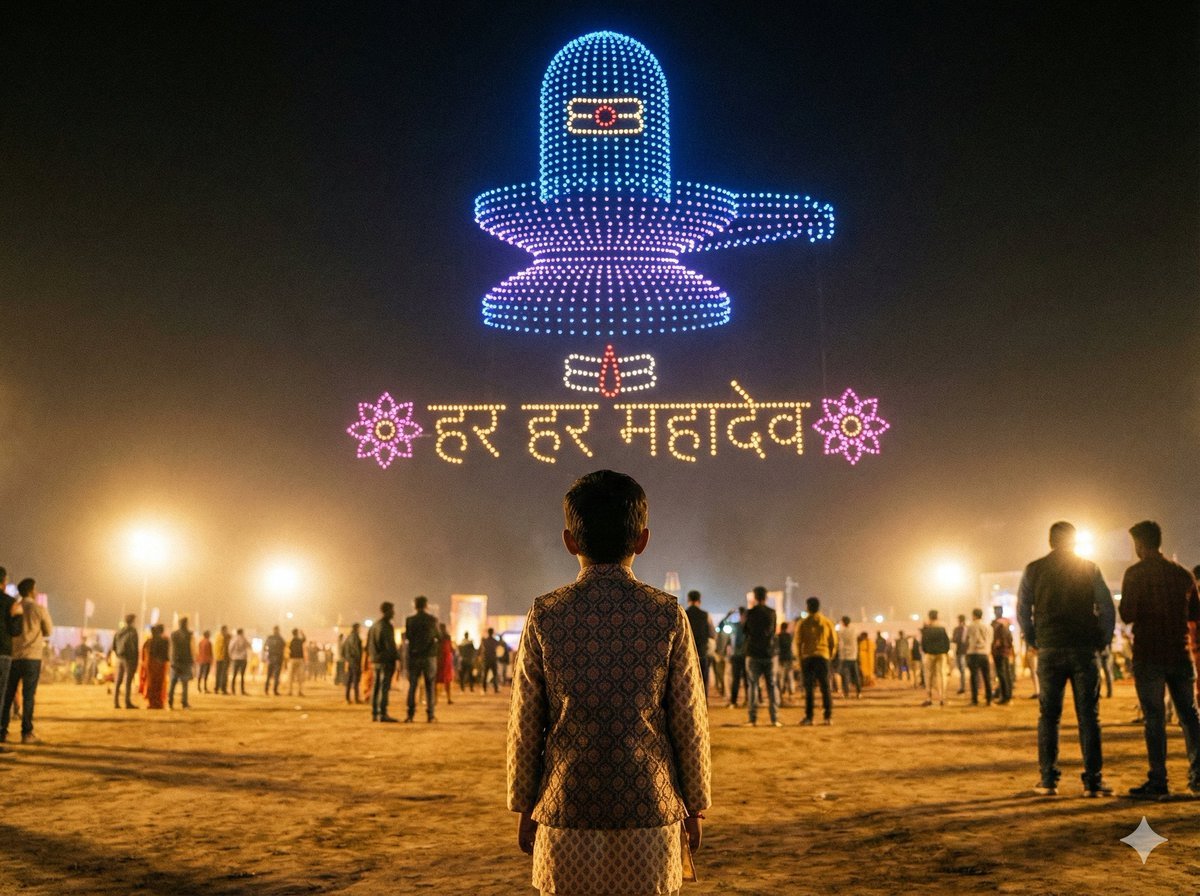
Shiv/God Created by Drones in Sky
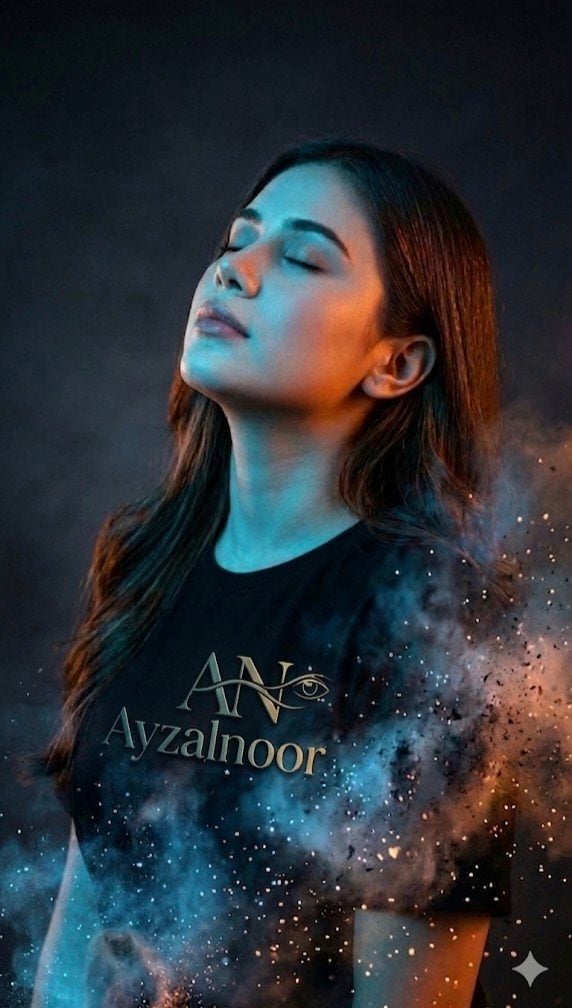
X Ayzalnooor24521 a Cinematic High Resolution Portrait of
Cute Subscription Celebration Illustration
Cinematic Portrait with Radial Motion Blur
Funny Doodle Photo Transformation
Y2K Japanese Street Editorial Collage Poster

untitled
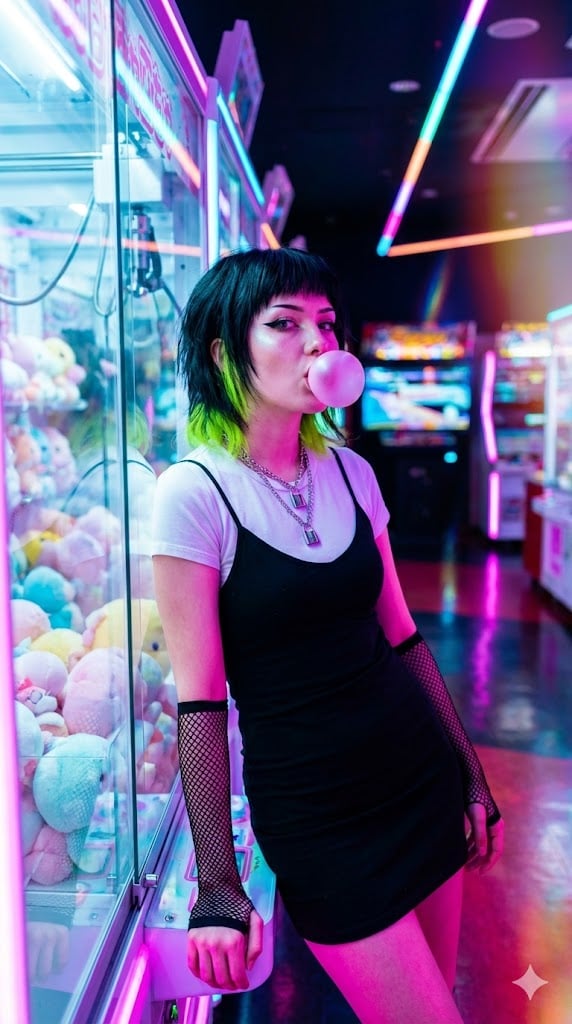
Cyber-Pop E-Girl in Neon Arcade
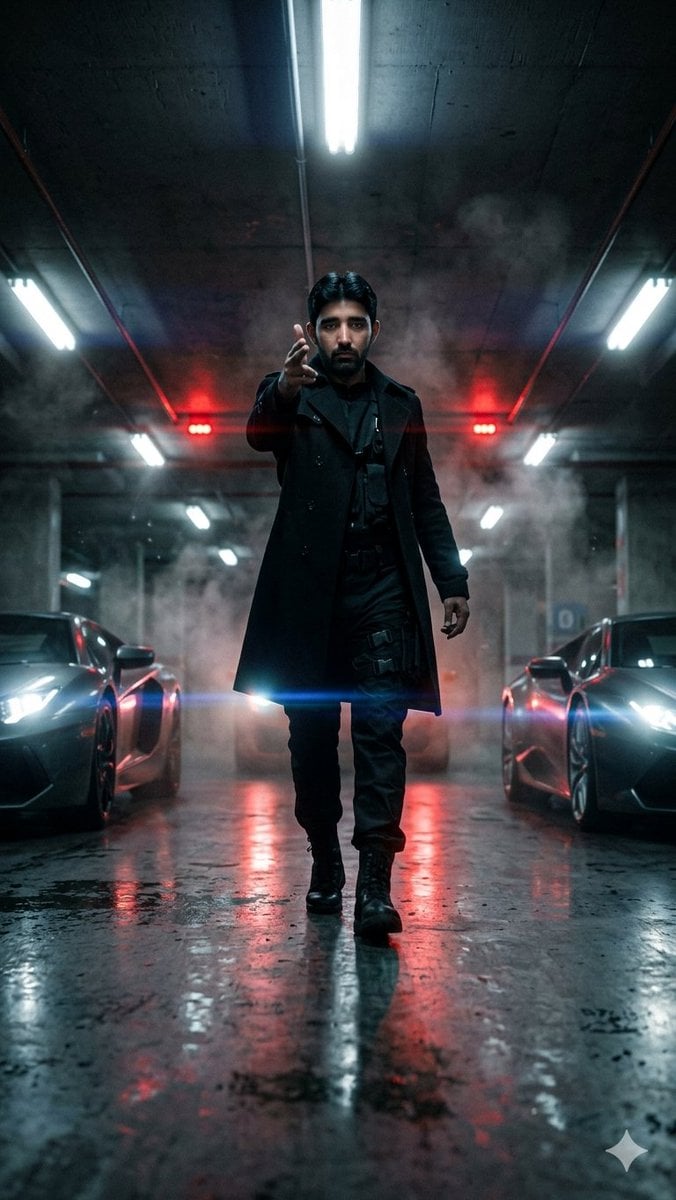
Cinematic Parking Garage Walk
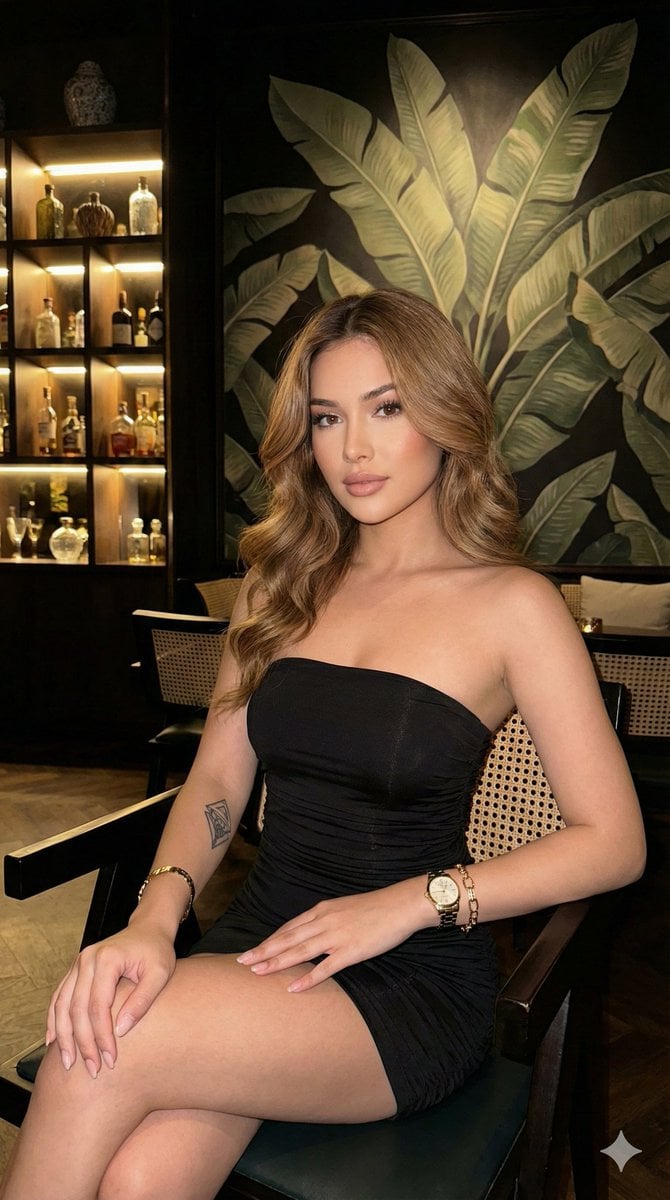
Ultra-realistic portrait in a luxury lounge
Browse template categories
CCTV Interrogation Room Horror Still questions
How do I use the CCTV Interrogation Room Horror Still template?
Add your photo if the template asks for one, edit the prompt if you like — the template's model and format are already selected — and press Generate. Your version opens in PicX Studio.
Can I customize the CCTV Interrogation Room Horror Still template?
Yes. You can change the subject, setting, lighting, mood, format, and available model controls before creating your image.
Is the CCTV Interrogation Room Horror Still template free?
Opening and editing this template is free. Generating uses credits, shown on the Generate button when you are signed in.
Which AI model should I use?
Start with GPT Image 2, which is the model associated with this template. You can compare another compatible model for a different finish.
Looking for something else? Browse all templates.

Your photo, any look
Thousands of ready templates for every top image and video model, from one credit balance.