
Identity Preserving Streetwear Campaign Poster
A prompt for transforming a specific individual into a digital illustration for a streetwear poster while maintaining perfect facial fidelity.
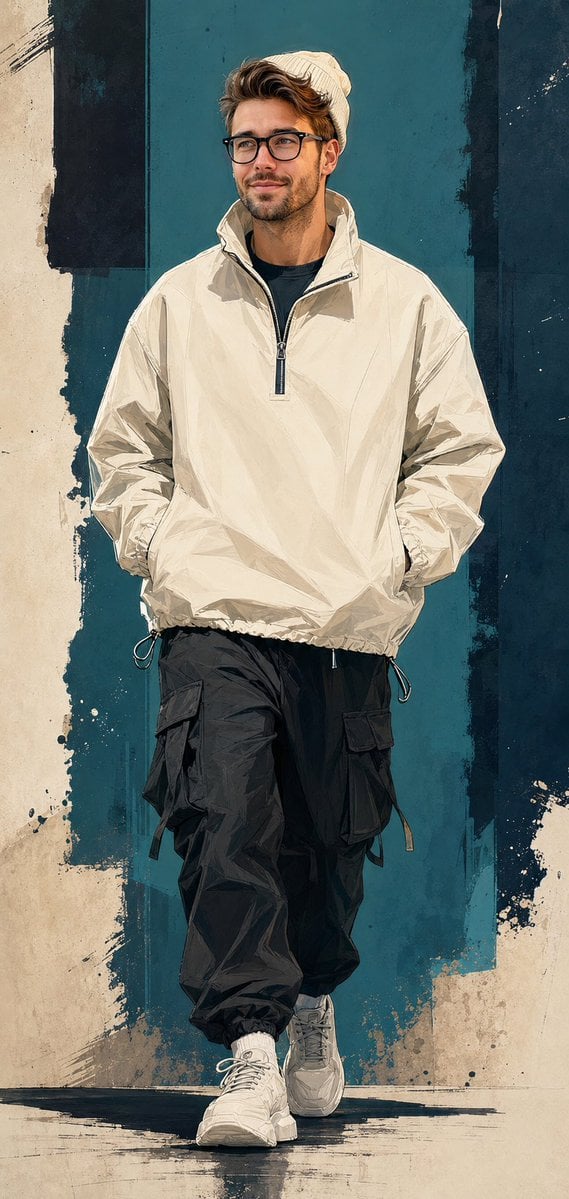
- Prompt included
- Model and format preset
- Free template
The prompt behind this image
Copy the exact prompt behind Identity Preserving Streetwear Campaign Poster, or open it in the studio and make it yours.
Use the uploaded reference image as the ONLY facial identity reference. Preserve the exact same person with maximum fidelity. Maintain the identical facial identity, facial structure, skull shape, jawline, cheekbones, forehead, ears, eyes, eyebrows, eyelids, nose shape, nostrils, lips, mouth, chin, skin tone, hairstyle, hairline, facial proportions, glasses, age, expression, ethnicity, and overall recognizable appearance. Do NOT redesign, beautify, idealize, de-age, age-shift, alter ethnicity, modify facial proportions, change the hairstyle, replace the glasses, reinterpret facial features, or create a different person. Identity preservation overrides every artistic, stylistic, lighting, wardrobe, composition, rendering, and color instruction below. Keep the face instantly recognizable as the exact same person from the uploaded image. --- Transform the uploaded person into a semi-realistic digital illustration streetwear campaign poster. The person keeps the exact same face, hairstyle, glasses, facial proportions, skin tone and identity as the uploaded photo. Outfit: - cream ribbed knit beanie - oversized cream technical windbreaker quarter-zip jacket - funnel collar - drawstring hem - black t-shirt underneath - black oversized cargo joggers with multiple flap pockets and hanging drawstrings - white chunky sneakers Pose: Walking mid-stride, hands inside jacket pockets, head naturally turned and gazing off-camera, confident expression. Art Style: Semi-realistic digital illustration Comic-editorial hybrid rendering Clean vector linework combined with painterly color fills High-end streetwear campaign artwork Fashion editorial poster aesthetic Modern urban illustration Premium graphic design Background: Abstract graffiti-inspired composition Deep teal and dark navy color-block panels Distressed paint textures Rough torn-paper transitions Brushstroke overlays Urban graphic shapes Minimal abstract environment Lighting: Soft directional studio lighting from upper left Subtle rim lighting Natural shadows Cinematic contrast Color palette: Cream Deep teal Dark navy Black Off-white Muted neutral tones Composition: Vertical poster Full-body Walking toward camera Centered composition Clean negative space No text No logo No typography No watermark No signature No labels No symbols No UI elements Ultra detailed Masterpiece Best Quality Professional fashion campaign illustration Sharp focus 8K
How to use Identity Preserving Streetwear Campaign Poster in 3 steps
- 1Upload ImagePNG, JPG or paste
Add your photo
Upload the photo the template builds on. The prompt, model and format are already set.
- 2…a portrait of your subject in softgolden-hour light, 85mm…
Personalize
Edit the subject and creative details for your destination.
- 3Generate
Generate
Press Generate — your image is created in PicX Studio, so you can compare it with the original and refine one variable at a time.
More like this
Templates with the same subject, style or setup. Open one to see its prompt.

Urban Fashion Editorial Collage Streetwear Poster

Polo Ralph Lauren Luxury American Heritage Fashion Campaign

Retro Mirror Luxury Fashion Campaign Poster

Luxury Fashion Campaign Typography Poster System

Premium Fashion Editorial Campaign Poster System

Korean Streetwear Minimalist Campaign Portrait

Frozen Street Luxe Graffiti Fashion Campaign

Ultra-Stylized High-Fashion Streetwear Poster

Urban Fashion Editorial Collage Poster
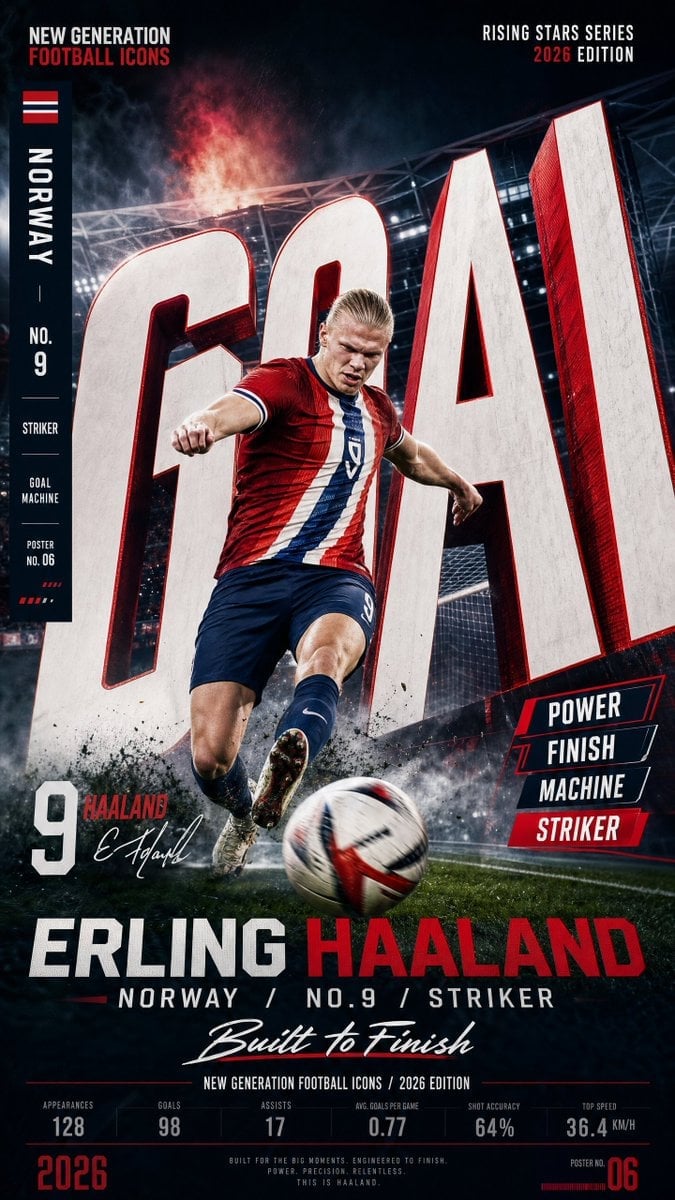
Vertical Football Star Campaign Poster

Selective Color Monochrome Football Poster

Campaign Smoke National Symbols World Cup
Make it yours
Identity Preserving Streetwear Campaign Poster works as-is. These are the safest ways to change it without losing the look.
Change one field
Copy a single group, rewrite it, and generate again so you can see what that field is doing.
Keep the frame, change the subject
Hold the composition and light of Identity Preserving Streetwear Campaign Poster, then swap wardrobe, props or the person for a new take.
| If the result… | Why | Fix |
|---|---|---|
| The result drifts from the preview | Too many fields changed at once. | Reuse Identity Preserving Streetwear Campaign Poster as-is first, then change one group — subject, light, or setting. |
| The model over-stylizes the scene | The prose prompt leaves finish and camera underspecified. | Add one camera or lighting sentence and stay on GPT Image 2. |
More GPT Image 2 templates
Other prompts made for GPT Image 2.

Six VTuber Japanese Logo Sheet

Realistic Portrait of Woman and Deer

The Vista Modular Condo Poster

AI Model Routing Comparison Infographic

2.5D Anime Art Board

Isometric Productivity Desk Scene

New York Double Exposure Poster

Four-Panel AI Landscape Comparison

Japanese Tatami Lifestyle Magazine Cover

NESCAFÉ Coffee Map Poster
More image prompts
Fresh picks from across the catalog.
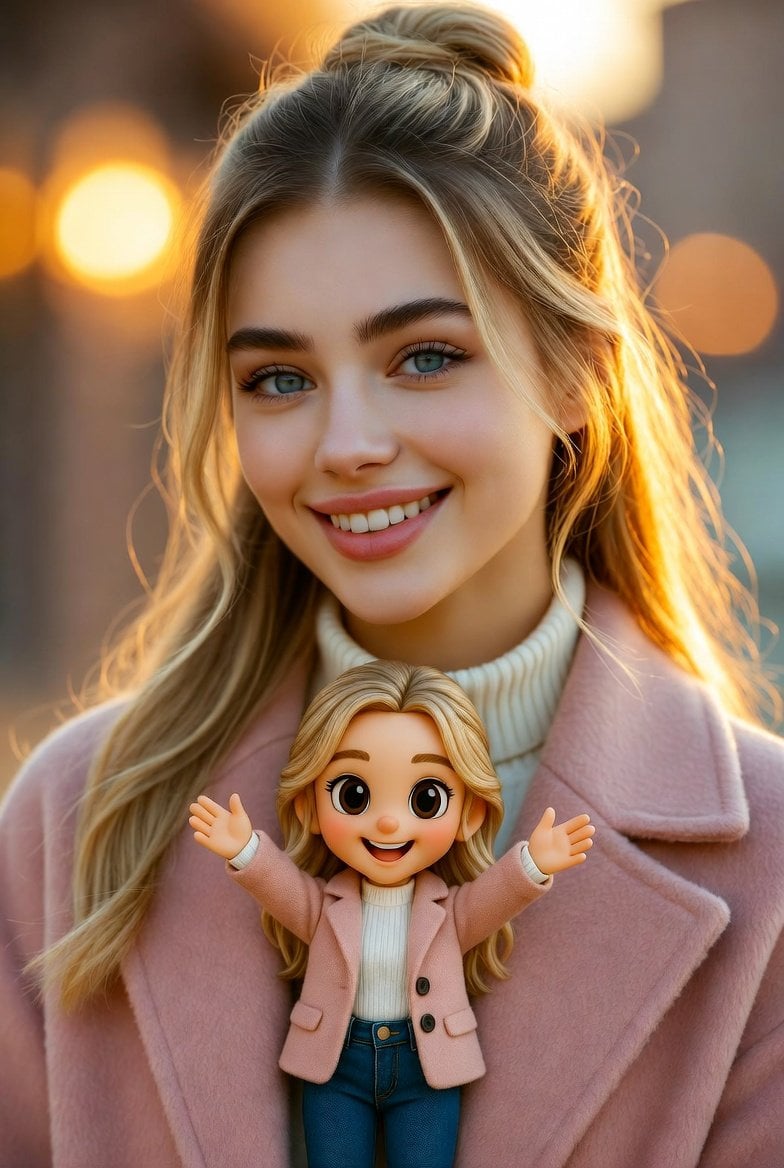
Cinematic Portrait with Miniature Chibi Figurine
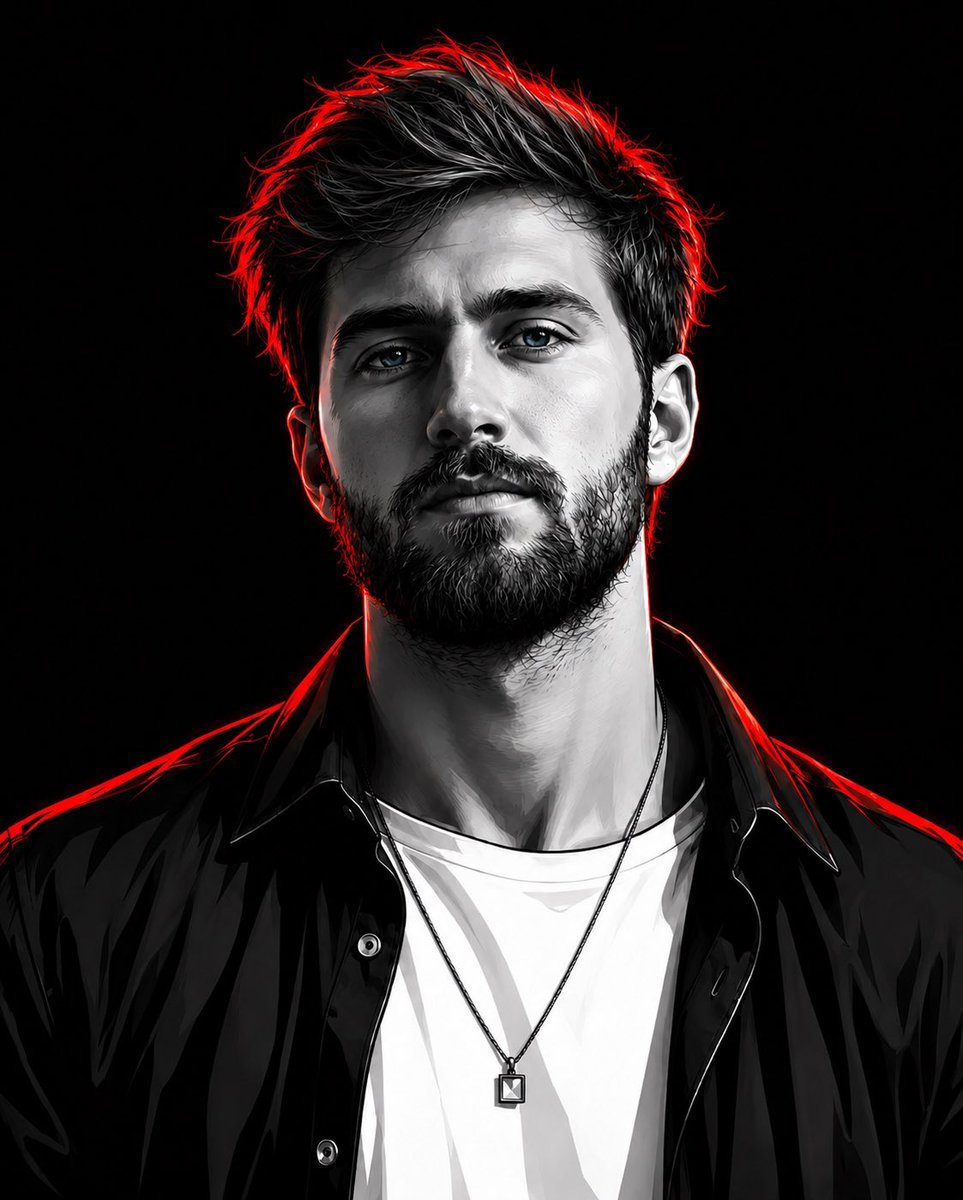
Cyberpunk Neon Rim Lighting Portrait
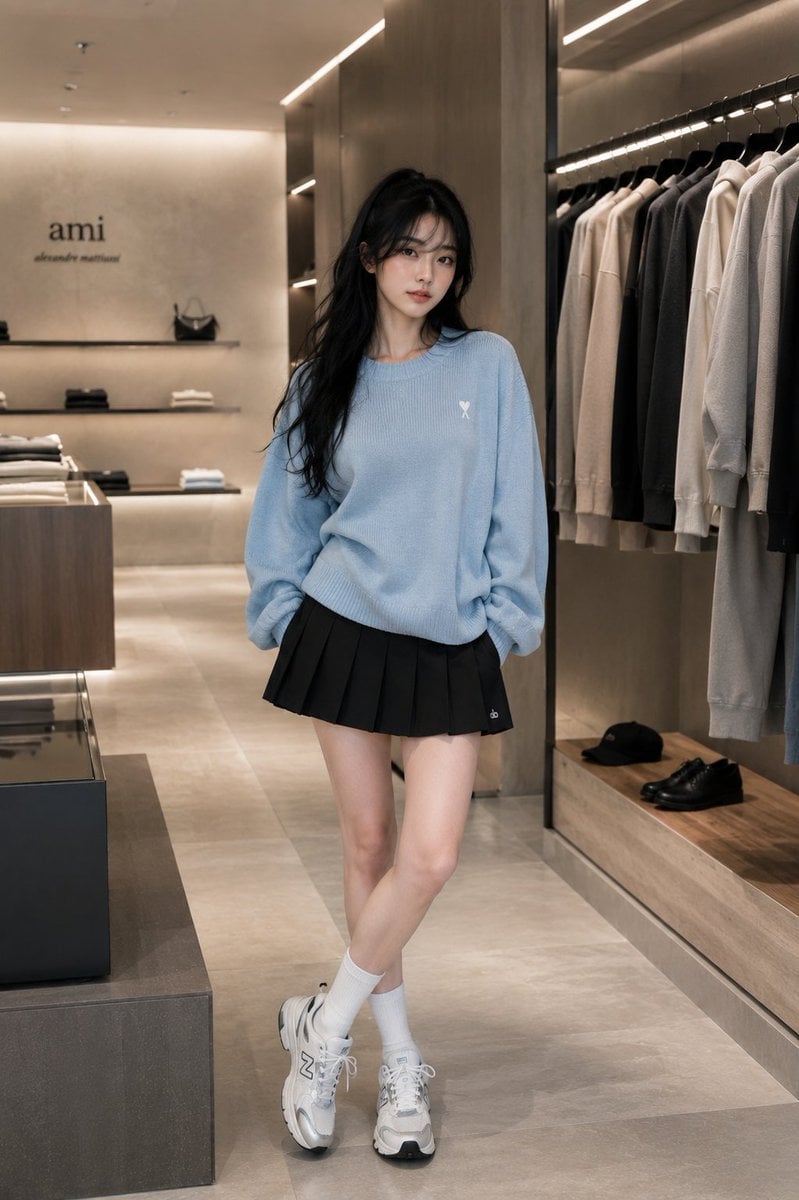
Minimalist Boutique Fashion Editorial
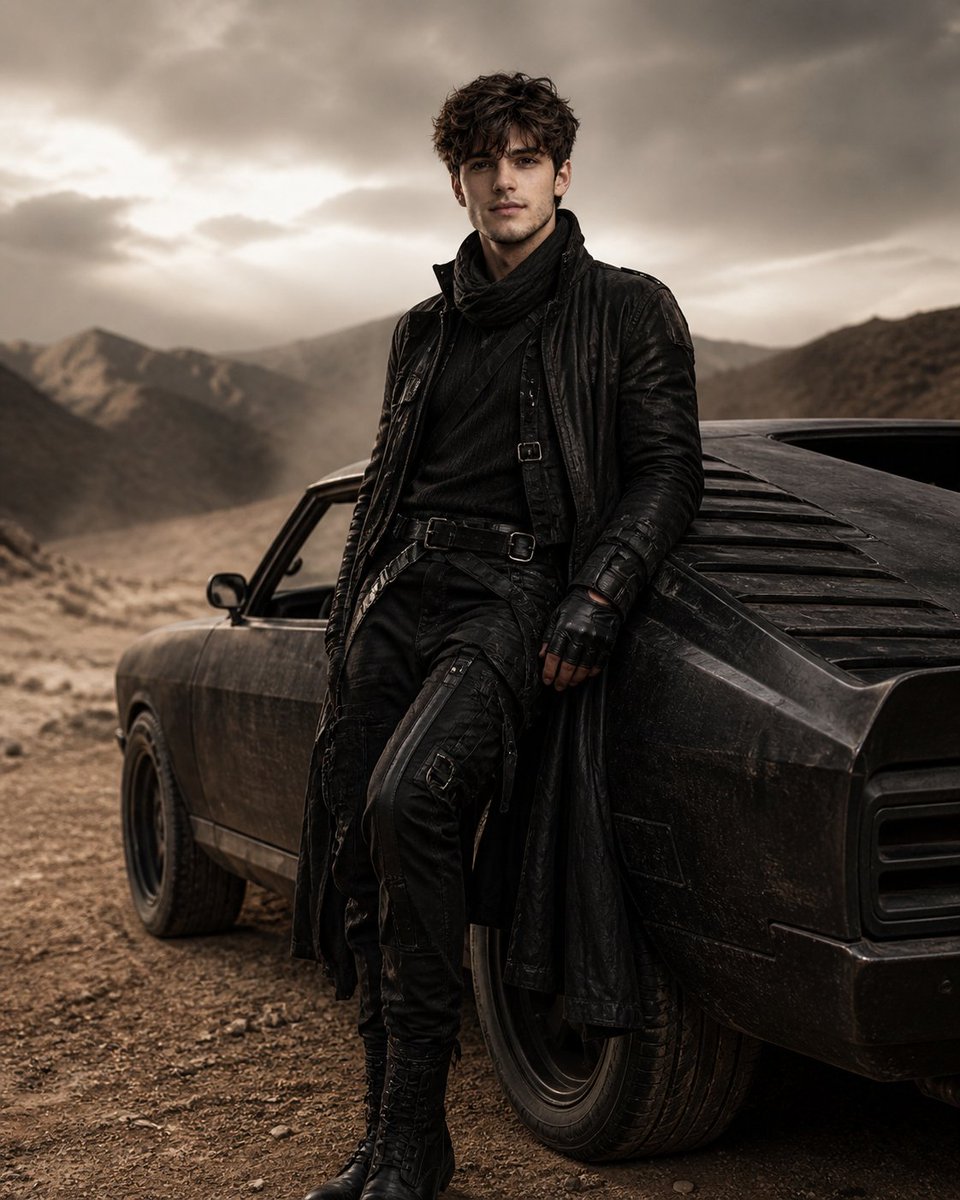
Luxury Desert Fashion Editorial
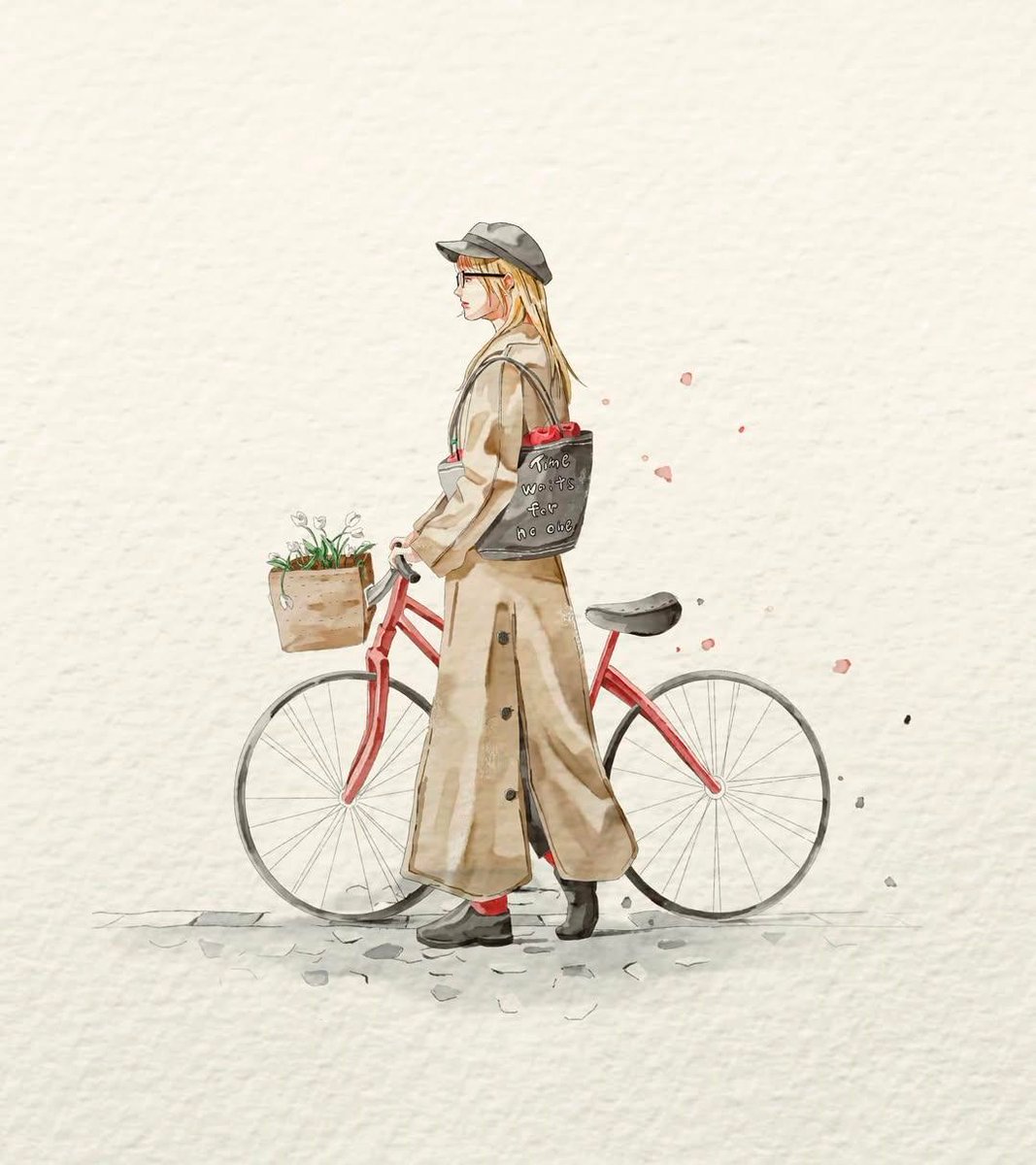
Watercolor Fashion Sketch with Bicycle
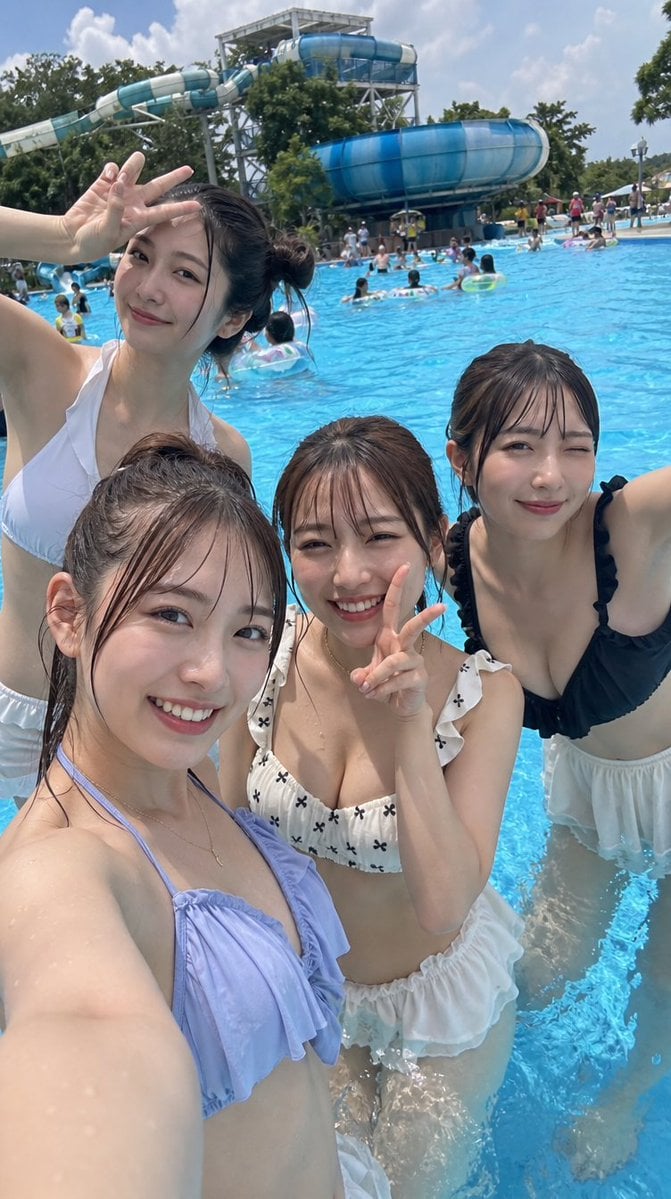
Japanese Youth at Water Park
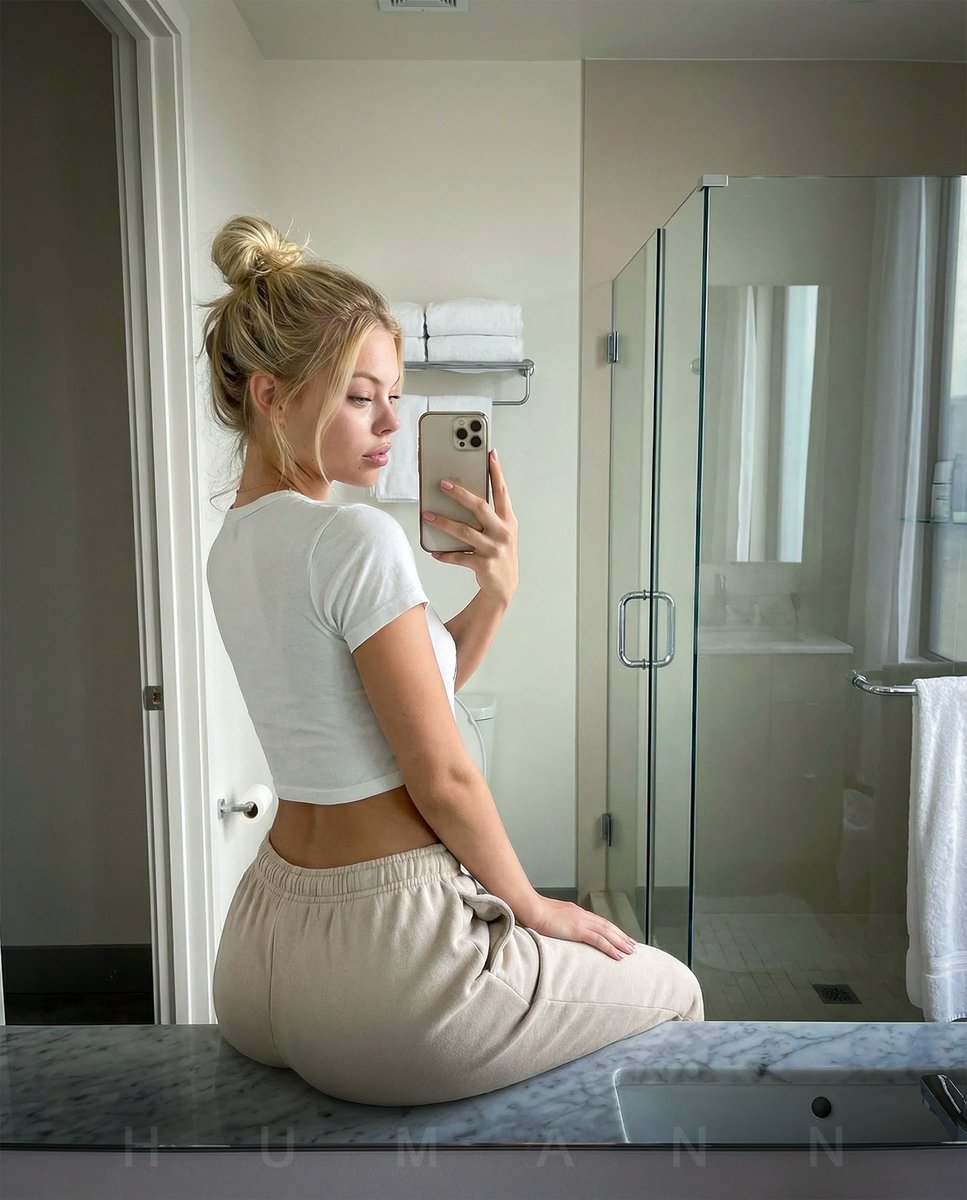
Photorealistic mirror selfie with identity lock
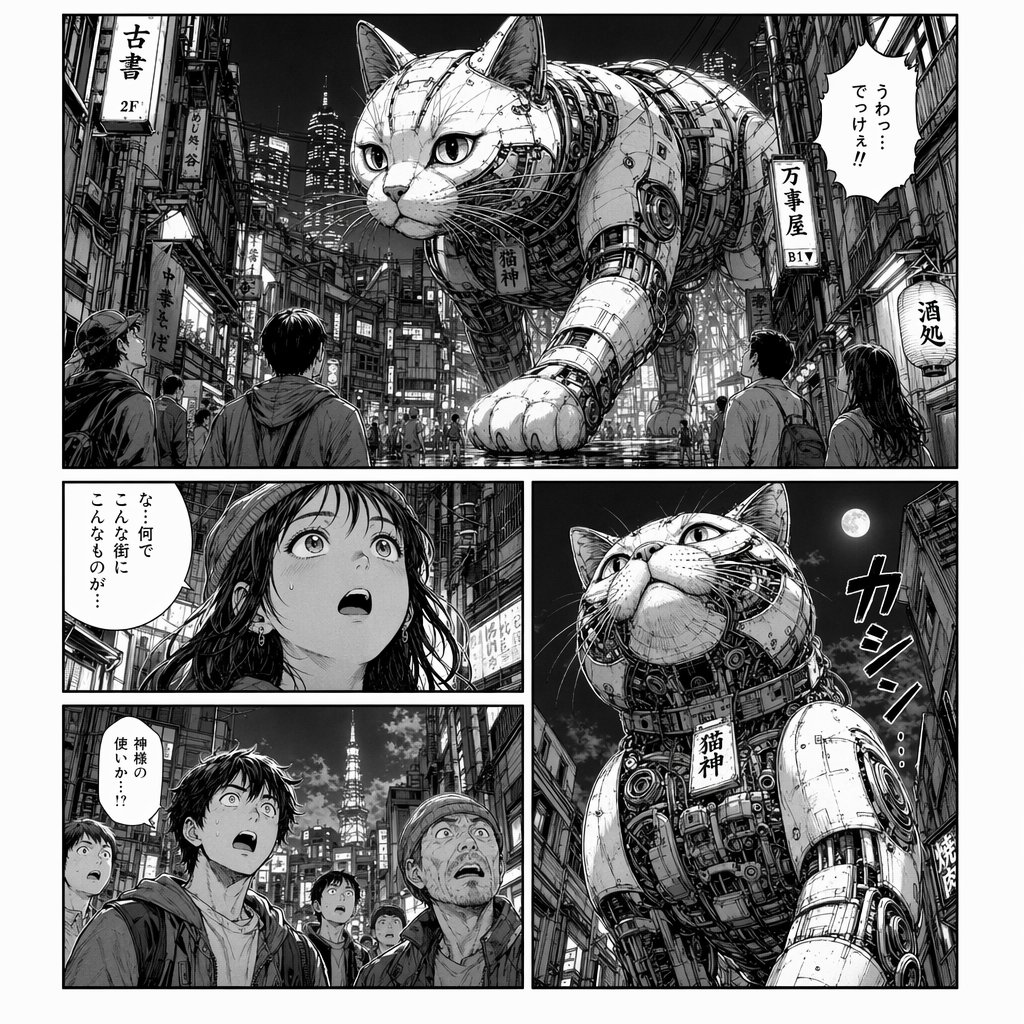
Cyberpunk Manga Page of a Giant Robot Cat
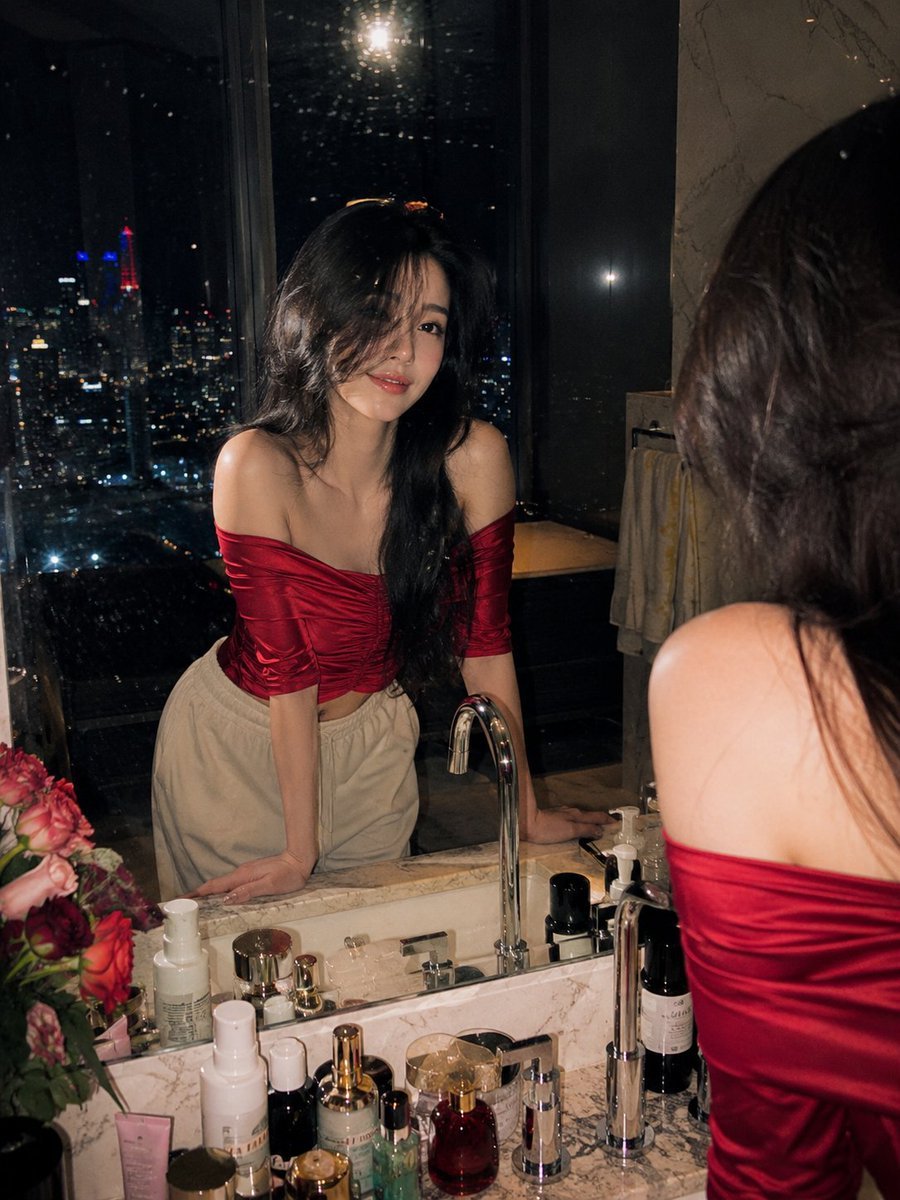
Penthouse Mirror Reflection Portrait

Minimalist Chinese Ink Wash Mist Painting
Browse template categories
Identity Preserving Streetwear Campaign Poster questions
How do I use the Identity Preserving Streetwear Campaign Poster template?
Add your photo if the template asks for one, edit the prompt if you like — the template's model and format are already selected — and press Generate. Your version opens in PicX Studio.
Can I customize the Identity Preserving Streetwear Campaign Poster template?
Yes. You can change the subject, setting, lighting, mood, format, and available model controls before creating your image.
Is the Identity Preserving Streetwear Campaign Poster template free?
Opening and editing this template is free. Generating uses credits, shown on the Generate button when you are signed in.
Which AI model should I use?
Start with GPT Image 2, which is the model associated with this template. You can compare another compatible model for a different finish.
Looking for something else? Browse all templates.

Your photo, any look
Thousands of ready templates for every top image and video model, from one credit balance.