How do I use the Watercolor Travel Poster Transformation template?
Choose the primary action to open PicX Studio with the available template settings. Review the model and format, personalize the creative direction, and generate when ready.
Transforms a city river reference photo into a minimalist watercolor travel poster with centered typography and textured paper whitespace.
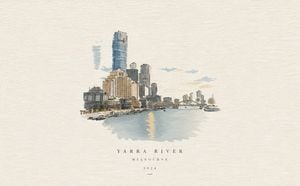
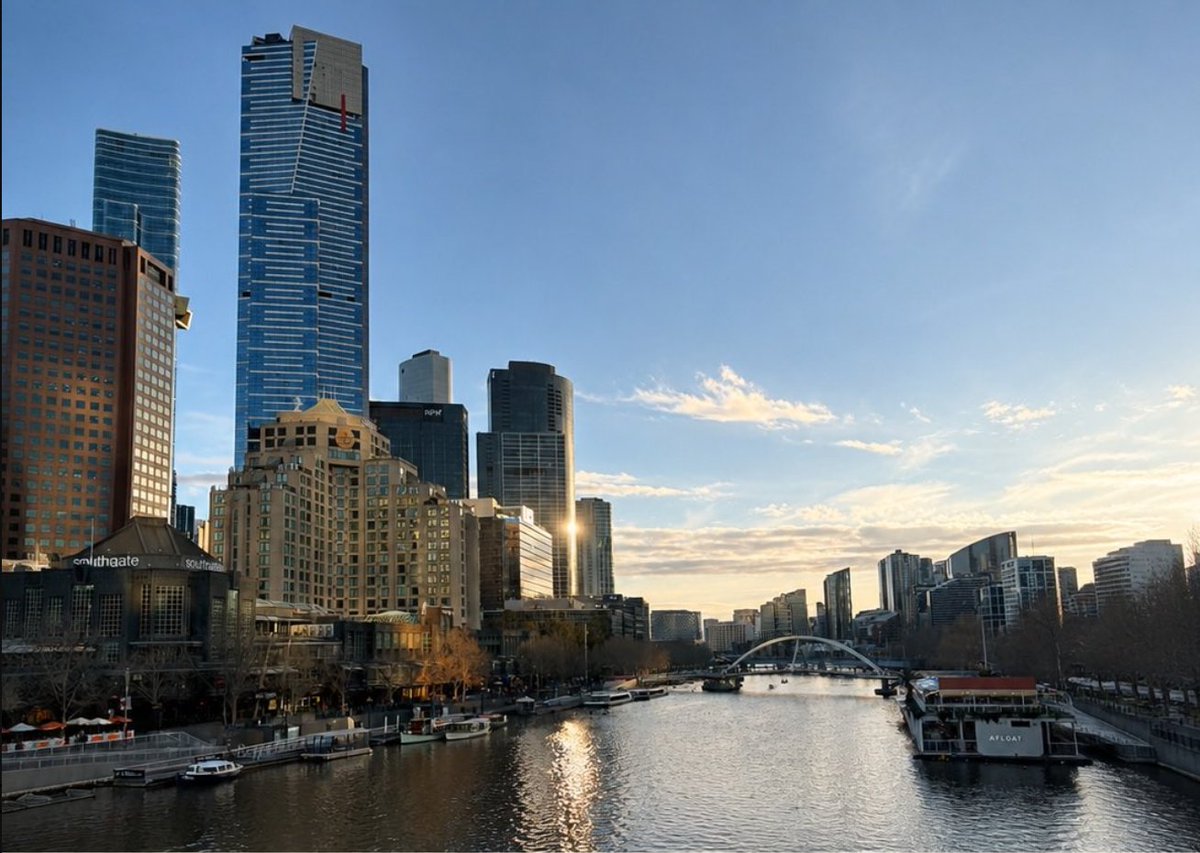
Using REFERENCE_0 as the scene source, transform the city river photograph into a minimalist hand-painted watercolor and ink travel-poster illustration. Preserve the recognizable skyline, river viewpoint, bridge, boats, and warm late-day atmosphere, but simplify the architecture into loose sketch lines and soft washes instead of photorealistic detail. Recompose the scene as a small centered vignette on a wide off-white textured watercolor-paper background with generous empty space around it; fade the sky and edges into the paper rather than filling the whole canvas. Use muted beige, pale blue, gray, and warm gold tones with a soft reflected glow on the water. Add exactly 3 centered text lines beneath the illustration: {argument name="main title" default="YARRA RIVER"}, {argument name="location text" default="MELBOURNE"}, and {argument name="year" default="2024"}, set in widely spaced elegant uppercase serif lettering, plus one short thin horizontal line below the year. Keep the final image clean, airy, refined, and poster-like, with no frame, no extra logos, and no additional text.
Watercolor Travel Poster Transformation needs input media to work. Open it in the studio and these load alongside the prompt — pick whichever ones your chosen model can take.
Choose the primary action to open PicX Studio with the available template settings. Review the model and format, personalize the creative direction, and generate when ready.
Yes. You can change the subject, setting, lighting, mood, format, and available model controls before creating your image.
This template is free to open and customize. Generation usage is shown in PicX Studio before you create.
Start with GPT Image 2, which is the model associated with this template. You can compare another compatible model for a different finish.
Follow a topic to a crawlable collection of related PicX Studio templates.