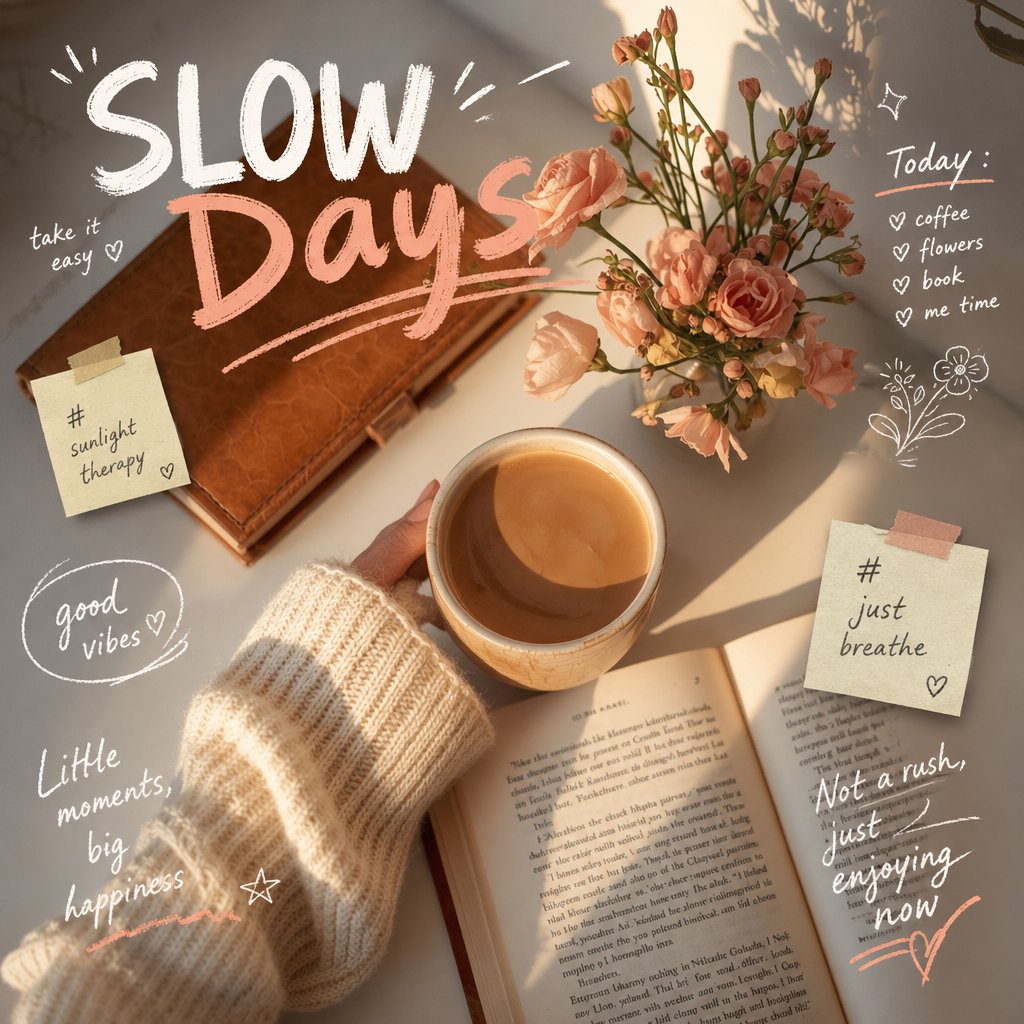
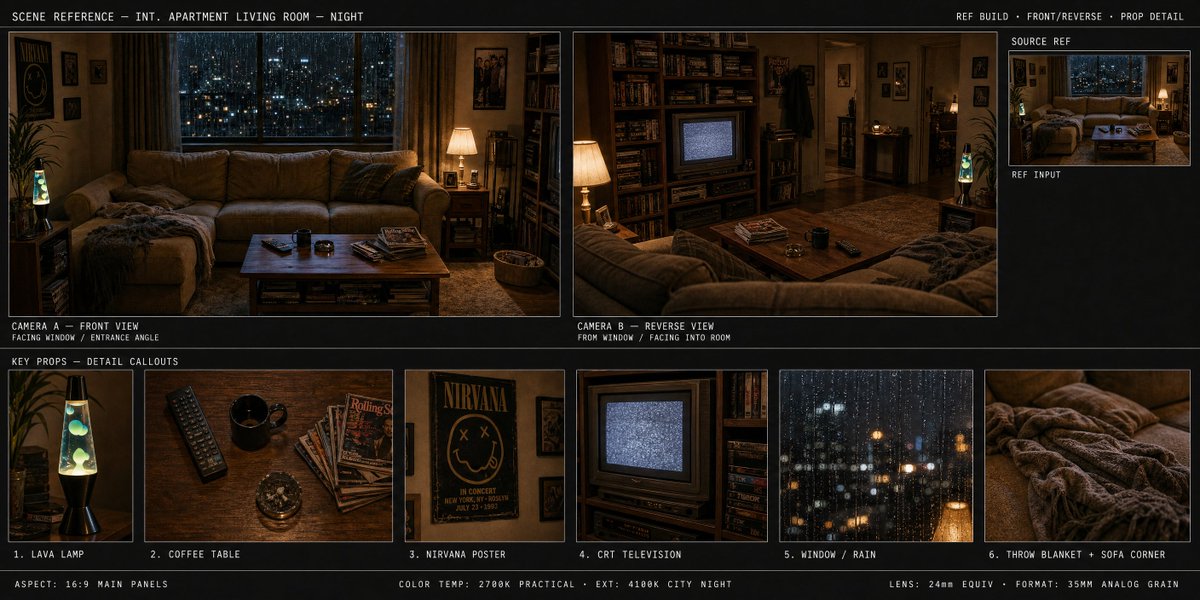
How do I use the Coquette Aesthetic Street Photography Portrait template?
Choose the primary action to open PicX Studio with the available template settings. Review the model and format, personalize the creative direction, and generate when ready.
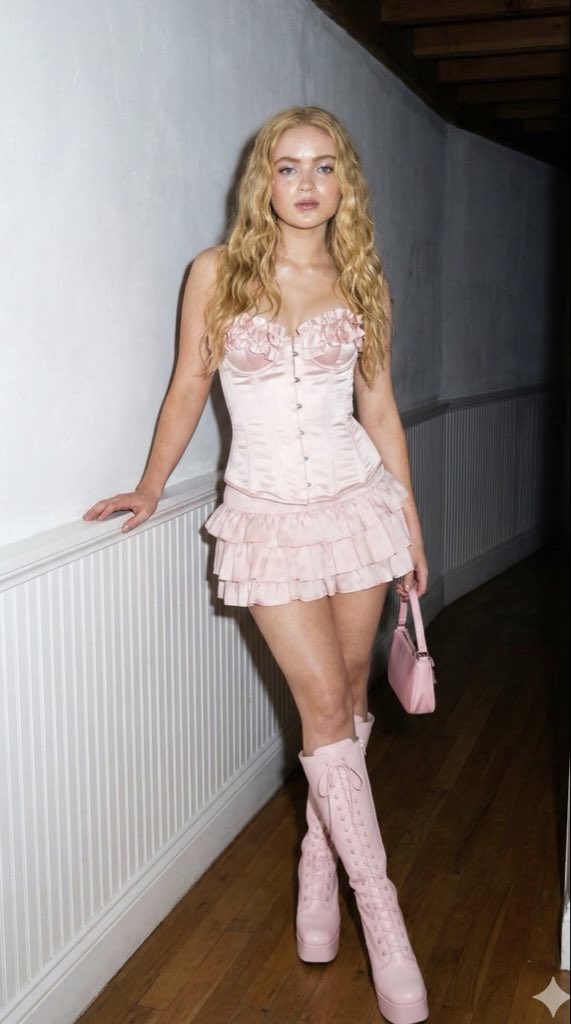
A detailed JSON prompt for generating an ultra-realistic vertical photograph of a young woman in a coquette-style butter yellow mini dress, holding a bouquet of flowers. Change the subject, setting, or lighting one variable at a time.

{ "prompt_schema_version": "1.0", "technical_specifications": { "resolution": "8k", "quality_preset": "Ultra High Definition (UHD)", "dynamic_range": "High Dynamic Range (HDR)", "realism_level": "Ultra Realistic", "aspect_ratio": "9:16", "orientation": "Vertical (Long)", "style": "Photography" }, "subject": { "demographics": "Young woman, approximately 20-25 years old", "appearance": { "hair": "Long, dark brown, loose waves, parted in the middle", "skin_tone": "Warm tan", "expression": "Soft smile, direct eye contact, confident but gentle" }, "pose": { "stance": "Standing, leaning casually against a building corner", "legs": "Crossed at the ankles", "arms": "Holding a bouquet across the waist" } }, "apparel": { "dress": { "color": "Pale butter yellow", "type": "Mini dress", "style": "Coquette/Romance aesthetic", "details": [ "Spaghetti straps", "Corset-style bodice", "White lace trim on neckline", "Textured jacquard fabric", "A-line skirt" ] }, "footwear": { "type": "Ballet flats", "color": "Metallic silver", "material": "Leather" }, "accessories": [ "Gold pendant necklace", "Minimalist gold bracelet", "Small hoop earrings" ] }, "props": { "item": "Flower bouquet", "contents": "{argument name="flower type" default="Pink and mauve hydrangeas"}, green foliage", "wrapping": "Brown kraft paper", "position": "Held in both hands against the midsection" }, "environment": { "setting": "European street corner (reminiscent of {argument name="location" default="Italy or France"})", "architecture": { "wall_color": "Warm terracotta/ochre orange", "features": [ "Wooden shop window frame with glass", "Bottles visible inside the shop window (wine/liquor)", "Framed certificates hanging inside window" ] }, "ground": "Grey stone pavement/sidewalk", "background_depth": "Blurred street perspective on the right side showing building facades" }, "lighting_and_atmosphere": { "source": "Natural daylight", "quality": "Soft, diffused afternoon light", "shadows": "Gentle, natural shadows cast by the subject against the wall", "color_grading": "Warm, golden hour undertones" } }
Choose the primary action to open PicX Studio with the available template settings. Review the model and format, personalize the creative direction, and generate when ready.
Yes. You can change the subject, setting, lighting, mood, format, and available model controls before creating your image.
This template is free to open and customize. Generation usage is shown in PicX Studio before you create.
Start with Nano Banana 2, which is the model associated with this template. You can compare another compatible model for a different finish.
© 2026 PicX Studio. All rights reserved.

Follow a topic to a crawlable collection of related PicX Studio templates.
43,474 public templates available. Verified via the PicX Studio public templates API; refreshed hourly.






![118-google-nano-banana-pro-skincare-product- — A professional skincare shot of a [product container] with [cap/lid], labeled [brand, product, descriptor, volume](/_next/image?url=https%3A%2F%2Fcdn.picxstudio.com%2Fuploads%2Fpost118_img0_332898b8-29ea-42a9-87ab-9ed746a3f944.jpg&w=828&q=100)
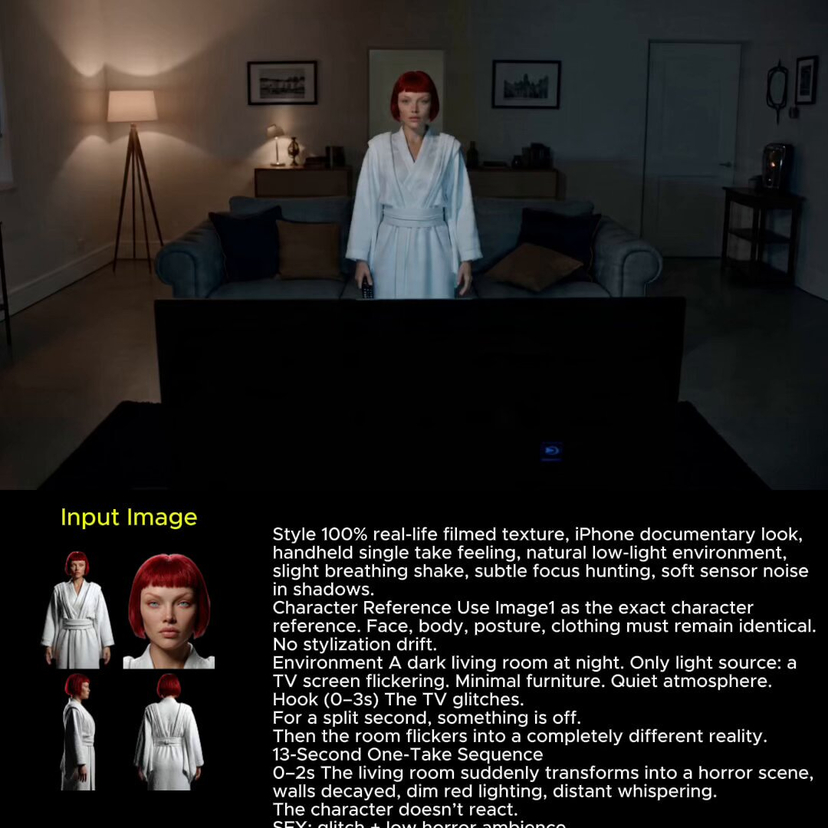







![69-untitled — FORMAT: 15s / 145 BPM / 14 SHOTS
SUBJECT: @[image1]
WARDROBE: Clean modern outfit
ENVIRONMENT: Street / indoor transitions
MOOD: Discovery → contr](/_next/image?url=https%3A%2F%2Fcdn.picxstudio.com%2Fuploads%2Fpost69_img0_d45faecf-38c3-4bcb-81a4-f6eb1cf42bb2.jpg&w=828&q=100)



![Naive doodle-style subject illustration — A doodle-style {argument name="subject" default="[subject]"}, naive lines, humorous shape exaggeration](https://pbs.twimg.com/media/G6Wl2YxbsAARB2b.jpg)