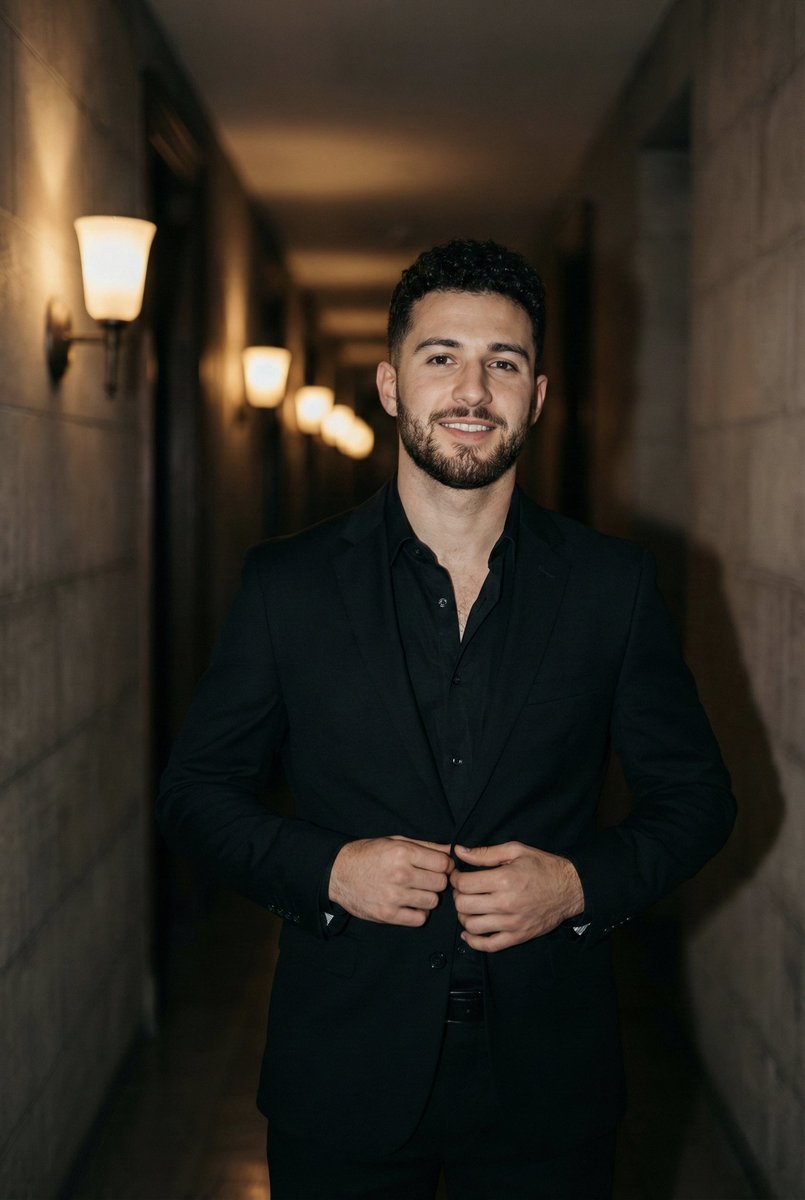
How do I use the Ana de Armas Editorial Portrait in White Shirt template?
Choose the primary action to open PicX Studio with the available template settings. Review the model and format, personalize the creative direction, and generate when ready.
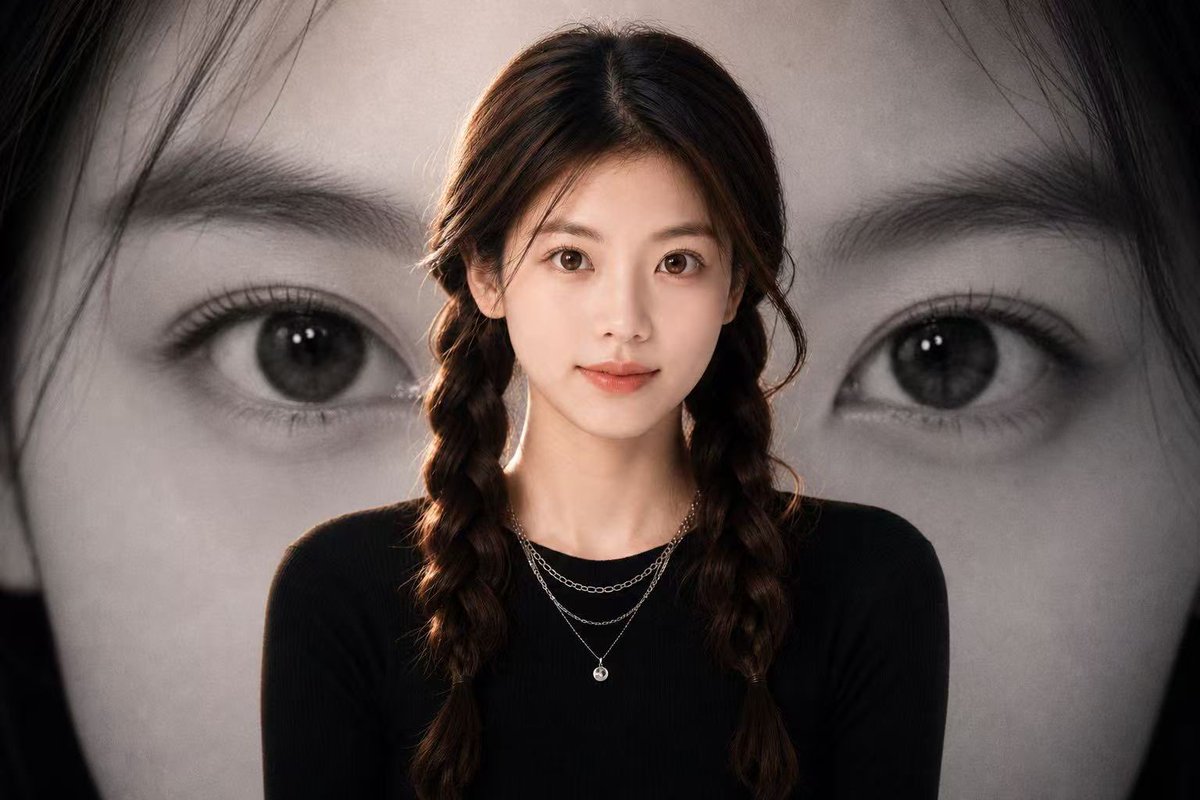
A structured prompt for generating a high-end editorial portrait of Ana de Armas in a minimalist studio setting, focusing on a clean aesthetic, soft lighting, and specific attire details like a crisp white button-down shirt and gold bee-shaped buttons. Change the subject, setting, or lighting one variable at a time.

{ "subject": { "person": "{argument name="person name" default="Ana de Armas"}", "facial_features": { "expression": "Soft, confident smile and neutral, relaxed gaze", "eyes": "Hazel-brown, expressive", "makeup": "Natural 'no-makeup' look, soft rose-tinted lips, subtle eyeliner, well-defined brows", "hair": "Chestnut brown with honey highlights, long, wavy, parted slightly off-center" }, "attire": { "top": "Crisp white long-sleeved button-down shirt, structured pointed collar, gold bee-shaped decorative buttons or pins along the placket", "bottom": "High-waisted black tailored trousers", "jewelry": "Small gold hoop earrings, stacked gold rings on fingers" } }, "composition": { "shot_type": "Medium shot / waist-up portrait", "poses": [ "Front-facing with hand resting on stomach", "Hand tucked into pocket", "Hand raised slightly near shoulder displaying rings" ], "background": "Solid, clean, {argument name="background color" default="off-white / eggshell"} studio backdrop" }, "technical_aesthetic": { "lighting": "Soft, even studio lighting with minimal shadows, bright and airy feel", "color_palette": ["White", "Black", "Gold", "Natural skin tones"], "style": "High-end editorial, professional headshot, minimalist, clean aesthetic", "quality": "Sharp focus, high resolution, realistic textures" } }
Choose the primary action to open PicX Studio with the available template settings. Review the model and format, personalize the creative direction, and generate when ready.
Yes. You can change the subject, setting, lighting, mood, format, and available model controls before creating your image.
This template is free to open and customize. Generation usage is shown in PicX Studio before you create.
Start with Nano Banana 2, which is the model associated with this template. You can compare another compatible model for a different finish.
© 2026 PicX Studio. All rights reserved.

Follow a topic to a crawlable collection of related PicX Studio templates.
43,474 public templates available. Verified via the PicX Studio public templates API; refreshed hourly.













![Naive doodle-style subject illustration — A doodle-style {argument name="subject" default="[subject]"}, naive lines, humorous shape exaggeration](https://pbs.twimg.com/media/G6Wl2YxbsAARB2b.jpg)











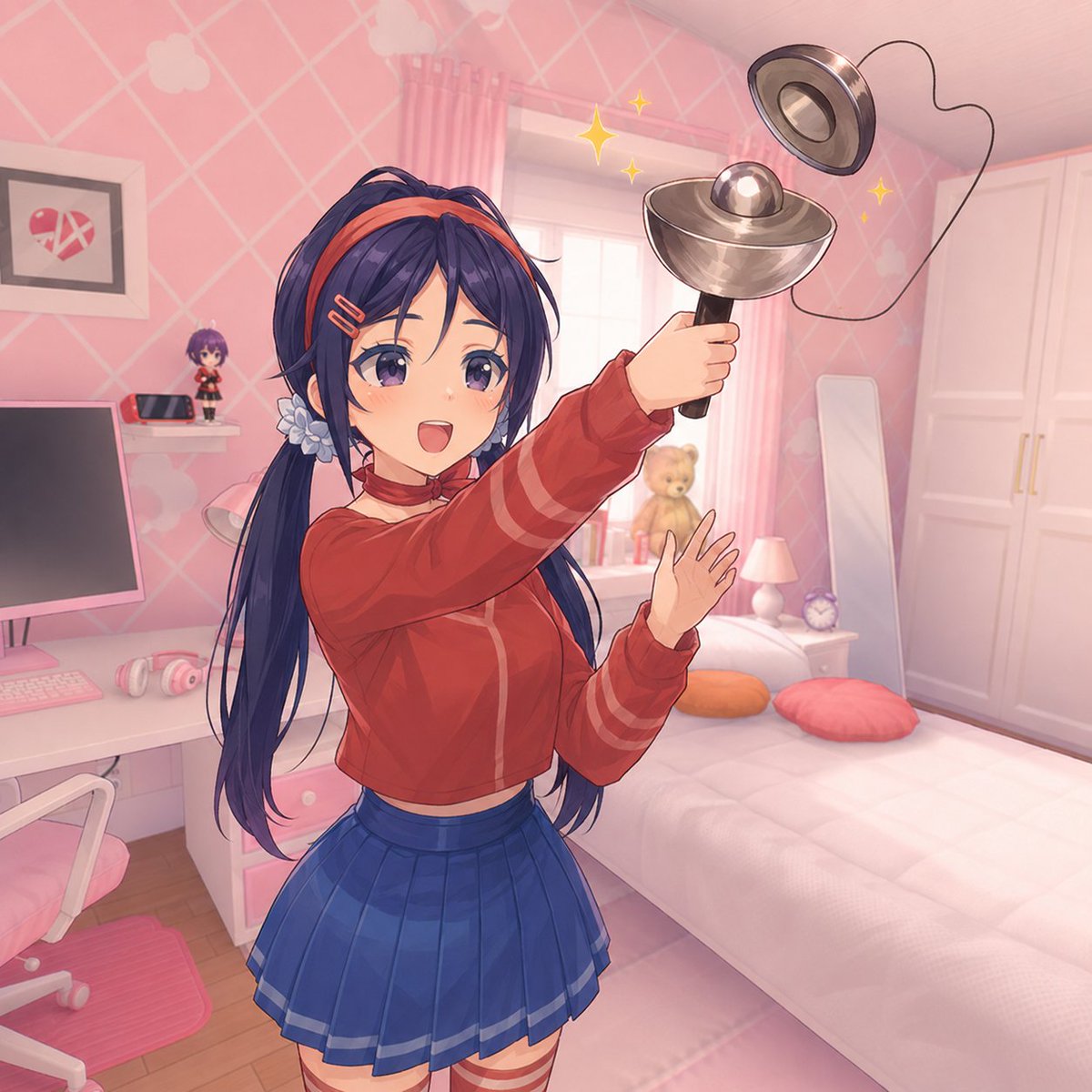
![141-untitled — Let's try this!
Nano Banana Pro prompt:
Create a [12]-image Instagram feed for this character in the same aesthetic. Use pinks, blues, yellows,](/_next/image?url=https%3A%2F%2Fcdn.picxstudio.com%2Fuploads%2Fpost141_img0_a7e4e5b1-e7d7-40e5-a564-93ba51e88297.jpg&w=828&q=100)