How do I use the High-Fashion 'Baddie' Editorial Photoshoot template?
Choose the primary action to open PicX Studio with the available template settings. Review the model and format, personalize the creative direction, and generate when ready.
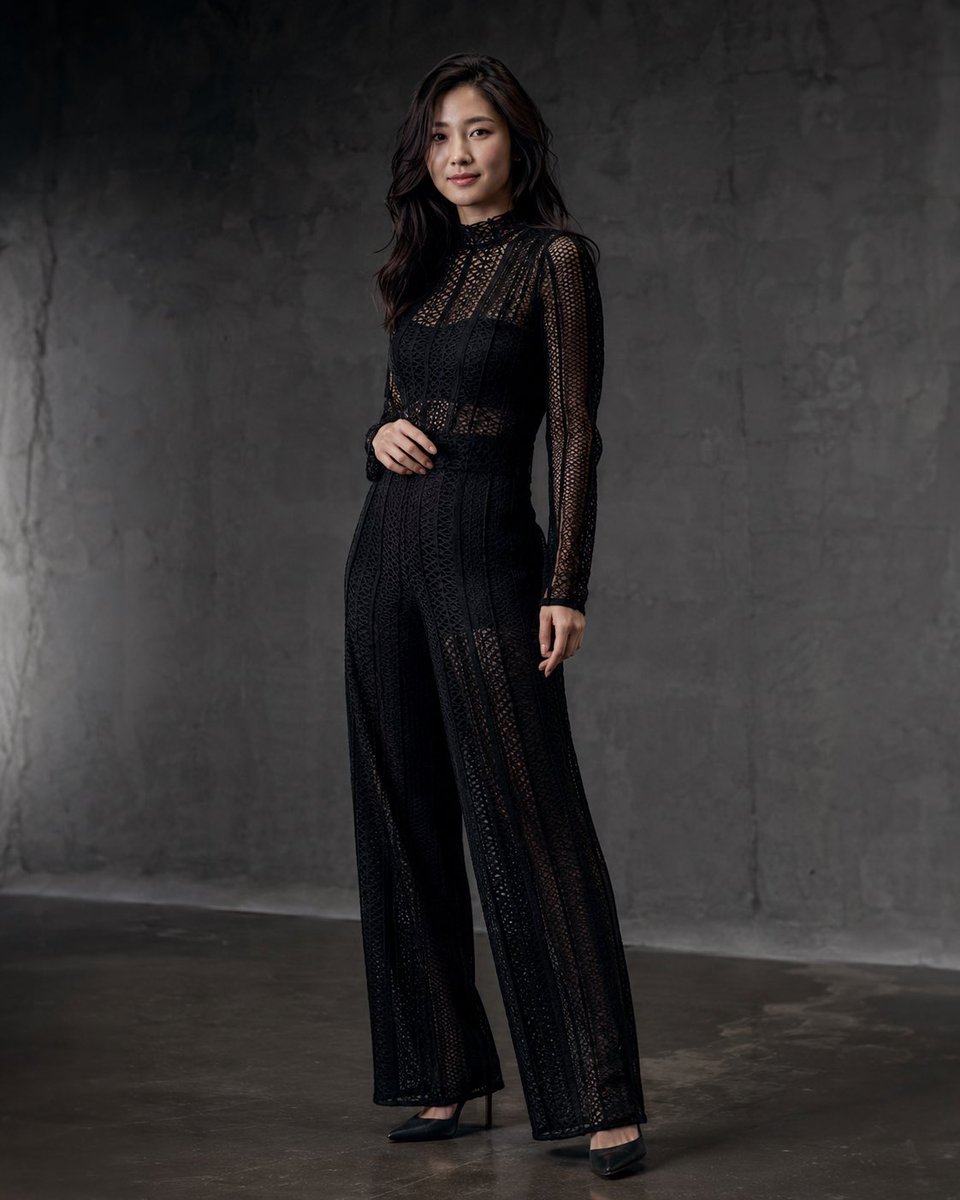
A detailed JSON prompt for generating an 8K ultra-photorealistic, high-fashion editorial shot of a 'modern baddie' model (using an attached celebrity lookalike). The scene is a modern gray wall studio with soft, high-key lighting, focusing on the model's confident pose, specific attire (corset, sheer thigh-high stockings, oversized white shirt), and glossy skin texture. (free to use) — Free AI image template on PicX Studio.
{ "scene_description": { "location": "Modern gray wall studio for high-fashion baddie photoshoot", "vibe": "Elegant, seductive, confident modern baddie editorial, luxury casual glamour", "lighting": "Soft even studio illumination, subtle shadow play on outfit and skin, light glossy sheen on legs, high-key neutral tones with black/white contrast", "camera_settings": "High-resolution editorial fashion shot, 50mm lens equivalent, f/2.8, shallow depth of field, ultra-photorealistic 8k, medium-full body framing, clean modern look" }, "primary_subjects": [ { "character": "{argument name="character reference" default="attached celebrity lookalike"}", "role": "Modern baddie fashion model", "action": "Standing with hips angled confidently, hands on hips, back slightly arched, direct intense gaze at camera, lips parted in seductive expression", "details": "Long dark glossy hair with full bangs framing face, bold makeup with defined eyes and glossy lips, white oversized unbuttoned shirt worn open, black corset-style bodysuit underneath, black garter belt with straps, black sheer thigh-high stockings, luminous flawless skin with light sheen" } ], "environment_details": { "crowd": "None – plain gray wall focus", "architecture": "Clean modern gray studio wall background", "fidelity": "Hyper-realistic 8k, detailed lace and fabric texture, glossy leg sheen, hair shine, exact baddie office pose, lighting, clothing color combination and atmosphere from reference" } }
Use High-Fashion 'Baddie' Editorial Photoshoot to plan an AI image around nano-banana-2 generation. Match the preview's composition first, then personalize the subject, setting, and mood for your own project.
Use the primary action to load the template settings in PicX Studio.
Adjust the subject and creative details for your destination.
Create the image, compare the result with the preview, and refine one variable at a time.
A continuous mix — similar concepts first, woven with same-model prompts and fresh picks from the catalog.
Choose the primary action to open PicX Studio with the available template settings. Review the model and format, personalize the creative direction, and generate when ready.
Yes. You can change the subject, setting, lighting, mood, format, and available model controls before creating your image.
This template is free to open and customize. Generation usage is shown in PicX Studio before you create.
Start with nano-banana-2, which is the model associated with this template. You can compare another compatible model for a different finish.
Follow a topic to a crawlable collection of related PicX Studio templates.
39,155 public templates available. Verified via the PicX Studio public templates API; refreshed hourly.
A continuous mix — similar concepts first, woven with same-model prompts and fresh picks from the catalog.