How do I use the Photorealistic Golf/Tennis Snapshot with Visor template?
Choose the primary action to open PicX Studio with the available template settings. Review the model and format, personalize the creative direction, and generate when ready.
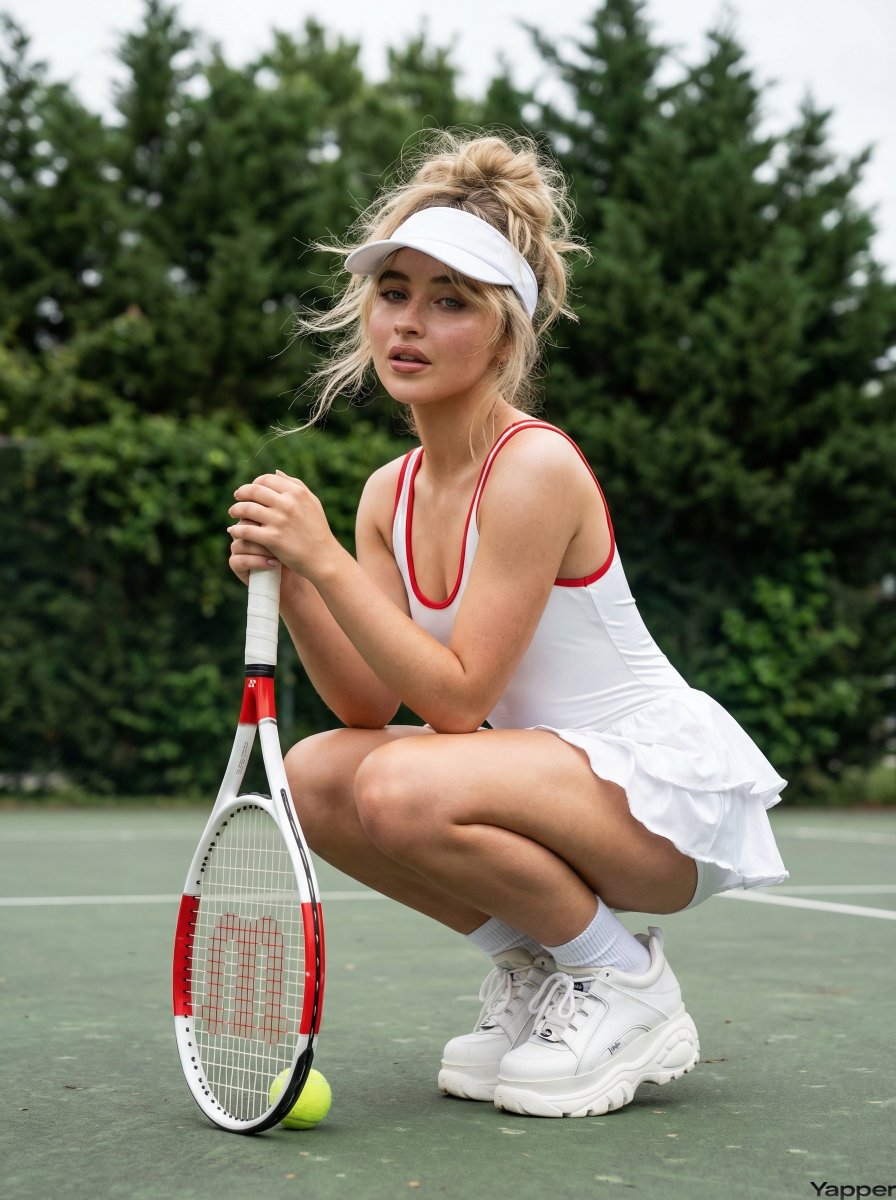
A highly detailed JSON prompt for generating a photorealistic social media snapshot of a young woman in athletic wear (hot pink crop top, white skort) crouching on a golf course. Change the subject, setting, or lighting one variable at a time.

{ "prompt_configuration": { "style": "Photorealistic, Social Media Snapshot, High Definition", "aspect_ratio": "4:5 (Vertical Portrait)", "lighting": "Soft natural daylight, golden hour diffused lighting, even illumination on face" }, "subject_details": { "demographics": "Young adult female, approx 20-25 years old, athletic fit physique", "skin": { "tone": "Fair to light complexion", "undertone": "Warm/neutral", "texture": "Smooth, blemish-free, slight natural glow on shoulders and cheekbones" }, "facial_features": { "shape": "Oval to heart-shaped face", "eyes": { "color": "Light blue or grey", "makeup": "Defined upper eyeliner, mascara, groomed eyebrows", "gaze": "Direct eye contact with camera, engaging" }, "nose": { "shape": "Straight bridge, slightly upturned button tip, petite" }, "cheeks": { "appearance": "Full, youthful", "makeup": "Subtle pink blush, natural flush" }, "lips": { "color": "Natural rose pink", "shape": "Medium fullness", "expression": "Playful, tongue slightly sticking out (blep), soft smile at corners" } }, "hair": { "color": "Blonde with lighter highlights", "style": "Long single braid hanging over left shoulder", "texture": "Straight to slightly wavy", "accessory": "{argument name="visor brand" default="White visor with black 'Titleist' text branding"} on front and side" } }, "outfit_and_accessories": { "upper_body": { "item": "Cropped tank top / sports bra", "color": "{argument name="top color" default="Vibrant hot pink (magenta)"}", "details": "Spaghetti straps, square neckline, fitted, exposing midriff" }, "lower_body": { "item": "Tennis/Golf Skort", "color": "Pure white", "details": "Ruffled tiers on the back, mini length, high waisted" }, "footwear": { "item": "Athletic sneakers", "brand_style": "Nike (black swoosh visible)", "color": "White with black accents", "socks": "White crew socks, scrunched" }, "accessories": { "hand": "White golf glove on left hand", "jewelry": "Small hoop earrings, watch/bracelet on left wrist", "equipment": "Holding a golf club (putter) vertically in left hand, steel shaft" } }, "pose_and_angle": { "pose": "Deep crouching squat (catcher's squat)", "orientation": "Body angled 45 degrees away from camera to the left, twisting torso back to look at viewer", "camera_angle": "Eye-level relative to the crouching subject (low angle relative to ground)" }, "background_and_environment": { "setting": "Golf course green", "ground": "Short, manicured green grass, slightly out of focus in foreground", "objects": { "flag": "Red golf flagstick visible in mid-ground left", "trees": "Dense green deciduous trees lining the horizon", "terrain": "Rolling green hills, distant sand tra" } } }
Choose the primary action to open PicX Studio with the available template settings. Review the model and format, personalize the creative direction, and generate when ready.
Yes. You can change the subject, setting, lighting, mood, format, and available model controls before creating your image.
This template is free to open and customize. Generation usage is shown in PicX Studio before you create.
Start with Nano Banana 2, which is the model associated with this template. You can compare another compatible model for a different finish.
Follow a topic to a crawlable collection of related PicX Studio templates.
43,474 public templates available. Verified via the PicX Studio public templates API; refreshed hourly.










![Naive doodle-style subject illustration — A doodle-style {argument name="subject" default="[subject]"}, naive lines, humorous shape exaggeration](https://pbs.twimg.com/media/G6Wl2YxbsAARB2b.jpg)





















![Cyber-Techno Product Shot in Void with Prismatic Effects — {argument name="product placeholder" default="[INSERT YOUR PRODUCT HERE]"} · Centered, perfectly symm](https://pbs.twimg.com/media/HC1qTT3aYAEySyc.jpg)