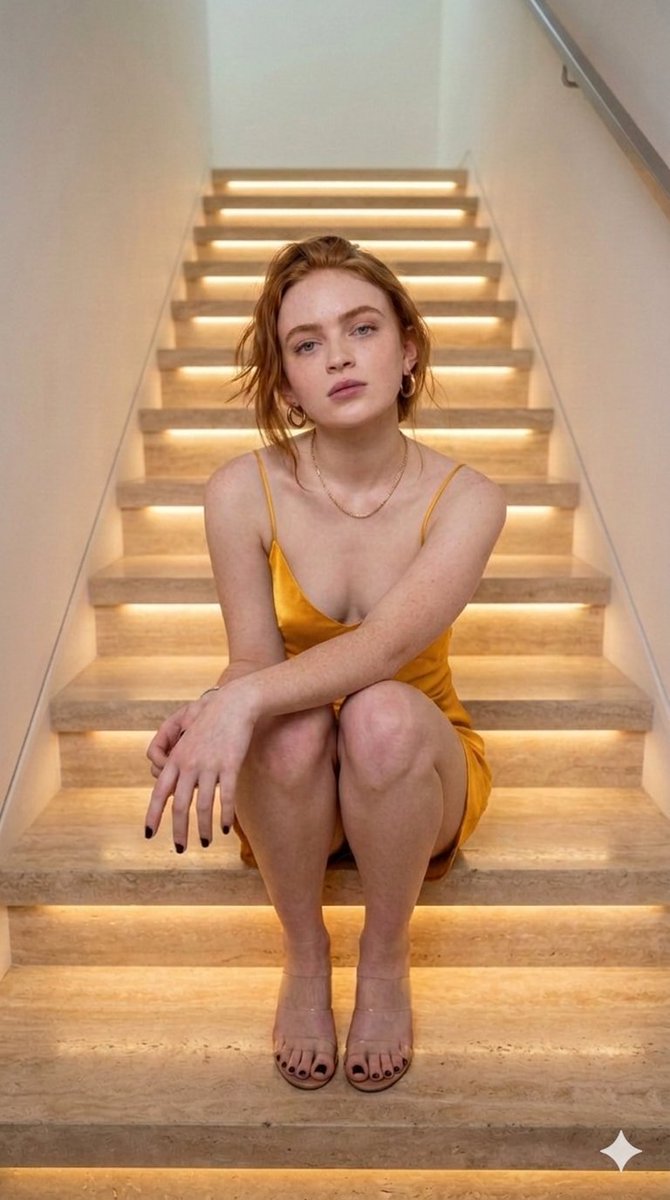
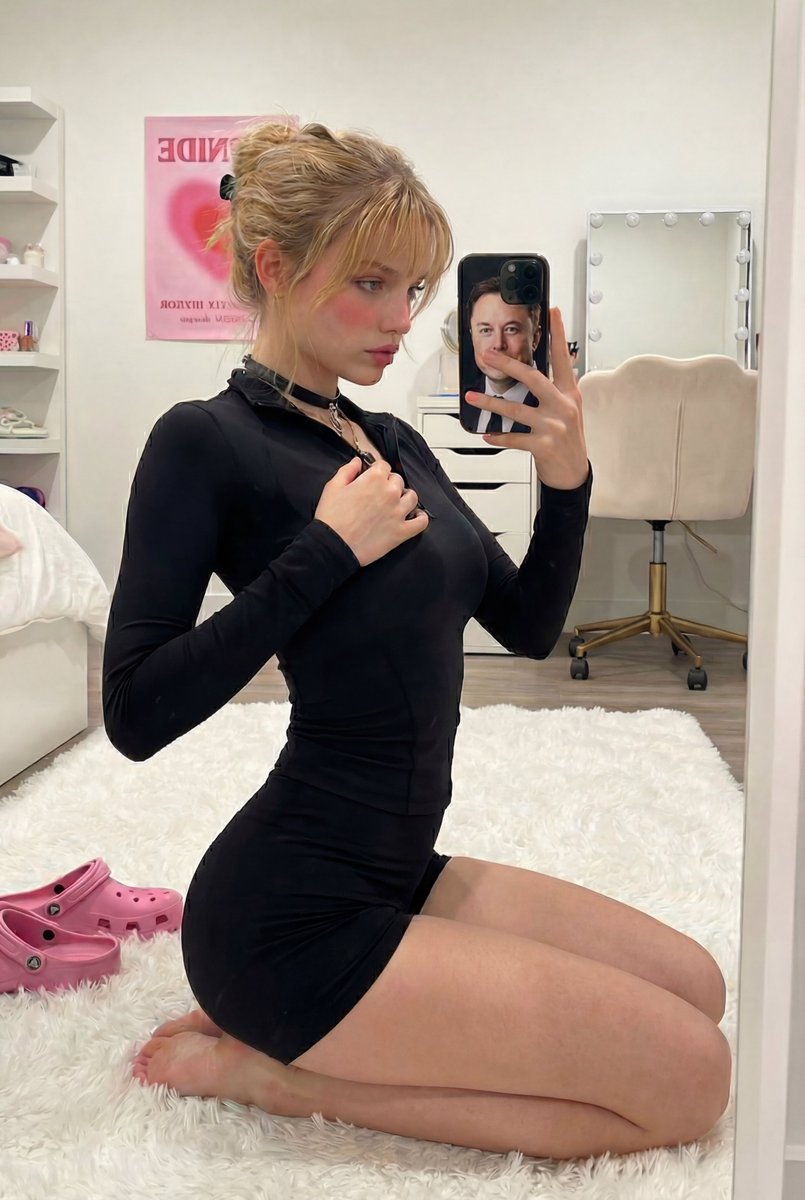
How do I use the Ana de Armas Cinematic Golden Hour Portrait template?
Choose the primary action to open PicX Studio with the available template settings. Review the model and format, personalize the creative direction, and generate when ready.
A detailed JSON prompt for generating an ultra-realistic, hyper-photorealistic cinematic portrait of Ana de Armas during the golden hour at an exclusive outdoor soirée. It specifies her appearance, clothing (champagne gold gown), environment, and technical camera settings (85mm prime lens, f/1.8) for extreme detail and shallow depth of field. (free to use) — Free AI image template on PicX Studio.
{ "prompt": { "subject": { "identity": "{argument name=\"subject name\" default=\"Ana de Armas\"}", "type": "woman", "age_range": "late 20s to early 30s", "expression": "radiant joyful smile, candid laughter", "pose": "seated outdoors, slightly leaning forward, holding a crystal wine glass in right hand", "gaze": "looking slightly off-camera", "emotion": "elegant, warm, relaxed, celebratory" }, "appearance": { "facial_features": { "structure": "soft oval face, delicate jawline, high cheekbones", "eyes": "large almond-shaped brown eyes, expressive", "nose": "refined straight nose", "lips": "full natural lips, soft smile" }, "skin": { "tone": "warm light olive complexion", "texture": "ultra-realistic skin texture, visible pores, natural highlights" }, "hair": { "color": "deep brunette", "style": "long flowing waves, side-parted, natural volume", "detail": "individual hair strands visible, realistic shine and movement" }, "makeup": { "style": "natural Hollywood glam", "details": "soft smoky eyes, defined brows, subtle blush, nude-pink lips" } }, "clothing": { "dress": { "type": "luxury evening gown", "color": "champagne gold", "material": "silk satin with soft sheen", "design": "deep V-neckline, thin straps, fitted bodice, flowing skirt", "details": "delicate pearl chain embellishments draped across the bodice" } }, "environment": { "setting": "exclusive outdoor garden soirée near water at dusk", "background": "soft-focus elegantly dressed guests, refined upscale atmosphere", "lighting_elements": "numerous candles placed on grass, warm fairy lights hanging from trees", "season": "late spring or summer evening" }, "lighting": { "type": "cinematic natural lighting", "time": "golden hour transitioning into blue hour", "quality": "soft, warm, flattering illumination with realistic shadow falloff", "highlights": "subtle rim light outlining hair, shoulders, and dress" }, "camera": { "camera_type": "professional full-frame cinema DSLR", "lens": "85mm prime portrait lens", "aperture": "f/1.8", "depth_of_field": "very shallow depth of field, smooth creamy bokeh", "focus": "tack-sharp focus on face and upper body, background heavily blurred" }, "style": { "visual_style": "ultra realistic, hyper-photorealistic", "quality": "high-end cinematic fashion photography", "color_grading": "warm luxury tones with natural contrast and soft highlights", "detail_level": "extreme detail, lifelike skin, fabric, and lighting realism" }, "output": { "image_resolution": "highest possible resolution", "render_quality": "8K, ultra-detailed, noise-f" } } }
Use Ana de Armas Cinematic Golden Hour Portrait to plan an AI image around nano-banana-2 generation. Match the preview's composition first, then personalize the subject, setting, and mood for your own project.
Use the primary action to load the template settings in PicX Studio.
Adjust the subject and creative details for your destination.
Create the image, compare the result with the preview, and refine one variable at a time.
A continuous mix — similar concepts first, woven with same-model prompts and fresh picks from the catalog.
Choose the primary action to open PicX Studio with the available template settings. Review the model and format, personalize the creative direction, and generate when ready.
Yes. You can change the subject, setting, lighting, mood, format, and available model controls before creating your image.
This template is free to open and customize. Generation usage is shown in PicX Studio before you create.
Start with nano-banana-2, which is the model associated with this template. You can compare another compatible model for a different finish.
Follow a topic to a crawlable collection of related PicX Studio templates.
39,155 public templates available. Verified via the PicX Studio public templates API; refreshed hourly.
A continuous mix — similar concepts first, woven with same-model prompts and fresh picks from the catalog.