How do I use the Talk-Show Style Celebrity Interview Photo template?
Choose the primary action to open PicX Studio with the available template settings. Review the model and format, personalize the creative direction, and generate when ready.
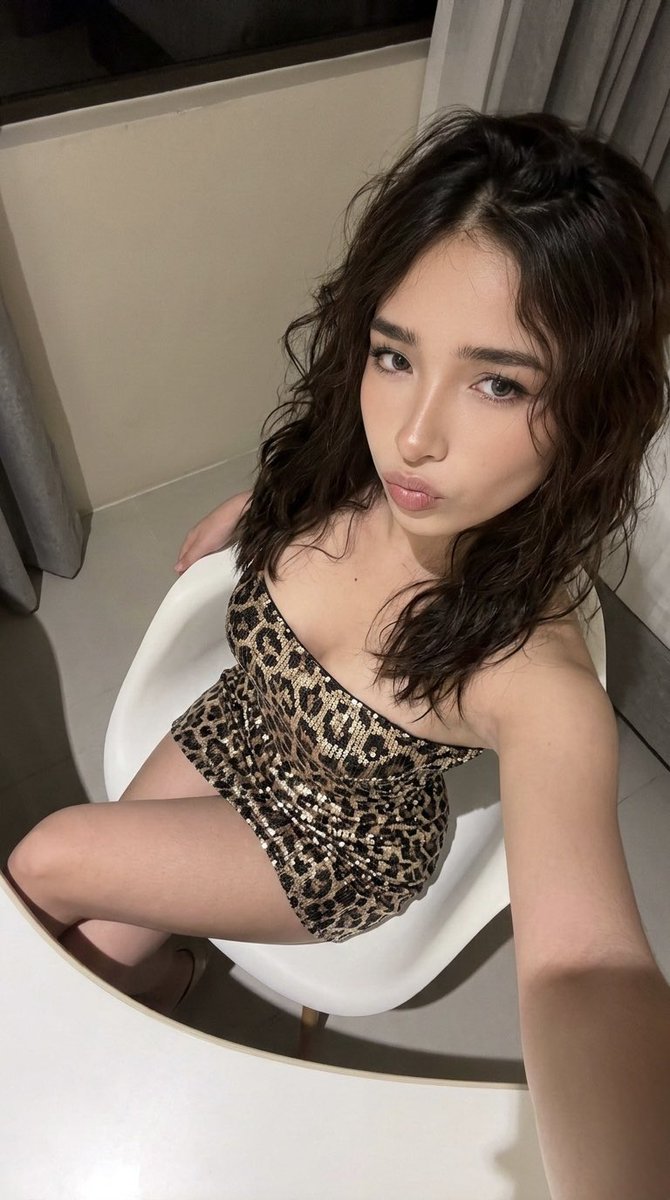
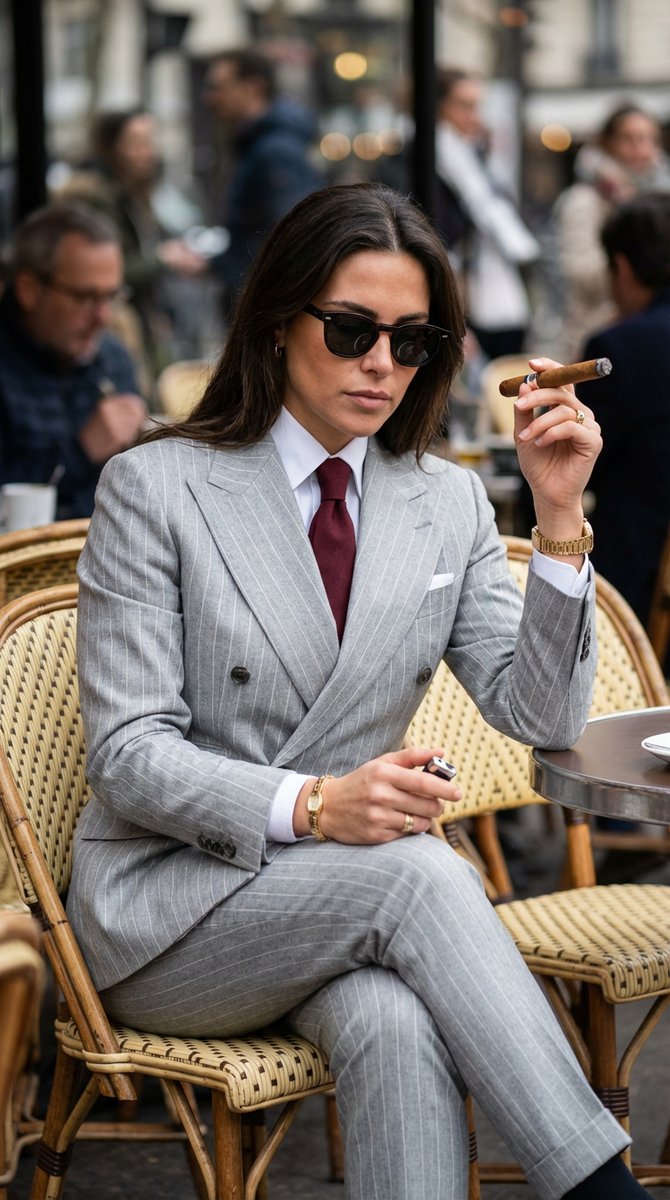
A detailed prompt for generating an ultra-realistic, cinematic talk-show style photo featuring a host and a specified celebrity. Change the subject, setting, or lighting one variable at a time.

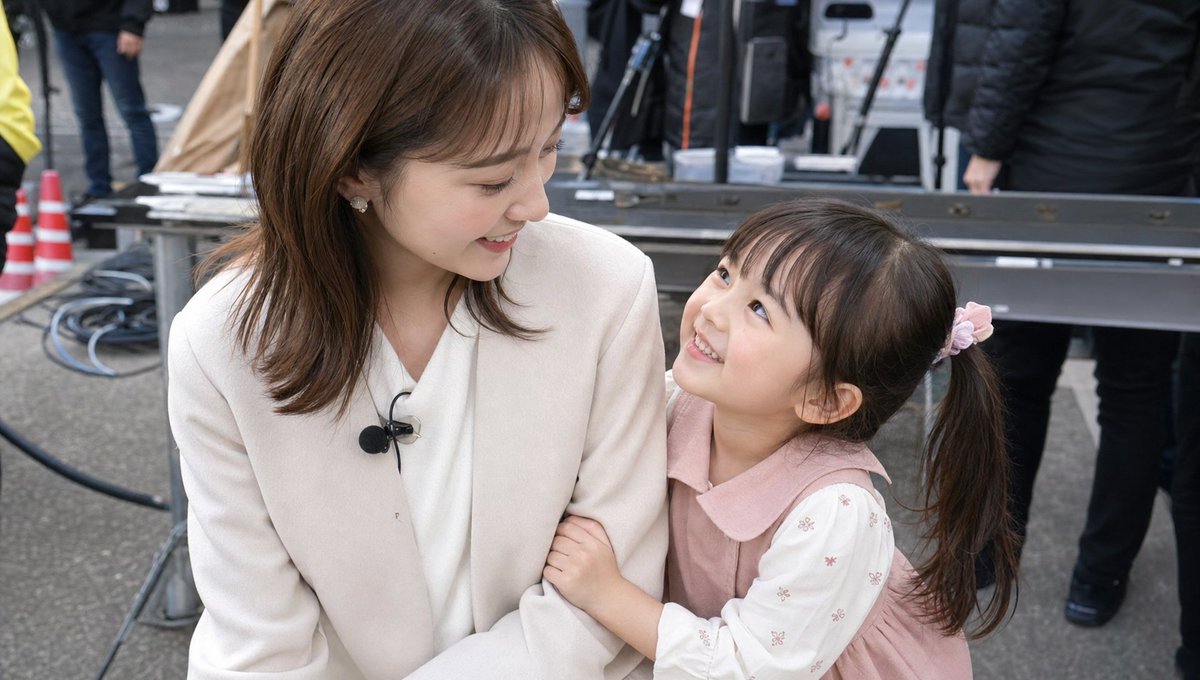
Create an ultra-realistic cinematic shot of both individuals seated in a modern studio lounge setup, angled slightly toward each other. The host (use the attached face reference) is interviewing {argument name="celebrity name" default="[Celebrity Name]"} in a warm, soft-glow studio lit with overhead spotlights. Place them on a cozy couch setup with a low coffee table between them—no podcast mics in frame, just natural conversation energy. Maintain 100% facial accuracy, lifelike skin texture, and crisp depth of field. Use 8K resolution, 9:16 format, and give it a premium “Netflix documentary interview” aesthetic with shallow focus and rich shadows.
Choose the primary action to open PicX Studio with the available template settings. Review the model and format, personalize the creative direction, and generate when ready.
Yes. You can change the subject, setting, lighting, mood, format, and available model controls before creating your image.
This template is free to open and customize. Generation usage is shown in PicX Studio before you create.
Start with Nano Banana 2, which is the model associated with this template. You can compare another compatible model for a different finish.
© 2026 PicX Studio. All rights reserved.

Follow a topic to a crawlable collection of related PicX Studio templates.
43,474 public templates available. Verified via the PicX Studio public templates API; refreshed hourly.


![Candid College Celebrity Portrait — Ultra-photorealistic candid daily-life portrait of {argument name="celebrity name" default="[Celebrity Name]"} as a clearly](https://cms-assets.youmind.com/media/1786344497627_idffnx_HPQPVnIX0AAvOY9-300x372.jpg)
![Isometric miniature nature diorama showing a mother feeding newborn — Isometric miniature nature diorama showing a mother [PARROT] feeding newborn chicks in a](https://images.meigen.ai/tweets/2012034903433716185/0.jpg)
![Miniature 3D isometric diorama showing the invention of at the moment — Create a miniature 3D isometric diorama showing the invention of [INVENTION NAME] at the](https://images.meigen.ai/tweets/2017449820928282857/0.jpg)
![Complete brand identity grid, 3x3 layout, nine tiles showing a full — [brand name], complete brand identity grid, 3x3 layout, nine tiles showing a full cohesive](https://images.meigen.ai/tweets/2016511852927438909/0.jpg)



![Cinematic portrait of showing his/her journey, with bold text — Cinematic portrait of [Athlete Name] showing his/her jour…](https://images.meigen.ai/tweets/2047325329052823996/0.jpg)
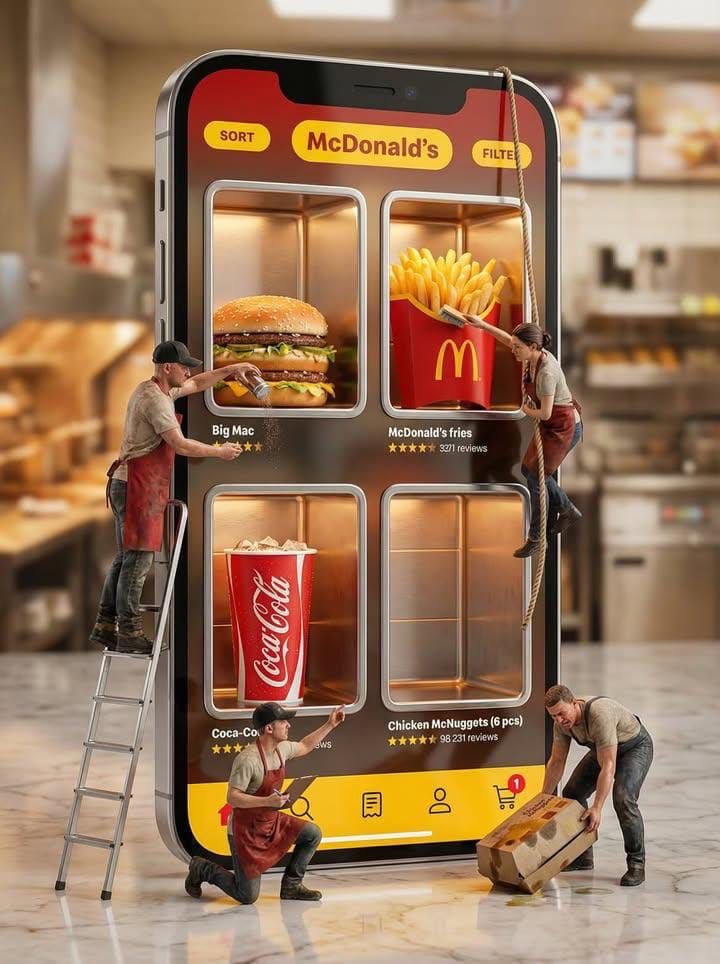



![A vertical LEGO diorama showing — A vertical LEGO diorama showing [LANDMARK], [COUNTRY]). The scene is built entirely from LEGO bricks. A small [COUNTRY] flag i](https://images.meigen.ai/tweets/2008852020002979937/0.jpg)
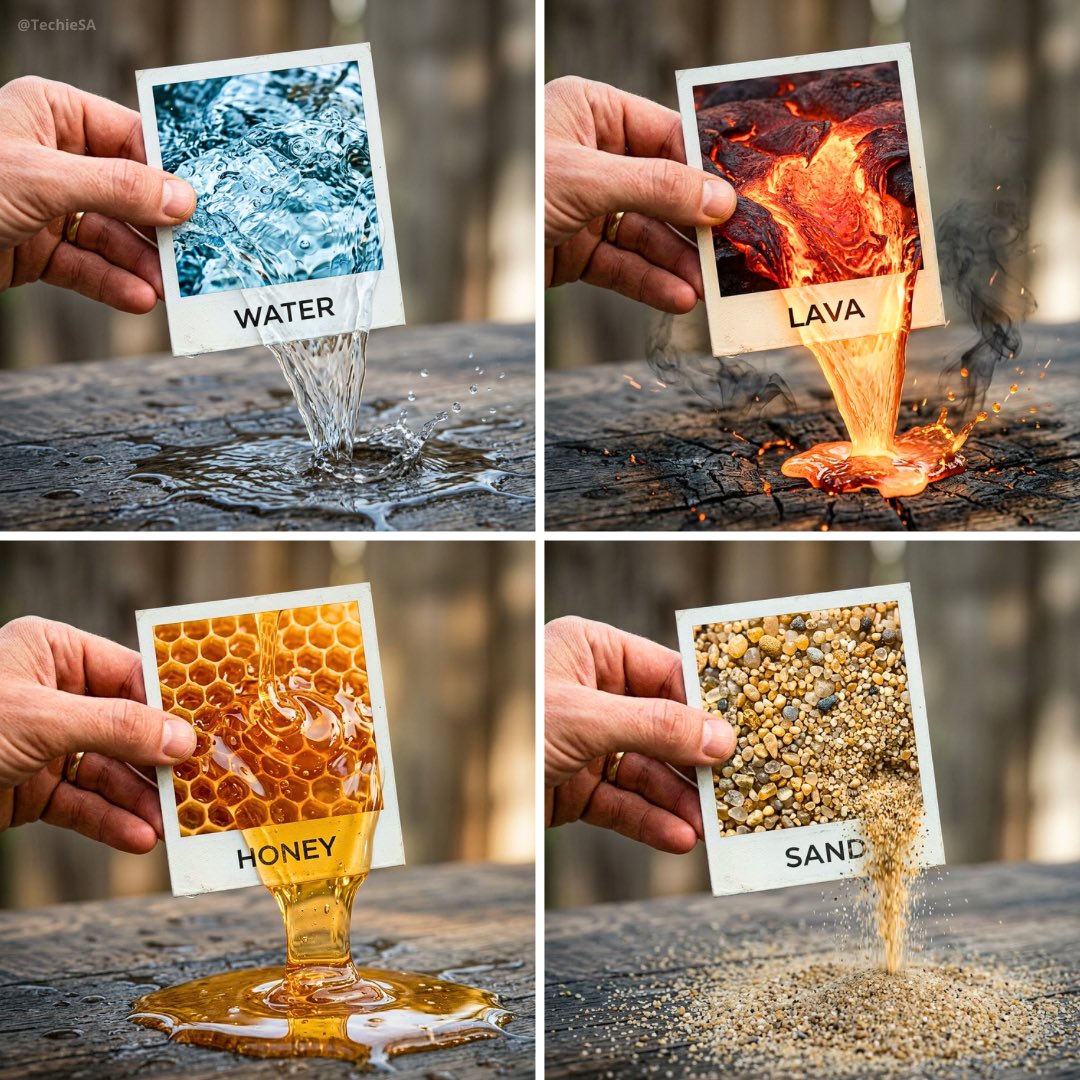
![3D isometric miniature diorama showcasing the productivity system — Create a 3D isometric miniature diorama showcasing the productivity system [SYSTEM NAME]. An](https://images.meigen.ai/tweets/2022522374483235110/0.jpg)
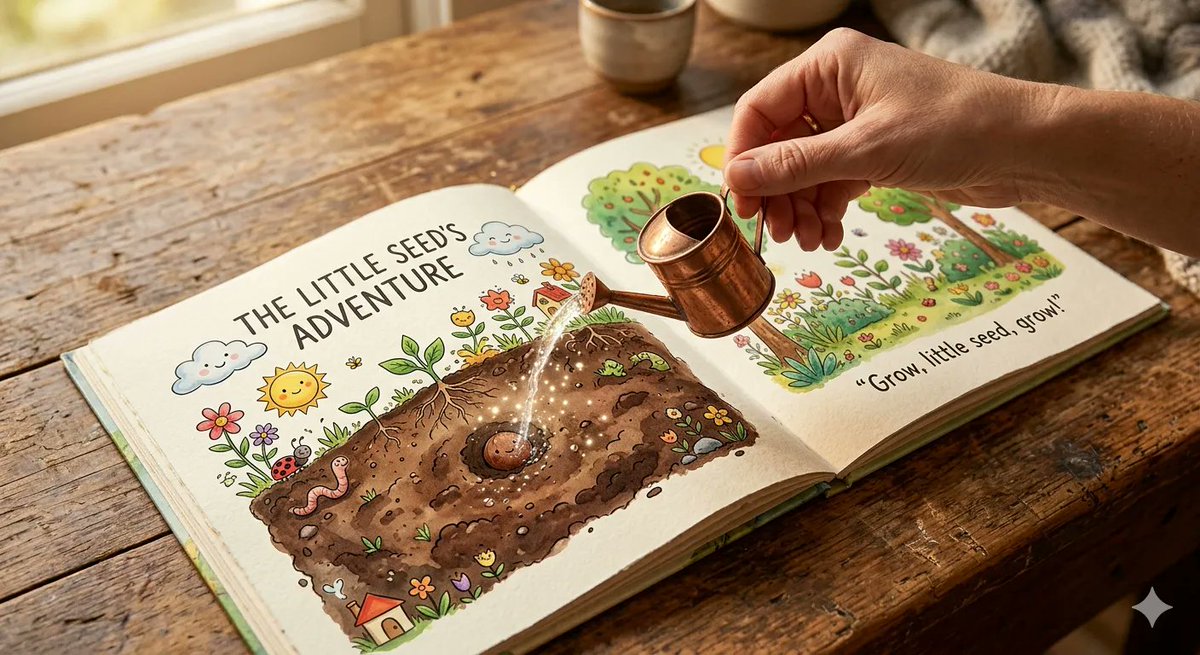
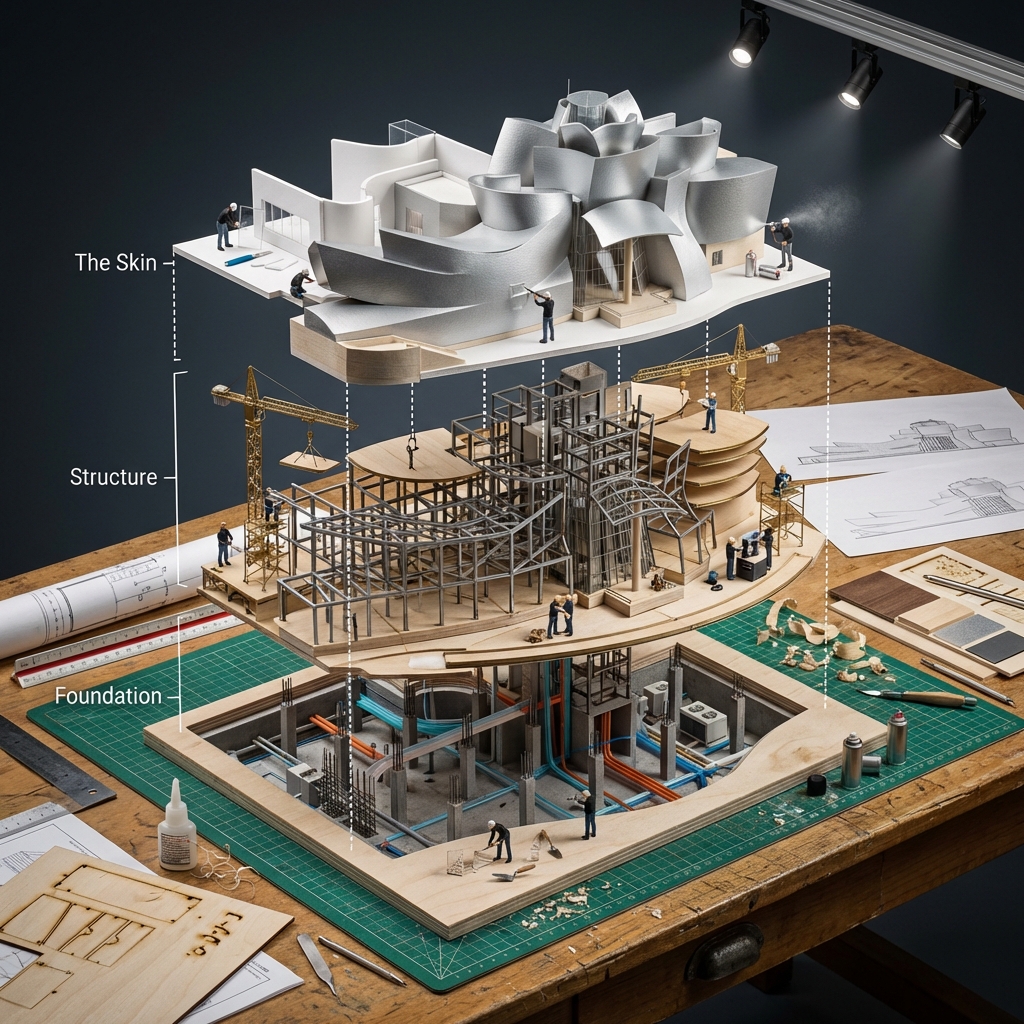
![Naive doodle-style subject illustration — A doodle-style {argument name="subject" default="[subject]"}, naive lines, humorous shape exaggeration](https://pbs.twimg.com/media/G6Wl2YxbsAARB2b.jpg)













![Minimalist 3D Clay Render — A minimalist 3D render of a {argument name="subject" default="[SUBJECT]"}, featuring a soft, smooth clay-like texture, centered and](https://cms-assets.youmind.com/media/1777280760968_ve2bdc_HG1WfiDaEAAxRJl.jpg)