
Podcast Studio Interview Shot
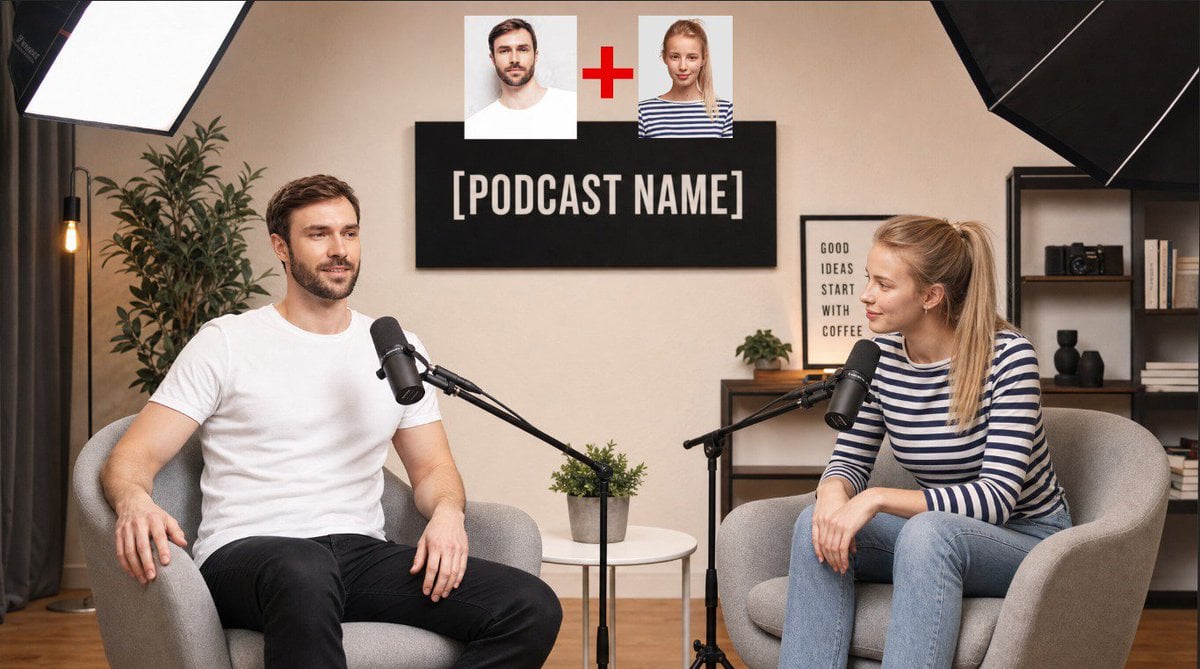
Generates a professional podcast studio scene featuring two specific people from reference images seated in a cozy studio setting with realistic lighting.
- Prompt included
- Model and format preset
- Free template
The prompt behind this image
Copy the exact prompt behind Podcast Studio Interview Shot, or open it in the studio and make it yours.
Photorealistic editorial photograph of a real podcast interview inside a small, cozy home studio. Two people are seated and talking to each other on a podcast set. The person from Image 1 sits on the LEFT in a curved light-grey fabric armchair, body angled about 30 degrees toward the right, one hand resting naturally on the armrest, relaxed posture, mid-conversation with a genuine easy smile, eyes on the other person. The person from Image 2 sits on the RIGHT in a matching curved light-grey fabric armchair, body angled about 30 degrees toward the left, leaning slightly forward with elbows on knees, listening attentively with a warm expression, eyes on the person from Image 1. Keep the exact same faces, skin tone, hairstyle, facial hair, glasses if present, body build and age as in Image 1 and Image 2. Do not alter or idealize either face. Clothing: keep each person's real outfit from their photo, clean and simple. Between them stands a low white round side table with a small potted green plant. In front of each person a black professional broadcast microphone on a matte-black articulated boom arm, positioned near their mouth but not covering the face, cables tidy. Background: a warm off-white plaster wall. Centered above and behind the two chairs, a black rectangular wall sign with the podcast name "{argument name="podcast name" default="PODCAST NAME"}" in clean white bold sans-serif capitals. To the right of the sign, a framed black-and-white typographic poster leaning on a small dark wood shelf; a dark wooden shelving unit on the far right with a few books, a small camera and a decorative object. On the far left a tall green indoor plant and a slim floor lamp. Dark grey curtains hang softly on the far left edge of the wall. Light wood floor. Lighting: one large white softbox key light on a stand in the upper-left corner, softly illuminating both people at about a 2:1 ratio with smooth falloff; a large black-backed softbox visible in the upper-right corner as fill; warm practical glow from the floor lamp. Soft shadows, gentle wraparound skin light, natural skin texture with pores and subtle specular highlights, no harsh hotspots. Camera: shot on a full-frame digital cinema camera
How to use Podcast Studio Interview Shot in 3 steps
- 1Upload ImagePNG, JPG or paste
Add your photo
Upload the photo the template builds on. The prompt, model and format are already set.
- 2…a portrait of your subject in softgolden-hour light, 85mm…
Personalize
Edit the subject and creative details for your destination.
- 3Generate
Generate
Press Generate — your image is created in PicX Studio, so you can compare it with the original and refine one variable at a time.
More like this
Templates with the same subject, style or setup. Open one to see its prompt.

80s Couple Studio Portrait

1985 Studio Portrait

Cinematic Low-Angle Fashion Portrait Smoke Editorial

Japanese Architectural Concrete Studio Fashion Campaign

Japanese Minimalist Concrete Studio Fashion Editorial
Cinematic Low-Angle Fashion Portrait Smoke Editorial
High-Fashion Bauhaus Geometric Cutout Editorial
High-Fashion Bauhaus Geometric Cutout Editorial

Luxury Black-and-White Fashion Contact Sheet

Ultra-Realistic Vogue-Style Editorial Fashion Grid

Stylized Fashion Portrait Bold Color Contrast Editorial
Minimalist Scandinavian Editorial Fashion Portrait Series
Make it yours
Podcast Studio Interview Shot works as-is. These are the safest ways to change it without losing the look.
Change one field
Copy a single group, rewrite it, and generate again so you can see what that field is doing.
Keep the frame, change the subject
Hold the composition and light of Podcast Studio Interview Shot, then swap wardrobe, props or the person for a new take.
| If the result… | Why | Fix |
|---|---|---|
| The result drifts from the preview | Too many fields changed at once. | Reuse Podcast Studio Interview Shot as-is first, then change one group — subject, light, or setting. |
| The model over-stylizes the scene | The prose prompt leaves finish and camera underspecified. | Add one camera or lighting sentence and stay on GPT Image 2. |
More GPT Image 2 templates
Other prompts made for GPT Image 2.

Six VTuber Japanese Logo Sheet

Realistic Portrait of Woman and Deer

The Vista Modular Condo Poster

AI Model Routing Comparison Infographic

2.5D Anime Art Board

Isometric Productivity Desk Scene

New York Double Exposure Poster

Four-Panel AI Landscape Comparison

Japanese Tatami Lifestyle Magazine Cover

NESCAFÉ Coffee Map Poster
More image prompts
Fresh picks from across the catalog.
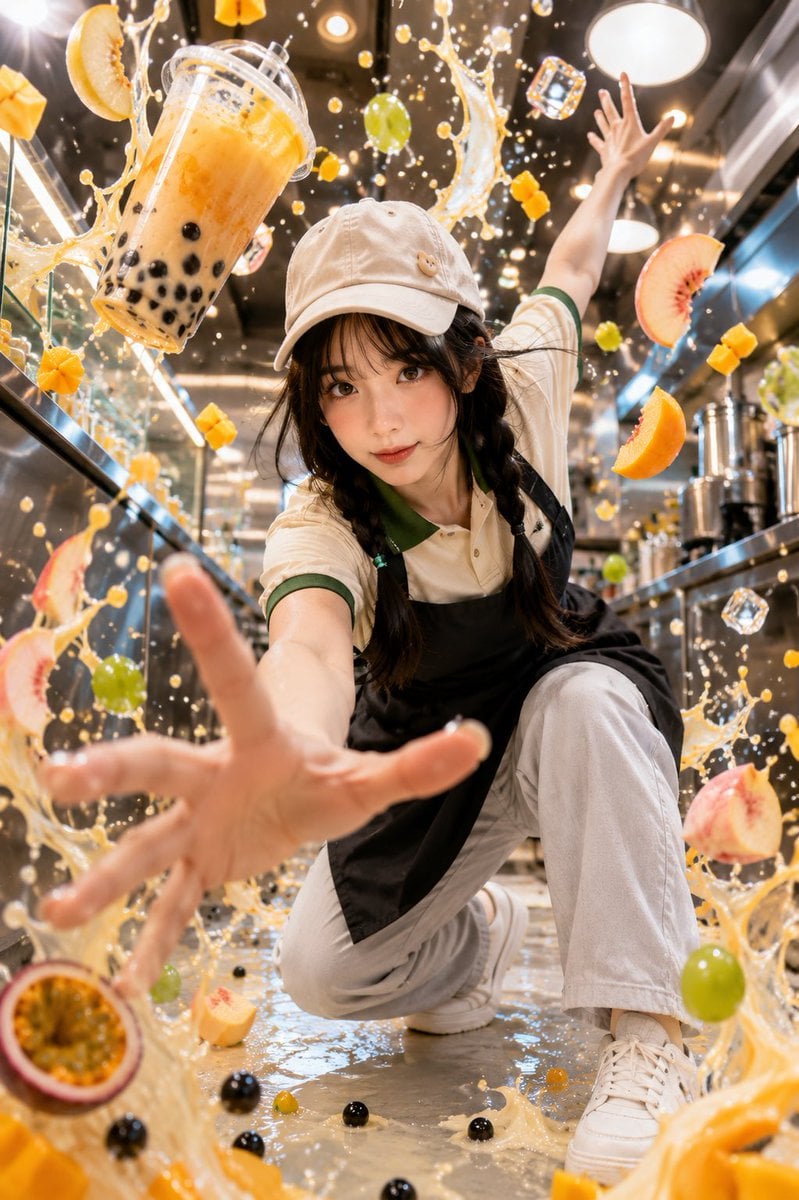
Tropical Bubble Tea Explosion
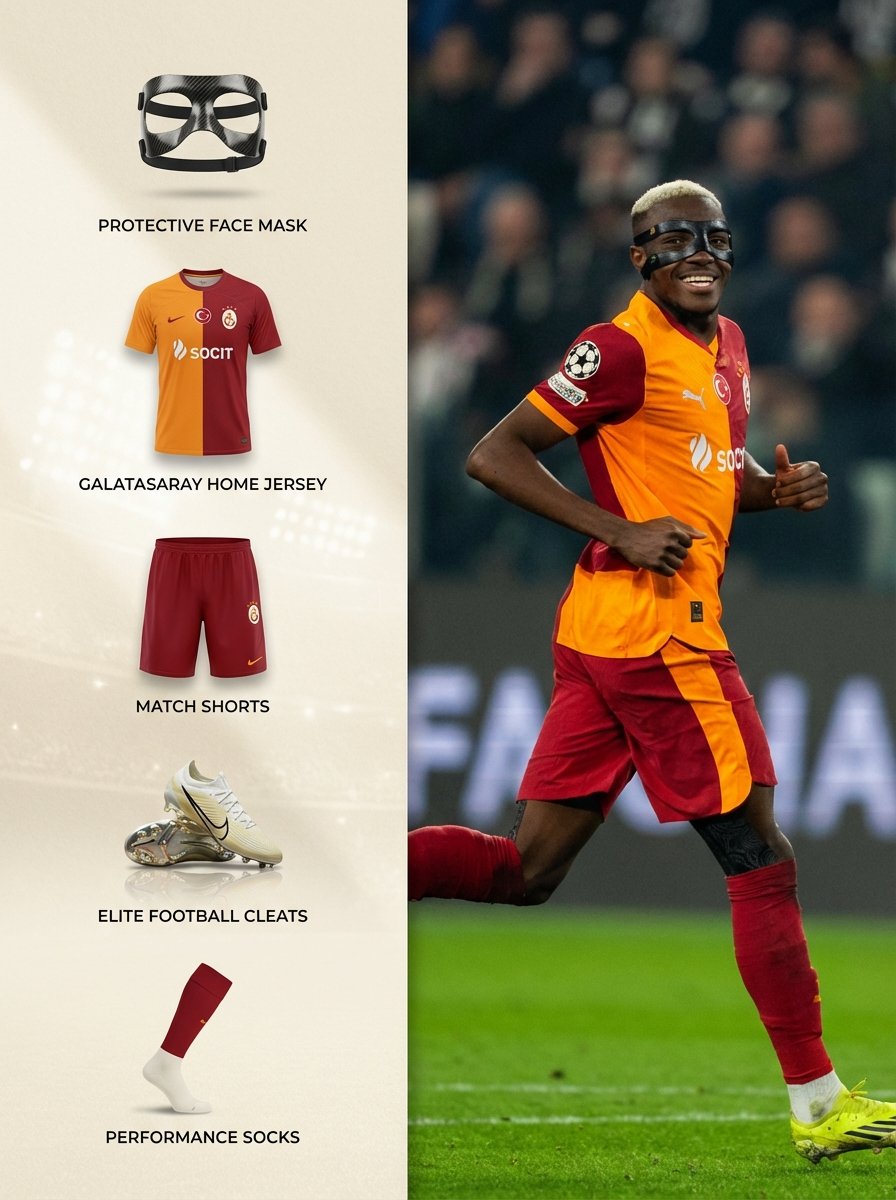
Sports Equipment Infographic Layout of Victor Osimhen
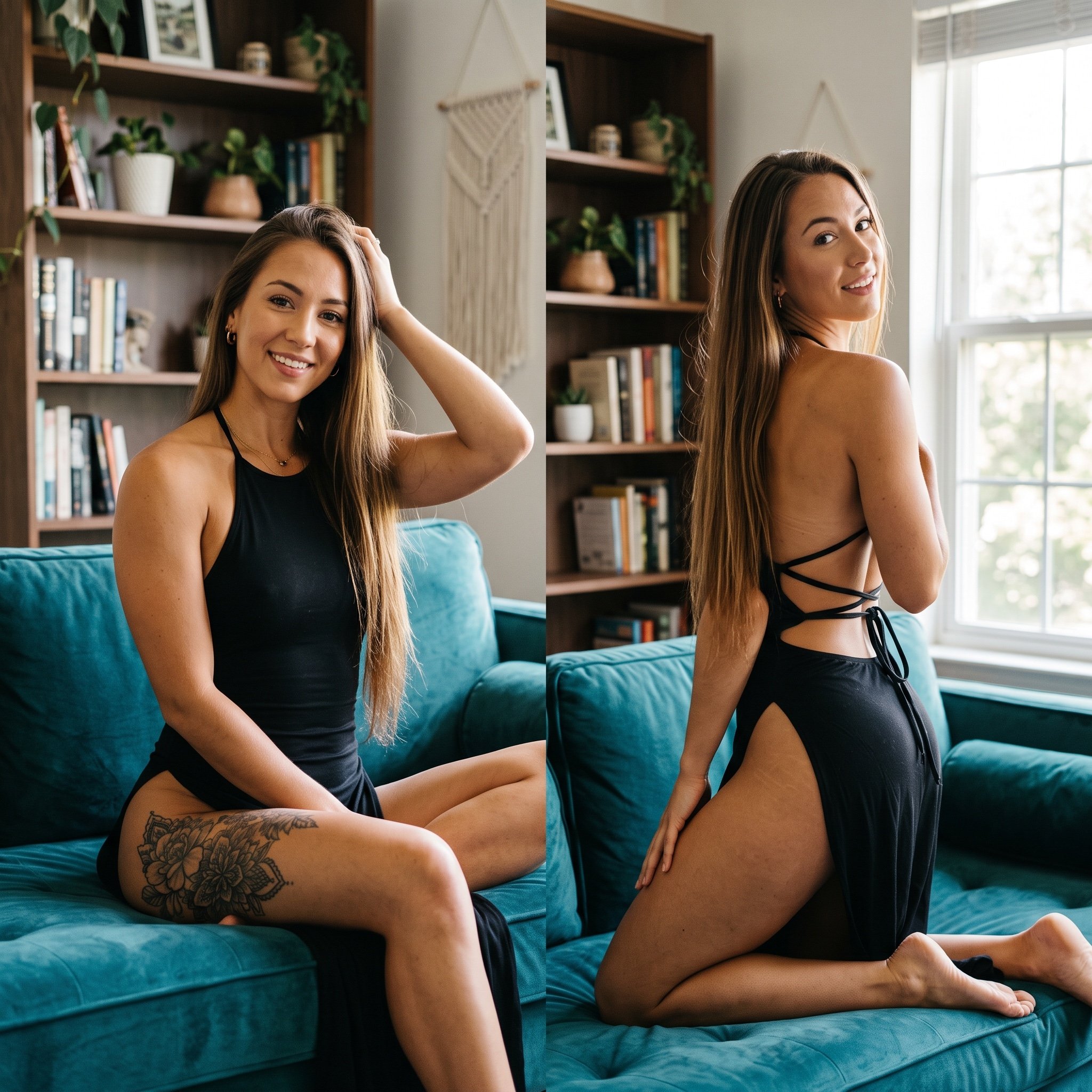
Photorealistic Split-Screen Collage Prompt
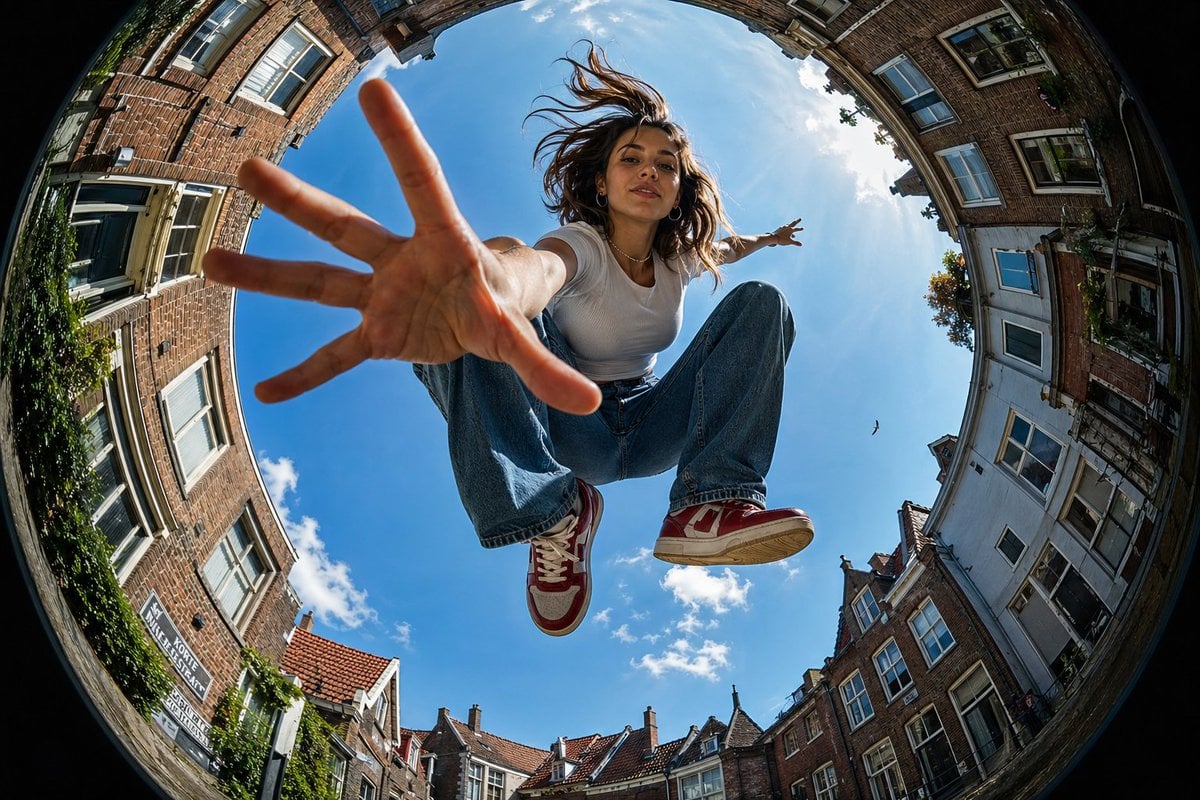
Urban Action Fisheye Perspective
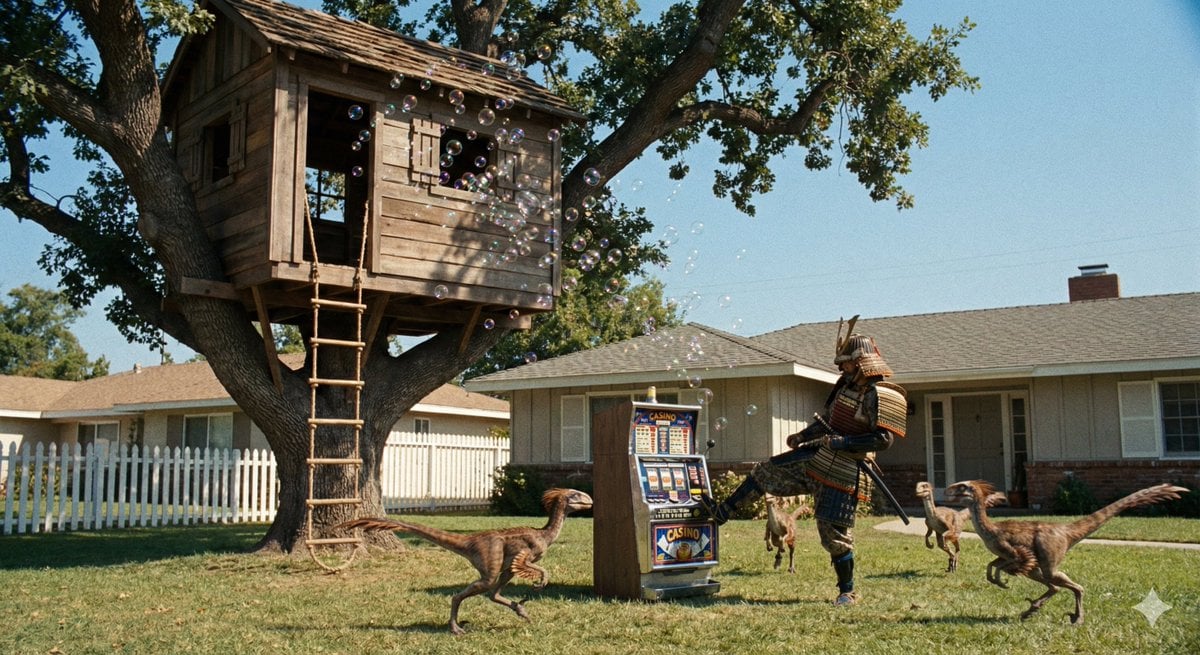
Samurai vs Oviraptors
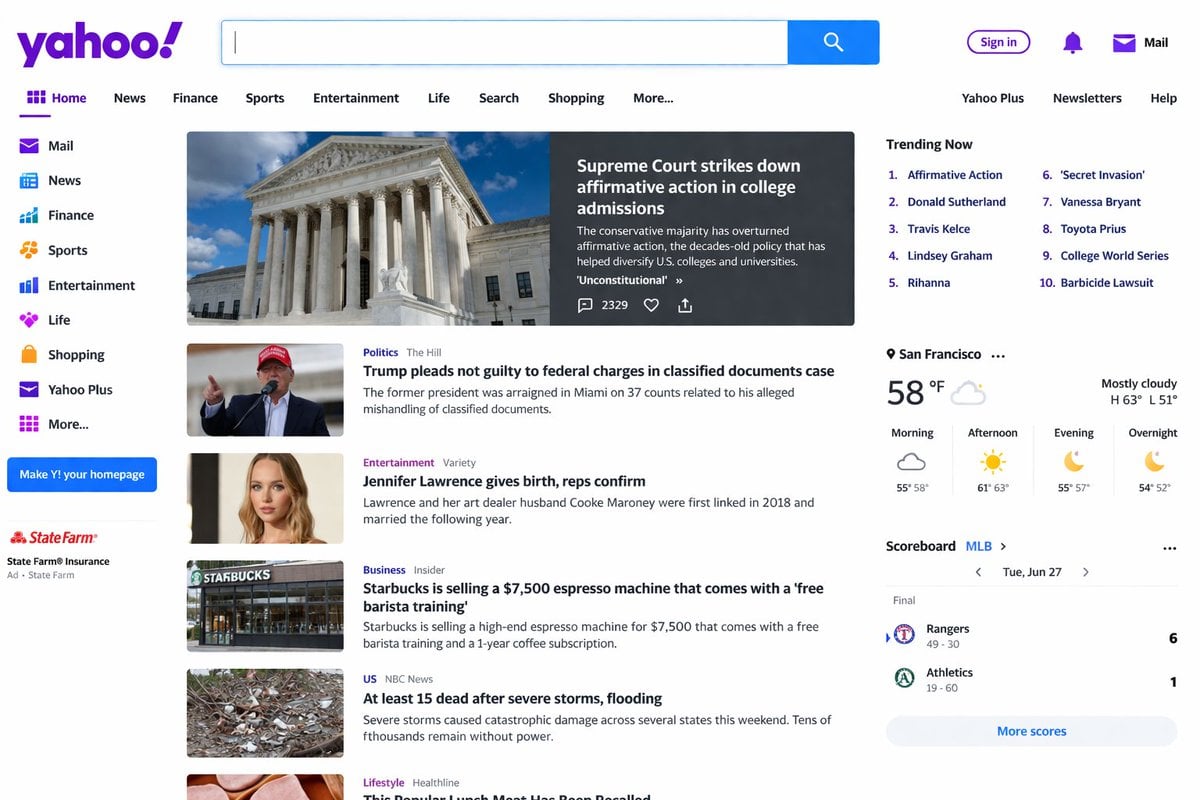
Website Homepage Screenshot Generation
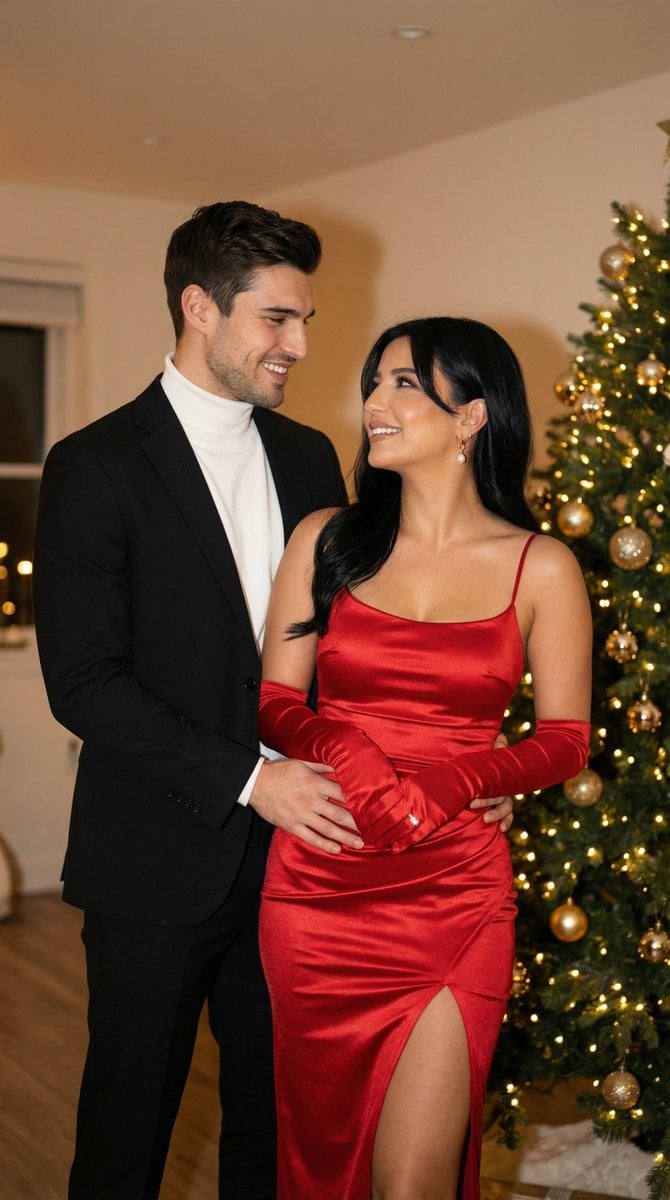
Photoreal Holiday Couple Portrait with Identity Lock
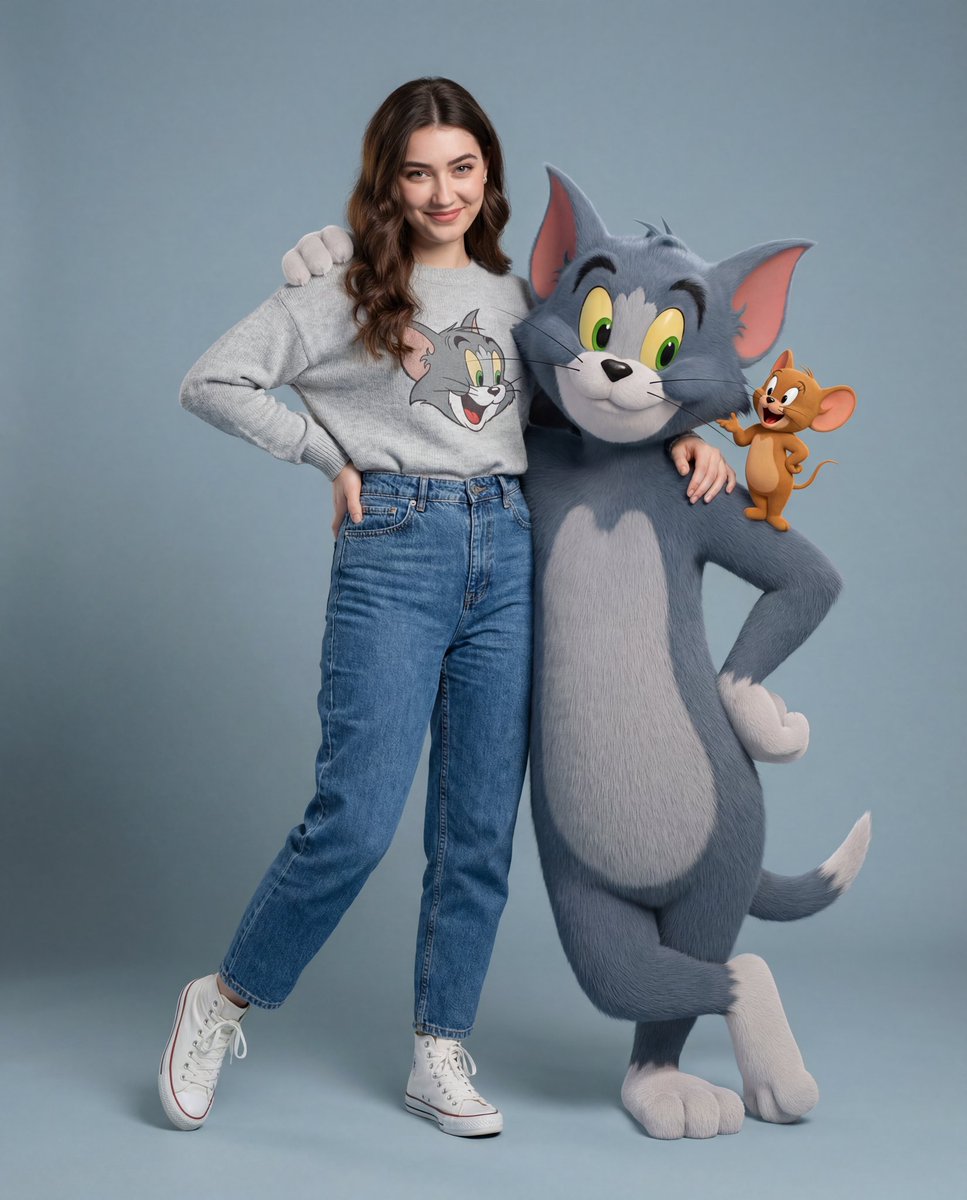
Hyper-realistic Tom & Jerry Fashion Shoot
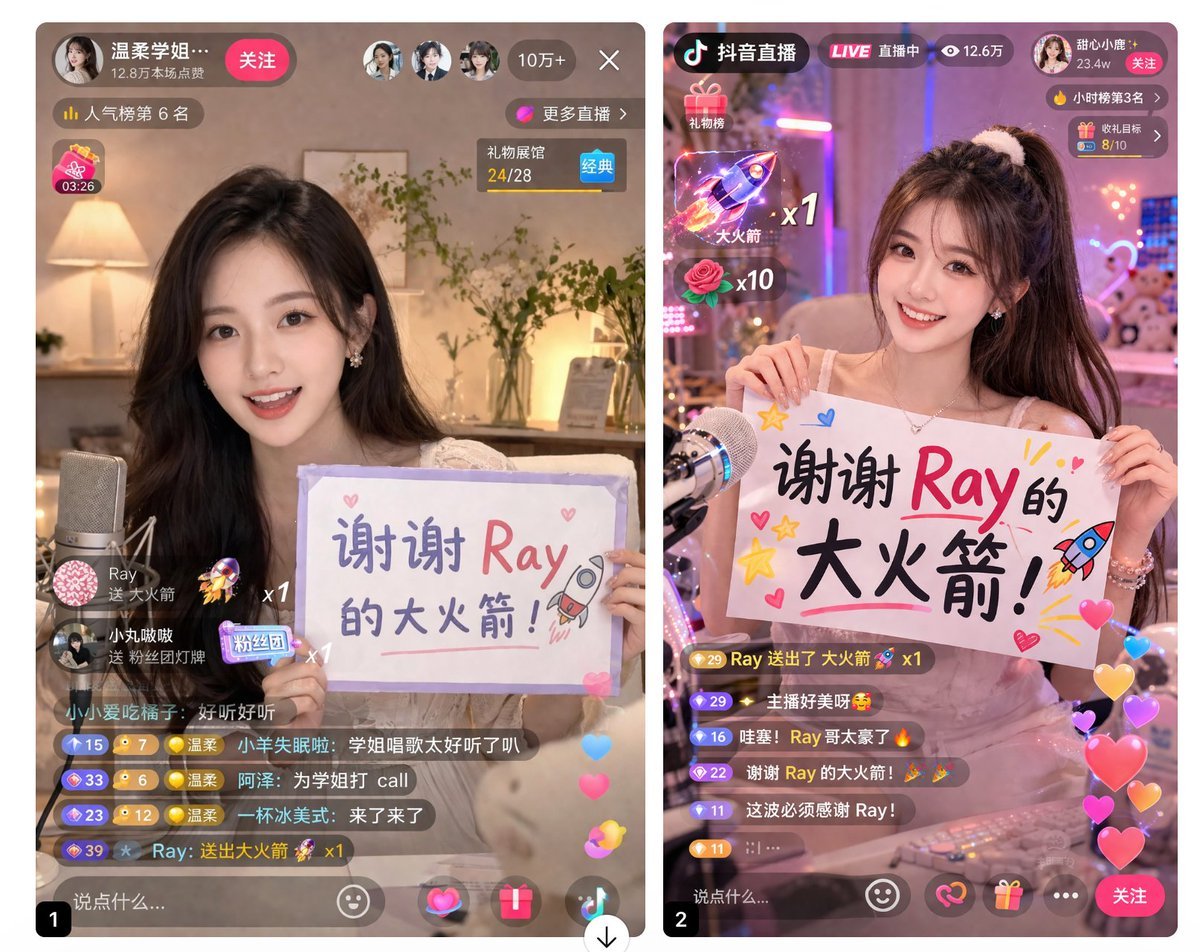
Live Stream App UI Mockup
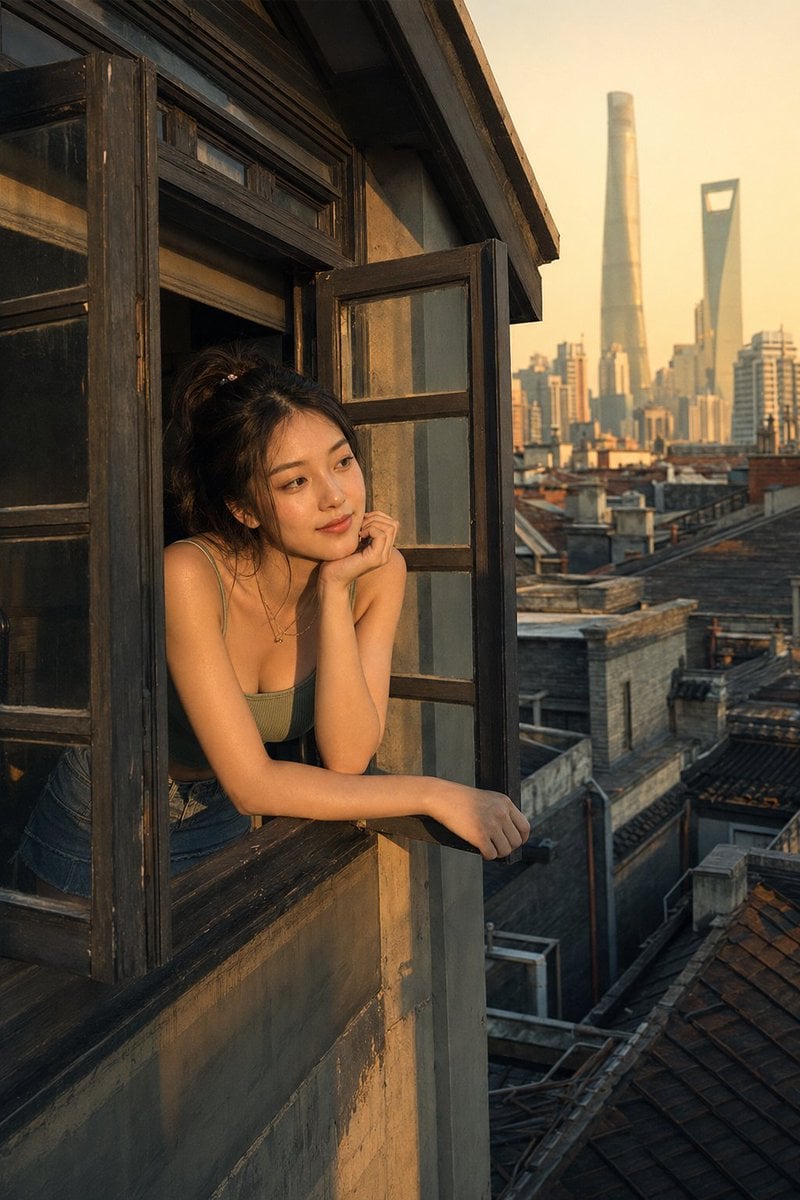
Shanghai Shikumen Window Portrait
Browse template categories
Podcast Studio Interview Shot questions
How do I use the Podcast Studio Interview Shot template?
Add your photo if the template asks for one, edit the prompt if you like — the template's model and format are already selected — and press Generate. Your version opens in PicX Studio.
Can I customize the Podcast Studio Interview Shot template?
Yes. You can change the subject, setting, lighting, mood, format, and available model controls before creating your image.
Is the Podcast Studio Interview Shot template free?
Opening and editing this template is free. Generating uses credits, shown on the Generate button when you are signed in.
Which AI model should I use?
Start with GPT Image 2, which is the model associated with this template. You can compare another compatible model for a different finish.
Looking for something else? Browse all templates.

Your photo, any look
Thousands of ready templates for every top image and video model, from one credit balance.