
Cinematic Studio Interview Scene
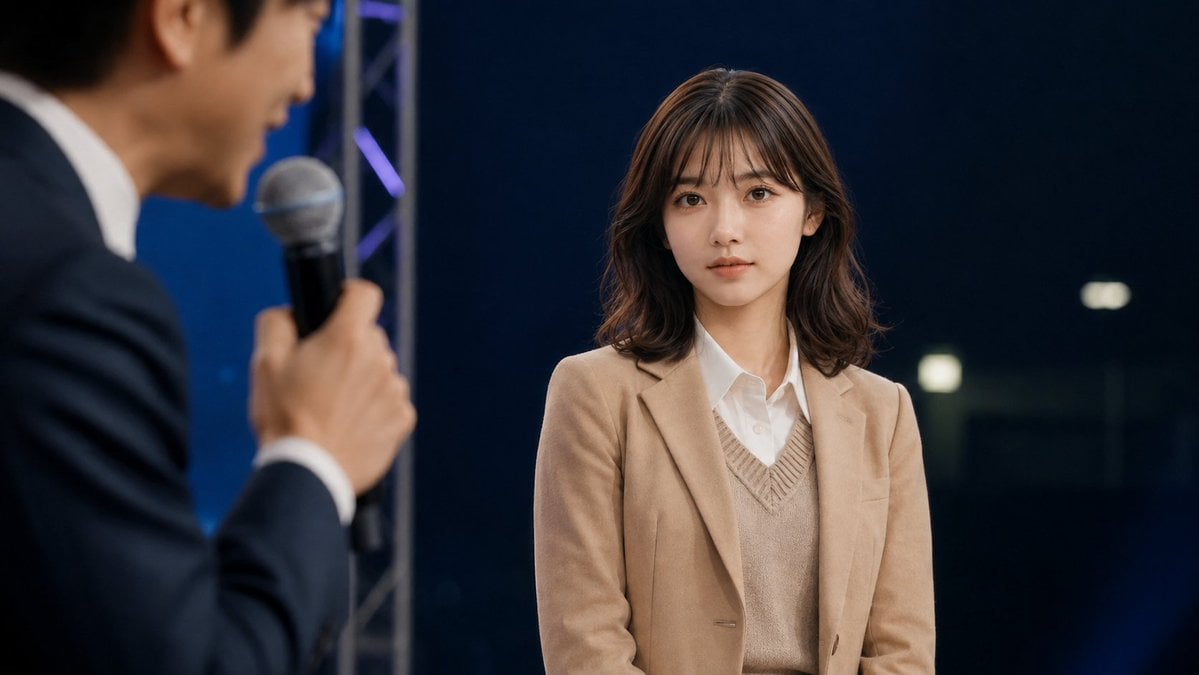
A photorealistic widescreen talk-show still featuring a sharply focused young woman and a blurred male host speaking with a microphone.
- Prompt included
- Model and format preset
- Free template
The prompt behind this image
Copy the exact prompt behind Cinematic Studio Interview Scene, or open it in the studio and make it yours.
Create a cinematic photorealistic still from a live talk show or interview on a dark studio stage. The main subject is a young East Asian woman, about early 20s, seated or standing center-right, facing slightly left but looking toward the camera with a calm, neutral, attentive expression. She has {argument name="hair color" default="dark brown"} shoulder-length softly wavy hair with wispy bangs, natural makeup, clear skin, and large expressive eyes. She wears a {argument name="jacket color" default="camel beige"} blazer over a beige V-neck knit vest and a crisp white button-up shirt. In the extreme left foreground, include exactly 1 blurred male host in profile, an East Asian man in a dark navy suit and white shirt, holding exactly 1 handheld microphone close to his mouth while speaking; keep him intentionally out of focus with shallow depth of field. The woman should be sharply focused while the host, microphone, and foreground are blurred. Background: a deep navy-black studio backdrop with subtle blue lighting, a vertical silver stage truss behind the host, faint purple-blue accent lights, and a few soft rectangular bokeh lights on the right. Composition: widescreen 16:9, medium shot, woman occupying the right half of frame, host cropped on the left, realistic event lighting, soft key light on the woman’s face, professional broadcast photography, no visible text, no logos, no watermark.
How to use Cinematic Studio Interview Scene in 3 steps
- 1Upload ImagePNG, JPG or paste
Add your photo
Upload the photo the template builds on. The prompt, model and format are already set.
- 2…a portrait of your subject in softgolden-hour light, 85mm…
Personalize
Edit the subject and creative details for your destination.
- 3Generate
Generate
Press Generate — your image is created in PicX Studio, so you can compare it with the original and refine one variable at a time.
More like this
Templates with the same subject, style or setup. Open one to see its prompt.

80s Couple Studio Portrait

1985 Studio Portrait

Cinematic Low-Angle Fashion Portrait Smoke Editorial

Japanese Architectural Concrete Studio Fashion Campaign

Japanese Minimalist Concrete Studio Fashion Editorial
Cinematic Low-Angle Fashion Portrait Smoke Editorial
High-Fashion Bauhaus Geometric Cutout Editorial
High-Fashion Bauhaus Geometric Cutout Editorial

Luxury Black-and-White Fashion Contact Sheet

Ultra-Realistic Vogue-Style Editorial Fashion Grid

Stylized Fashion Portrait Bold Color Contrast Editorial
Minimalist Scandinavian Editorial Fashion Portrait Series
Make it yours
Cinematic Studio Interview Scene works as-is. These are the safest ways to change it without losing the look.
Change one field
Copy a single group, rewrite it, and generate again so you can see what that field is doing.
Keep the frame, change the subject
Hold the composition and light of Cinematic Studio Interview Scene, then swap wardrobe, props or the person for a new take.
| If the result… | Why | Fix |
|---|---|---|
| The result drifts from the preview | Too many fields changed at once. | Reuse Cinematic Studio Interview Scene as-is first, then change one group — subject, light, or setting. |
| The model over-stylizes the scene | The prose prompt leaves finish and camera underspecified. | Add one camera or lighting sentence and stay on GPT Image 2. |
More GPT Image 2 templates
Other prompts made for GPT Image 2.

Six VTuber Japanese Logo Sheet

Realistic Portrait of Woman and Deer

The Vista Modular Condo Poster

AI Model Routing Comparison Infographic

2.5D Anime Art Board

Isometric Productivity Desk Scene

New York Double Exposure Poster

Four-Panel AI Landscape Comparison

Japanese Tatami Lifestyle Magazine Cover

NESCAFÉ Coffee Map Poster
More image prompts
Fresh picks from across the catalog.
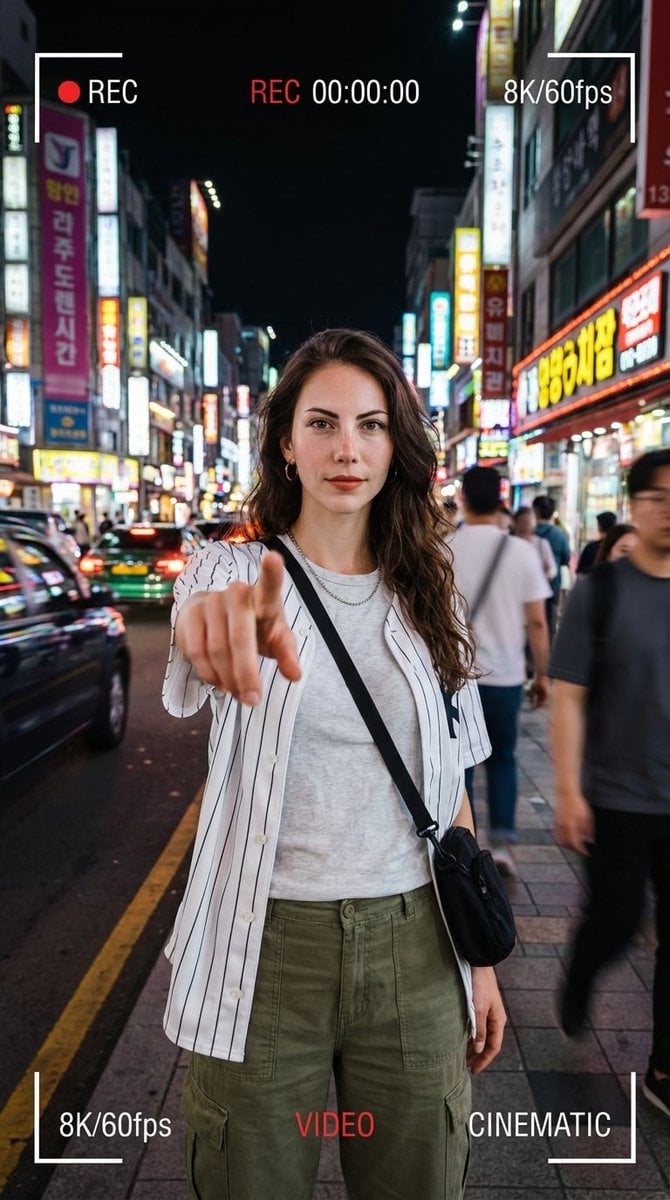
Hyper-Realistic Urban Night Portrait with UI Overlay
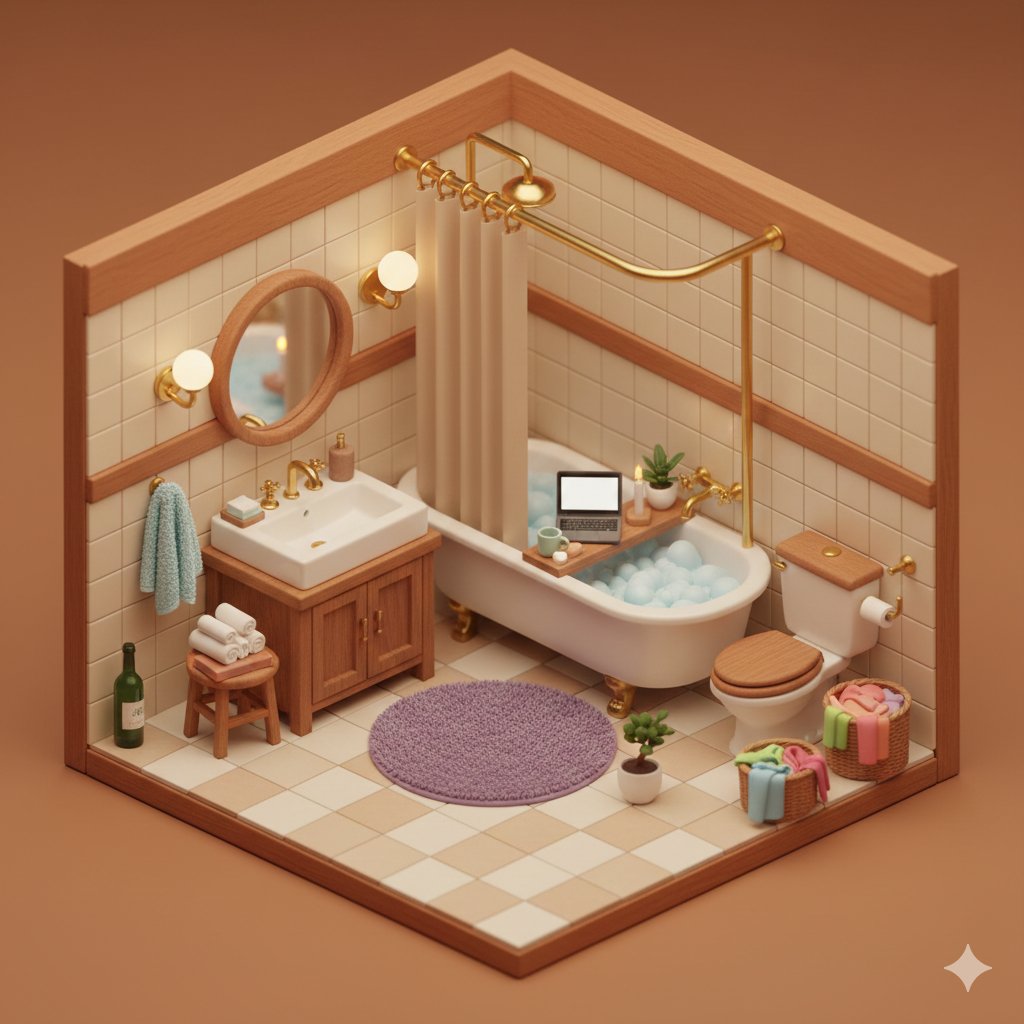
Isometric Cozy Bathroom Diorama Prompt
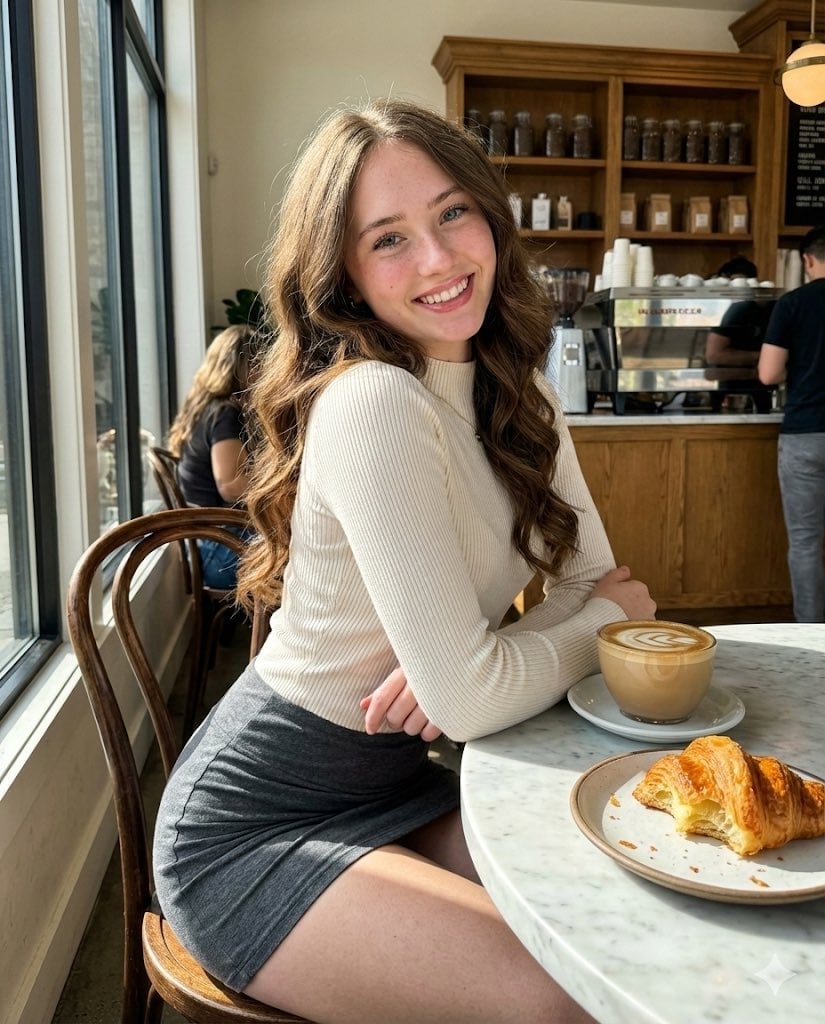
High-Fidelity Candid Café Portrait with Sharp Focus
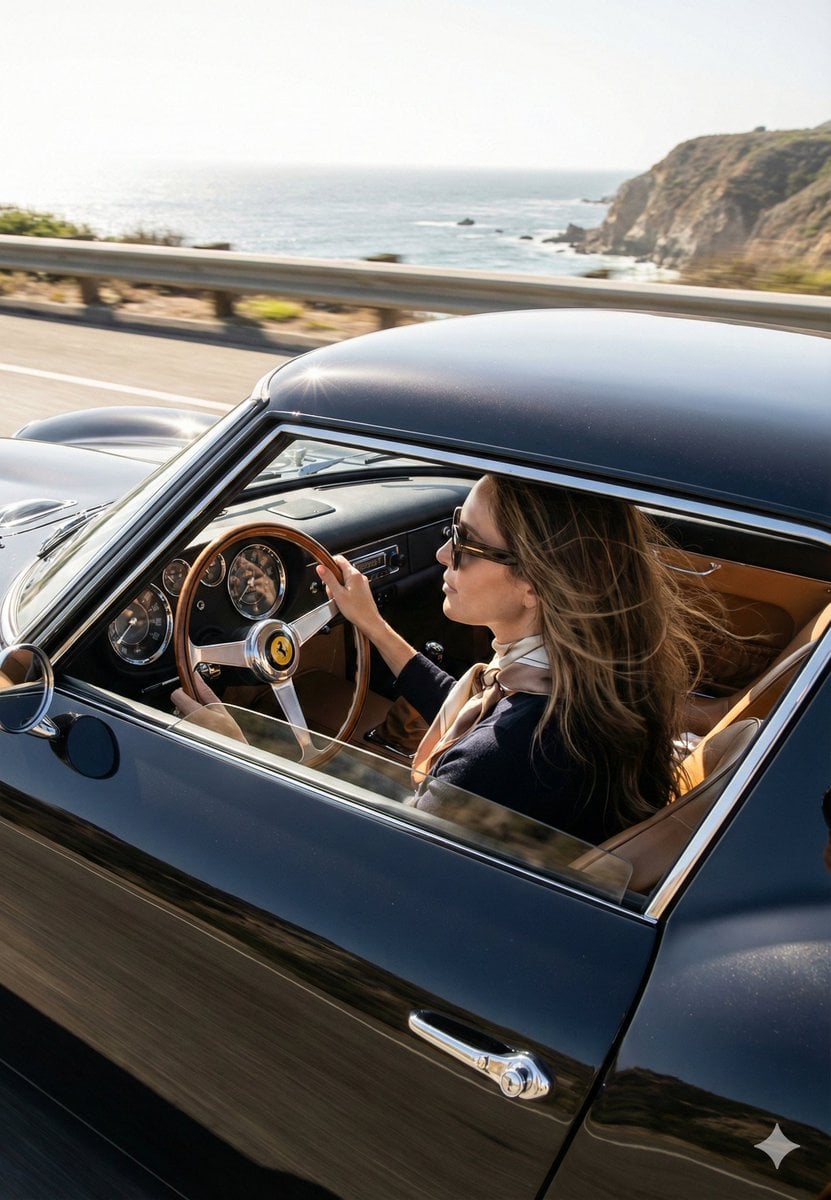
Cinematic Coastal Drive Portrait
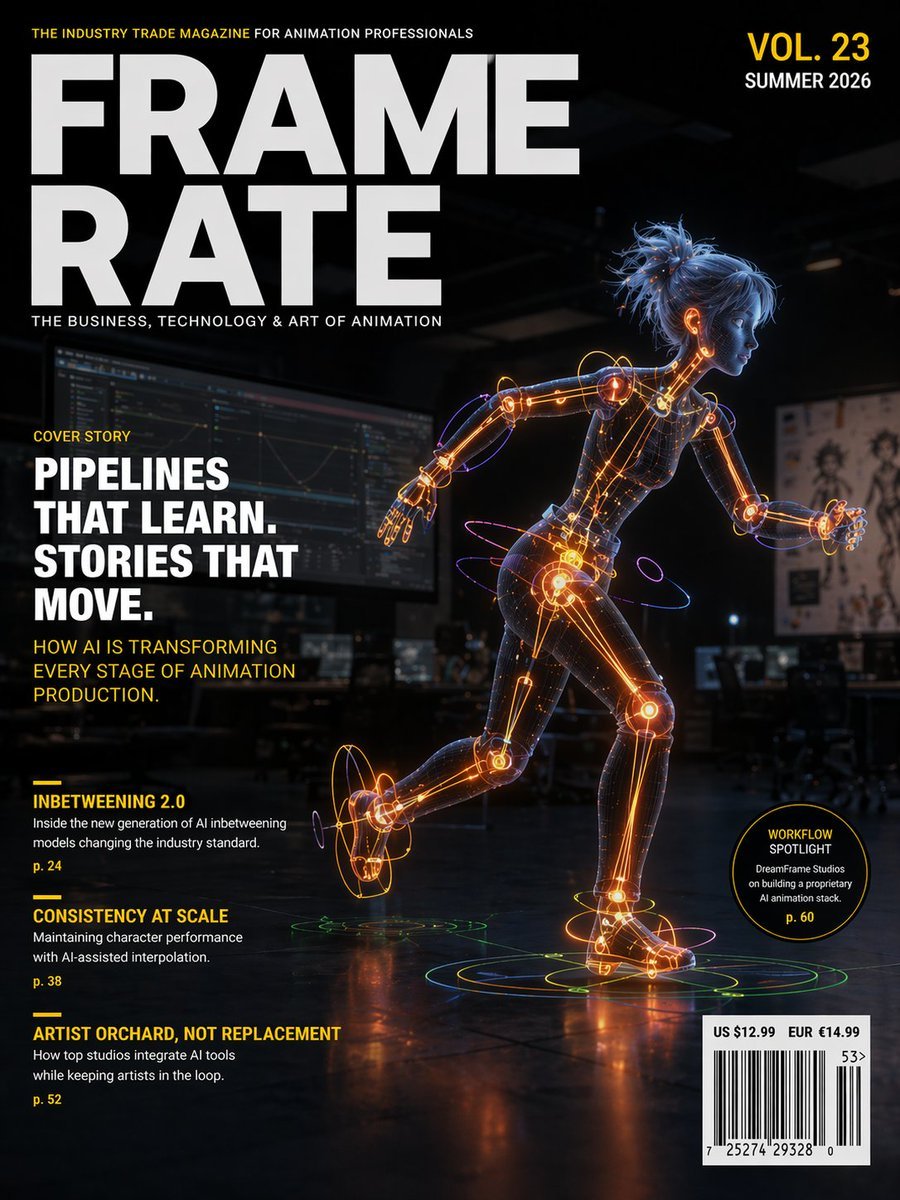
Futuristic Animation Trade Magazine Cover
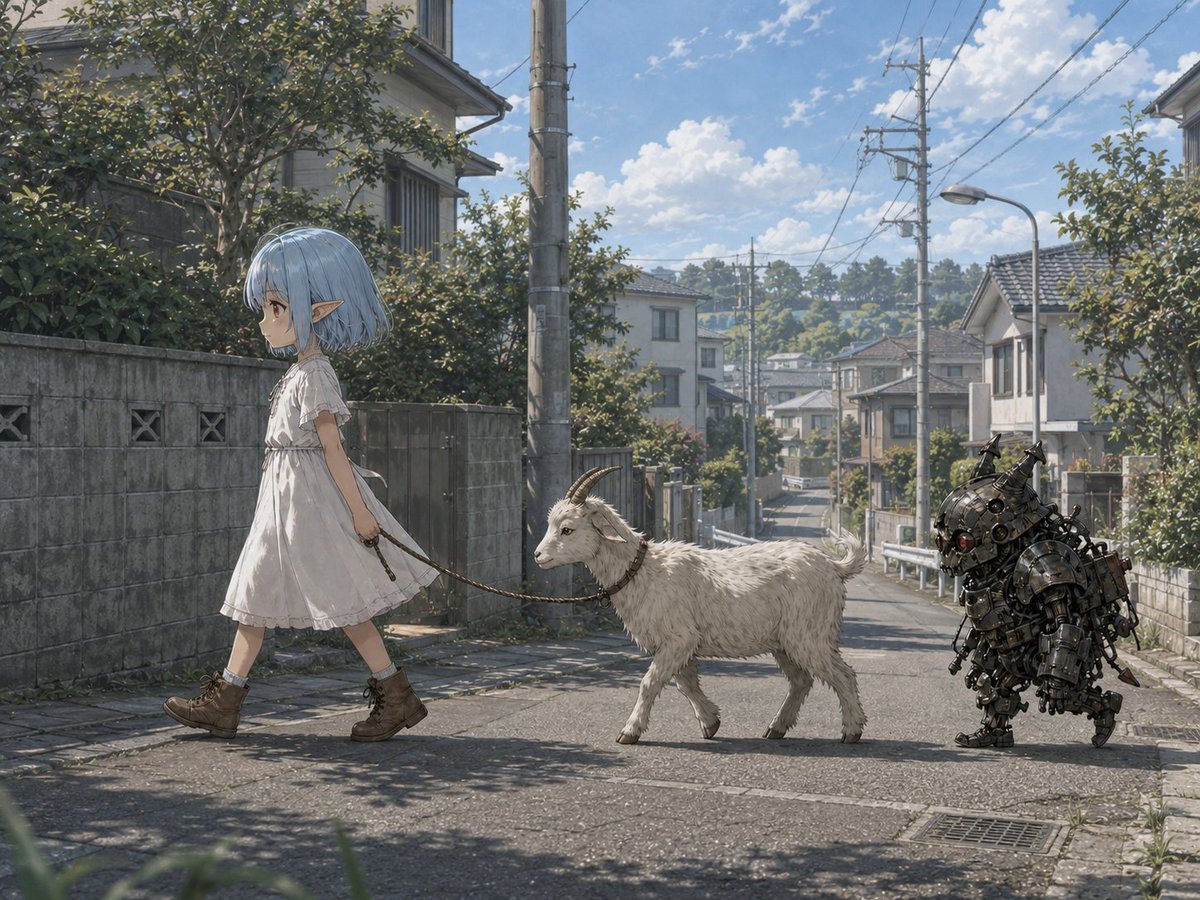
Elf Girl Walking Goat and Robot
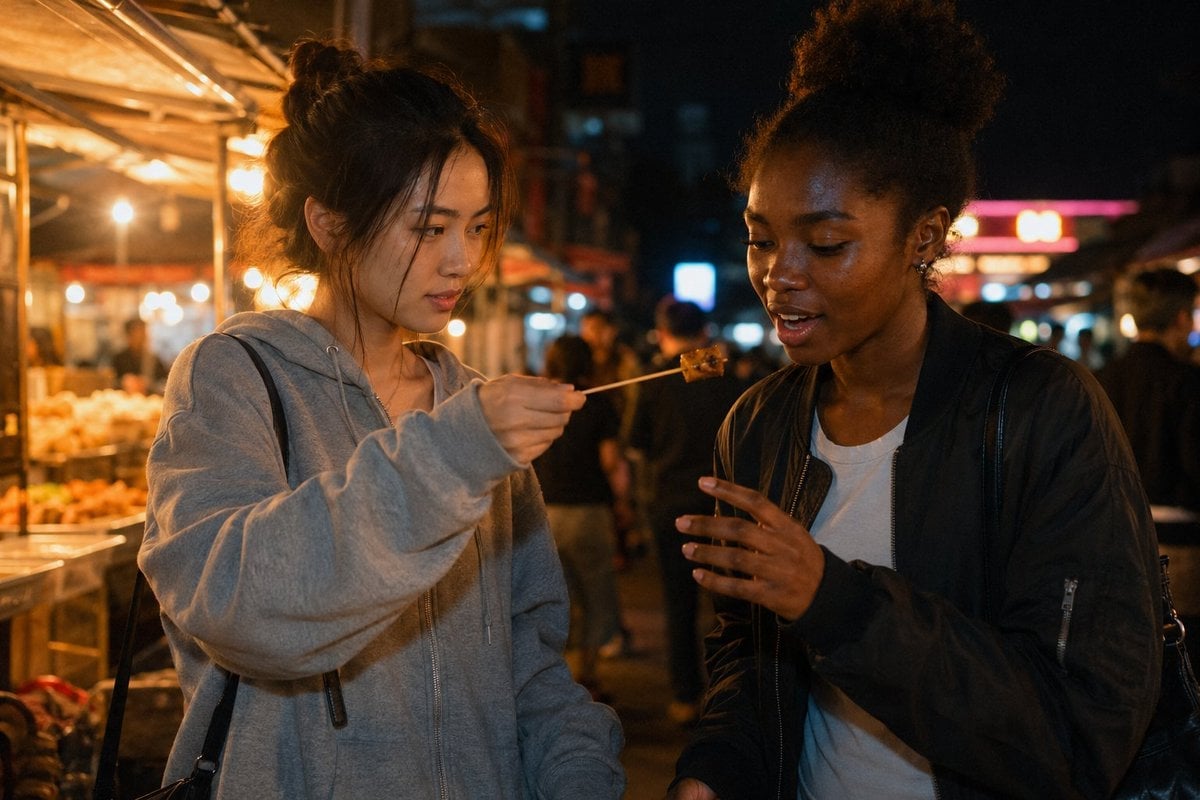
Candid Night Market Food Offering
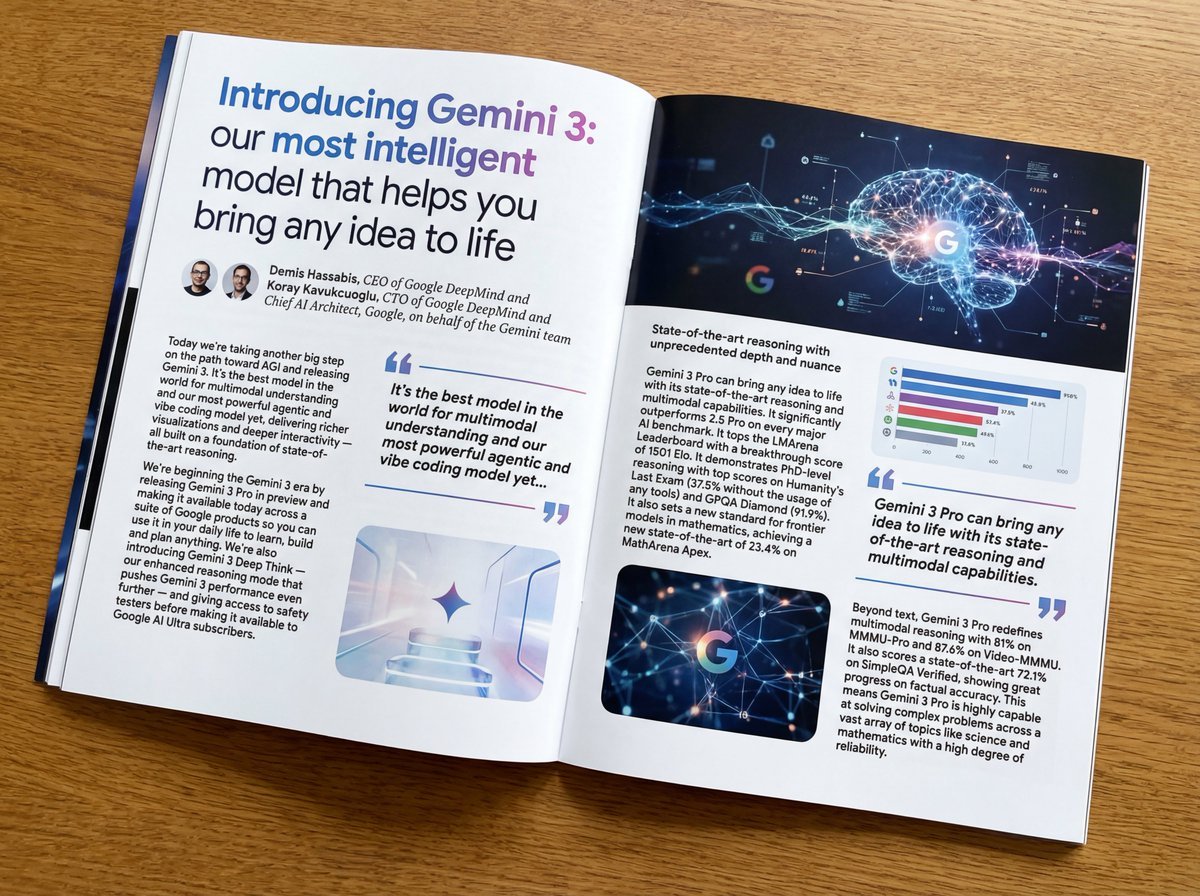
Magazine-style photo containing given article text
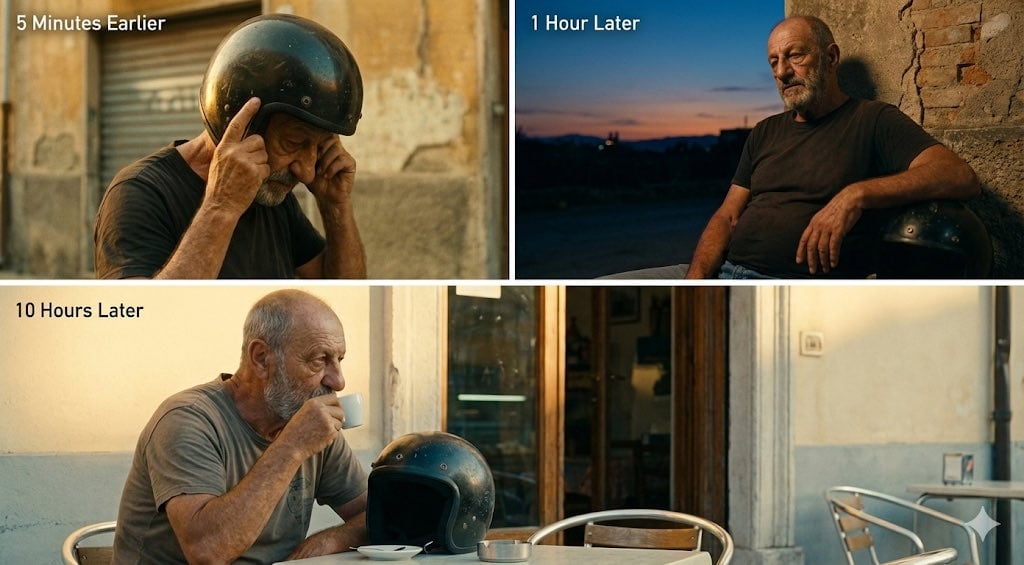
Time-Shifted Image Generation Prompt
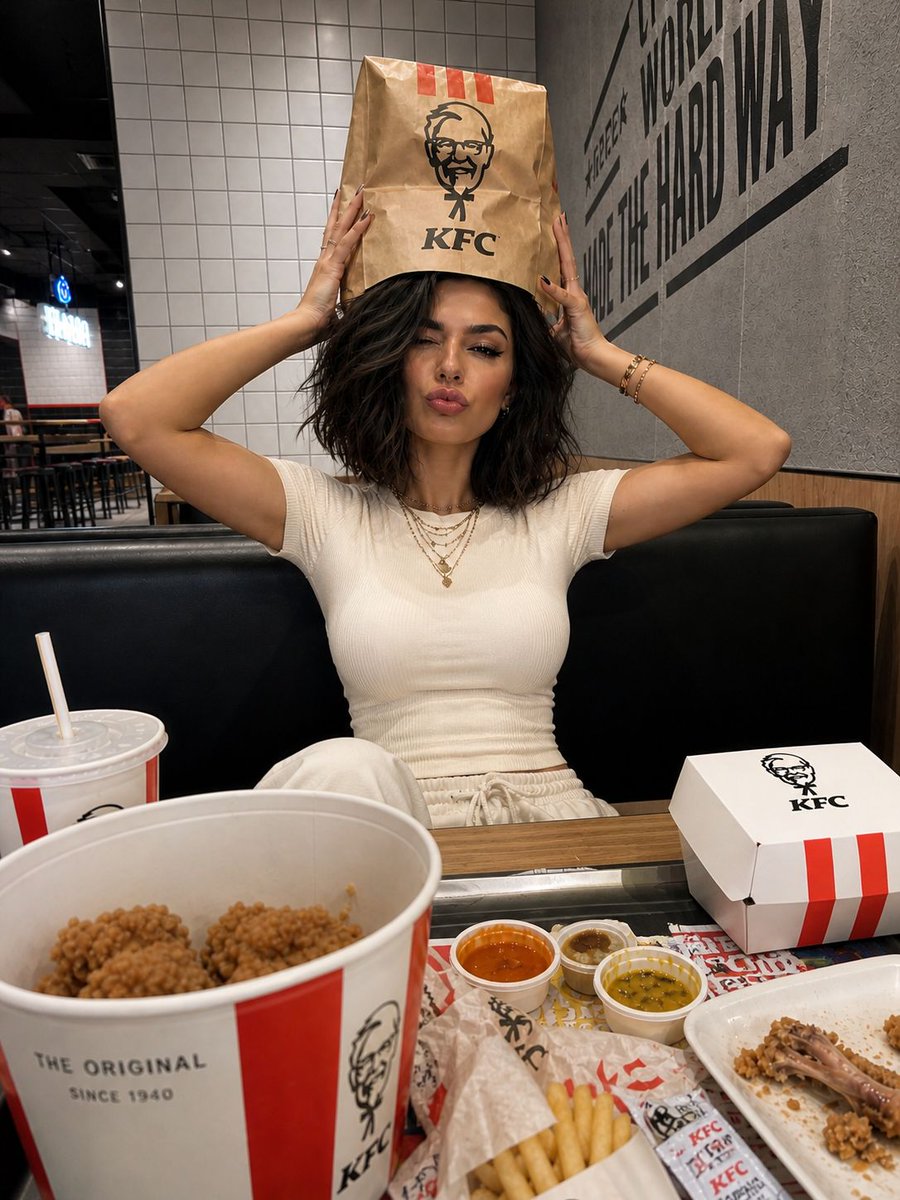
KFC Booth iPhone Snapshot
Browse template categories
Cinematic Studio Interview Scene questions
How do I use the Cinematic Studio Interview Scene template?
Add your photo if the template asks for one, edit the prompt if you like — the template's model and format are already selected — and press Generate. Your version opens in PicX Studio.
Can I customize the Cinematic Studio Interview Scene template?
Yes. You can change the subject, setting, lighting, mood, format, and available model controls before creating your image.
Is the Cinematic Studio Interview Scene template free?
Opening and editing this template is free. Generating uses credits, shown on the Generate button when you are signed in.
Which AI model should I use?
Start with GPT Image 2, which is the model associated with this template. You can compare another compatible model for a different finish.
Looking for something else? Browse all templates.

Your photo, any look
Thousands of ready templates for every top image and video model, from one credit balance.