How do I use the Monochromatic Orange High-Fashion Editorial template?
Choose the primary action to open PicX Studio with the available template settings. Review the model and format, personalize the creative direction, and generate when ready.
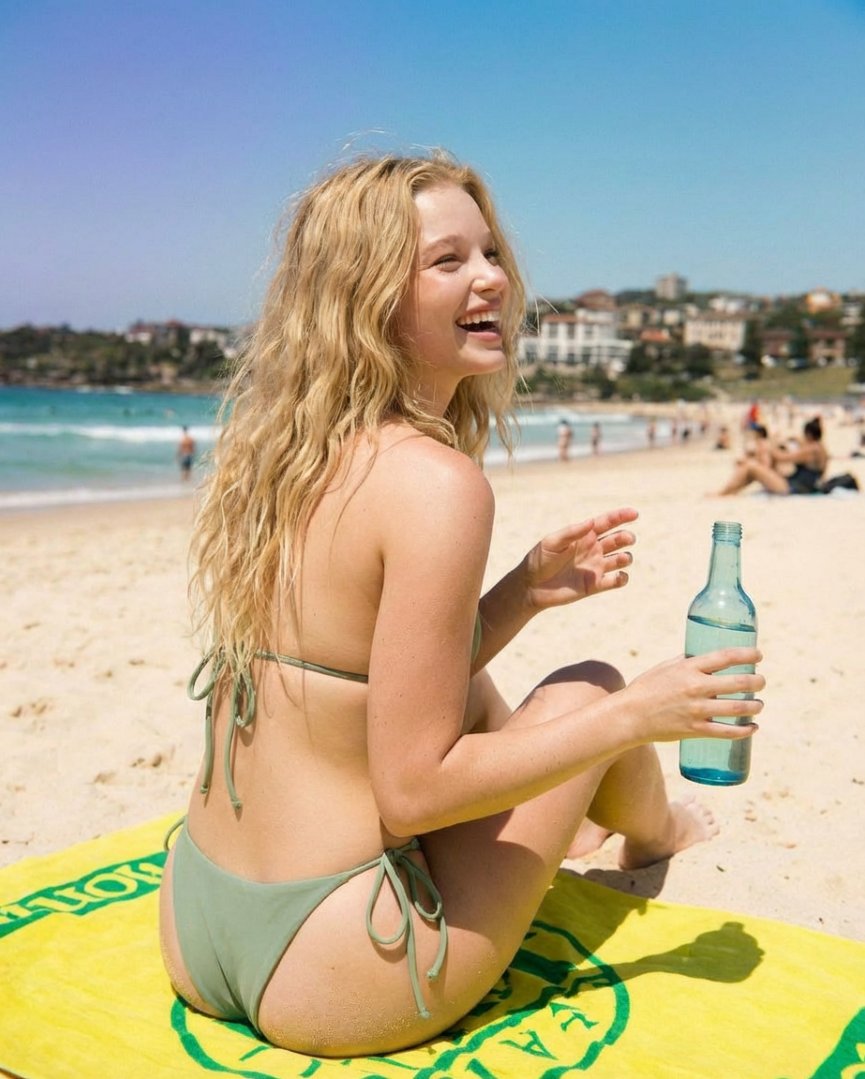
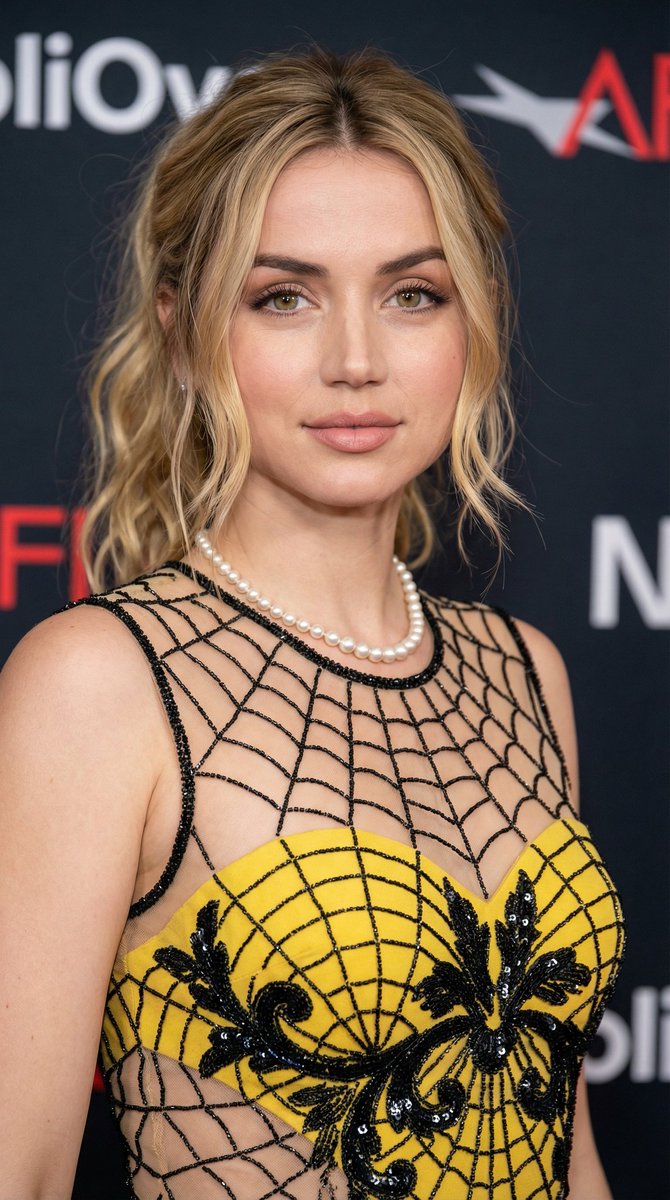
A highly structured JSON prompt for generating an ultra-photorealistic, 8K high-fashion editorial image with a monochromatic orange aesthetic. The subject, inspired by Sydney Sweeney, is featured in a strapless feather mini dress against a seamless vibrant orange backdrop, emphasizing bold, glamorous mood and specific technical camera settings (85mm prime lens, f/4 aperture). (free to use) — Free AI image template on PicX Studio.
{ "project_meta": { "title": "Monochromatic Orange High-Fashion Editorial", "style": "Ultra-photorealistic, 8K, luxury magazine aesthetic", "mood": "Bold, glamorous, confident, seductive" }, "environment": { "setting": "Minimalist professional studio", "background": "Solid seamless vibrant {argument name="color" default="orange"} backdrop and floor", "props": "None (clean surface)", "lighting": "Soft frontal key light, warm calibration, controlled shadows" }, "subject": { "likeness": "{argument name="likeness" default="Sydney Sweeney-inspired"} (not identical)", "demographics": "Female, mid-20s, slim toned physique", "features": { "skin": "Natural white, glossy bronzed highlights, realistic texture", "hair": "Long light blonde, voluminous, side-parted", "face": "Soft oval, full lips, bright expressive eyes", "makeup": "High-glam, sculpted contour, smoky eyes, glossy nude lips" } }, "wardrobe": { "dress": "Strapless mini dress, dense soft {argument name="color" default="orange"} feather texture", "shoes": "Matching {argument name="color" default="orange"} pointed-toe stilettos", "jewelry": "Gold hoop earrings, thin chain, stacked bangles, rings" }, "technical": { "gear": "Full-frame DSLR, 85mm prime lens", "settings": "Aperture f/4, ISO 100, Shutter 1/125s", "focus": "Tack-sharp on subject, subtle background separation" }, "composition": { "angles": "Eye-level to subtle low-angle", "framing": ["Full-body", "Three-quarter", "Tight portrait"], "poses": [ "Kneeling with legs folded", "Seated with one knee raised", "Standing with hip pop", "Leaning back supported by hands", "Looking over shoulder" ] }, "consistency_rules": { "fixed_elements": ["Character identity", "Feather dress", "Orange background"], "variable_elements": ["Pose", "Camera angle", "Framing"] } }
Use Monochromatic Orange High-Fashion Editorial to plan an AI image around nano-banana-2 generation. Match the preview's composition first, then personalize the subject, setting, and mood for your own project.
Use the primary action to load the template settings in PicX Studio.
Adjust the subject and creative details for your destination.
Create the image, compare the result with the preview, and refine one variable at a time.
A continuous mix — similar concepts first, woven with same-model prompts and fresh picks from the catalog.
Choose the primary action to open PicX Studio with the available template settings. Review the model and format, personalize the creative direction, and generate when ready.
Yes. You can change the subject, setting, lighting, mood, format, and available model controls before creating your image.
This template is free to open and customize. Generation usage is shown in PicX Studio before you create.
Start with nano-banana-2, which is the model associated with this template. You can compare another compatible model for a different finish.
A continuous mix — similar concepts first, woven with same-model prompts and fresh picks from the catalog.
Follow a topic to a crawlable collection of related PicX Studio templates.
39,155 public templates available. Verified via the PicX Studio public templates API; refreshed hourly.