How do I use the Bohemian-Indian Fusion Mirror Selfie Prompt template?
Choose the primary action to open PicX Studio with the available template settings. Review the model and format, personalize the creative direction, and generate when ready.
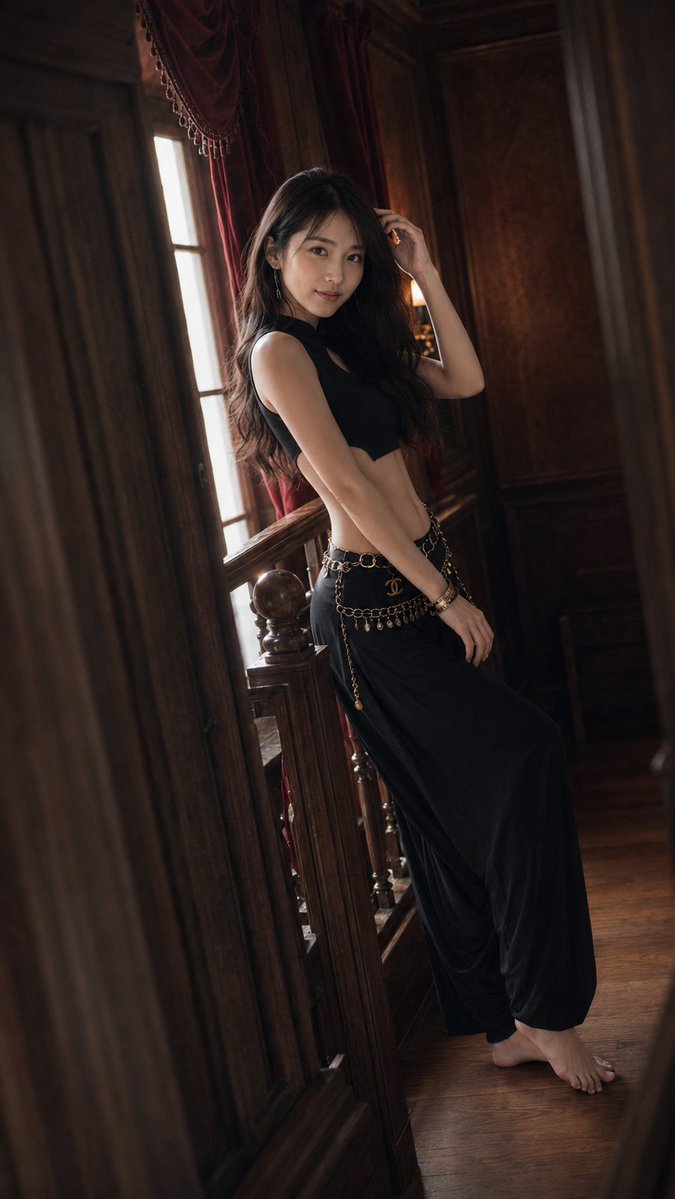
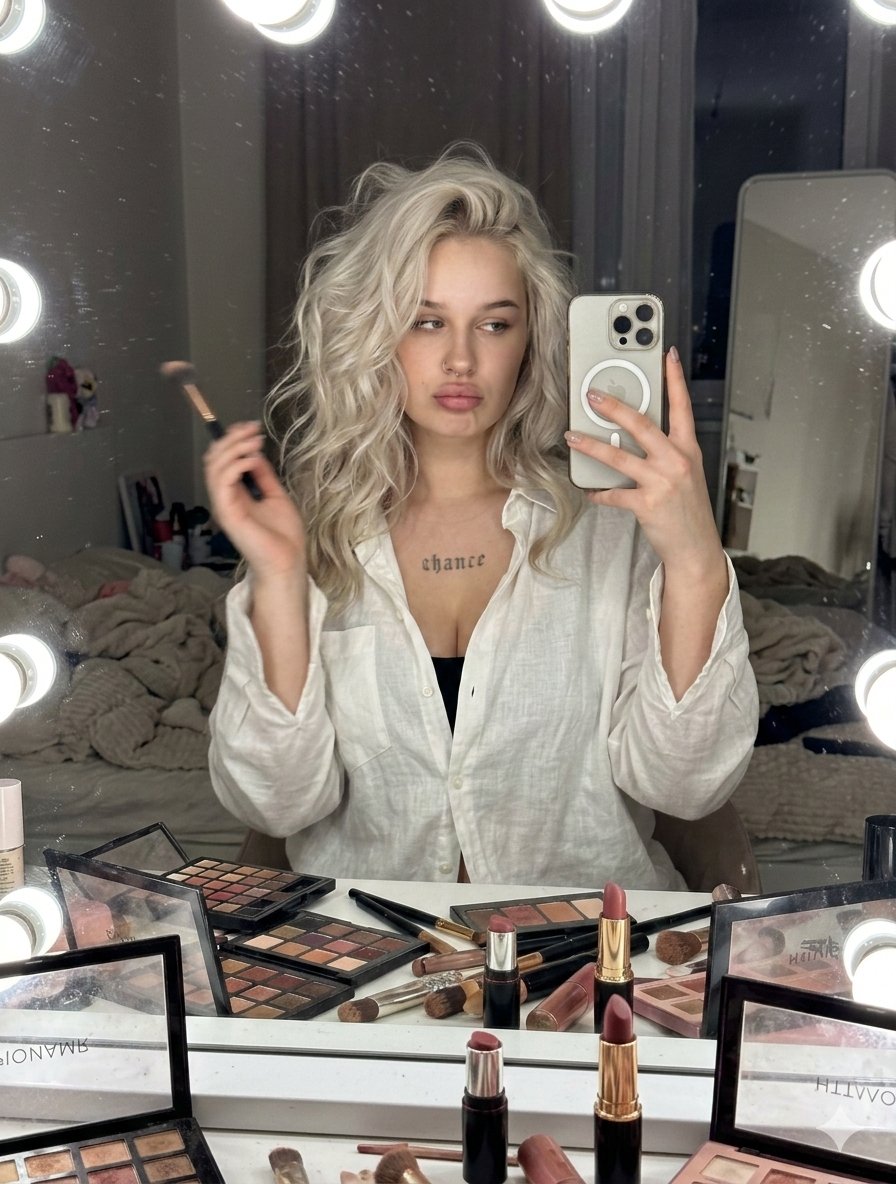
A prompt for generating a mirror selfie of a woman in a Bohemian-Indian fusion outfit (choli and lehenga) with intricate embroidery and cowrie shell details. Change the subject, setting, or lighting one variable at a time.

{ "subject": { "description": "Young woman with light skin tone and long, wavy dark brown hair.", "pose": "Standing mirror selfie, left hand on hip, right hand holding a white smartphone up to capture the reflection.", "expression": "Soft smile, looking into the phone screen.", "features": "Dark nail polish, soft glam makeup with defined brows and pink lips." }, "apparel": { "style": "Bohemian-Indian fusion, festive Navratri or tribal chic aesthetic.", "top": "Dark black sleeveless crop top (choli) featuring intricate geometric embroidery in silver and orange threads. The hem is lined with hanging cowrie shells and colorful beads.", "bottom": "Matching Dark black skirt (lehenga) with similar geometric patterns. The waistband is embellished with a row of cowrie shells and tassels.", "color_palette": "{argument name="color palette" default="Teal blue, silver, orange, and white accents"}." }, "accessories": { "headwear": "Silver maang tikka with a turquoise stone centered on the forehead.", "face_details": "Three small decorative bindi dots painted at the outer corner of the right eye, small nose ring.", "wristwear": "Thick, ethnic-style bangles wrapped in red and black fabric, adorned with clusters of cowrie shells.", "device": "White iPhone Pro model with triple-lens camera." }, "environment": { "location": "Indoor bedroom or dressing area.", "background": "Blurred domestic interior, neutral colored walls, a door visible in the background, soft ambient indoor lighting." }, "technical_style": { "medium": "Photograph, mirror selfie.", "lighting": "Soft, diffuse room lighting.", "vibe": "Candid, stylish, social media influencer aesthetic." } }
Choose the primary action to open PicX Studio with the available template settings. Review the model and format, personalize the creative direction, and generate when ready.
Yes. You can change the subject, setting, lighting, mood, format, and available model controls before creating your image.
This template is free to open and customize. Generation usage is shown in PicX Studio before you create.
Start with Nano Banana 2, which is the model associated with this template. You can compare another compatible model for a different finish.
© 2026 PicX Studio. All rights reserved.

Follow a topic to a crawlable collection of related PicX Studio templates.
43,474 public templates available. Verified via the PicX Studio public templates API; refreshed hourly.






![nano-banana-grwm-mirror-selfie-pink — Nano Banana 2
Prompt (JSON):
{
"type": "image_prompt",
"description": {
"subject": {
"main": "[NAME] com o](/_next/image?url=https%3A%2F%2Fcdn.picxstudio.com%2Fuploads%2Ftweet_img_10a_612da6f9-cf6d-417e-bdd5-cc1300d1d830.jpg&w=828&q=100)









![Naive doodle-style subject illustration — A doodle-style {argument name="subject" default="[subject]"}, naive lines, humorous shape exaggeration](https://pbs.twimg.com/media/G6Wl2YxbsAARB2b.jpg)












![Minimalist 3D Isometric Car Showroom Model — A clean, minimalist 3D isometric model showcasing a [{argument name="location" default="car showroom"}], where [{ar](https://pbs.twimg.com/media/G_CbppYW0AEbevq.jpg)










![Intricate Paper Folding Morphological Transformation Prompt — Anchor: [Uploaded Image]::3
Morphology: Intricate paper folding, sharp creases, layered topographi](https://pbs.twimg.com/media/G977iLTWQAIDmaS.jpg)