How do I use the Neon Orange Fashion Portrait of Sadie Sink template?
Choose the primary action to open PicX Studio with the available template settings. Review the model and format, personalize the creative direction, and generate when ready.
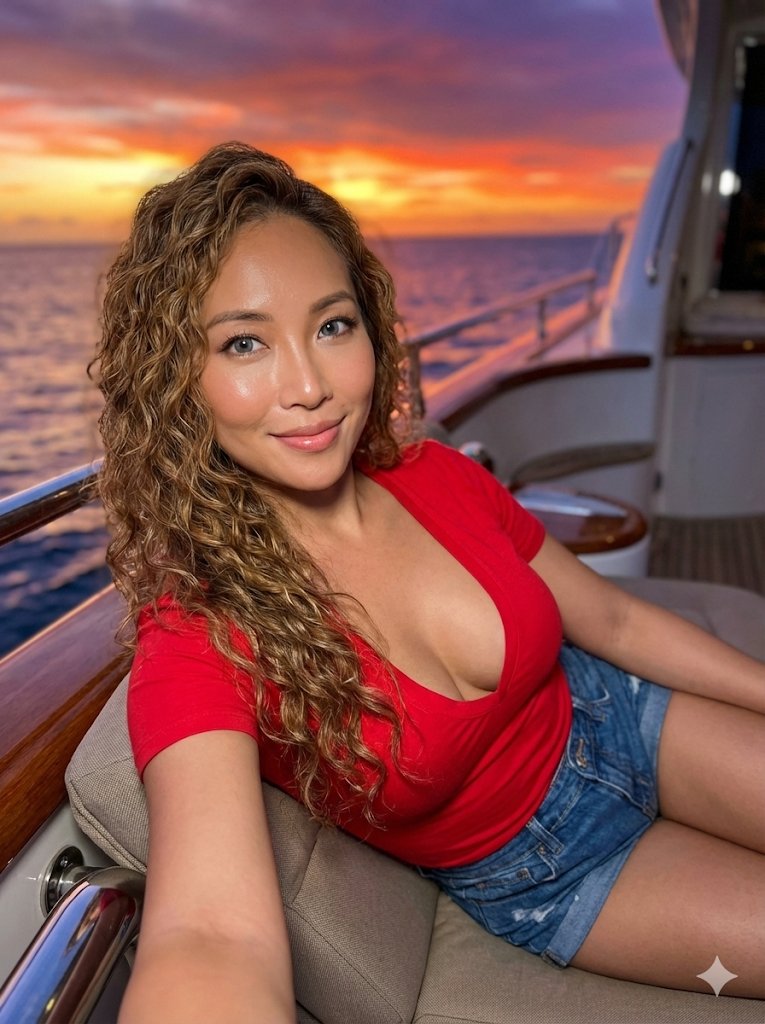
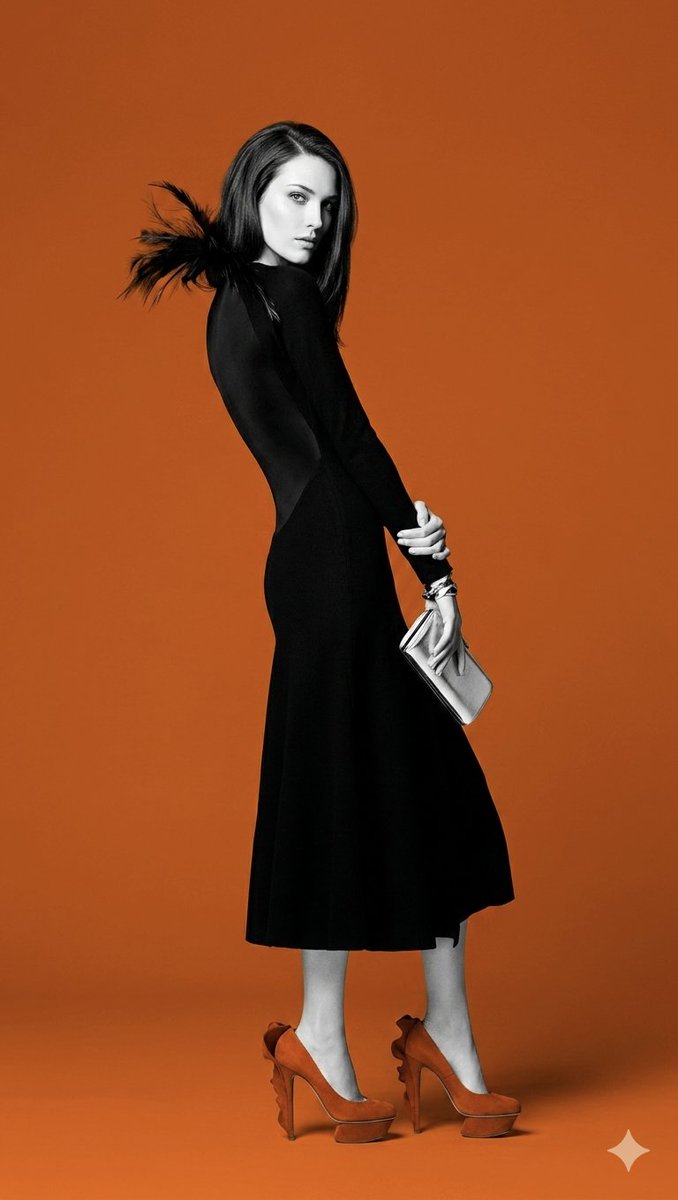
A highly detailed JSON prompt for Nano Banana 2 to generate an 8k photorealistic fashion portrait of Sadie Sink in a neon orange outfit against a neon purple tiled background, specifying biometric details, wardrobe, pose, and cinematic lighting setup. Change the subject, setting, or lighting one variable at a time.

{ "subject": { "identity": { "biometric_reference": "{argument name="biometric reference" default="Sadie Sink"}", "facial_anatomy": { "description": "heart-shaped face, defined cheekbones, expressive blue-green eyes, natural lashes", "skin": "fair skin with freckles, visible pores, realistic texture" }, "hair": { "color": "warm golden blonde", "state": "natural loose strands with soft movement" }, "body": { "morphology": "slender natural proportions" } } }, "wardrobe": { "upper_body": "neon orange cropped top with deep V neckline, fitted silhouette", "lower_body": "matching neon orange pleated mini-skirt with structured pleats", "hosiery": "black mesh stockings with natural fit" }, "pose_action": { "description": "low-angle full-body shot, grounded crouch pose with confident stance", "fidelity": "natural balanced posture" }, "scene": { "environment": "90-degree corner with glossy neon purple tiles", "wall_art": "grunge graffiti '{argument name="graffiti text" default="Love"}' integrated into tiles", "props": "large pink faux-fur plush rabbit" }, "lighting": { "setup": "cinematic lighting with warm key and purple rim", "specular": "subtle reflections across surfaces" }, "camera": { "aspect_ratio": "9:16", "lens": "24mm wide-angle f/2.8", "format": "8k RAW photorealistic" }, "negative_constraints": { "forbidden": [ "extra limbs", "distorted anatomy", "logos/text except 'Love'", "watermarks", "plastic skin" ] } }
Choose the primary action to open PicX Studio with the available template settings. Review the model and format, personalize the creative direction, and generate when ready.
Yes. You can change the subject, setting, lighting, mood, format, and available model controls before creating your image.
This template is free to open and customize. Generation usage is shown in PicX Studio before you create.
Start with Nano Banana 2, which is the model associated with this template. You can compare another compatible model for a different finish.
© 2026 PicX Studio. All rights reserved.

Follow a topic to a crawlable collection of related PicX Studio templates.
43,474 public templates available. Verified via the PicX Studio public templates API; refreshed hourly.













![Naive doodle-style subject illustration — A doodle-style {argument name="subject" default="[subject]"}, naive lines, humorous shape exaggeration](https://pbs.twimg.com/media/G6Wl2YxbsAARB2b.jpg)











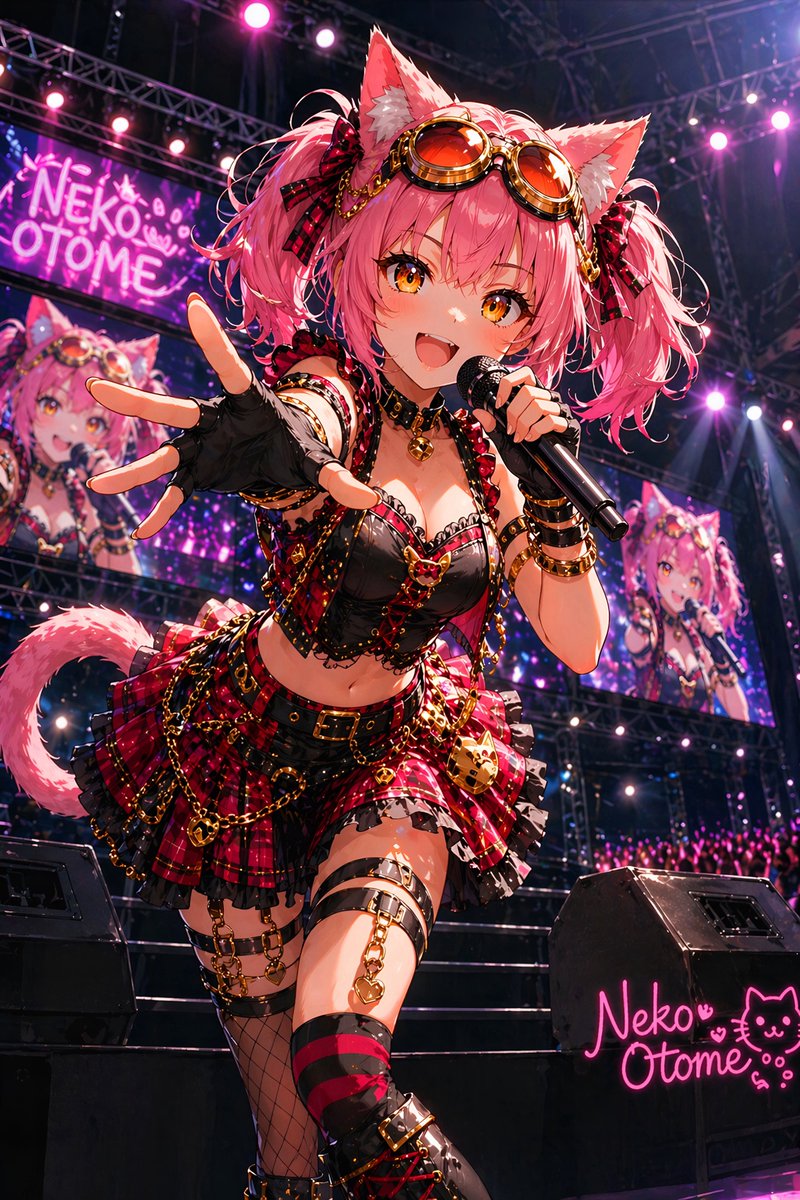


![Outdoor Christmas Decoration from Input Image — [AI指示:外観テーマ拡張]
提供された**[入力画像]**を分析してください。
テーマ抽出: [入力画像]から、主要な被写体、カラーパレット、および特定のモチーフ(例:星、キャンディケイン、特定のキ…](https://pbs.twimg.com/media/G9AJh1ZbcAAB0H0.jpg)