How do I use the Candid Night Car Selfie with Flash template?
Choose the primary action to open PicX Studio with the available template settings. Review the model and format, personalize the creative direction, and generate when ready.
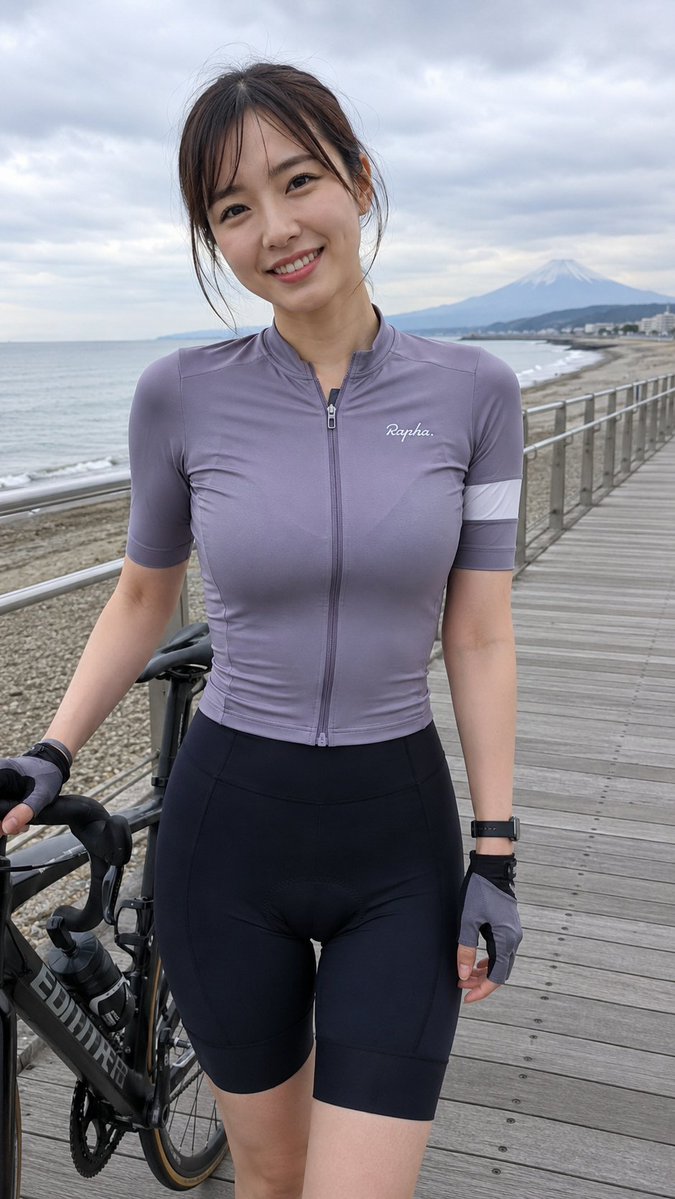
A detailed prompt for generating a candid, social media-style night photograph taken inside a car using a direct flash. It focuses on a specific pose where the subject covers her face with her hand, emphasizing high contrast, glossy hair, and the glow of the car's instrument panel. (free to use) — Free AI image template on PicX Studio.
Scene: Nighttime inside a car (driver’s seat, on the left side of the frame). The instrument cluster and center console glow with crisp cool white/blue backlighting. Outside the window is a dim roadway with streetlight bokeh, adding a slight sense of motion and an urban night atmosphere. Subject & emotion: A young adult woman sits on the left side of the image and turns her head to the right to look back at the camera. She makes direct eye contact with a playful, subtly flirty “caught candid” vibe. She holds her left hand horizontally across the lower half of her face, revealing only her eyes and brow area—an instantly memorable gesture. Hair & texture: Long, straight hair with a slightly center part; light blonde with even lighter highlighted streaks. The strands look smooth and glossy, catching reflections from the flash. Outfit: A black spaghetti-strap bra-style top paired with low-rise jeans, giving an authentic “night out / getting into the car after a party” social-media feel. Detail boosters: Nude/pale pink manicure; a delicate chain bracelet on the wrist. Warm fair skin tone. The direct flash creates high contrast and soft shadows that sculpt the body and add dimension. Photography language: Clear smartphone on-camera flash in a dark environment. Vertical close medium framing, shot from the passenger side/back-seat angle, capturing her upper body along with the steering wheel, door trim, and dashboard—very Instagram/social-media candid.
Use Candid Night Car Selfie with Flash to plan an AI image around nano-banana-2 generation. Match the preview's composition first, then personalize the subject, setting, and mood for your own project.
Use the primary action to load the template settings in PicX Studio.
Adjust the subject and creative details for your destination.
Create the image, compare the result with the preview, and refine one variable at a time.
A continuous mix — similar concepts first, woven with same-model prompts and fresh picks from the catalog.
Choose the primary action to open PicX Studio with the available template settings. Review the model and format, personalize the creative direction, and generate when ready.
Yes. You can change the subject, setting, lighting, mood, format, and available model controls before creating your image.
This template is free to open and customize. Generation usage is shown in PicX Studio before you create.
Start with nano-banana-2, which is the model associated with this template. You can compare another compatible model for a different finish.
Follow a topic to a crawlable collection of related PicX Studio templates.
39,155 public templates available. Verified via the PicX Studio public templates API; refreshed hourly.
A continuous mix — similar concepts first, woven with same-model prompts and fresh picks from the catalog.