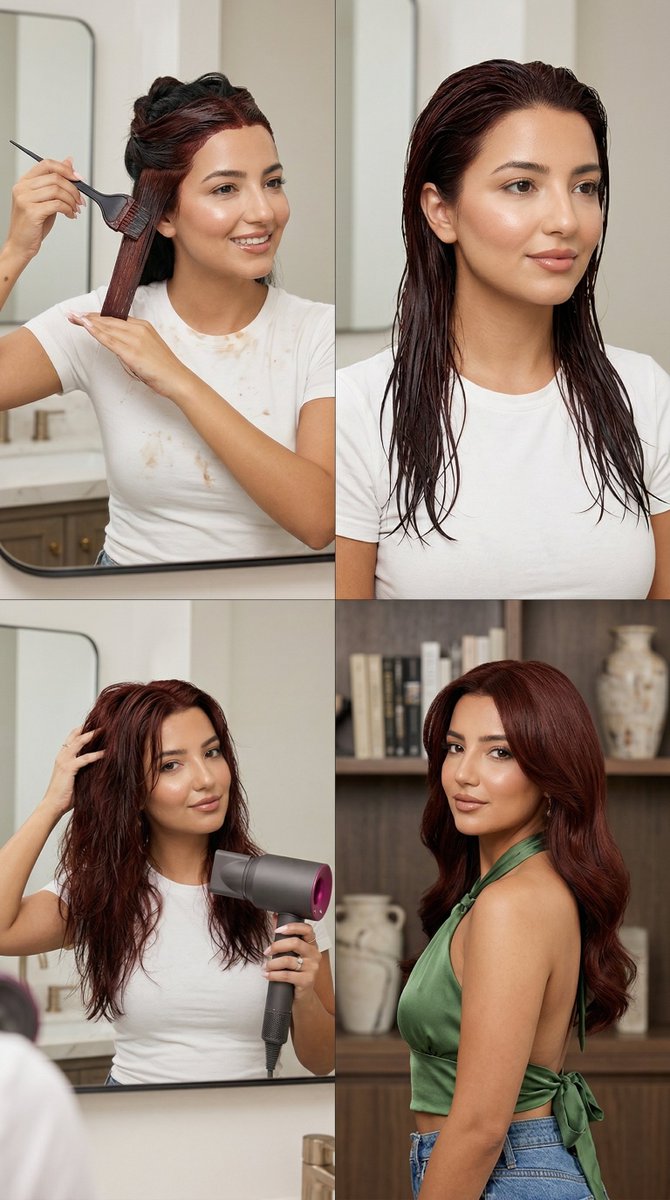
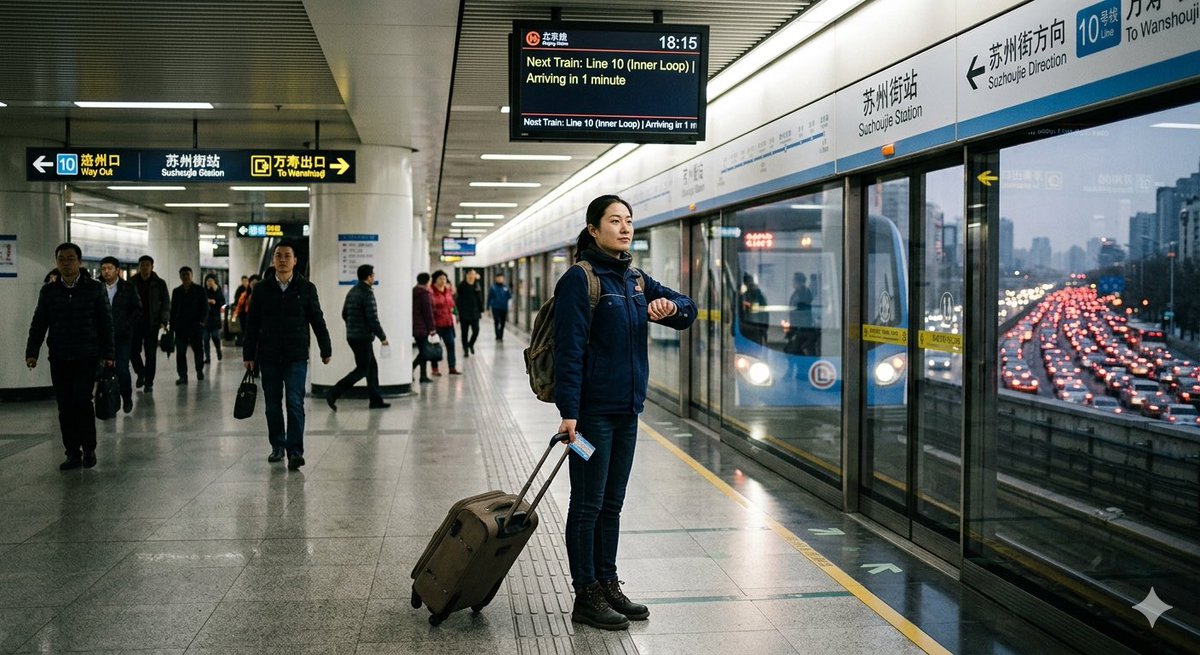
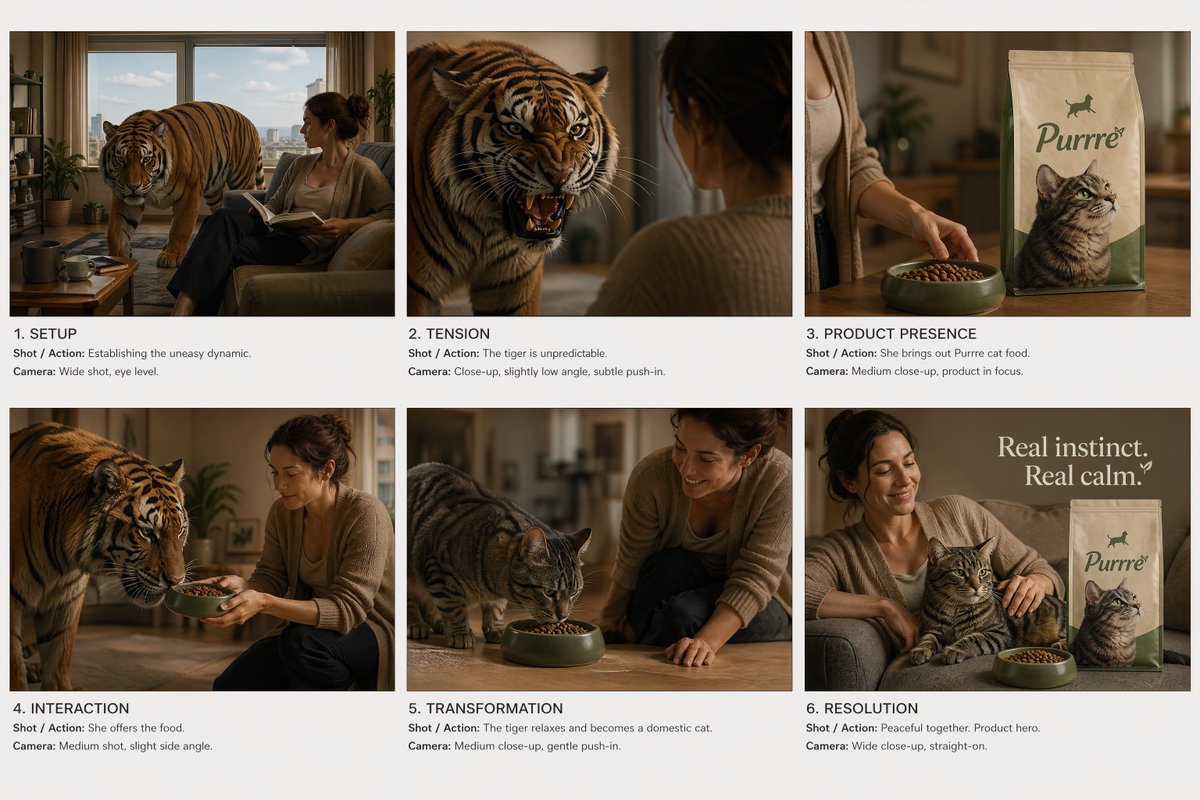
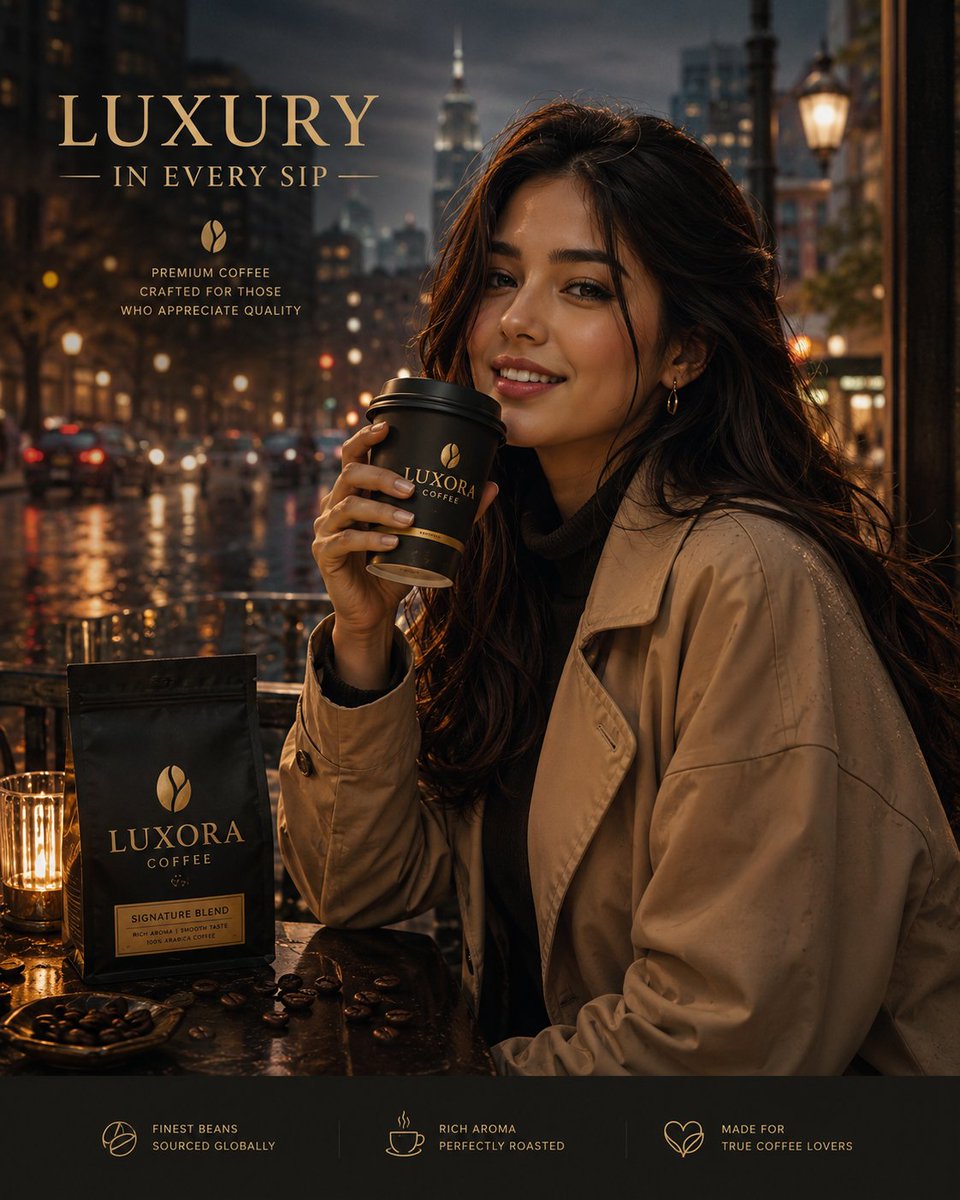
How do I use the Raw Natural Candid Lifestyle Portrait template?
Choose the primary action to open PicX Studio with the available template settings. Review the model and format, personalize the creative direction, and generate when ready.
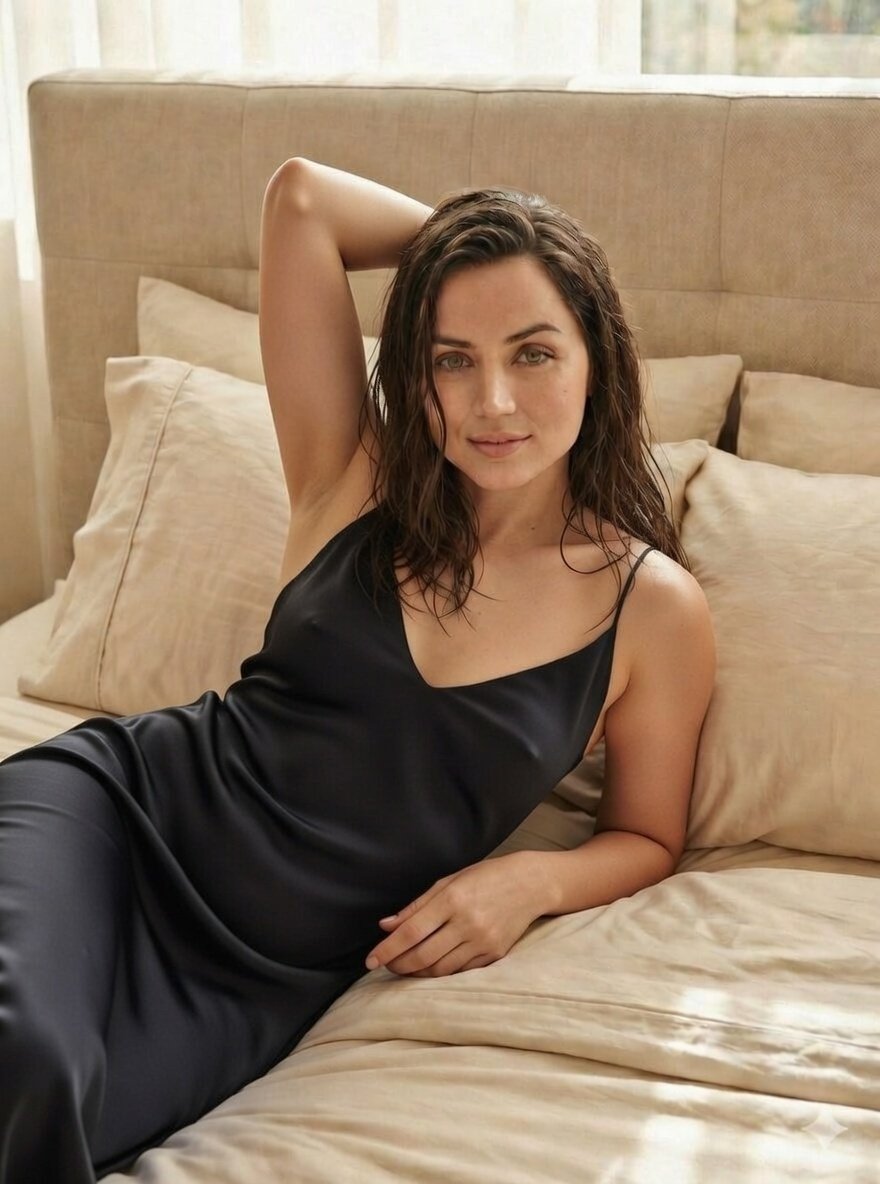
A detailed JSON prompt for generating a raw, unposed, and authentic lifestyle portrait of a woman in a summer setting. Change the subject, setting, or lighting one variable at a time.

{ "ar": "9:16", "intent": "natural candid lifestyle moment", "style": { "realism": "raw natural photography, unposed", "processing": "minimal retouch, visible skin texture, no beauty filter" }, "scene": { "location": "quiet park or countryside lawn", "setting": "soft green grass, trees in background", "atmosphere": "calm, everyday outdoor moment" }, "subject": { "type": "adult woman", "identity_lock": "early 20s woman with natural copper-red hair, fair skin, soft round facial features, green eyes", "expression": { "mood": "relaxed and genuine", "details": "{argument name=\"expression detail\" default=\"slight asymmetrical smile, one eye gently squinting naturally\"}", "feeling": "caught mid-moment, unaware of camera" } }, "pose": { "position": "sitting casually on a blanket or grass", "body_language": [ "shoulders relaxed", "upper body leaning slightly forward", "hands resting loosely on legs" ], "note": "no intentional posing, natural posture" }, "wardrobe": { "outfit": "{argument name=\"outfit\" default=\"simple summer dress with soft floral pattern\"}", "fit": "comfortable, slightly loose", "details": "thin straps, everyday wear" }, "camera": { "framing": "medium close-up", "angle": "slightly above eye level", "distance": "natural conversational distance", "lens_effect": "mild background blur, realistic depth" }, "lighting": { "type": "natural daylight", "conditions": "soft afternoon light", "effect": "even, gentle shadows, no harsh highlights" }, "vibe": { "energy": "intimate, warm, real", "aesthetic": "authentic Instagram lifestyle, not influencer-staged" }, "negative_prompt": [ "beauty filter", "over-smooth skin", "model pose", "forced sexy expression", "perfect symmetry", "AI face", "glossy lighting", "selfie distortion" ] }
Choose the primary action to open PicX Studio with the available template settings. Review the model and format, personalize the creative direction, and generate when ready.
Yes. You can change the subject, setting, lighting, mood, format, and available model controls before creating your image.
This template is free to open and customize. Generation usage is shown in PicX Studio before you create.
Start with Nano Banana 2, which is the model associated with this template. You can compare another compatible model for a different finish.
© 2026 PicX Studio. All rights reserved.

Follow a topic to a crawlable collection of related PicX Studio templates.
43,474 public templates available. Verified via the PicX Studio public templates API; refreshed hourly.











![69-untitled — FORMAT: 15s / 145 BPM / 14 SHOTS
SUBJECT: @[image1]
WARDROBE: Clean modern outfit
ENVIRONMENT: Street / indoor transitions
MOOD: Discovery → contr](/_next/image?url=https%3A%2F%2Fcdn.picxstudio.com%2Fuploads%2Fpost69_img0_d45faecf-38c3-4bcb-81a4-f6eb1cf42bb2.jpg&w=828&q=100)







![118-google-nano-banana-pro-skincare-product- — A professional skincare shot of a [product container] with [cap/lid], labeled [brand, product, descriptor, volume](/_next/image?url=https%3A%2F%2Fcdn.picxstudio.com%2Fuploads%2Fpost118_img0_332898b8-29ea-42a9-87ab-9ed746a3f944.jpg&w=828&q=100)
![Naive doodle-style subject illustration — A doodle-style {argument name="subject" default="[subject]"}, naive lines, humorous shape exaggeration](https://pbs.twimg.com/media/G6Wl2YxbsAARB2b.jpg)













![83-premium-minimalist-product-photography-u — Premium minimalist product photography. A [BRAND] [PRODUCT] featuring [PACKAGING/LOGO DETAILS] placed at the cente](/_next/image?url=https%3A%2F%2Fcdn.picxstudio.com%2Fuploads%2Fpost83_img0_e68ad74b-7b1c-4774-a294-80ae03b6f82c.jpg&w=828&q=100)