
Futuristic New Year Magazine Cover Design Prompt
A highly structured prompt for Nano Banana Pro to generate a high-end, tech-visual magazine cover with a New Year's motif.
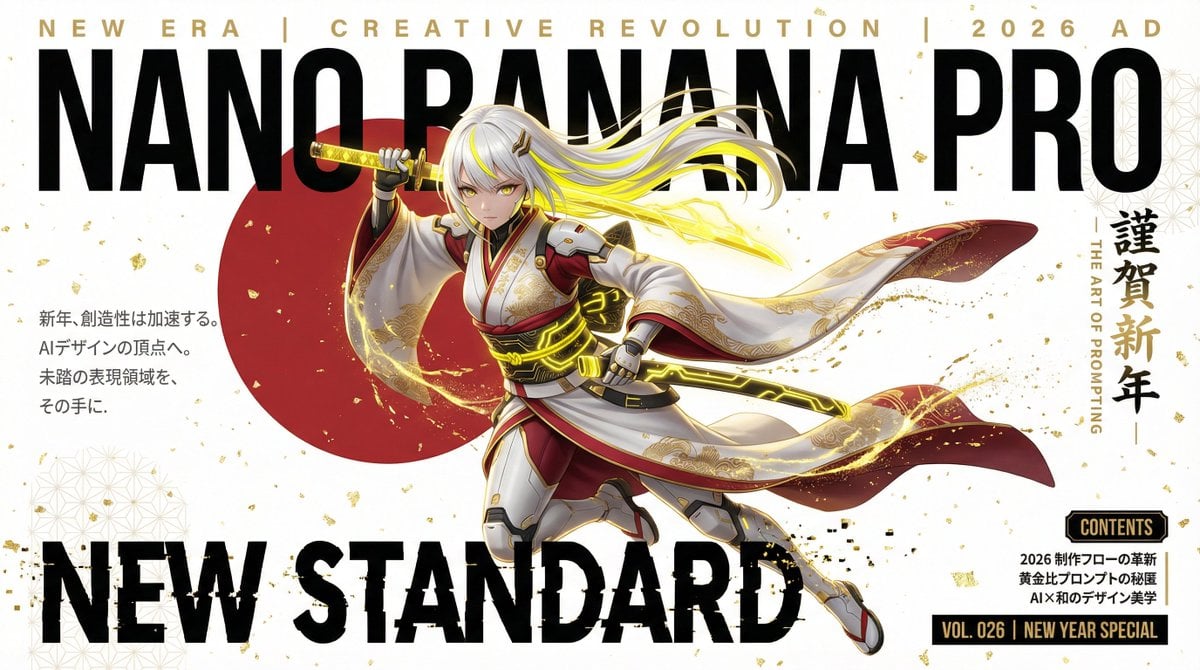
- Prompt included
- Model and format preset
- Free template
The prompt behind this image
Copy the exact prompt behind Futuristic New Year Magazine Cover Design Prompt, or open it in the studio and make it yours.
metadata: title: "Nano Banana Pro - New Year Special 2026 Edition" model_context: "High-End Japanese Modern Magazine Cover - Tech-Visual Aesthetic" image_structure: composition_type: "Magazine Cover Layout with New Year Motif" visual_flow: "Top Masthead -> Dynamic Character in Kimono-Style Suit -> New Year Slogan -> Technical Details" layers: layer_background: shape: "Full screen background." color: "Pure White (#FFFFFF)" texture: "Subtle gold leaf texture or geometric 'Asanoha' (hemp leaf) patterns in faint light grey. A large, stylized red circle (Rising Sun) positioned offset to the left." lighting: "Sharp studio lighting with golden rim light." layer_masthead_top: location: "Top section." elements: - type: "Small Top Text" text: "NEW ERA | CREATIVE REVOLUTION | {argument name="year" default="2026 AD"}" style: "Spaced-out, gold-colored elegant sans-serif text." - type: "Main Brand Logo" text: "NANO BANANA PRO" style: "Massive, bold, matte black text. The character's hair or katana tip overlaps the letters." - type: "Special Edition Subtitle" text: "謹賀新年 - THE ART OF PROMPTING" style: "Vertical Japanese calligraphy style on the right side, sleek and modern." layer_character_main: location: "Center, dynamic silhouette." content: "Cool, futuristic Japanese Anime Girl (Nano Banana Pro mascot)." style: "Ultra-detailed 2D anime art with cinematic shading." details: subject: "A creative warrior ready for the new year." appearance: hair: "Platinum white hair with vibrant banana-yellow highlights." clothing: "A fusion of a traditional Kimono and a tactical pilot suit. White base with red accents and gold embroidery. Cybernetic 'Obi' (belt) with glowing neon yellow lights." accessories: "Stylized katana made of translucent yellow glass (energy blade)." pose: "A sharp 'Iai' pose or a mid-air dash, looking directly at the viewer with confidence. The kimono sleeves create a wide, dramatic flow across the canvas." layer_foreground_text: elements: - type: "Main Feature Title" text: "N E W S T A N D A R D" location: "Lower third, overlapping character's legs." style: "Large, bold black typography. The text has a 'glitch' effect with gold particles." - type: "Teaser Text Block (Left)" location: "Middle Left." text: "新年、創造性は加速する。\nAIデザインの頂点へ。\n未踏の表現領域を、\nその手に。" style: "Clean, vertical Japanese text, dark grey for high legibility." - type: "Footer Info (Bottom Right)" location: "Bottom Right corner." content: header: "CONTENTS" list: - "2026 制作フローの革新" - "黄金比プロンプトの秘匿" - "AI×和のデザイン美学" issue_number: text: "VOL. 026 | NEW YEAR SPECIAL" style: "Black rectangle with white/gold text, looking like a premium seal." style_and_tone: art_style: "Modern Japanese Graphic Design" color_palette: primary: "White, Deep Red, Matte Black" secondary: "Electric Yellow (Banana), Metallic Gold" quality_tags: - "Masterpiece" - "New Year visual" - "Sharp typography" - "Modern Japanese aesthetic" - "Ray tracing reflections" negative_prompt: - "tradit
How to use Futuristic New Year Magazine Cover Design Prompt in 3 steps
- 1
Open
The prompt is already in the box next to the preview, with the template's model and format selected.
- 2…a portrait of your subject in softgolden-hour light, 85mm…
Personalize
Edit the subject and creative details for your destination.
- 3Generate
Generate
Press Generate — your image is created in PicX Studio, so you can compare it with the original and refine one variable at a time.
More like this
Templates with the same subject, style or setup. Open one to see its prompt.

Off Duty Fashion Magazine Cover

Japanese Tatami Lifestyle Magazine Cover

Ethereal Bloom Magazine Cover

Tropical Macaw Magazine Cover

Anime Mahjong Magazine Cover

Neon Anime Fireworks Magazine Cover

High-Fashion Magazine Cover Portrait

Open Magazine Luxury Fashion Editorial Layout

Monochrome Halftone Editorial Fashion Poster

Korean Model Floating Magazine Pages Campaign

Blue Hour Editorial Fashion Portrait

Futuristic Chrome Helmet Fashion Portrait
Make it yours
Futuristic New Year Magazine Cover Design Prompt works as-is. These are the safest ways to change it without losing the look.
Change one field
Copy a single group, rewrite it, and generate again so you can see what that field is doing.
Keep the frame, change the subject
Hold the composition and light of Futuristic New Year Magazine Cover Design Prompt, then swap wardrobe, props or the person for a new take.
| If the result… | Why | Fix |
|---|---|---|
| The result drifts from the preview | Too many fields changed at once. | Reuse Futuristic New Year Magazine Cover Design Prompt as-is first, then change one group — subject, light, or setting. |
| The model over-stylizes the scene | The prose prompt leaves finish and camera underspecified. | Add one camera or lighting sentence and stay on Nano Banana 2. |
More Nano Banana 2 templates
Other prompts made for Nano Banana 2.

Photorealistic Leaf Shaped Like a Dragon

K-Pop Idol Portrait Grid for Rapid Selection

Poetic Rain Forest Portrait During Golden Hour

Urban Street Portrait with Cartoon Inner Self Duo

Candid Nighttime Photo with Cat Prompt

High-Concept 3D Diorama Generation Prompt

Cinematic Futuristic Studio Portrait Template

Skincare Editorial Photography Collage Prompt

Hyper-Realistic Commercial Product Photography (Splash Effect)

Hyper-Realistic Nightclub Portrait Prompt
More image prompts
Fresh picks from across the catalog.
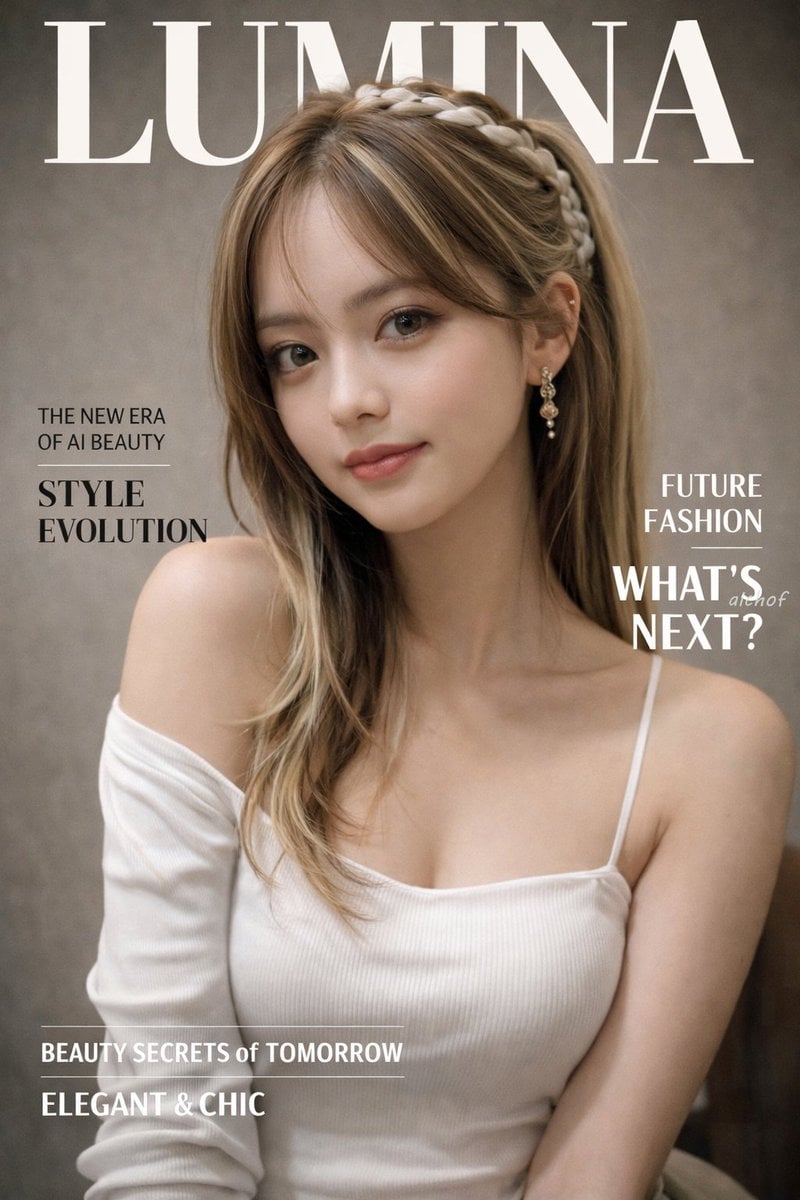
Photorealistic Fashion Magazine Cover
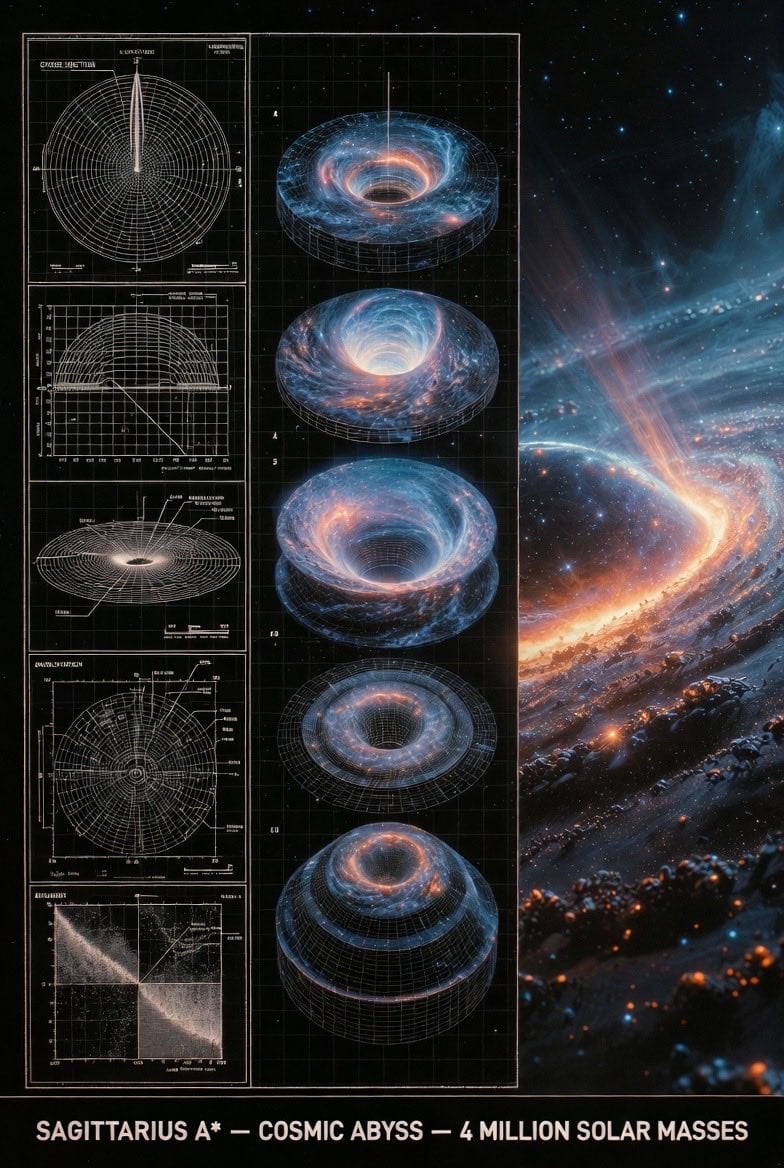
Supermassive Black Hole Museum Presentation Board
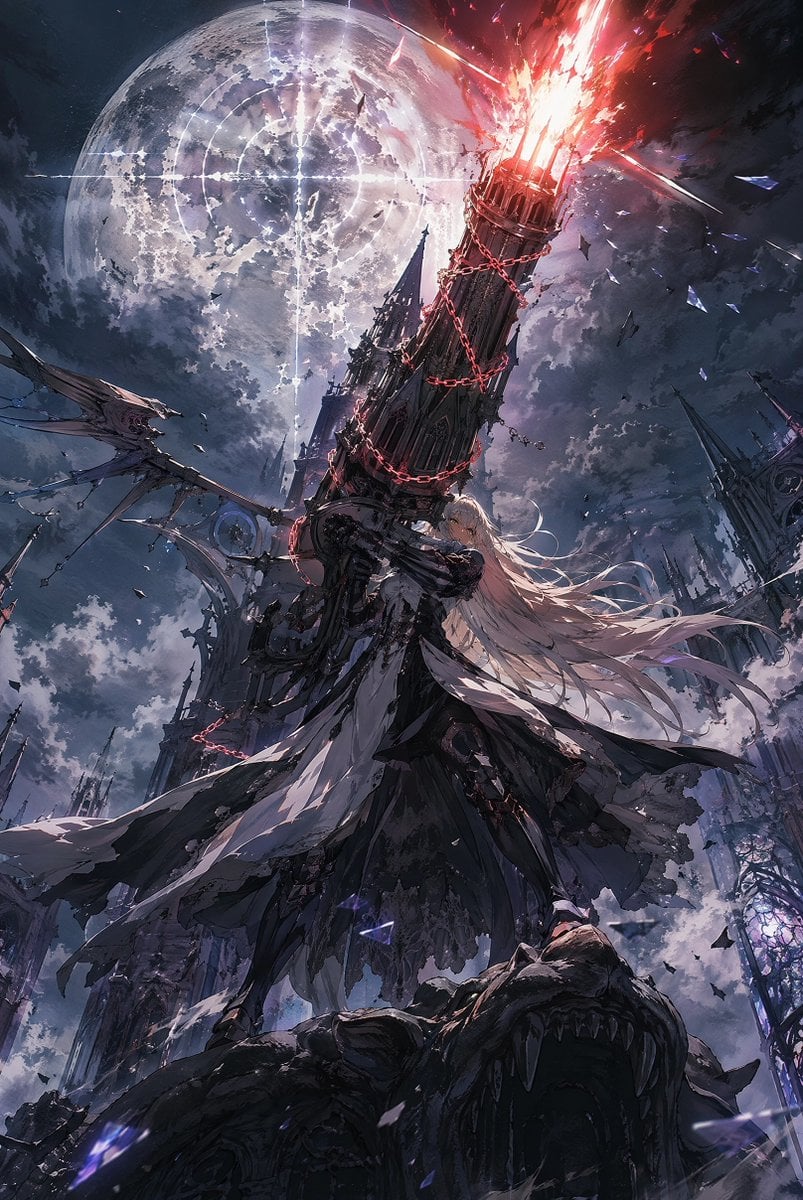
Moonlit Gothic Cannon Maiden
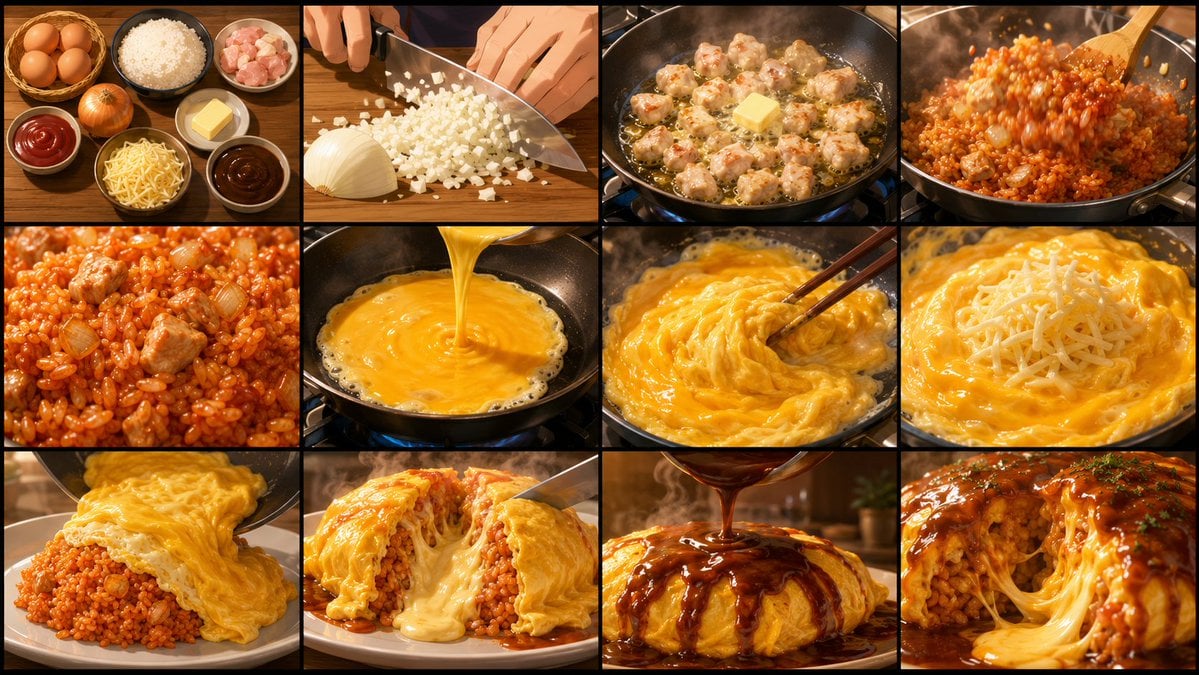
Anime Cooking Storyboard Grid Generator
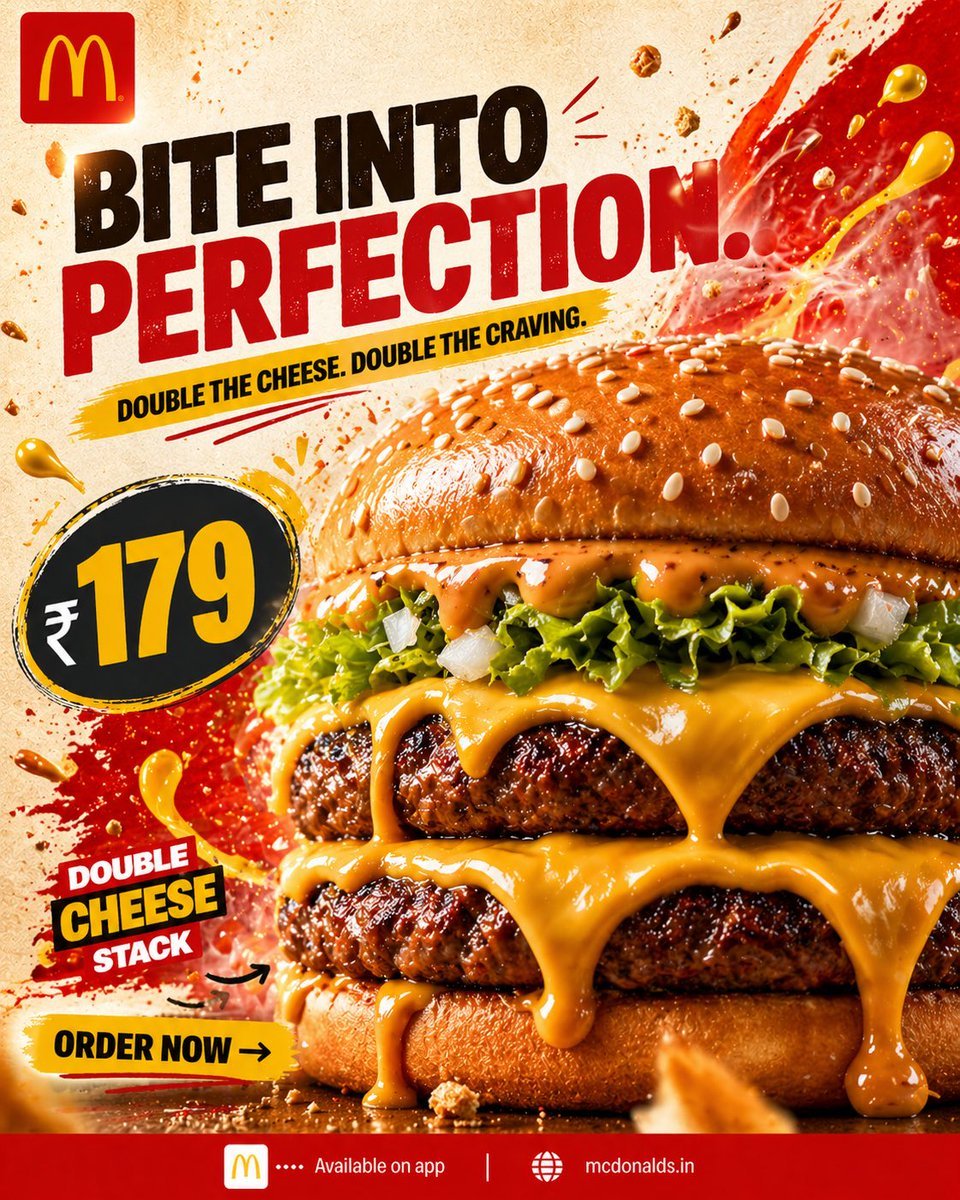
Bold Double Cheeseburger Ad Poster
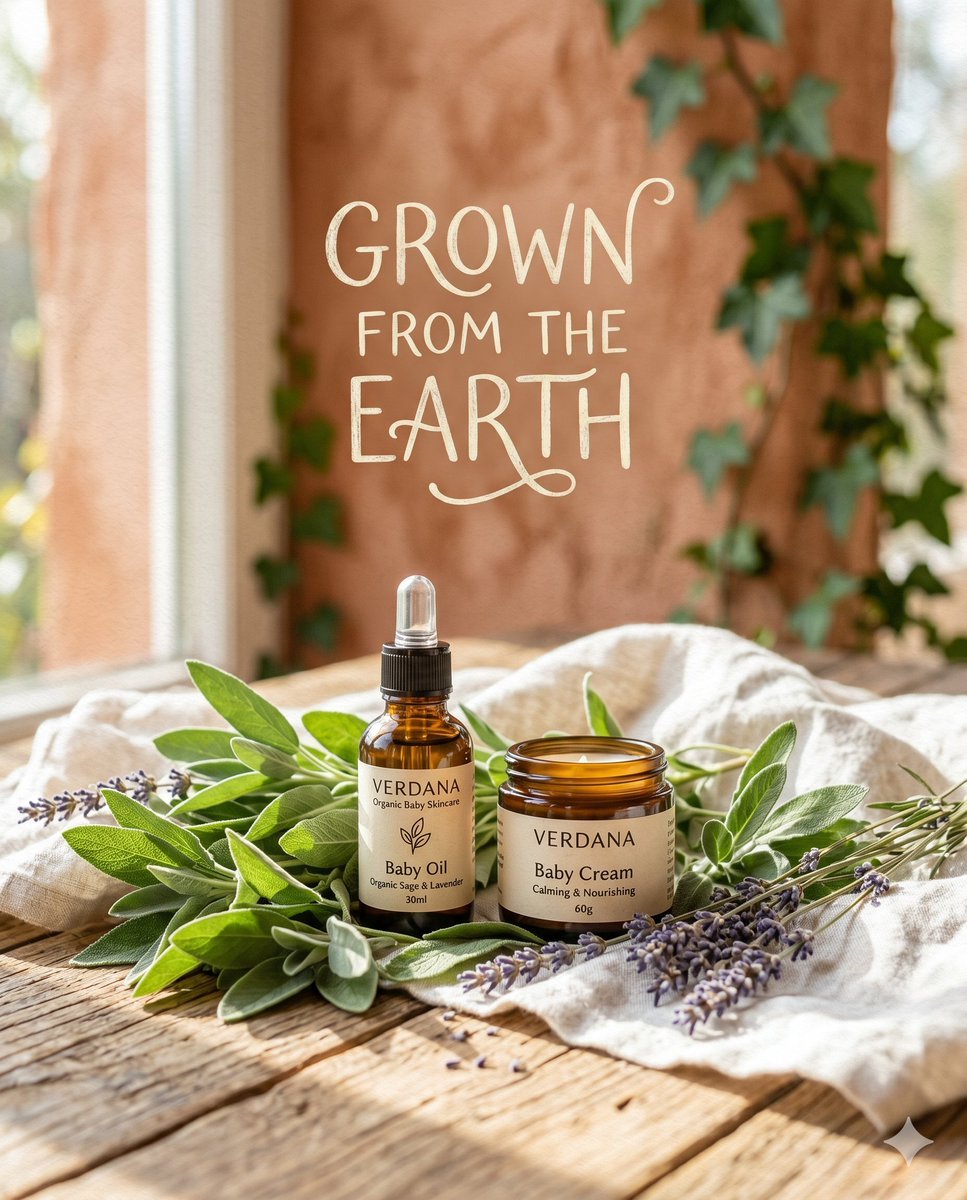
Organic Skincare Product Advertisement
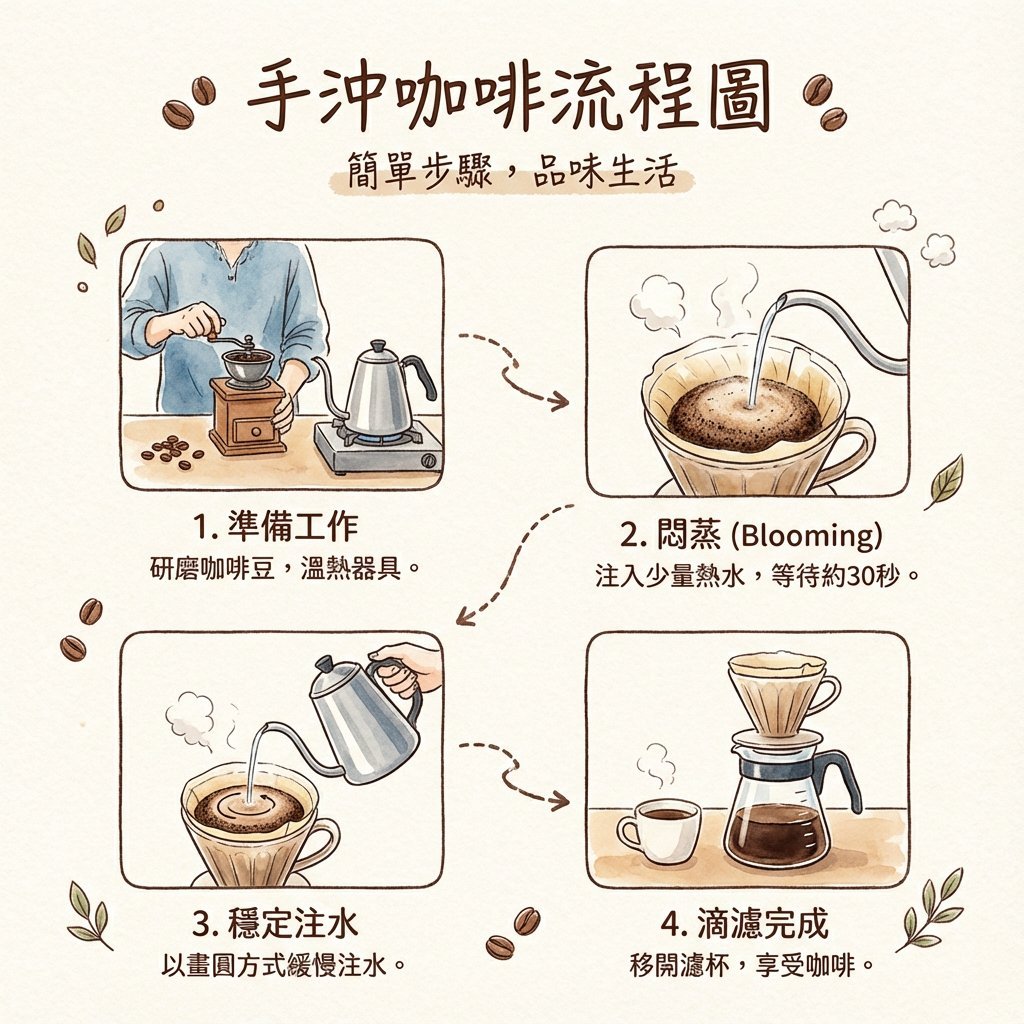
Hand drip coffee flowchart in Japanese magazine style
Luxury Fitness Campaign
Ultra-Realistic Studio Portrait of Man in Mustard Hoodie
X Bubblebrain Soft Backlight By Gpt Image 2
Browse template categories
Futuristic New Year Magazine Cover Design Prompt questions
How do I use the Futuristic New Year Magazine Cover Design Prompt template?
Add your photo if the template asks for one, edit the prompt if you like — the template's model and format are already selected — and press Generate. Your version opens in PicX Studio.
Can I customize the Futuristic New Year Magazine Cover Design Prompt template?
Yes. You can change the subject, setting, lighting, mood, format, and available model controls before creating your image.
Is the Futuristic New Year Magazine Cover Design Prompt template free?
Opening and editing this template is free. Generating uses credits, shown on the Generate button when you are signed in.
Which AI model should I use?
Start with Nano Banana 2, which is the model associated with this template. You can compare another compatible model for a different finish.
Looking for something else? Browse all templates.

Your photo, any look
Thousands of ready templates for every top image and video model, from one credit balance.