
High-Speed Transition Video Prompt for Seedance 2.0 Omni
A highly detailed, scene-by-scene prompt for Seedance 2.0 Omni, designed to create a continuous 6.0-second video demonstrating a character's morning routine using high-speed 'portal' transitions and a continuous…

- Prompt included
- Model and format preset
- Free template
The prompt behind this video
Copy the exact prompt behind High-Speed Transition Video Prompt for Seedance 2.0 Omni, or open it in the studio and make it yours.
Core Concept: A dramatic contrast between a chaotic wake-up and a polished, professional office look achieved through high-speed "portal" transitions and a continuous spin mechanic. Transition Mechanics: The Portal Smack: Starts in bed. The character aggressively smacks the camera lens to silence the alarm, triggering a warp/whoosh speed-portal effect. The Spin: She lands perfectly on a spinning backless makeup stool at a vanity in the same bedroom. The continuous 360-degree rotation begins, with a new action every time she faces the camera. Character: A young woman with red hair. The prompt strictly uses "The same Character" to lock consistency. Total Duration: 6.0 seconds. Timeline & Scene-by-Scene Breakdown: Scene 1: The Alarm Smack ( - . | Duration: 2 sec) Action: The same Character is sleeping soundly in a real bed, her eyes fully closed. She has messy red hair, a sleep mask pushed up on her forehead, and is wearing pajamas. The loud sound of an alarm begins. The camera trembles and shakes slightly, simulating phone vibration. Transition (The Portal): Startled by the sound, she wakes up abruptly, sitting up fast with an irritated expression. At the peak of her sitting motion, the 'portal' effect activates, visibly 'sucking' her inward, immediately transforming into a rapid portal motion blur with a warp/whoosh distortion effect. Scene 2: Landing & Brushing Teeth (.0 - .6 | Duration: 0.6 sec) Action: The same Character. The portal transition ends as she lands perfectly seated on a spinning backless stool at her vanity. She is still in her pajamas. As she spins to face the camera, she is already brushing her teeth with an electric toothbrush. Transition: Immediate continuous spin away. Scene 3: Hair Brushing (0:2.6 - .2 | Duration: 0.6 sec) Action: The same Character. She spins back to face the camera. She is now vigorously brushing her red hair with a hairbrush. Transition: Immediate continuous spin away. Scene 4: Eye Makeup (.2 - .8 | Duration: 0.6 sec) Action: The same Character. She spins back to face the camera. She is quickly applying mascara or eyeshadow with an applicator, looking focused. Transition: Immediate continuous spin away. Scene 5: Fully Dressed (.8 - .4 | Duration: 0.6 sec) Action: The same Character. She spins back to face the camera. Wardrobe change: She is now instantly dressed in professional office wear (e.g., a crisp white button-down shirt and a navy blue blazer). She is adjusting her collar or cuffs. Transition: Immediate continuous spin aw
How to use High-Speed Transition Video Prompt for Seedance 2.0 Omni in 3 steps
- 1
Open
The prompt is already in the box next to the preview, with the template's model and format selected.
- 2…a portrait of your subject in softgolden-hour light, 85mm…
Personalize
Edit the subject and creative details for your destination.
- 3Generate
Generate
Press Generate — your video is created in PicX Studio, so you can compare it with the original and refine one variable at a time.
More like this
Templates with the same subject, style or setup. Open one to see its prompt.
Seedance V2 One Minute K Drama Omni
High-Speed Ship Descent with Seedance 2.0
Speeder Chase Across a Cliff City

Wholesome Puppy and Kitten Story - Seedance 2.5

Mysterious Home Exploration Vlog - Seedance 2.5

Dark Tokusatsu Transformation - Seedance 2.5

Cinematic Xinjiang Drone Landscapes - Seedance 2.5

Late Night Kitchen Phone Recording - Seedance 2.5

3D Animated Cat and Old Man - Seedance

Realistic City Street Story Cinematic Video - Seedance

Seedance 2.0 First Test — Dynamic Motion Showcase

Dragon Rider Cinematic Flight — Seedance 2.5
Make it yours
High-Speed Transition Video Prompt for Seedance 2.0 Omni works as-is. These are the safest ways to change it without losing the look.
Change one field
Copy a single group, rewrite it, and generate again so you can see what that field is doing.
Keep the frame, change the subject
Hold the composition and light of High-Speed Transition Video Prompt for Seedance 2.0 Omni, then swap wardrobe, props or the person for a new take.
| If the result… | Why | Fix |
|---|---|---|
| The result drifts from the preview | Too many fields changed at once. | Reuse High-Speed Transition Video Prompt for Seedance 2.0 Omni as-is first, then change one group — subject, light, or setting. |
| The model over-stylizes the scene | The prose prompt leaves finish and camera underspecified. | Add one camera or lighting sentence and stay on Seedance 2.0. |
More Seedance 2.0 templates
Other prompts made for Seedance 2.0.

Comical Martial Arts Punch Scene

Maglev Train Action Sequence

Martial Arts Fight Sequence

Wuxia Protection and Trust Script

Vintage Korean Arcade MiniDV Vlog

Mercedes 190 SL Luxury Ad

Rainy Night Supernatural Reverse Comedy Video Script

Amazon Civilization Discovery

Futuristic South Asian City Transformation

Cozy Luxury Cafe Commercial
More video prompts
Fresh picks from across the catalog.
Full-Body Side-to-Side Jumping
Emily Seedance Pixel Horror Rpg

Abyss King Ascension Anime Ritual
Monochrome Text City Surreal Transformation
Anime Sakuga Fight Scene Prompt 1
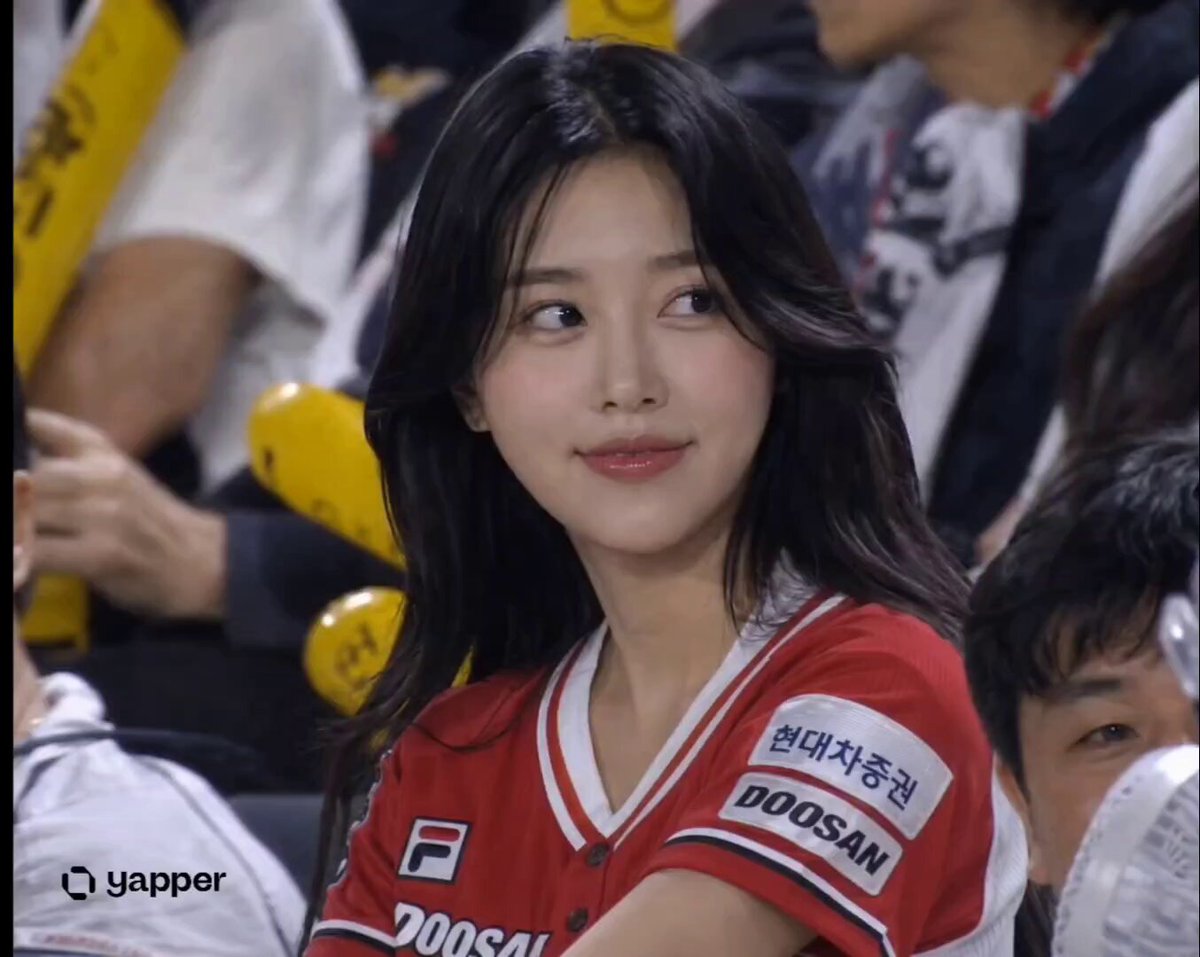
KBO Baseball Broadcast Narrative
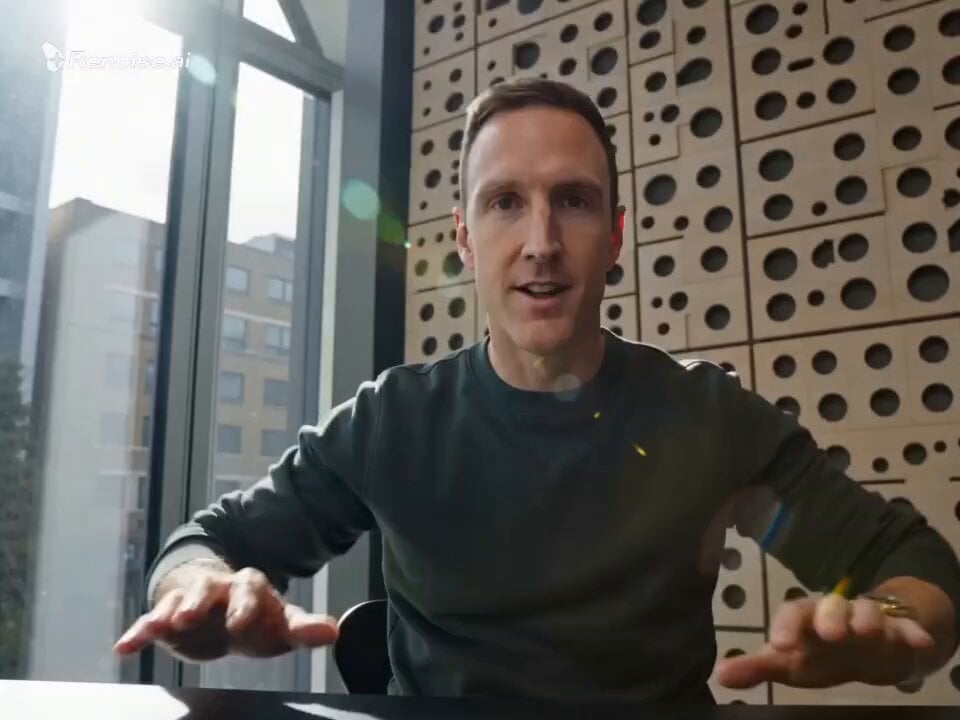
Motivational Speaker Studio Scene
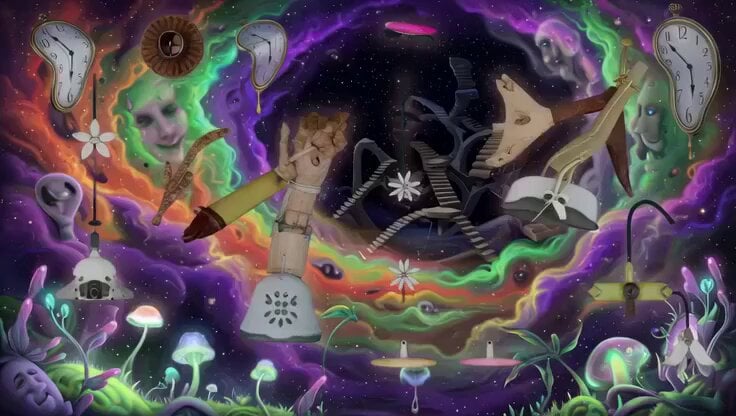
Psychedelic Surreal Cosmic Meltdown
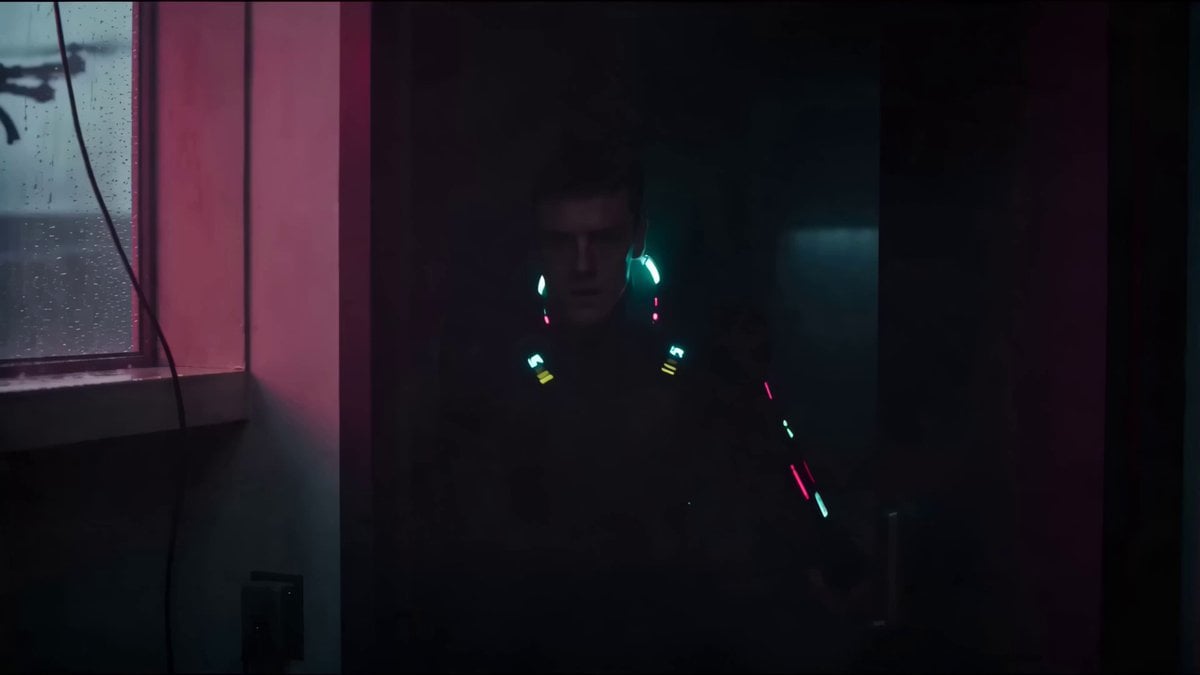
Cyberpunk Netrunner Cinematic Scenes
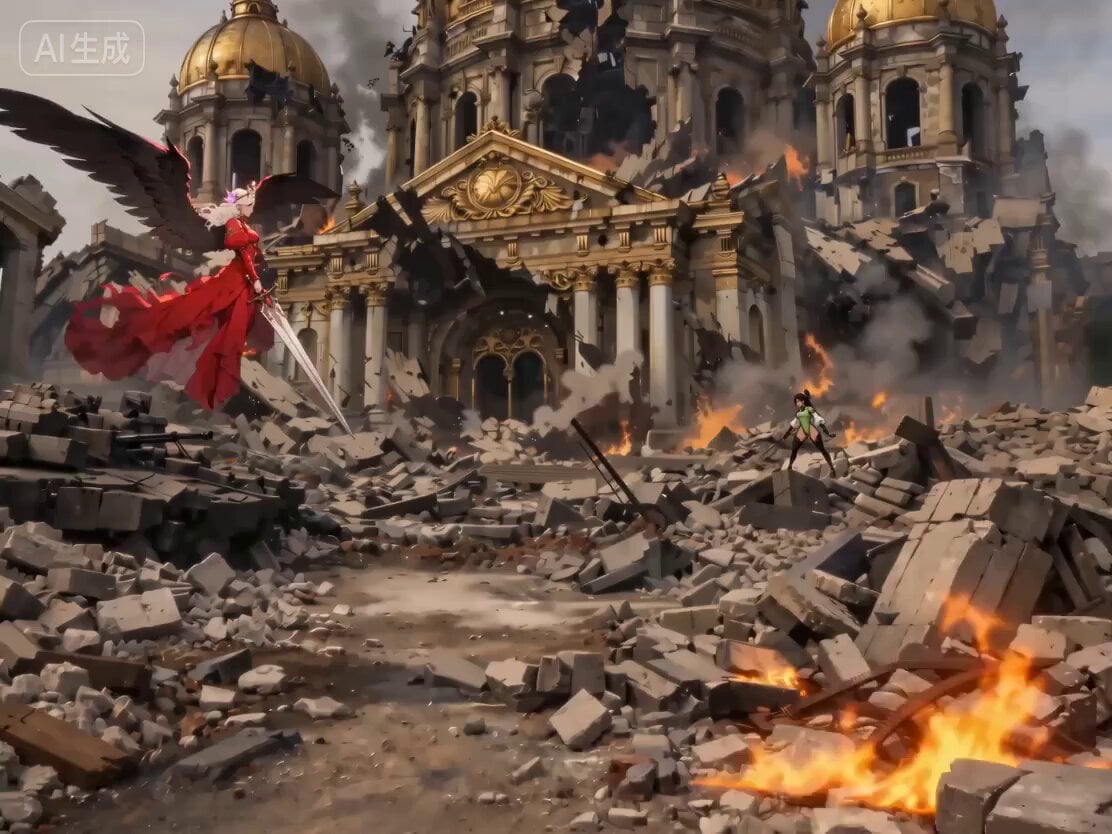
Seedance 2.0 generation based on a short prompt
Browse template categories
High-Speed Transition Video Prompt for Seedance 2.0 Omni questions
How do I use the High-Speed Transition Video Prompt for Seedance 2.0 Omni template?
Add your photo if the template asks for one, edit the prompt if you like — the template's model and format are already selected — and press Generate. Your version opens in PicX Studio.
Can I customize the High-Speed Transition Video Prompt for Seedance 2.0 Omni template?
Yes. You can change the subject, setting, lighting, mood, format, and available model controls before creating your video.
Is the High-Speed Transition Video Prompt for Seedance 2.0 Omni template free?
Opening and editing this template is free. Generating uses credits, shown on the Generate button when you are signed in.
Which AI model should I use?
Start with Seedance 2.0, which is the model associated with this template. You can compare another compatible model for a different finish.
Looking for something else? Browse all templates.

Your photo, any look
Thousands of ready templates for every top image and video model, from one credit balance.