How do I use the Pikachu Bursting Canvas Art template?
Choose the primary action to open PicX Studio with the available template settings. Review the model and format, personalize the creative direction, and generate when ready.
A creative 3D art prompt featuring a realistic Pikachu bursting out of a glowing neon canvas in a dark art studio. Change the subject, setting, or lighting one variable at a time.

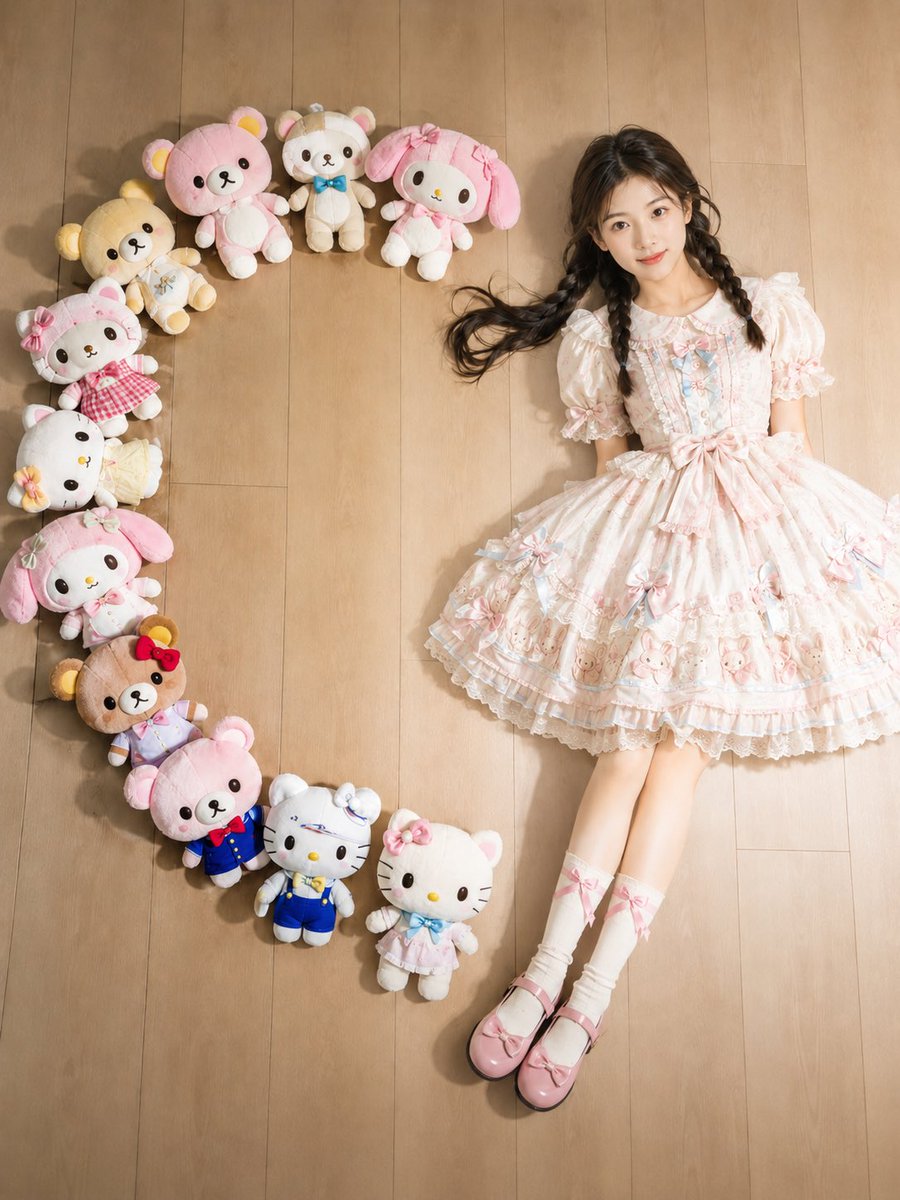
A high-detail 3D digital art piece of a {argument name="character" default="fluffy, realistic Pikachu"} bursting out of a {argument name="object" default="shattered canvas on a wooden easel"}. The canvas frame is black with glowing yellow neon cracks. Golden paint and shards of glass explode outward. To the right, a {argument name="subject" default="young woman with dark hair in a ponytail, wearing a yellow and black lightning-patterned athletic outfit"}, holds a paintbrush, appearing to have just painted the scene into life. The background is a moody, dark art studio with soft bokeh. Sharp focus, vibrant yellow and black color palette, cinematic lighting, 8k resolution, hyper-realistic textures.
Choose the primary action to open PicX Studio with the available template settings. Review the model and format, personalize the creative direction, and generate when ready.
Yes. You can change the subject, setting, lighting, mood, format, and available model controls before creating your image.
This template is free to open and customize. Generation usage is shown in PicX Studio before you create.
Start with Nano Banana 2, which is the model associated with this template. You can compare another compatible model for a different finish.
© 2026 PicX Studio. All rights reserved.

Follow a topic to a crawlable collection of related PicX Studio templates.
43,474 public templates available. Verified via the PicX Studio public templates API; refreshed hourly.








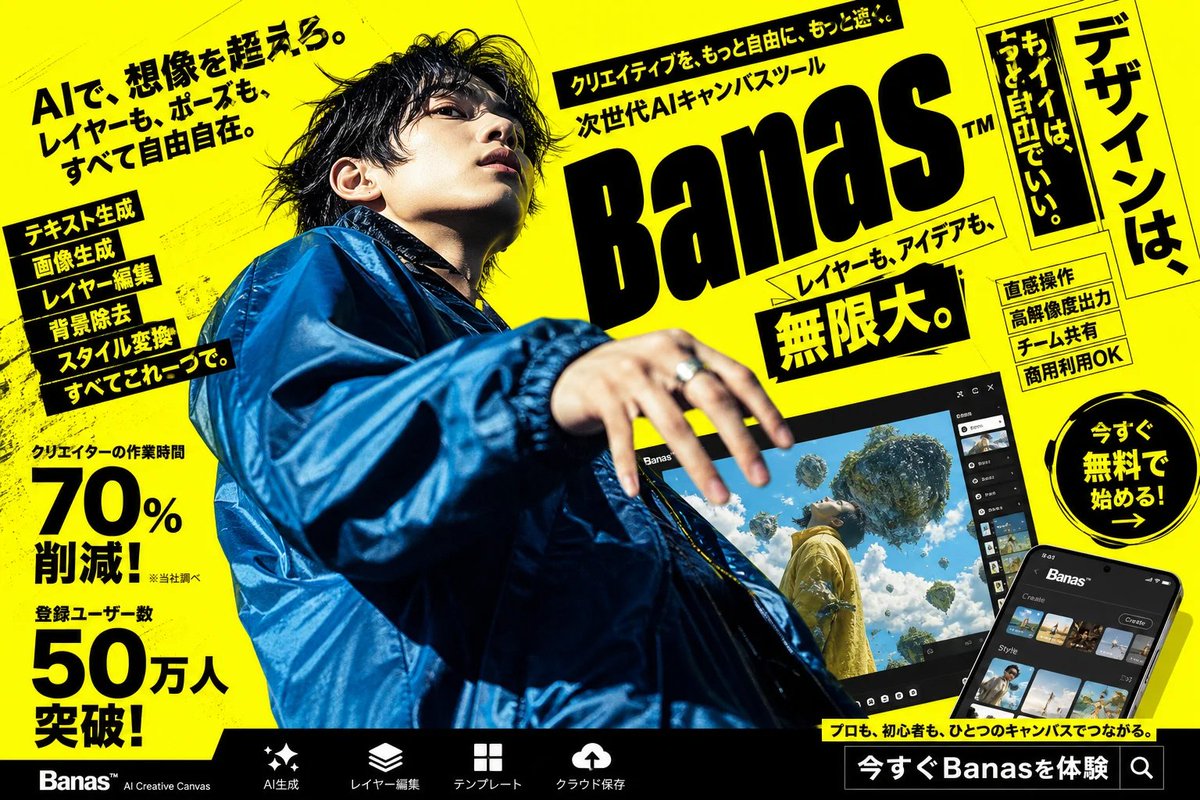
![Commercial Studio Hero Shot with Giant Pikachu — [SCENE]
environment = bright monochromatic {argument name="environment color" default="yellow"} studio
backgrou](https://pbs.twimg.com/media/G9uUM5NasAM_nOI.jpg)


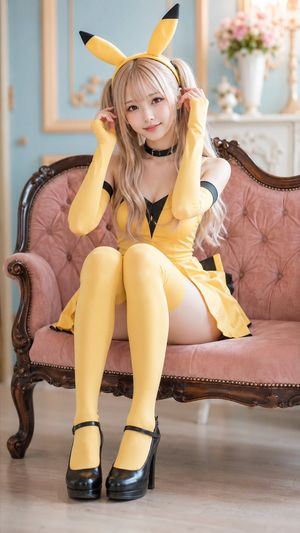


![Naive doodle-style subject illustration — A doodle-style {argument name="subject" default="[subject]"}, naive lines, humorous shape exaggeration](https://pbs.twimg.com/media/G6Wl2YxbsAARB2b.jpg)


















![Cinematic 3D World Emergence from Object — Cinematic 3D composition centered on a {argument name="object" default="[OBJECT]"}, frozen at the instant it releases](https://pbs.twimg.com/media/G_mCYzxXIAAk3P7.jpg)