How do I use the Macro Oil Paint Brush on Canvas template?
Choose the primary action to open PicX Studio with the available template settings. Review the model and format, personalize the creative direction, and generate when ready.
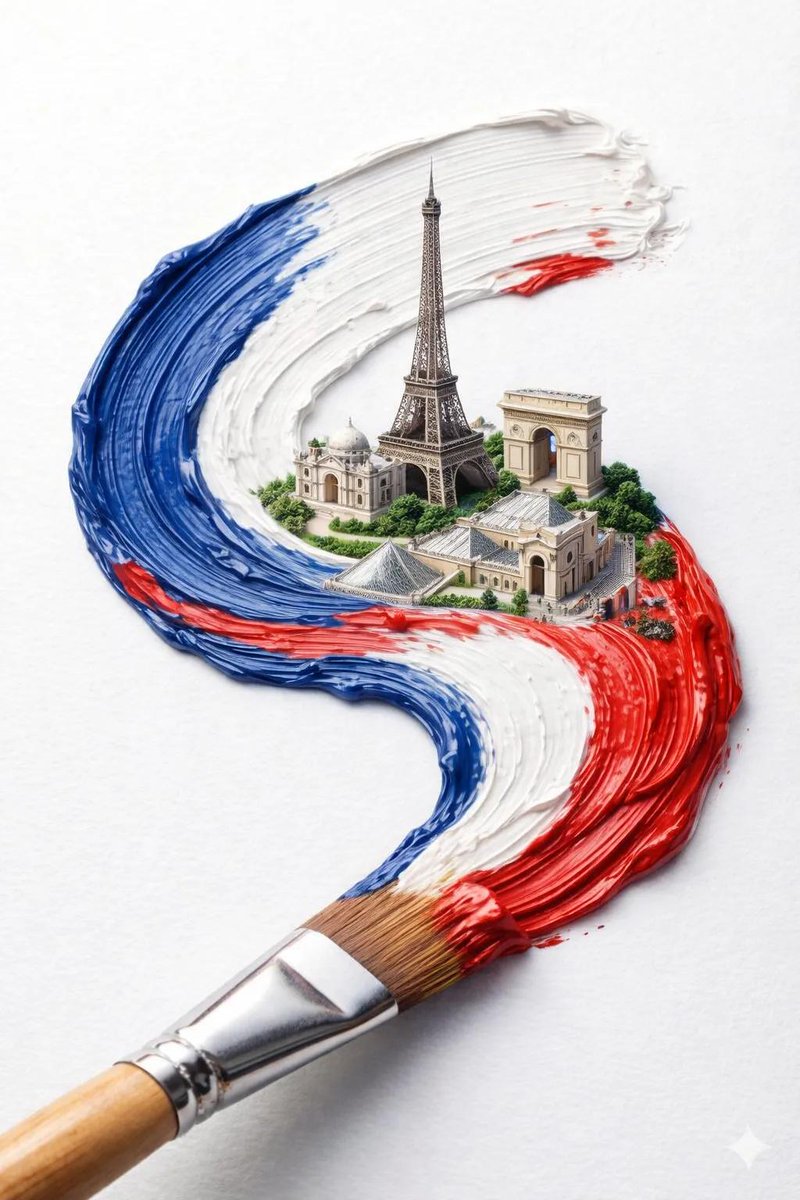
A realistic close-up prompt for generating a textured oil painting scene with one brush spreading blue impasto paint on canvas.
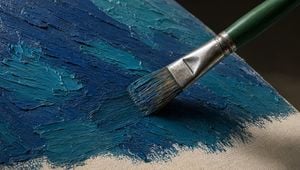
Create an ultra-realistic macro photograph of a single artist paintbrush applying thick oil paint onto a stretched canvas. The brush enters diagonally from the upper right toward the center, with a {argument name="brush handle color" default="dark green"} wooden handle, a worn shiny silver metal ferrule, and natural bristles loaded with {argument name="paint color palette" default="deep navy blue and teal blue"} paint. Show exactly one paintbrush and one canvas surface. The canvas is angled in perspective, filling the frame, with visible beige raw fabric along the lower right edge and heavy impasto paint across the rest of the surface. Emphasize raised ridges, palette-knife-like texture, bristle grooves, wet glossy highlights, and small scraped edges in the paint. Use dramatic realistic lighting from the upper left, creating a dark soft shadow under the brush and crisp specular reflections on the metal ferrule and wet paint. Background should be dark and out of focus, with shallow depth of field, high-detail texture, natural color grading, and a cinematic close-up composition in a {argument name="aspect ratio" default="16:9 horizontal"} frame. No text, no hands, no extra tools, no watermark.
Choose the primary action to open PicX Studio with the available template settings. Review the model and format, personalize the creative direction, and generate when ready.
Yes. You can change the subject, setting, lighting, mood, format, and available model controls before creating your image.
This template is free to open and customize. Generation usage is shown in PicX Studio before you create.
Start with GPT Image 2, which is the model associated with this template. You can compare another compatible model for a different finish.
Follow a topic to a crawlable collection of related PicX Studio templates.