
Transformer Transformation Cinematic Sequence
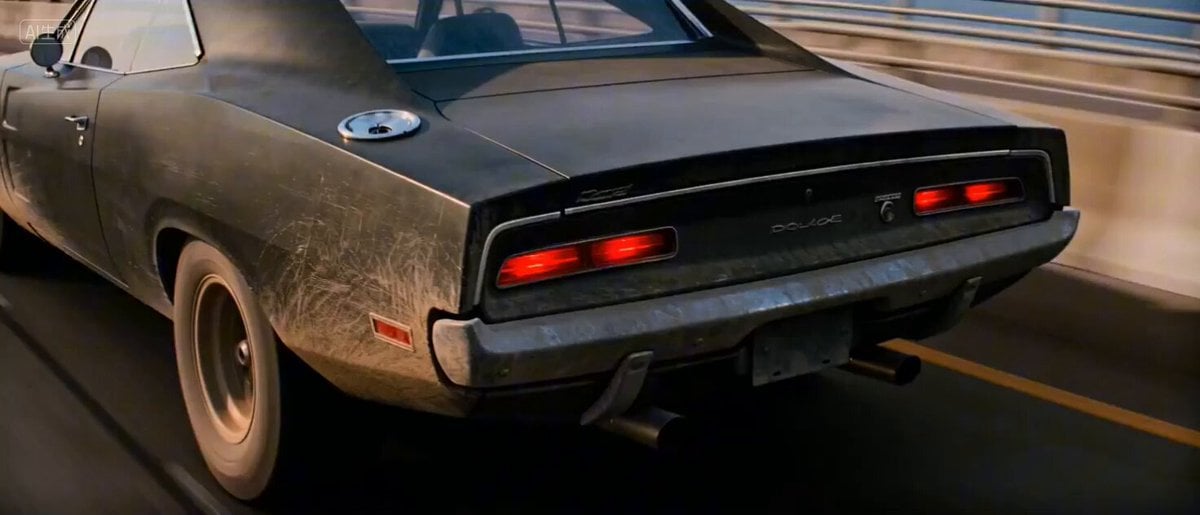
A detailed, four-scene cinematic prompt designed for Seedance 2.0 to generate a complex transformation sequence of a muscle car into a giant mechanical titan, focusing on dynamic camera work, detailed mechanical…
- Prompt included
- Model and format preset
- Free template
The prompt behind this video
Copy the exact prompt behind Transformer Transformation Cinematic Sequence, or open it in the studio and make it yours.
分镜 1:动力重组:车尾裂变 (0-4s) 动作: Close-up tracking shot. A dusty muscle car accelerates. Suddenly, the rear chassis violently splits, expanding into gigantic hydraulic mechanical legs. The rear tires reconfigure into jagged metal heels. These legs slam onto the bridge deck, crushing the asphalt with a massive sense of weight. Blue sparks and white smoke erupt from the friction. High-frequency vibration, 8K photorealistic. 分镜 2:躯干扩张:钢铁脊梁 (4-8s) 动作:The transformation ripples forward. The car’s roof and hood fold and stack into a massive mechanical torso and armored shoulders. The interior of the car deconstructs, exposing a glowing power core. The titan stands nearly 15 meters tall, its metal spine extending and locking with a loud mechanical clank. Handheld shaky cam, low angle looking up at the growing giant. 分镜 3:正面武装:胸口炮仓 (8-12s) 动作:Extreme close-up on the chest armor plates. The heavy plating slides open in a complex clockwork sequence, revealing a colossal kinetic energy cannon nestled in the torso. Blue plasma arcs dance around the rifled barrel. The surrounding air begins to shimmer from intense thermal energy. The camera captures the intricate clicking of locking mechanisms. 分镜 4:终极裁决:毁灭一击 (12-15s) 动作:The cannon fires a devastating, blinding cyan energy beam directly from the chest. The massive recoil forces the titan to dig its metal claws into the bridge. The beam pierces through abandoned vehicles, causing them to melt and explode instantly. A shockwave ripples through the air, shattering remaining glass. Epic cinematic wide shot, masterwork, apocalyptic aesthetic.
How to use Transformer Transformation Cinematic Sequence in 3 steps
- 1
Open
The prompt is already in the box next to the preview, with the template's model and format selected.
- 2…a portrait of your subject in softgolden-hour light, 85mm…
Personalize
Edit the subject and creative details for your destination.
- 3Generate
Generate
Press Generate — your video is created in PicX Studio, so you can compare it with the original and refine one variable at a time.
More like this
Templates with the same subject, style or setup. Open one to see its prompt.

Magical Room Transformation - Seedance 2.5

Dark Tokusatsu Transformation - Seedance 2.5

RX-7 to Mech Transformation Cyberpunk
Civilization Timelapse — Centuries in One Shot
Mecha Transformation vs Kaiju — 4-Scene Epic
Transformers Biomechanical Beetle Transformation
Magical Transformation Sequence
Fantasy Warrior Transformation Sequence
Neon Armor Epic Transformation Sequence
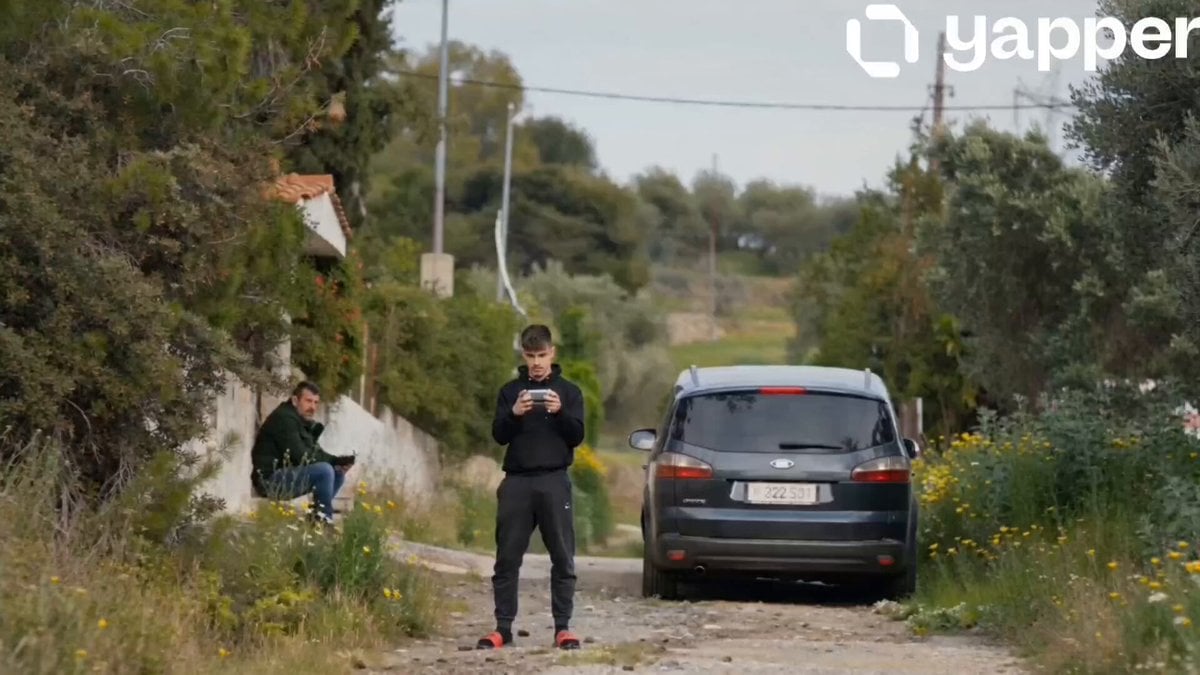
Ford S-MAX Transformer Transformation
Cyberpunk Exosuit Transformation Sequence
Fashion Aesthetic Transformation Sequence
Make it yours
Transformer Transformation Cinematic Sequence works as-is. These are the safest ways to change it without losing the look.
Change one field
Copy a single group, rewrite it, and generate again so you can see what that field is doing.
Keep the frame, change the subject
Hold the composition and light of Transformer Transformation Cinematic Sequence, then swap wardrobe, props or the person for a new take.
| If the result… | Why | Fix |
|---|---|---|
| The result drifts from the preview | Too many fields changed at once. | Reuse Transformer Transformation Cinematic Sequence as-is first, then change one group — subject, light, or setting. |
| The model over-stylizes the scene | The prose prompt leaves finish and camera underspecified. | Add one camera or lighting sentence and stay on Seedance 2.0. |
More Seedance 2.0 templates
Other prompts made for Seedance 2.0.

Comical Martial Arts Punch Scene

Wuxia Protection and Trust Script

Vintage Korean Arcade MiniDV Vlog

Mercedes 190 SL Luxury Ad

Rainy Night Supernatural Reverse Comedy Video Script

Amazon Civilization Discovery

Futuristic South Asian City Transformation

Cozy Luxury Cafe Commercial

Cyber Ronin Nanotech Transformation Video
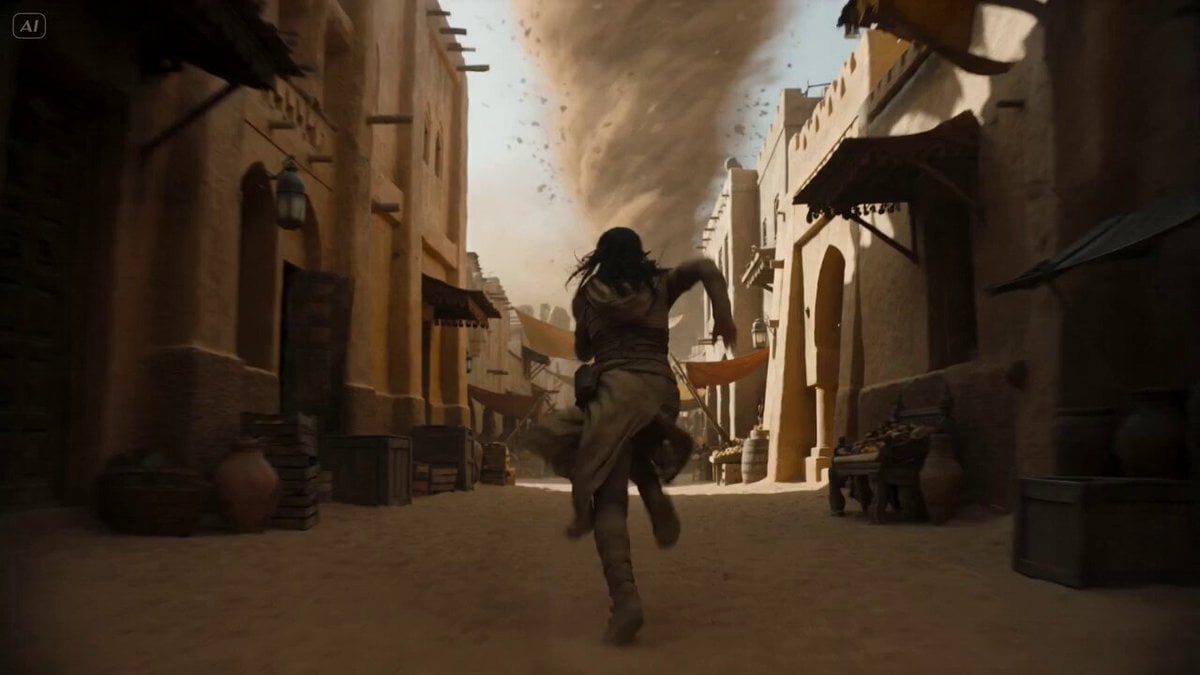
Desert Courier and Sandstorm Leviathan Chase
More video prompts
Fresh picks from across the catalog.

Persian Baddies Liberation Scene (Humorous)

Sports Anime Goal Storyboard Sequence
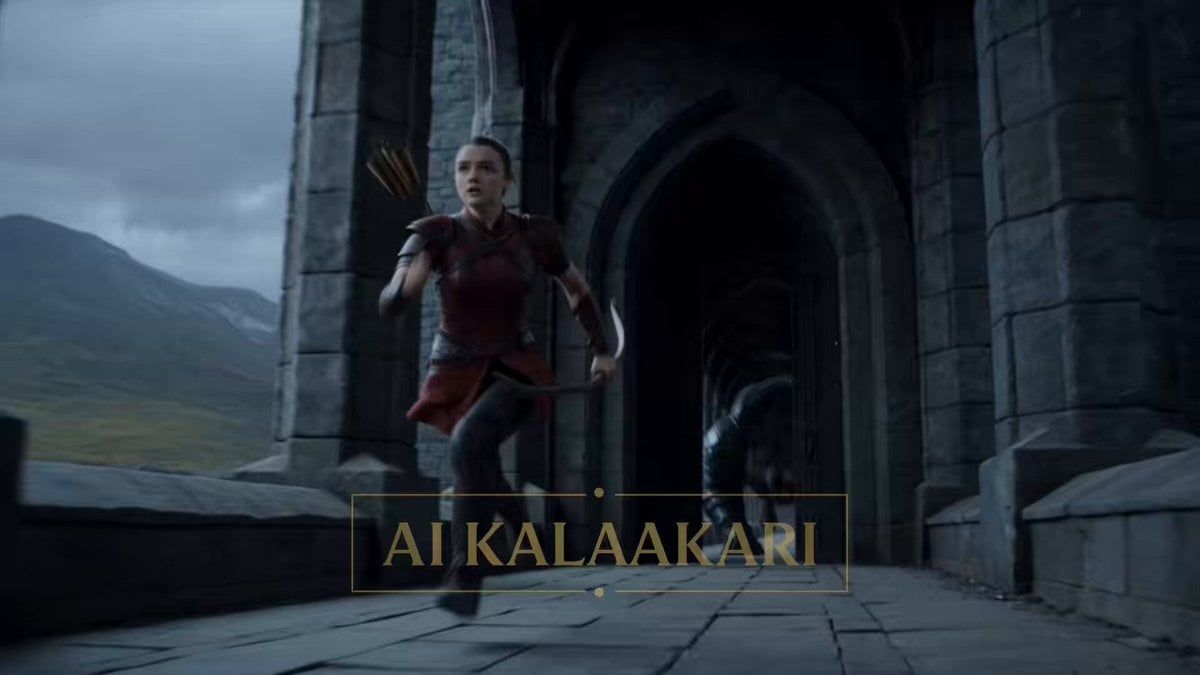
Fantasy Dragon Bridge Escape Sequence
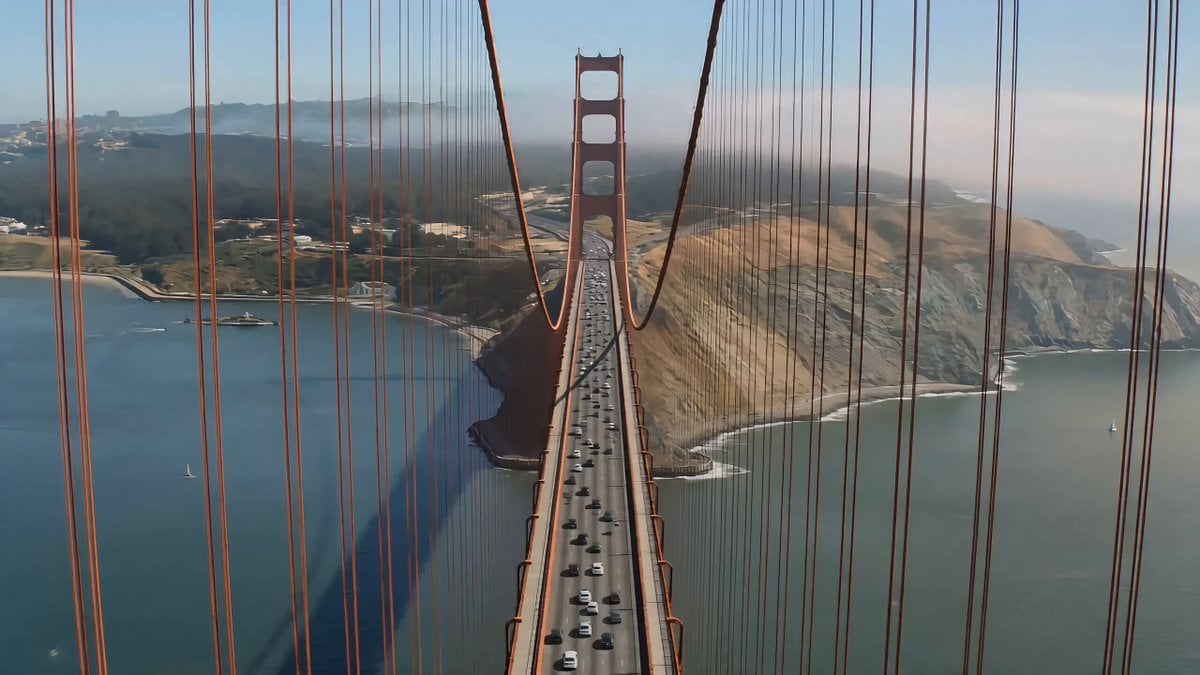
Suspension Bridge Collapse Cinematic Chase
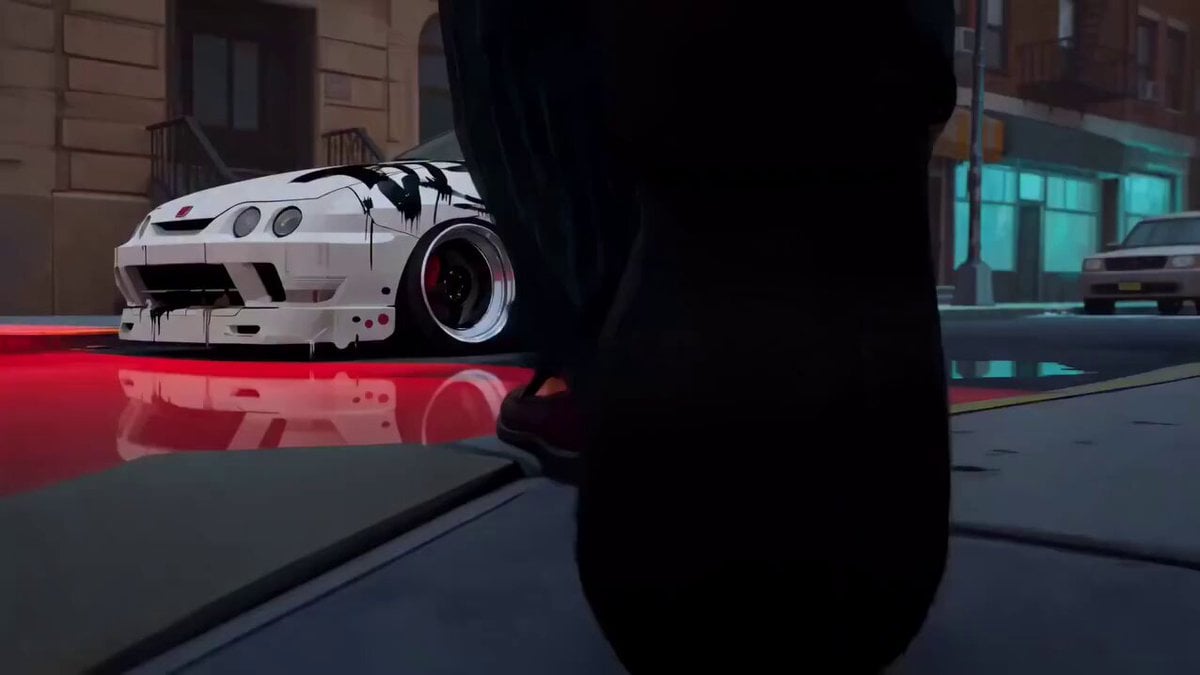
Spider-Verse Style Car Drift

3D Glossy Fairy Animation - Seedance 2.5
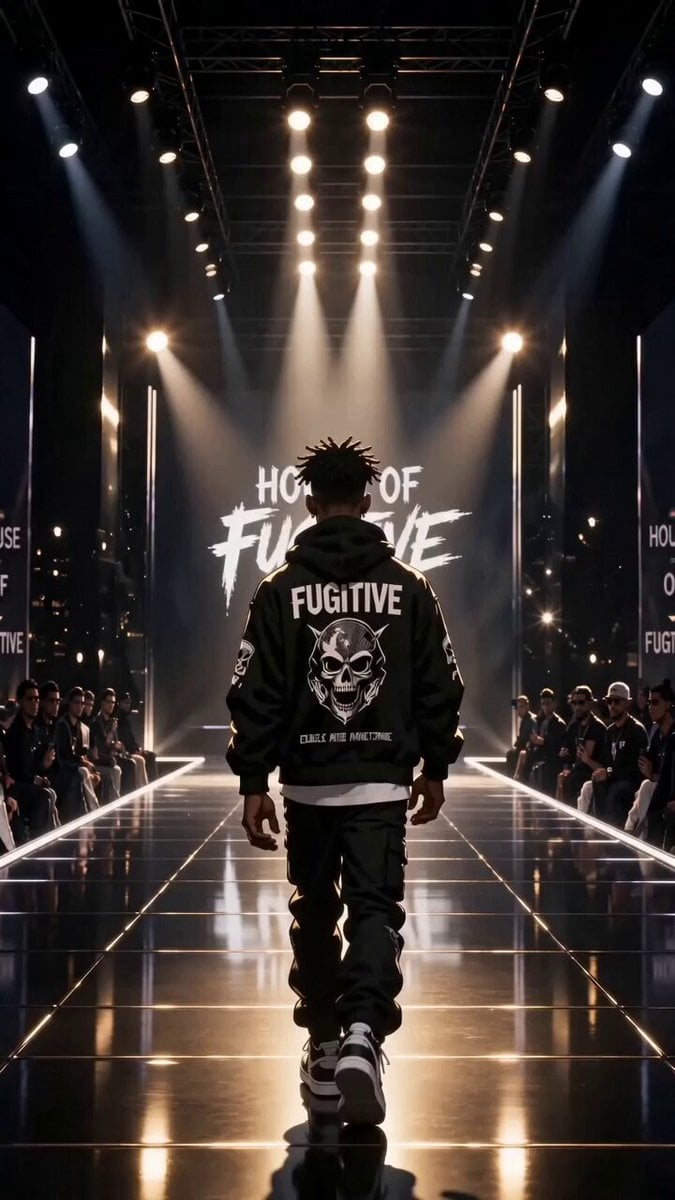
Luxury Streetwear Fashion Runway Film

Cyberpunk Magical Girl Anime Video Prompt
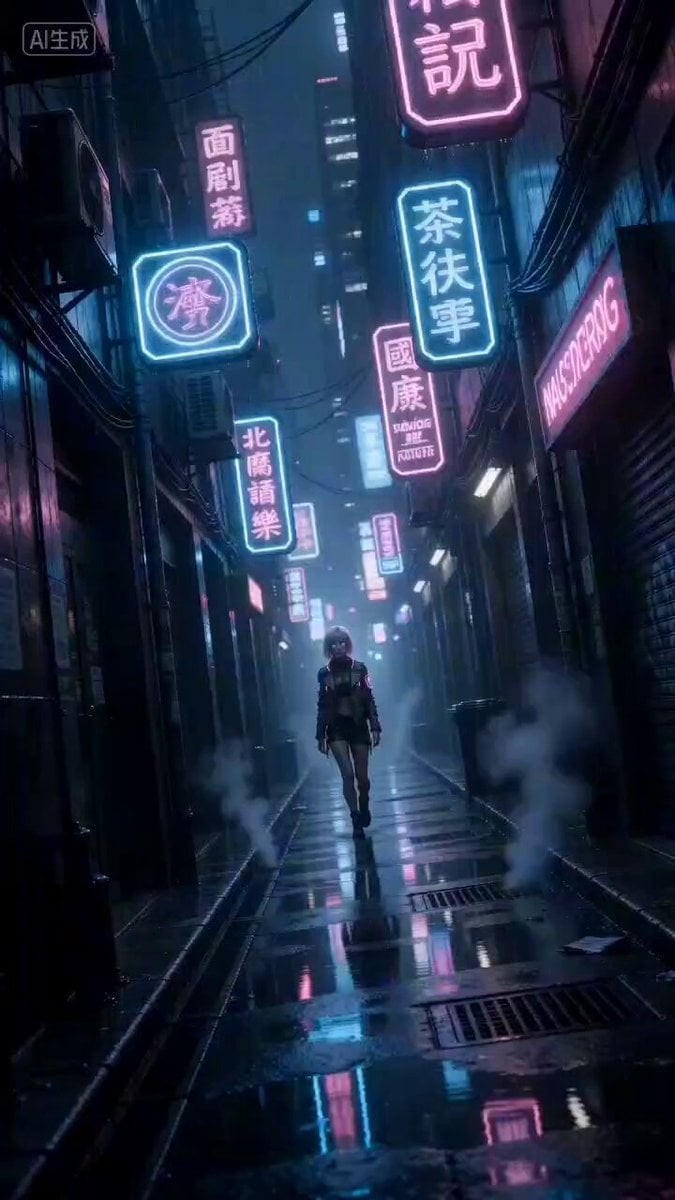
Cyberpunk Woman Video Prompt
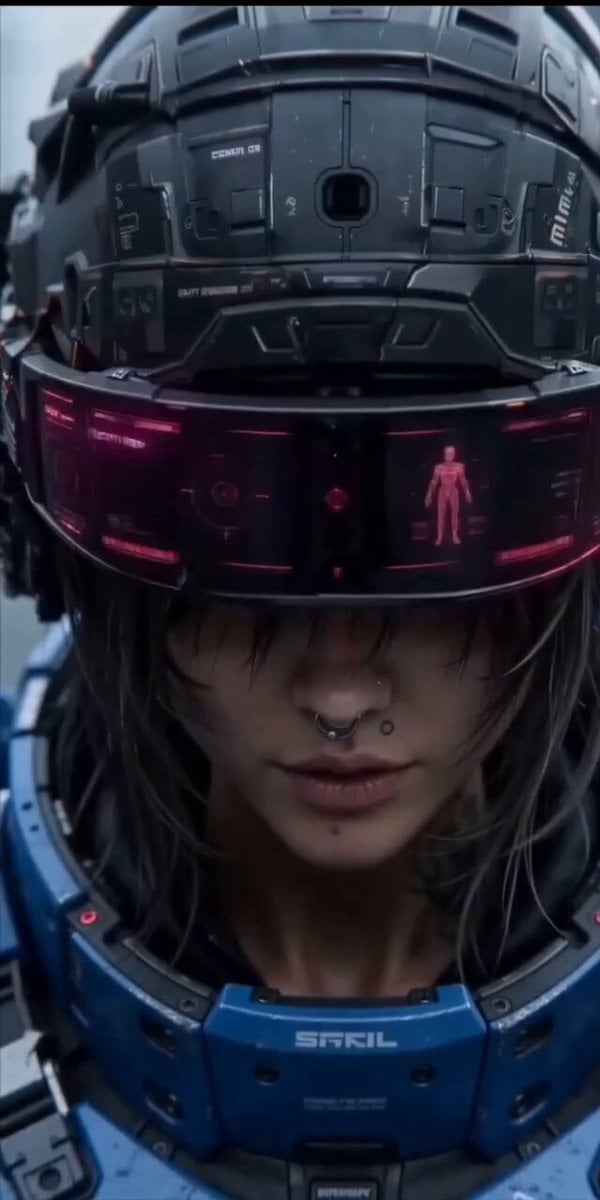
Cinematic action sequence video prompt of a futuristic female warrior
Browse template categories
Transformer Transformation Cinematic Sequence questions
How do I use the Transformer Transformation Cinematic Sequence template?
Add your photo if the template asks for one, edit the prompt if you like — the template's model and format are already selected — and press Generate. Your version opens in PicX Studio.
Can I customize the Transformer Transformation Cinematic Sequence template?
Yes. You can change the subject, setting, lighting, mood, format, and available model controls before creating your video.
Is the Transformer Transformation Cinematic Sequence template free?
Opening and editing this template is free. Generating uses credits, shown on the Generate button when you are signed in.
Which AI model should I use?
Start with Seedance 2.0, which is the model associated with this template. You can compare another compatible model for a different finish.
Looking for something else? Browse all templates.

Your photo, any look
Thousands of ready templates for every top image and video model, from one credit balance.