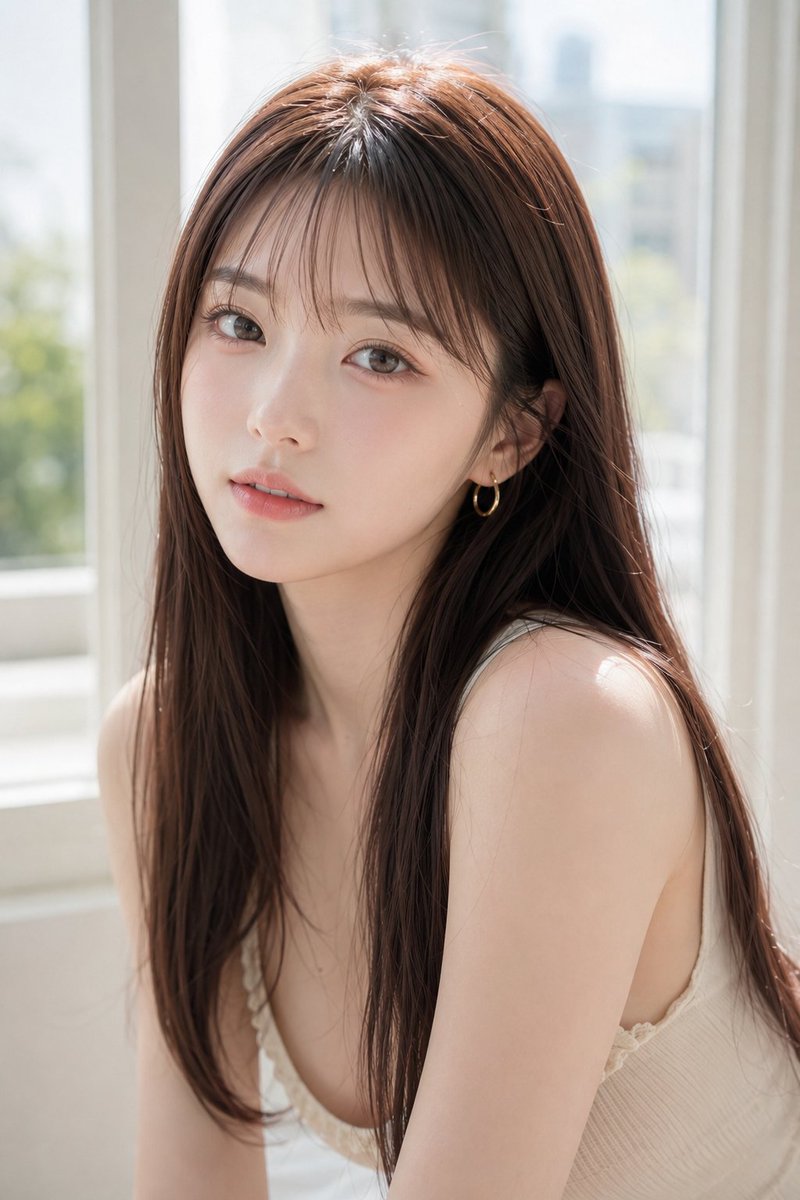
How do I use the Sunlit Window Portrait With Face Mask template?
Choose the primary action to open PicX Studio with the available template settings. Review the model and format, personalize the creative direction, and generate when ready.
Generates a realistic soft daylight indoor portrait of a long-haired woman by a window with the face obscured for anonymous lifestyle imagery. (free to use) — Free AI image template on PicX Studio.
Create a realistic high-key portrait photograph of a young adult woman with {argument name="hair color" default="long chestnut-brown hair"}, straight silky hair parted near the center with fine flyaway strands catching the light. She is seated indoors beside a large bright window on a sunny day, turned slightly three-quarters toward the camera with bare shoulders visible, wearing a delicate {argument name="top color" default="cream white"} ribbed camisole with thin straps and subtle lace trim. The composition is a close vertical half-body portrait from head to upper torso, with her face intentionally covered by a centered opaque square privacy block in a muted warm brown/taupe color, hiding all facial features while leaving the hair, neck, shoulders, and outfit visible. Use soft natural daylight, airy overexposed window light, shallow depth of field, blurred urban greenery and pale building shapes outside the window, gentle skin tones, realistic hair texture, clean lifestyle photography mood, 85mm lens look, soft bokeh, minimal background clutter, intimate calm atmosphere, photorealistic detail, portrait orientation.
Use Sunlit Window Portrait With Face Mask to plan an AI image around gpt-image-2 generation, themes such as en and gpt-image-2. Match the preview's composition first, then personalize the subject, setting, and mood for your own project.
Use the primary action to load the template settings in PicX Studio.
Adjust the subject and creative details for your destination.
Create the image, compare the result with the preview, and refine one variable at a time.
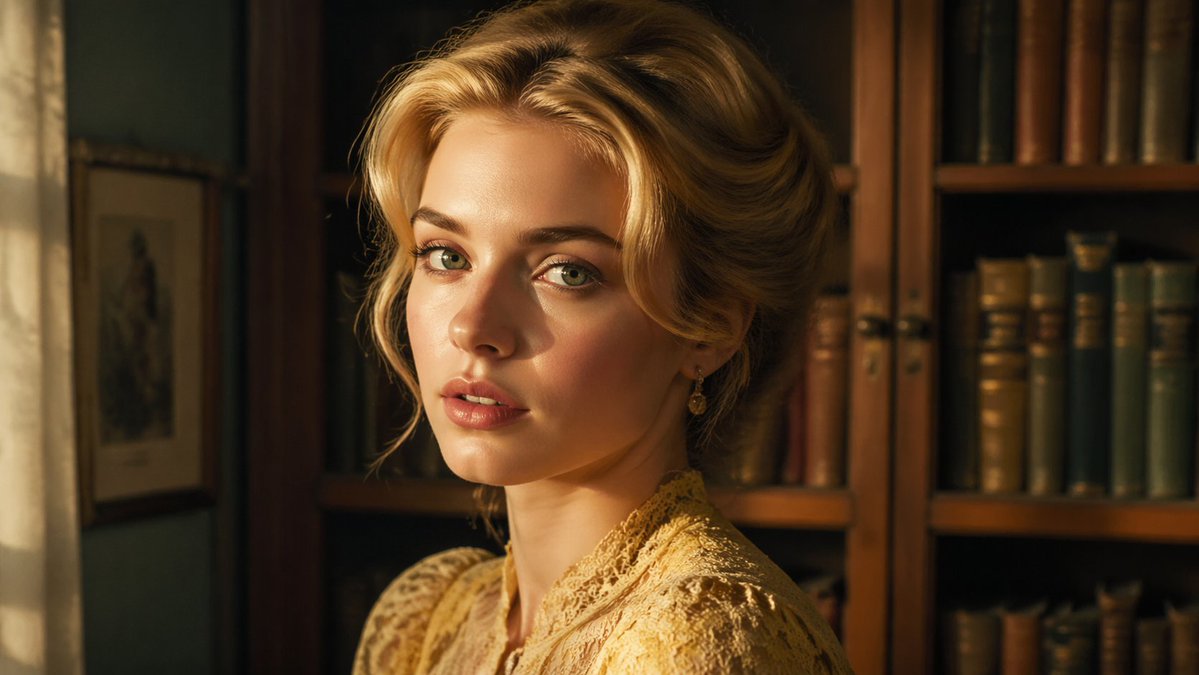
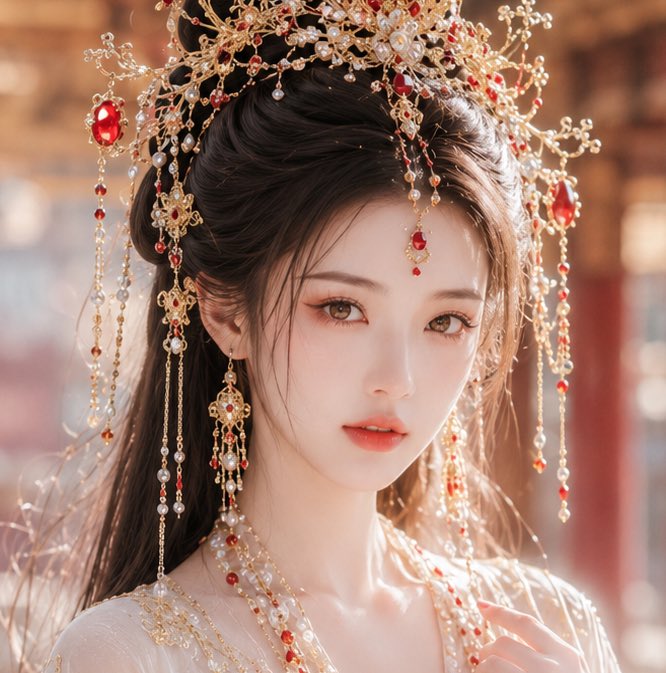
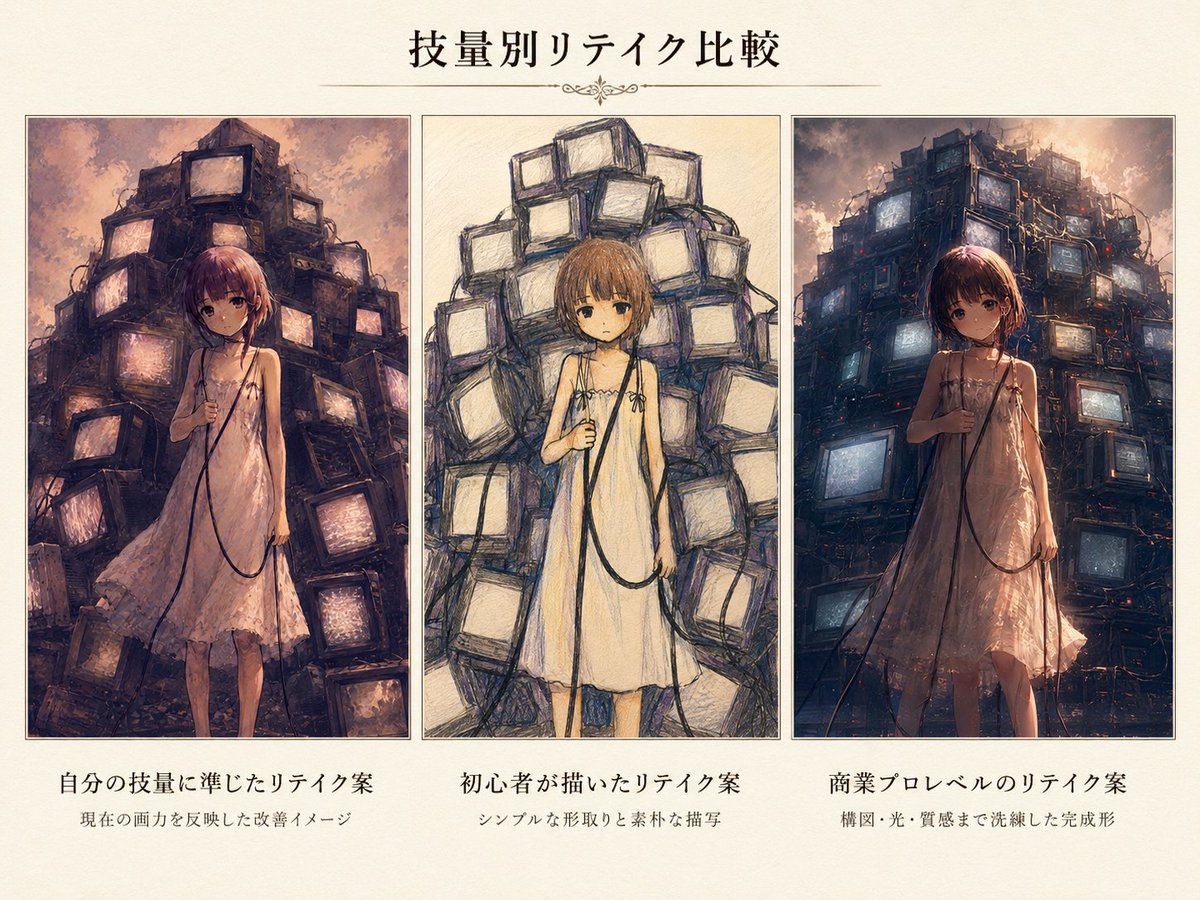
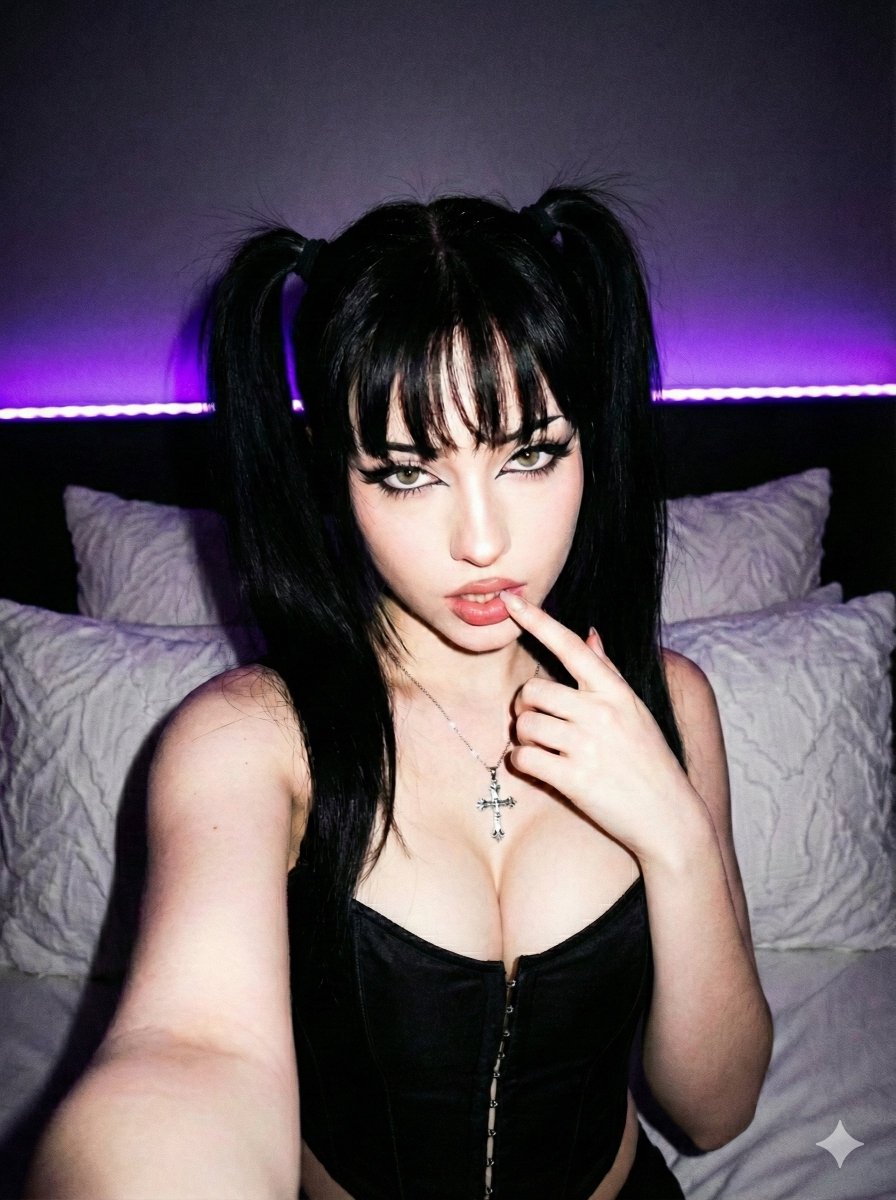
A continuous mix — similar concepts first, woven with same-model prompts and fresh picks from the catalog.
Choose the primary action to open PicX Studio with the available template settings. Review the model and format, personalize the creative direction, and generate when ready.
Yes. You can change the subject, setting, lighting, mood, format, and available model controls before creating your image.
This template is free to open and customize. Generation usage is shown in PicX Studio before you create.
Start with gpt-image-2, which is the model associated with this template. You can compare another compatible model for a different finish.
Follow a topic to a crawlable collection of related PicX Studio templates.
39,157 public templates available. Verified via the PicX Studio public templates API; refreshed hourly.
A continuous mix — similar concepts first, woven with same-model prompts and fresh picks from the catalog.