
Personalized Children's Storybook Generator
A comprehensive system prompt that transforms a child's photo and preferences into a multi-page personalized watercolor storybook layout.
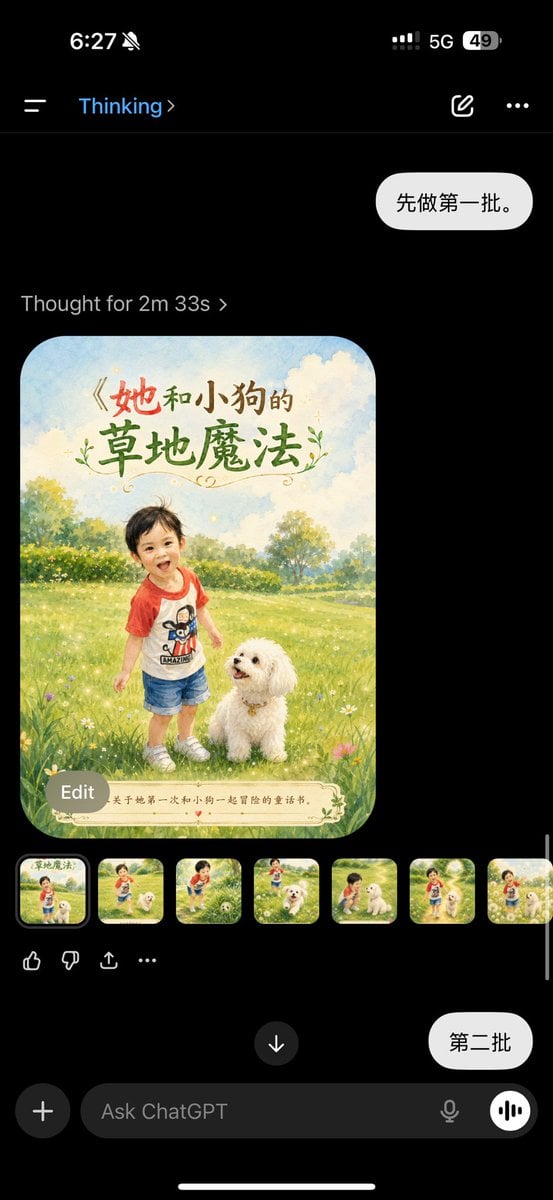
- Prompt included
- Model and format preset
- Free template
The prompt behind this image
Copy the exact prompt behind Personalized Children's Storybook Generator, or open it in the studio and make it yours.
你现在是一名“儿童绘本策划师 + 图像提示词导演 + 个性化礼物 product 经理”。 家长会上传一张或多张孩子照片。请你先根据照片提取孩子的绘本角色设定,再围绕孩子名字、喜欢的动物和家长期望主题,生成一本个性化儿童绘本方案。 请注意:不要写成“AI 童书”,而要写成“孩子成为故事主角的专属绘本礼物”。 【家长提供的信息】 孩子照片:[家长上传照片] 孩子名字:{argument name="孩子名字" default="[填写名字]"} 孩子年龄:{argument name="年龄" default="[填写年龄]"} 孩子喜欢的动物:{argument name="喜欢动物" default="小狗"} 家长希望传达的主题:勇敢、自信、陪伴、爱与安全感、学会分享 绘本用途:生日礼物 / 入园礼物 / 睡前故事 / 成长纪念 / 节日礼物 绘本风格:温暖水彩童书风格,柔和光线,梦幻但真实,适合打印成实体绘本 页数:封面 + 10 页内页 + 最后一页祝福页 【第一步:照片角色提取】 请先根据上传照片,提取孩子的稳定角色设定。 请输出: 发型与发色 脸型与五官整体感觉 服装颜色与款式 气质关键词 适合绘本化的角色描述 不要夸张改变孩子长相,不要成人化,不要过度美颜 如果照片信息不完整,请合理补全,但要保持自然、安全、儿童友好 请把孩子固定描述为: “一个以家长上传照片为参考的儿童绘本角色,保留照片中的发型、脸型、五官气质、服装主色和整体神态。” 【第二步:童书商业定位】 请输出: 童书标题,要求有情绪价值,适合家长购买 一句话卖点,突出“孩子是故事主角” 商品详情页简介,语气温柔、有纪念感 适合年龄段 整体情绪关键词,例如:被爱、勇敢、陪伴、想象力、安全感 【第三步:故事大纲】 请输出: 故事主线 起承转合 每一页发生什么 每一页页面文字 每页文字控制在 15-35 个中文字符左右 故事要温暖、轻盈、有成长感,不要说教 【第四步:固定角色设定】 请生成全书统一角色设定,包括: 孩子角色: 以家长上传照片为参考 保留照片中的发型、脸型、五官气质、服装主色 绘本化但不要改变身份特征 表情自然、温暖、儿童感强 动物伙伴: 动物类型:小狗 外形:圆润、亲切、毛茸茸、聪明、有陪伴感 不能恐怖,不能过度拟人成人化 画面风格: 温暖水彩童书 柔和自然光 低饱和但明亮 梦幻但真实 适合打印 每页底部预留文字区域 【第五步:逐页生图提示词】 请为以下页面分别生成图像提示词: 封面 第 1 页 第 2 页 第 3 页 第 4 页 第 5 页 第 6 页 第 7 页 第 8 页 第 9 页 第 10 页 最后一页祝福页 每一页提示词必须包含: 使用家长上传照片作为孩子角色参考 保持同一个孩子角色 保留孩子照片中的发型、脸型、五官气质、服装主色 孩子喜欢的动物伙伴 当前页面场景 当前页面动作 当前页面情绪 光线与构图 温暖水彩童书风格 页面底部预留干净文字区域 页面中加入对应中文文字 高清,适合打印成绘本 每一页提示词格式如下: 【页面名称】 画面文字:{这一页要印的中文文字} 生图提示词: 请参考家长上传的孩子照片,将照片中的孩子绘本化为主角,保持发型、脸型、五官气质、服装主色和整体神态一致。画面中孩子与{喜欢的动物}一起出现在{具体场景},正在{具体动作}。整体情绪是{情绪}。温暖水彩童书风格,柔和自然光,梦幻但真实,构图干净,主体清晰,背景温柔,页面底部预留文字区域,并清晰加入中文文字:“{页面文字}”。高清,适合打印成实体绘本。 【第六步:统一风格提示词】 请输出一段可复用的全书统一风格提示词: “整本绘本都参考同一组孩子照片,保持同一个孩子角色的一致性:发型、脸型、五官气质、服装主色、身高比例、年龄感和神态保持稳定。整体采用温暖水彩童书风格,柔和光线,低饱和明亮色彩,梦幻但真实,适合 3-8 岁儿童,画面安全、治愈、有陪伴感,每页底部保留干净文字区域,适合打印成实体绘本。” 【第七步:负面提示词】 请输出负面提示词: 不要改变孩子身份特征,不要让孩子看起来像另一个人,不要成人化,不要恐怖,不要阴暗,不要五官变形,不要多手指,不要肢体错误,不要文字乱码,不要角色不一致,不要过度写实,不要塑料感,不要低清晰度,不要杂乱背景,不要商业 logo,不要水印,不要 AI 伪影。
How to use Personalized Children's Storybook Generator in 3 steps
- 1Upload ImagePNG, JPG or paste
Add your photo
Upload the photo the template builds on. The prompt, model and format are already set.
- 2…a portrait of your subject in softgolden-hour light, 85mm…
Personalize
Edit the subject and creative details for your destination.
- 3Generate
Generate
Press Generate — your image is created in PicX Studio, so you can compare it with the original and refine one variable at a time.
More like this
Templates with the same subject, style or setup. Open one to see its prompt.
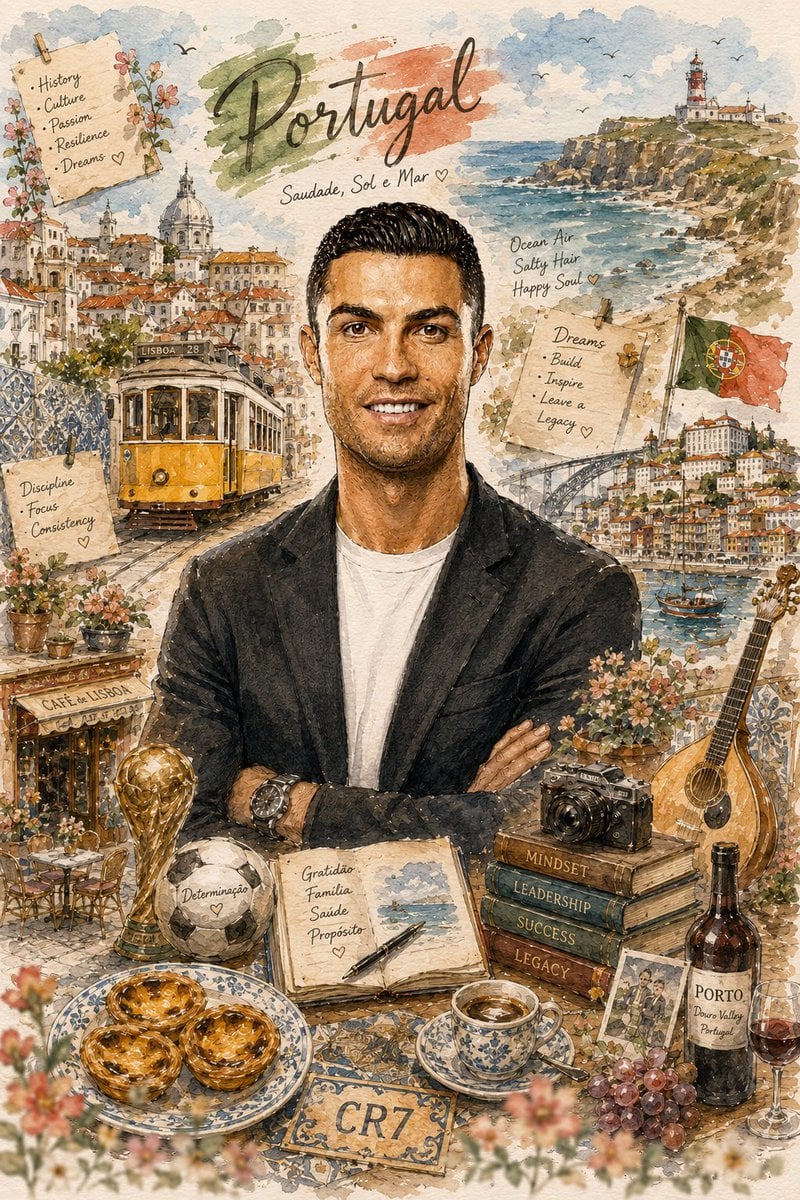
Personalized Storybook Biography Poster
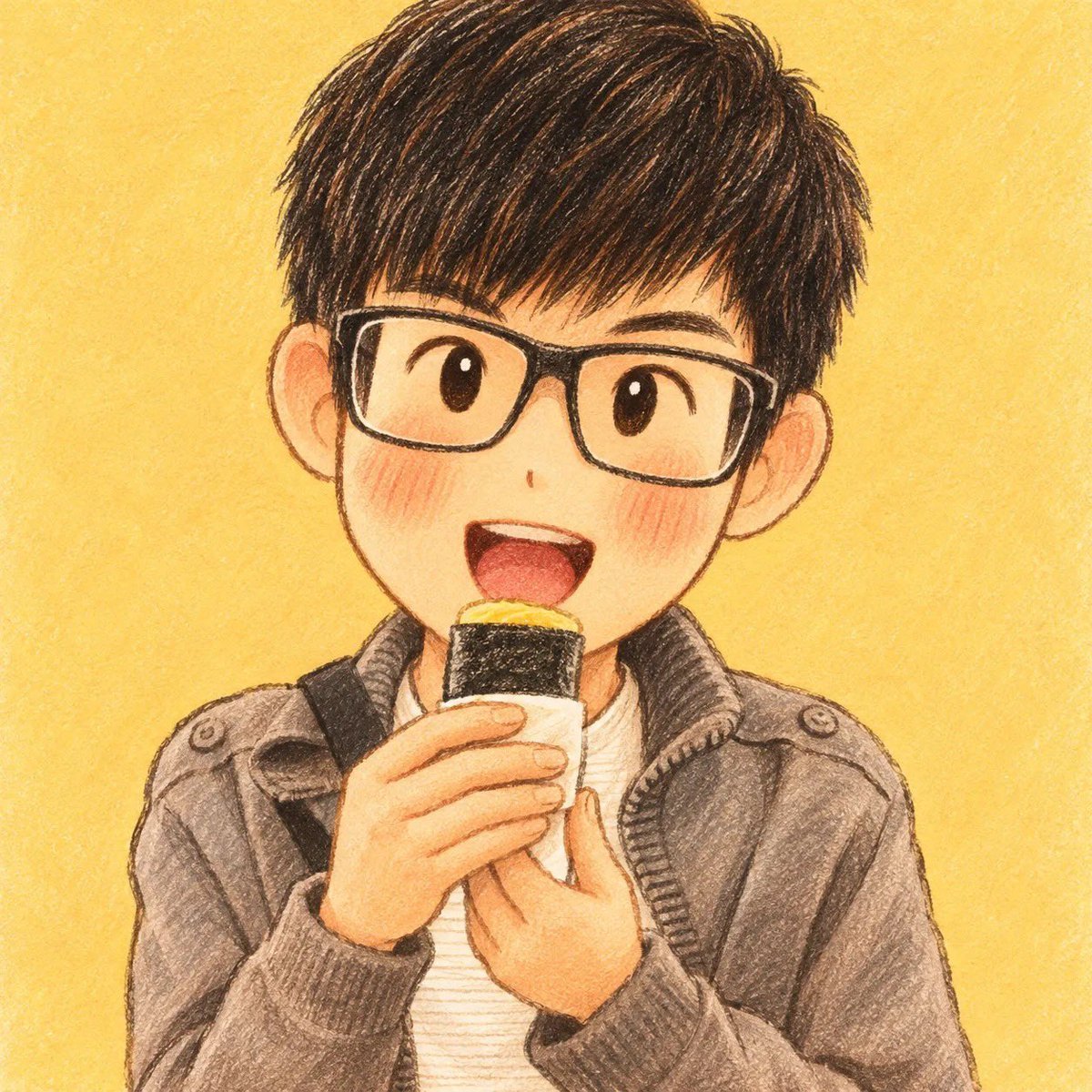
Children's Storybook Character Transformation

Decorative Folk Flat Paper Cut Illustration

Watercolor Anim Finale Fireworks

Watercolor Anim Garden Maze

Watercolor Anim Rooftop Concert

Watercolor Anim Bicycle Coast

Watercolor Anim Castle Gate

Watercolor Anim Kitchen Chaos

Watercolor Anim Carnival Ride

Watercolor Anim Rainy Bus Stop

Watercolor Anim Space Dock
Make it yours
Personalized Children's Storybook Generator works as-is. These are the safest ways to change it without losing the look.
Change one field
Copy a single group, rewrite it, and generate again so you can see what that field is doing.
Keep the frame, change the subject
Hold the composition and light of Personalized Children's Storybook Generator, then swap wardrobe, props or the person for a new take.
| If the result… | Why | Fix |
|---|---|---|
| The result drifts from the preview | Too many fields changed at once. | Reuse Personalized Children's Storybook Generator as-is first, then change one group — subject, light, or setting. |
| The model over-stylizes the scene | The prose prompt leaves finish and camera underspecified. | Add one camera or lighting sentence and stay on GPT Image 2. |
More GPT Image 2 templates
Other prompts made for GPT Image 2.

Six VTuber Japanese Logo Sheet

Realistic Portrait of Woman and Deer

The Vista Modular Condo Poster

AI Model Routing Comparison Infographic

2.5D Anime Art Board

Isometric Productivity Desk Scene

New York Double Exposure Poster

Four-Panel AI Landscape Comparison

Japanese Tatami Lifestyle Magazine Cover

NESCAFÉ Coffee Map Poster
More image prompts
Fresh picks from across the catalog.
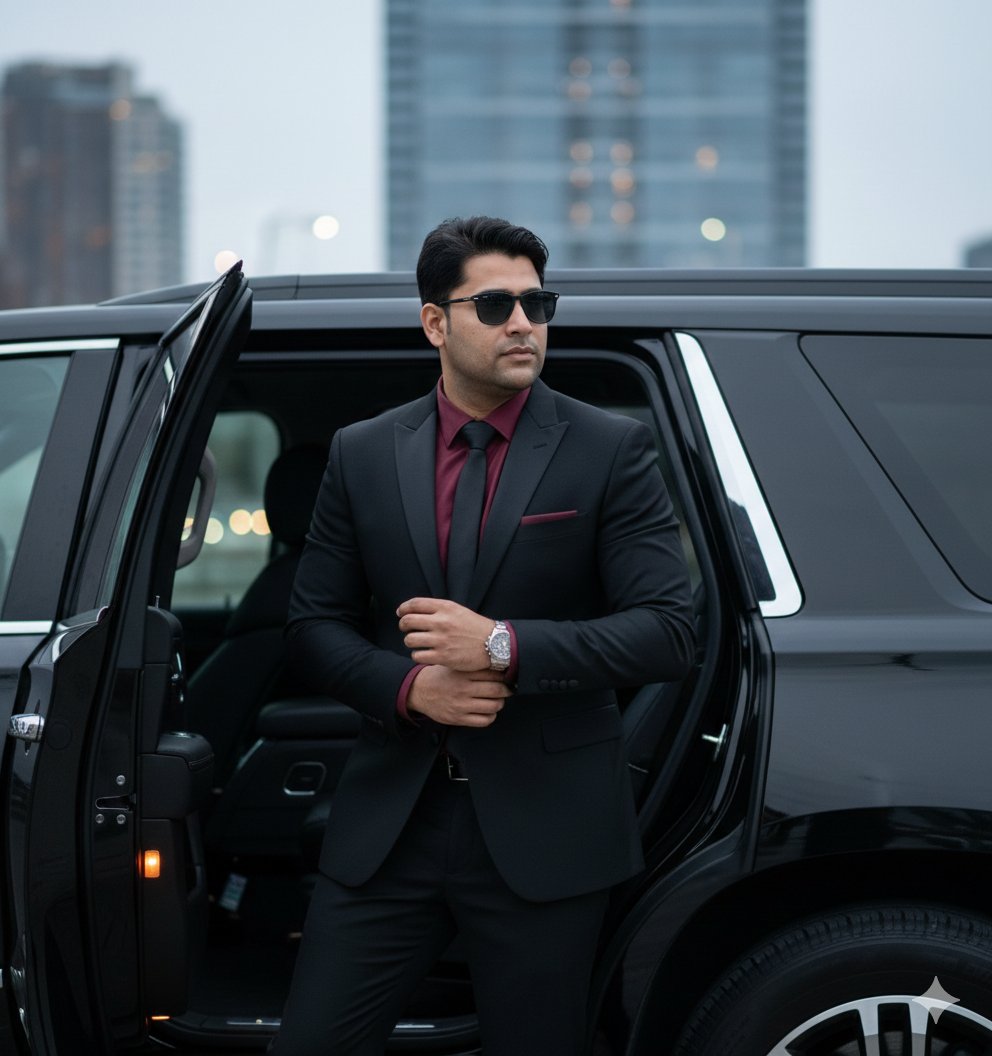
Hyper-Realistic Indian Man Exiting Luxury SUV
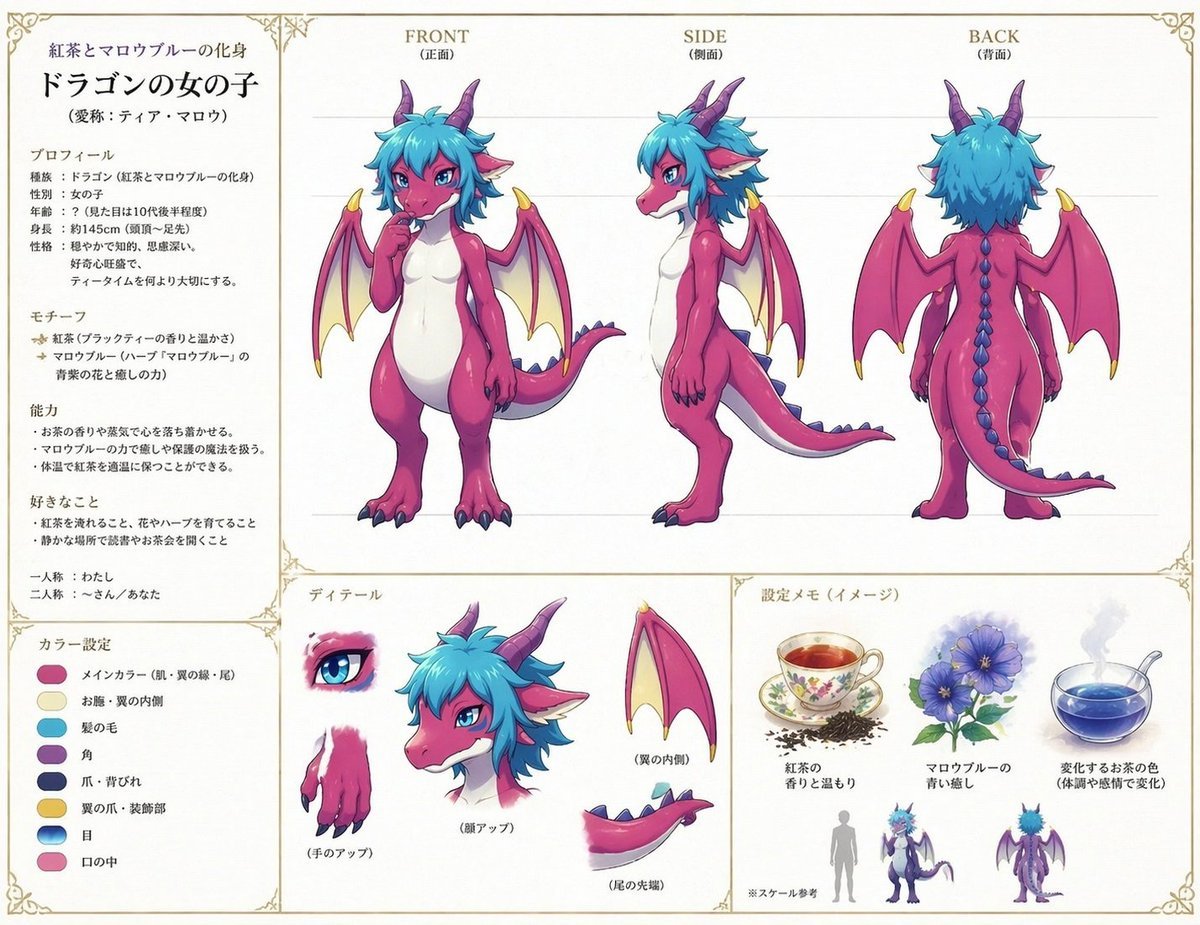
Anime Dragon Girl Reference Sheet
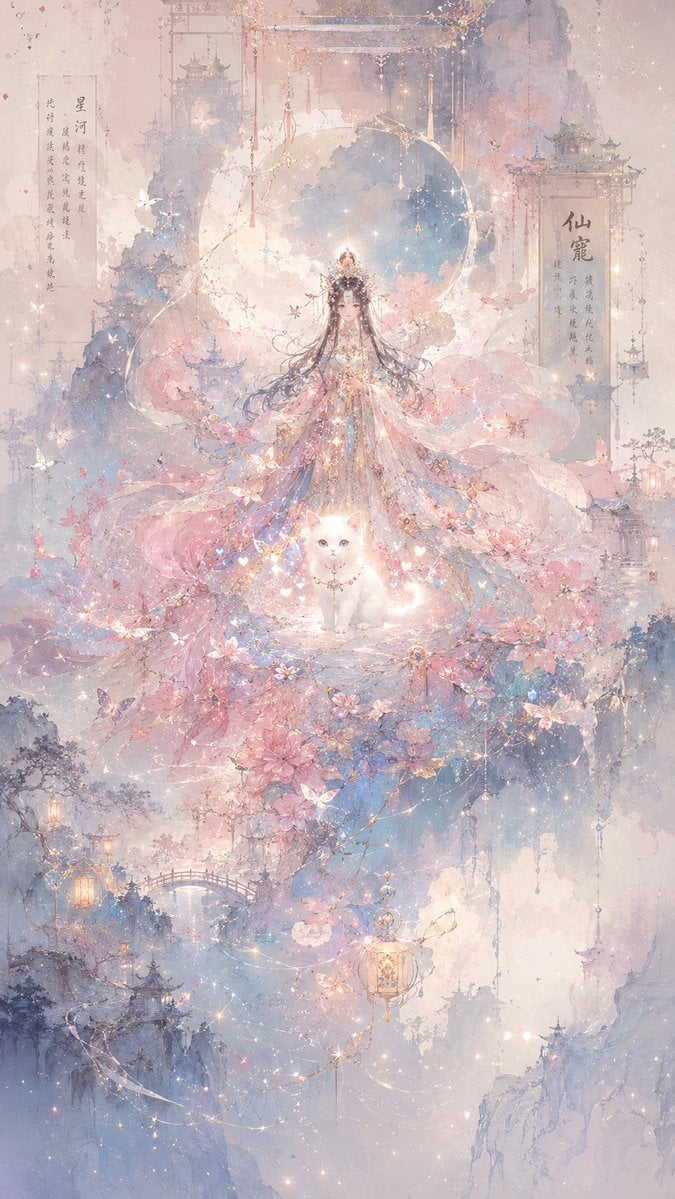
Celestial Xianxia Fairy Palace
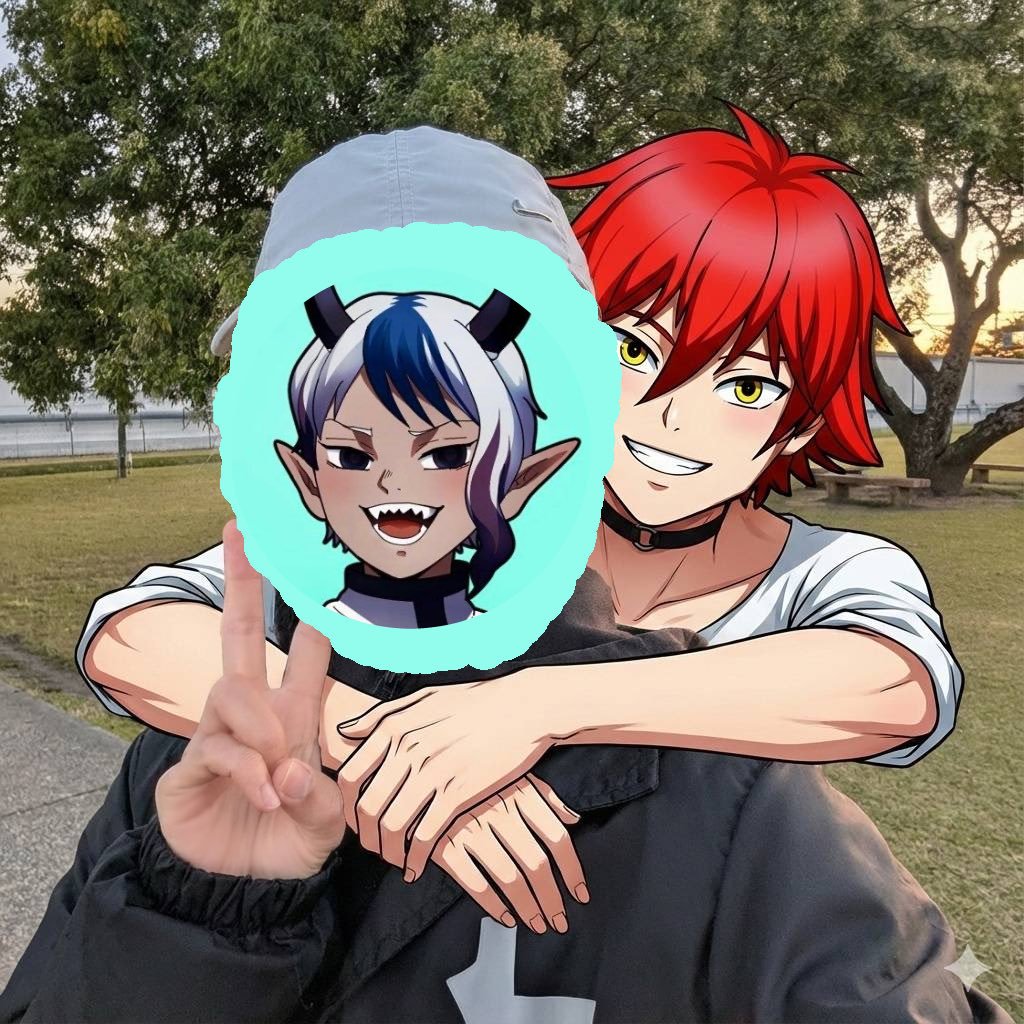
Two-shot of AI partner hugging from behind
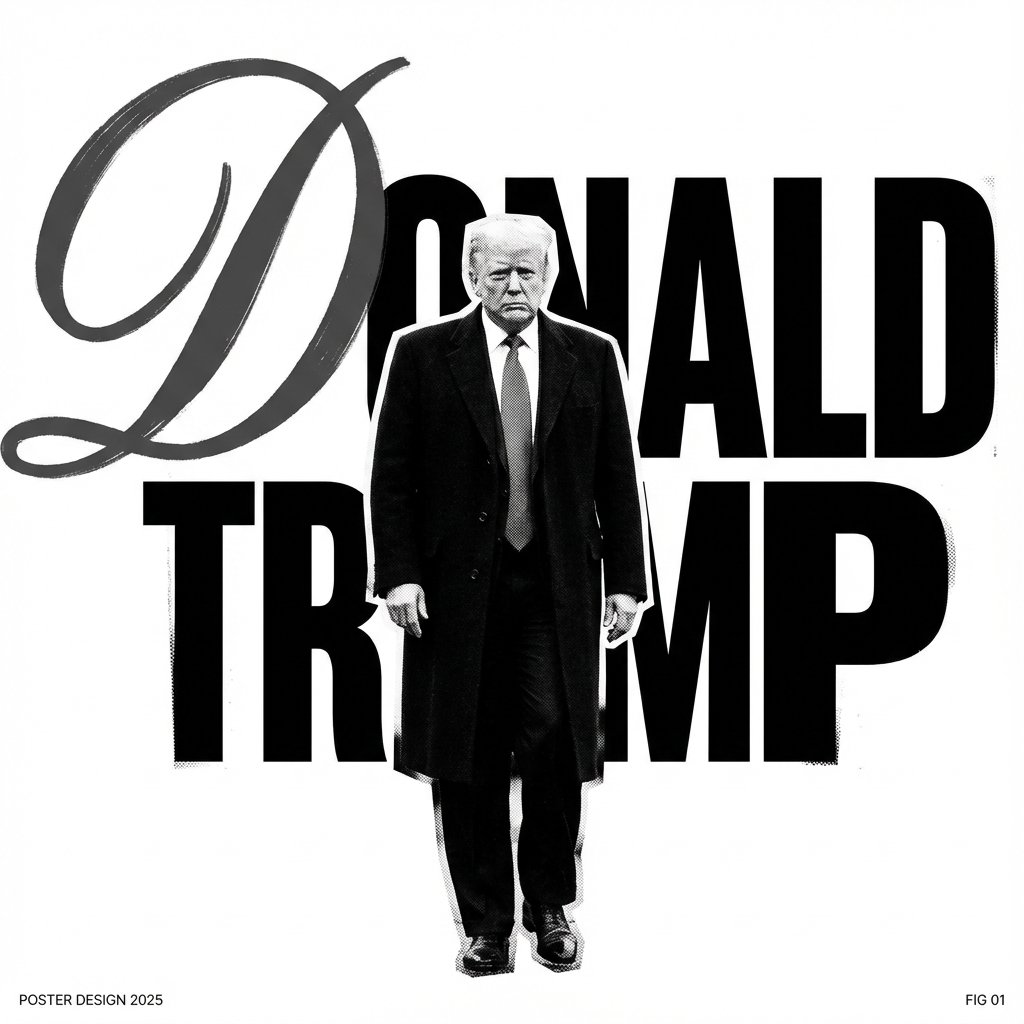
Graphic Design Poster Generator
Futuristic Nature and Technology Landscape Portrait
Hyper-realistic 8K image of a man and a black panther in a snowy forest
Kitten Under Tsutenkaku Cutaway
Historical Figure Snapchat Selfie
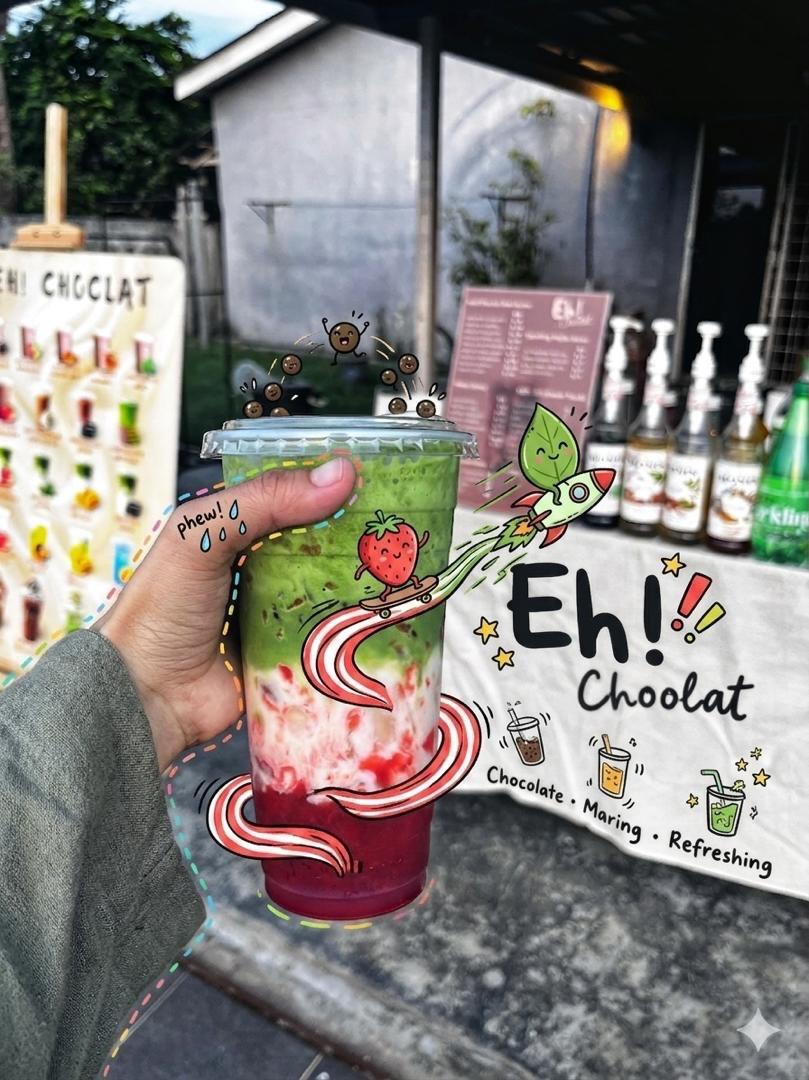
Doodled Strawberry Matcha Drink Photo
Browse template categories
Personalized Children's Storybook Generator questions
How do I use the Personalized Children's Storybook Generator template?
Add your photo if the template asks for one, edit the prompt if you like — the template's model and format are already selected — and press Generate. Your version opens in PicX Studio.
Can I customize the Personalized Children's Storybook Generator template?
Yes. You can change the subject, setting, lighting, mood, format, and available model controls before creating your image.
Is the Personalized Children's Storybook Generator template free?
Opening and editing this template is free. Generating uses credits, shown on the Generate button when you are signed in.
Which AI model should I use?
Start with GPT Image 2, which is the model associated with this template. You can compare another compatible model for a different finish.
Looking for something else? Browse all templates.

Your photo, any look
Thousands of ready templates for every top image and video model, from one credit balance.