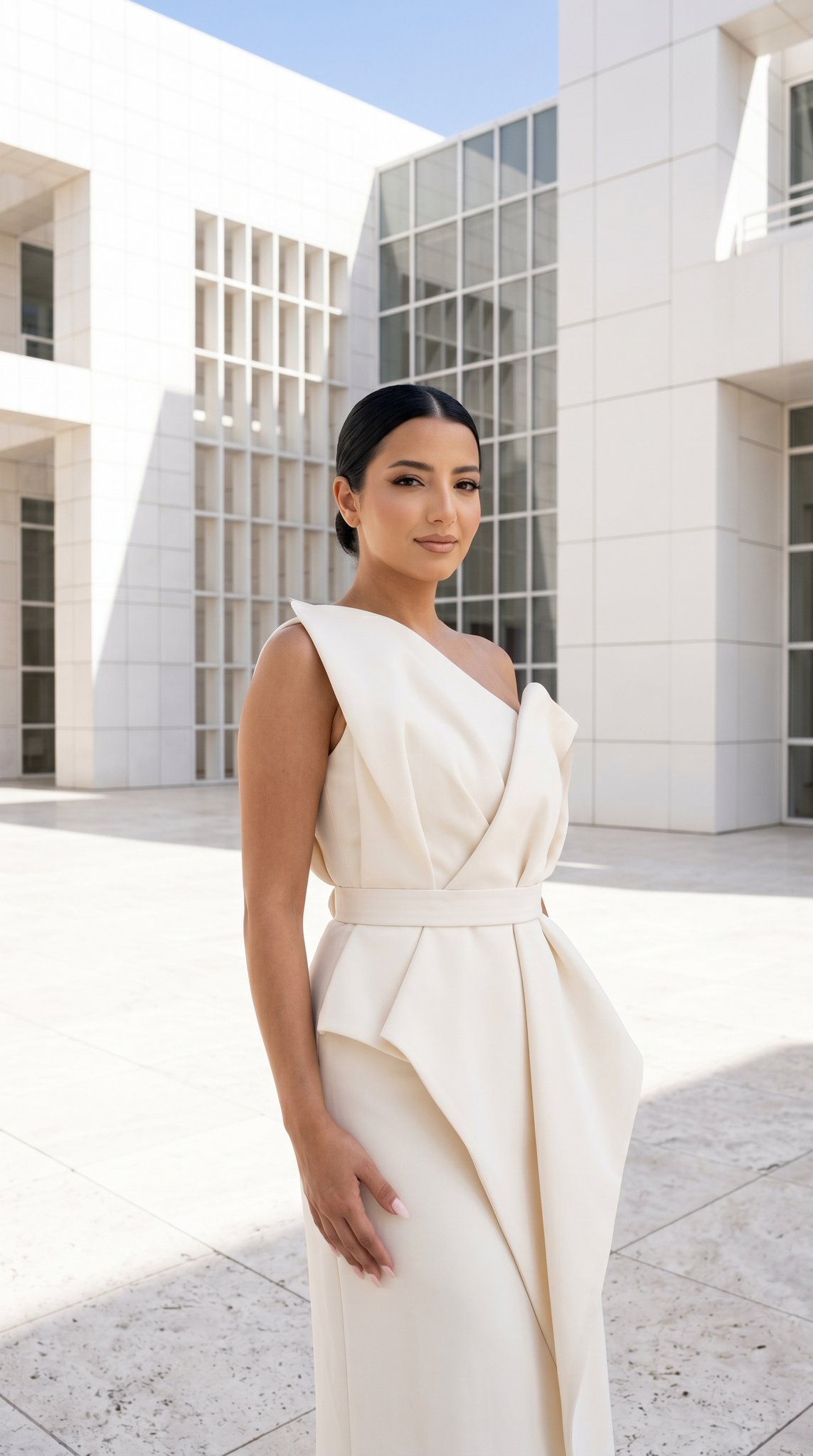
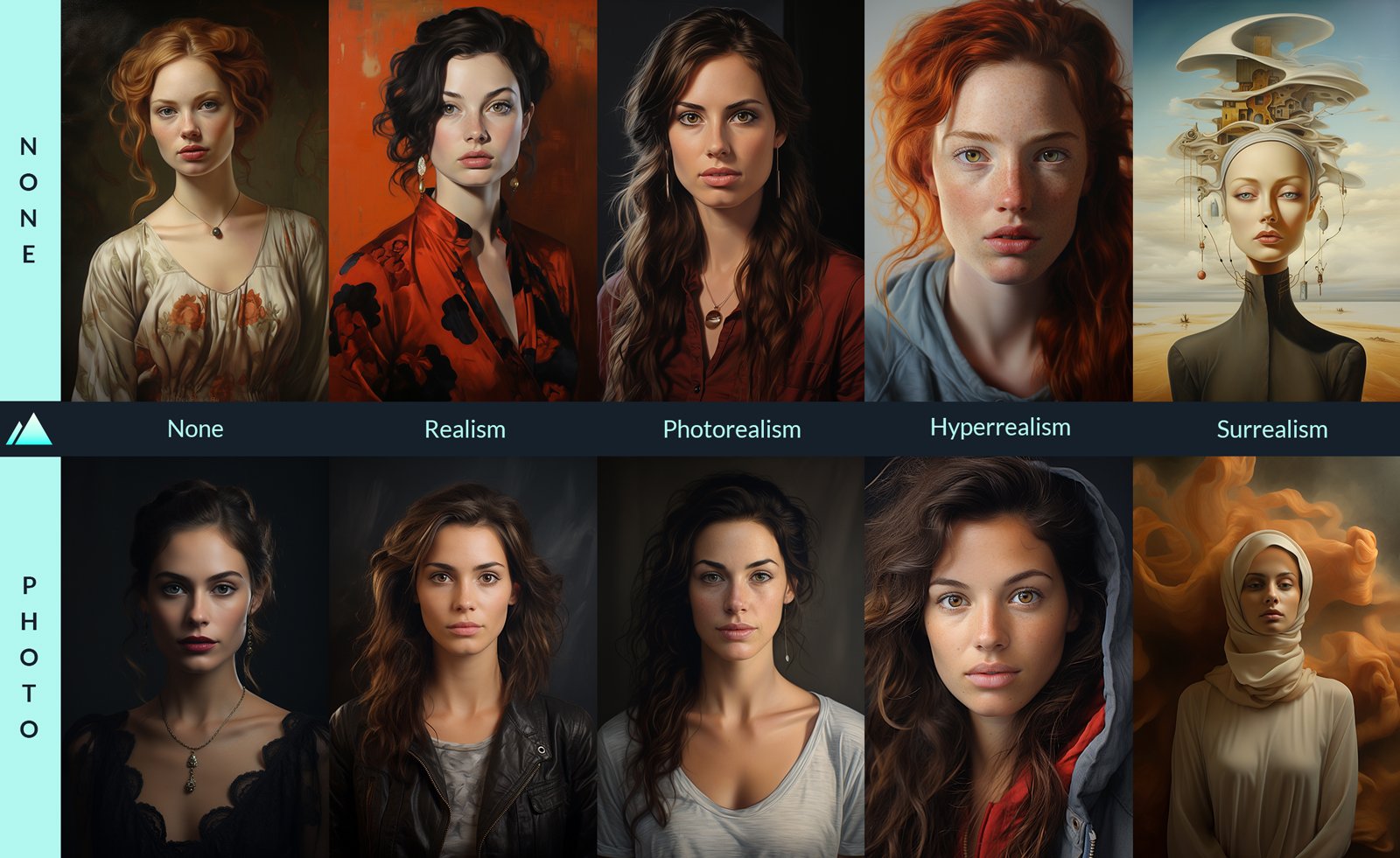
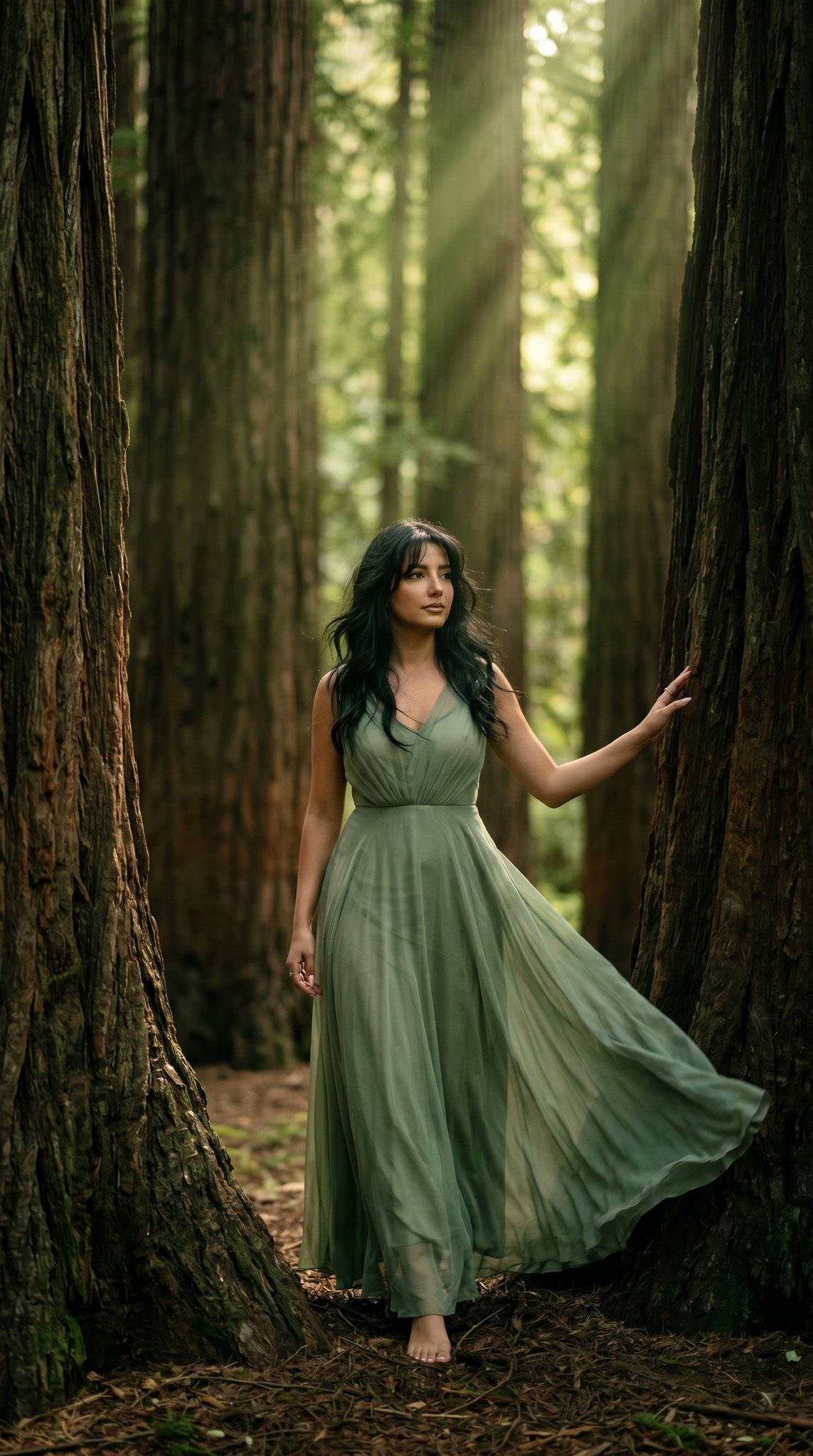
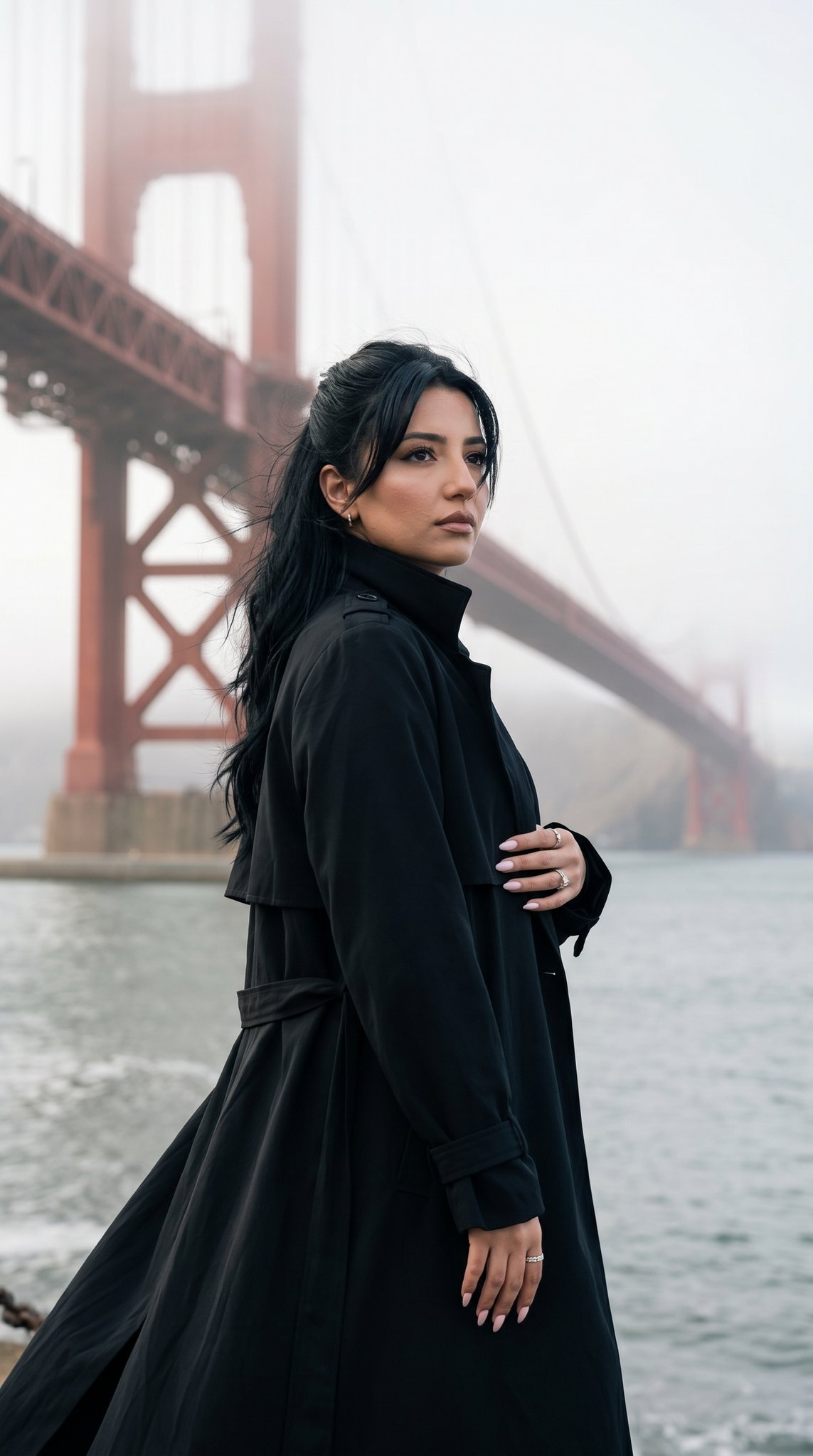
How do I use the Editorial Fashion Breakdown template?
Edit the prompt in the box under the preview — the template's model and format are already selected — and press Generate. Your version appears right on this page.
Editorial Fashion Breakdown is a ready photo look.

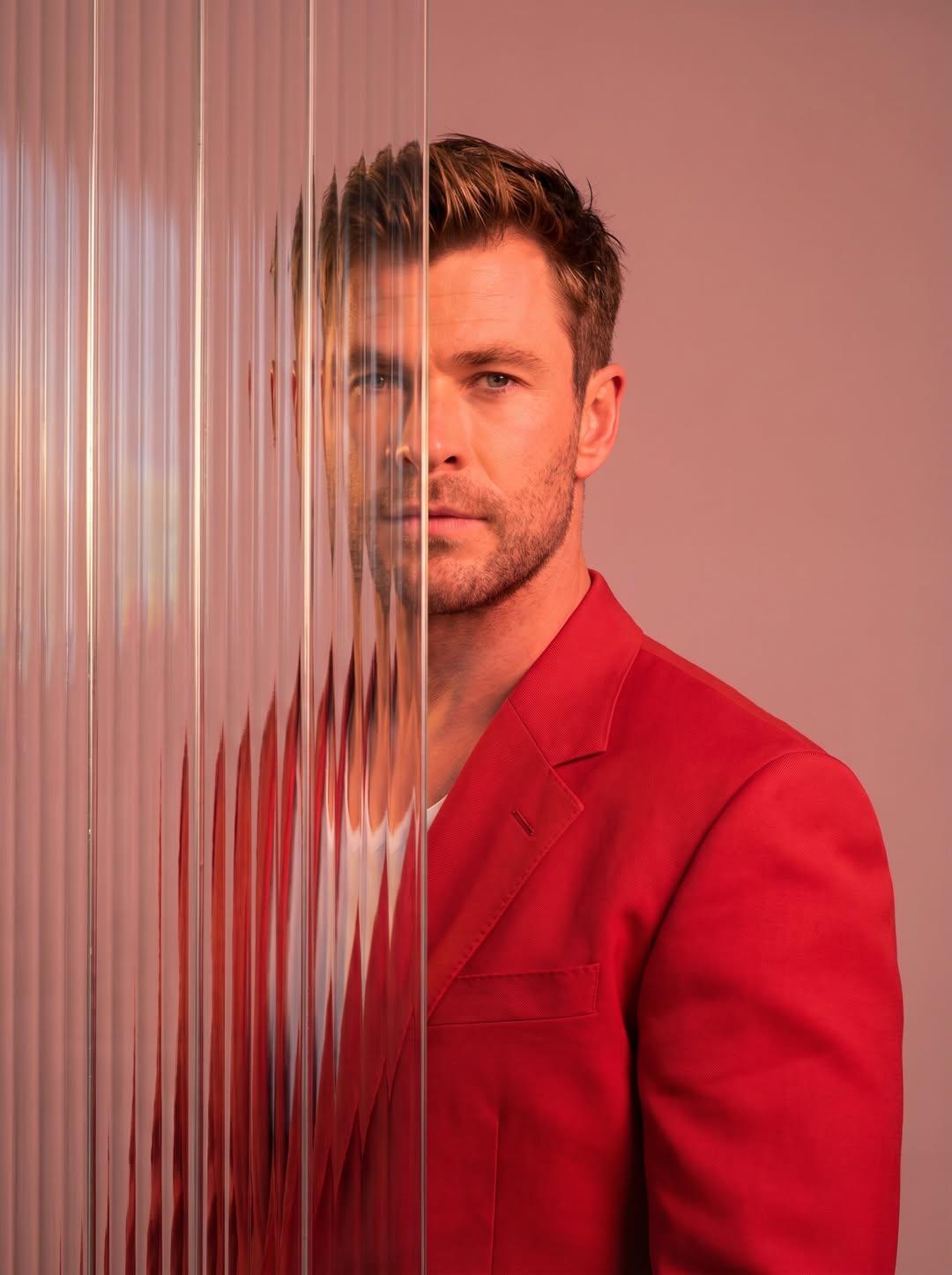
Create a high-quality fashion breakdown poster featuring the uploaded image, keeping his exact facial features, hairstyle, and beard exactly the same. Use the outfit exactly as seen in the uploaded photo and label each item clearly. The layout should be clean, modern, and minimal—similar to GQ, Esquire, or Mr. Porter editorial styling. 📌 Poster Style Instructions Use clean editorial arrows/lines pointing to each item. Use modern sans-serif typography, in warm gray or black. Maintain a minimal, premium, fashion-magazine aesthetic. Lighting should remain bright, soft, and professional, matching the uploaded photo. Keep the uploaded image’s pose, clothing, grooming, and expression unchanged.
Create a high-quality fashion breakdown poster featuring the uploaded image, keeping his exact facial features, hairstyle, and beard exactly the same. Use the outfit exactly as seen in the uploaded photo and label each item clearly. The layout should be clean, modern, and minimal—similar to GQ, Esquire, or Mr. Porter editorial styling. 📌 Poster Style Instructions Use clean editorial arrows/lines pointing to each item. Use modern sans-serif typography, in warm gray or black. Maintain a minimal, premium, fashion-magazine aesthetic. Lighting should remain bright, soft, and professional, matching the uploaded photo. Keep the uploaded image’s pose, clothing, grooming, and expression unchanged.
Edit the prompt in the box under the preview — the template's model and format are already selected — and press Generate. Your version appears right on this page.
Yes. You can change the subject, setting, lighting, mood, format, and available model controls before creating your image.
Opening and editing this template is free. Generating uses credits, shown on the Generate button when you are signed in.
Choose a compatible model in PicX Studio based on the style, speed, and output controls your project needs.
Follow a topic to a crawlable collection of related PicX Studio templates.