
Cinematic Storyboard Production Board
A comprehensive prompt for creating professional visual planning sheets for commercials, including shot lists and environmental context.
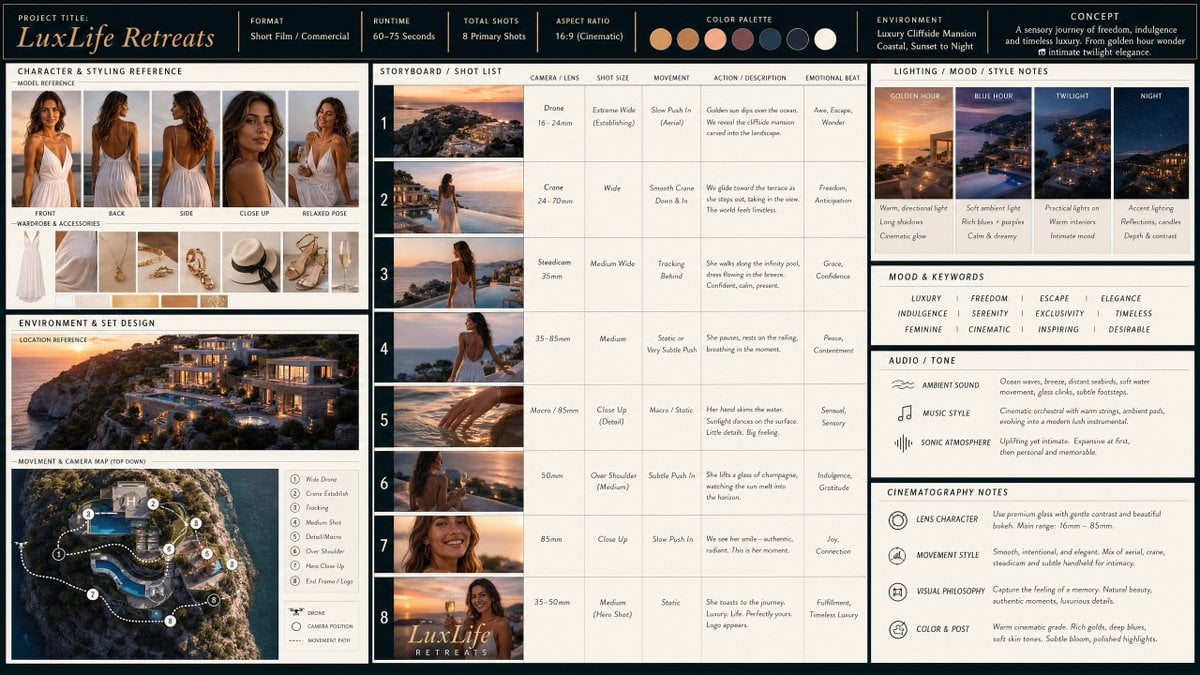
- Prompt included
- Model and format preset
- Free template
The prompt behind this image
Copy the exact prompt behind Cinematic Storyboard Production Board, or open it in the studio and make it yours.
story = {argument name="story subject" default="a beautiful woman in a white dress enjoying a amazing sunset evening at a luxury mansion build into a cliff"}, Scenes: 1) wide angle drone shot 2) wide angle walk at pool 3) medium wide over shoulder walk at pool 4) medium wide lean on railing 5) close-up hand in water 6) look over bay 7) close-up smile 8) wide angle smile holding champagne with elegant font text "LuxLife Retreats" Create a cinematic production board / visual planning sheet that presents a complete concept for a short film or commercial. The layout should be clean, grid-based, and divided into clearly labeled sections. Include: Shared creative direction (top bar): overall constraints such as number of shots, unified color palette, and general environmental context. Character + styling reference section: A model shown from multiple angles (front, back, side, close-ups, relaxed pose), accompanied by wardrobe and accessory references. Emphasize consistency of identity while allowing minor variations for specific scenes. Environment and set design section: A scenic outdoor location with dramatic natural features, plus a top-down diagram illustrating movement through the space. Include camera positions and labeled shot types mapped along a route. Storyboard section: A sequence of numbered frames (about 8 shots) showing progression of the scene. Each frame includes: Camera type / lens feel Shot size (wide, medium, close-up, macro) Movement (static, tracking, handheld, etc.) Brief description of action and emotional progression Lighting / mood / style notes: Visual examples paired with short descriptions of lighting conditions, atmosphere, and texture. Include transitions across time of day and variations in light quality. Mood and keywords block: A concise list of emotional tones and thematic descriptors guiding the piece. Audio / tone section: Indications of ambient sound, music style, and overall sonic atmosphere. Cinematography notes: General visual philosophy including lens characteristics, movement style, and post-processing feel. The entire board should feel cohesive, cinematic, and professionally designed—like a director’s pre-production guide that communicates tone, pacing, and visual storytelling at a glance.
How to use Cinematic Storyboard Production Board in 3 steps
- 1
Open
The prompt is already in the box next to the preview, with the template's model and format selected.
- 2…a portrait of your subject in softgolden-hour light, 85mm…
Personalize
Edit the subject and creative details for your destination.
- 3Generate
Generate
Press Generate — your image is created in PicX Studio, so you can compare it with the original and refine one variable at a time.
More like this
Templates with the same subject, style or setup. Open one to see its prompt.
Seedance - Storyboard to Movie

Headphones Lifestyle Nine Panel Grid
Pre-production Cinematic Storyboard
Pre-production Storyboard and Character Sheet
Music Video Production Storyboard Blueprint
Anime Production Layout Sheet

Cinematic Character Production Sheet
AI Design Production Framework Infographic
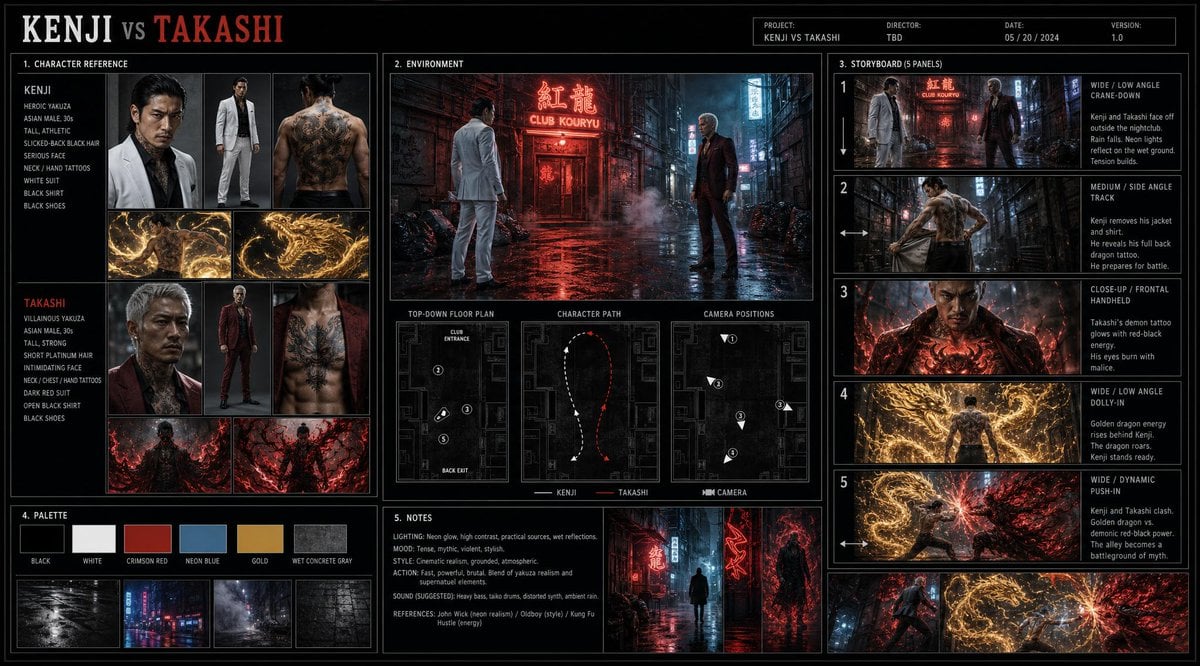
Cinematic Film Pre-Production Sheet
Anime Character Production Sheet
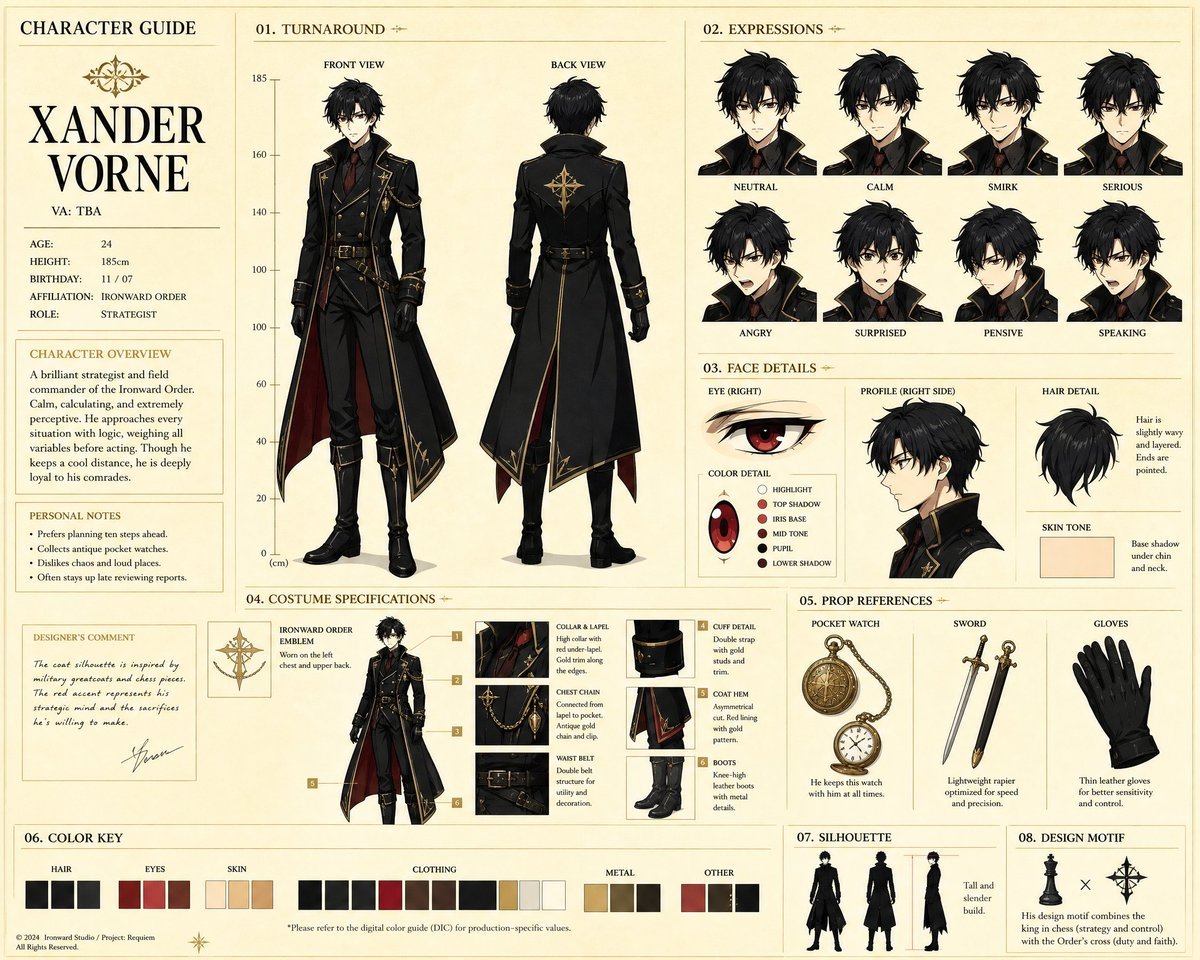
Anime Character Production Guide Sheet
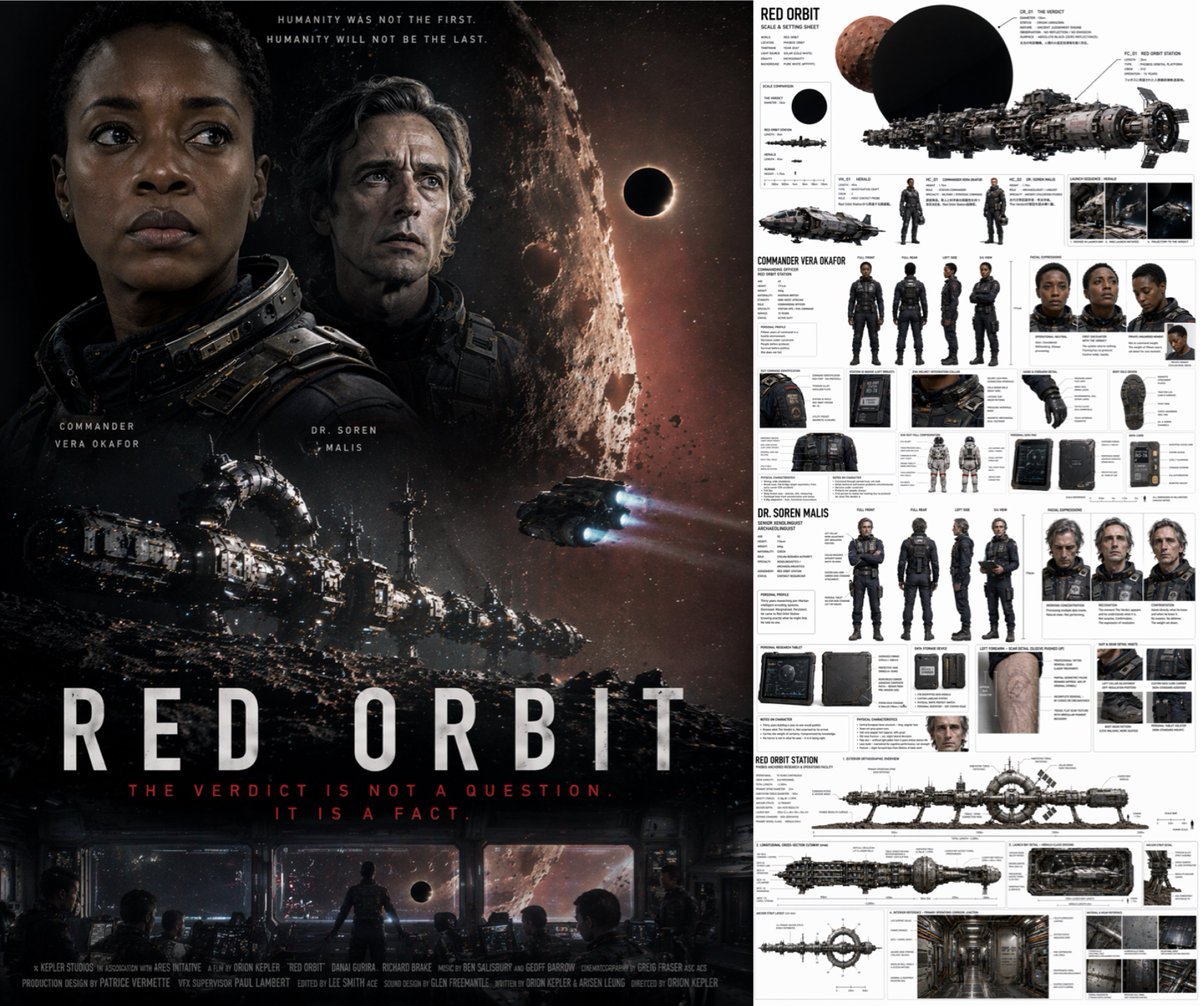
Sci-Fi Movie Poster and Production Design Sheet
Make it yours
Cinematic Storyboard Production Board works as-is. These are the safest ways to change it without losing the look.
Change one field
Copy a single group, rewrite it, and generate again so you can see what that field is doing.
Keep the frame, change the subject
Hold the composition and light of Cinematic Storyboard Production Board, then swap wardrobe, props or the person for a new take.
| If the result… | Why | Fix |
|---|---|---|
| The result drifts from the preview | Too many fields changed at once. | Reuse Cinematic Storyboard Production Board as-is first, then change one group — subject, light, or setting. |
| The model over-stylizes the scene | The prose prompt leaves finish and camera underspecified. | Add one camera or lighting sentence and stay on GPT Image 2. |
More GPT Image 2 templates
Other prompts made for GPT Image 2.

Six VTuber Japanese Logo Sheet

Realistic Portrait of Woman and Deer

The Vista Modular Condo Poster

AI Model Routing Comparison Infographic

2.5D Anime Art Board

Isometric Productivity Desk Scene

New York Double Exposure Poster

Four-Panel AI Landscape Comparison

Japanese Tatami Lifestyle Magazine Cover

NESCAFÉ Coffee Map Poster
More image prompts
Fresh picks from across the catalog.
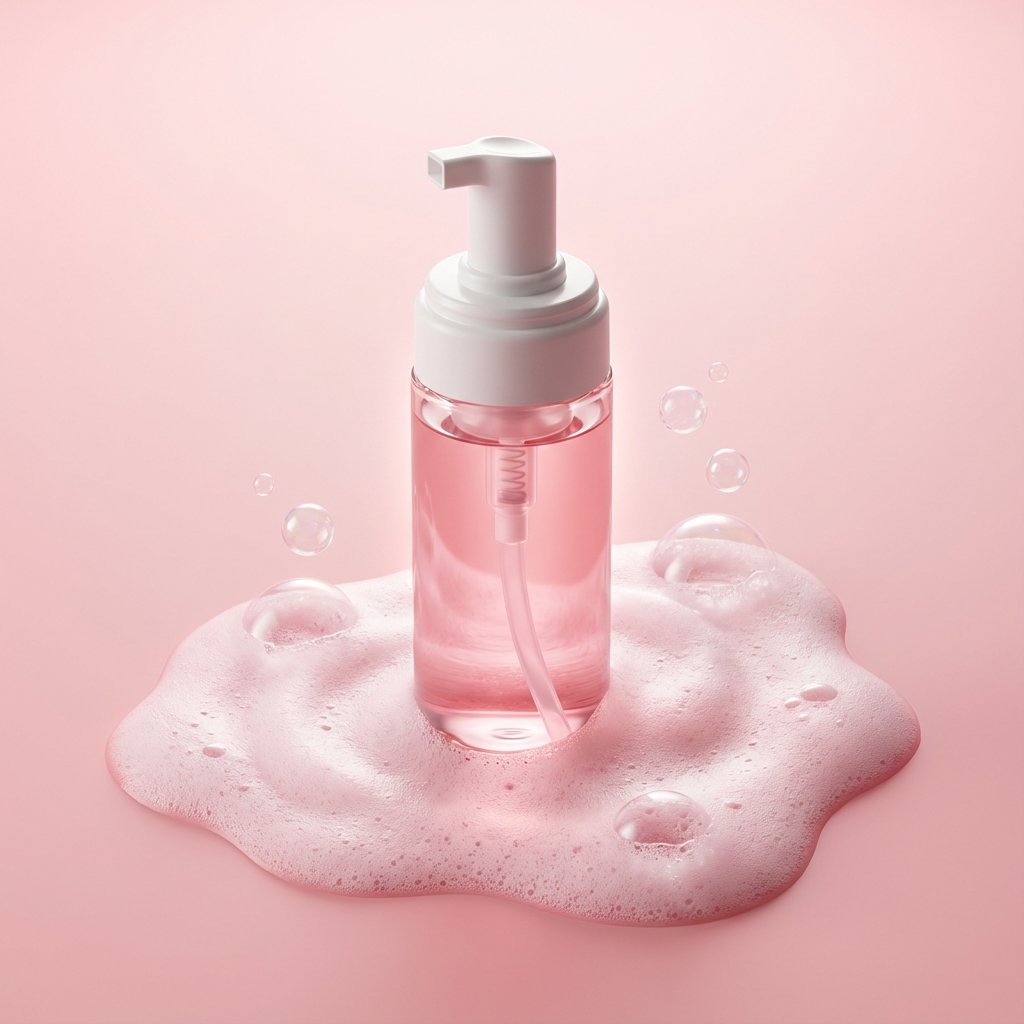
Minimalist Skincare Product Photography with Bubbles
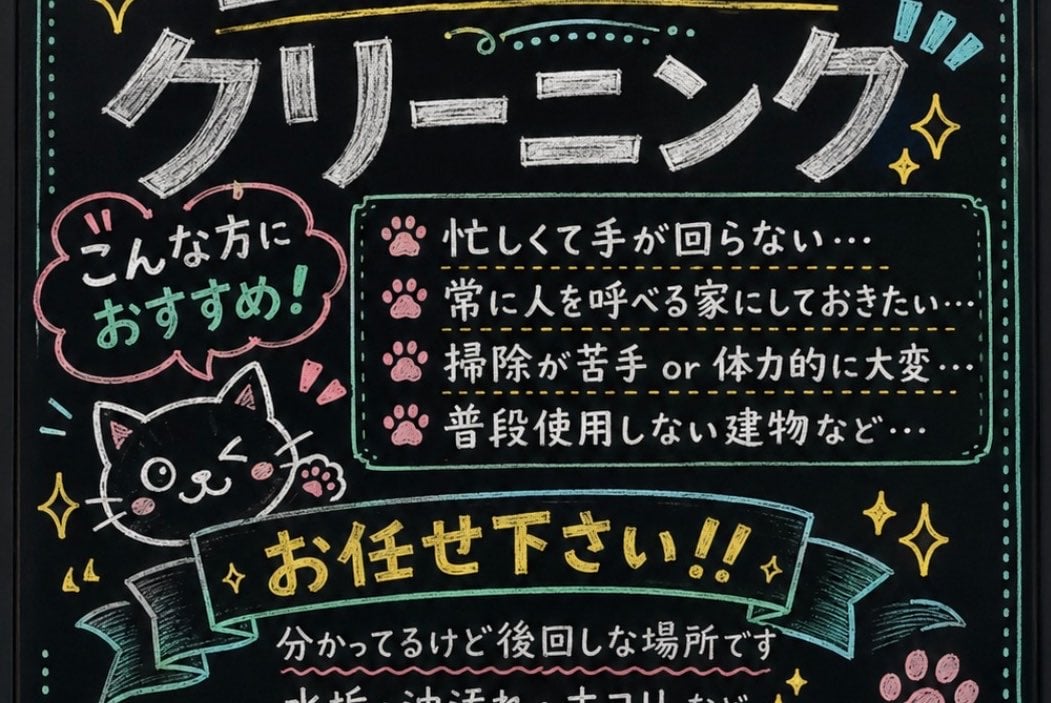
Japanese Chalkboard Cleaning Sign
High-Fashion Horseback Portrait on Vintage Street
Hyper-realistic Portrait Prompt with Face Consistency
Japanese Train Schoolgirl Phone Recording
1980s RPG manual cover in 4K
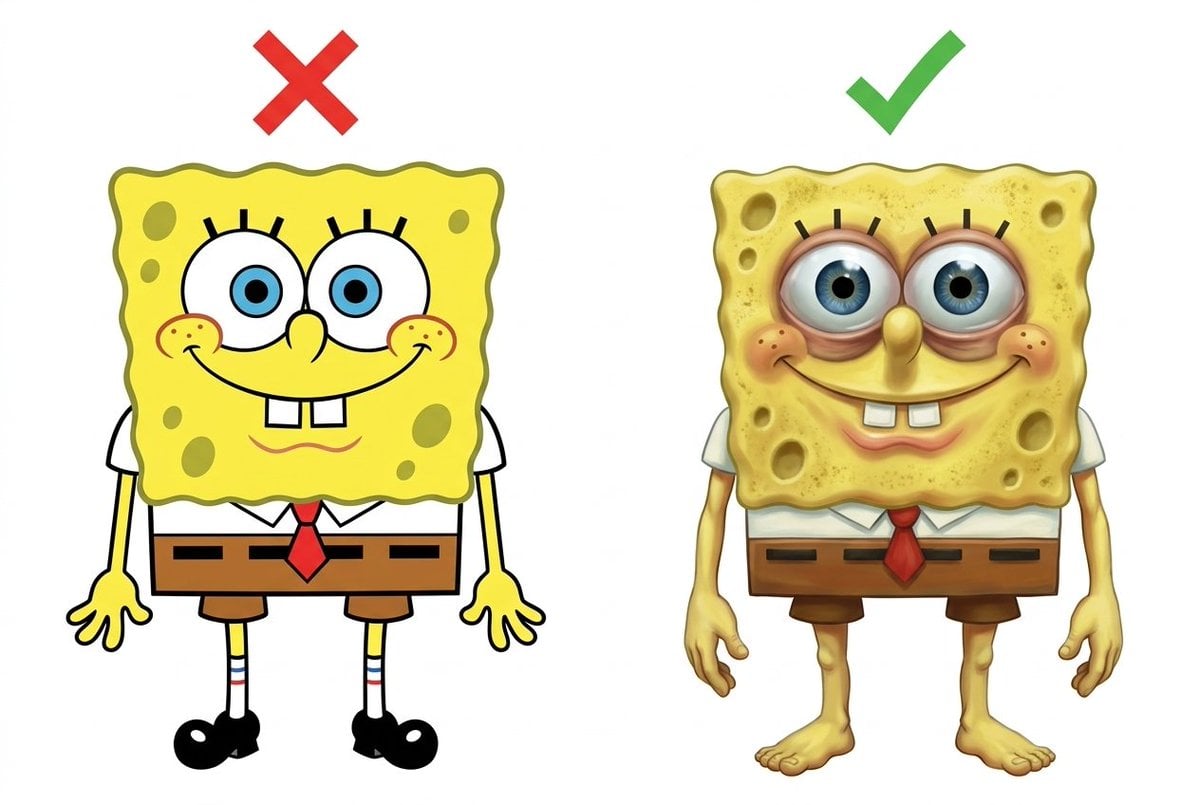
Image Redrawing and Style Transfer Prompt
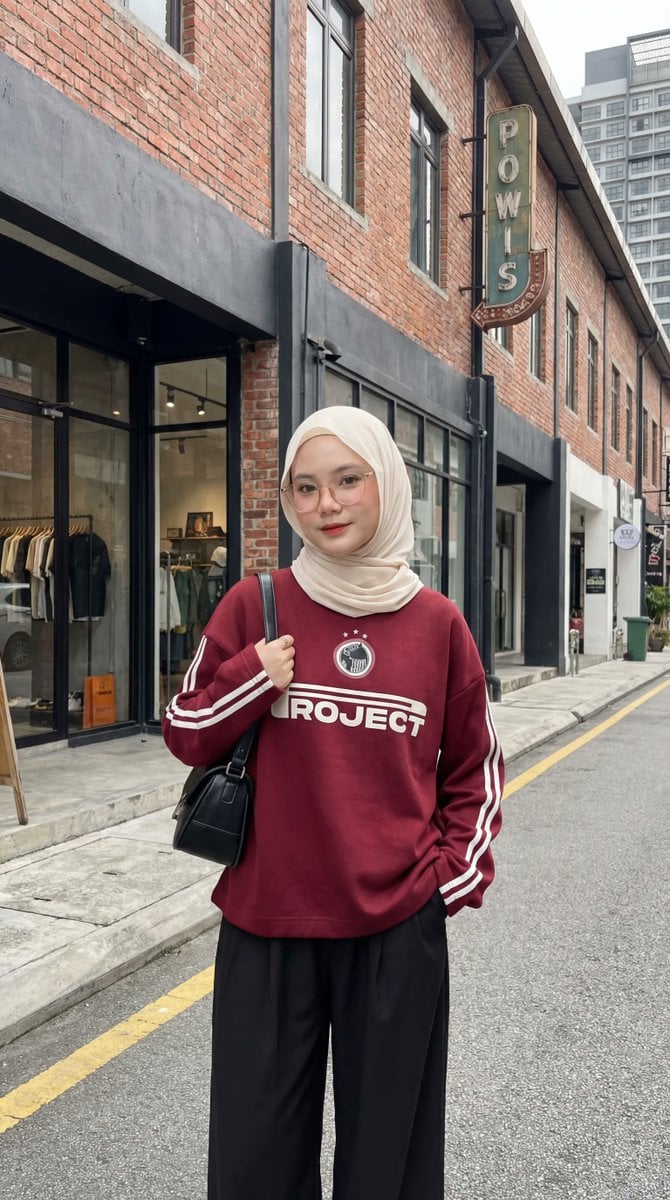
Urban Fashion Hijab Portrait

Candid Couch Dinner Flash Photo
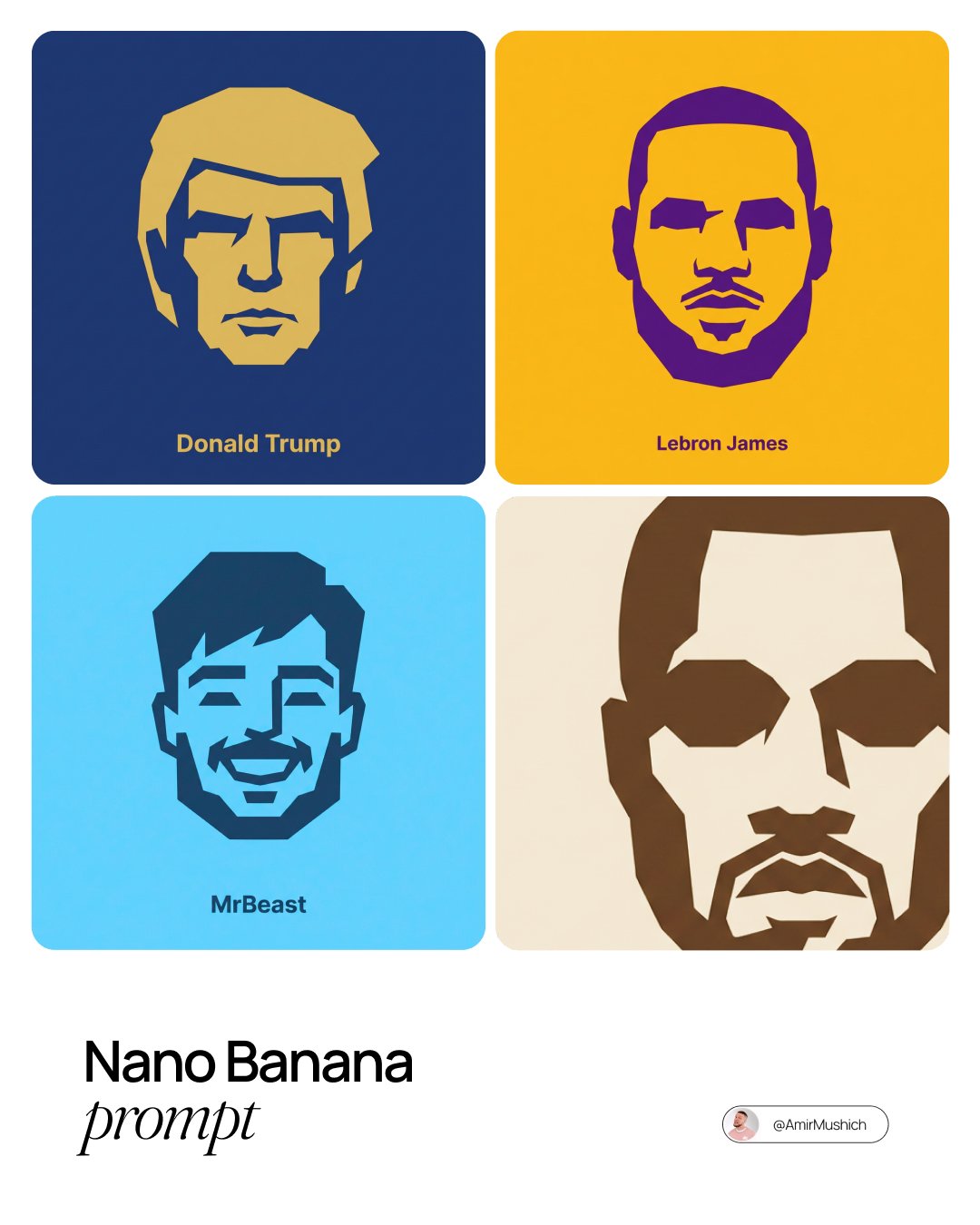
untitled
Browse template categories
Cinematic Storyboard Production Board questions
How do I use the Cinematic Storyboard Production Board template?
Add your photo if the template asks for one, edit the prompt if you like — the template's model and format are already selected — and press Generate. Your version opens in PicX Studio.
Can I customize the Cinematic Storyboard Production Board template?
Yes. You can change the subject, setting, lighting, mood, format, and available model controls before creating your image.
Is the Cinematic Storyboard Production Board template free?
Opening and editing this template is free. Generating uses credits, shown on the Generate button when you are signed in.
Which AI model should I use?
Start with GPT Image 2, which is the model associated with this template. You can compare another compatible model for a different finish.
Looking for something else? Browse all templates.

Your photo, any look
Thousands of ready templates for every top image and video model, from one credit balance.