
Windows Context Menu Skincare Ad Template
Windows Context Menu Skincare Ad Template is a ready photo look for PicX.
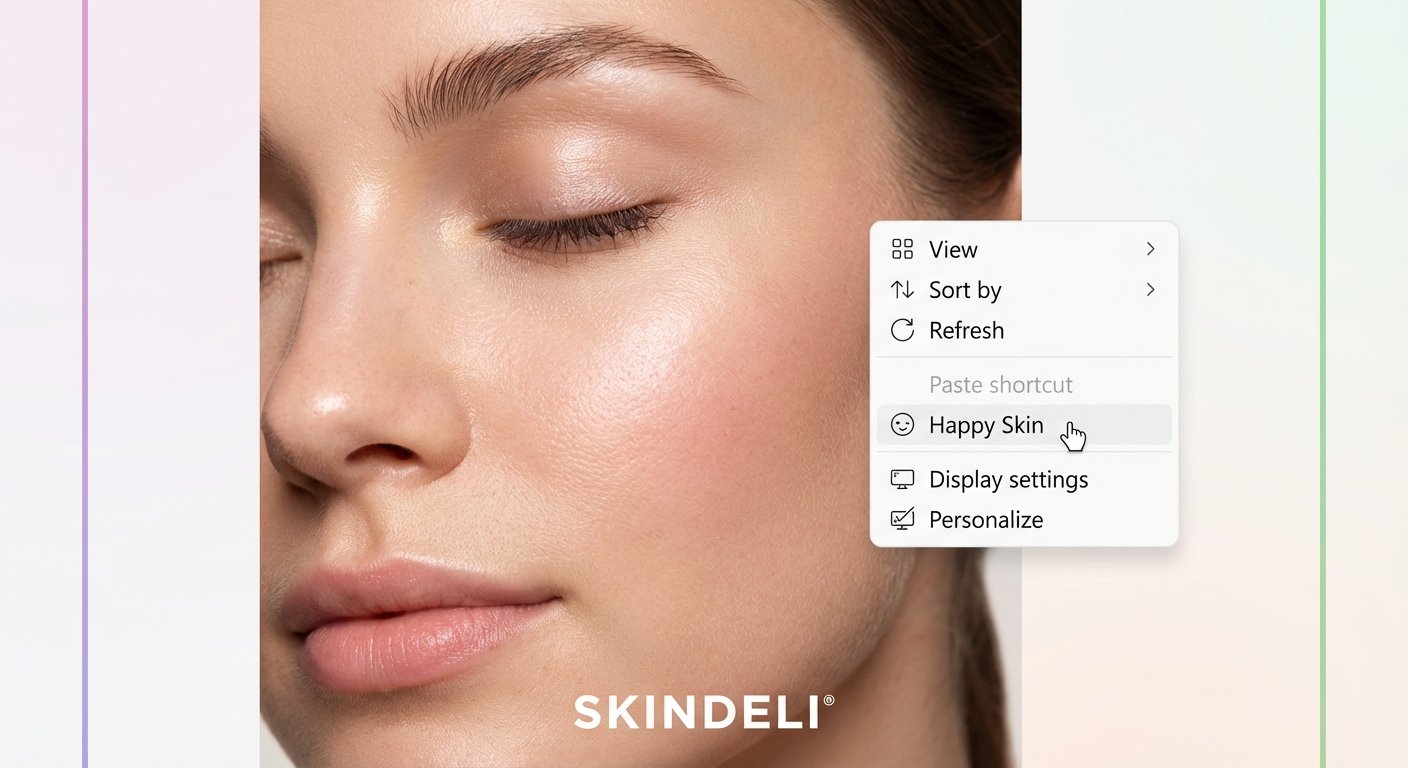
- Prompt included
- Model and format preset
- Free template
The prompt behind this image
Copy the exact prompt behind Windows Context Menu Skincare Ad Template, or open it in the studio and make it yours.
Create a hyper-realistic skincare or beauty advertisement poster inspired by a desktop right-click context-menu interface. MAIN VISUAL — CLOSE-UP FACE (EXTREME REALISM): A tight, close-up portrait of the right or left side of a person’s face, filling about 70% of the frame. The model should have: smooth, hydrated, glowing skin natural soft makeup subtle blush long lashes relaxed expression with eyes gently closed visible, natural skin texture (no AI blur) soft diffused beauty lighting creating highlights on cheekbones, brow bone, and nose (Face can be replaced with any gender, skin tone, ethnicity — depending on the brand.) DESKTOP CONTEXT MENU OVERLAY (IMPORTANT): Overlay a desktop-style context menu on the opposite side of the face. Menu must look like an OS UI element: white rounded rectangular box subtle soft shadow crisp, modern UI icons visible cursor/pointer selecting an option Menu items template (editable): View Sort by Refresh Paste shortcut (greyed/disabled) [CUSTOM FEATURE OPTION] ← highlighted in light grey with cursor hovering Display settings Personalize The [CUSTOM FEATURE OPTION] is where the brand inserts its message, e.g.: “Happy Skin” “Fresh Glow” “Hydrate Now” “Brighten Tone” Add a small matching icon next to it (face icon, sparkle icon, droplet icon, etc.). BRANDING (BOTTOM CENTER): Add the brand name in clean, minimal white text: [BRAND NAME]® Use a sleek modern sans-serif font with slight letter spacing. BACKGROUND & COLOR DETAILS Soft gradient background moving from light neutral tones to warm subtle hues. Add thin vertical borders on the left and right edges: Left border → soft purple/pink gradient Right border → soft green/teal gradient Borders must be subtle but visible, maintaining a premium aesthetic. OVERALL STYLE & QUALITY REQUIREMENTS: Hyperrealistic 8K beauty photography Clear pore texture, peach fuzz, natural skin tone variations Clean UI graphics that look like a real operating system Premium minimalistic layout No clutter or extra elements outside of the composition Should look like a high-end digital skincare advertisement concept
How to use Windows Context Menu Skincare Ad Template in 3 steps
- 1
Open
The prompt is already in the box next to the preview, with the template's model and format selected.
- 2…a portrait of your subject in softgolden-hour light, 85mm…
Personalize
Edit the subject and creative details for your destination.
- 3Generate
Generate
Press Generate — your image is created in PicX Studio, so you can compare it with the original and refine one variable at a time.
More like this
Templates with the same subject, style or setup. Open one to see its prompt.
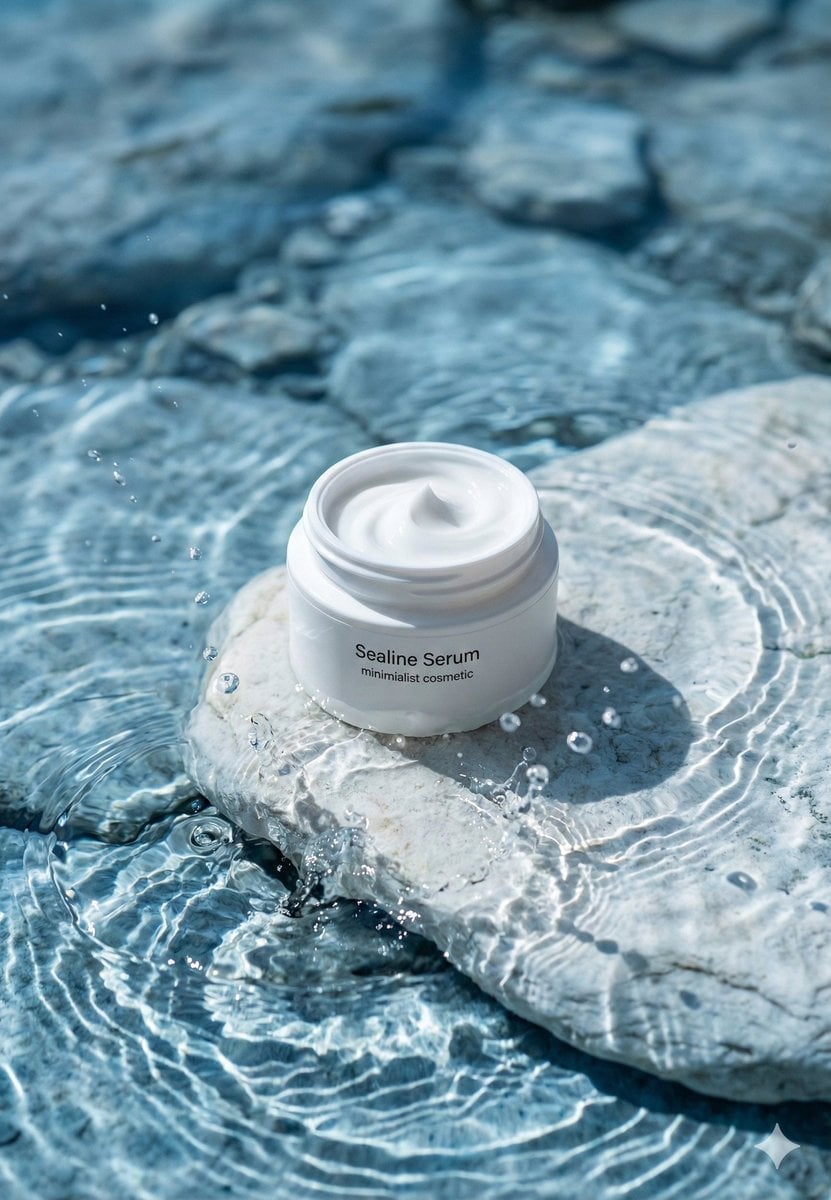
Minimalist Skincare Product Water Stone Still
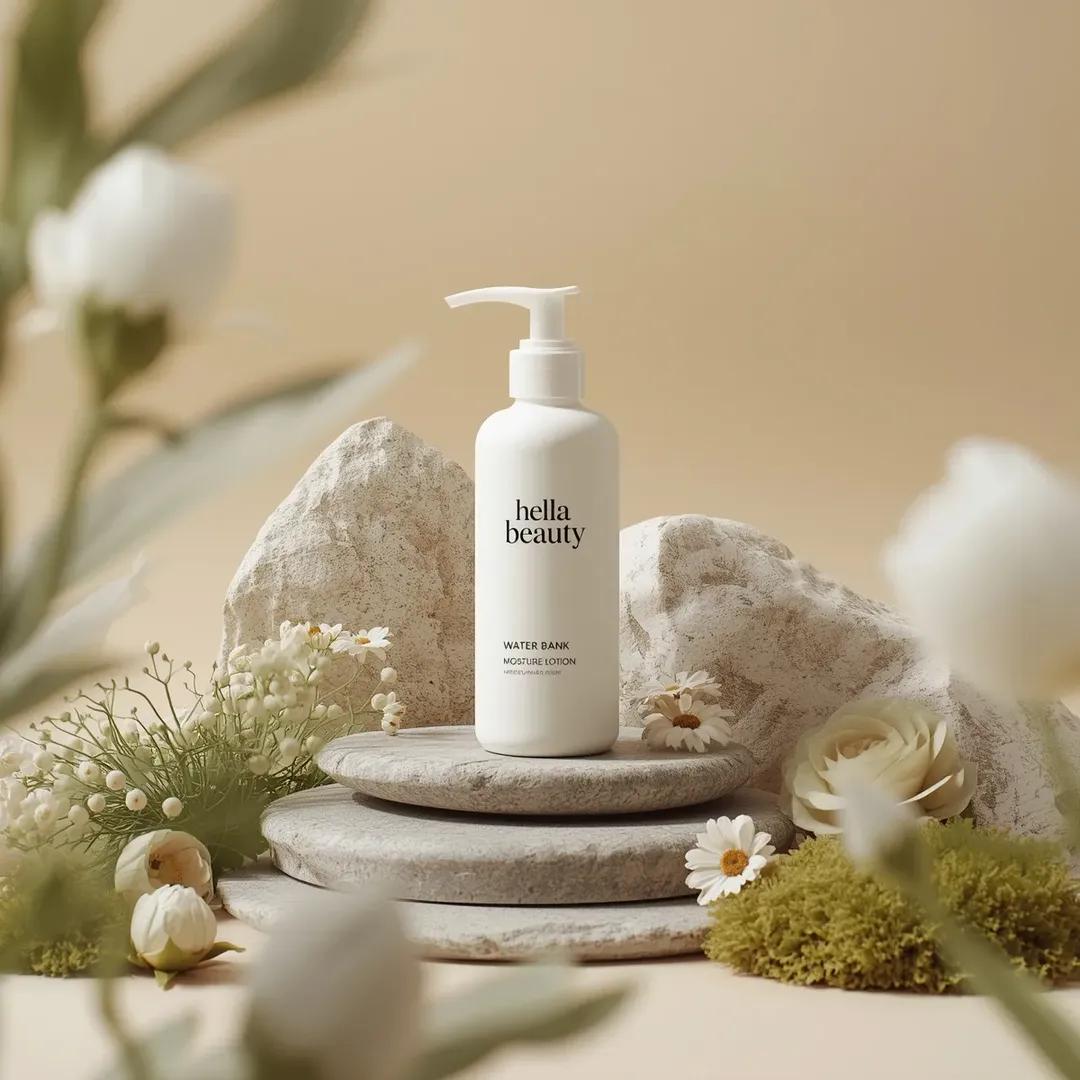
Botanical Skincare Minimal Product Advertising
Minimalist Skincare Product Water Stone Still
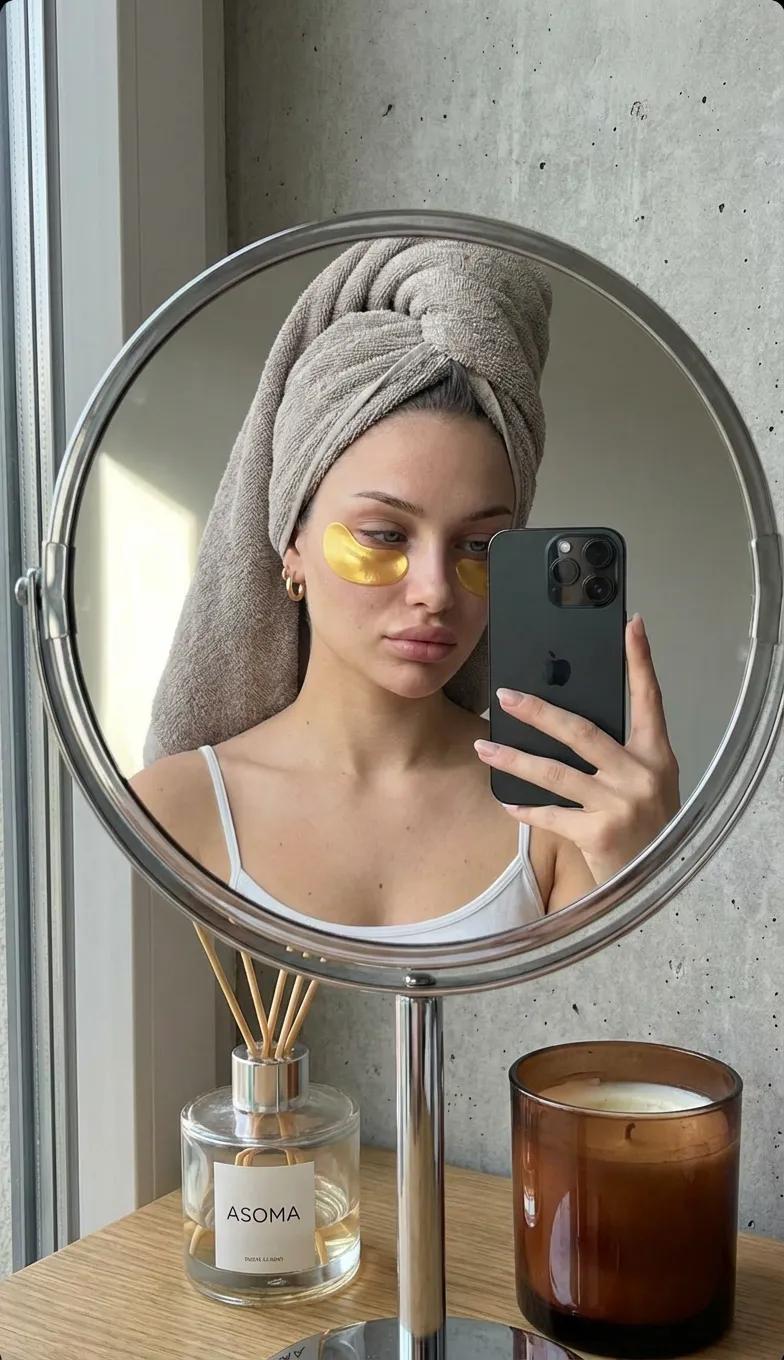
Round Tabletop Mirror Skincare Selfie
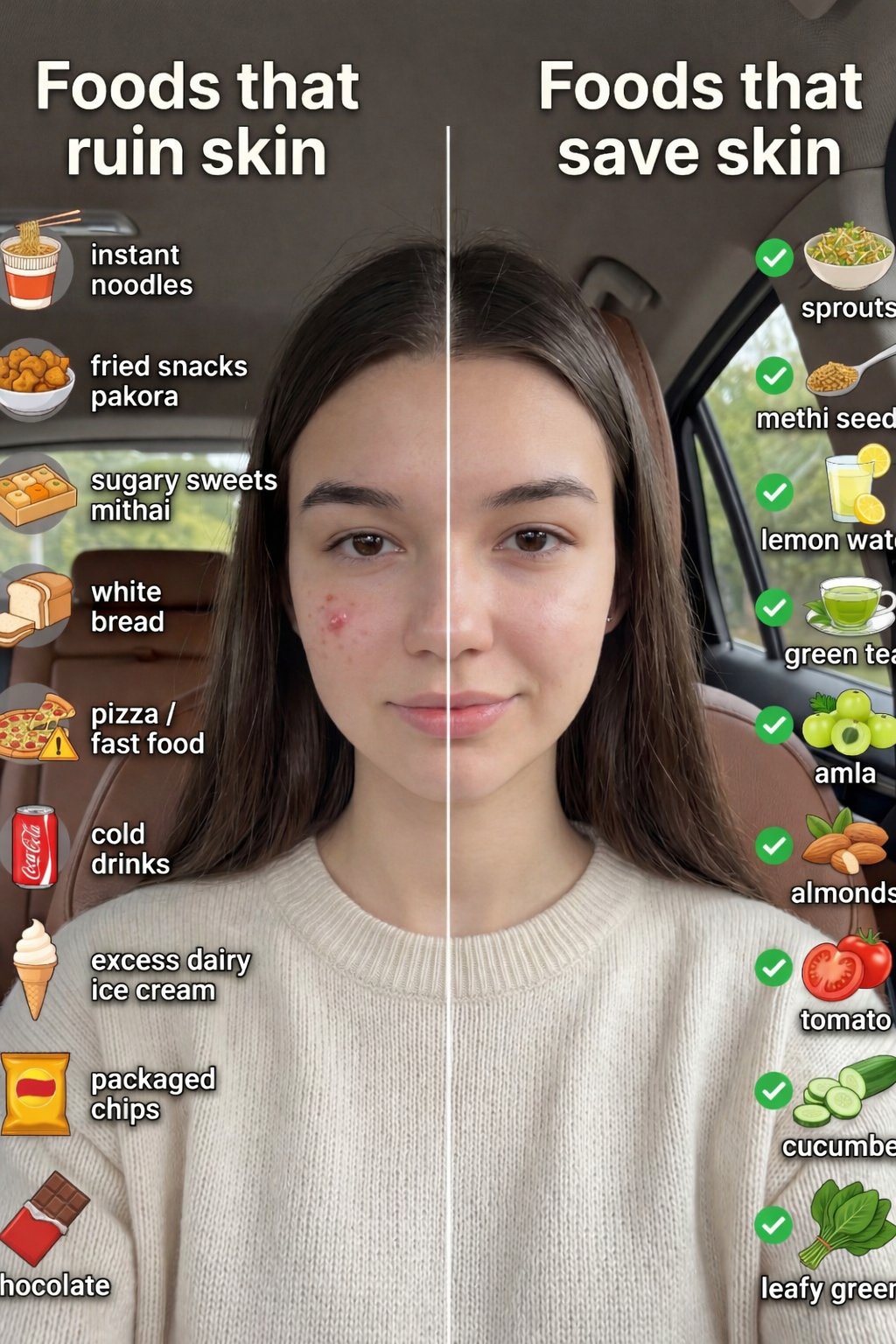
01 Skincare Split Portrait — Nano Banana 2

Product Elemental Lifestyle - Midjourney v7/v8
UGC Skincare Review - Seedance 2.0
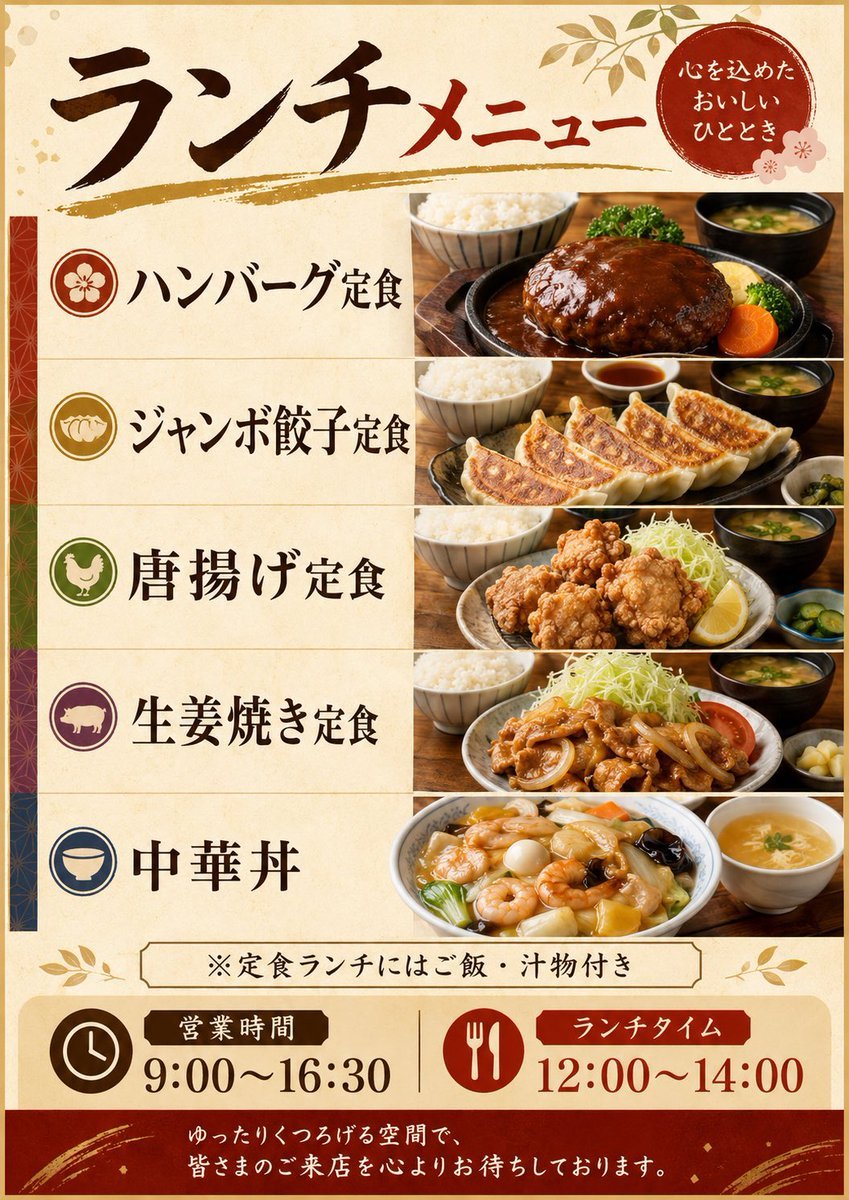
Japanese Lunch Menu Poster
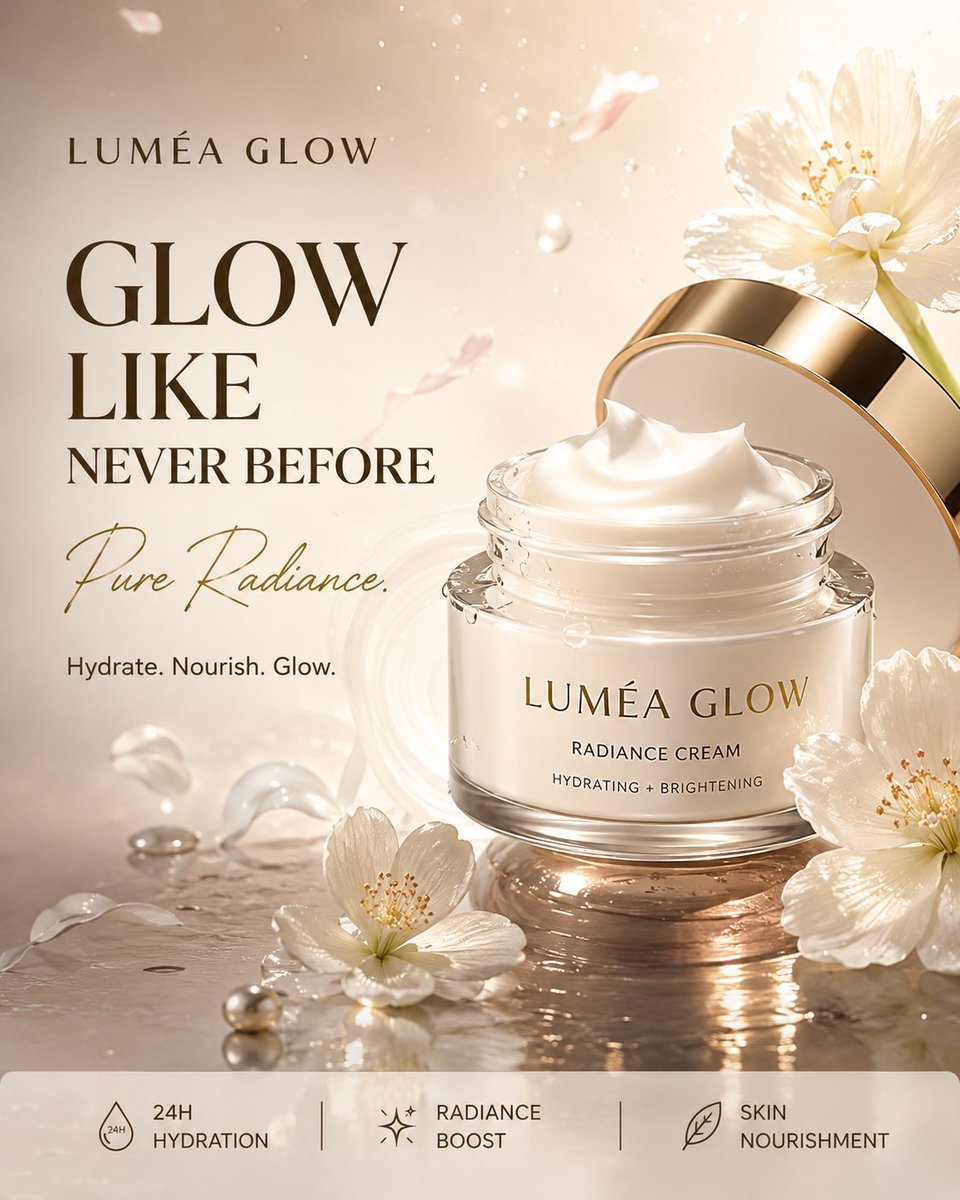
Luxury Skincare Product Advertisement
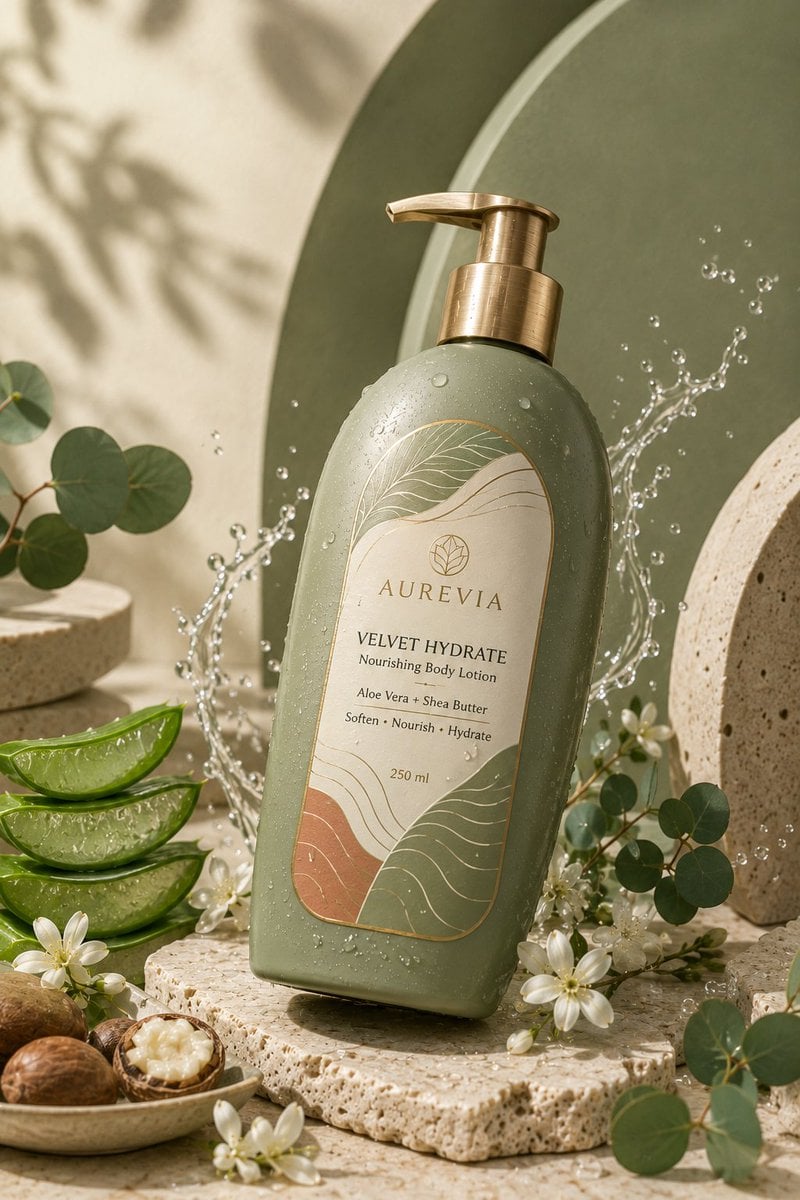
Luxury Skincare Product Ad

Black-and-White Windowsill Portrait
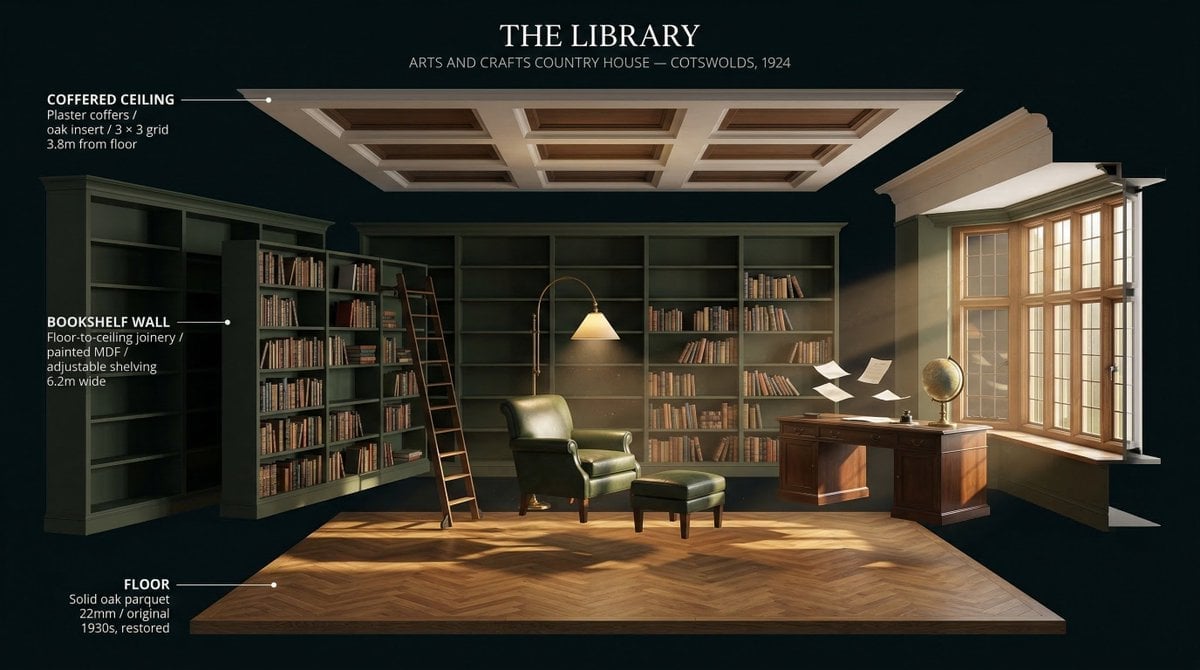
LIGHTING each element still lit by its original source, windows casting
Make it yours
Windows Context Menu Skincare Ad Template works as-is. These are the safest ways to change it without losing the look.
Change one field
Copy a single group, rewrite it, and generate again so you can see what that field is doing.
Keep the frame, change the subject
Hold the composition and light of Windows Context Menu Skincare Ad Template, then swap wardrobe, props or the person for a new take.
| If the result… | Why | Fix |
|---|---|---|
| The result drifts from the preview | Too many fields changed at once. | Reuse Windows Context Menu Skincare Ad Template as-is first, then change one group — subject, light, or setting. |
| The model over-stylizes the scene | The prose prompt leaves finish and camera underspecified. | Add one camera or lighting sentence and stay on PicX. |
More PicX templates
Other prompts made for PicX.
More image prompts
Fresh picks from across the catalog.

Japanese AI Design Webinar Thumbnail
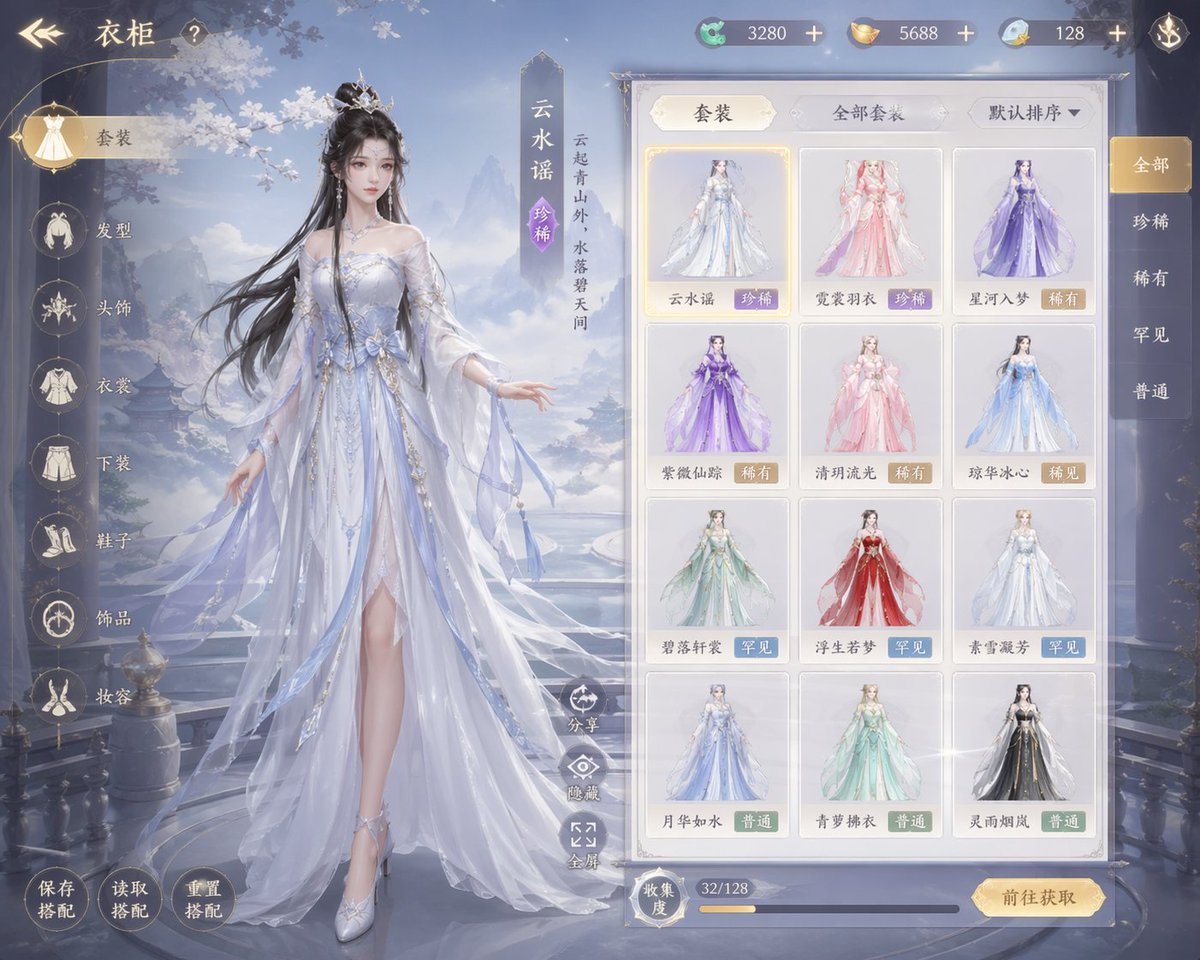
Xianxia Game Character Wardrobe Interface

BBL Cricket Action Shot with Face Match
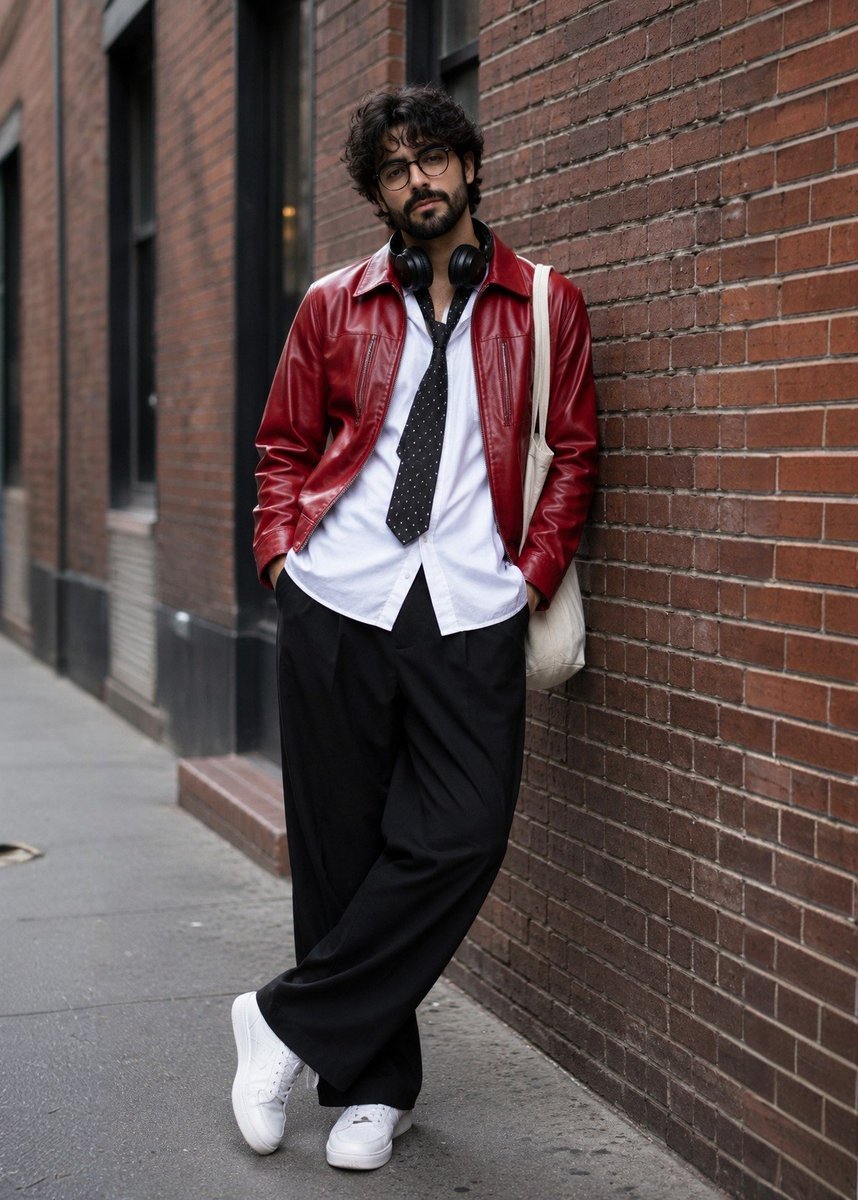
Street Fashion Photoshoot
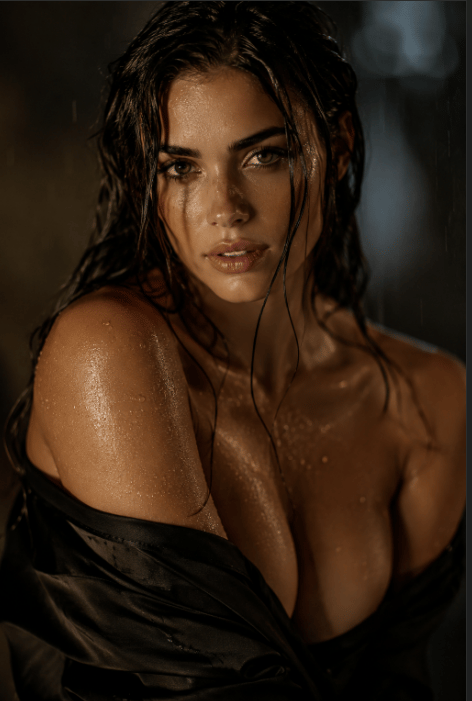
Censored Rain Portrait
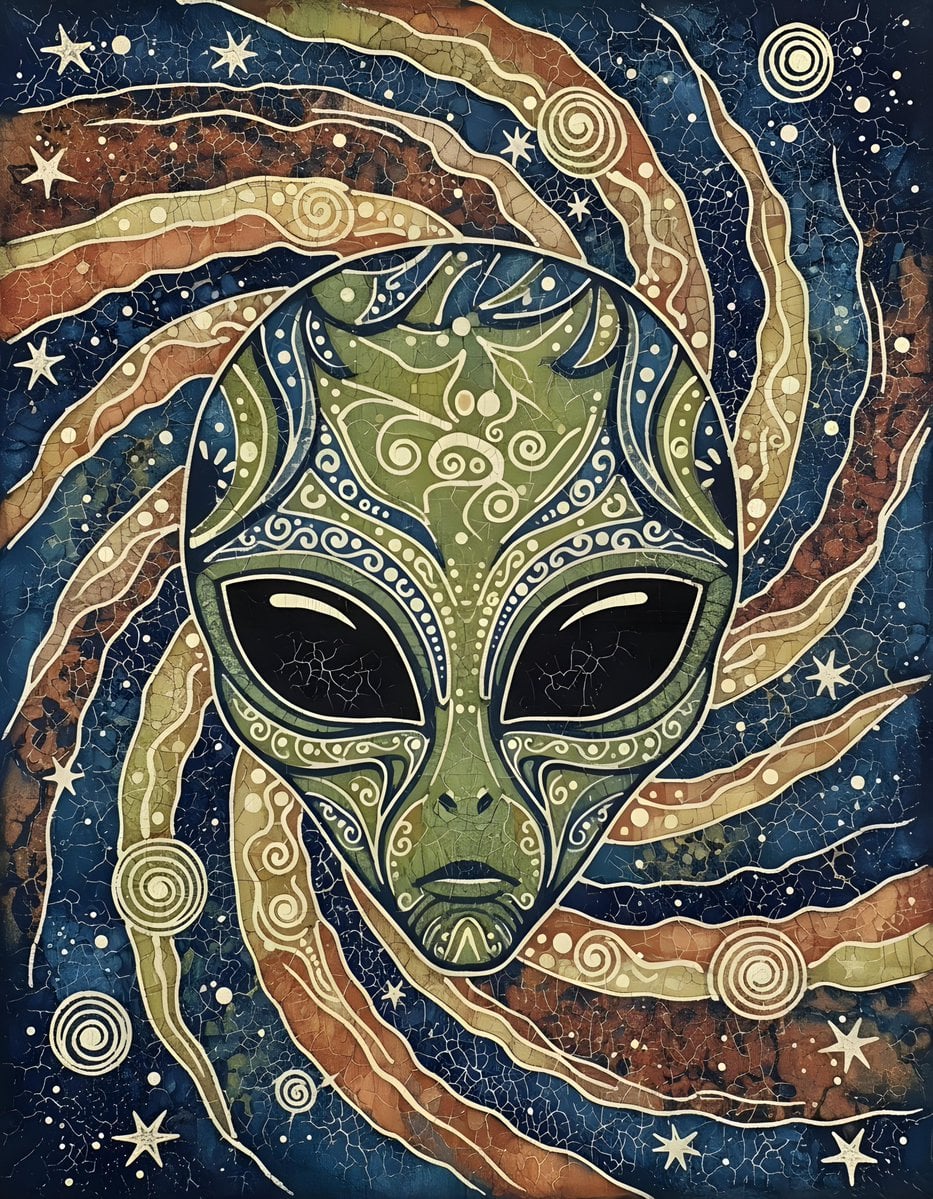
Batik Style Image Generation Prompt
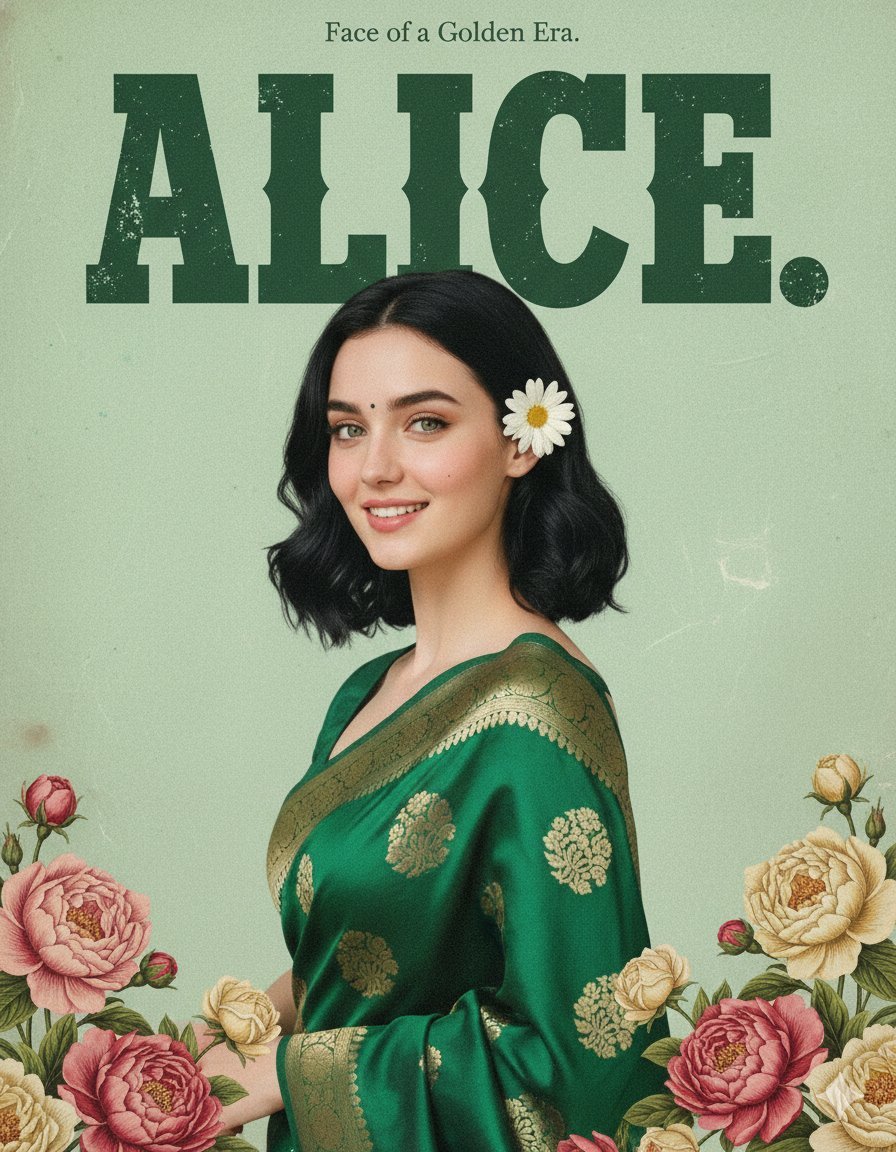
Retro and Modern Name Poster Prompts

Girl on Window Seat in Rain

China Southern A380 Takeoff at Pudong

Ultra-Realistic Graphite Pencil Portrait
Browse template categories
Windows Context Menu Skincare Ad Template questions
How do I use the Windows Context Menu Skincare Ad Template template?
Add your photo if the template asks for one, edit the prompt if you like — the template's model and format are already selected — and press Generate. Your version opens in PicX Studio.
Can I customize the Windows Context Menu Skincare Ad Template template?
Yes. You can change the subject, setting, lighting, mood, format, and available model controls before creating your image.
Is the Windows Context Menu Skincare Ad Template template free?
Opening and editing this template is free. Generating uses credits, shown on the Generate button when you are signed in.
Which AI model should I use?
Start with PicX, which is the model associated with this template. You can compare another compatible model for a different finish.
Looking for something else? Browse all templates.

Your photo, any look
Thousands of ready templates for every top image and video model, from one credit balance.