How do I use the Macro Fashion Illusion Template template?
Choose the primary action to open PicX Studio with the available template settings. Review the model and format, personalize the creative direction, and generate when ready.
Creative Fashion Template

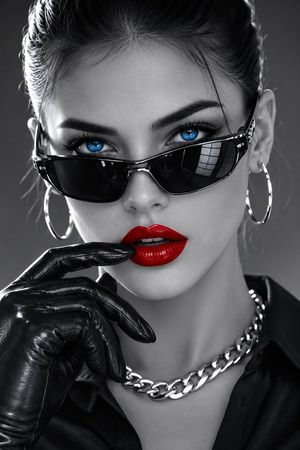
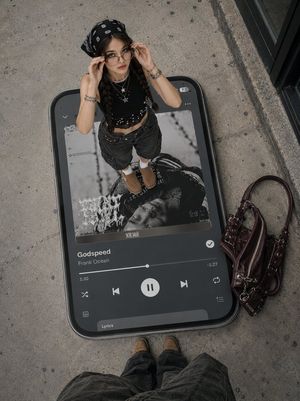
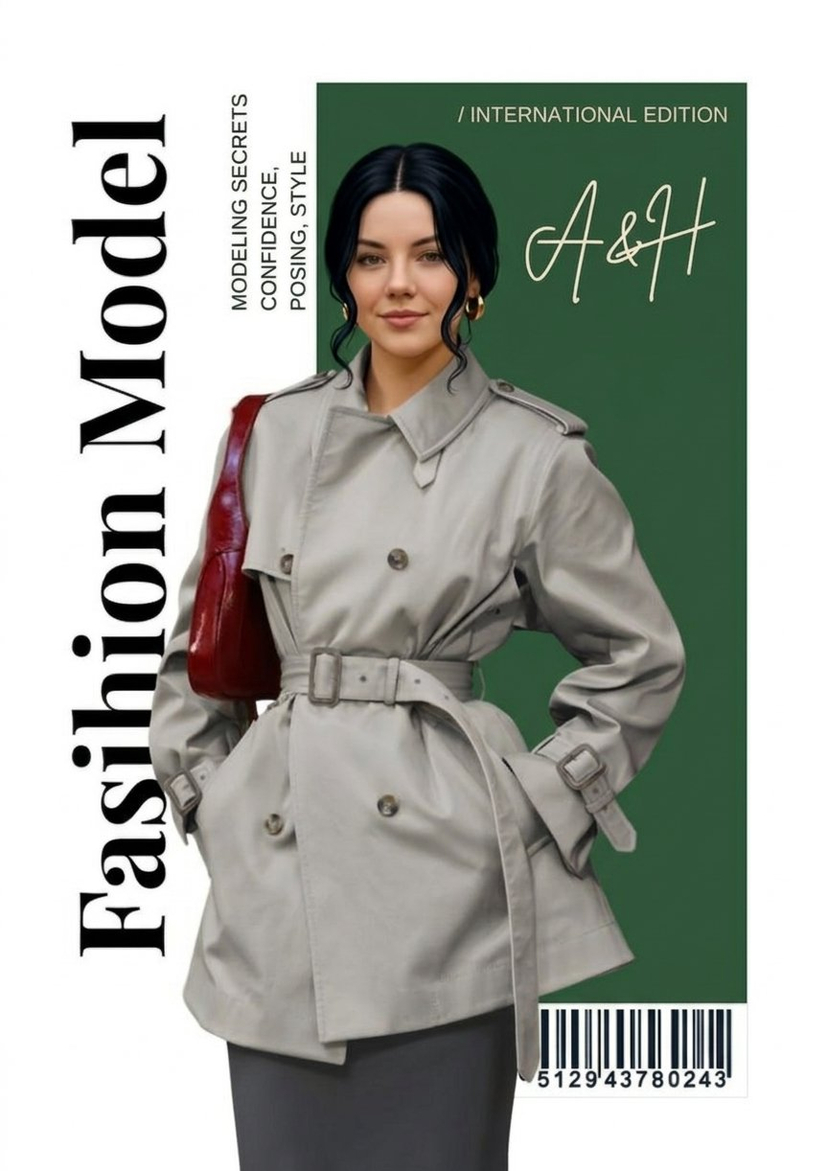
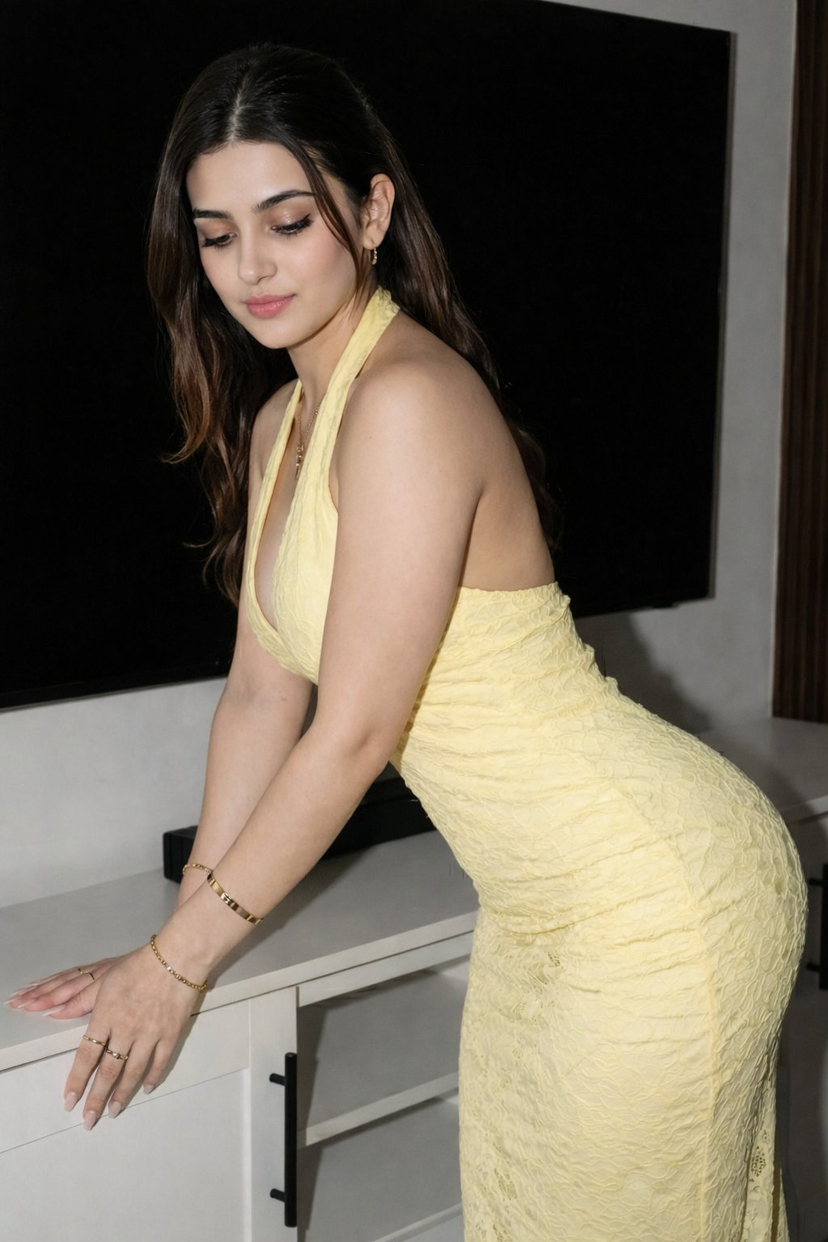
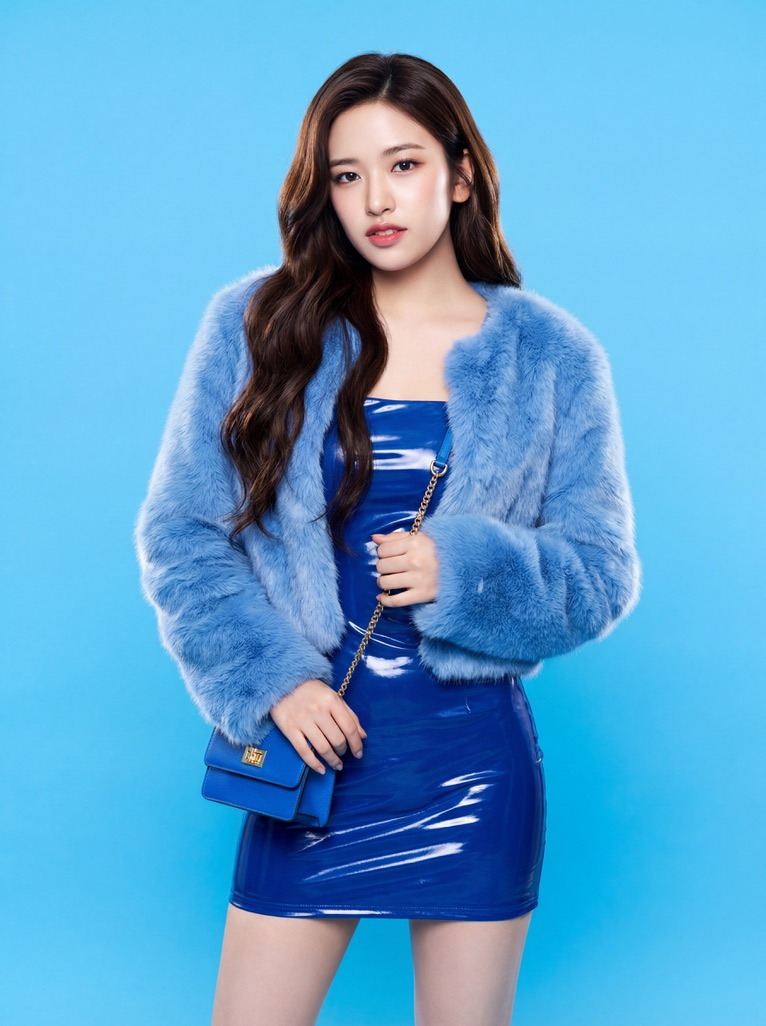
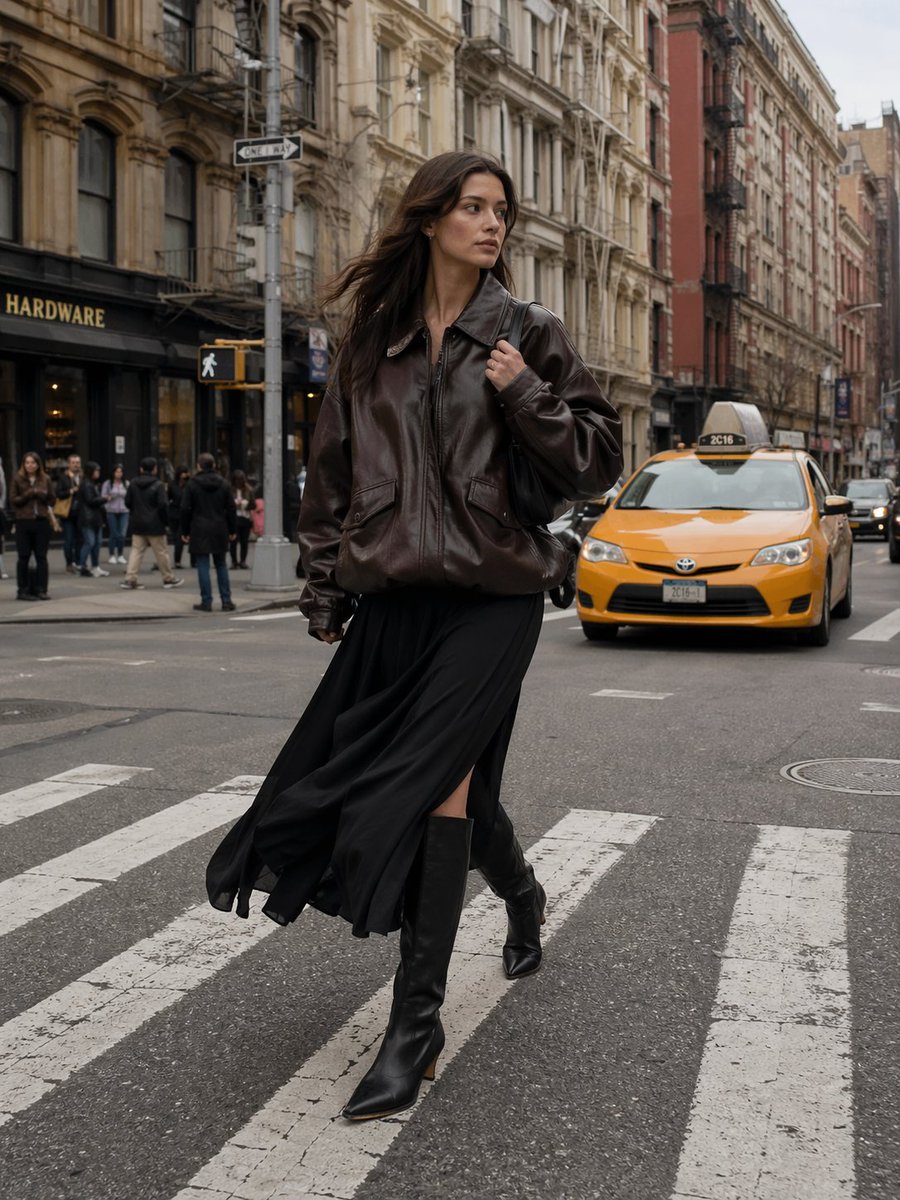
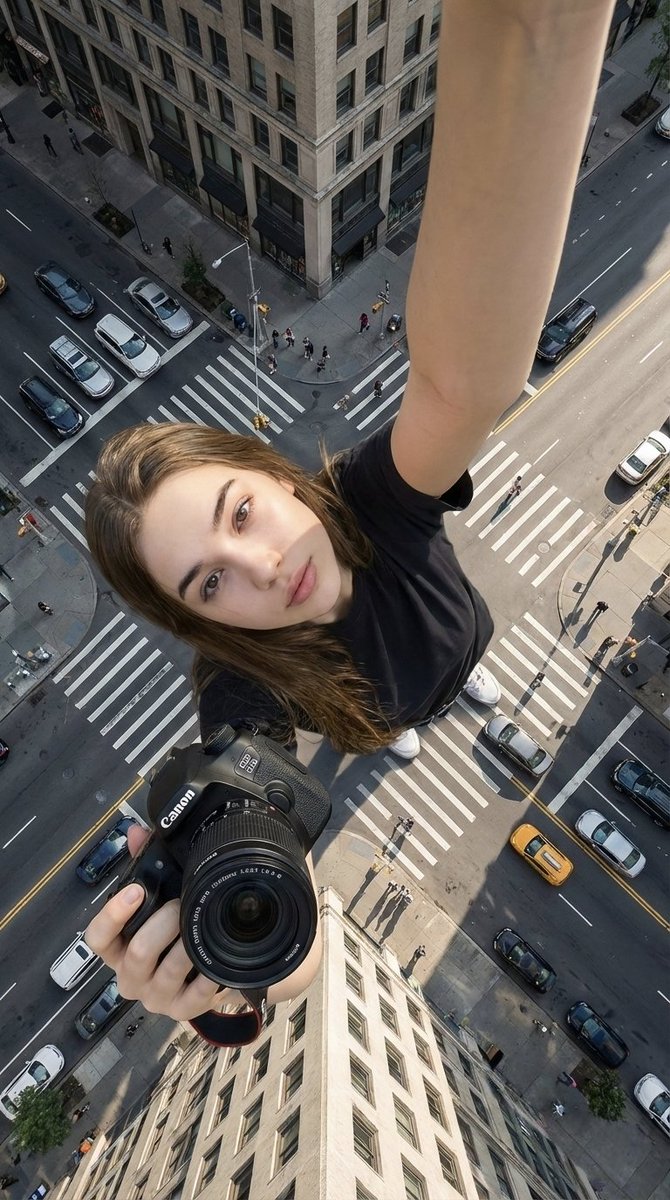
CHARACTER (Normal-sized central figure) A stylish person standing in the center of the scene. Description: [MODEL DESCRIPTION: gender, hair, ethnicity, vibe, expression] Outfit: [TOP] [INNER SHIRT] [BOTTOMS] [SOCKS] [SHOES] [ACCESSORIES: sunglasses/jewelry/etc.] Pose: [POSE DESCRIPTION] Expression: [EXPRESSION STYLE: confident, cool, editorial] Lighting: clean, soft daylight. GIANT HAND / BODY-PART ELEMENT Include one or more oversized versions of the model’s own body parts. Hyperrealistic skin texture Dramatic scale difference Fingers wearing [RINGS / FASHION ACCESSORIES] Wrist with a large [WATCH / BRACELET] Placement: The giant hand should extend through the scene, behind or beside the model, creating surreal scale contrast. OVERSIZED PRODUCT / FASHION ITEM Add a giant version of one key item the model is wearing. Choose item: [SHOE / BAG / SUNGLASSES / PERFUME / ACCESSORY] Details: Amplified textures (e.g., polished leather, shiny metal, embossed logos) Visible stitching, reflections, branding, and materials The model should interact with this giant item: [HOLDING / LEANING / TOUCHING] Scale: The item should look much larger than the model. GIANT ARM + SLEEVE ELEMENT Add a huge extended arm wearing the same clothing piece as the model. Fabric texture consistent with the original outfit Crisp pattern details [PATTERN STYLE] Oversized buttons, seams, and materials Add a large [WATCH / BRACELET] on the giant wrist Placement: behind the model or partially framing the scene for surreal symmetry. BACKGROUND / ENVIRONMENT Urban modern street scene with: [PAVEMENT TYPE] [BUILDING STYLE: minimalist/beige/modern] [TREES / FOLIAGE TYPE] Soft shadows from daylight Neutral color palette so the fashion items stand out STYLE + QUALITY REQUIREMENTS Ultra-HD (8K), hyperrealistic Sharp textures: skin, fabric weave, metal, leather Premium fashion editorial look Clean color grading Photorealistic lighting Surreal scale exaggeration but still visually believable Luxury-brand visual energy No cartoon styling
Choose the primary action to open PicX Studio with the available template settings. Review the model and format, personalize the creative direction, and generate when ready.
Yes. You can change the subject, setting, lighting, mood, format, and available model controls before creating your image.
This template is free to open and customize. Generation usage is shown in PicX Studio before you create.
Start with PicX, which is the model associated with this template. You can compare another compatible model for a different finish.
© 2026 PicX Studio. All rights reserved.

Follow a topic to a crawlable collection of related PicX Studio templates.