
Food Lifecycle Infographic Prompt
A detailed scientific infographic prompt designed for Little Red Book style, visualizing the maturation and decay of food items through time-slices.

- Prompt included
- Model and format preset
- Free template
The prompt behind this image
Copy the exact prompt behind Food Lifecycle Infographic Prompt, or open it in the studio and make it yours.
An educational infographic on the theme "{argument name="food name" default="大蒜"}的一生". The image must show "a single, complete food item" (such as one potato / one bunch of bananas / one head of garlic); use horizontal slicing to show the same food's changes across different time stages, rather than combining multiple different food items. The food's main body should keep a continuous structure and consistent shape, only showing different degrees of ripeness in different slice regions (as if time itself were sliced open). The image is in a vertical 3:4 ratio, with the subject centered and extending horizontally, evenly divided into 4-6 segments: From left to right: unripe → ripe → overripe → spoiled Each segment should show realistic change: Color change (green → yellow → black, etc.) Texture change (plump → softening → shriveled → rotten) Feature changes (sprouting, weeping moisture, mold, etc.) Each stage should be paired with text explanations: Stage name Appearance characteristics Internal changes (sugar/starch/moisture changes) Eating recommendations (recommended / suitable for cooking / not edible) Design style: Minimalist light-colored background (beige) Highly realistic photography style Clear dividing lines (a sense of time being sliced) Chinese-style educational layout, Xiaohongshu style Use markers like ⚠️ and ✔️ where appropriate Title at the top of the image: "{argument name="food name" default="大蒜"}的一生" Key requirement: it must be presented as "slices of the same food changing over time," not a composite of multiple separate items
How to use Food Lifecycle Infographic Prompt in 3 steps
- 1
Open
The prompt is already in the box next to the preview, with the template's model and format selected.
- 2…a portrait of your subject in softgolden-hour light, 85mm…
Personalize
Edit the subject and creative details for your destination.
- 3Generate
Generate
Press Generate — your image is created in PicX Studio, so you can compare it with the original and refine one variable at a time.
More like this
Templates with the same subject, style or setup. Open one to see its prompt.

Japan Travel Brochure Poster
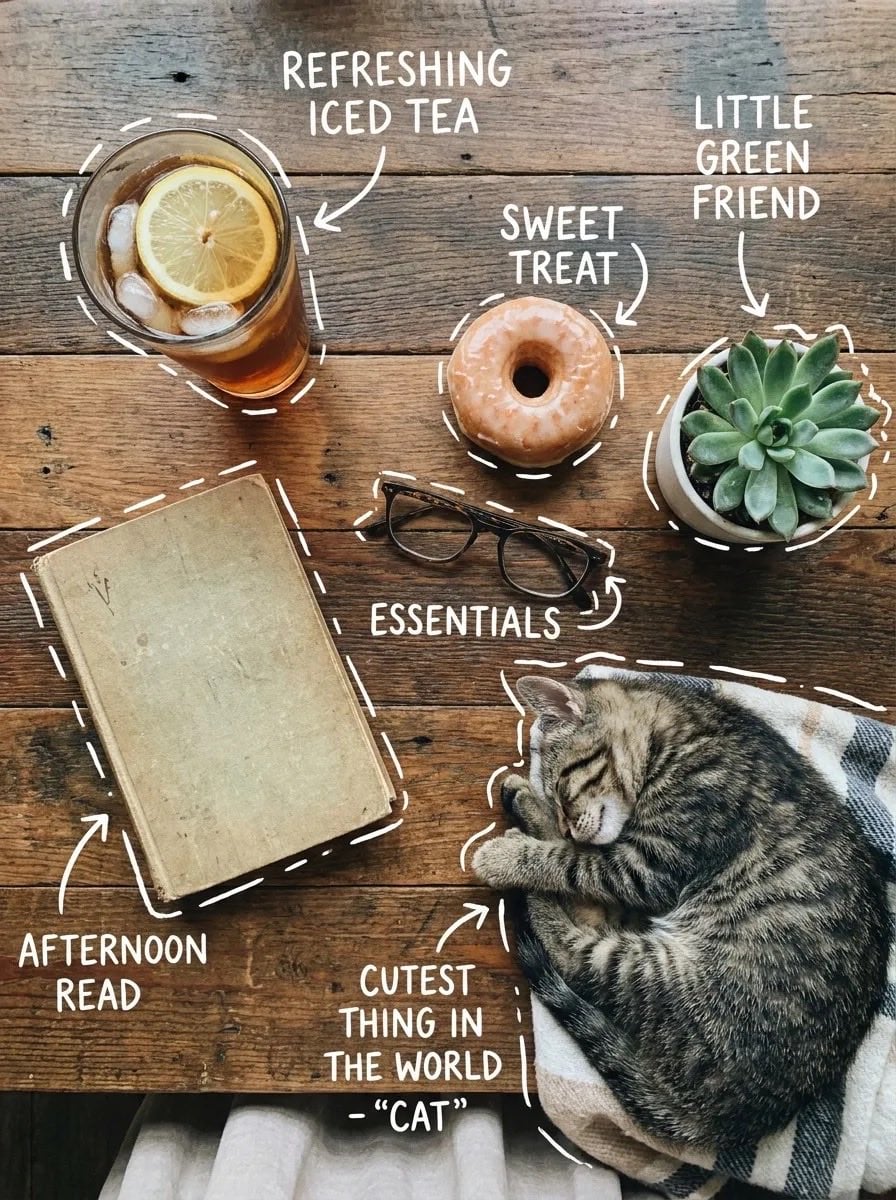
Cozy Food Flat Lay Doodle Labels
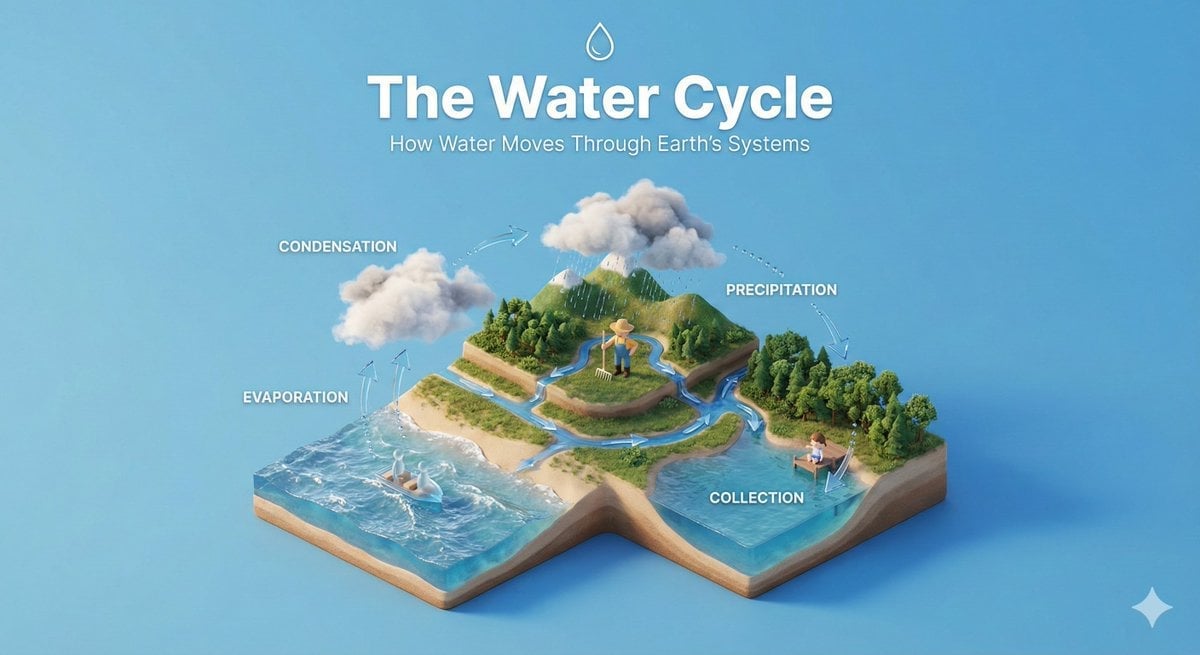
Isometric Process Educational Diorama
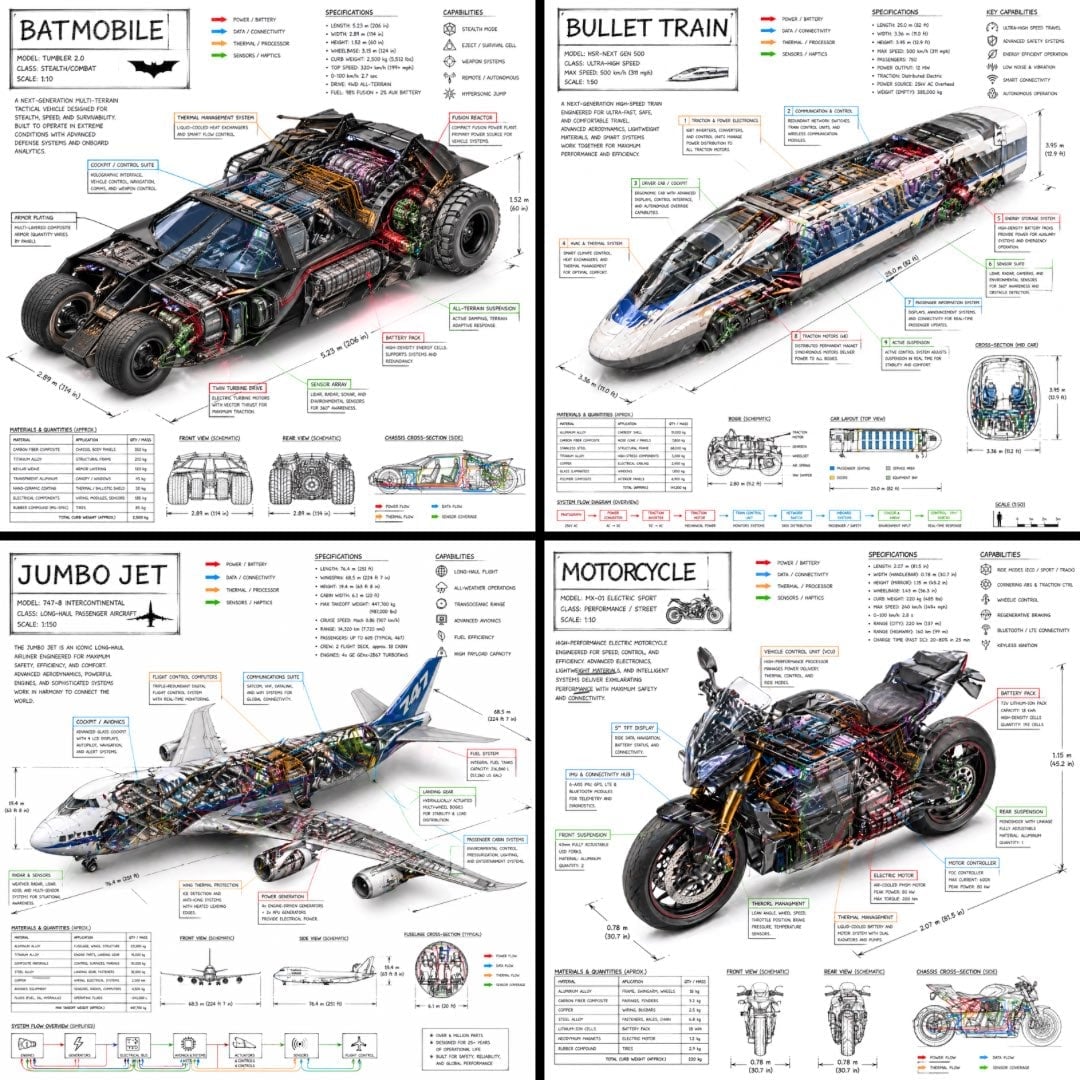
Isometric Vehicle Teardown Infographic Template

Gpt2 E Commerce Main Image Earbuds E Commerce Infographic
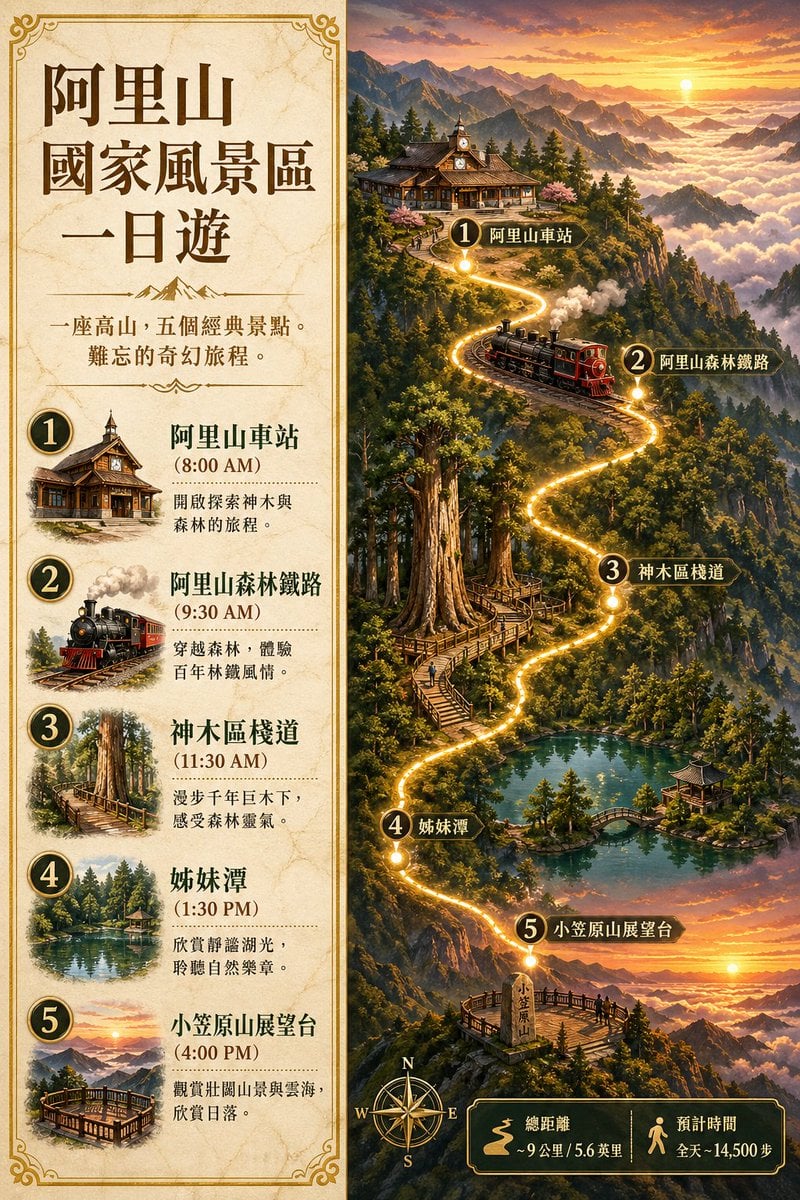
Gpt2 Infographic Edu Visual Alishan One Day Travel Poster

Gpt2 Infographic Edu Visual Ethnographic Plate for Tibetan Ceremonial Hat
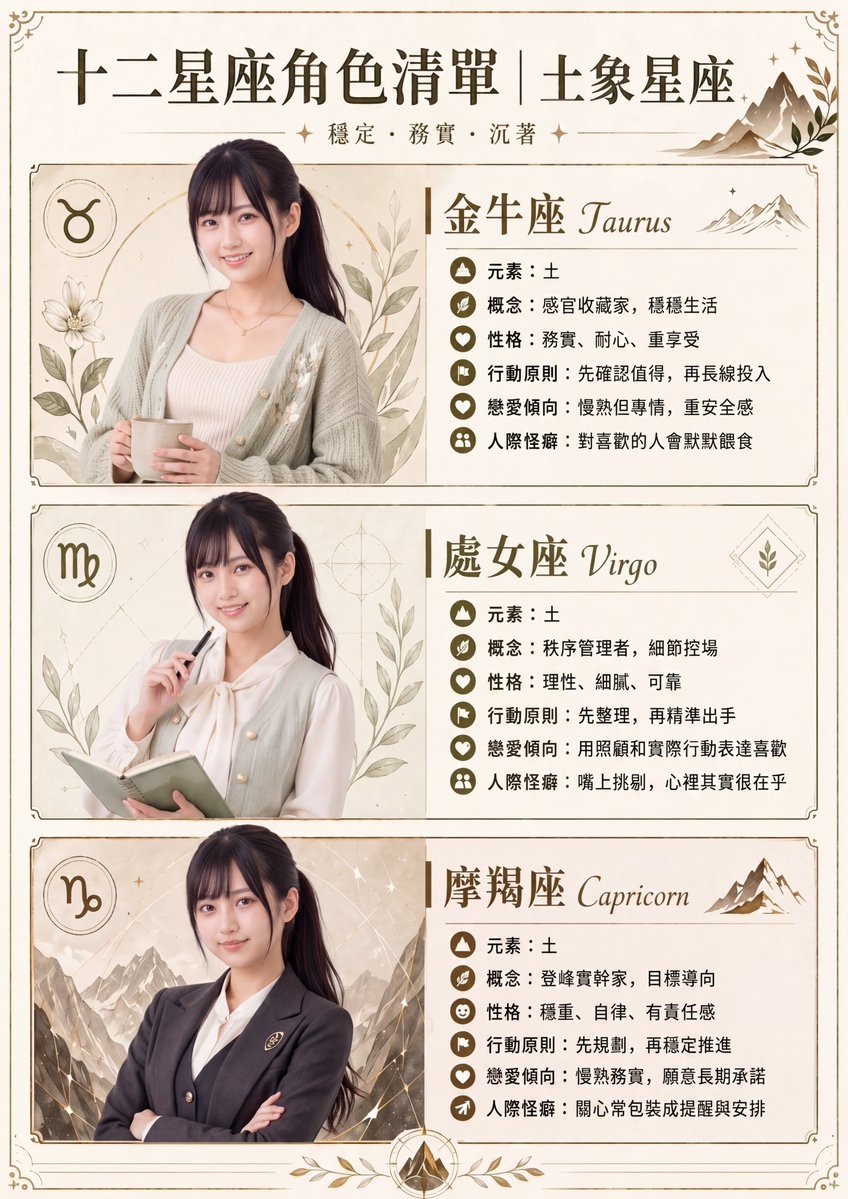
Gpt2 Infographic Edu Visual Earth Signs Zodiac Character Poster
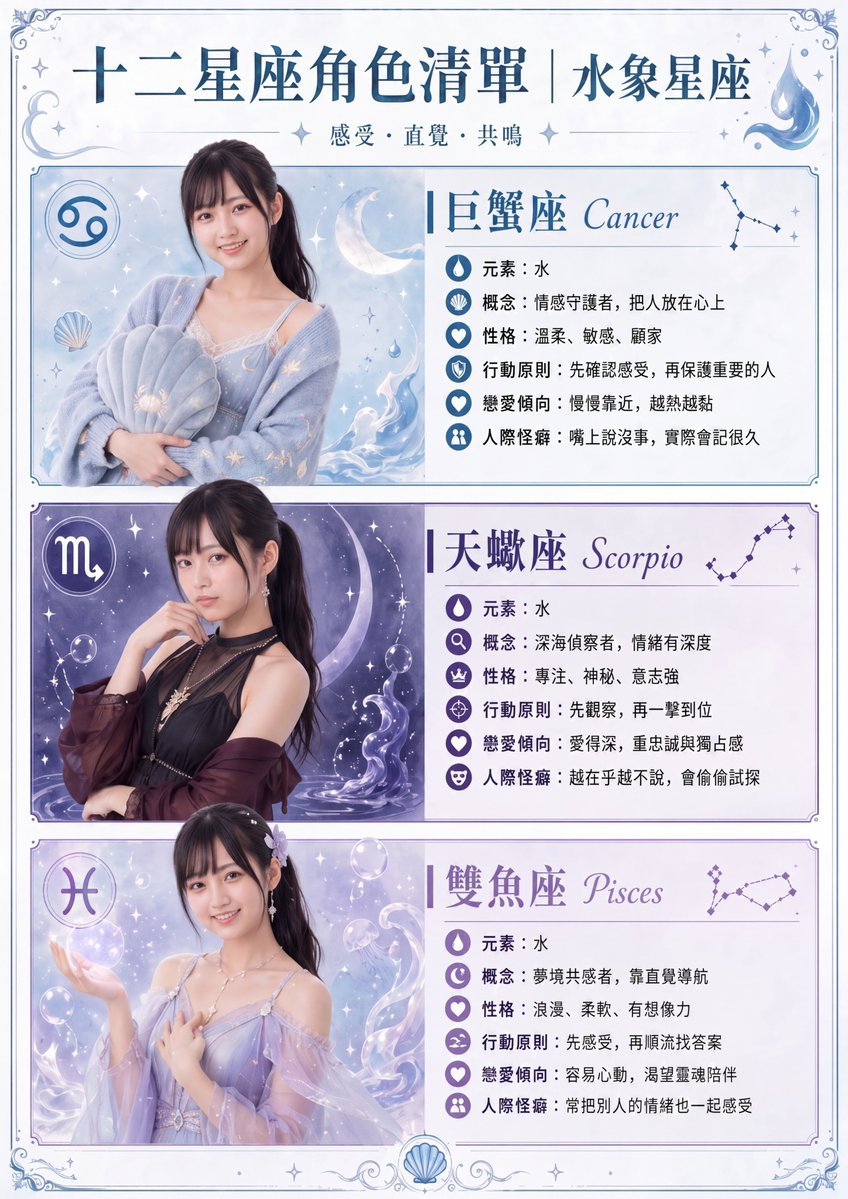
Gpt2 Infographic Edu Visual Water Signs Zodiac Character Poster
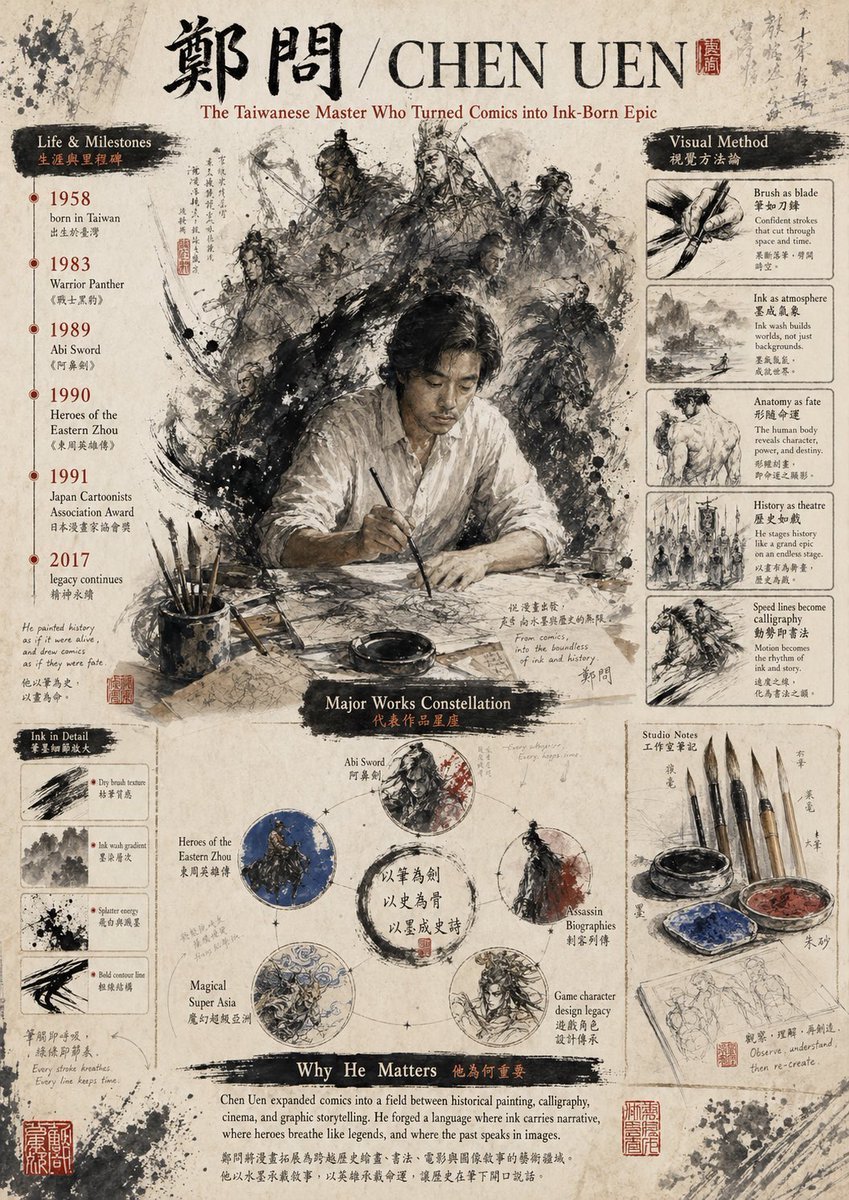
Gpt2 Infographic Edu Visual Ink Wash Tribute Poster for Chen Uen
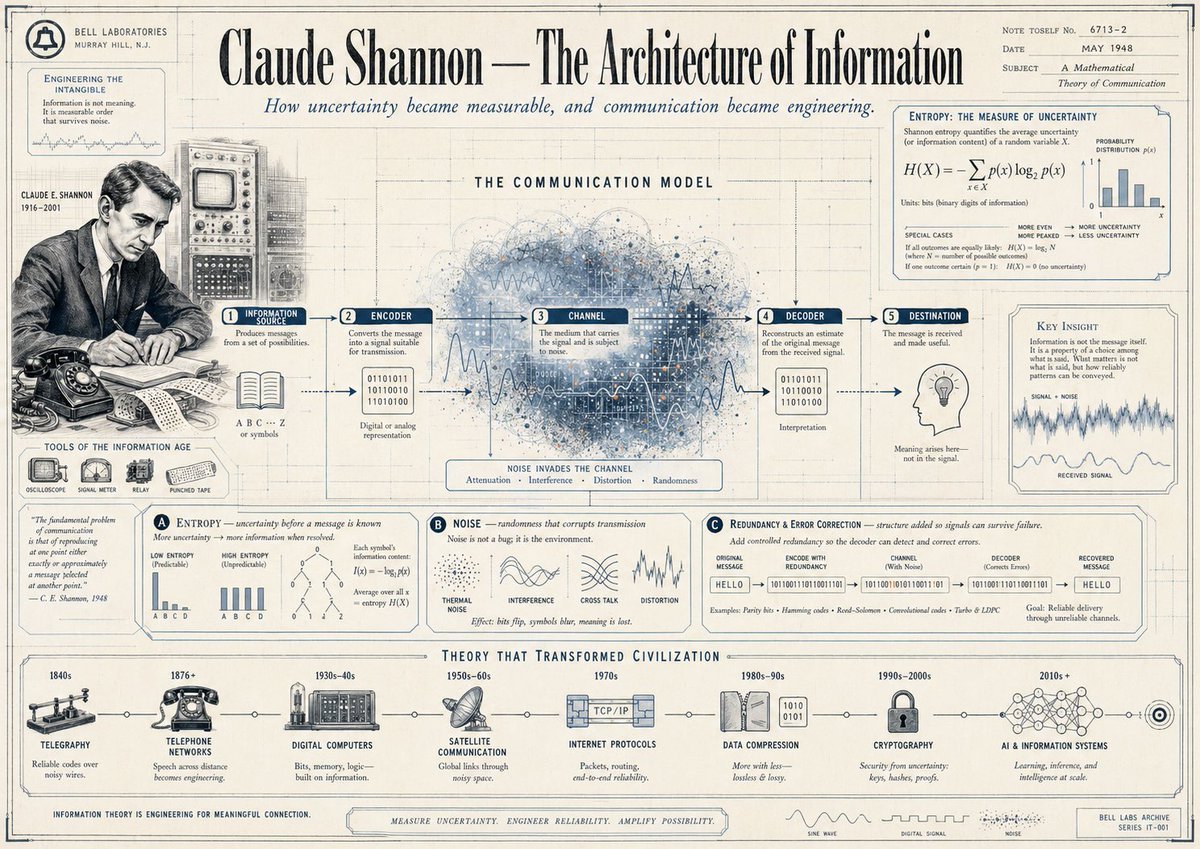
Gpt2 Infographic Edu Visual Vintage Claude Shannon Infographic Poster
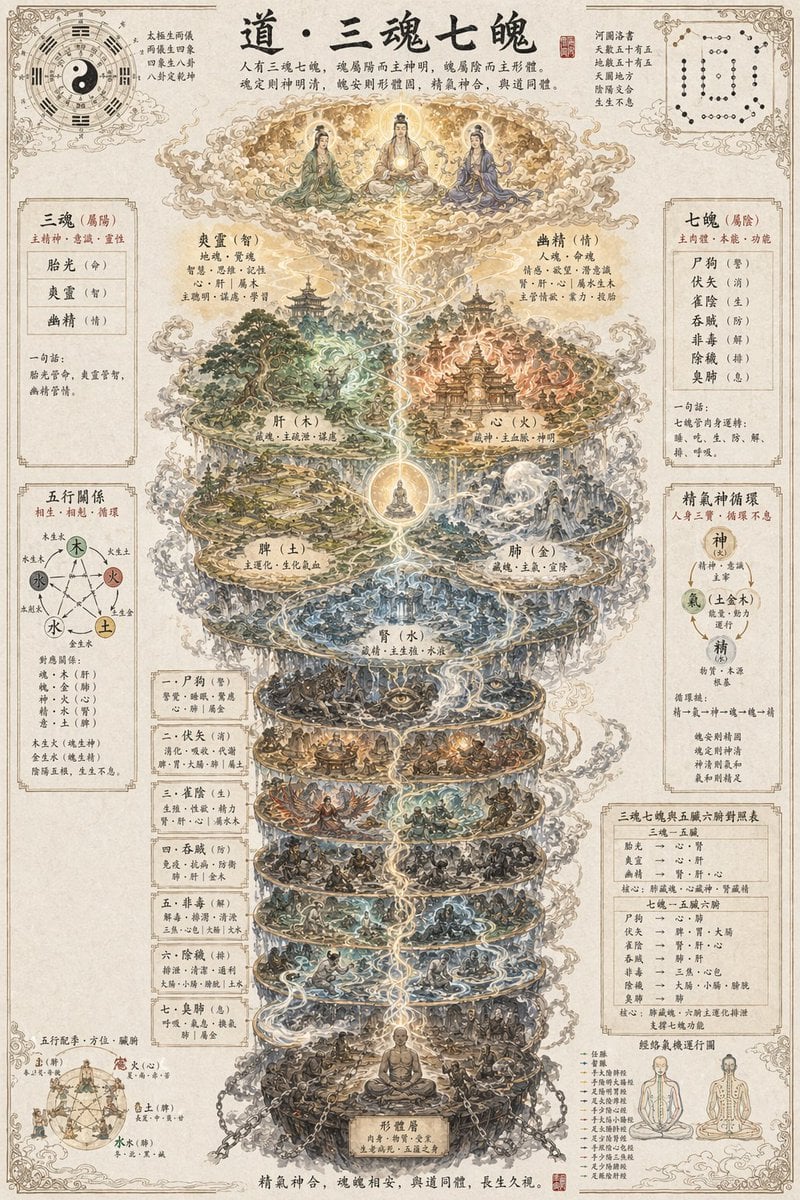
Gpt2 Infographic Edu Visual Taoist Three Souls Seven Po Poster
Make it yours
Food Lifecycle Infographic Prompt works as-is. These are the safest ways to change it without losing the look.
Change one field
Copy a single group, rewrite it, and generate again so you can see what that field is doing.
Keep the frame, change the subject
Hold the composition and light of Food Lifecycle Infographic Prompt, then swap wardrobe, props or the person for a new take.
| If the result… | Why | Fix |
|---|---|---|
| The result drifts from the preview | Too many fields changed at once. | Reuse Food Lifecycle Infographic Prompt as-is first, then change one group — subject, light, or setting. |
| The model over-stylizes the scene | The prose prompt leaves finish and camera underspecified. | Add one camera or lighting sentence and stay on GPT Image 2. |
More GPT Image 2 templates
Other prompts made for GPT Image 2.

Six VTuber Japanese Logo Sheet

Realistic Portrait of Woman and Deer

The Vista Modular Condo Poster

AI Model Routing Comparison Infographic

2.5D Anime Art Board

Isometric Productivity Desk Scene

New York Double Exposure Poster

Four-Panel AI Landscape Comparison

Japanese Tatami Lifestyle Magazine Cover

NESCAFÉ Coffee Map Poster
More image prompts
Fresh picks from across the catalog.
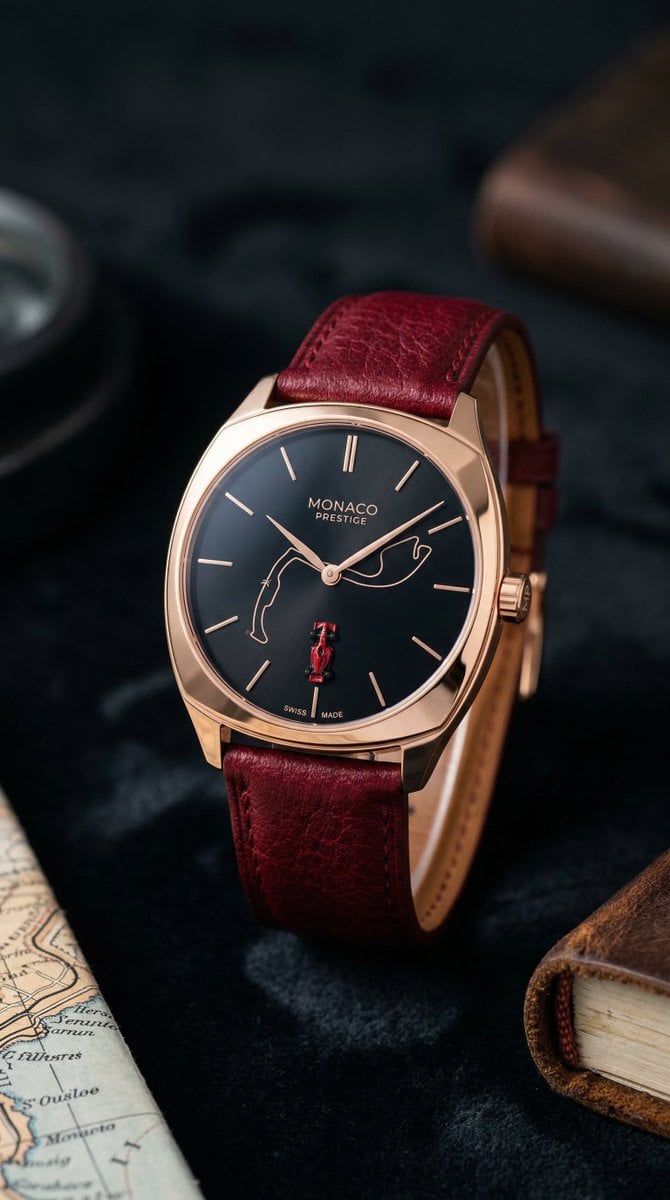
Minimalist Luxury Watch Editorial Prompt for Nano Banana 2

Knolling Style Flat-Lay Prompt with Labeled Disassembled Parts

Oriental Fantasy 3D CG Illustration
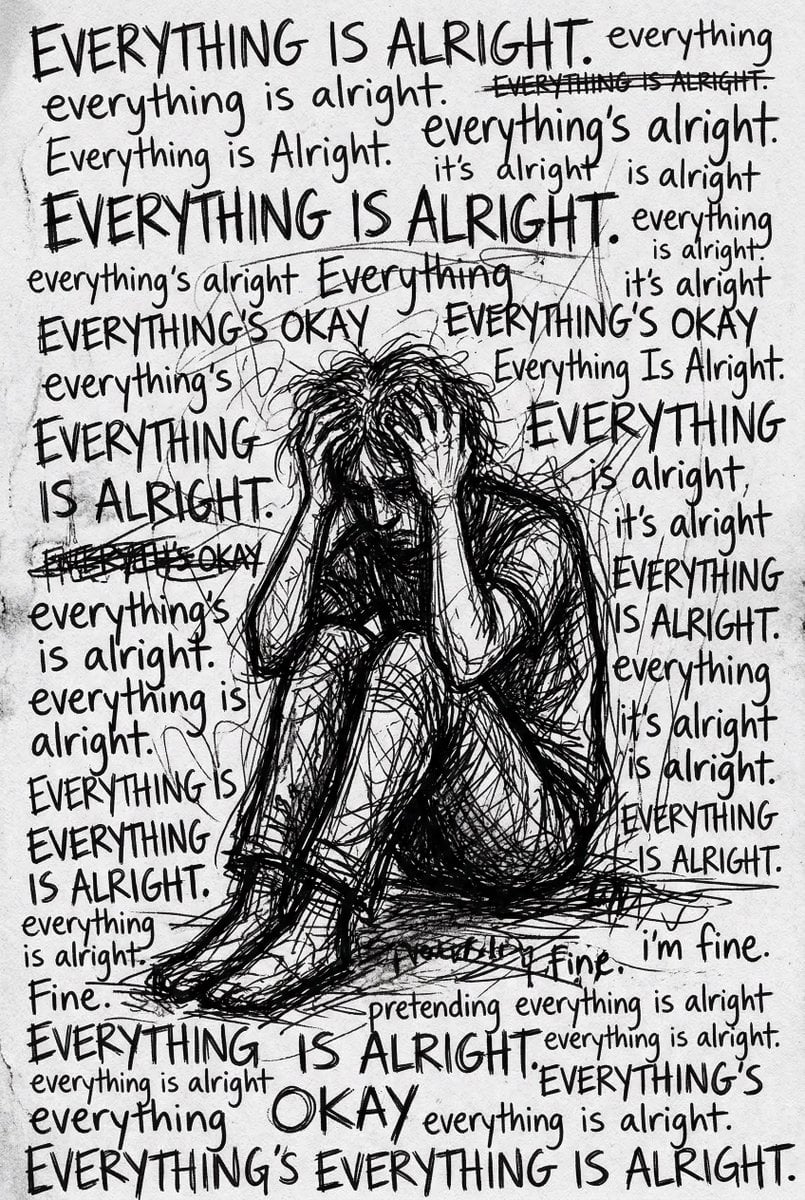
Depression Patient's Inner Monologue

Minimalist Design Scene
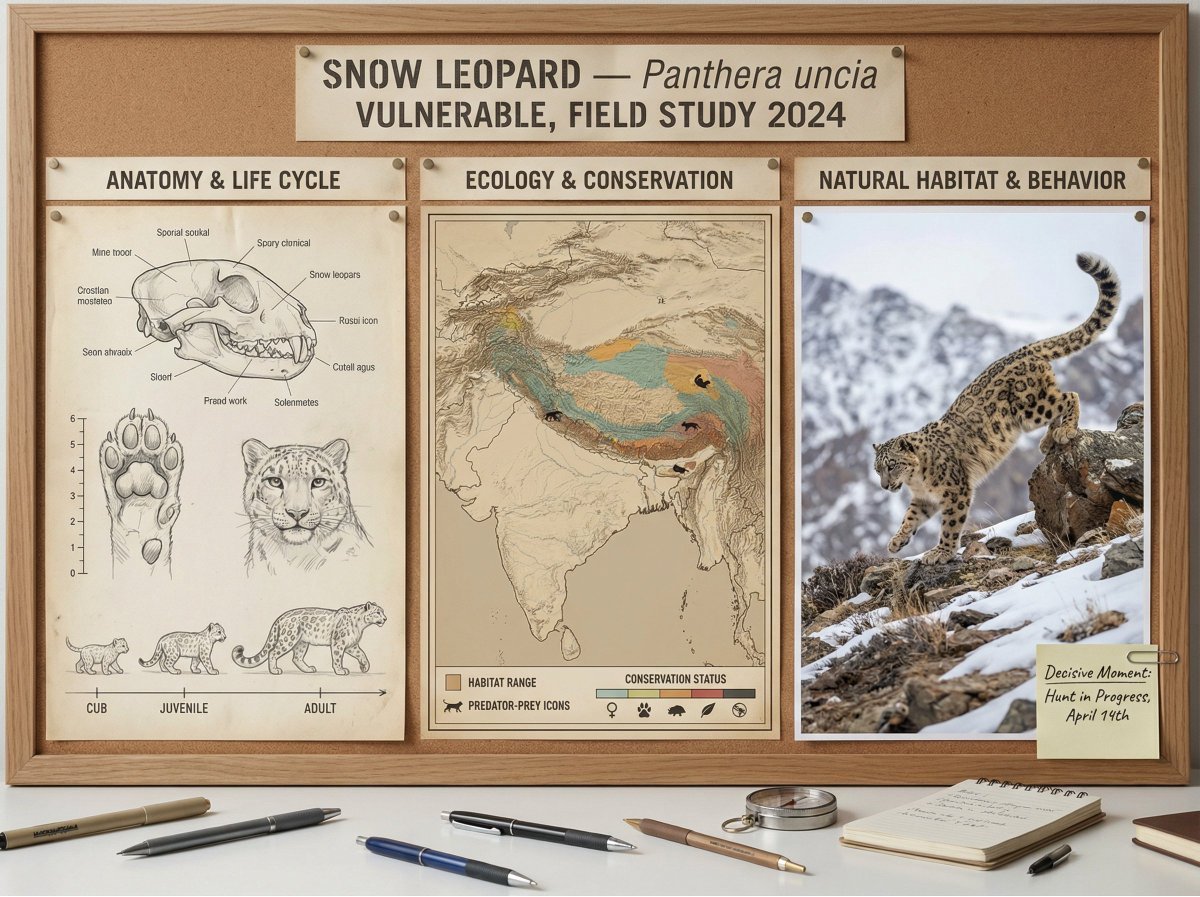
Scientific field researcher's documentation board prompt

Vogue Style Fashion Magazine Cover
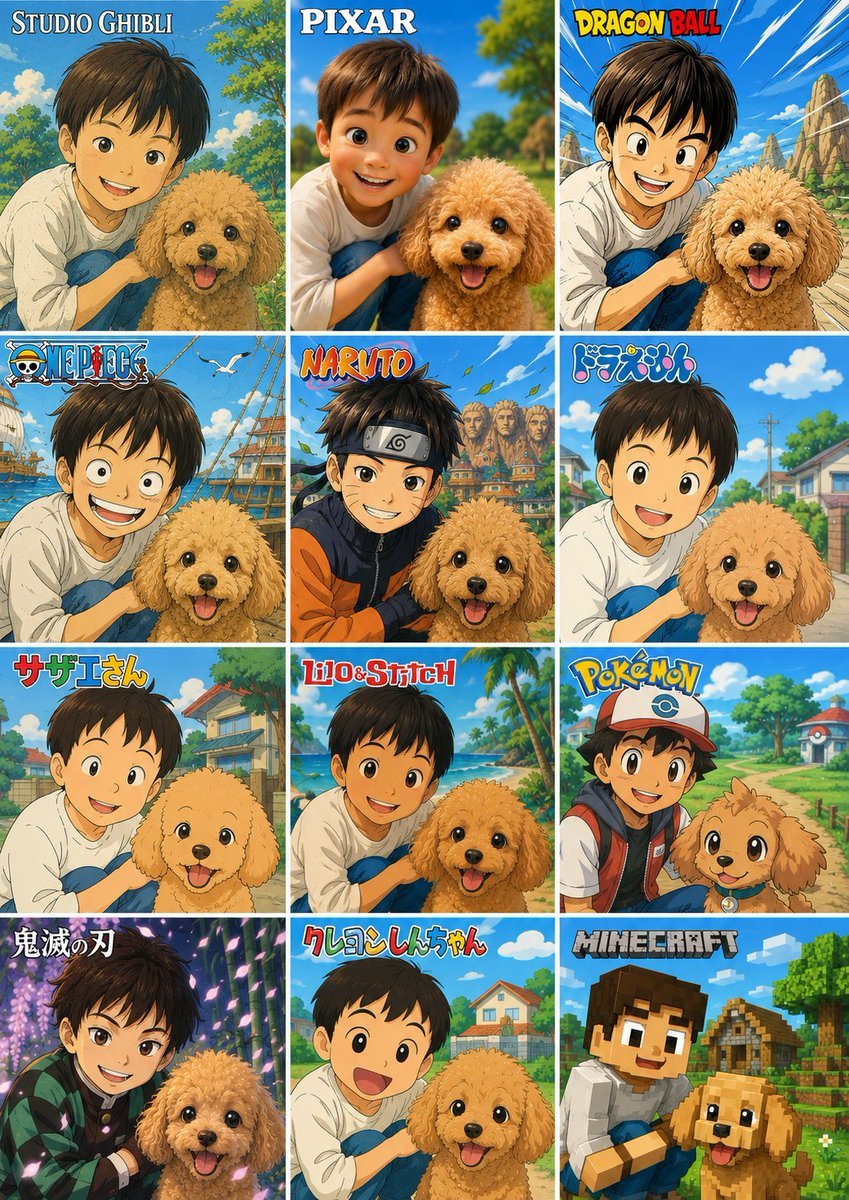
Style Anime Pet Collage
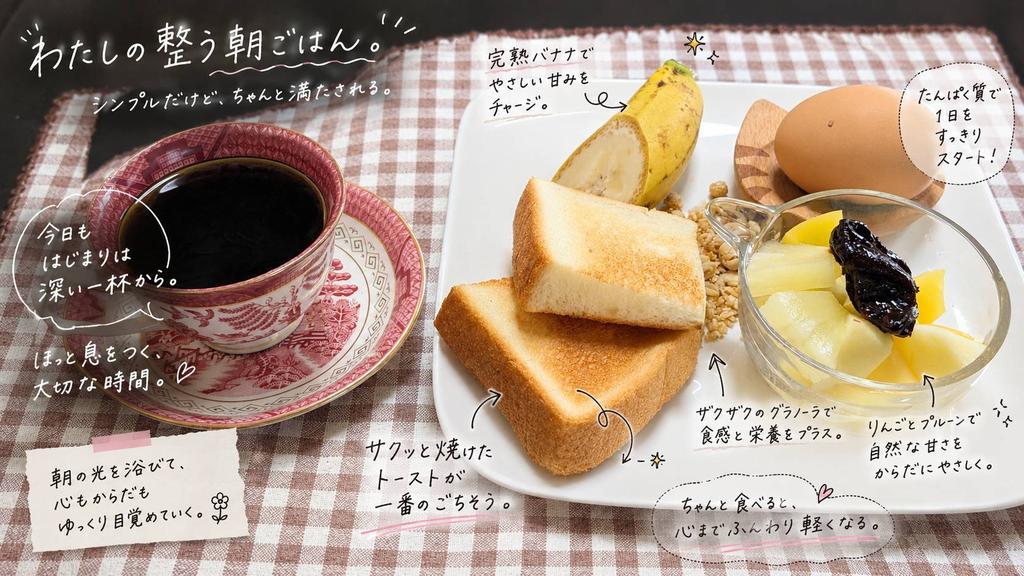
Annotated Japanese Breakfast Flat Lay

Gym Selfie with Hyper-Defined Athletic Physique
Browse template categories
Food Lifecycle Infographic Prompt questions
How do I use the Food Lifecycle Infographic Prompt template?
Add your photo if the template asks for one, edit the prompt if you like — the template's model and format are already selected — and press Generate. Your version opens in PicX Studio.
Can I customize the Food Lifecycle Infographic Prompt template?
Yes. You can change the subject, setting, lighting, mood, format, and available model controls before creating your image.
Is the Food Lifecycle Infographic Prompt template free?
Opening and editing this template is free. Generating uses credits, shown on the Generate button when you are signed in.
Which AI model should I use?
Start with GPT Image 2, which is the model associated with this template. You can compare another compatible model for a different finish.
Looking for something else? Browse all templates.

Your photo, any look
Thousands of ready templates for every top image and video model, from one credit balance.