How do I use the Retro-Futuristic High Fashion Perfume Ad template?
Choose the primary action to open PicX Studio with the available template settings. Review the model and format, personalize the creative direction, and generate when ready.
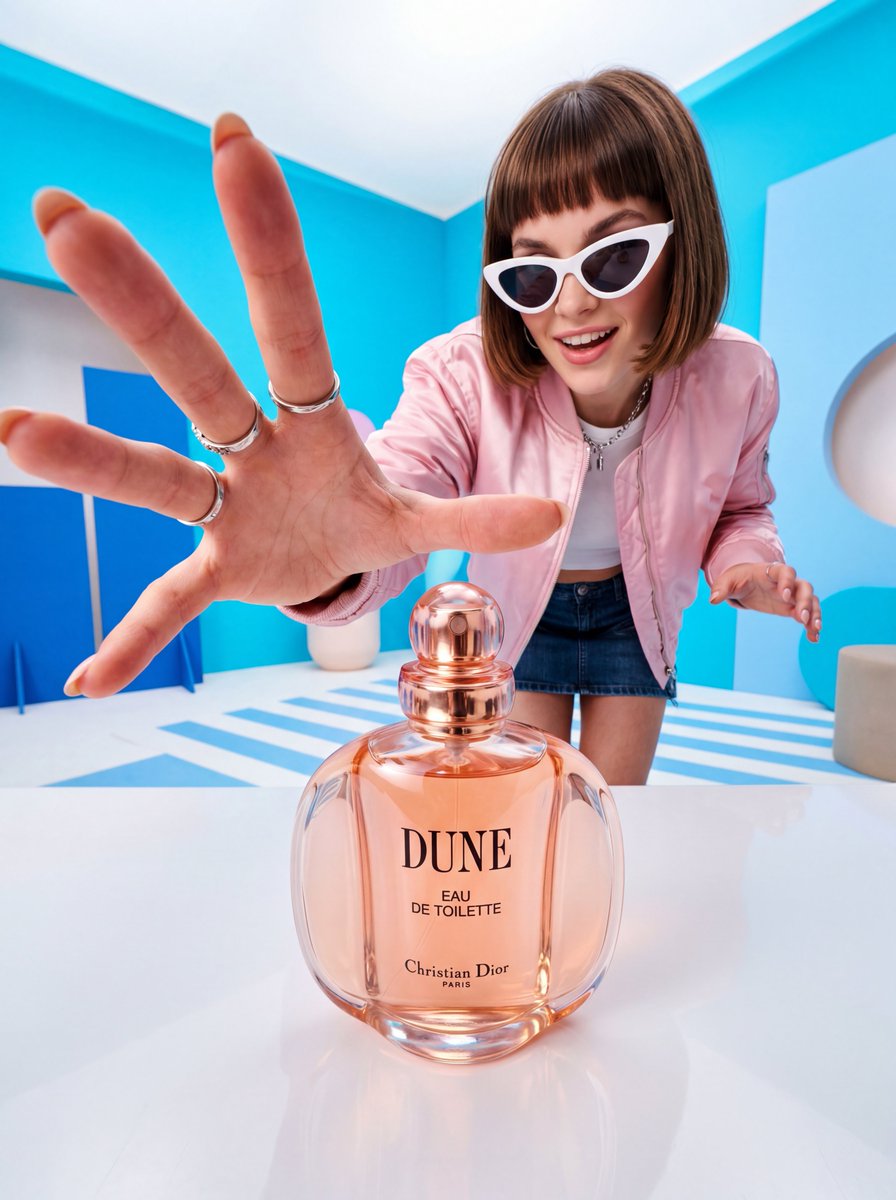
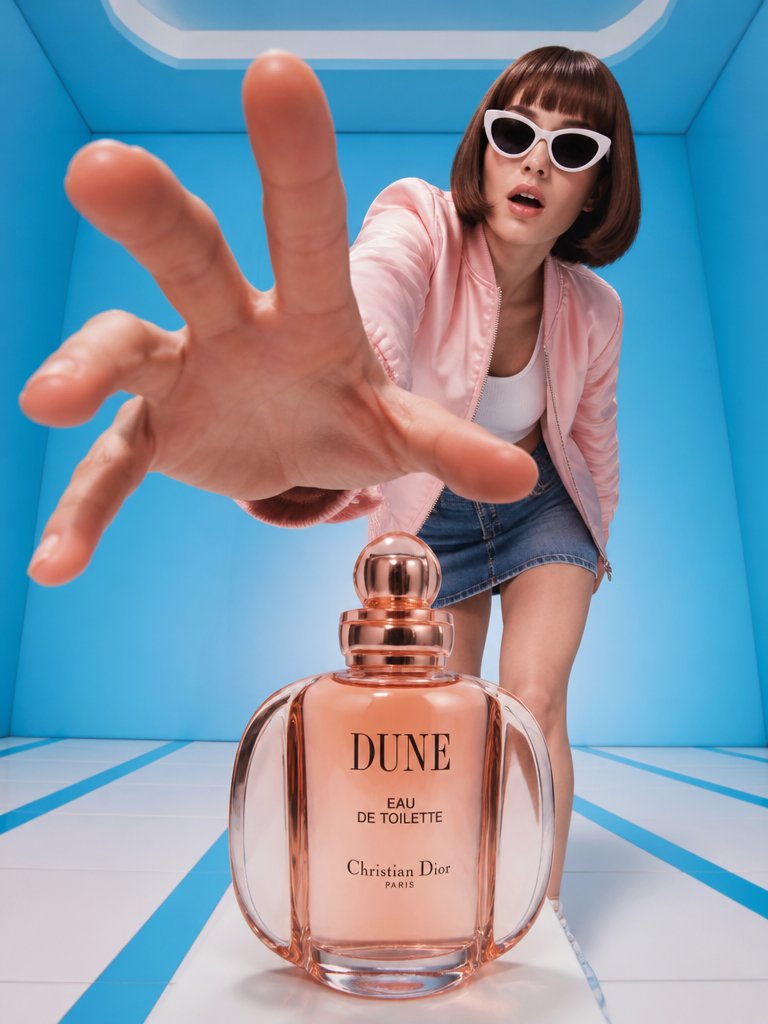
A high-fashion commercial prompt for a perfume advertisement with a forced-perspective hand reaching for a Dior-inspired bottle in a Y2K aesthetic studio. (free to use) — Free AI image template on PicX Studio.
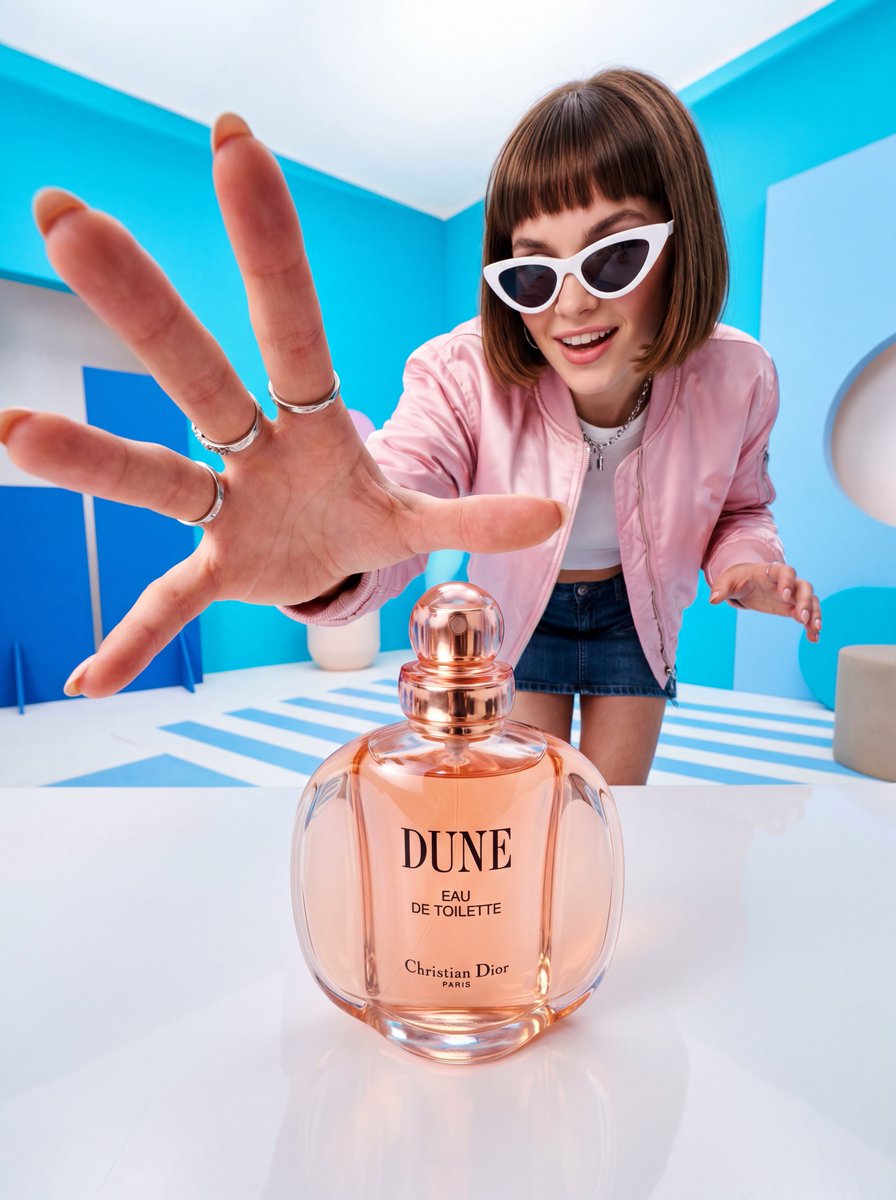
A high-fashion perfume advertisement shot in a vibrant, {argument name="style" default="retro-futuristic"} studio setting. In the extreme foreground, a large hand dramatically reaches toward the camera with fingers slightly spread, creating a forced-perspective illusion. Centered in the mid-ground sits a round, soft {argument name="bottle color" default="peach-pink"} glass perfume bottle labeled "DUNE — Eau de Toilette — Christian Dior Paris" with a rose-gold spherical cap and rose-gold collar. In the background, a young woman with a short brown bob haircut and blunt bangs wears oversized white cat-eye sunglasses, a pastel pink satin bomber jacket, a white crop top, and a denim mini skirt. She leans forward with an expression of surprise or desire, as if reaching for the bottle. The environment is a clean studio box with bright {argument name="wall color" default="cyan/sky-blue"} walls, white geometric floor panels with blue stripe accents. Lighting is sharp, editorial, and high-contrast with soft shadows. The overall mood is playful, bold, and modern with a Y2K aesthetic. Shot with a wide-angle lens to exaggerate depth and scale. Photorealistic, commercial photography style.
Use Retro-Futuristic High Fashion Perfume Ad to plan an AI image around gpt-image-2 generation, themes such as en and gpt-image-2. Match the preview's composition first, then personalize the subject, setting, and mood for your own project.
Use the primary action to load the template settings in PicX Studio.
Adjust the subject and creative details for your destination.
Create the image, compare the result with the preview, and refine one variable at a time.
A continuous mix — similar concepts first, woven with same-model prompts and fresh picks from the catalog.
Choose the primary action to open PicX Studio with the available template settings. Review the model and format, personalize the creative direction, and generate when ready.
Yes. You can change the subject, setting, lighting, mood, format, and available model controls before creating your image.
This template is free to open and customize. Generation usage is shown in PicX Studio before you create.
Start with gpt-image-2, which is the model associated with this template. You can compare another compatible model for a different finish.
Follow a topic to a crawlable collection of related PicX Studio templates.
39,157 public templates available. Verified via the PicX Studio public templates API; refreshed hourly.
A continuous mix — similar concepts first, woven with same-model prompts and fresh picks from the catalog.