
Unreal Commercial Poster Generator
A highly detailed prompt for creating professional advertising posters with customizable brand colors and surreal miniature worlds, designed for high-end product visualization.
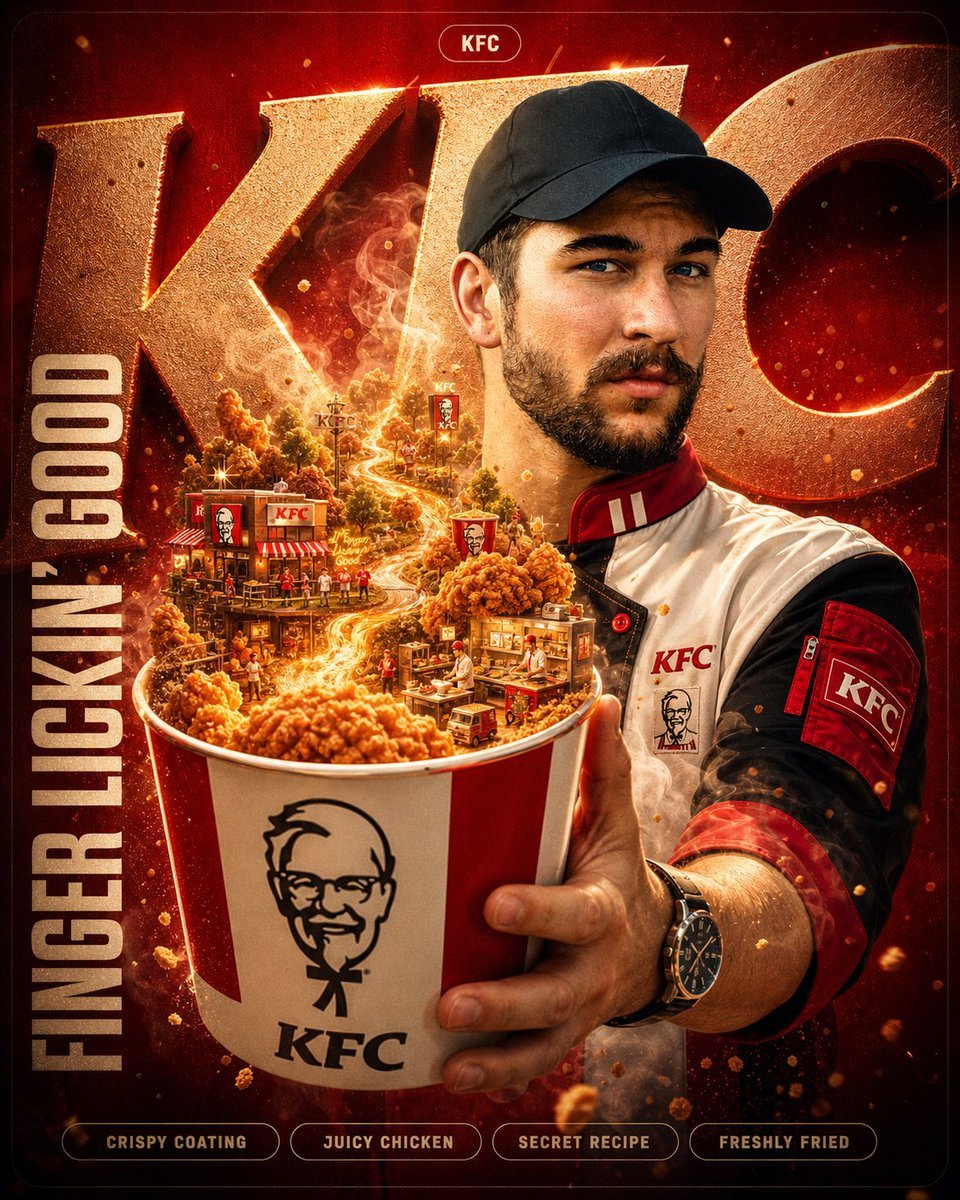
- Prompt included
- Model and format preset
- Free template
The prompt behind this image
Copy the exact prompt behind Unreal Commercial Poster Generator, or open it in the studio and make it yours.
A hyper-detailed surreal advertising poster for {argument name="brand name" default="[BRAND NAME]"}. BACKGROUND: A large deep-toned rounded rectangle in {argument name="brand color" default="signature brand color"} fills 90% of the frame. Behind the subject, massive cropped brand typography bleeds off-frame, letters constructed from the brand's core material texture (e.g. coffee-stained paper, fabric weave, glass, metal), embossed and lit with sharp directional rim lighting. Subtle noise grain texture overlays the entire background. SUBJECT: Use the uploaded reference image. Preserve the subject's exact face and skin tone from the reference. The person faces camera in a three-quarter foreground stance, holding the brand's most iconic product directly toward the lens. EXPRESSION: Restyle the subject's facial expression to match {argument name="brand personality" default="warm, inviting smile"} and emotional tone, for example: a warm, inviting smile for a comfort or food brand; intense focus and determination for a sports or energy brand; cool, understated confidence for a luxury or tech brand; playful excitement and joy for a youth or snack brand; quiet contentment and calm for a wellness or nature brand. The expression must feel authentic, not forced, like a real person who genuinely belongs to this brand's world. OUTFIT: Completely restyle the subject's clothing into a character that naturally belongs to the brand's universe. The outfit must be role-appropriate. The fabric and texture should be photorealistic with visible material detail. Ambient light from the product glow wraps naturally across the outfit, face, and hands. SURREAL PRODUCT MOMENT: The product held by the subject opens, spills, or expands into a self-contained miniature world, photorealistic depth, atmospheric haze, and parallax layers. The brand's hero substance flows as a physical force transitioning seamlessly into real-world vapor, smoke, or light. GRAPHIC LAYER: Scattered sparkle glyphs ✦ with soft lens-flare halos. Floating micro-elements thematically tied to the brand drift with motion-blur trails. Layered soft fog bleeds from behind the product into the foreground. Film-grade chromatic aberration at frame edges. TEXT SYSTEM: — TOP: Rounded pill badge, clean sans-serif, white on semi-transparent dark fi
How to use Unreal Commercial Poster Generator in 3 steps
- 1Upload ImagePNG, JPG or paste
Add your photo
Upload the photo the template builds on. The prompt, model and format are already set.
- 2…a portrait of your subject in softgolden-hour light, 85mm…
Personalize
Edit the subject and creative details for your destination.
- 3Generate
Generate
Press Generate — your image is created in PicX Studio, so you can compare it with the original and refine one variable at a time.
More like this
Templates with the same subject, style or setup. Open one to see its prompt.

Japan Travel Brochure Poster

Cartoon TV Show Poster Pack

Trendy Cafe Drink Promo Poster

Urban Fashion Editorial Collage Streetwear Poster

Premium Fashion Editorial Cover Layout System

Polo Ralph Lauren Luxury American Heritage Fashion Campaign

Monochrome Halftone Editorial Fashion Poster

Retro Mirror Luxury Fashion Campaign Poster

Luxury Fashion Campaign Typography Poster System

Premium Fashion Editorial Campaign Poster System

Ultra-Stylized High-Fashion Streetwear Poster

Urban Fashion Editorial Collage Poster
Make it yours
Unreal Commercial Poster Generator works as-is. These are the safest ways to change it without losing the look.
Change one field
Copy a single group, rewrite it, and generate again so you can see what that field is doing.
Keep the frame, change the subject
Hold the composition and light of Unreal Commercial Poster Generator, then swap wardrobe, props or the person for a new take.
| If the result… | Why | Fix |
|---|---|---|
| The result drifts from the preview | Too many fields changed at once. | Reuse Unreal Commercial Poster Generator as-is first, then change one group — subject, light, or setting. |
| The model over-stylizes the scene | The prose prompt leaves finish and camera underspecified. | Add one camera or lighting sentence and stay on GPT Image 2. |
More GPT Image 2 templates
Other prompts made for GPT Image 2.

Six VTuber Japanese Logo Sheet

Realistic Portrait of Woman and Deer

The Vista Modular Condo Poster

AI Model Routing Comparison Infographic

2.5D Anime Art Board

Isometric Productivity Desk Scene

New York Double Exposure Poster

Four-Panel AI Landscape Comparison

Japanese Tatami Lifestyle Magazine Cover

NESCAFÉ Coffee Map Poster
More image prompts
Fresh picks from across the catalog.
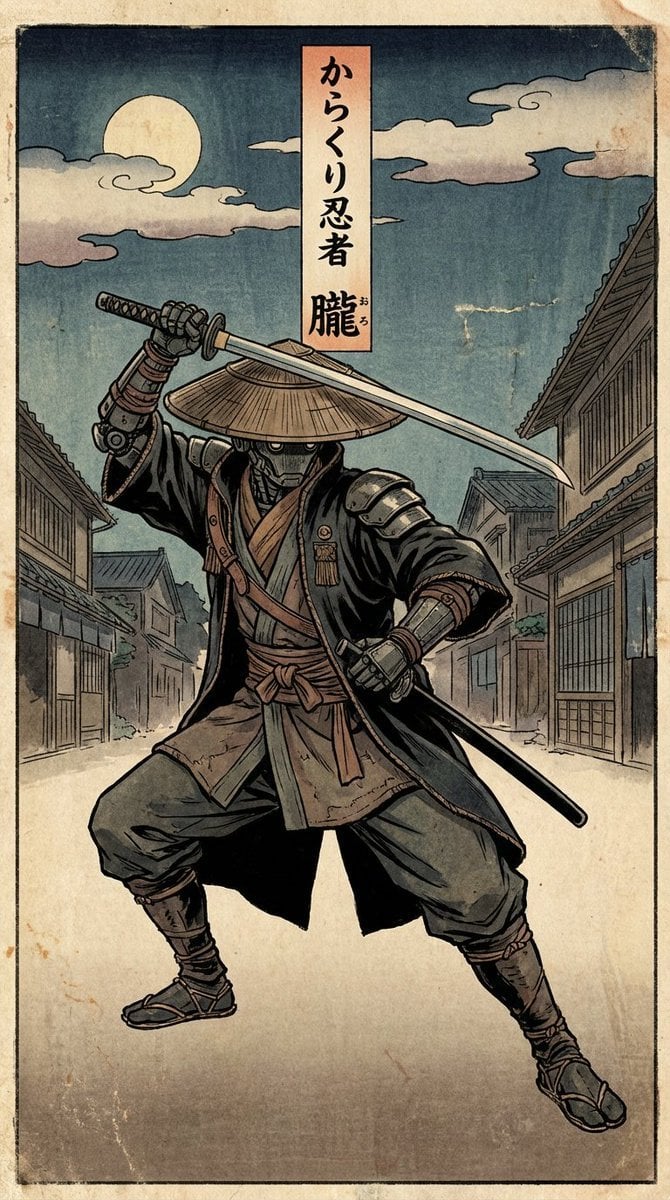
Edo-style woodblock print ninja character
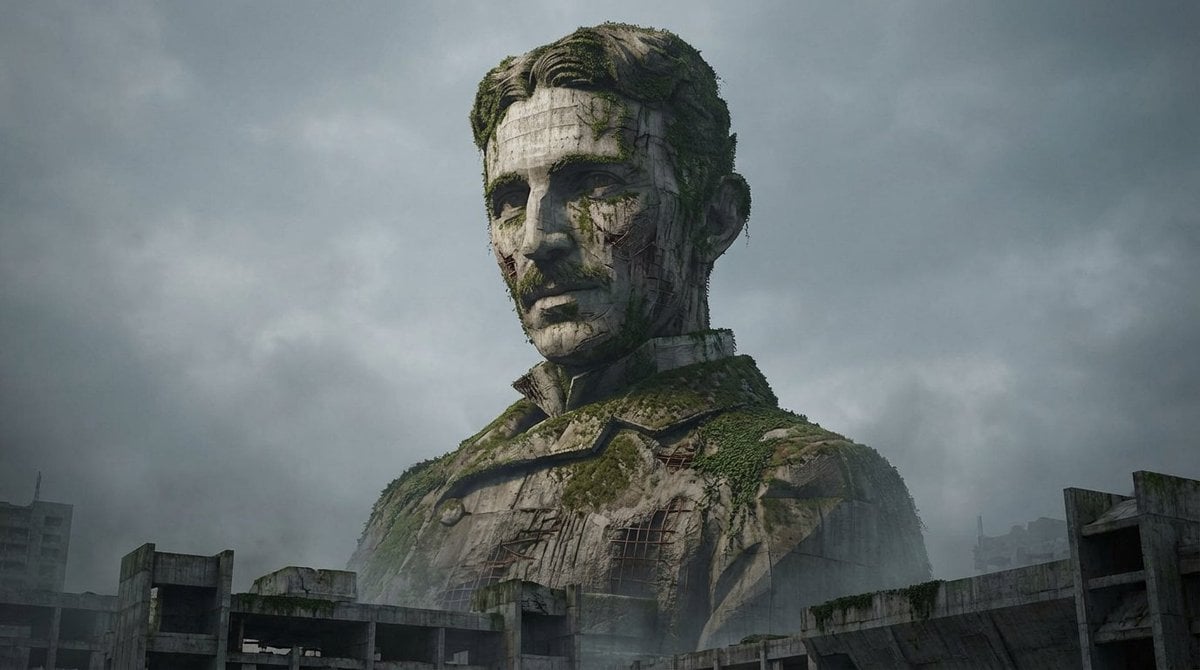
Brutalist Architecture Morphing Prompt
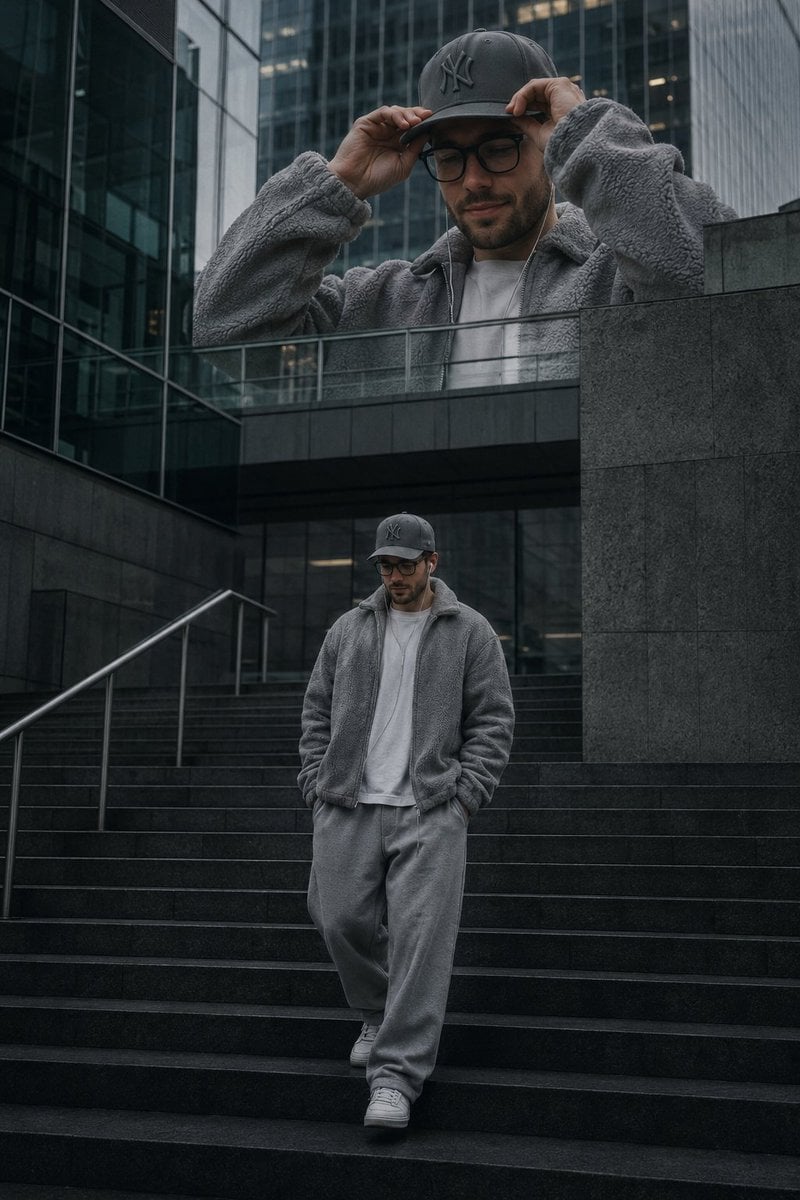
Luxury Streetwear Urban Editorial
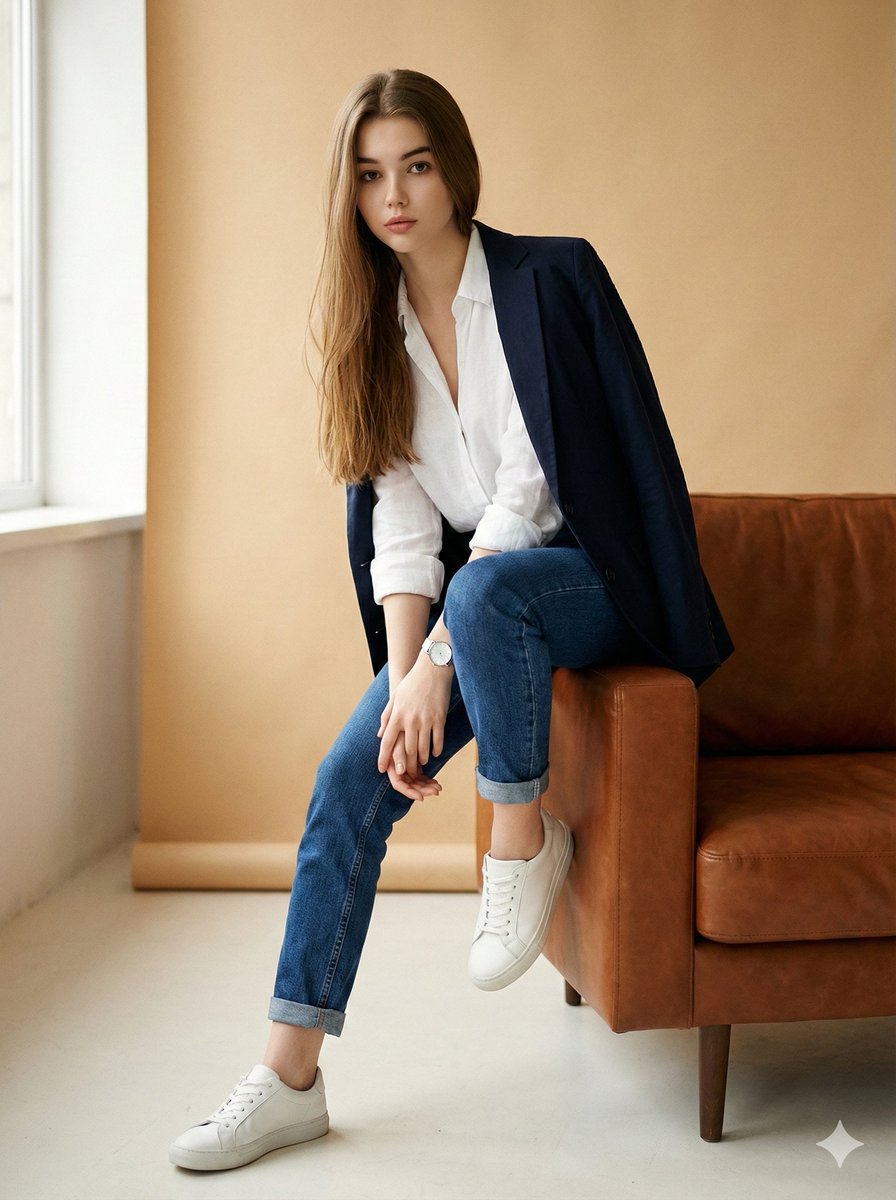
Image Edit Prompt for High-End Fashion Editorial Portrait
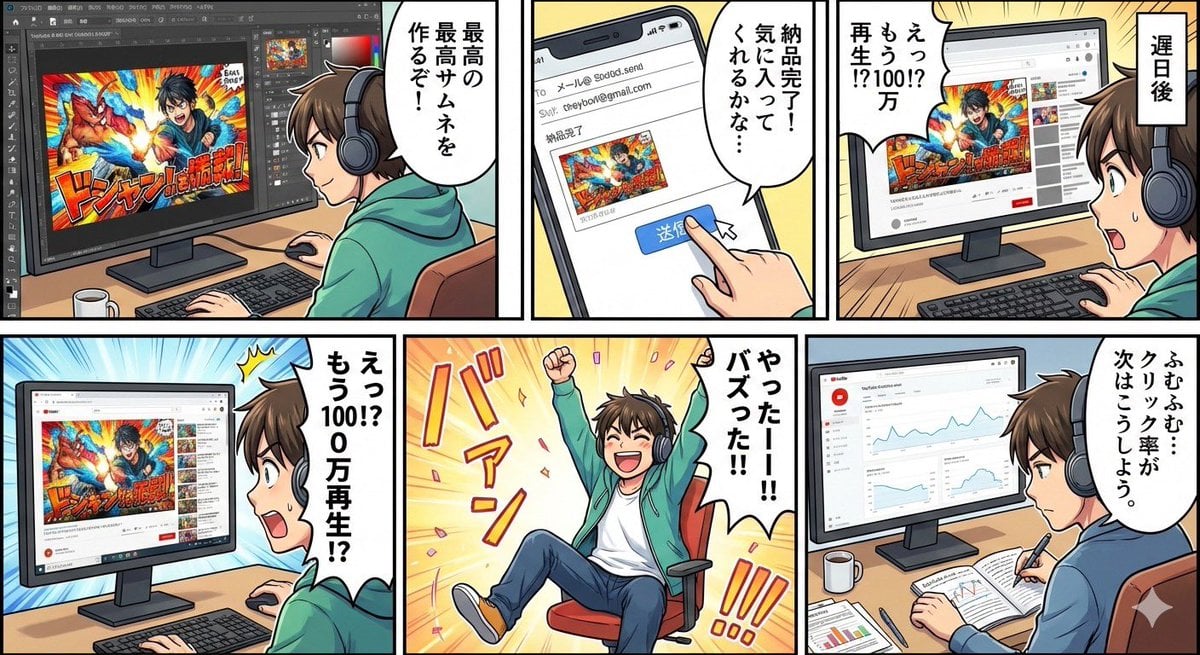
Five-panel manga of a YouTube thumbnail creator workflow
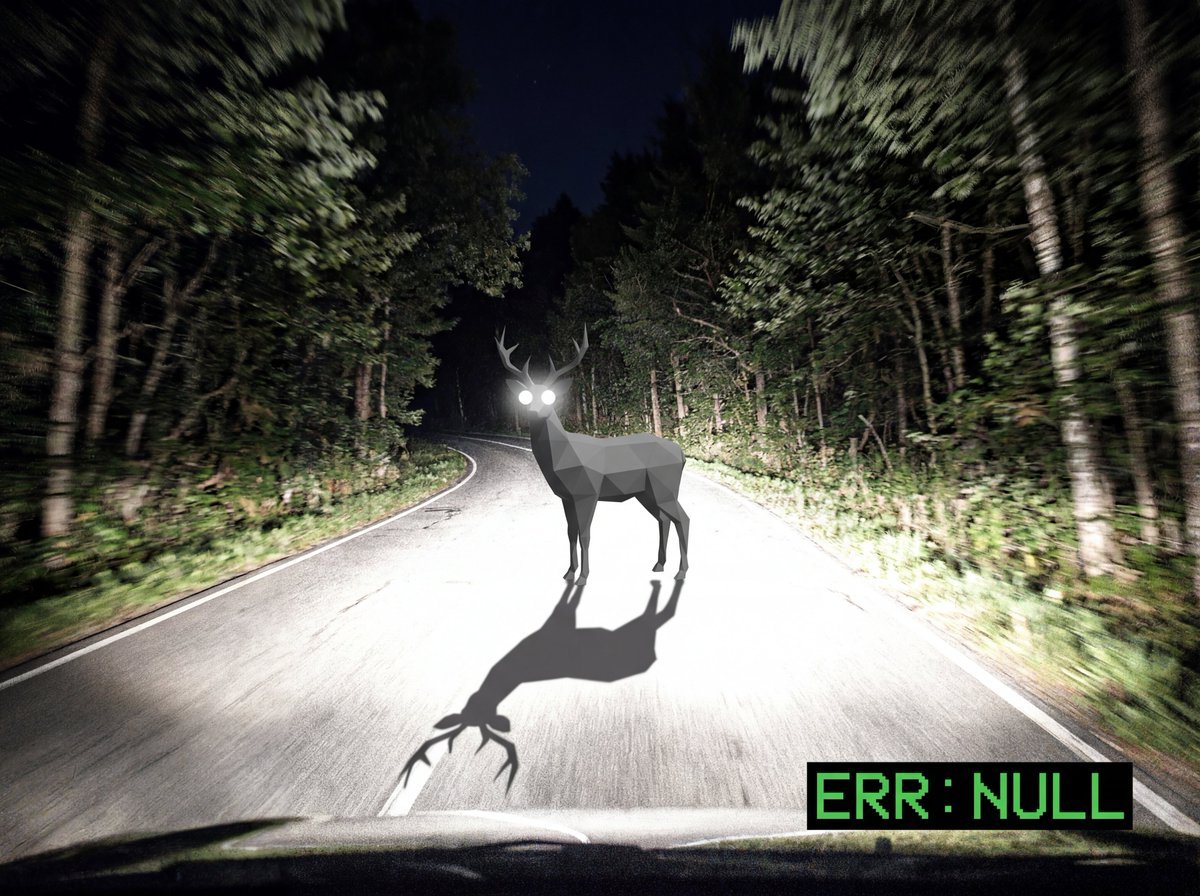
Reality Glitch Documentary Image Prompt: Low-Poly Deer in Headlights
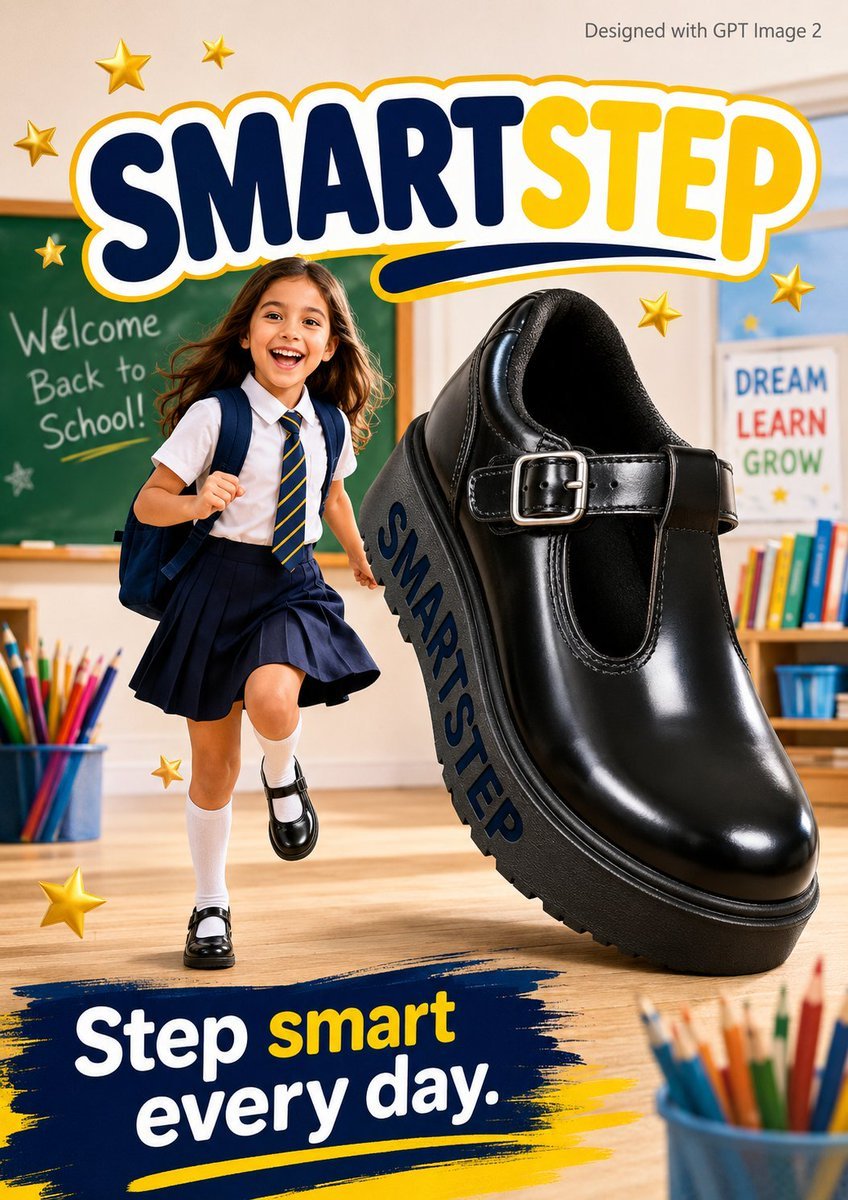
SmartStep Back to School Poster
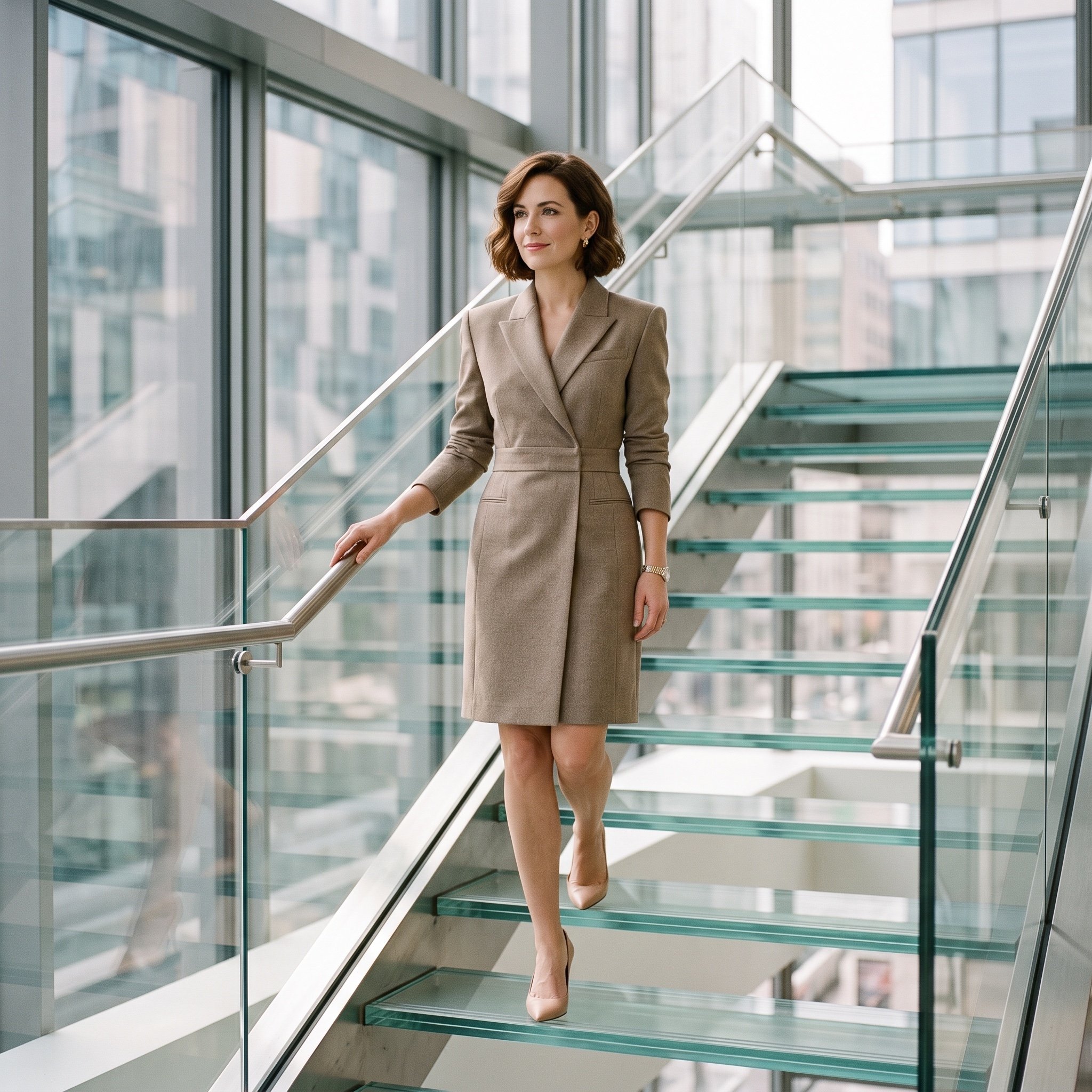
Luxury editorial portrait of a woman on a glass staircase
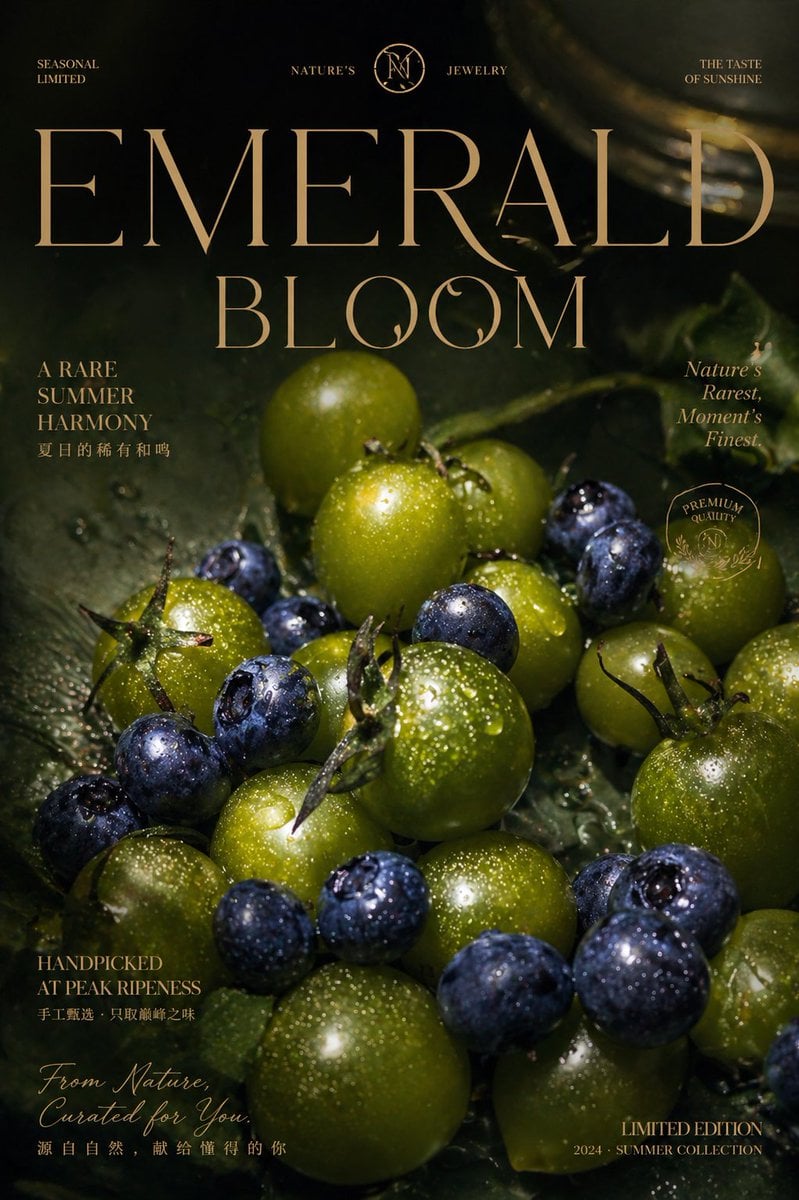
Luxury Emerald Bloom Fruit Poster
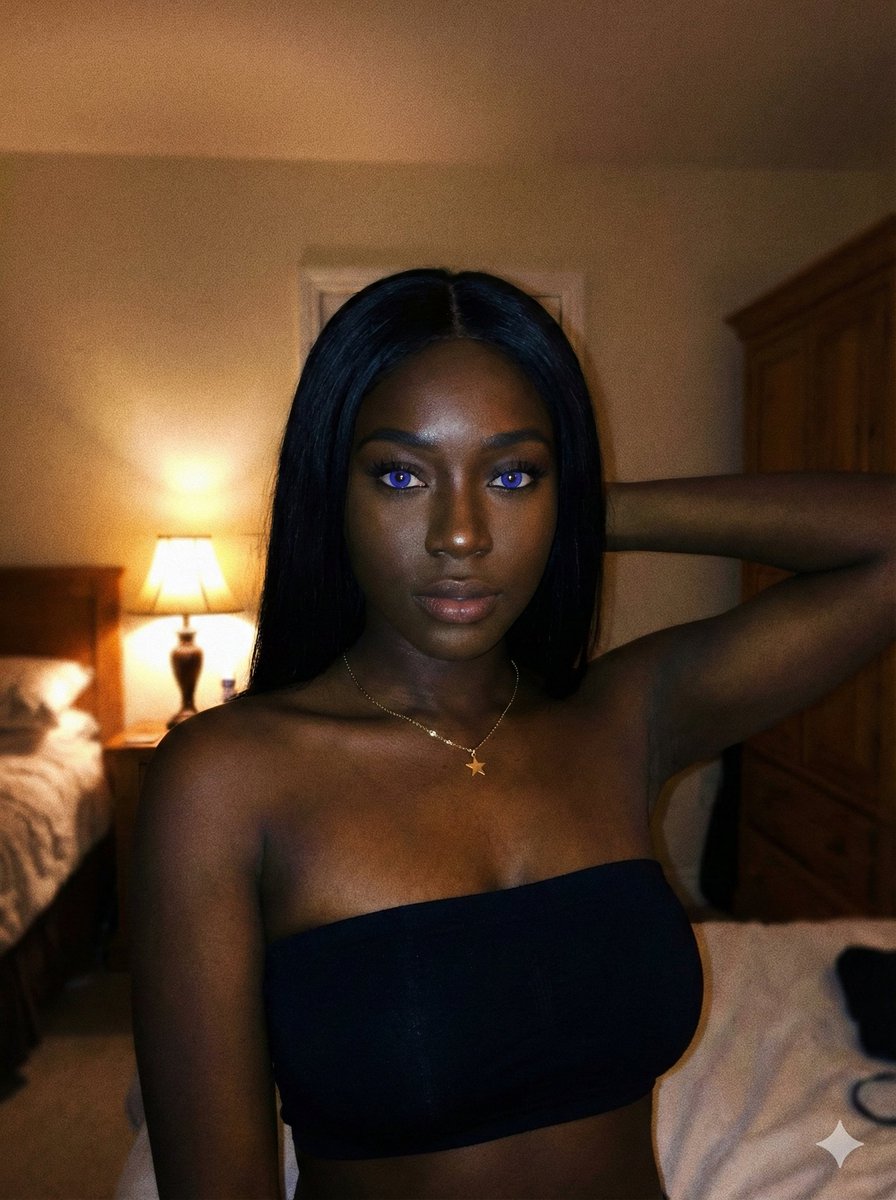
Deep Black Skin Selfie Portrait Prompt
Browse template categories
Unreal Commercial Poster Generator questions
How do I use the Unreal Commercial Poster Generator template?
Add your photo if the template asks for one, edit the prompt if you like — the template's model and format are already selected — and press Generate. Your version opens in PicX Studio.
Can I customize the Unreal Commercial Poster Generator template?
Yes. You can change the subject, setting, lighting, mood, format, and available model controls before creating your image.
Is the Unreal Commercial Poster Generator template free?
Opening and editing this template is free. Generating uses credits, shown on the Generate button when you are signed in.
Which AI model should I use?
Start with GPT Image 2, which is the model associated with this template. You can compare another compatible model for a different finish.
Looking for something else? Browse all templates.

Your photo, any look
Thousands of ready templates for every top image and video model, from one credit balance.