
Four-Panel Gundam Pilot Sortie
Generates a cinematic four-panel 1980s anime-style mecha comic page featuring an orange-haired female pilot preparing to launch into battle.
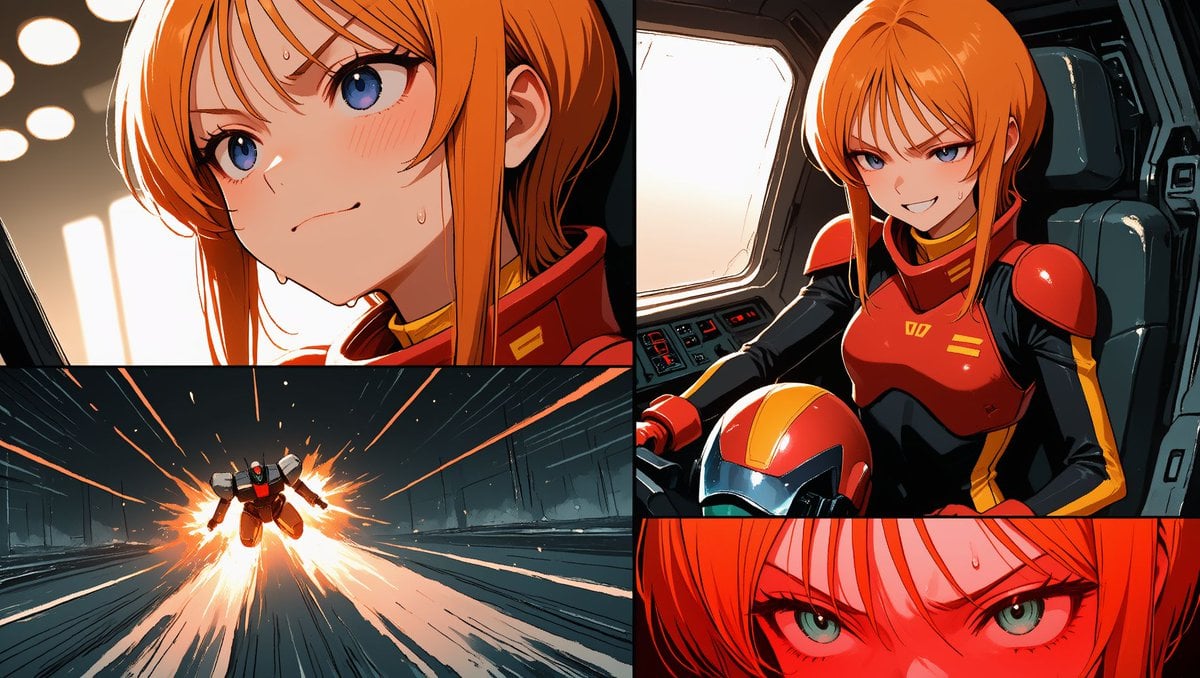
- Prompt included
- Model and format preset
- Free template
The prompt behind this image
Copy the exact prompt behind Four-Panel Gundam Pilot Sortie, or open it in the studio and make it yours.
- Type
- four-panel anime mecha comic page
- Aspect Ratio
- wide 16:9
- Overall Style
- high-contrast 1980s Japanese sci-fi anime, crisp ink lines, cel-shaded color, cinematic lighting, dynamic manga panel borders, dramatic orange highlights, dark cockpit shadows, intense action composition
- Character › Identity
- {argument name="character name" default="Puru Two from Mobile Suit Gundam ZZ"}
- Character › Appearance
- young female pilot with vivid {argument name="hair color" default="orange"} bob-length hair and long bangs, pale skin, sharp green eyes, serious expression
- Character › Outfit
- {argument name="pilot suit color" default="red and black armored pilot suit with yellow accents"}, rounded red shoulder armor, red chest armor, black undersuit, matching red helmet held or visible near her lap
- Character › Face Overlays
- two opaque peach rectangular censor-like blocks cover the character's face in the top-left close-up panel and the top-right cockpit panel
- Setting
- futuristic mobile suit cockpit and launch tunnel, mechanical panels, control consoles, dark teal metal interiors, bright exterior window light
- Layout › Format
- single comic page divided by thick black gutters into 4 discrete panels
- Layout › Panel Count
- 4
- Layout › Panels › 0 › Position
- top-left
- Layout › Panels › 0 › Description
- large close-up side profile of the orange-haired female pilot inside a cockpit, head bowed slightly with solemn mood, warm light from circular cockpit lamps and a window on the left, peach square overlay obscuring most of the face
- Layout › Panels › 1 › Position
- top-right
- Layout › Panels › 1 › Description
- medium shot of the same pilot seated in a futuristic cockpit chair, one hand near controls, red helmet in the foreground, bright window behind her, red armor glossy under strong rim light, peach square overlay obscuring the face
- Layout › Panels › 2 › Position
- bottom-left
- Layout › Panels › 2 › Description
- wide action panel of a small mobile suit or Gundam-like mecha blasting forward down a long metallic launch corridor, surrounded by explosive orange thruster fire, sparks, speed lines, and strong perspective toward the viewer
- Layout › Panels › 3 › Position
- bottom-right
- Layout › Panels › 3 › Description
- extreme close-up horizontal strip of the pilot's eyes and bangs, intense green eyes glaring forward, sweat bead on forehead, saturated red-orange lighting across the face
- Mecha › Type
- {argument name="mobile suit type" default="Gundam-like mobile suit"}
- Mecha › Colors
- dark gray and red with glowing thruster effects
- Mecha › Action
- high-speed launch through a space-base tunnel with fiery exhaust and motion streaks
- Mood
- tense sortie sequence, dramatic pilot focus, imminent battle, cinematic anime storyboard energy
- Negative Prompt
- no photorealism, no 3D render, no Western comic style, no extra text, no speech bubbles, no logos, no watermarks
Raw JSON
{"type":"four-panel anime mecha comic page","aspect_ratio":"wide 16:9","overall_style":"high-contrast 1980s Japanese sci-fi anime, crisp ink lines, cel-shaded color, cinematic lighting, dynamic manga panel borders, dramatic orange highlights, dark cockpit shadows, intense action composition","character":{"identity":"{argument name=\"character name\" default=\"Puru Two from Mobile Suit Gundam ZZ\"}","appearance":"young female pilot with vivid {argument name=\"hair color\" default=\"orange\"} bob-length hair and long bangs, pale skin, sharp green eyes, serious expression","outfit":"{argument name=\"pilot suit color\" default=\"red and black armored pilot suit with yellow accents\"}, rounded red shoulder armor, red chest armor, black undersuit, matching red helmet held or visible near her lap","face_overlays":"two opaque peach rectangular censor-like blocks cover the character's face in the top-left close-up panel and the top-right cockpit panel"},"setting":"futuristic mobile suit cockpit and launch tunnel, mechanical panels, control consoles, dark teal metal interiors, bright exterior window light","layout":{"format":"single comic page divided by thick black gutters into 4 discrete panels","panel_count":4,"panels":[{"position":"top-left","description":"large close-up side profile of the orange-haired female pilot inside a cockpit, head bowed slightly with solemn mood, warm light from circular cockpit lamps and a window on the left, peach square overlay obscuring most of the face"},{"position":"top-right","description":"medium shot of the same pilot seated in a futuristic cockpit chair, one hand near controls, red helmet in the foreground, bright window behind her, red armor glossy under strong rim light, peach square overlay obscuring the face"},{"position":"bottom-left","description":"wide action panel of a small mobile suit or Gundam-like mecha blasting forward down a long metallic launch corridor, surrounded by explosive orange thruster fire, sparks, speed lines, and strong perspective toward the viewer"},{"position":"bottom-right","description":"extreme close-up horizontal strip of the pilot's eyes and bangs, intense green eyes glaring forward, sweat bead on forehead, saturated red-orange lighting across the face"}]},"mecha":{"type":"{argument name=\"mobile suit type\" default=\"Gundam-like mobile suit\"}","colors":"dark gray and red with glowing thruster effects","action":"high-speed launch through a space-base tunnel with fiery exhaust and motion streaks"},"mood":"tense sortie sequence, dramatic pilot focus, imminent battle, cinematic anime storyboard energy","negative_prompt":"no photorealism, no 3D render, no Western comic style, no extra text, no speech bubbles, no logos, no watermarks"}How to use Four-Panel Gundam Pilot Sortie in 3 steps
- 1Upload ImagePNG, JPG or paste
Add your photo
Upload the photo the template builds on. The prompt, model and format are already set.
- 2…a portrait of your subject in softgolden-hour light, 85mm…
Personalize
Edit the subject and creative details for your destination.
- 3Generate
Generate
Press Generate — your image is created in PicX Studio, so you can compare it with the original and refine one variable at a time.
More like this
Templates with the same subject, style or setup. Open one to see its prompt.

Four-Panel AI Landscape Comparison

Four-Panel Anime Face Comparison

Four-Panel AI Landscape Comparison
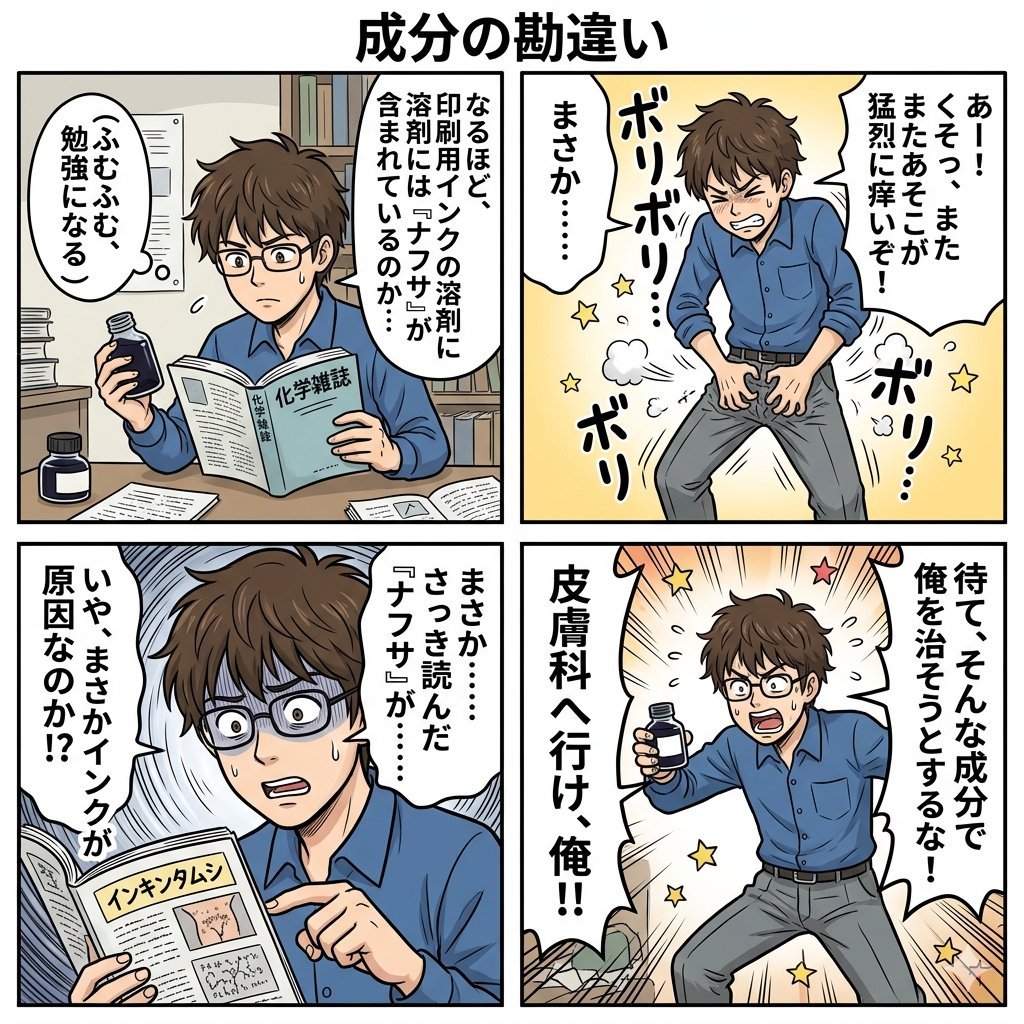
Component Differences Four-Panel Manga
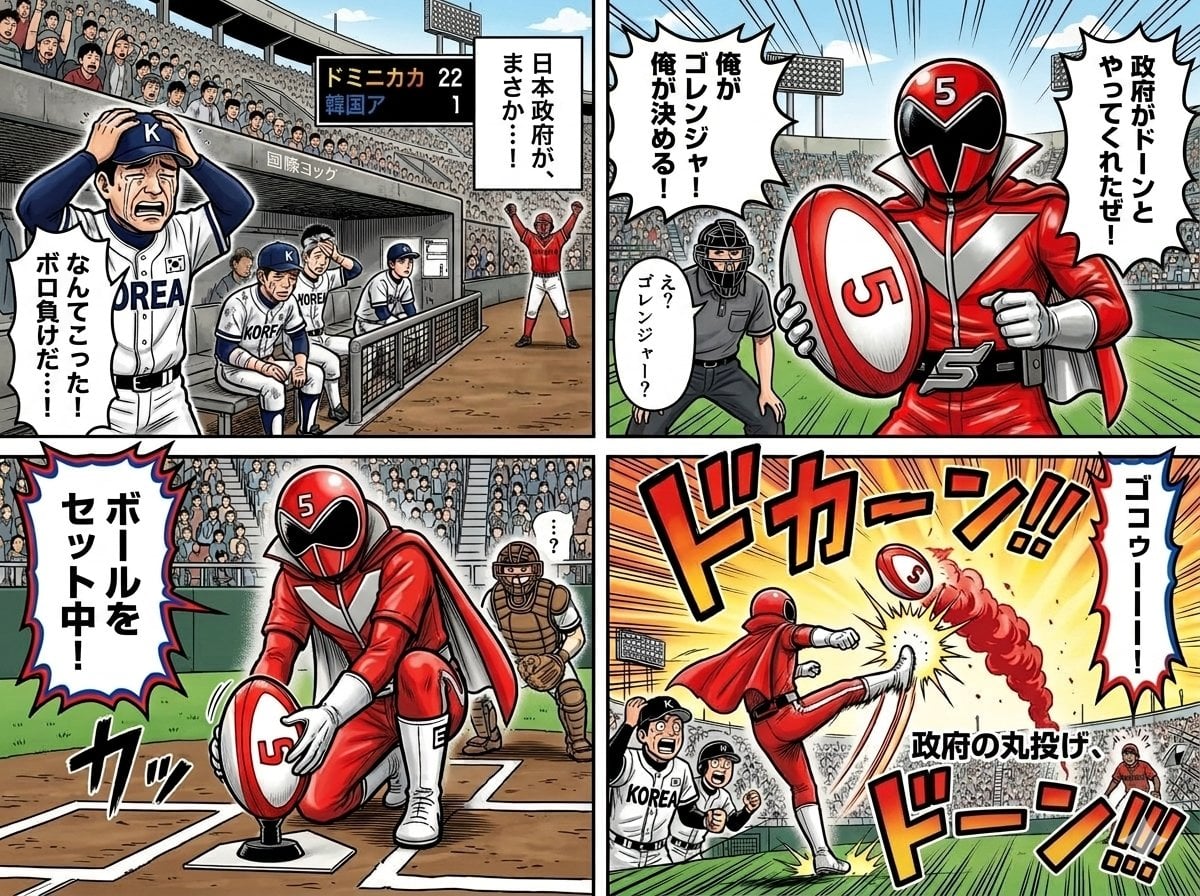
Four-Panel Manga with Sentai and Rugby

Pixar 6-Panel Streethero Expression Grid
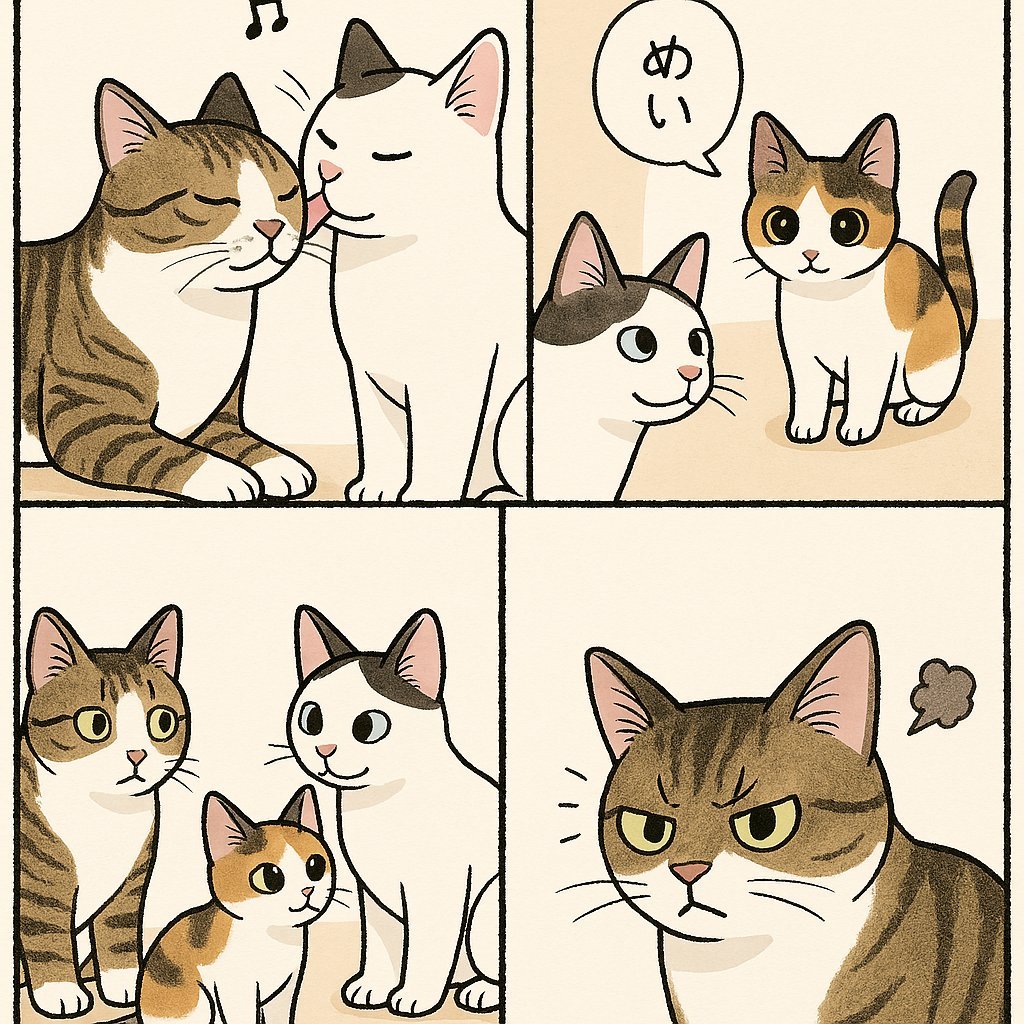
Cute Four-Panel Cat Jealousy Comic
Four-Panel Science Concept Poster
Four-Panel Bankrupt Mouse Storyboard
Four-Panel Girl, Robot, and Goat Story
Four-Panel Japanese Ad Prompt Giveaway
Four Japanese Travel Ad Panels
Make it yours
Four-Panel Gundam Pilot Sortie works as-is. These are the safest ways to change it without losing the look.
Swap the setting
Keep the rest of the prompt and replace the location block. The current setting is “futuristic mobile suit cockpit and launch tunnel, mechanical panels, control con”.
Change one field
Copy a single group, rewrite it, and generate again so you can see what that field is doing.
Keep the frame, change the subject
Hold the composition and light of Four-Panel Gundam Pilot Sortie, then swap wardrobe, props or the person for a new take.
| If the result… | Why | Fix |
|---|---|---|
| The result drifts from the preview | Too many fields changed at once. | Reuse Four-Panel Gundam Pilot Sortie as-is first, then change one group — subject, light, or setting. |
| GPT Image 2 ignores part of the JSON | Some models flatten or skip nested keys. | Keep the same values and paste them as a short paragraph instead. |
More GPT Image 2 templates
Other prompts made for GPT Image 2.

Six VTuber Japanese Logo Sheet

Realistic Portrait of Woman and Deer

The Vista Modular Condo Poster

AI Model Routing Comparison Infographic

2.5D Anime Art Board

Isometric Productivity Desk Scene

New York Double Exposure Poster

Japanese Tatami Lifestyle Magazine Cover

NESCAFÉ Coffee Map Poster

Brutalist Cogito Chinese Typography Poster
More image prompts
Fresh picks from across the catalog.
Minimalist Fashion Ad Studio Photograph Prompt
Intimate Film Aesthetic Garden Portrait
Pixar-Style American Passerby Prompt
Cozy Bedroom Selfie Prompt
Twin Kimono Sakura Watercolor
Flat Anime Coloring Modifier
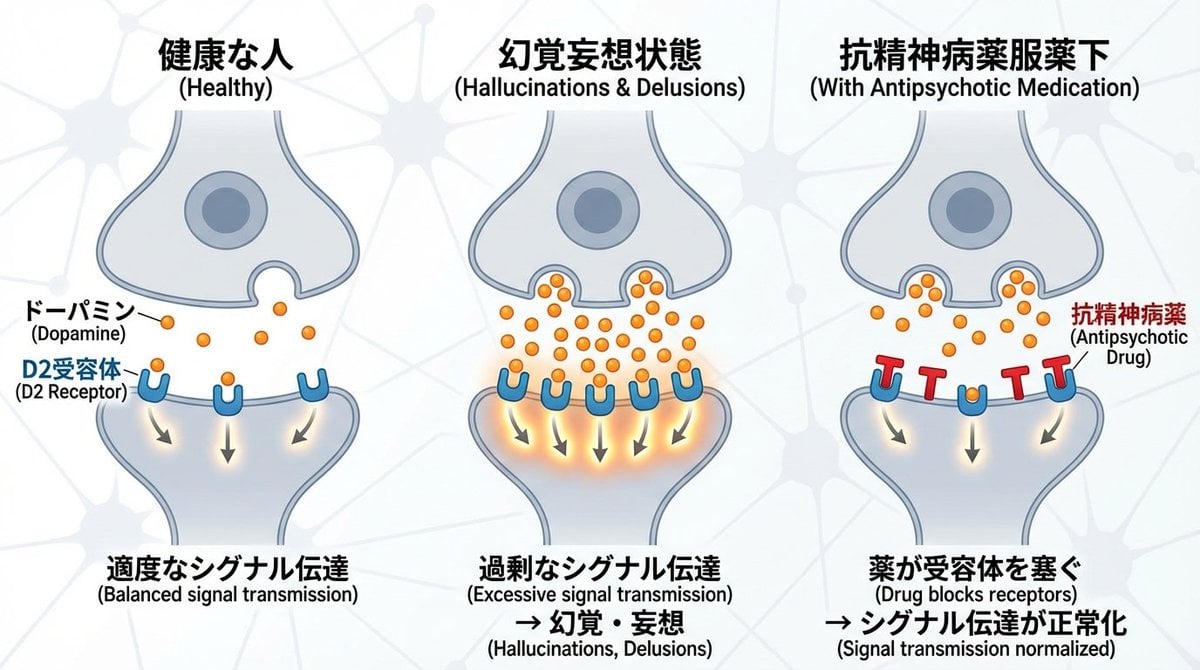
Dopamine and schizophrenia synapse diagram
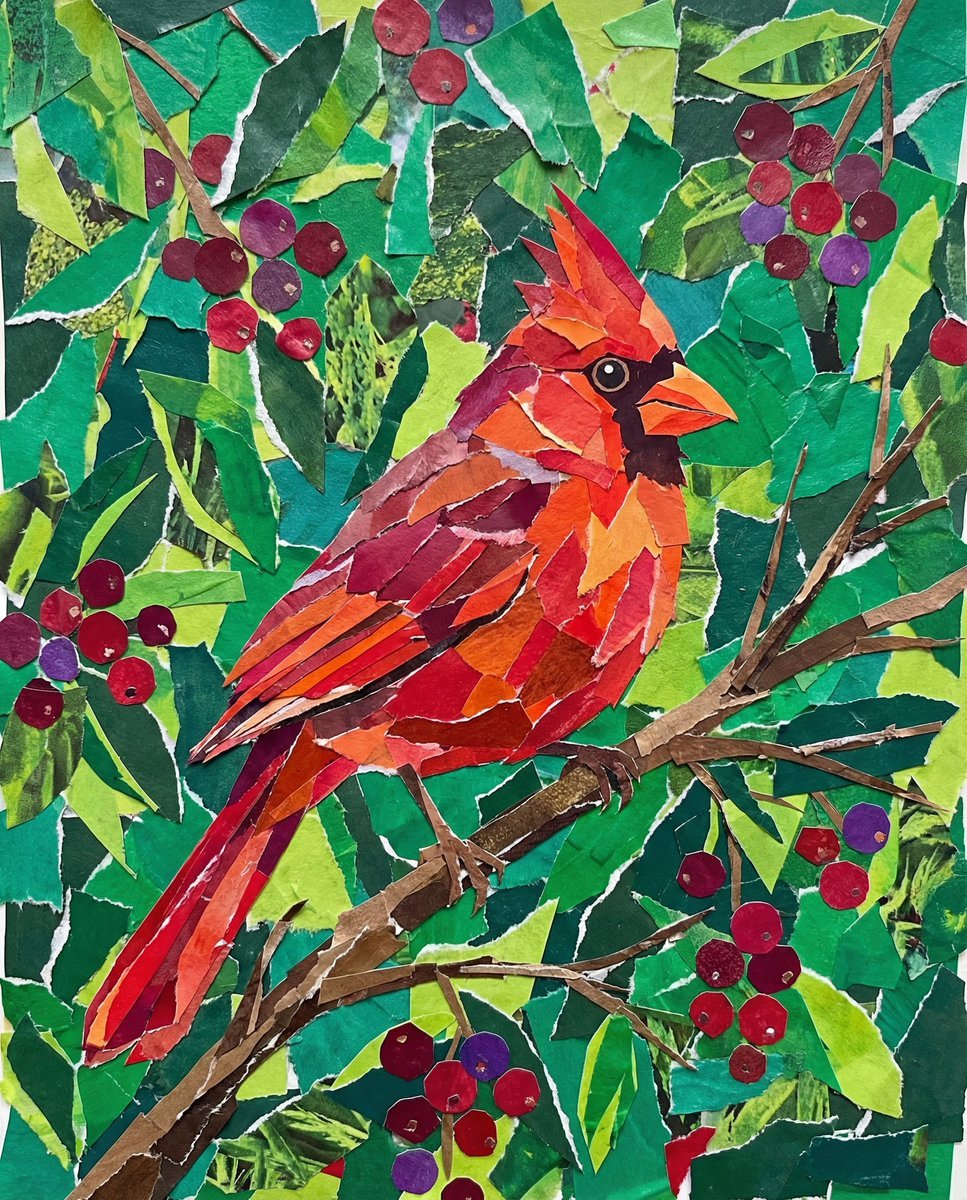
Vibrant Cardinal Collage Prompt
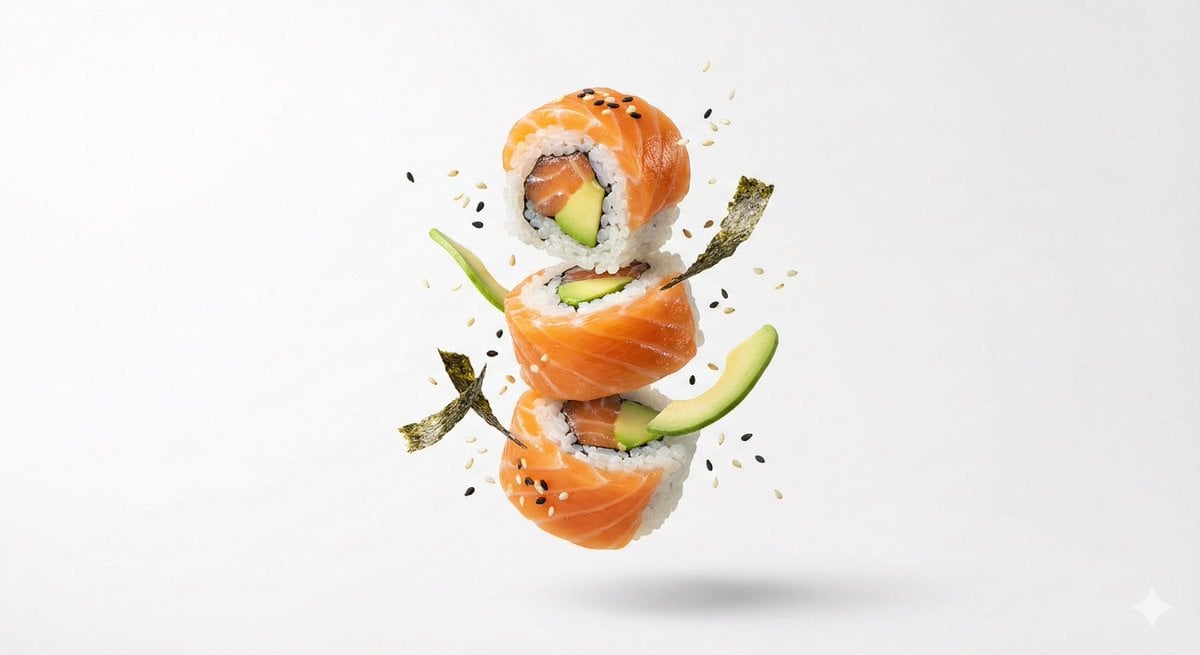
Premium Floating Food Hero Shot Template
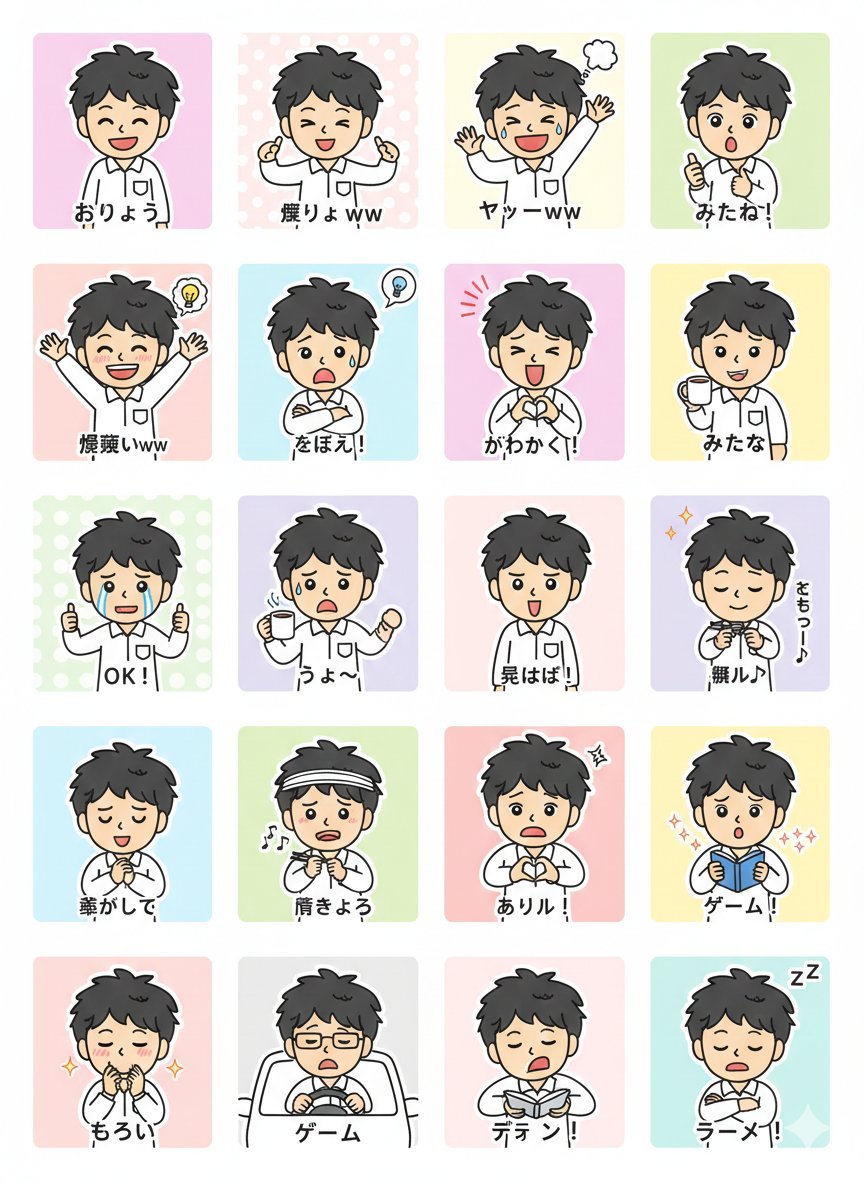
LINE Sticker Generation Prompt
Browse template categories
Four-Panel Gundam Pilot Sortie questions
How do I use the Four-Panel Gundam Pilot Sortie template?
Add your photo if the template asks for one, edit the prompt if you like — the template's model and format are already selected — and press Generate. Your version opens in PicX Studio.
Can I customize the Four-Panel Gundam Pilot Sortie template?
Yes. You can change the subject, setting, lighting, mood, format, and available model controls before creating your image.
Is the Four-Panel Gundam Pilot Sortie template free?
Opening and editing this template is free. Generating uses credits, shown on the Generate button when you are signed in.
Which AI model should I use?
Start with GPT Image 2, which is the model associated with this template. You can compare another compatible model for a different finish.
Looking for something else? Browse all templates.

Your photo, any look
Thousands of ready templates for every top image and video model, from one credit balance.