
Water Margin 108 Heroes Relationship Map
A detailed poster prompt utilizing ink wash and infographic styles to map the complex social network of 108 fictional characters.
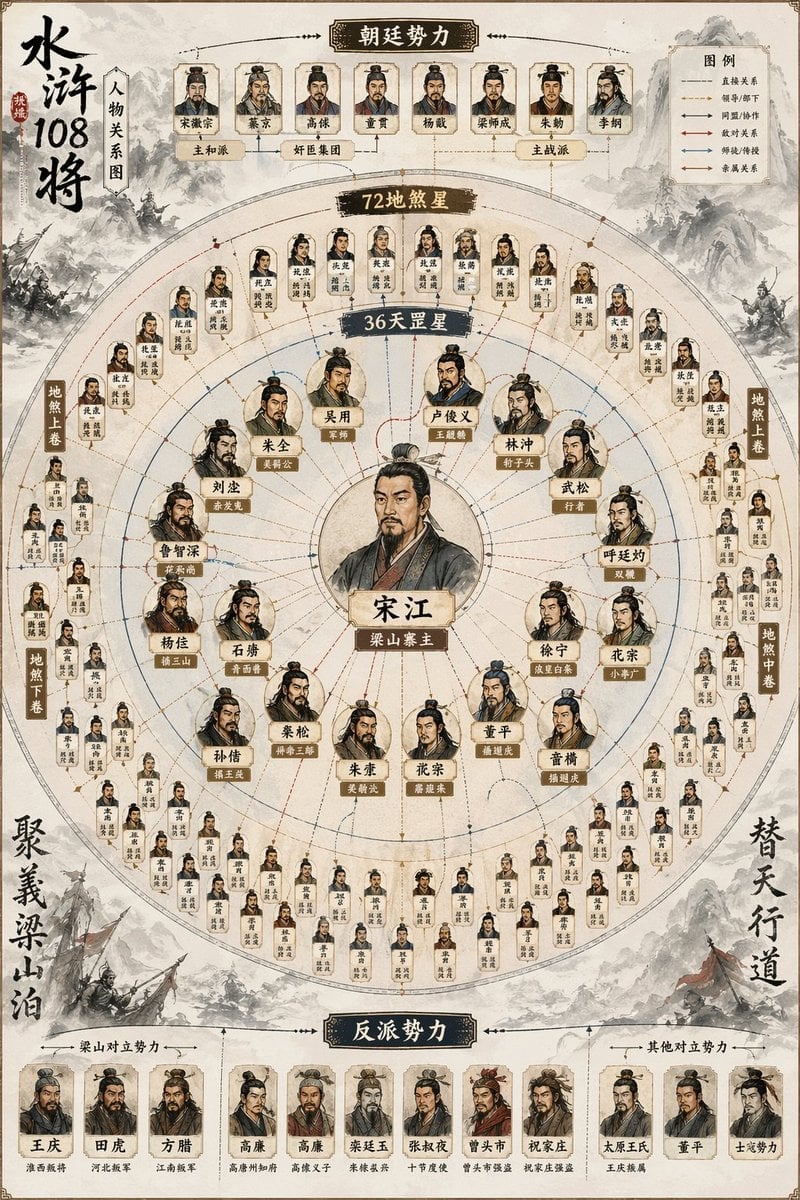
- Prompt included
- Model and format preset
- Free template
The prompt behind this image
Copy the exact prompt behind Water Margin 108 Heroes Relationship Map, or open it in the studio and make it yours.
Generate a poster titled "{argument name="topic" default="Relationship Map of the 108 Heroes of the Water Margin"}", using a style that combines classical Chinese ink-wash painting with modern infographic design. Center the composition on "{argument name="central figure" default="Song Jiang"}" as the main central node, placed in the middle of the image, with the 108 heroes of Liangshan radiating outward around it in tiers: the inner ring highlights the core 36 Heavenly Spirits, the outer ring shows the 72 Earthly Fiends, and the outermost ring adds the imperial court and antagonist factions, expressing the opposition between Liangshan and the imperial court. Present them using small portrait icons and nameplates, forming a complete array of all 108 heroes, and label the relationships between them. The overall structure should be complex yet clear, with a prominent center and distinct layers, conveying the complete relationship map of "the 36 Heavenly Spirits + the 72 Earthly Fiends + the imperial court forces."
How to use Water Margin 108 Heroes Relationship Map in 3 steps
- 1
Open
The prompt is already in the box next to the preview, with the template's model and format selected.
- 2…a portrait of your subject in softgolden-hour light, 85mm…
Personalize
Edit the subject and creative details for your destination.
- 3Generate
Generate
Press Generate — your image is created in PicX Studio, so you can compare it with the original and refine one variable at a time.
More like this
Templates with the same subject, style or setup. Open one to see its prompt.

Minimalist Skincare Product Water Stone Still
Minimalist Skincare Product Water Stone Still
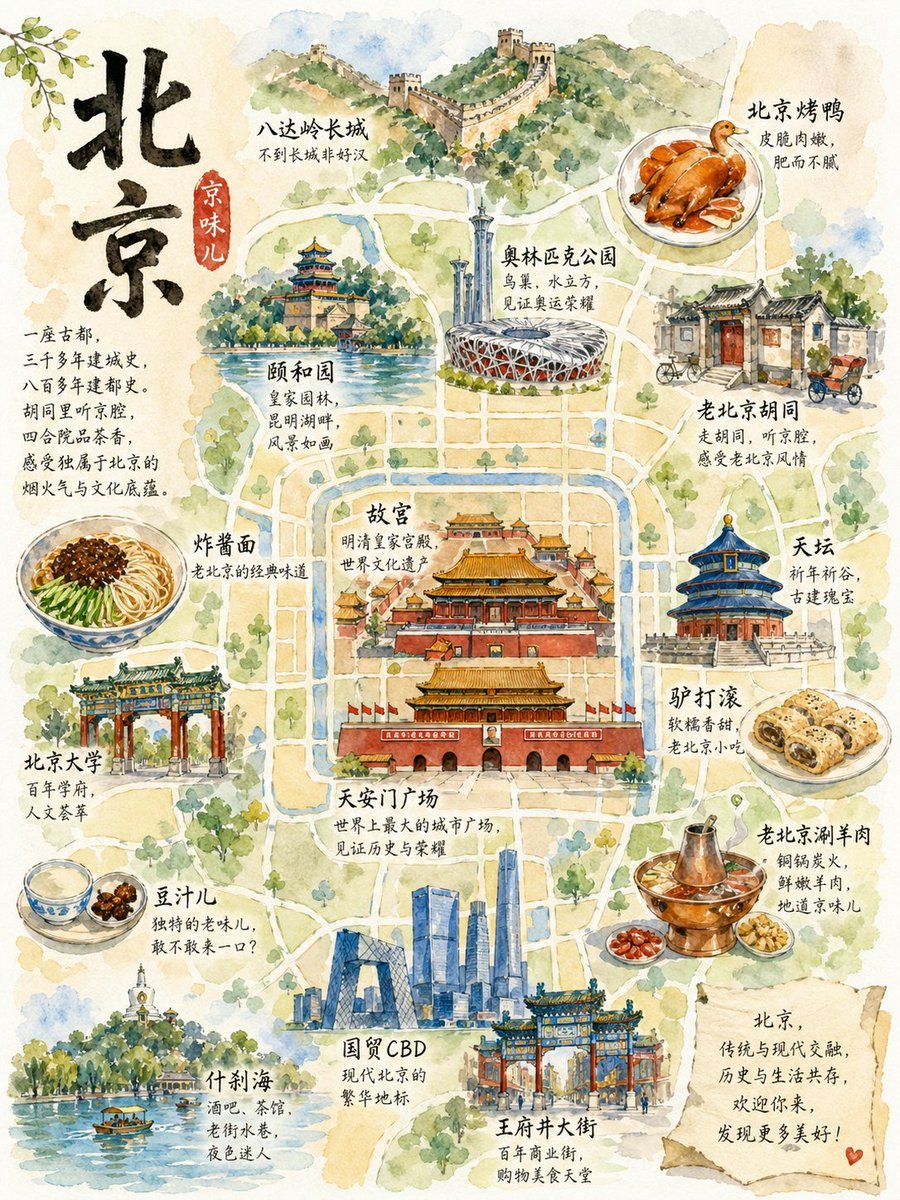
Watercolor Beijing Travel Map Poster
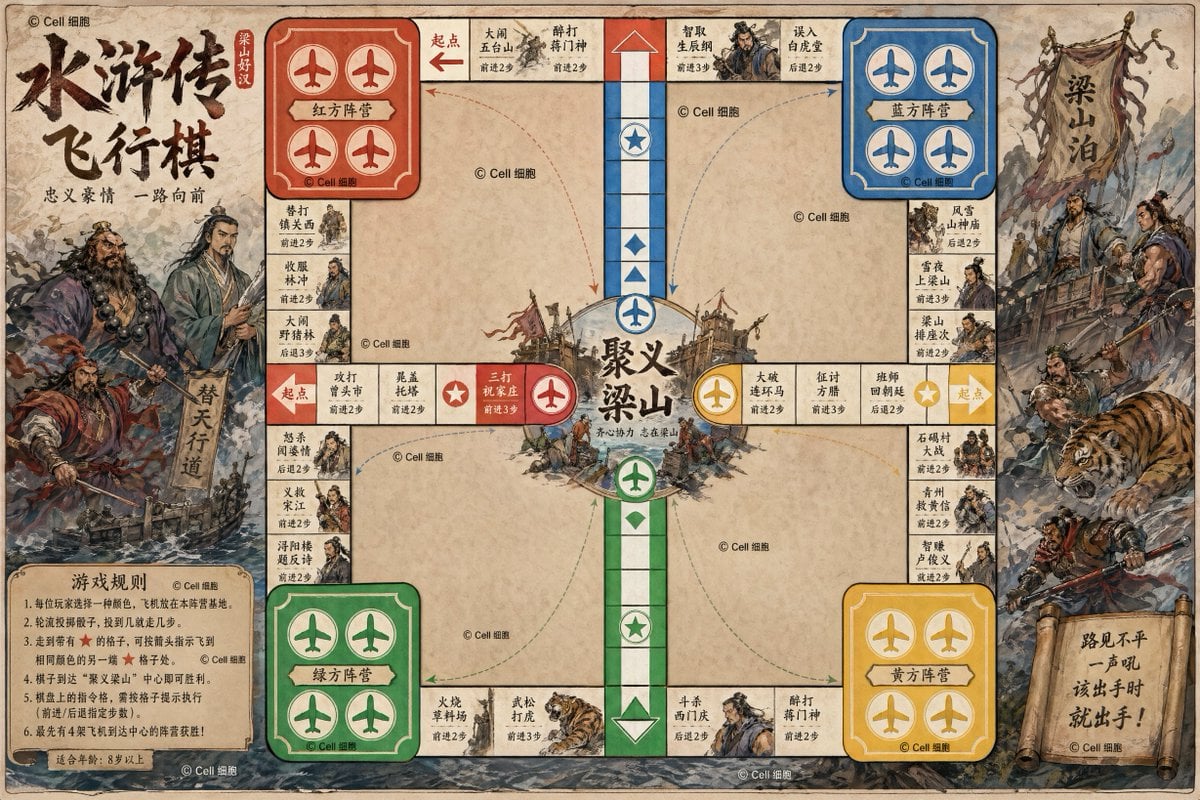
Water Margin Themed Flying Chess Board
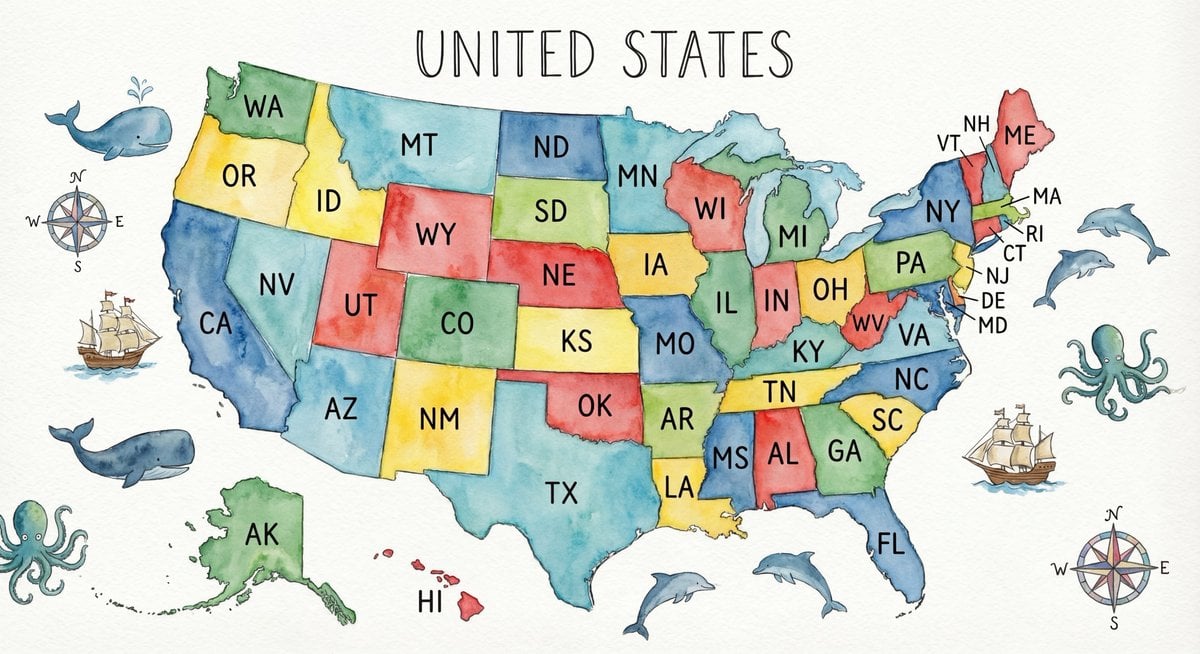
Watercolor US map with state abbreviations
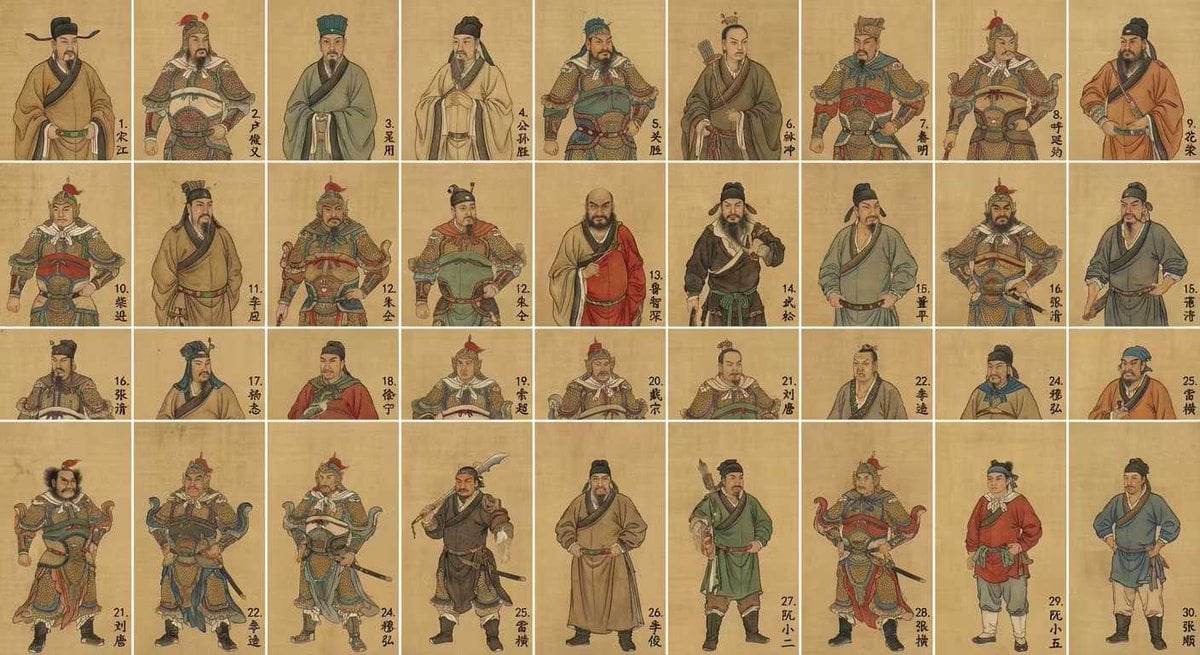
Water Margin top 30 characters grid in gongbi style
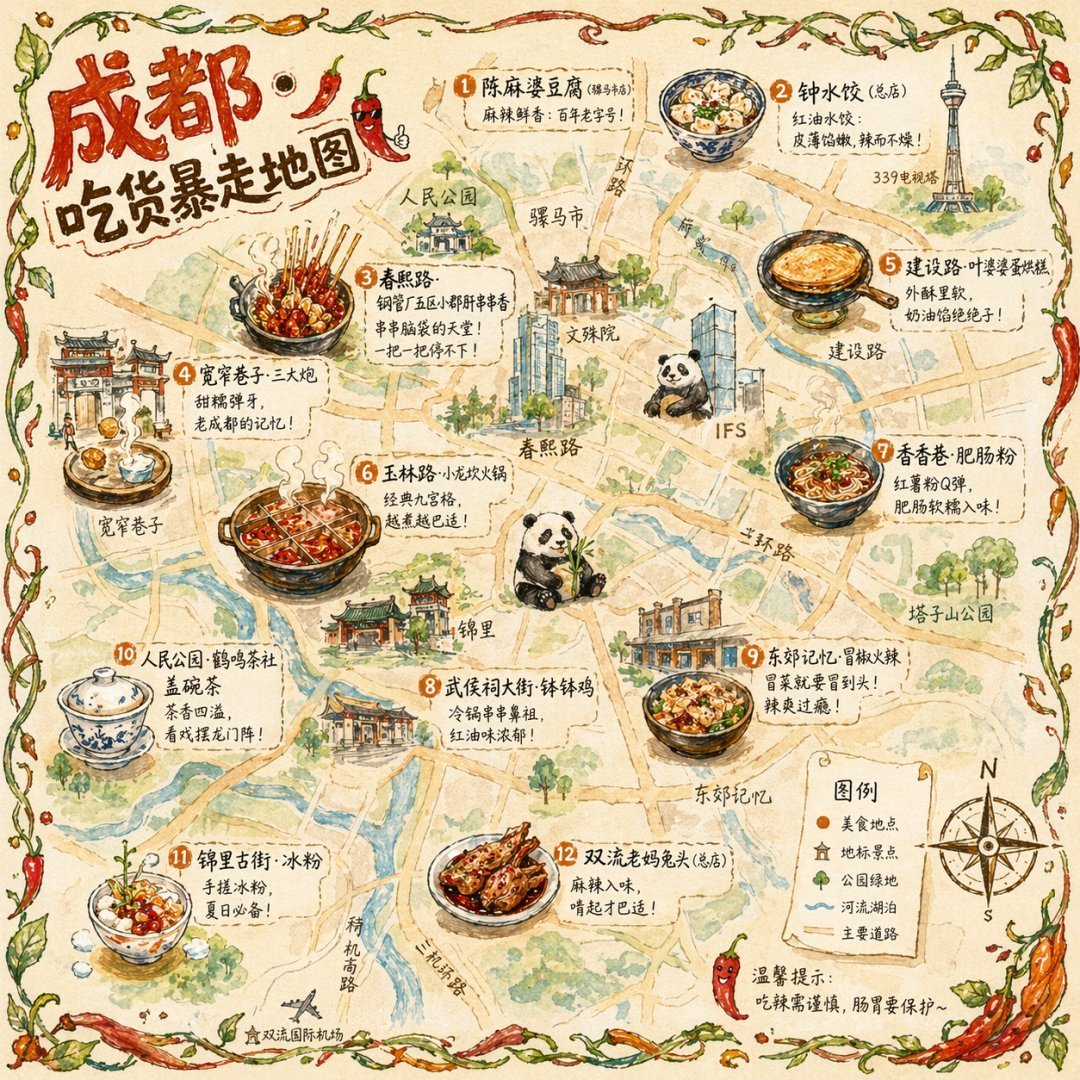
Gpt2 Illustrated City Food Map
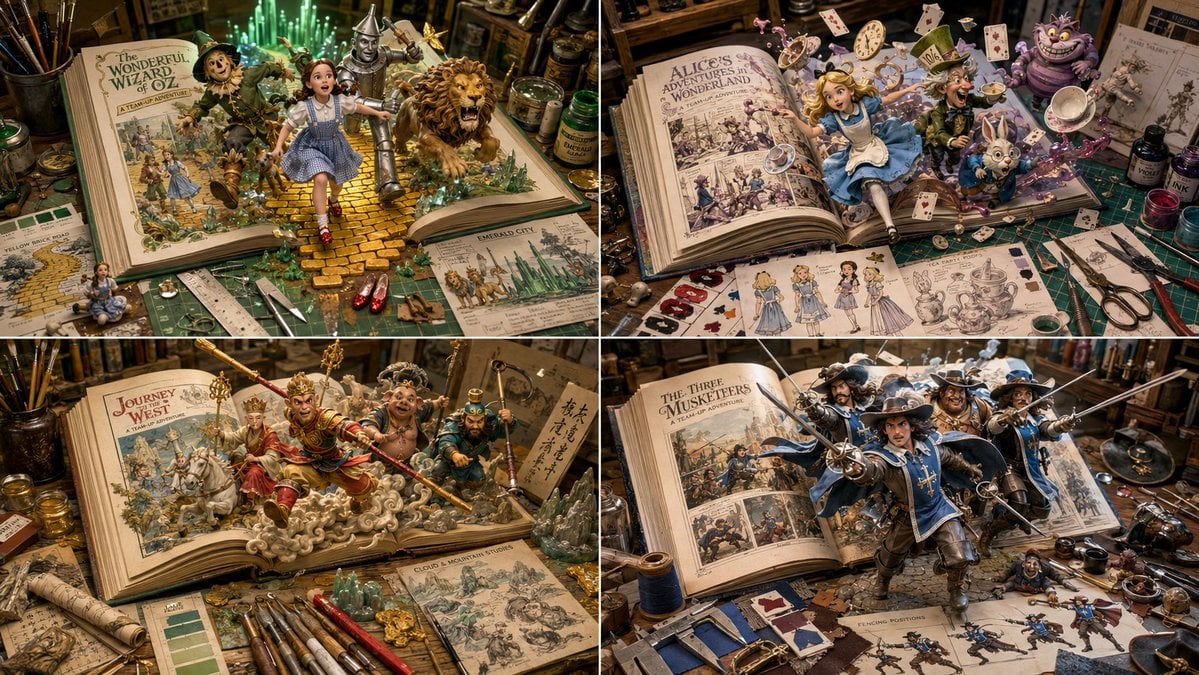
Superheroes Emerging from Comics Grid
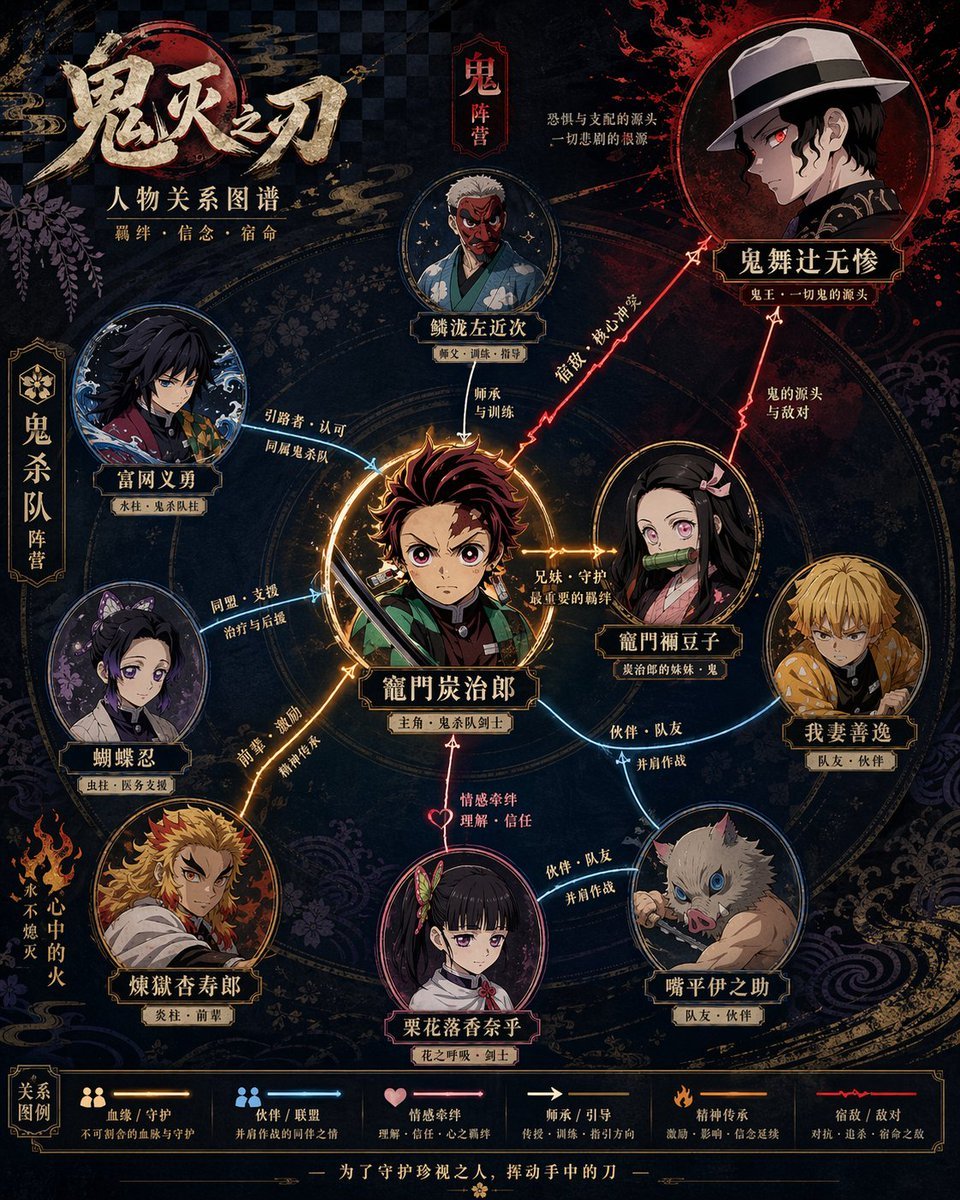
Character Relationship Diagram Poster Generator
Watercolor Owl in Yellow Sweater

Satellite Map Medieval City
Mini Sick Woman in Water Glass
Make it yours
Water Margin 108 Heroes Relationship Map works as-is. These are the safest ways to change it without losing the look.
Change one field
Copy a single group, rewrite it, and generate again so you can see what that field is doing.
Keep the frame, change the subject
Hold the composition and light of Water Margin 108 Heroes Relationship Map, then swap wardrobe, props or the person for a new take.
| If the result… | Why | Fix |
|---|---|---|
| The result drifts from the preview | Too many fields changed at once. | Reuse Water Margin 108 Heroes Relationship Map as-is first, then change one group — subject, light, or setting. |
| The model over-stylizes the scene | The prose prompt leaves finish and camera underspecified. | Add one camera or lighting sentence and stay on GPT Image 2. |
More GPT Image 2 templates
Other prompts made for GPT Image 2.

Six VTuber Japanese Logo Sheet

Realistic Portrait of Woman and Deer

The Vista Modular Condo Poster

AI Model Routing Comparison Infographic

2.5D Anime Art Board

Isometric Productivity Desk Scene

New York Double Exposure Poster

Four-Panel AI Landscape Comparison

Japanese Tatami Lifestyle Magazine Cover

Brutalist Cogito Chinese Typography Poster
More image prompts
Fresh picks from across the catalog.
Hyper-Realistic Icy Coca-Cola Product Shot
Photorealistic Modern Country Cowgirl Portrait

Food Delivery App UI Prompt
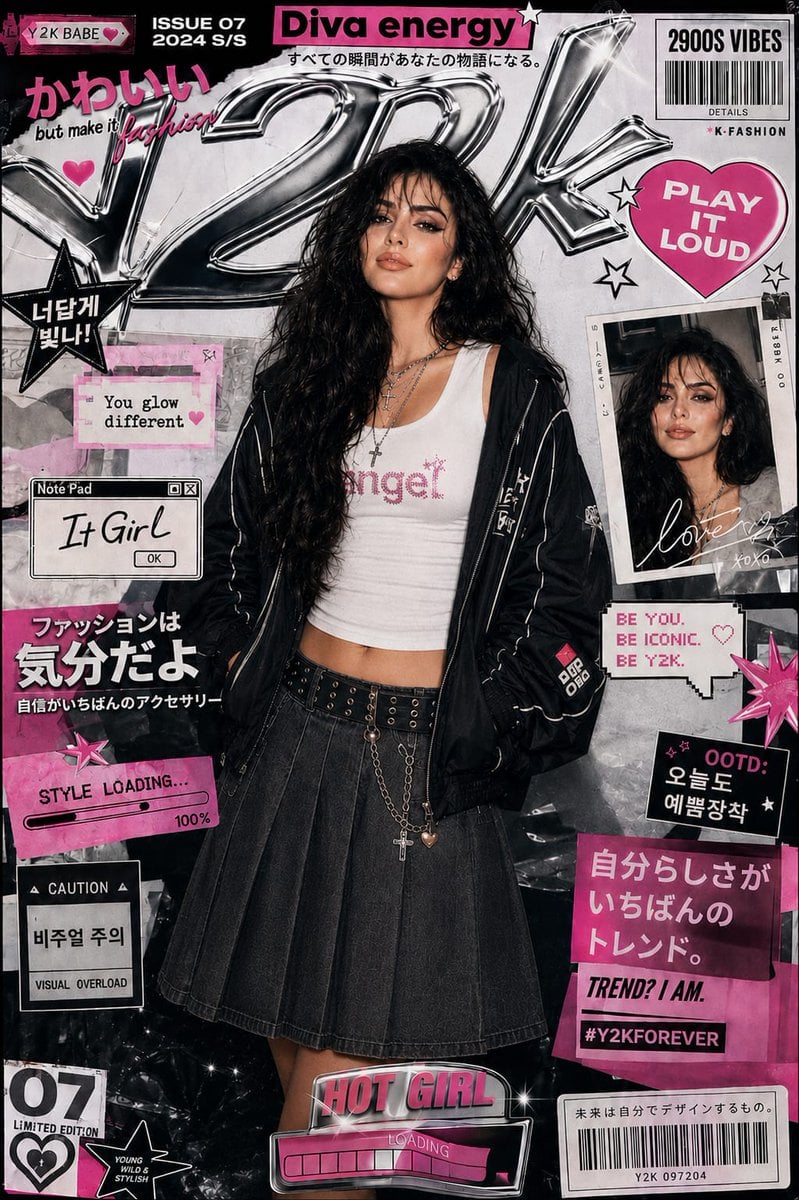
Y2K Style K-Fashion Poster
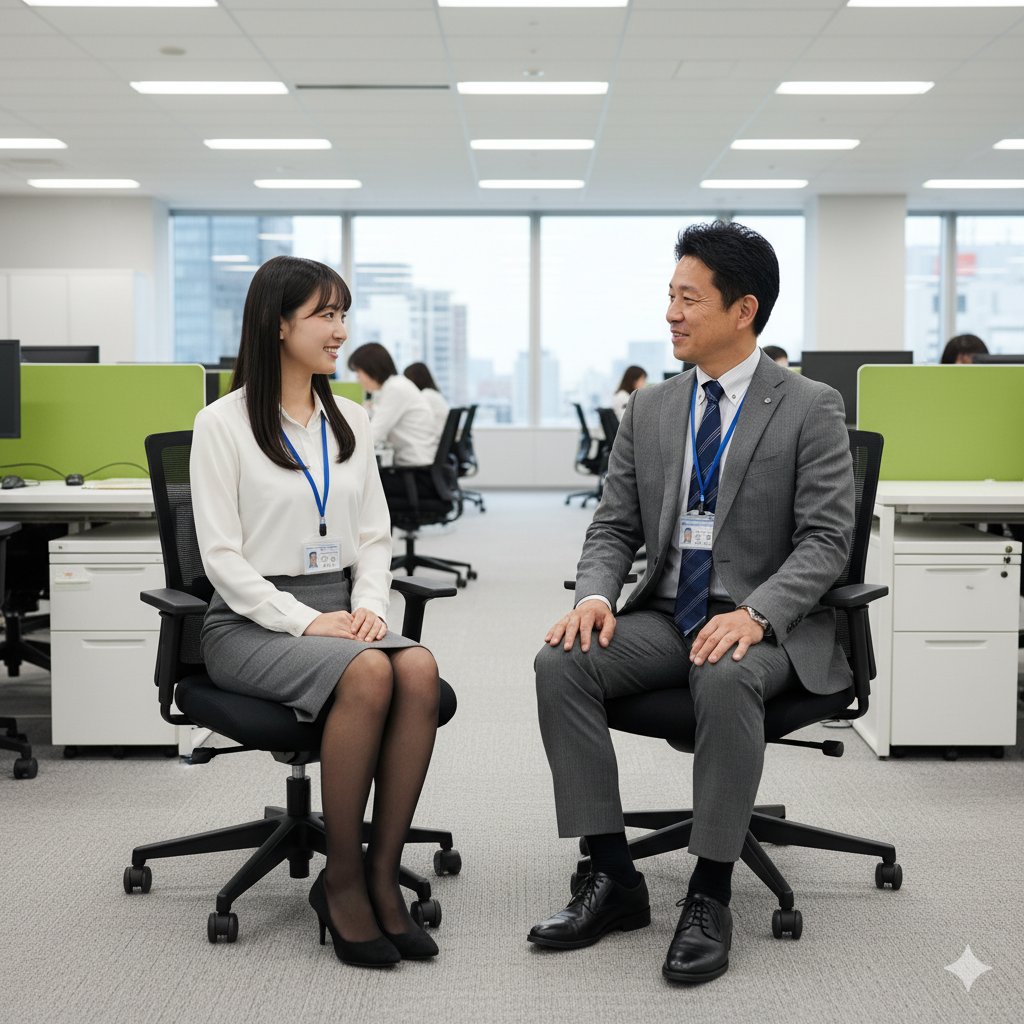
Image-to-Image Instruction for Clothing Swap
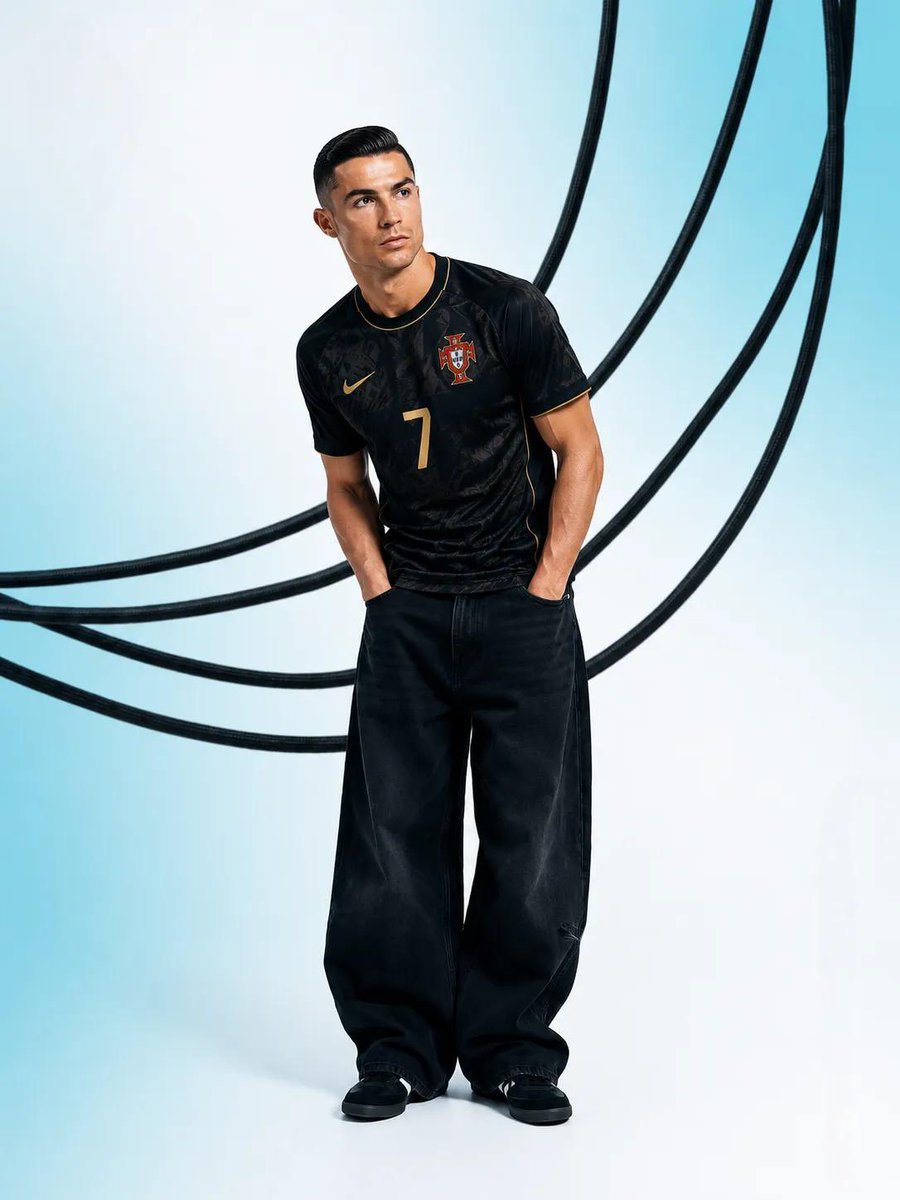
Luxury Editorial Sports Portrait
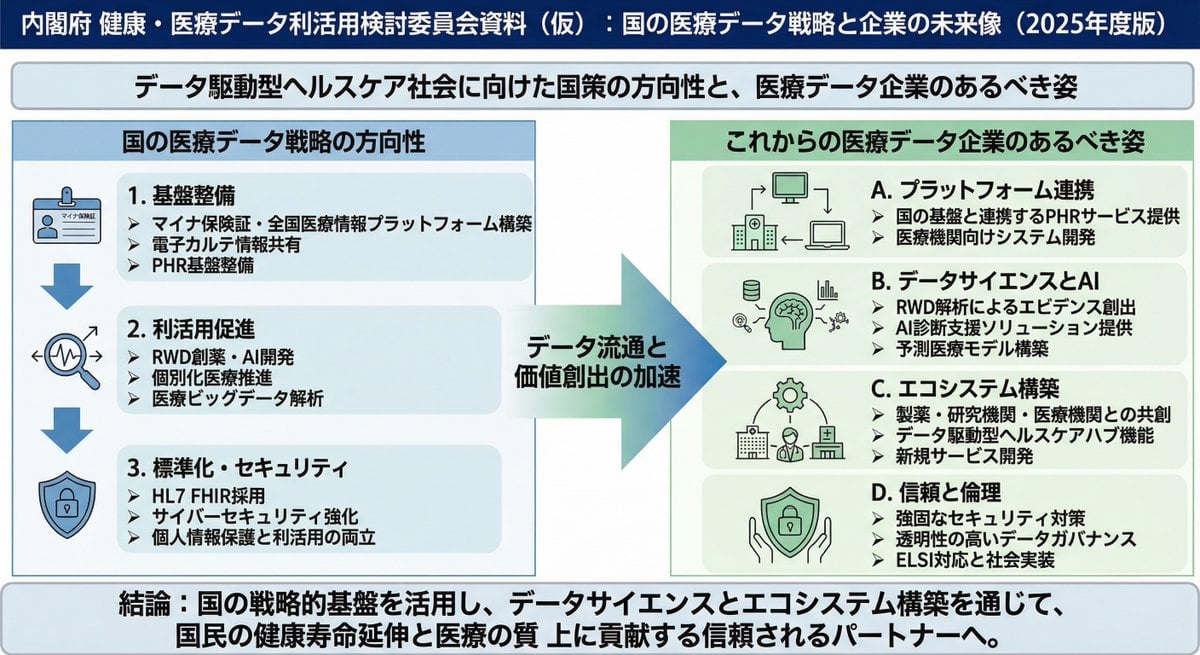
Policy-style slide about national medical data strategy
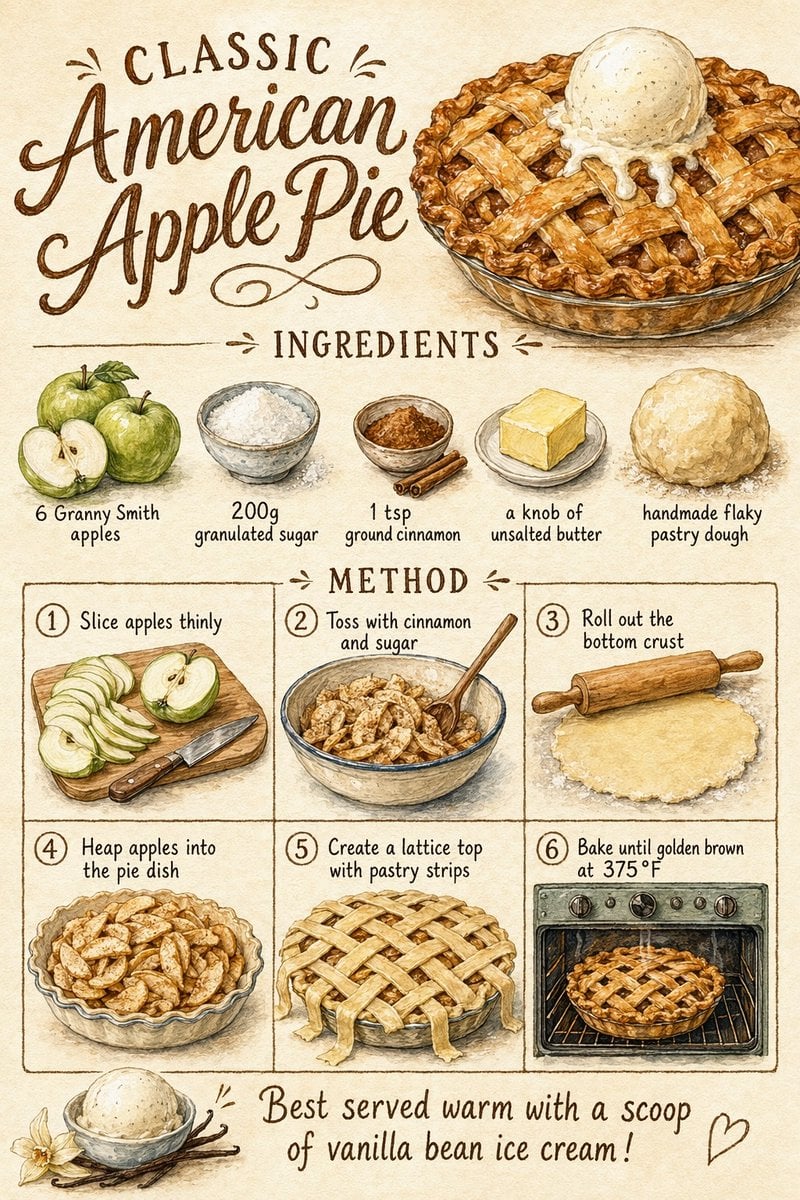
Vintage Apple Pie Recipe Poster
Batgirl Bodysuit Portrait with Likeness Preservation Prompt
Four-Image Summer Lifestyle Editorial Collage Prompt
Browse template categories
Water Margin 108 Heroes Relationship Map questions
How do I use the Water Margin 108 Heroes Relationship Map template?
Add your photo if the template asks for one, edit the prompt if you like — the template's model and format are already selected — and press Generate. Your version opens in PicX Studio.
Can I customize the Water Margin 108 Heroes Relationship Map template?
Yes. You can change the subject, setting, lighting, mood, format, and available model controls before creating your image.
Is the Water Margin 108 Heroes Relationship Map template free?
Opening and editing this template is free. Generating uses credits, shown on the Generate button when you are signed in.
Which AI model should I use?
Start with GPT Image 2, which is the model associated with this template. You can compare another compatible model for a different finish.
Looking for something else? Browse all templates.

Your photo, any look
Thousands of ready templates for every top image and video model, from one credit balance.